A:AnswerHello Marco,
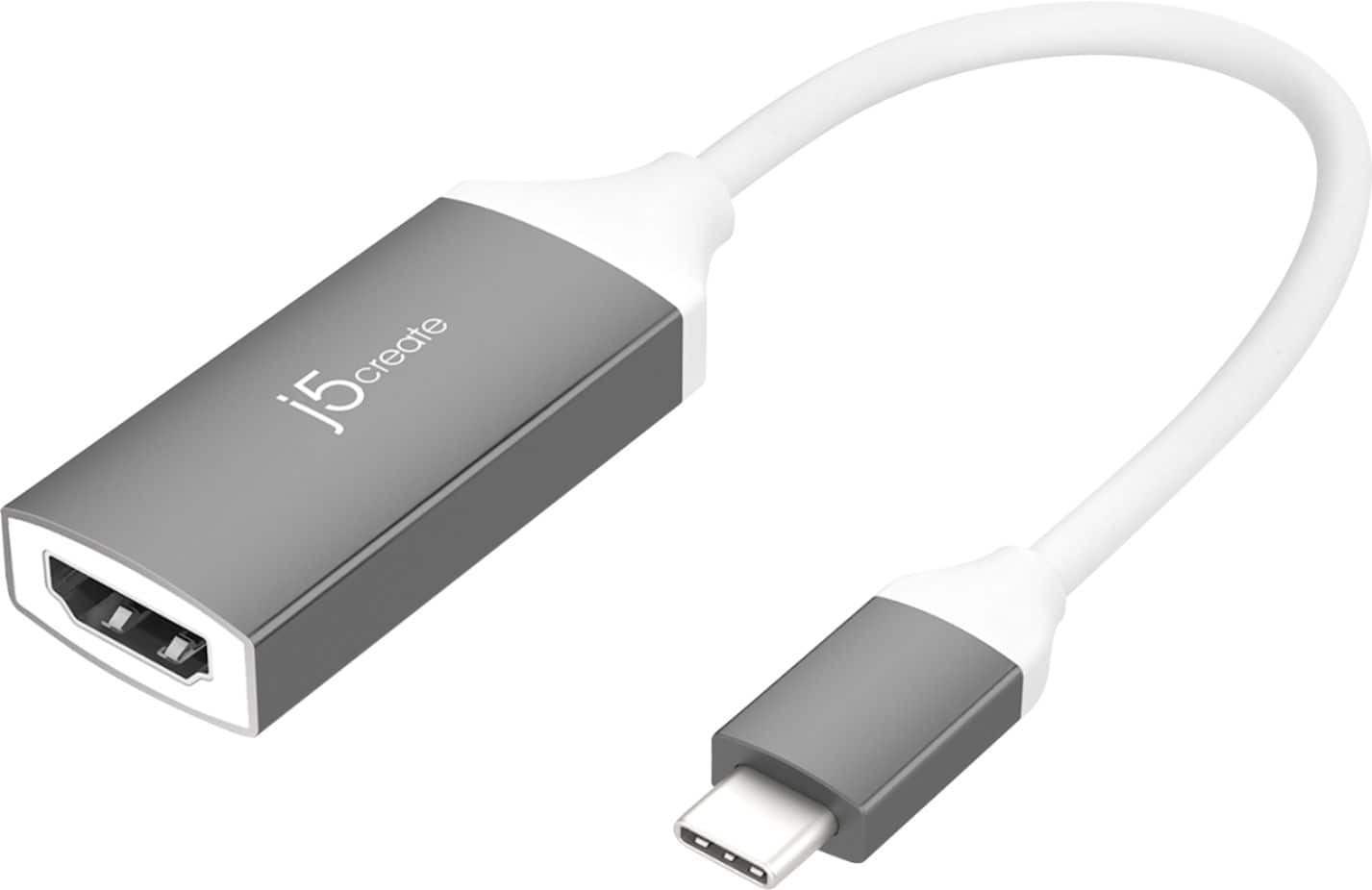
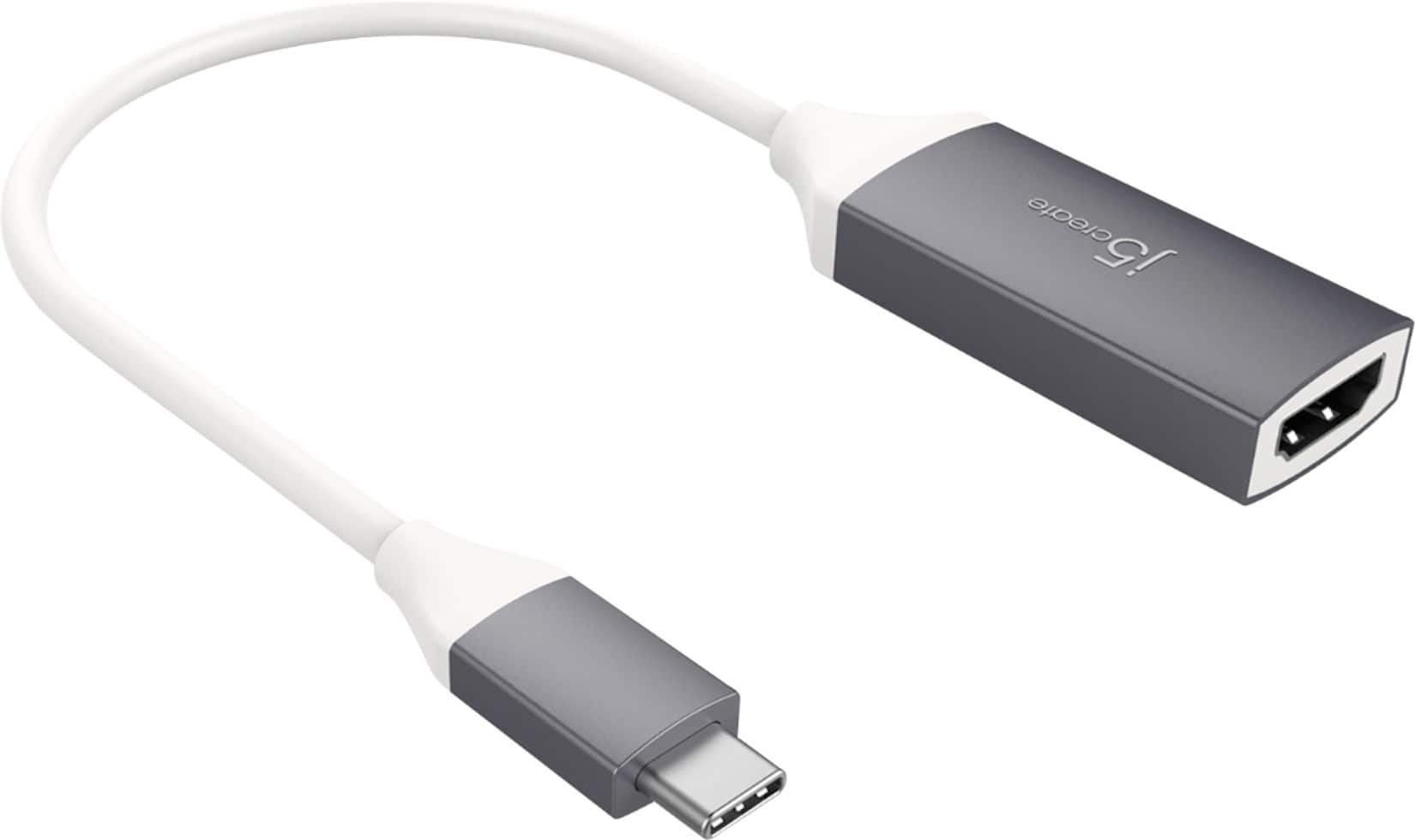
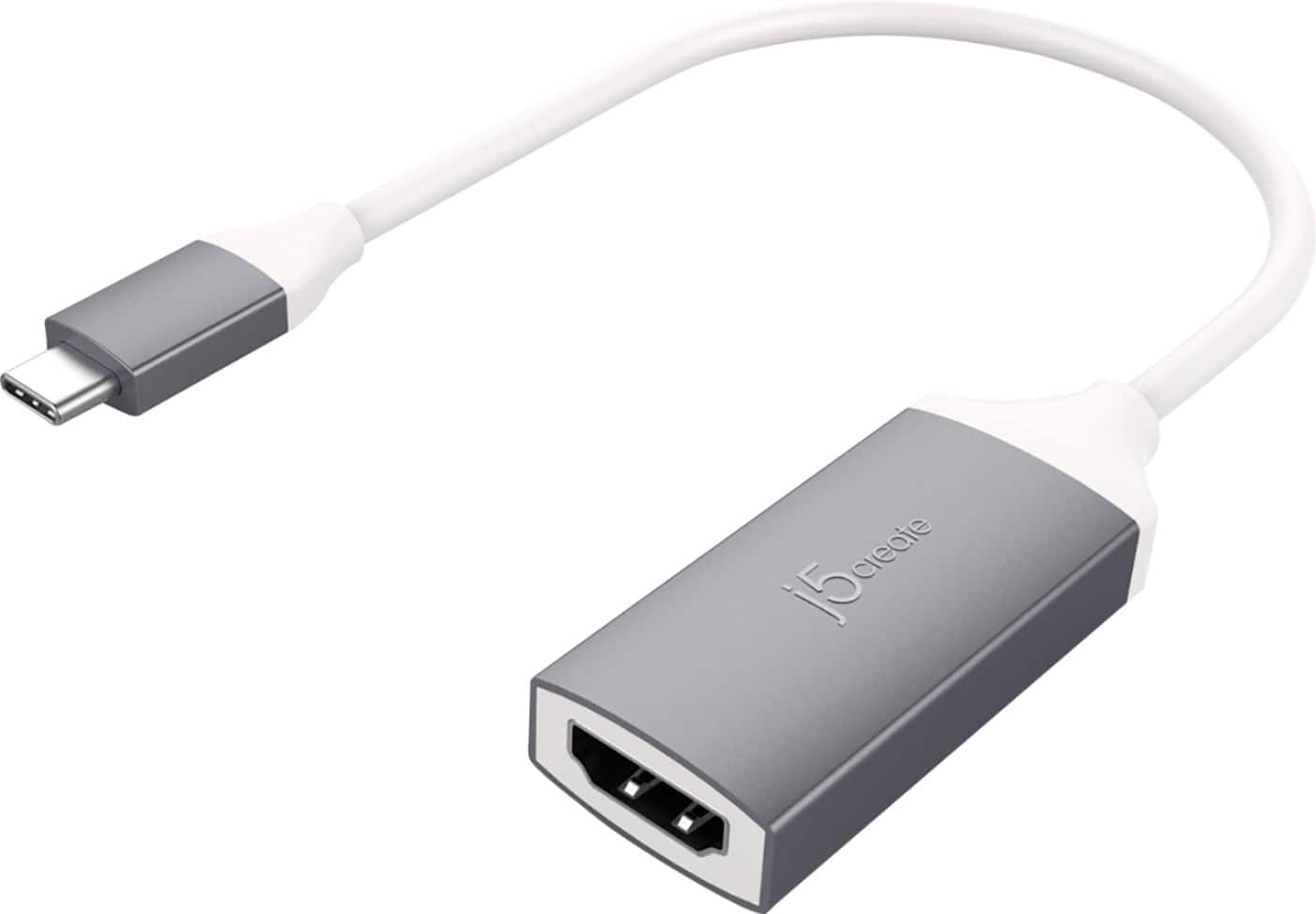
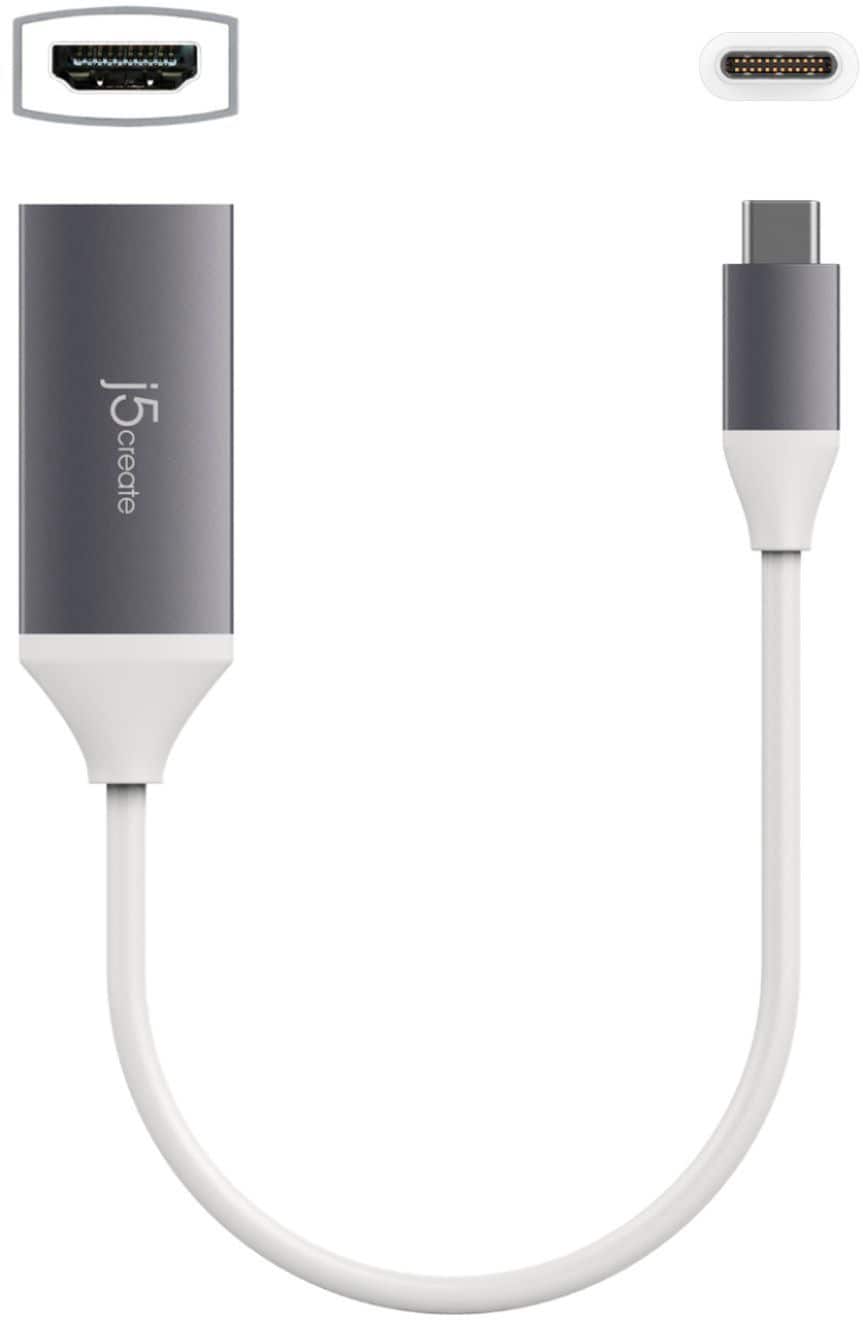
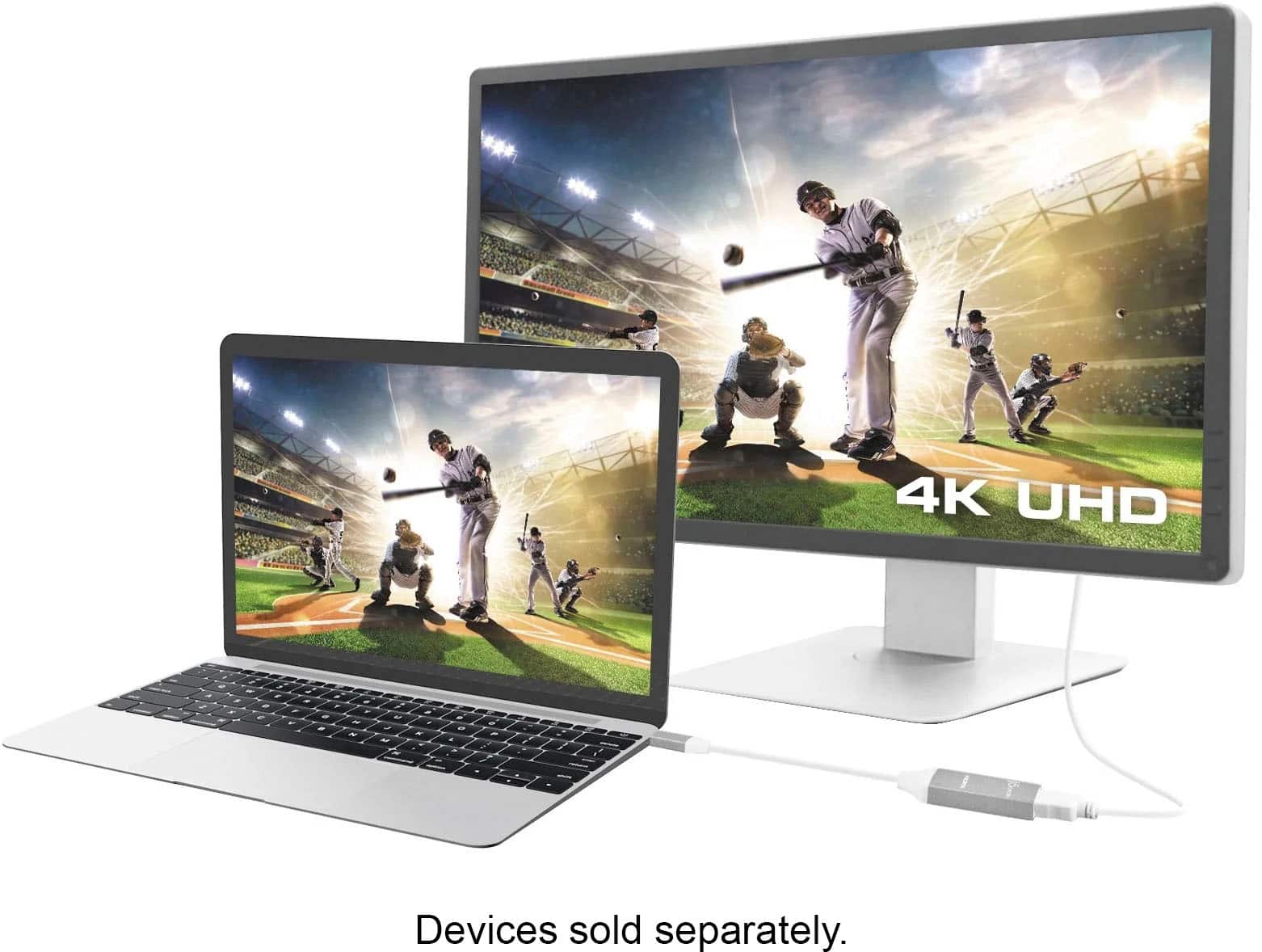
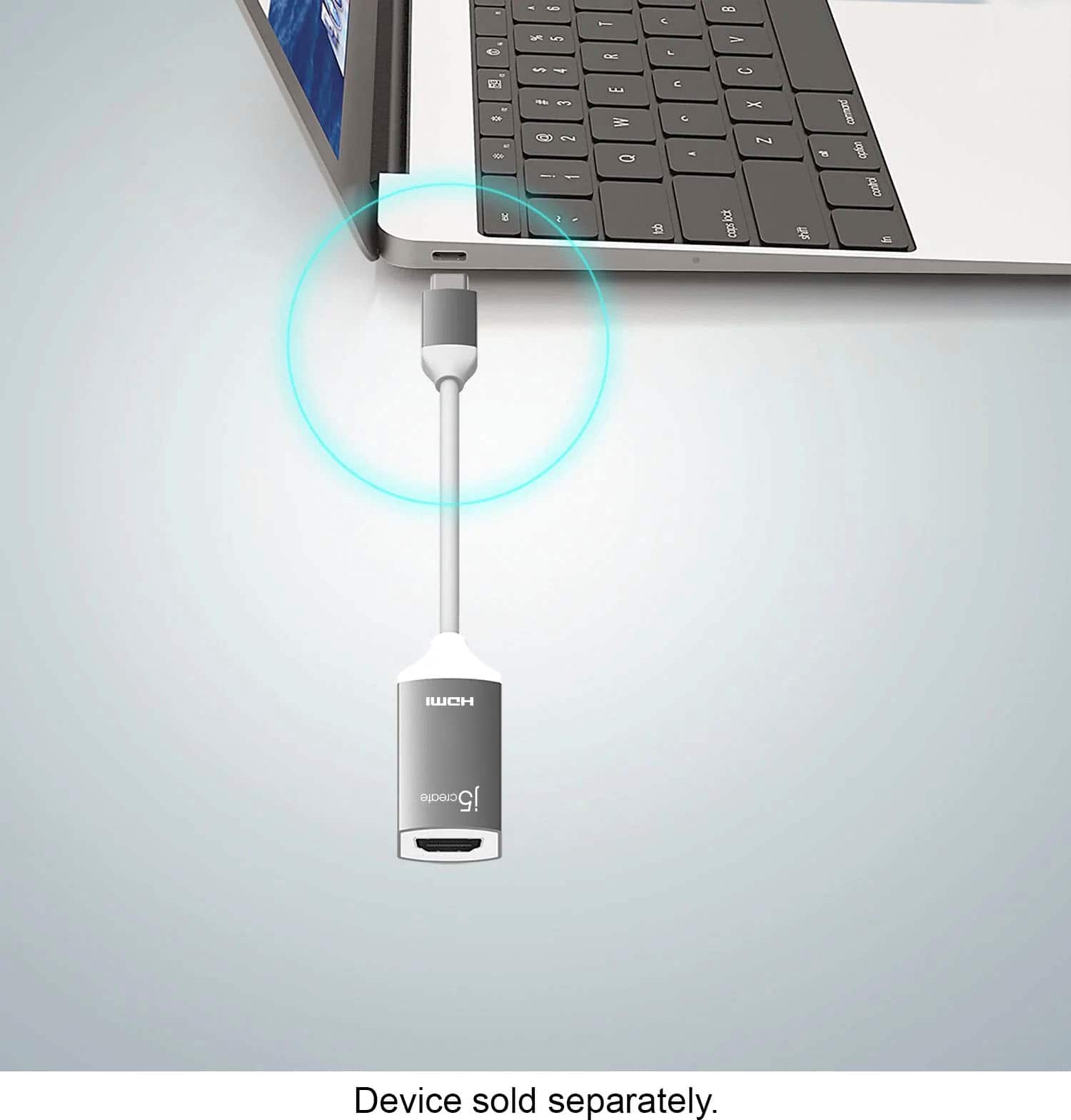
The j5create - USB Type-C-to-HDMI Video Adapter (JCA153G) is designed to connect to a computer with a USB-C port, that supports DisplayPort Alternate Mode, to an external monitor with an HDMI input. Unfortunately, the JCA153G will not allow you to connect a NES/SNES Mini console to your MacBook Pro.
However, we do have video capture cards that may work for your needs.
I recommend that you consider looking into the j5create - Live Capture HDMI-to-USB-C Video Adapter (JVA02) or j5create - HDMI to USB-C Game Capture Station (JVA04). These video capture cards will allow you to connect an HDMI output device, such as your NES/SNES Mini Console, to a computer for video input.
A:AnswerNo, The JCA153g is only capable of outputting an HDMI signal from a device that supports DisplayPort Alternate Mode via its USB C port. Unforutnatley it cannot be connected straight to a television/display.
A:AnswerWe do not recommend daisy-chaining devices as that could limit the full potential of our devices, we recommend a direct connection instead. You should be able to change the settings in System Preferences > Displays; if not, I recommend contacting the Technical Support.
** Feel free to contact the Technical Support team mentioned on the packaging for further assistance or if you have any other questions and someone will be glad to assist you.
A:AnswerNo, this JCA153G is only for sending a signal out to a TV, monitor, projector, it will not charge your Mac as well. However, we do have other devices such as the JCD381 that can send a signal out and charge your Mac.
** Feel free to contact the Technical Support team mentioned on the packaging for further assistance or if you have any other questions and someone will be glad to assist you.
A:AnswerI believe the Samsung Galaxy S24 supports Samsung DeX. The USB-C to 4K HDMI Adapter with Power Delivery should work with your phone since it requires DisplayPort Alt Mode for video output.
A:AnswerThe JCA153G requires a feature called "DisplayPort Alt. Mode" to support video output. Unfortunately, LG Stylo 5 doesn't support that feature. I recommend the JUA165C, which is compatible with your mobile phone. Respectfully, j5create.
A:AnswerUnfortunately this device will not work with a Amazon Fire Tablet HD10, as this device requires the tablet to support DispalyPort Alternate Mode over USB Type-C, and unfortunately your tablet does not support this feature.
A:AnswerHello,
The j5create - USB Type-C-to-HDMI Video Adapter (JCA153G) is designed to connect to a computer or phone with a USB-C port, that supports DisplayPort Alternate Mode, to an external monitor with an HDMI input.
Unfortunately, the JCA153G will not allow you to connect the Samsung Galaxy A20 to a displays as this phone does not support DisplayPort Alternate Mode.
Thank you for your question.
A:AnswerHello Skeebyk,
Thank you for your question!
Yes, the j5create - USB Type-C-to-HDMI Video Adapter (JCA153G) will be compatible with the Samsung Galaxy S6 tablet. The JCA153G will allow for you to either: mirror the tablet display onto an external display, such as a television, monitor, or projector, or use Samsung Dex Mode.