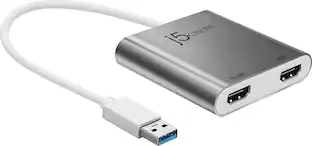
j5create - USB-C to 4K HDMI Adapter - Champagne
Customers are saying
Customers are pleased with the ease of use, overall performance, and reliable HDMI connectivity of this adapter. Users frequently highlight its excellent compatibility with various devices and its convenient, compact size. While the product is highly regarded for its value, some users have noted concerns regarding the device heating up during use, as well as the short cable length and its impact on battery life.
Color
ChampagneUSB-C compatible
Designed to work with computers equipped with the newest USB-C port.
DisplayPort alt mode compatible
A computer or other mobile device that supports Type-C DisplayPort Alternate Mode to transmit audio and video signals.
4K video resolutions
Through HDMI 2.0 connection, support the highest resolution 4K@60Hz, connect to a large screen to make the field of view wider and improve efficiency.
Thin and sleek design
Simple design with stylish matte aluminum shell, light and easy to carry, make your business briefing office meeting more exciting and interesting.
- Connector Type (End 1)USB-CGender (End 1)MaleConnector Type (End 2)HDMI Type AGender (End 2)Female
Reviews
Rating 4.6 out of 5 stars with 1506 reviews
- Ease of use (323)
- Overall Performance (323)
- HDMI (211)
- Compatibility (190)
- Price (74)
- Heat (19)
- Battery Life (5)
- Cable Length (5)
Customer Images
The vast majority of our reviews come from verified purchases. Reviews from customers may include My Best Buy members, employees, and Tech Insider Network members (as tagged). Select reviewers may receive discounted products, promotional considerations or entries into drawings for honest, helpful reviews.
Compare similar products
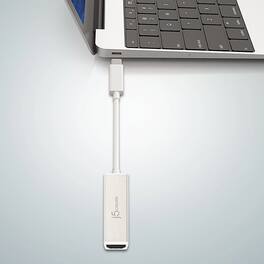
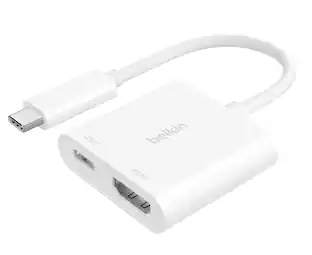
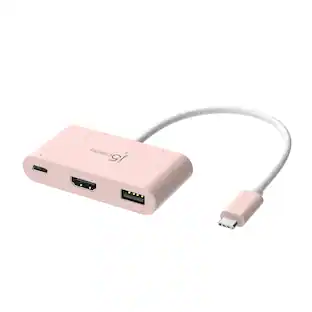
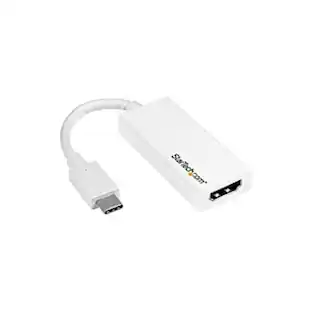
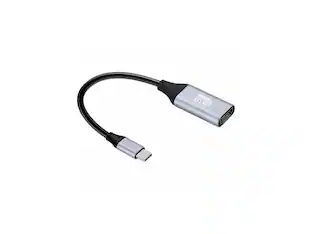
The USB-C to 4K HDMI Adapter allows you to quickly and easily connect your MacBook, Chromebook, tablet or PC to an external monitor, HDTV, projector, or other display device using an HDMI input. With its plug-and-play technology, there is no need to download any drivers.

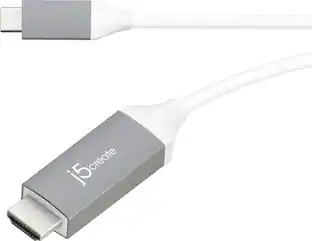
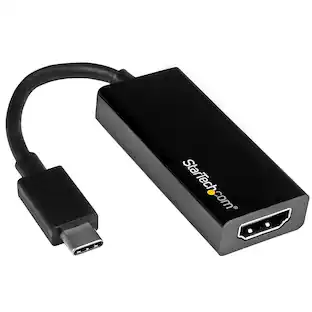
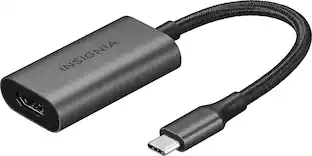
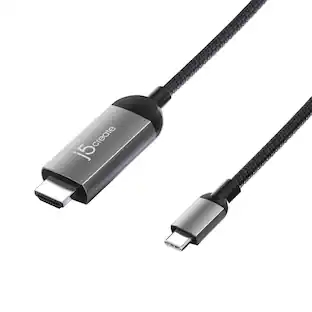
Put your display on the big screen with the USB-C to 4K HDMI Cable. This cable gives you the ability to connect your USB-C equipped desktop or laptop to an external monitor, HDTV, projector, or other display device with an HDMI input. This plug-and-play cable is capable of transmitting video signals up to 4K @ 60 Hz.
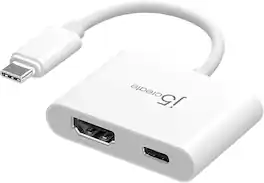
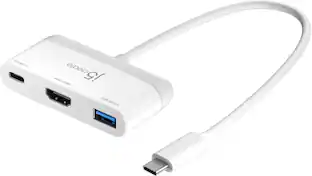
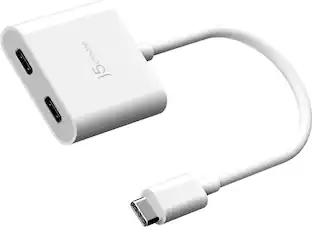
The JCA152 USB-C to 4K HDMI Adapter with Power Delivery allows you to connect to a monitor, TV, or projector with the HDMITM port and includes a USB-C port that offers charging up to 100W when a USB-C power adapter is connected. The HDMI port supports 4K UHD resolution for clear picture quality and DisplayPort Alternate Mode for plug and play functionality. Equipped with a USB-C Power Delivery 3.0 charging port, it offers charging up to 100W when connected to a USB-C power adapter.

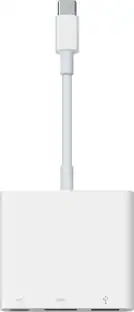
You can have an easy and hassle-free connection from your laptop or tablet to your video display with USB Power Delivery at the same time. The plug-and-play compatibility works with Mac and Windows laptops and other USB-C devices. You can charge while you’re using your video display with pass-through USB Power Delivery up to 60W. This cable supports HD-quality resolution up to 3840x2160 at 60Hz, so the video on the compatible display will look as good as on your device.
| Pros for j5create - USB-C to 4K HDMI Adapter - Champagne | |||
|---|---|---|---|
| Ease of use, Overall Performance, HDMI, Compatibility, Price | Compatibility, Ease of use, HDMI, Quality, Cable Length | Ease of use, Overall Performance, HDMI, Compatibility, Price | HDMI, Overall Performance, Ease of use, Compatibility, Video Quality |
| Cons for j5create - USB-C to 4K HDMI Adapter - Champagne | |||
| Heat, Battery Life, Cable Length | Battery Life, Connectivity, Charging, Lag, Resolution | Heat, Battery Life, Cable Length | Cable Length, Power |
Specs
Customers often buy these together
 Top Deal$49.99The price was $59.99
 Clearance$119.99The price was $199.99
 $149.99The price was $179.99




More to consider
 Top Deal$29.99The price was $36.99

Explore tech essentials Sponsored
 Top Deal$44.99The price was $49.99



Discover related products









Keep exploring
 $10.99The price was $12.99
 $12.99The price was $14.99
 $11.99The price was $12.99