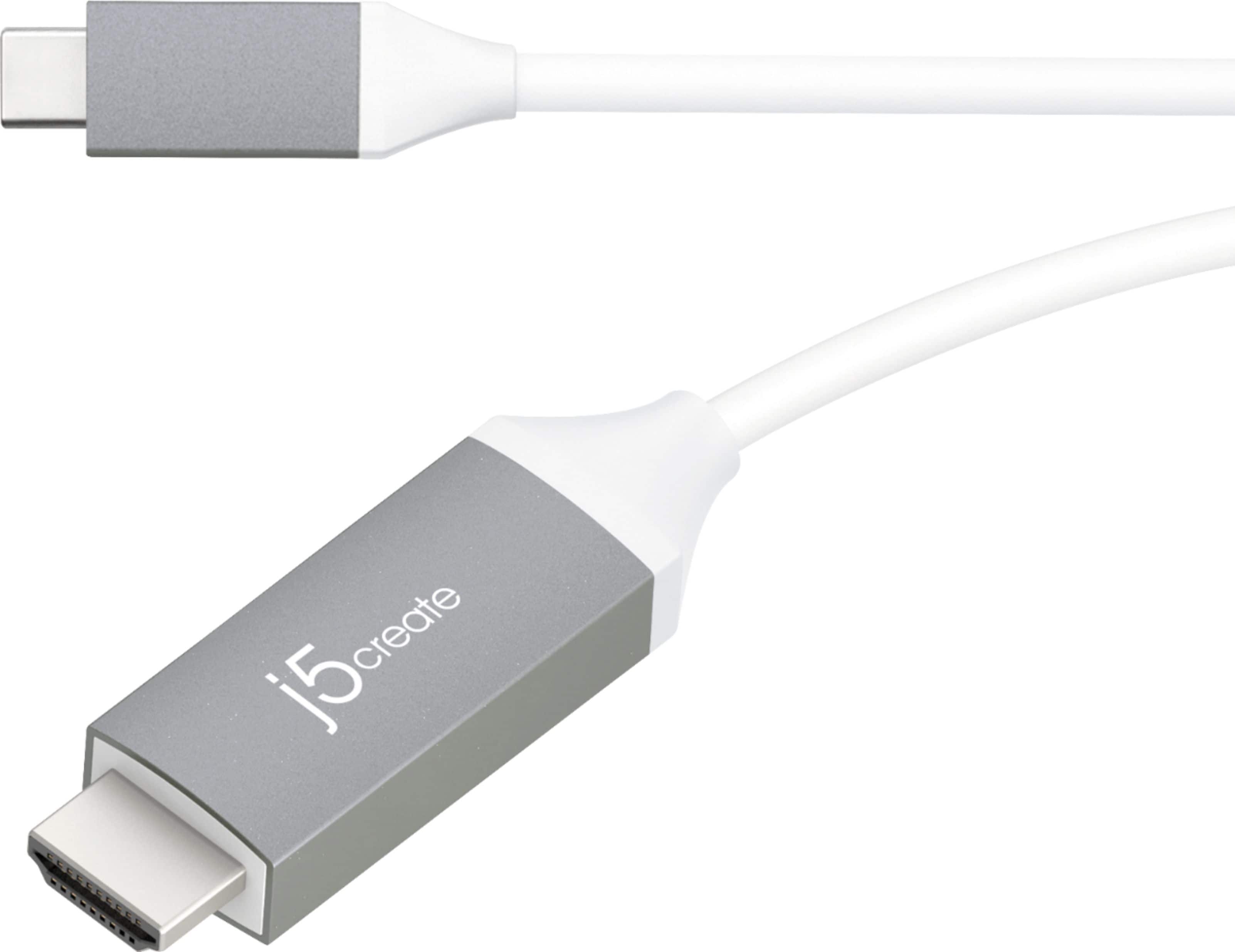
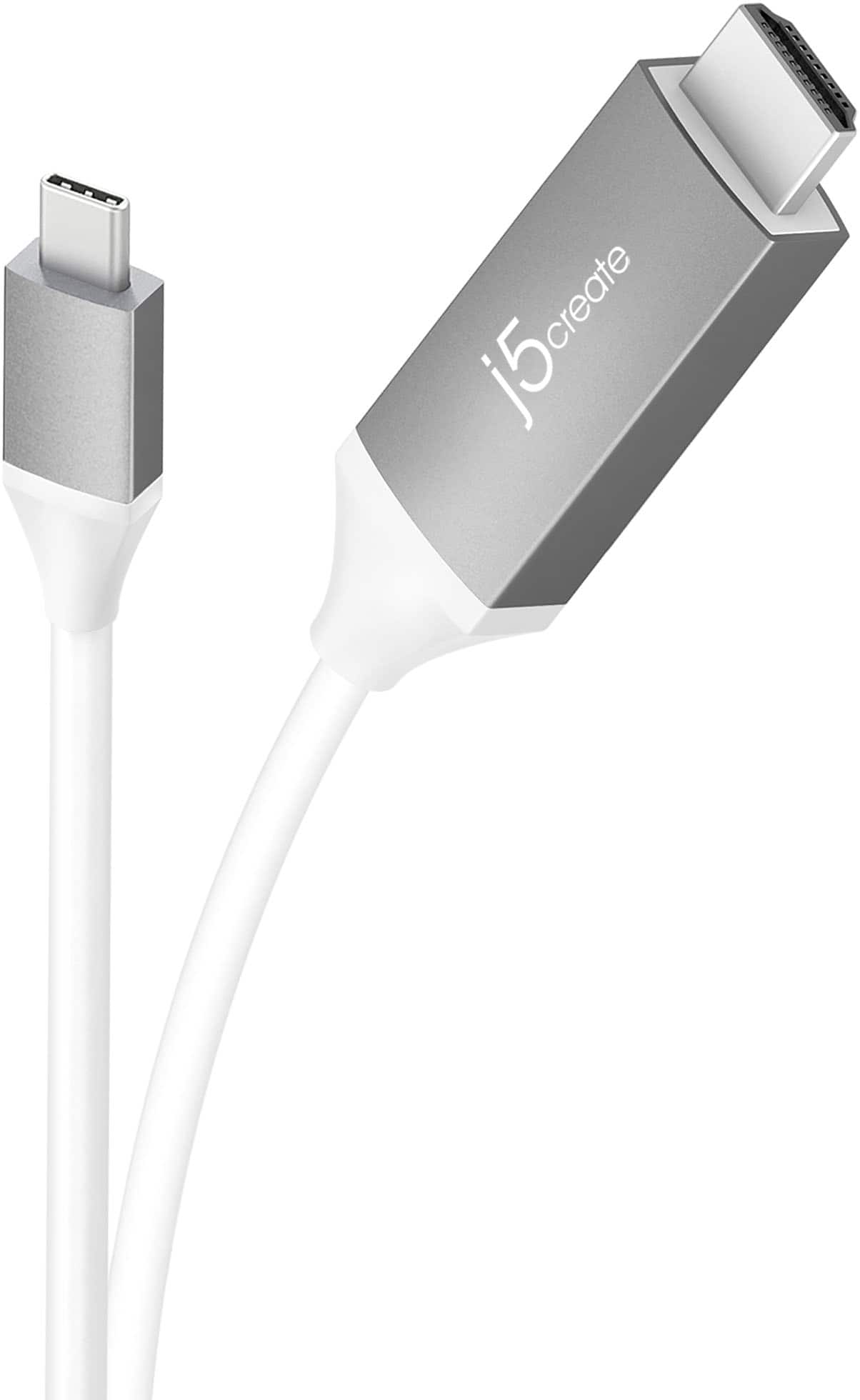
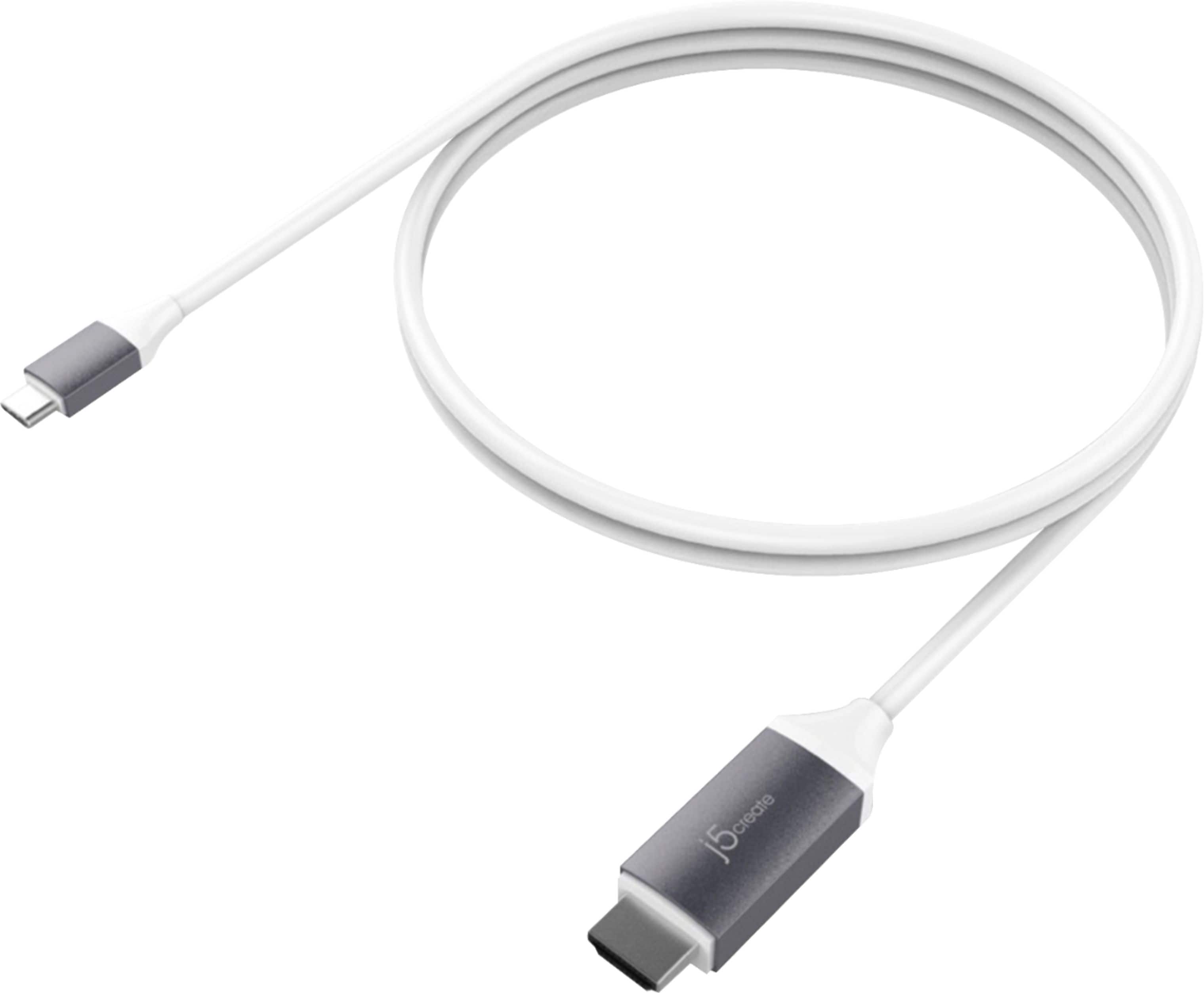
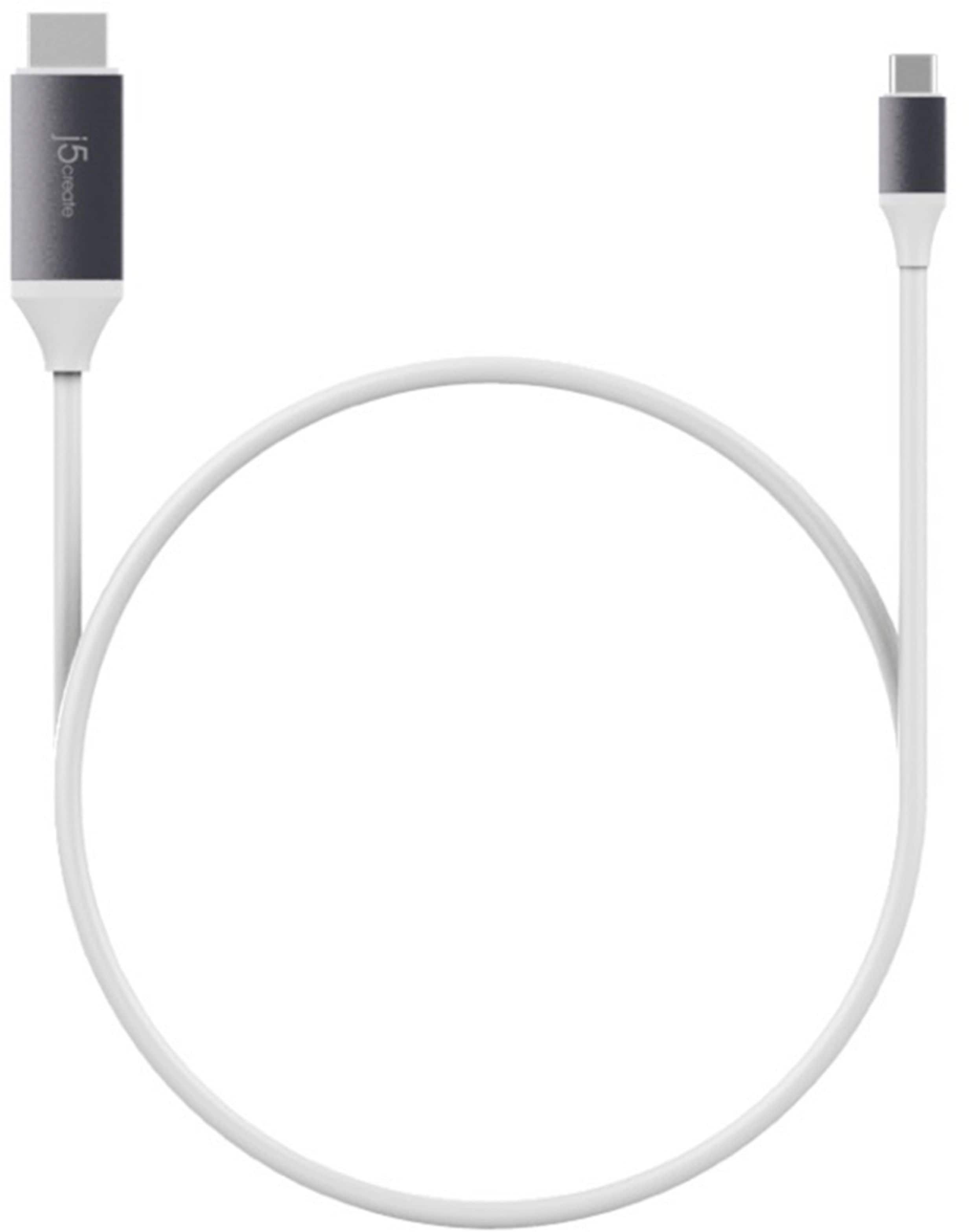
A:AnswerUnfortunately no, the JCC153G is intended to be plugged into the Mac via USB-C male end and out to an external TV, monitor, projector. The JDC52 would be needed to connect the Xbox to the TV.
** Feel free to contact the Technical Support team mentioned on the packaging for further assistance or if you have any other questions and someone will be glad to assist you.
A:AnswerNo, the JCC153G is simply to provide a display from the Thunderbolt 3 port on the computer to the external TV, monitor, projector.
** Feel free to contact the Technical Support team mentioned on the packaging for further assistance or if you have any other questions and someone will be glad to assist you.
A:AnswerNO you can not. Motorola/Lenovo in their not so great wisdom has not enabled the feature on the Z3 and most other motorola phones. I have the Z3 and it does not work. Do an internet search and you will find this is a source of contention with Motorola. I've been a fan of Moto for years, but this caused me to go Samsung, needed to be able to hard wire with wifi not always available.
A:AnswerAs long as the A12 has a USB-C port and supports display output through that port, then it should. You don’t need a smart TV to use this cable.
A:AnswerThe video cable will work on a monitor or TV. However, computers, tablets or phones must support DisplayPort Alt Mode over USB-C for video out. Please refer to the manufacturer of your hardware for more information on your device.
A:AnswerIn order for this device to work it requires that your phone supports a feature called DisplayPort Alternative Mode over USB Type-C. This feature allows your phone to output a display over your USB Type-C port. Unfortunately, in your case your phone does not support this feature, so this device will not work with your phone.
A:AnswerYes, the JCC153G does indeed work for those purposes. As long as you r PC supports display/video via the USB-C ports, it will display.
** Feel free to contact the Technical Support team mentioned on the packaging for further assistance or if you have any other questions and someone will be glad to assist you.
A:AnswerFor the JCC153g to output a display it requires your device to support a feature known as DisplayPort Alternate mode. For further assistance troubleshooting your connection, please contact our customer support team. Their information can be found on the back of your product packaging, as well as on our website.
A:AnswerLooking up the specs for the phone, it does not appear that the phone supports DP alt-mode which is a feature required in order to obtain display via the USB-C port. In this case, I recommend the JUA165C instead and that will allow you to mirror the phone screen to the TV.
** Feel free to contact the Technical Support team mentioned on the packaging for further assistance or if you have any other questions and someone will be glad to assist you.
A:AnswerI would recommend the JUA165C as that will mirror your phone screen to the TV. The JCC153G requires your device to support DP alt-mode or it will not work.
** Feel free to contact the Technical Support team mentioned on the packaging for further assistance or if you have any other questions and someone will be glad to assist you.