A:AnswerThe BLU V50 must support DisplayPort Alt Mode and USB Power Delivery 2.0 or 3.0 through it's USB interface for the HDMI and USB-C power=in port to function. Without those two features, the USB-C to HDMI & USB 3.0 with Power Delivery will not be compatible. Please refer to the manufacturer (BLU) of your hardware for more information on your device. Thank you.
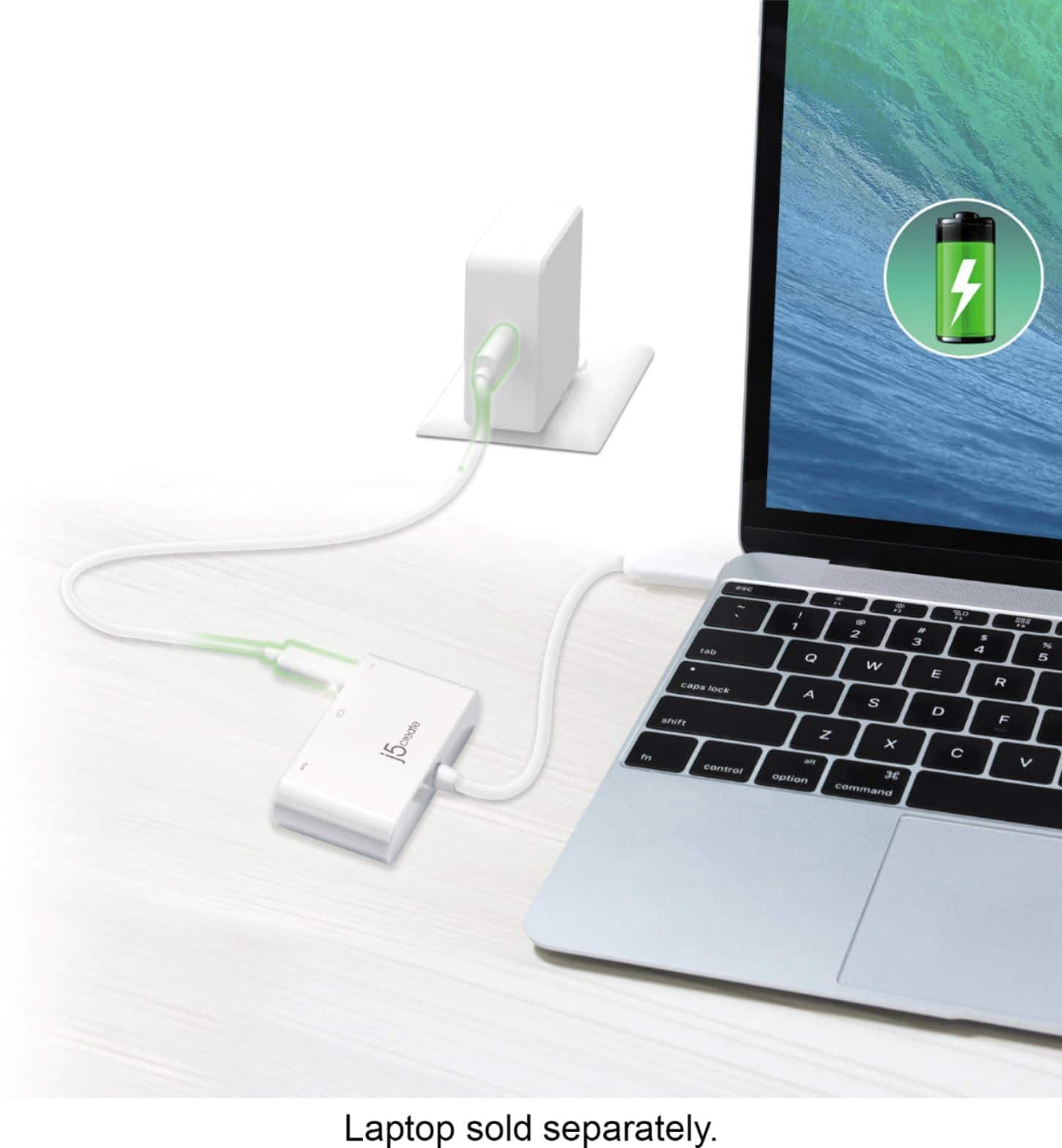
A:AnswerIn order to close an Apple computer lid and continue to use an external display, also known as closed-clamshell mode, you must connect an OEM power adapter and an external keyboard and mouse or trackpad, either USB or wireless. For more information, on using your Apple computer in closed-clamshell mode, please visit the Apple Support page. Thank you.
A:AnswerThe galaxy A03s USB-C interface will need to support DisplayPort Alt Mode for video out and Power Delivery for pass-through charge. The USB-C to HDMI & USB 3.0 with Power Delivery is a PnP device, no drivers needed. However, it will need those two feature for this device to function towards your Galaxy A03s. Please refer to the manufacturer of your hardware for more information on your device.
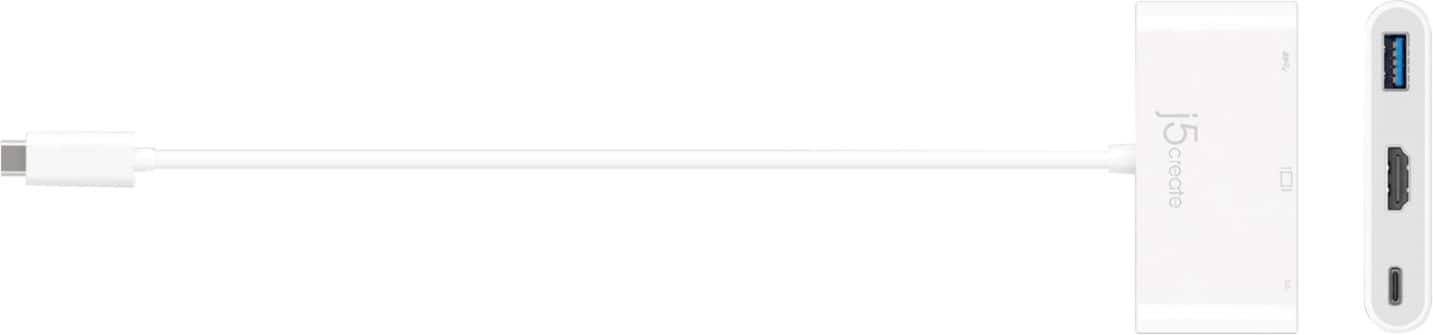
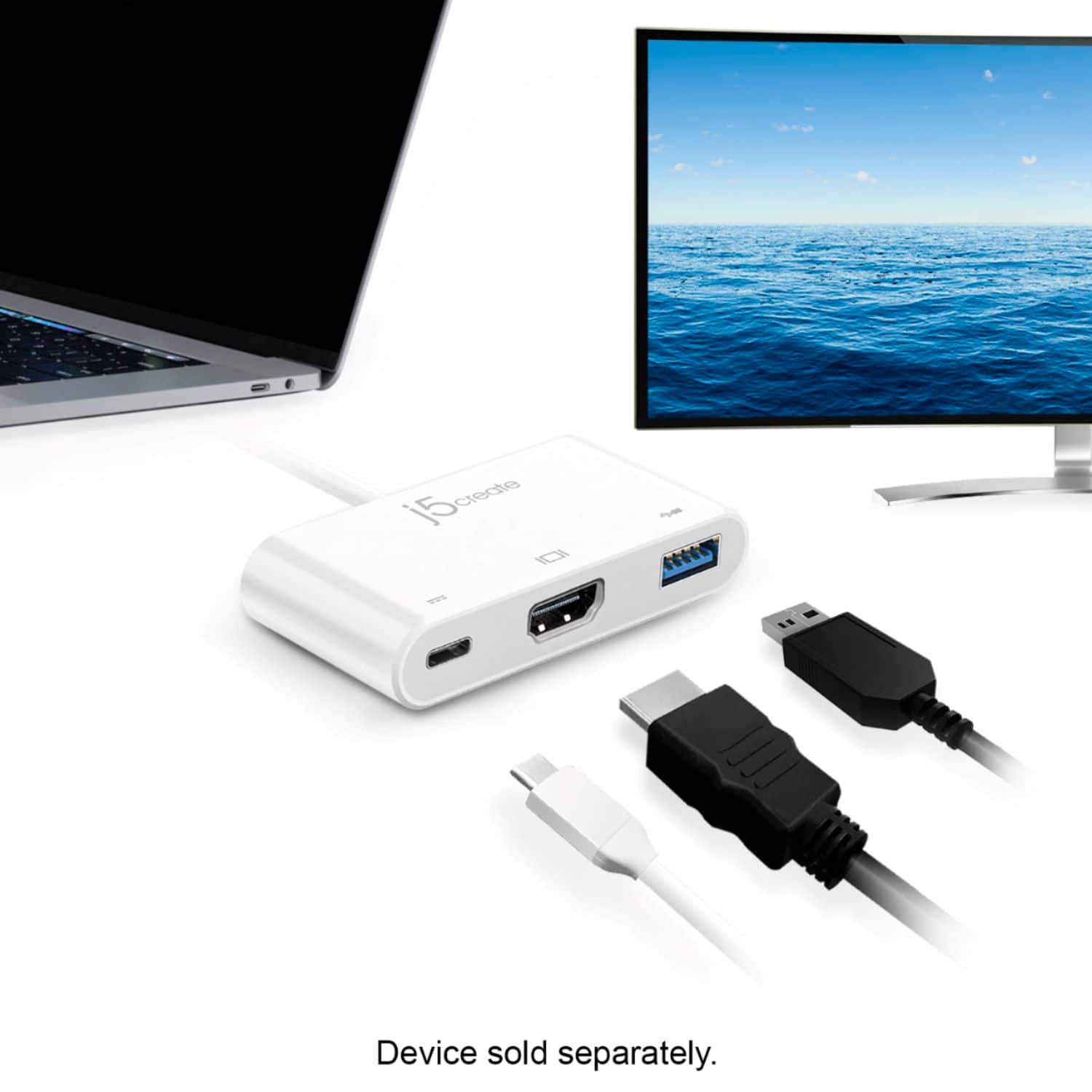
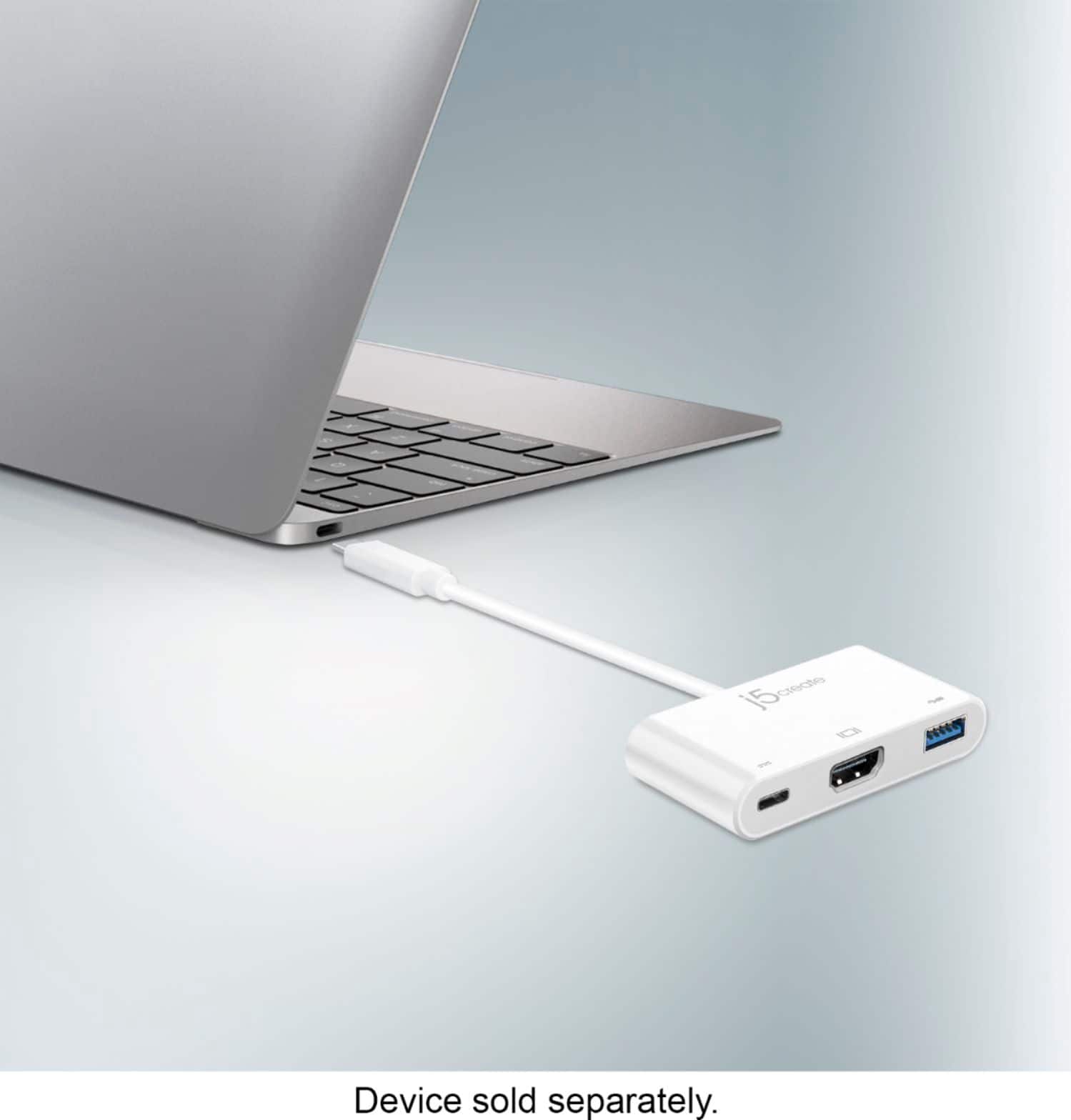
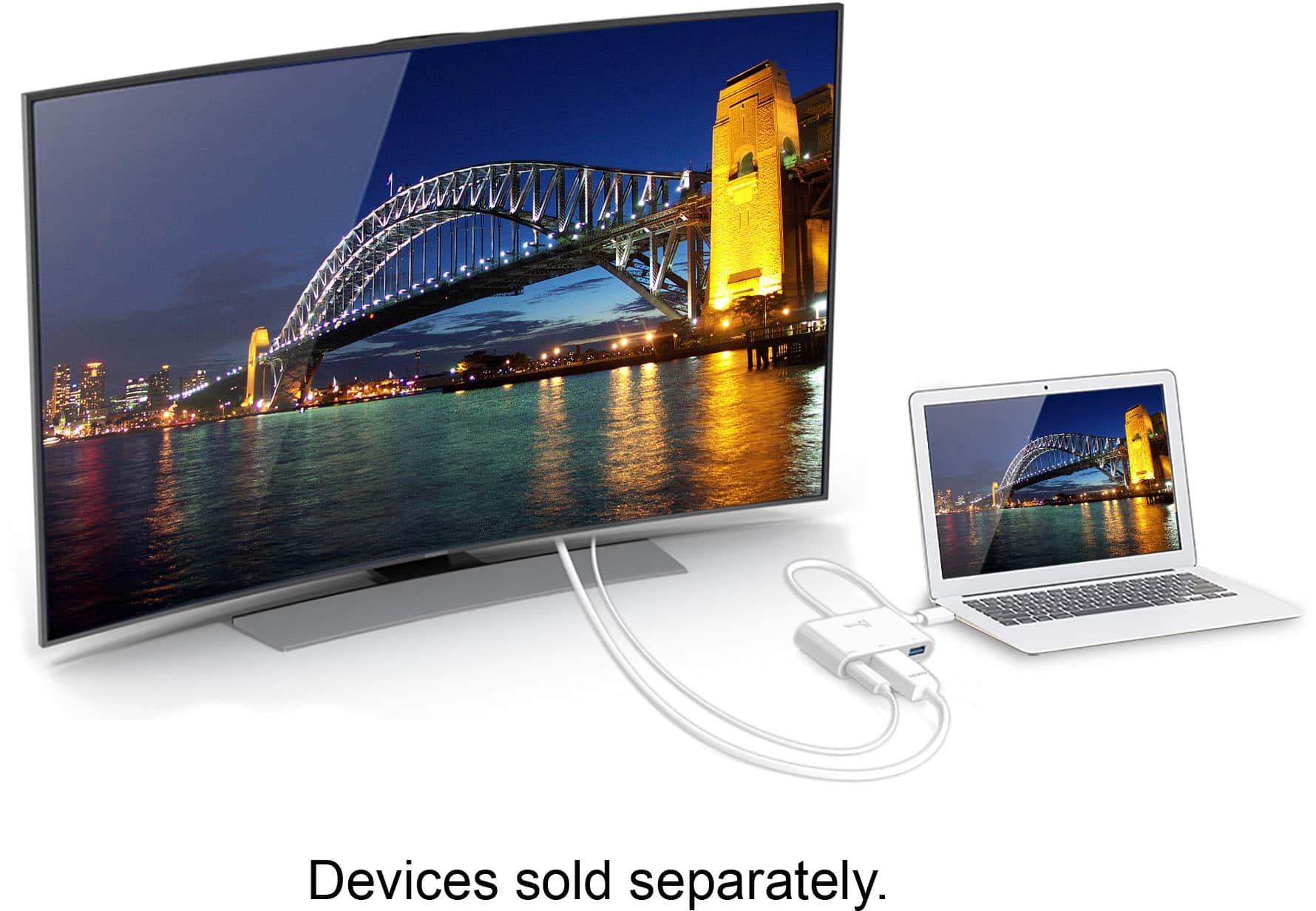
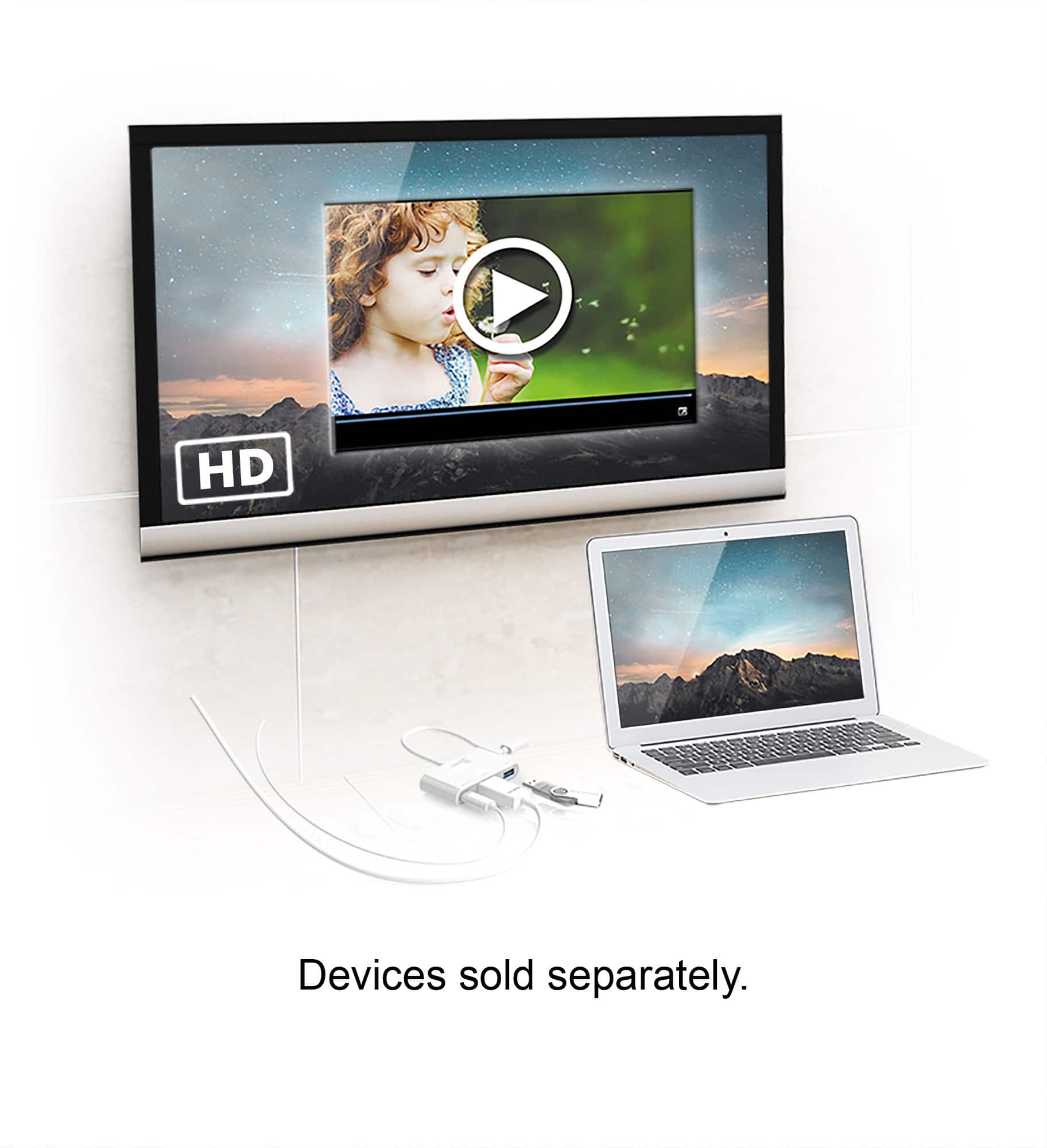
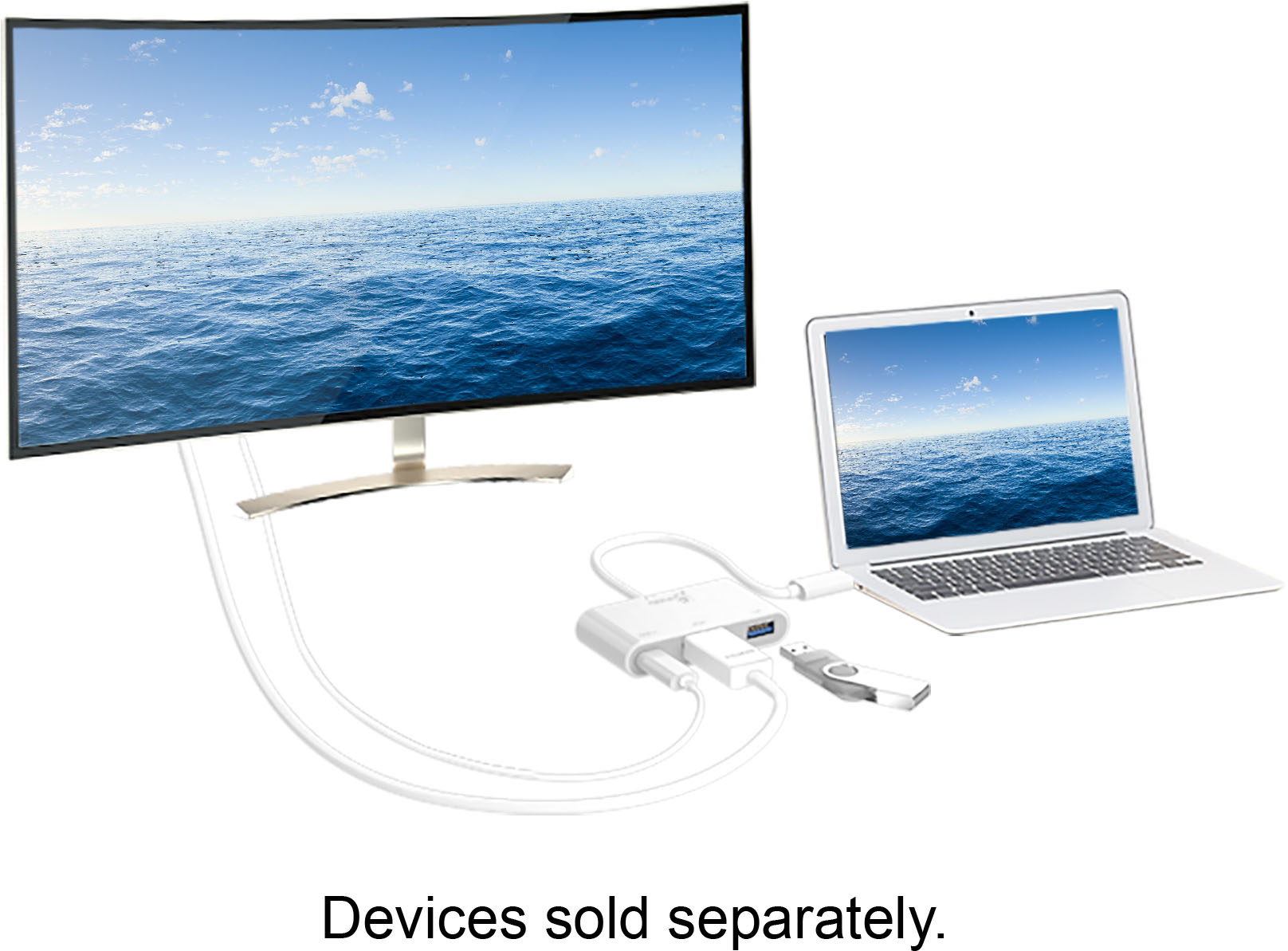
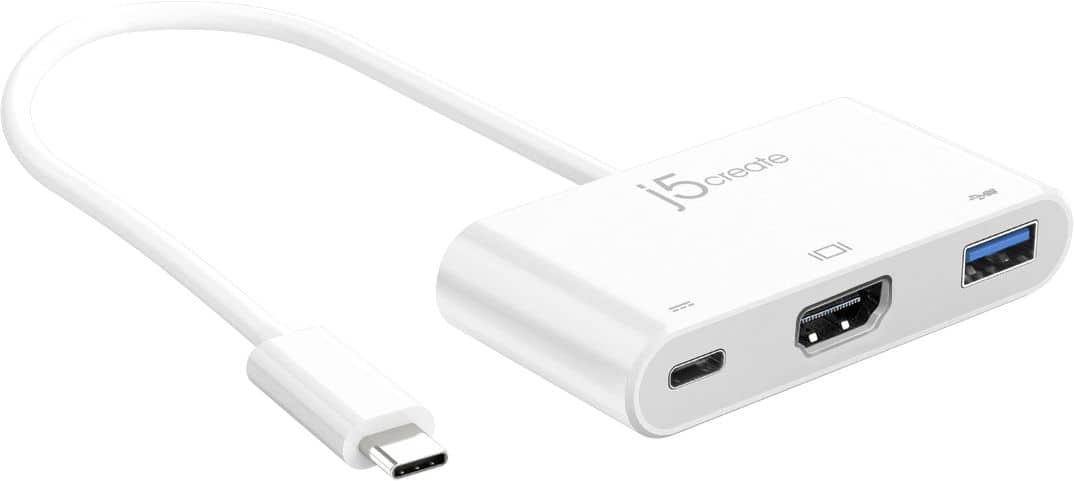
A:AnswerThe USB-C allows pass-through charge with supported USB Power Delivery 2.0 or 3.0 on devices. The USB-A port supports USB peripherals such as K+M, flash drives, etc. Please contact our Technical Support Team, so that they can get more information from you. Their information can be found on our website under the "Support" tab. Thank you.
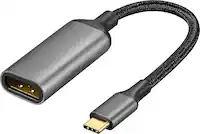
A:AnswerNo. This device is designed to take an existing USB C port which is on a device, and expand it so that the device now has 3 new output ports: 1 USB 3, 1 HDMI, and 1 USB C all for output from the original device. New Apple devices like Iphone/IPAD use a thunderbolt port which is identical in design to the USB C, but uses different data specifications for thruput. However, if the Apple device has a usb C port, you should be able to connect with no problems.
A:Answerit can , but,,,,You really would not need this device to transfer photos to your laptop. This is gadget is really to expand the ports on your phone/laptop/TV/tablet so you can send photos/data to your TV/computer/tablet or other device via HDMI or USB, To send photos to your laptop, simply get a USB DATA/CHARGING cable and plug it to one of the USB ports on the laptop. (Apple devices may be incompatible)
A:AnswerI believe the 3rd Gen Nintendo Switch may support DisplayPort Alt Mode and USB Power Delivery 2.0 or 3.0. The USB-C to HDMI & USB 3.0 with Power Delivery will work if the NS supports those features but will not work on NS Gen 1 and 2. Thank you.
A:AnswerThe iPad Air 4th generation must support DisplayPort Alt Mode and USB Power Delivery 2.0 or 3.0 for the USB-C to HDMI & USB 3.0 with Power Delivery to function. Please refer to the manufacturer of your hardware for more information on your device. Thank you.
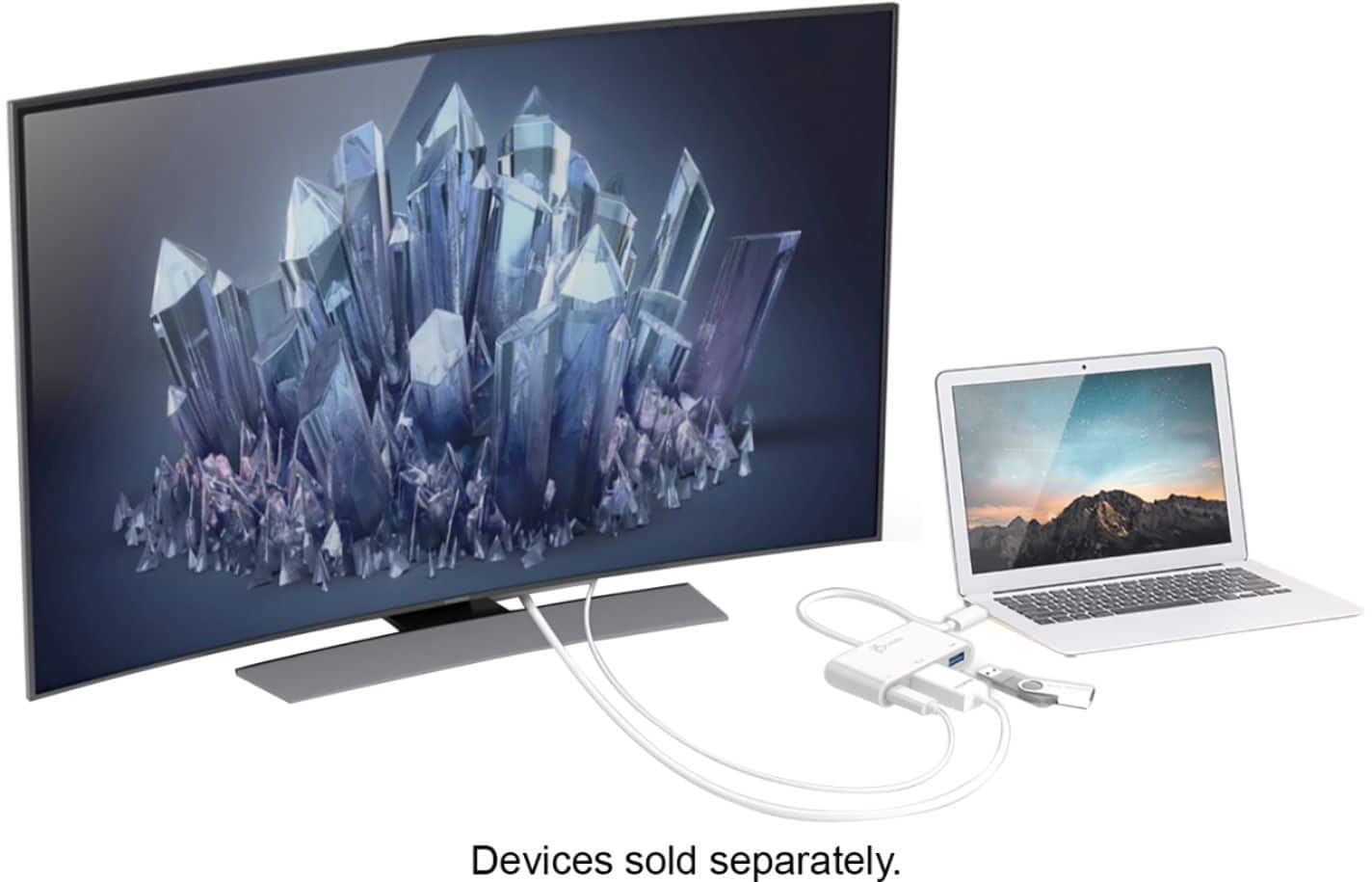
A:AnswerIt should work, if you connect the IPad and TV with an HDMI port and change the input on the TV to HDMI, it should connect. I’ve used this to screen-share my IPad with my tv and it worked great with YouTube and Netflix
A:AnswerThe A21 doesn't support that feature. Your only option would be to use a wireless screen share or casting device like Miracast or Chromecast. Those two require WiFi, but there are devices that do not require WiFi. I hope this helps.