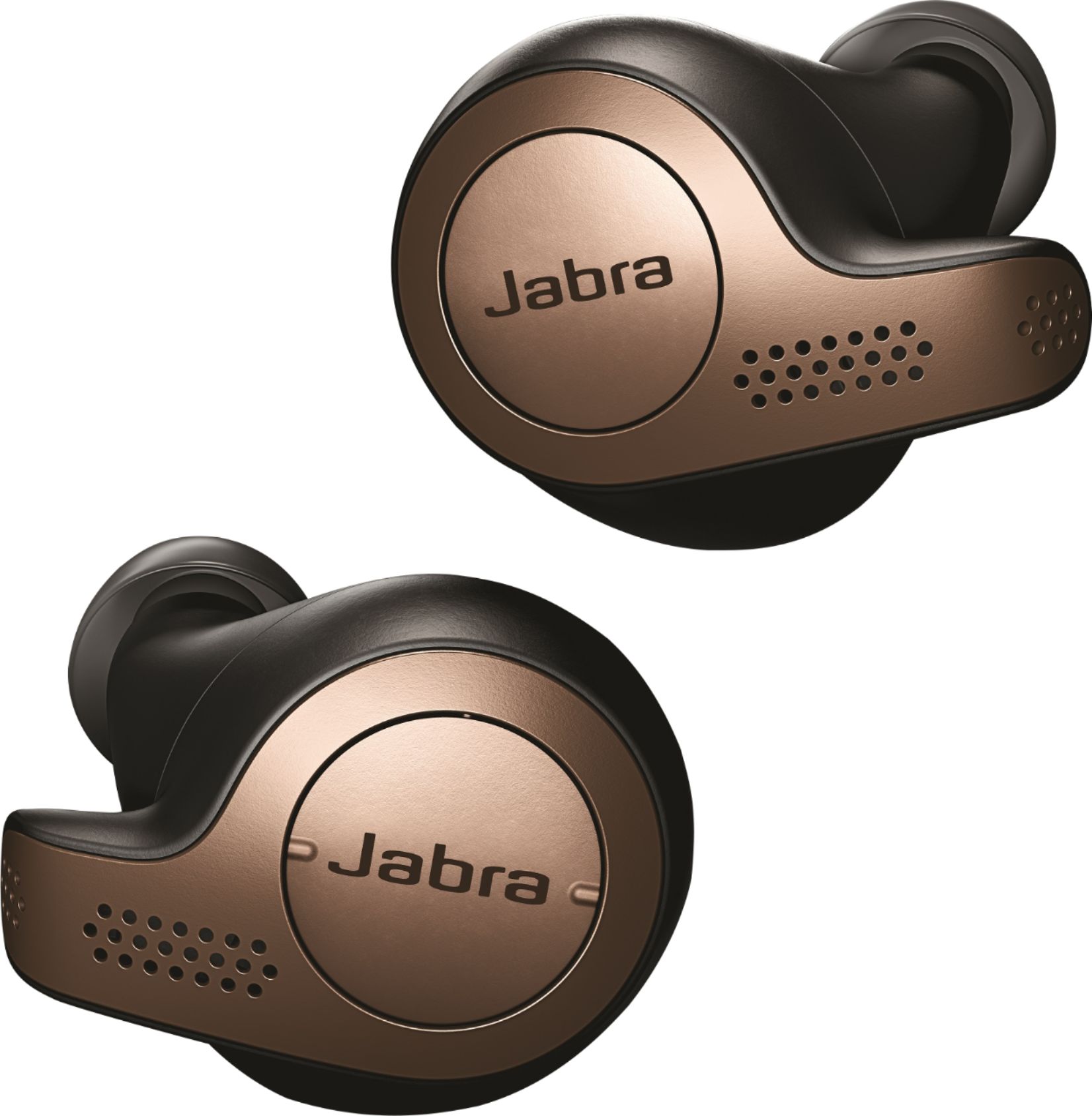
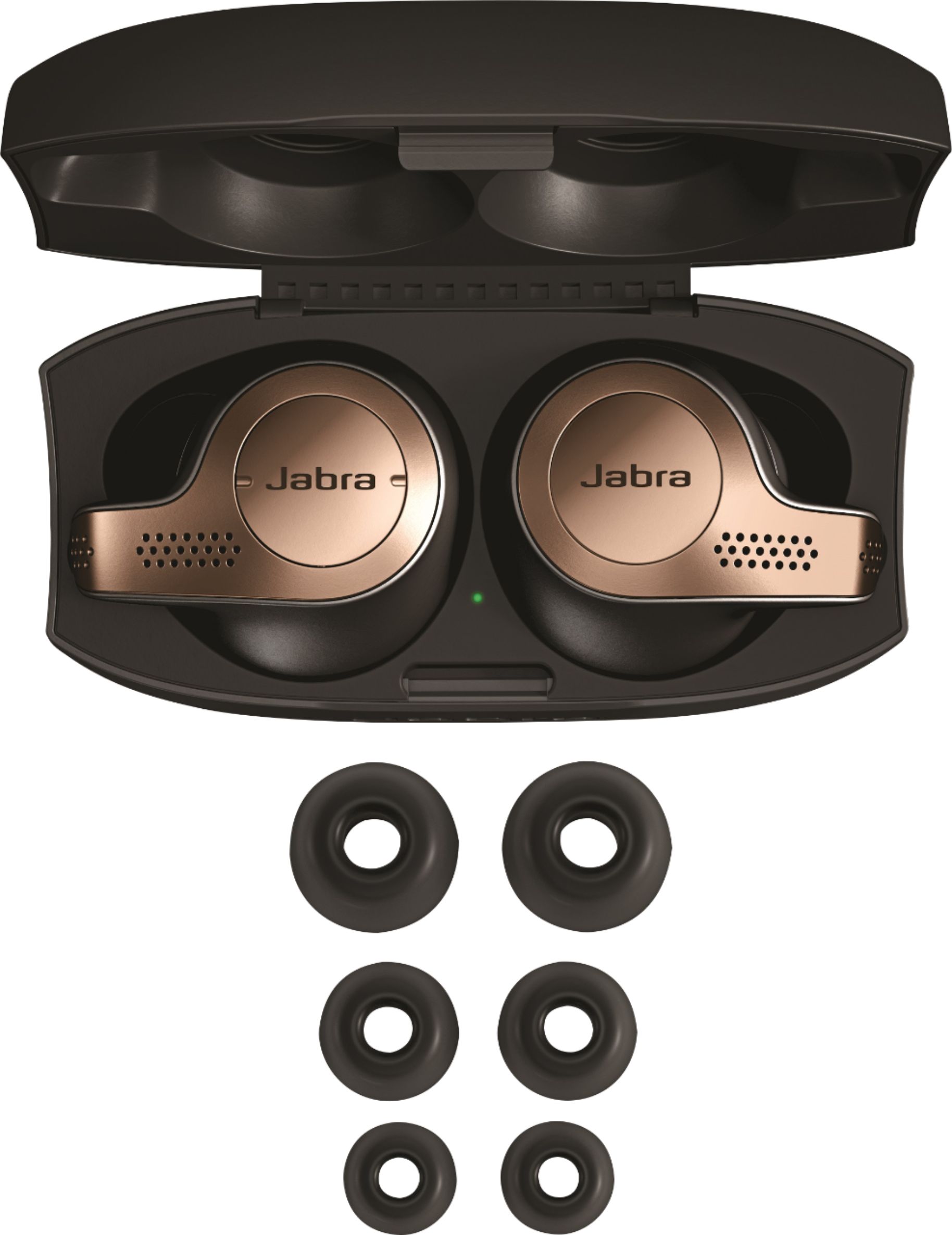
A:AnswerHi Tor- The Jabra Elite 65t will be linked and paired with your Smartphone. If you have any additional questions, please feel free to let us know through the following link: https://www.jabra.com/supportpages/jabra-elite-65t-iet-6500/100-99000000-02/contact-support. Thank you!
A:AnswerNo. They don’t improve hearing. Only allow you to hear ambient noise better while have them in your ear . By using double microphones in each earbud , it picks up more sound from outside but doesn’t amplify it.
A:AnswerHello juan3211- thank you for your question. We are sorry to hear that you lost the charging case and left earbud for your Jabra Elite 65t. At this time, the right earbud cannot be charged or updated without the charging case. Please contact our product support team at your earliest convenience so that we can help you make your set whole again: https://www.jabra.com/supportpages/Jabra-Elite-65t-IET-6500/100-99000000-02/contact-support. We are here for you!
A:AnswerThat’s phone dependent. Hold down button on right earbud until you hear one beep and Siri will be activated then use that to check text messages.
A:AnswerI can't say for the tablet specifically, but they do allow two Bluetooth profiles to be setup at the same time. I have my work and personal phones connected and can take calls from either.
A:AnswerHello reddog, thank you for your question. We do not recommend you pair your Jabra Elite 65t directly with a TV. Jabra Bluetooth headsets are optimized to be used with other Bluetooth devices, such as, smartphones or tablets. They are not optimized to be used directly with a TV. While many of our users have been able to successfully connect their Jabra Elite 65t to their TV's, this is not something that we officially support. Because of this, we cannot guarantee device performance or provide support for performance problems that may result from this.
A:AnswerThey charge in the case when not plugged into a usb port. However, they will only charge as long as there is charge in the case. Usually 2-3 full charges are in a fully charged case. So at some point you need to at least charge the case.
A:AnswerHello Bug- We believe that the Sound+ app that is compatible to the Elite 65t offers a design and features that our users find easy and enjoyable to use. The Sound+ app has The Find My Jabra feature which can show you the last location(s) that your Jabra device was connected to your phone via Bluetooth, when GPS was enabled on your phone. If you have any other questions, please feel free to contact our support team: https://bit.ly/2wIr6ln , we are here for you!