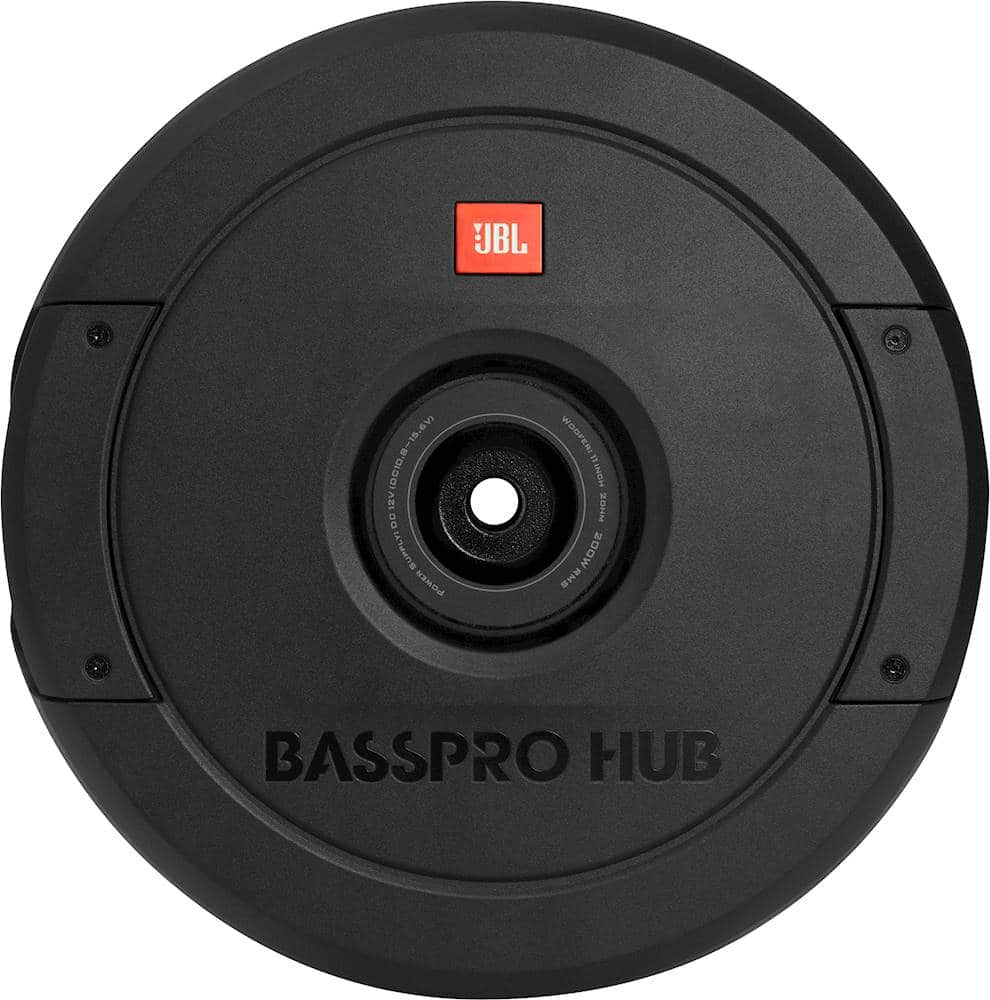
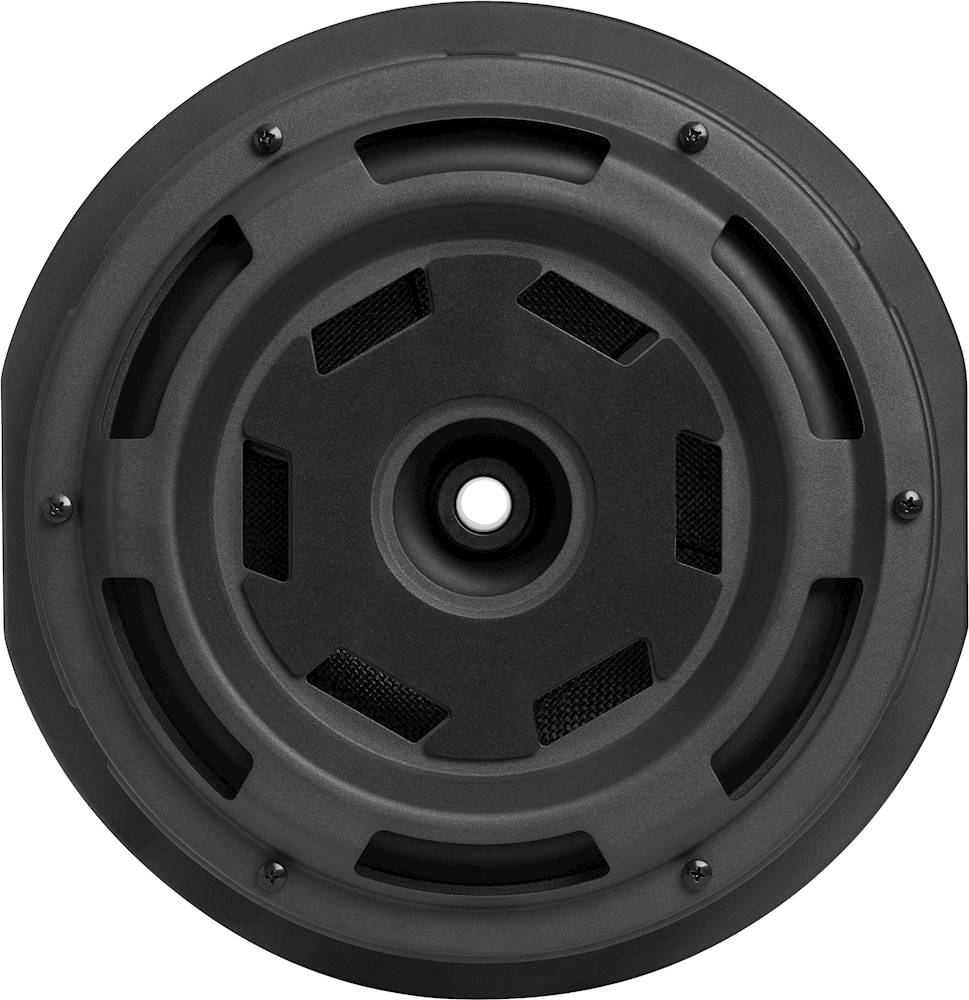
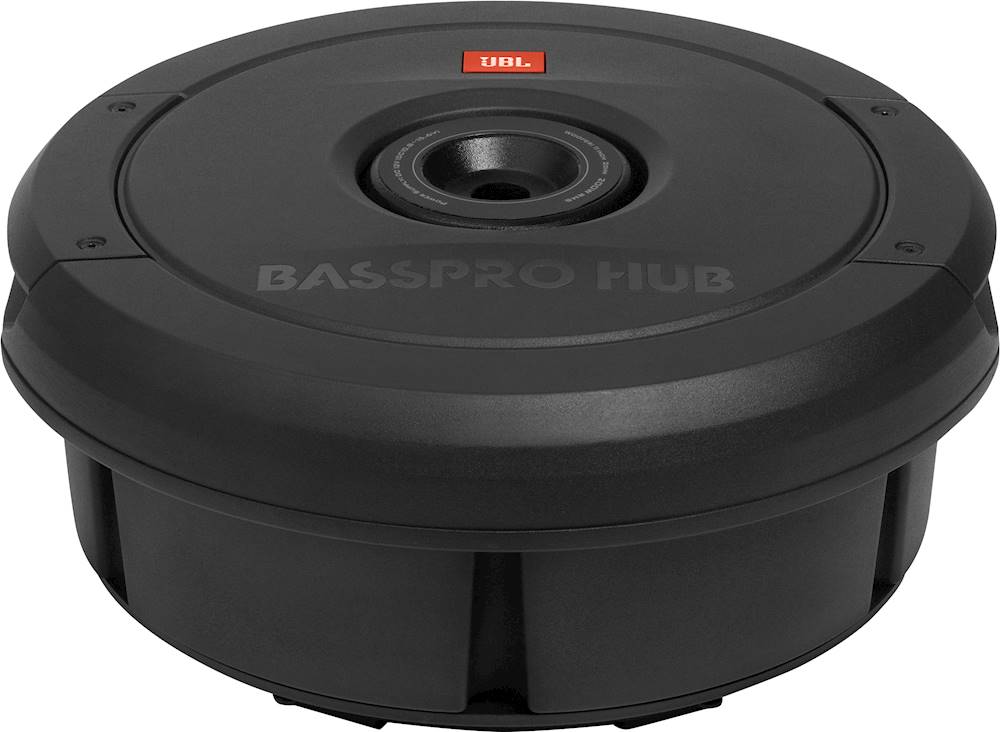
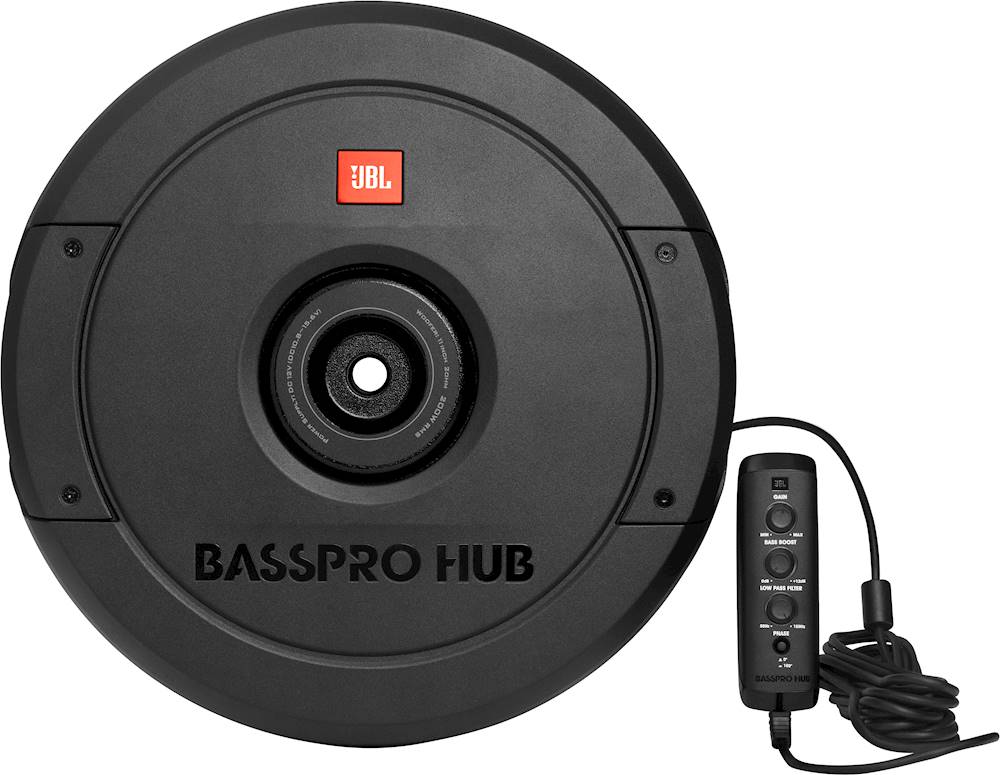
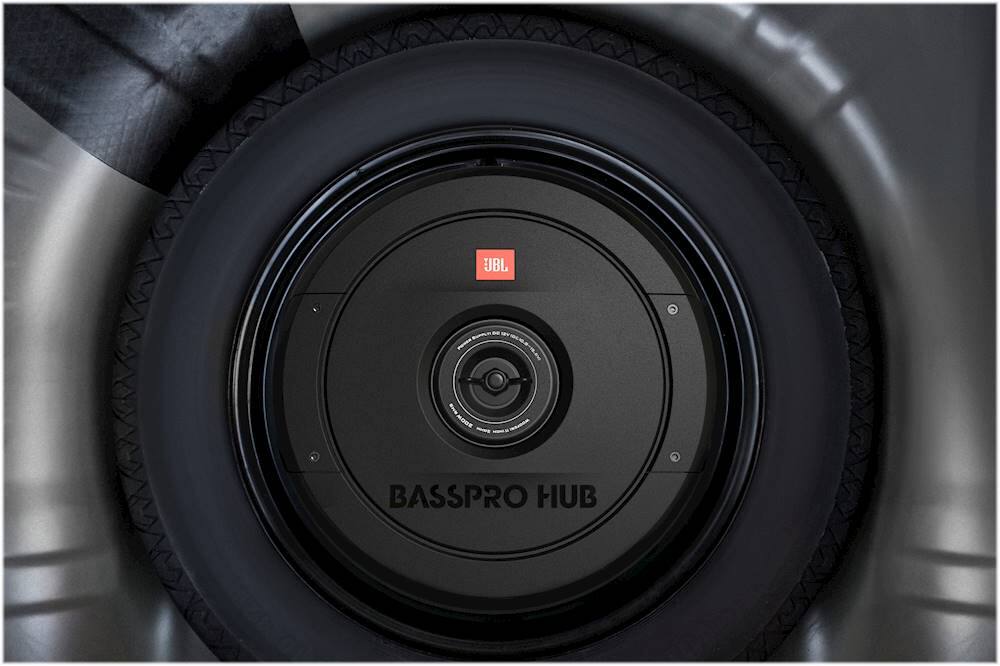
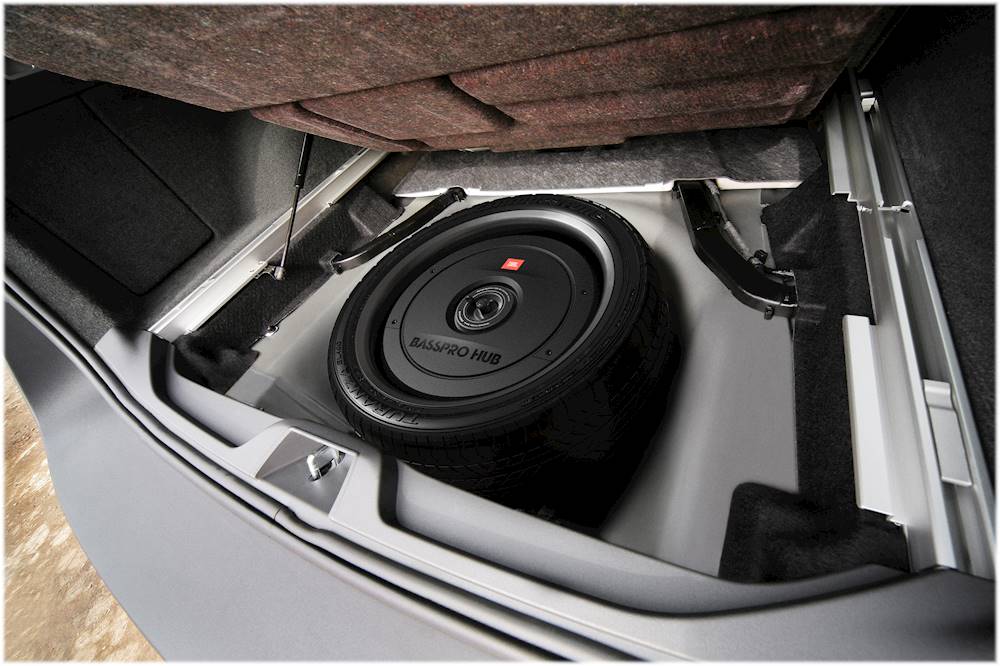
A:AnswerOur JBL Bass Pro Hub has dimensions of 14-3/16” x 6-1/2” (D x H). It should fit with any 15" spare tire. You'll have to measure the inside of your spare tire hub to see if the sub will fit or not. Disconnecting the unit depends on the setup and wiring of your car.
A:AnswerOur JBL BassPro Hub is about 6-7/16" high and 14-1/4" wide. You'll have to measure the inside of your spare tire hub to see if the sub will fit your vehicle.
A:AnswerThanks for your interest. Our JBL Basspro Hub currently retails at $499.95. This unit is about 6-7/16" high and 14-1/4" wide. Please measure the inside of your spare tire hub to see if it will fit your 2014 Grand jeep Cherokee. If you need further assistance, contact our customer service team.
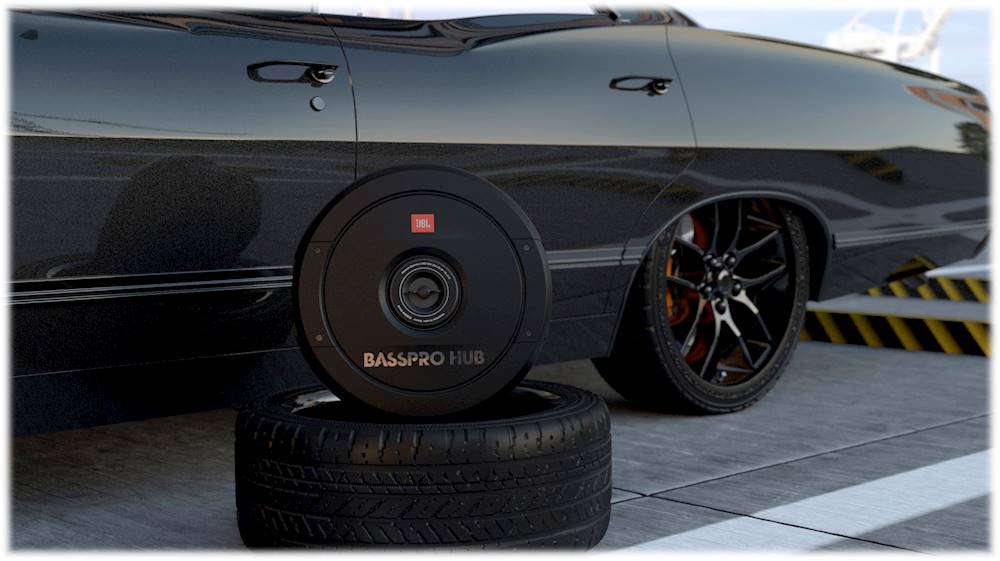
A:AnswerOur JBL BassPro Hub is designed to be mounted inside the spare tire rim. You'll need to turn your spare tire upside down to install this sub. It should only be used in vehicles that have the spare tire inside the vehicle.
A:AnswerThanks for your interest in our products. We have no news on when the JBL BassPro Hub will come back in stock. Keep posted on our social media channels or sign up for our newsletter for updates about our product releases or promotions
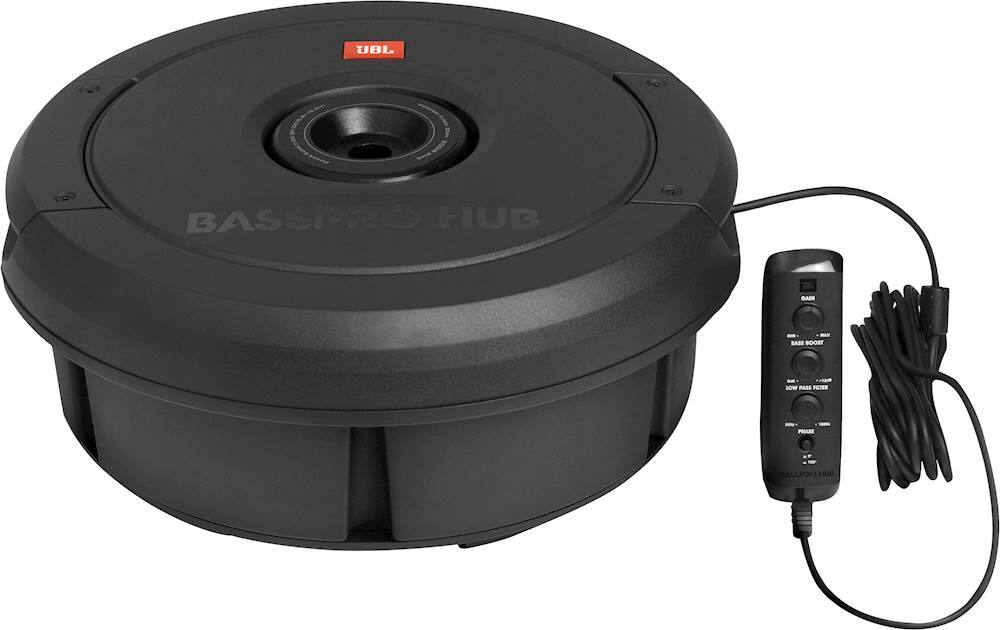
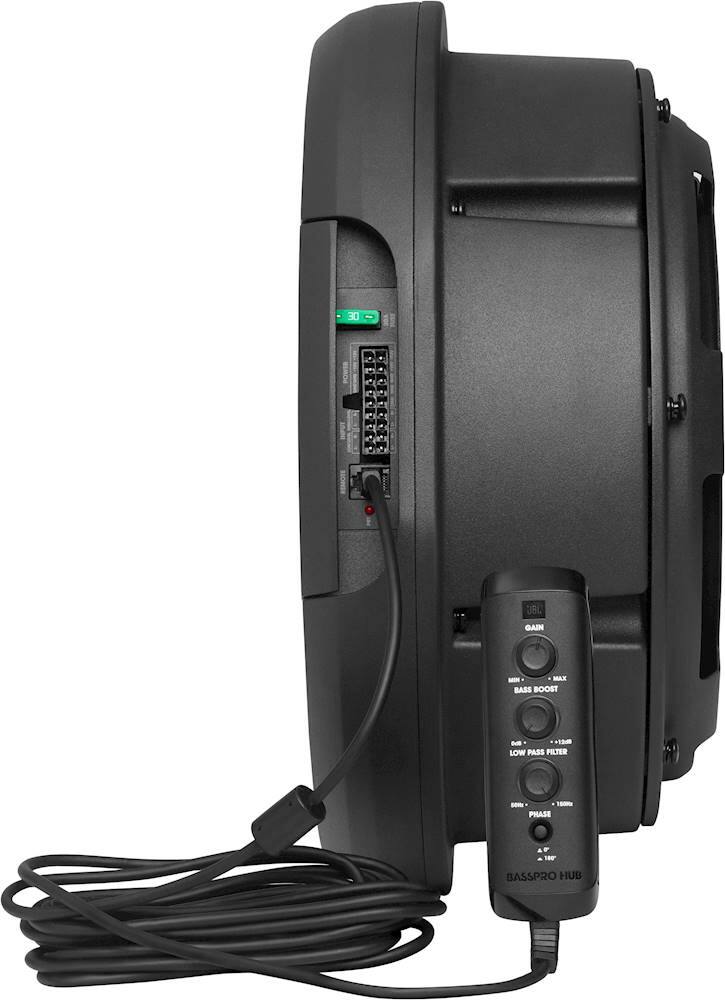
A:AnswerTo make sure that you have set your JBL BassPro HUB at its optimal performance, you may follow the steps below for the correct Gain, Bass Boost, and Phase settings.
Adjusting the gain lets you match the input sensitivity of BassProHub with the output of your receiver, and match the relative volume to the rest of the speakers in your vehicle.
1 . Start with gain control set to minimum, and the crossover control and bass control rotated midway.
2. Choose music with substantial bass content and turn the volume control on your receiver to ¾ of its total output.
3. Adjust the gain control clockwise, listening carefully to the bass output. If you hear distortion, turn the gain control counterclockwise to decrease the gain.
Next, Adjust the bass-boost control clockwise or counterclockwise to suit your taste. You can add up to + 12dB of low-frequency boost.
And lastly, the Subwoofer Phase. The phase button lets you choose the setting - 0° or 180° -that provides the cleanest bass output. Press the button in for 180°, and leave the button unpressed for 0°. Press and unpress the button to determine which setting works best in your system.
A:AnswerAs per checking our fit guide, JBL Bass Pro Hub does not work with your vehicle. Please check our guide to view the products fit and compatible with your vehicle here: https://www.jbl.com/car-audio/
A:AnswerOur JBL Bass Pro Hub has dimensions of 14-3/16” x 6-1/2” (D x H). It should fit with any 15" spare tire. You can try to install some Boom Mat on the exposed metal in the spare tire area. This sound-deadening material helps eliminate reverberations and any other unwanted noises the subwoofer might induce. The result is better sounding, more powerful bass from the subwoofer. There's no need to purchase a separate amplifier for the speaker since it's an active woofer. For more information, check out the fit guide and specifications here: http://bit.ly/2NVEgpf
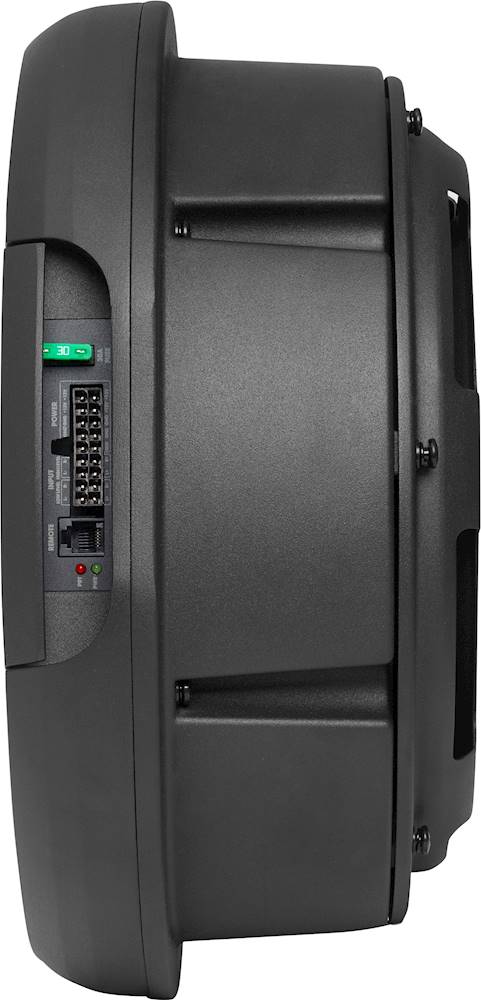
A:AnswerThe Power indicator will illuminate when the BassPro Hub is receiving power and signal, and playing normally. The Protect indicator will illuminate if the amp enters Protect mode in the event of conditions such as over/under voltage, short circuit, amplifier output circuit failure, or excessive heat.