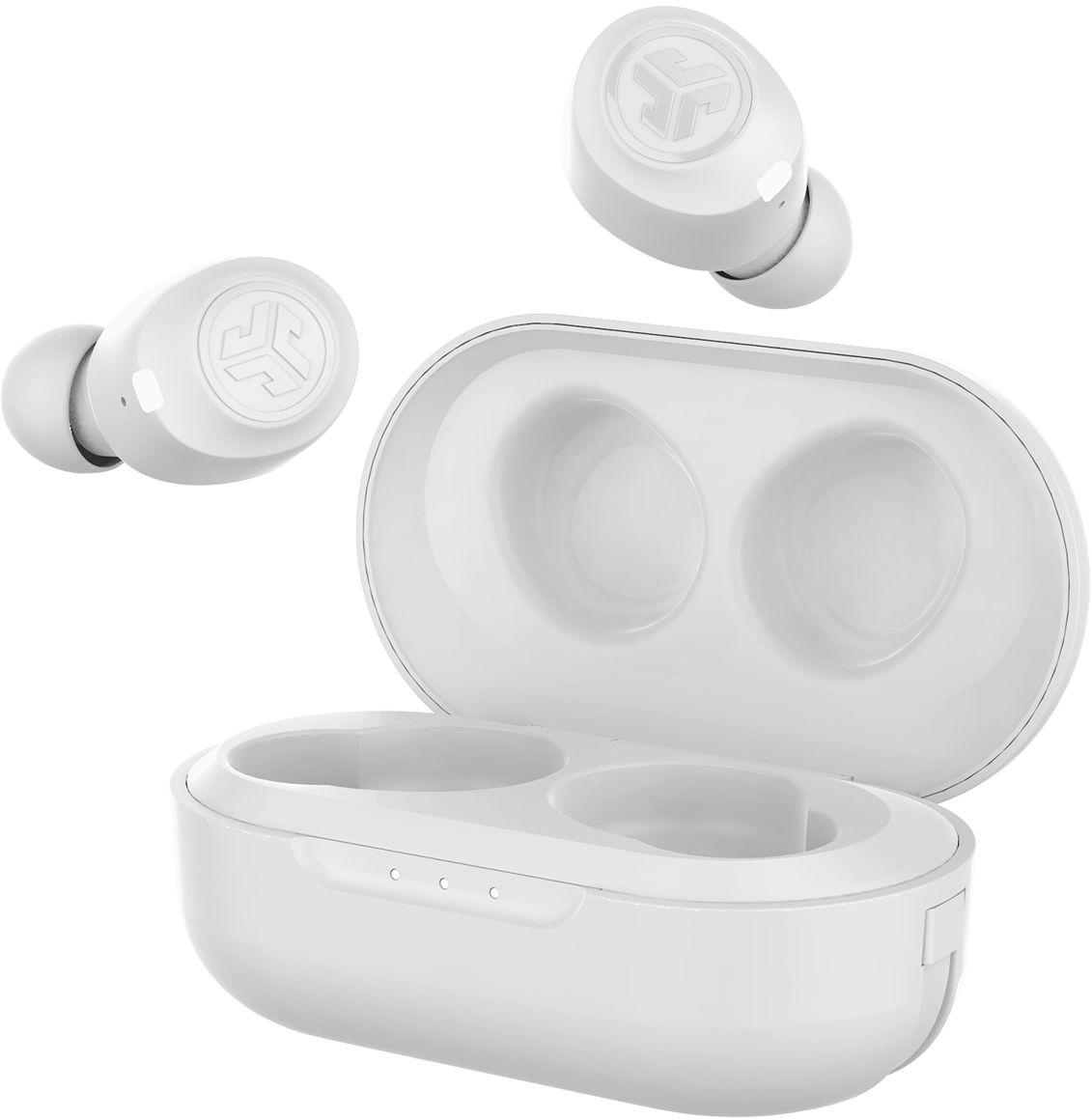
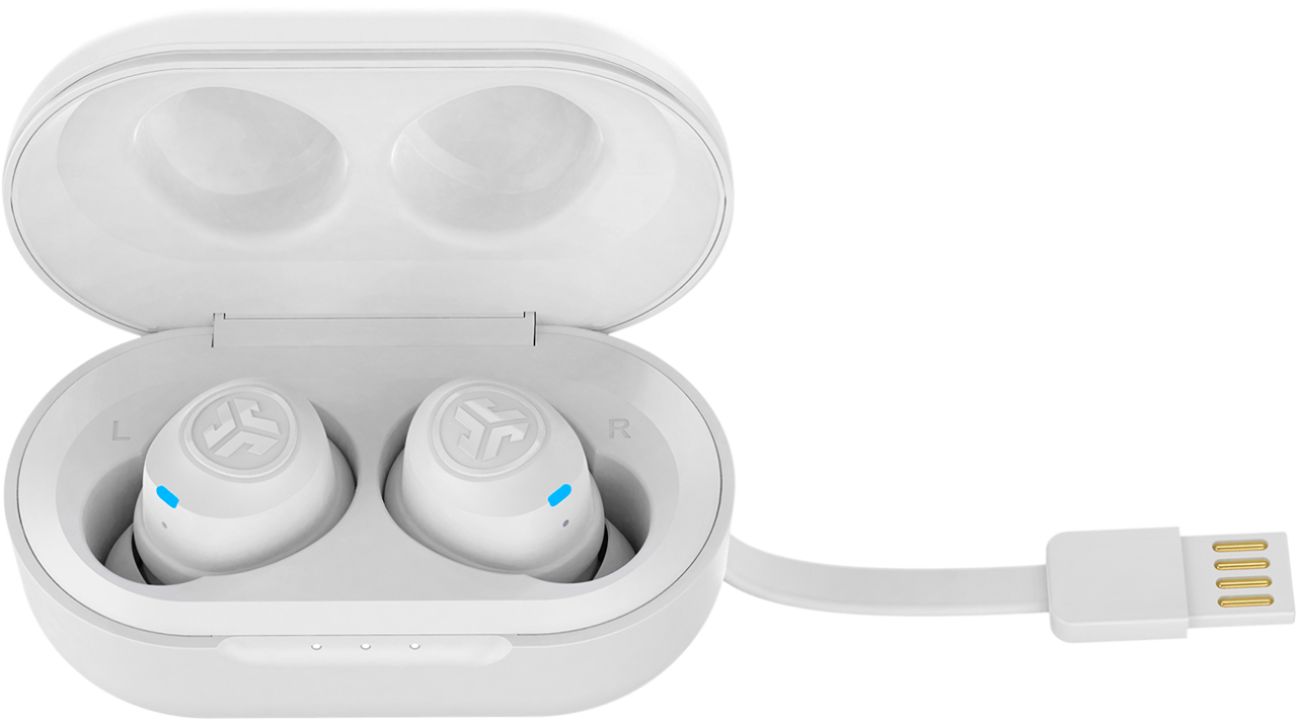
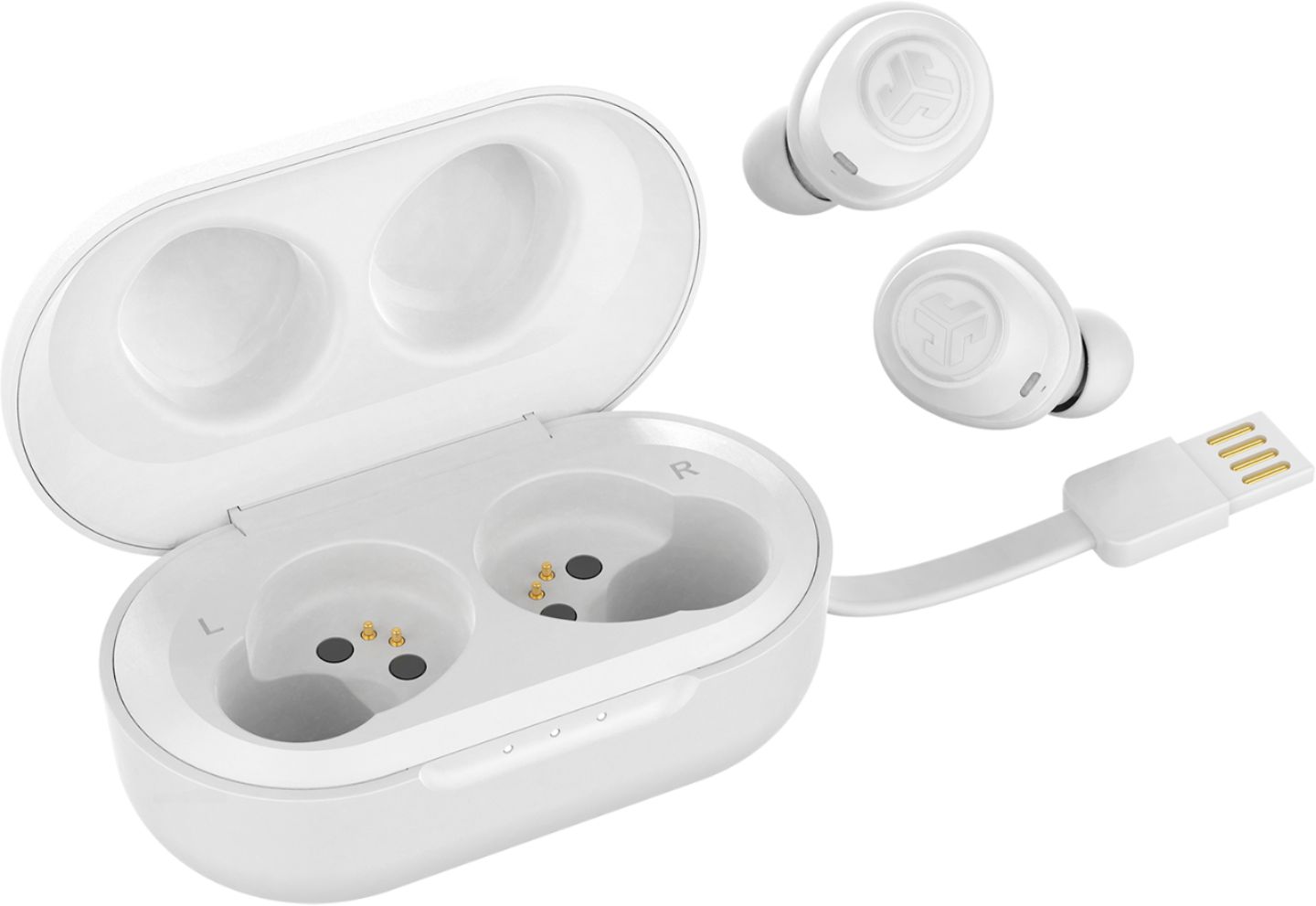
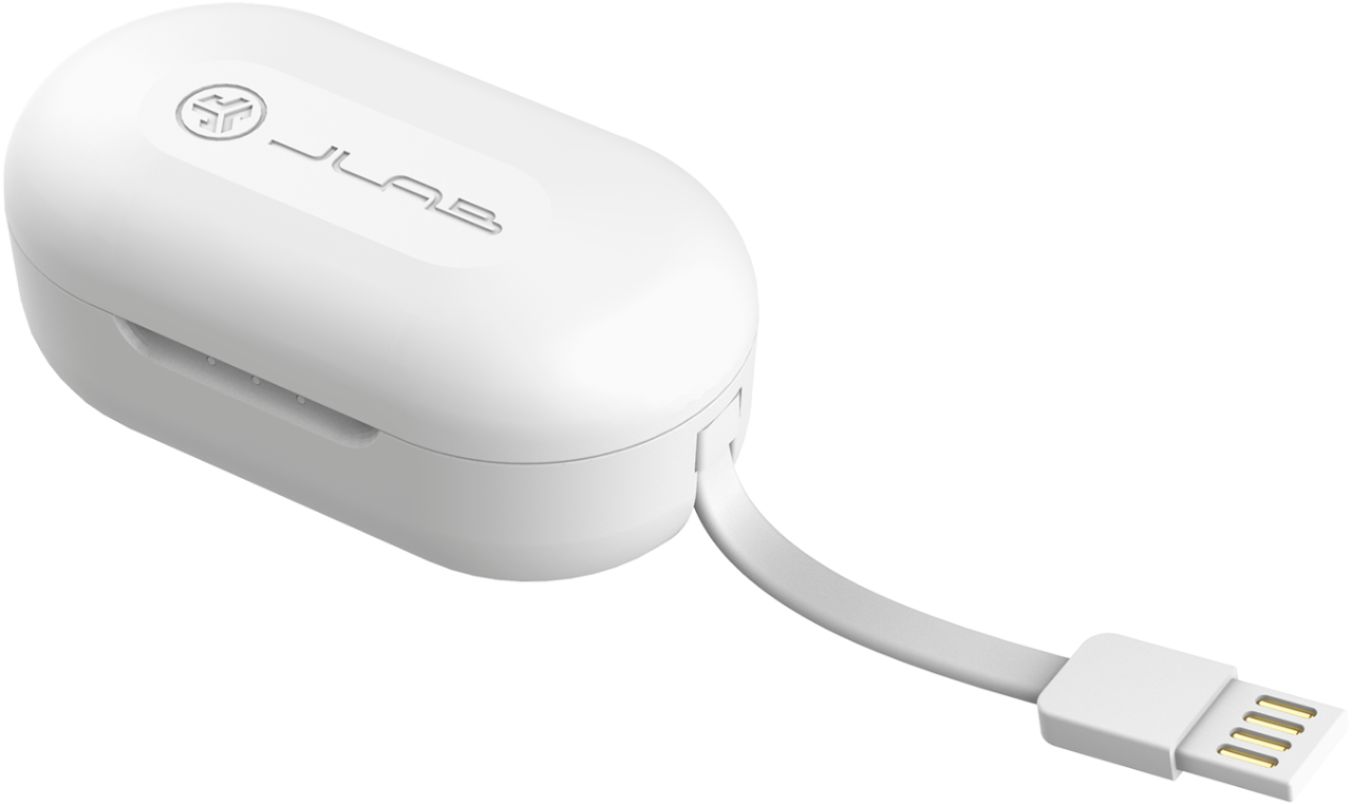
A:AnswerHere’s what you do. Hold the left button down for 3 seconds, right button down for 3 seconds. Once they’re both flashing blue/white and connecting to your phone as two different devices, you then forget the Bluetooth device to both of them. Then, find the nearest river/lake/swamp and use them and the charging case in a rock skipping competition because I’ve tried literally everything and nothing works. The right and left chambers of US congress pair better than the right and left jlab earbuds.
A:AnswerYou can set up which ear bud you want as the primary earbud.
By factory the right ear bud will be the one to connect to your phone.
Let's say you loose the Right earbud like me. And think the whole thing is now useless. BUT BEHOLD!!!!
Get the left earbud and hold down the power button for about 6 seconds till it blinks blue and white.
Go to Bluetooth on your phone and WALLLAAA!!!
YOUR LEFT EARBUD IS NOW PRIMARY.
DOWNFALL:/ NO VOLUME UP:/
A:AnswerI put mine back in the case at work when I go to break and leave them in it overnight as well. The case itself is a smart charger, once they reach 100% the case will stop charging. I usually just use the right one at work and when I put it back in the case it only charges that one, not the left because it's already charged. Hope this helps
A:AnswerAs stupid as this sounds coming from a brand new pair out of the box where the left earbud didnt work, I had to read and find the source of the problem..Here is what I found..
Following the paired instructions, I found that to help yet no sound in the left.. I squeezed the left bud and had sound until I let go.. I took the handle of a screw driver in the spot I squeezed a couple times and it now works without squeezing it..
It is indeed a wiring problem.. Being an IT Manager for 18 years, trouble shooting anything never required smacking it with a screw driver, but is now in my arsenal of a possible fix.. Needless, I found they are not worth the hassle and days worth time spent..
Hope this helps someone as it did me.. Mine now sit in the case fixed and never used as I went back to a cheap pair plugged into my phone that never fails..
A:AnswerI use them while walking on the treadmill and they are great for staying in the ears. I did put the bands around the buds that came with them so they fit snugly. Never have had one fall out.
A:AnswerHey curiousd,
The buds will remember up to eight devices, and connect to the last device that they were paired to. They are not multi-point, so if you are trying to simultaneously connect two devices, you will not be able to do so. When you get a chance, please reach out to us either via email support@jlabaudio.com or shoot us a call at 405.445.7219 Monday-Thursday between 8am-5pm p.t Friday 8am-3pm p.t so that we may provide you with further specifications.
We want to help you
#FINDYOURGO
JLab Audio
A:AnswerI jump roped with them and they didn't fall out of my ears. The right ear felt like it was close, but it stayed in. My previous type of wireless earbuds did.
A:AnswerDepends on what you are watching. They do have a great sound for the price. Straight up music they sound really nice and crisp with a nice low end on bass boost mode. Me as a musician (drummer) I like watching drum videos or covers. I notice there is a delay of about .25 to .5 of a second between hits which i find it to be very bad. It also depends on the device you are using them on. I did notice that when on a mobile device, the delay is not there or extremely minimal. When I pair them to my gaming PC and try to watch cover videos, that's when the delay is extremely noticeable.
A:AnswerMost people have told me I sound like I'm in a tunnel, sometimes you can't hear them clearly. But if your alone in a car and can yell loudly they work great.