A:AnswerYou should be able to change the language in the Windows 10 settings, and the power shouldn't be a problem, you just want to buy the right cord for it in Israel. I'm no expert, but I have traveled with a laptop to several different places and I have just been able to pick up a new charging cord that matches the outlets in the country with no issues.
A:AnswerThat will depend on the requirements of the video editing software you will be using. We recommend you check with the video editing software publisher's web site for their compatibility with Windows 10 Home 64-bit operating system and the minimum/recommended hardware requirements (Is a Graphics card required, the processor speed and the minimum required system RAM and the minimum available hard drive space) to run their program, then compare those requirements to this system's configuration.
A:AnswerWe are sorry to hear you are having battery charging issues with your Lenovo IdeaPad 120s-14 Laptop. We recommend you call Lenovo Tech Support at: 877-453-6686 for help with your specific charging issue.
A:AnswerThis system has WiFi connectivity for online use. We recommend you check with your online school for their requirements and recommendations for a computer system, then compare those requirements and recommendations to this system's configuration.
A:AnswerThat will depend on the requirements and compatibility of the Magic Jack device. We recommend you check with the Magic Jack manufacturer's web site for their compatibility with Windows 10 Home 64-bit operating system and the minimum/recommended hardware requirements (Is a Graphics card required, the processor speed and the minimum required system RAM and the minimum available hard drive space) to run their program, then compare those requirements to this system's configuration.
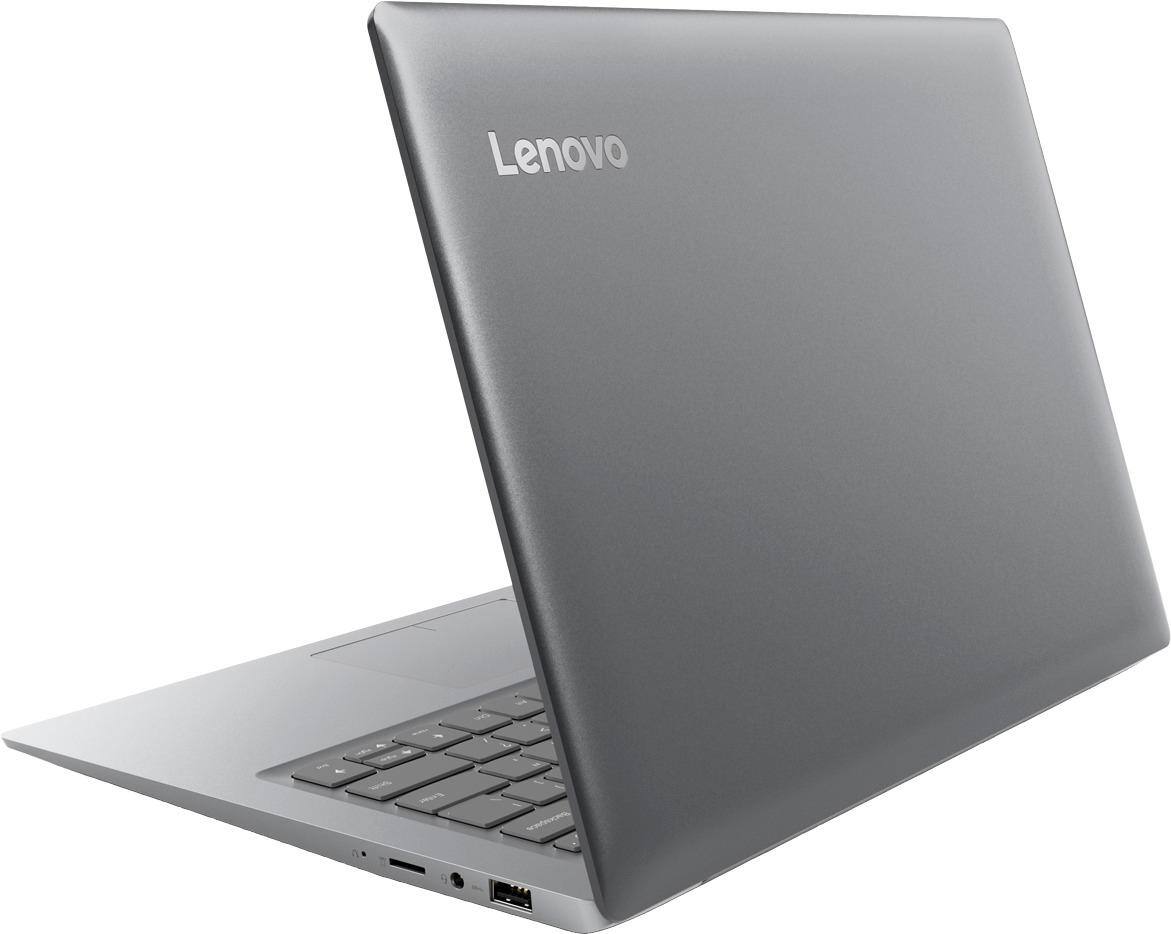
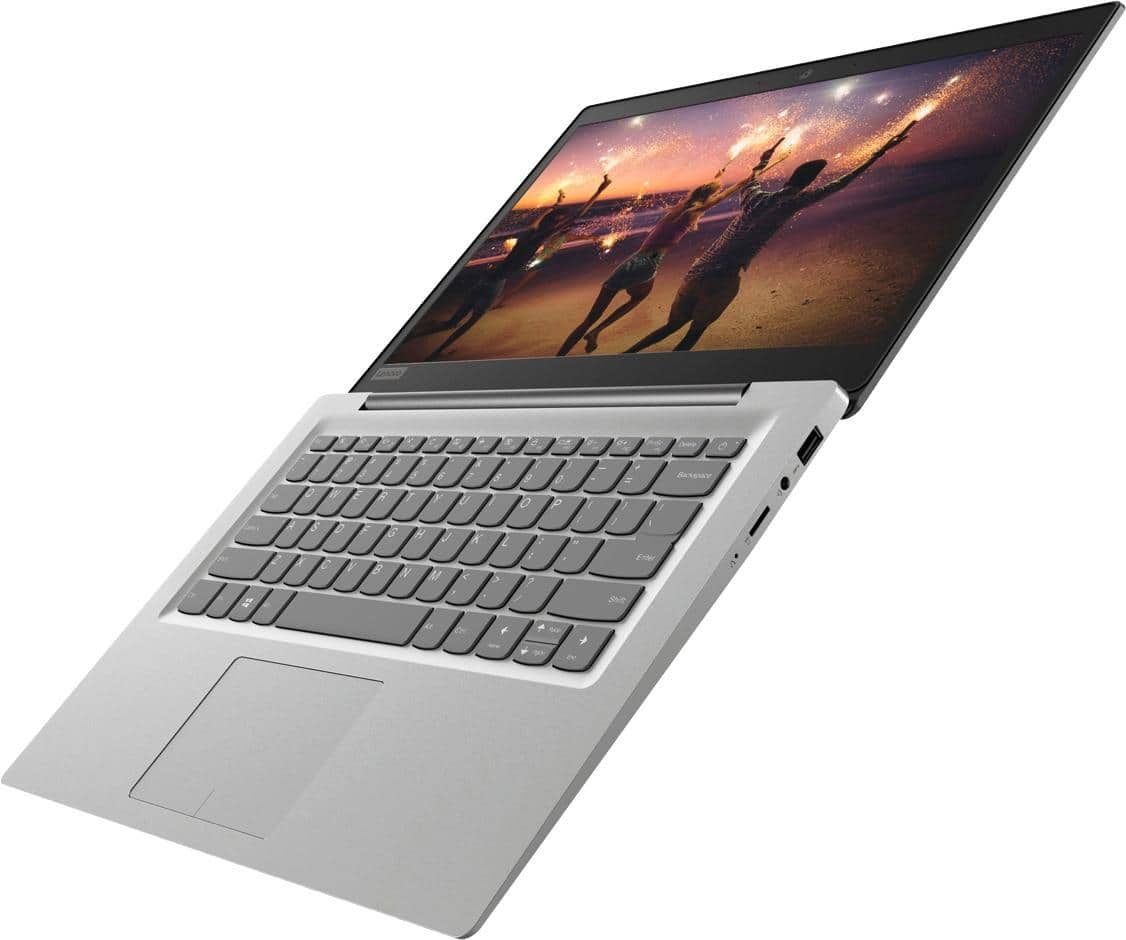
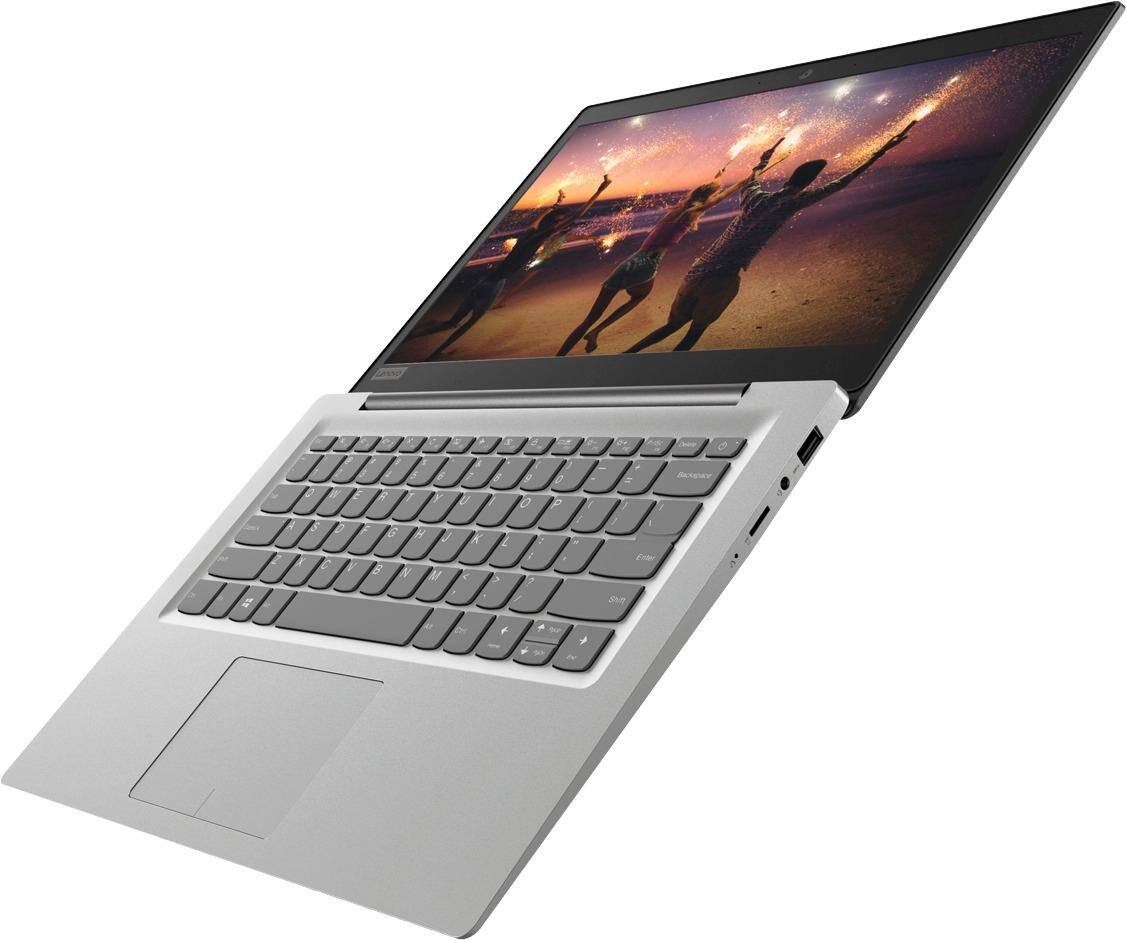
A:AnswerNo, this model is not upgradable. But if you need more storage space, there is a micro-SD card slot on the device that can be used to add storage space.
A:AnswerIt depends on the software you will be using to create the animation. We recommend you check with the animation software publisher's web site you will be using, for their compatibility with Windows 10 Home 64-bit operating system and the minimum/recommended hardware requirements (Is a Graphics card required, the processor speed and the minimum required system RAM and the minimum available hard drive space) to run their program, then compare those requirements to this system's configuration.