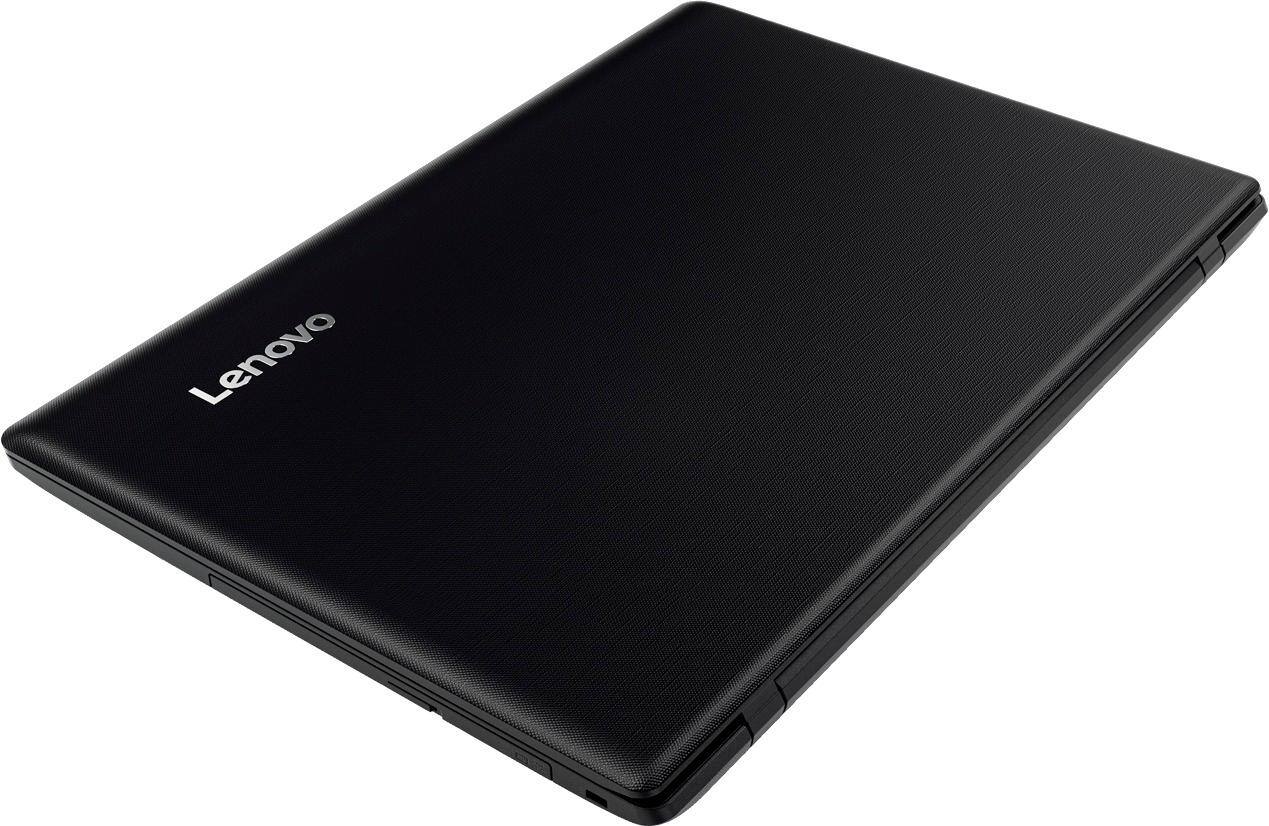
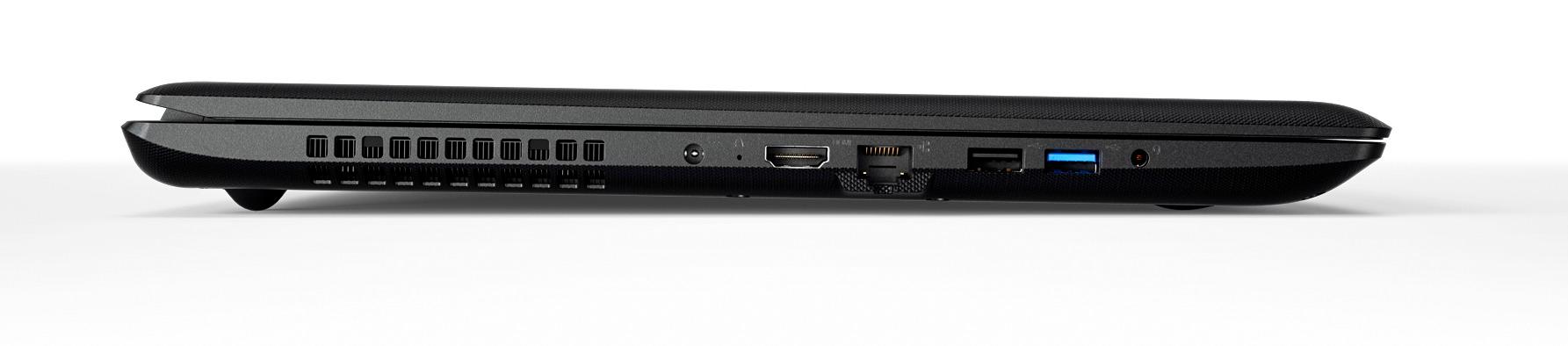
A:AnswerThis machine CAN run Overwatch, but you'll have to lower your graphics quality to "Fair," and you'll will still experience some framerate issues . . . but you can play.
A:AnswerThere is no specific dock made for this model. You can use a universal port replicator with this device to achieve similar results. The ThinkPad Pro Dock works with select ThinkPad models only.
A:AnswerThere is a 30-day trial of Microsoft Office 365 included as part of the Windows 10 operating system. In order to keep the program active after the trial period, you will need to purchase a product key. You will not need to download any additional software.
A:AnswerThe free item you get is "Webroot SecureAnywhere IS for 3 PC's/Mac 6 Month". You should get an email from GeekSquad that has a link for you to download it. That was what came with mine when I bought it on the same day as you.
A:AnswerThe built-in Windows Store app has movies to buy and rent. iTunes can be installed to buy movies as well. Finally, the Google Play store has movies for purchase and rent. Gift cards are available for all 3 stores.
A:AnswerThat will depend on the requirements of the streaming service and the speed of your internet connection. We recommend you check with the streaming service for their compatibility with Windows 10 Home 64-bit operating system and the minimum/recommended hardware requirements (Is a Graphics card required, the processor speed and the minimum required system RAM and the minimum available hard drive space) to run their program, then compare those requirements to this system's configuration. Also check with your internet provider for the connection speed of your service and make sure this meets the requirements of the streaming service as well.
A:AnswerI stream VUDU and Netflix on mine, just don't expect super resolution. It's has the lowest HD screen resolution like most low end laptops, but not blurry. Think 720P TV resolution.
A:AnswerThis model is not user upgradable. A certified technician must do all of the work, so as to not void the warranty. Check with your certified technician to see if the old hard drive is compatible with this device. Additionally, you may be able to get an external hard drive enclosure for your old drive and connect this system to the old drive externally by connecting through a USB port. Check with your certified technician.
A:AnswerIt really depends on the programs your daughter will be using. This is an entry level, light use system. It will be good for Microsoft Office programs, light internet browsing. We recommend you check with the games and software publisher's web sites for the programs your daughter will be using, for their compatibility with Windows 10 Home 64-bit operating system and the minimum/recommended hardware requirements (Is a Graphics card required, the processor speed and the minimum required system RAM and the minimum available hard drive space) to run their program, then compare those requirements to this system's configuration.
A:AnswerThat will depend on the compatibility of the docking station with non-HP laptops. We recommend you check the specifications of the docking station for compatibility.