A:AnswerThat will depend on the software programs you will be using and the requirements and compatibility of that specific software. We recommend you check with the specific software publisher's web sites for their compatibility with Windows 10 Home 64-bit operating system and the minimum/recommended hardware requirements (Is a Graphics card required, the processor speed and the minimum required system RAM and the minimum available hard drive space) to run their program, then compare those requirements to this system's configuration.
A:AnswerThat will depend on the requirements and compatibility of the game. We recommend you check with the game's software publisher's web site for their compatibility with Windows 10 Home 64-bit operating system and the minimum/recommended hardware requirements (Is a Graphics card required, the processor speed and the minimum required system RAM and the minimum available hard drive space) to run their program, then compare those requirements to this system's configuration.
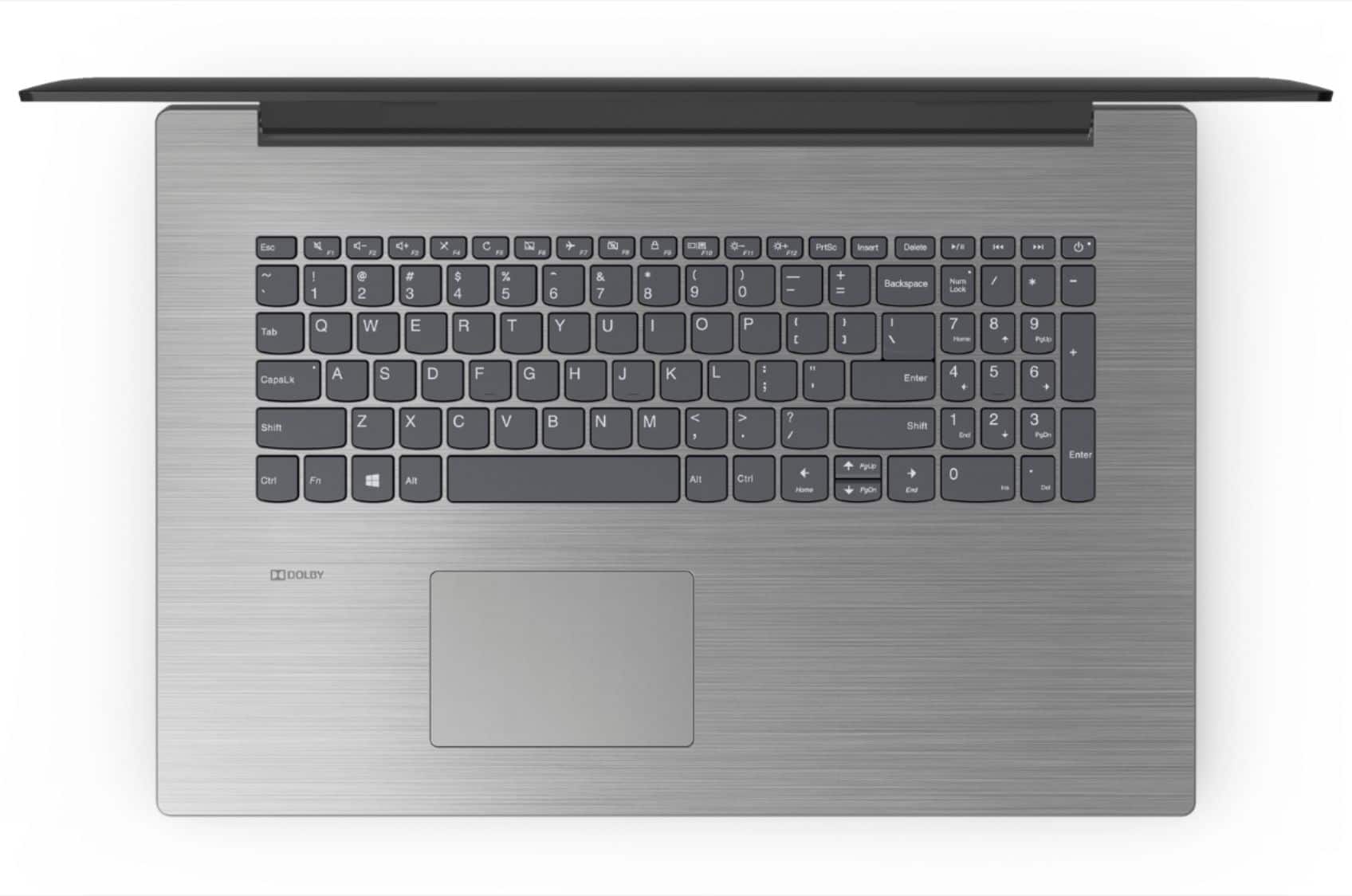
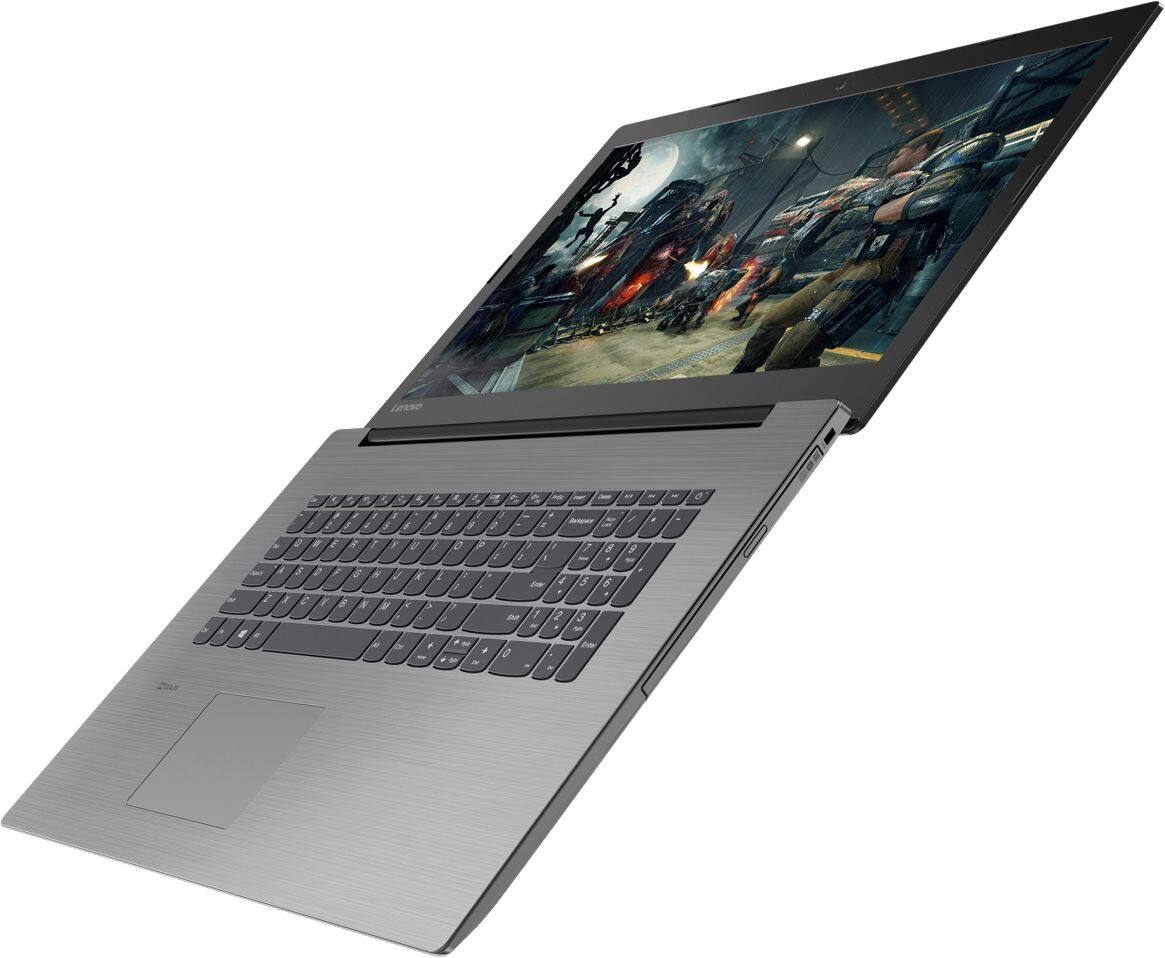
A:AnswerNo, unfortunately it does NOT> I was told on a different site that it DOES use backlights. Nope. I bought this unit and was very upset that it does NOT. I am used to backlit keyboards. It is a disaster not to have them. UGH
A:AnswerThis is not a gaming PC. Depends on which game you want to play, but if you are thinking of real games (not browser-based ones) then it's not a good option.
A:AnswerIt will depend on whether your printer is compatible with Windows 10 operating system. Check with the printer manufacturer's web site for this compatibility. You will need to install Windows 10 drivers for the printer on this computer. You can register your new Lenovo computer here: https://support.lenovo.com/us/en/productregistration
A:AnswerThat will depend on the software you will be using and the software's requirements and compatibility. We recommend you check with the software software publisher's web site for their compatibility with Windows 10 Home 64-bit operating system and the minimum/recommended hardware requirements (Is a Graphics card required, the processor speed and the minimum required system RAM and the minimum available hard drive space) to run their program, then compare those requirements to this system's configuration.
A:AnswerThat really depends on the specific software's requirements and compatibility. We recommend you check with the software publisher's web site for their compatibility with Windows 10 Home 64-bit operating system and the minimum/recommended hardware requirements (Is a Graphics card required, the processor speed and the minimum required system RAM and the minimum available hard drive space) to run their program, then compare those requirements to this system's configuration.
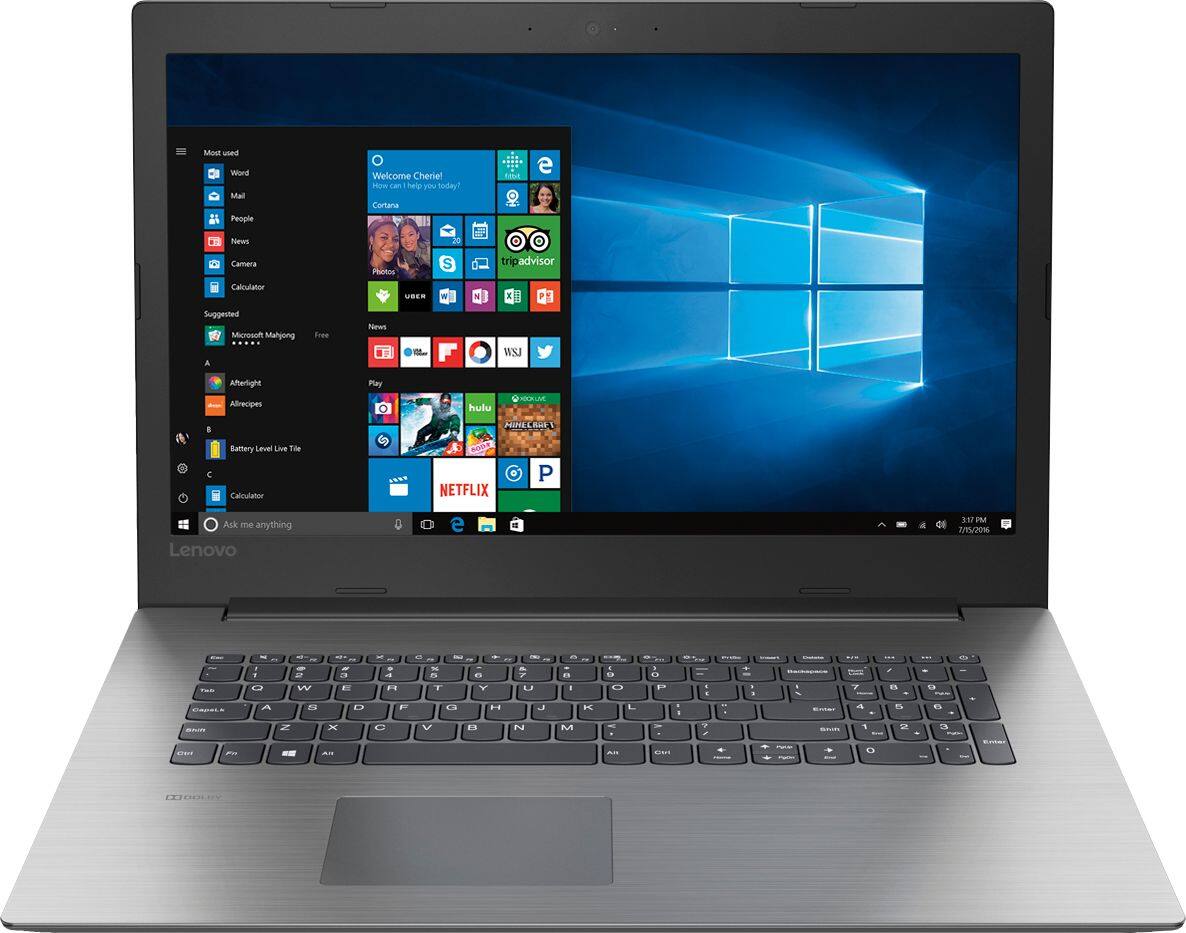
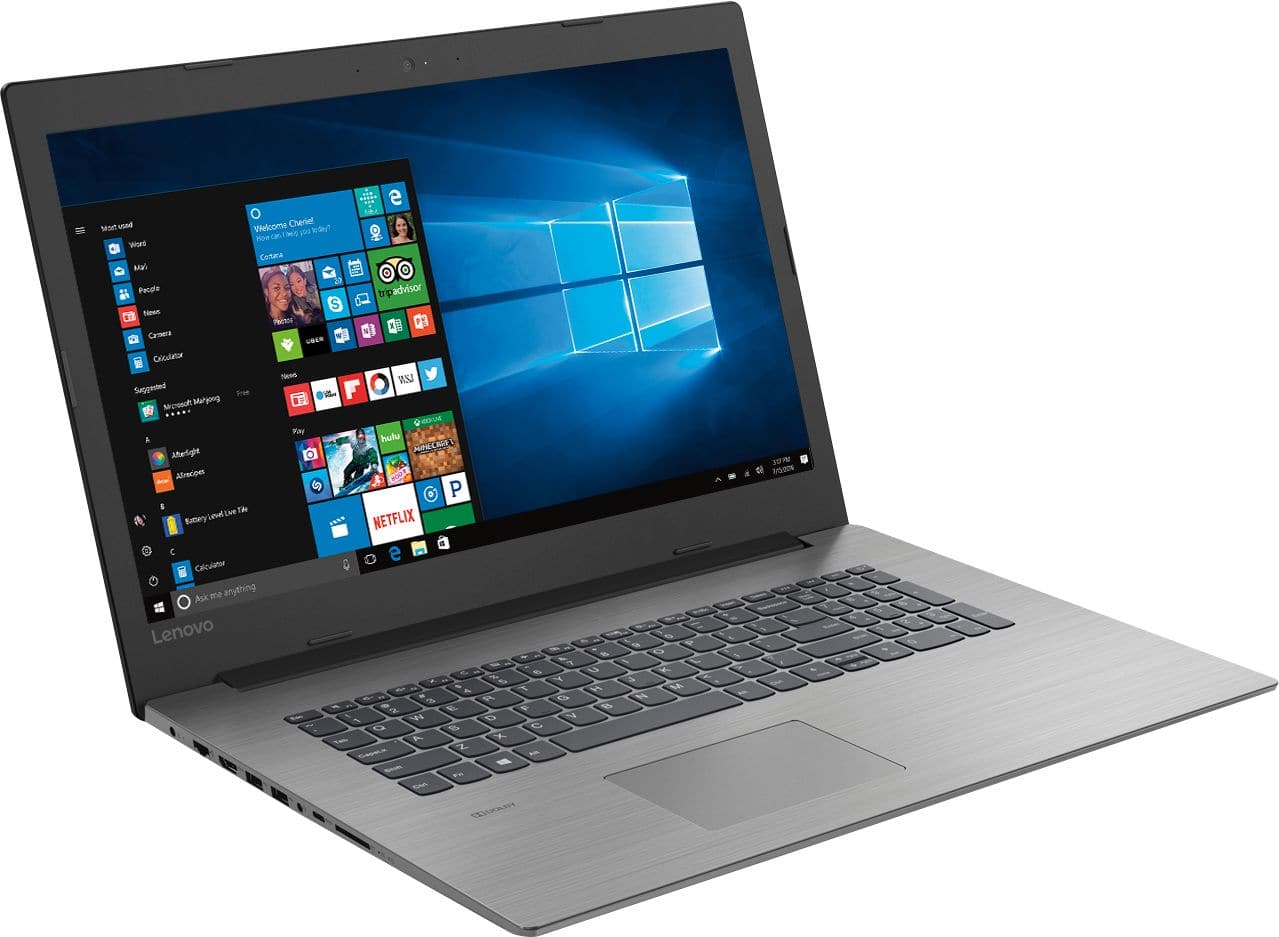
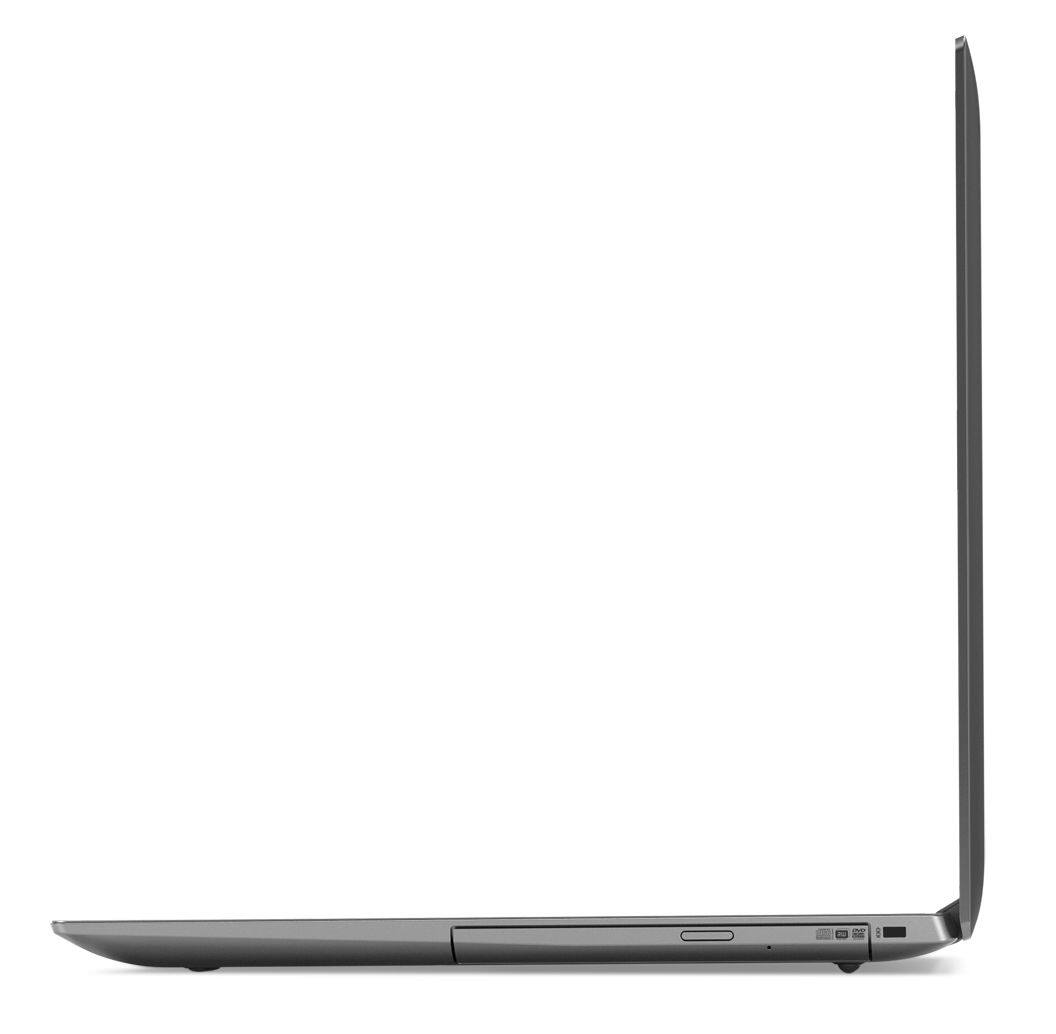
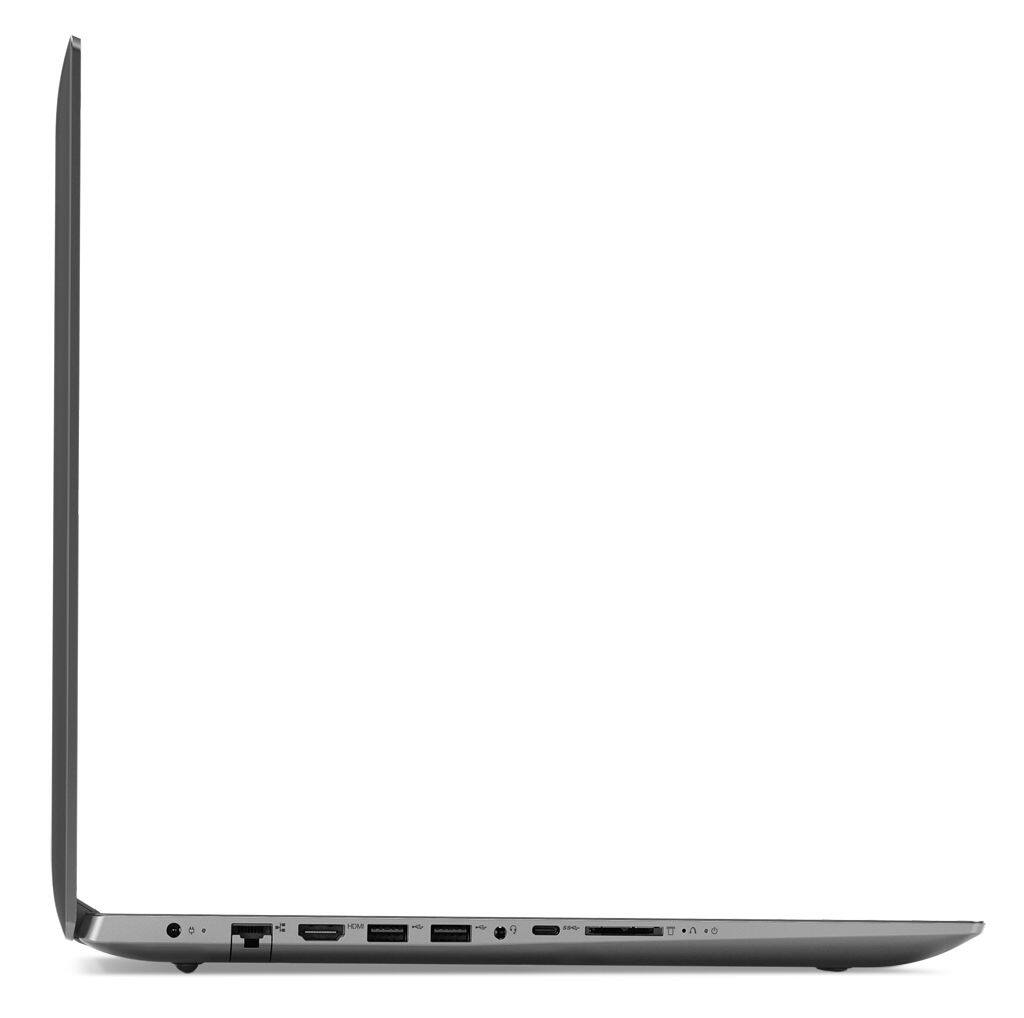
A:AnswerThis model has two standard USB 3.0 ports, one USB-c port, one HDMI-Out port, one combo headphone/MIC 3.5mm port, there is a 4 in 1 (SD, SDHC, SDXC, MMC) SD card reader.
A:AnswerThat will depend on the requirements and compatibility of the software you will be using. We recommend you check with the specific software publisher's web sites, for the software you will be using, for their compatibility with Windows 10 Home 64-bit operating system and the minimum/recommended hardware requirements (Is a Graphics card required, the processor speed and the minimum required system RAM and the minimum available hard drive space) to run their program, then compare those requirements to this system's configuration.
A:AnswerThat really depends on the requirements and compatibility of the specific programs you will be using. We recommend you check with the software publisher's web sites for their compatibility with Windows 10 Home 64-bit operating system and the minimum/recommended hardware requirements (Is a Graphics card required, the processor speed and the minimum required system RAM and the minimum available hard drive space) to run their program, then compare those requirements to this system's configuration.
A:AnswerI believe the warranty cannot be voided by repairing or upgrading yourself, electronics right to repair act. https://en.wikipedia.org/wiki/Electronics_right_to_repair
A:AnswerHonestly I wouldn't be able to answer your question because my brother uses this laptop mainly for school work and personal use. I'm pretty sure it would be good for gaming even though it is not a gaming laptop due to having high memory, an i5 intel chip, and an awesome graphics card. I hope this answer helped you out as I tried to answer it the best I can.
A:AnswerThat really depends on the requirements and compatibility of the specific game. We recommend you check with the game's software publisher's web site for their compatibility with Windows 10 Home 64-bit operating system and the minimum/recommended hardware requirements (Is a Graphics card required, the processor speed and the minimum required system RAM and the minimum available hard drive space) to run their program, then compare those requirements to this system's configuration.