A:AnswerIdeaPad 3 Chromebook will receive Google Automatic updates through: Jun 2026*
*After June 2026, managed devices with either Chrome Education Upgrade or Chrome Enterprise Upgrade will continue to receive security and management updates and support (but no new feature updates) until June 2027.
A:AnswerThe Lenovo Chromebook 3 11 model number 82H40000US uses Google Docs for office type programs. Google Docs is completely compatible with Microsoft Office Programs and this is a free service through the Google Server. If you must have the actual Microsoft Office Programs, you can purchase Microsoft Office 365 for this Chromebook at the Google Play Store.
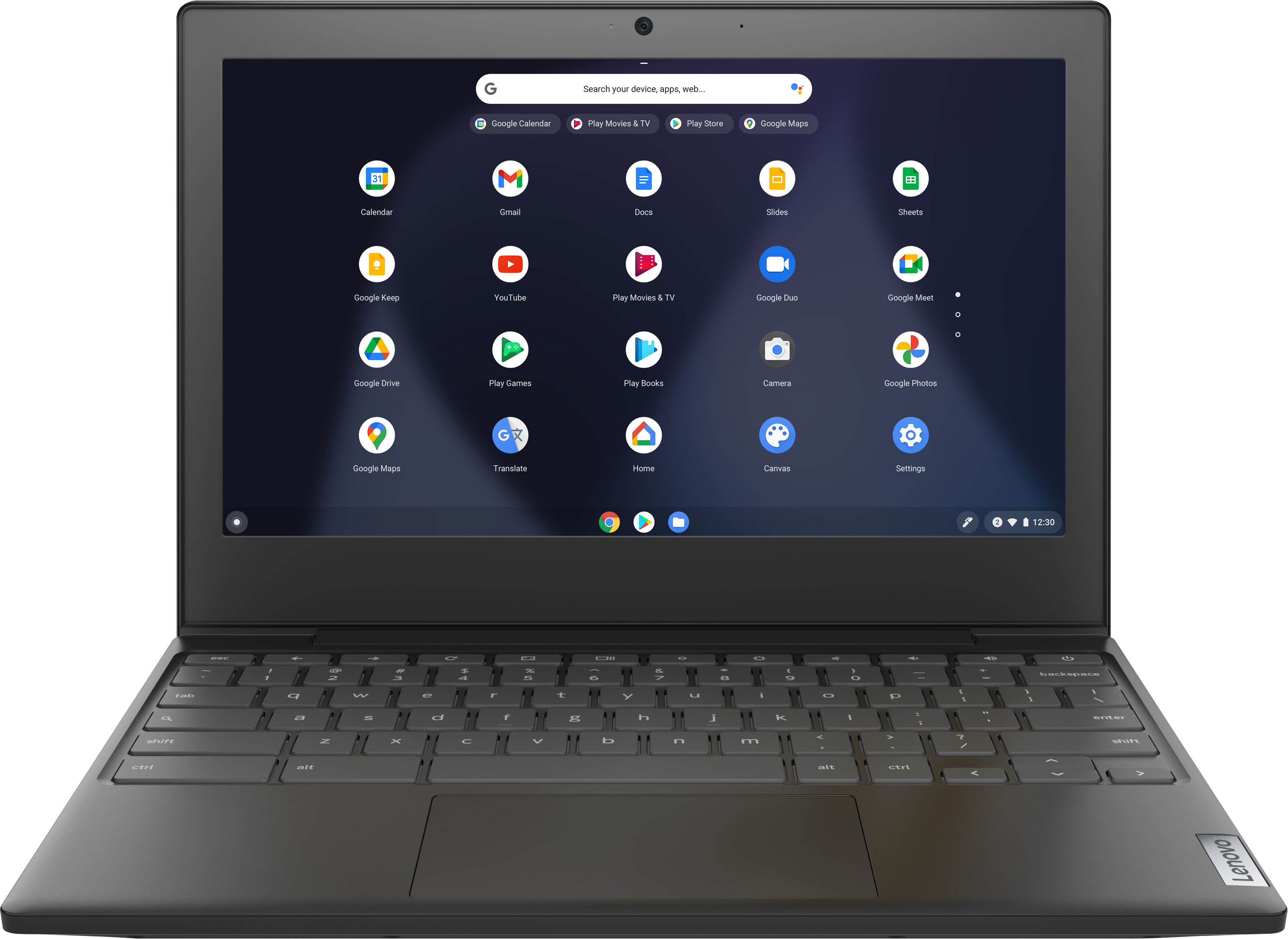
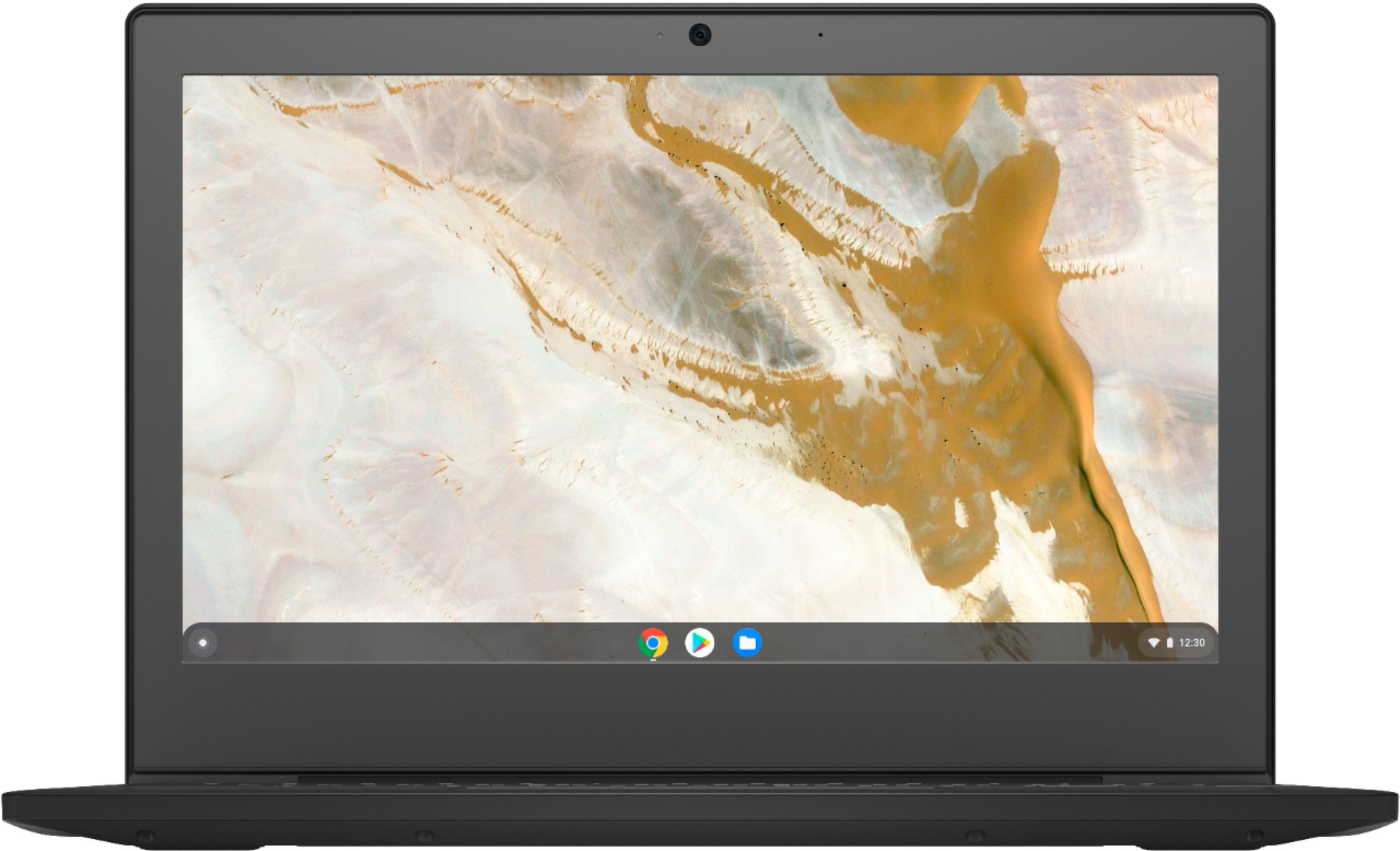
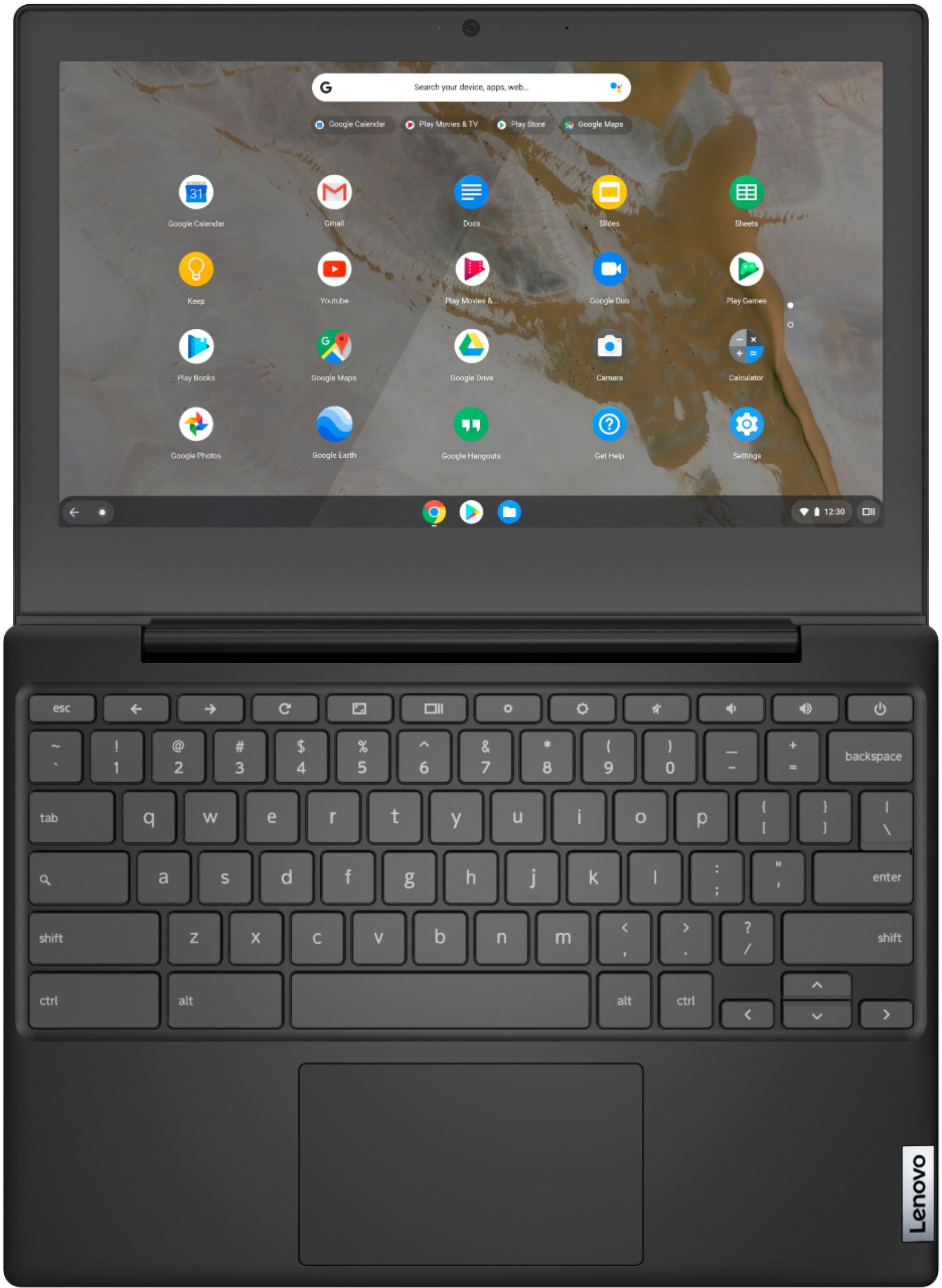
A:AnswerThe Lenovo Chromebook 3 11 model number 82H40000US, was first available for sale on: 2020-08-10. This model ships with a 11.6 inch (screen size measured diagonally) TN - HD (1366x768) screen, with a brightness level of 250 nits and has an Anti-glare coating.
A:AnswerNo. The Lenovo Chromebook 3 11 does not have cellular broadband capability, only 2x2 802.11AC WiFi. It can connect to the WiFi signal generated by a cellular HotSpot.
A:AnswerYou can view PDF files in Chrome OS, but it is not easy to edit them. There is a Chrome extension, Kami, which should allow you to read/write PDF files. This Chromebook has Google Docs, or you can download Google Docs for free from the Google App store to it. Microsoft Office 365 is available for download for Chrome OS, or you might be able to use the Web version and save your papers to the cloud. LibreOffice, a free word processor, may be available for download to Chrome, and should allow you to read/write PDF files. Hope this helps.
A:AnswerThe Lenovo Chromebook 3 11 model number 82H40000US, ships with 802.11ac frequency WiFi which will connect to your router, broadcasting a WiFi signal of either a/b/g/n/ac frequency WiFi. Although there is no built in ethernet port, you can connect this Chromebook to an ethernet cable by using a USB to ethernet adapter like this one: https://www.bestbuy.com/site/insignia-usb-to-ethernet-adapter-white/6418345.p?skuId=6418345
A:AnswerHi Joan, thank you for your question. The Lenovo Chromebook 3 11" does not have an ethernet port. It does ship with WiFi connectivity. To use an ethernet connection you will need a USB-C or USB-A to ethernet adapter like this one https://www.bestbuy.com/site/insignia-usb-type-c-to-gigabit-ethernet-adapter-white/6058900.p?skuId=6058900
A:AnswerThe Lenovo Chromebook 3 11 model number 82H40000US, ships with a 3CELL_47WH_INTERNAL, Lithium Polymer Battery, which within this configuration, has a battery life of up to 10 hours, depending on the work the device is performing.
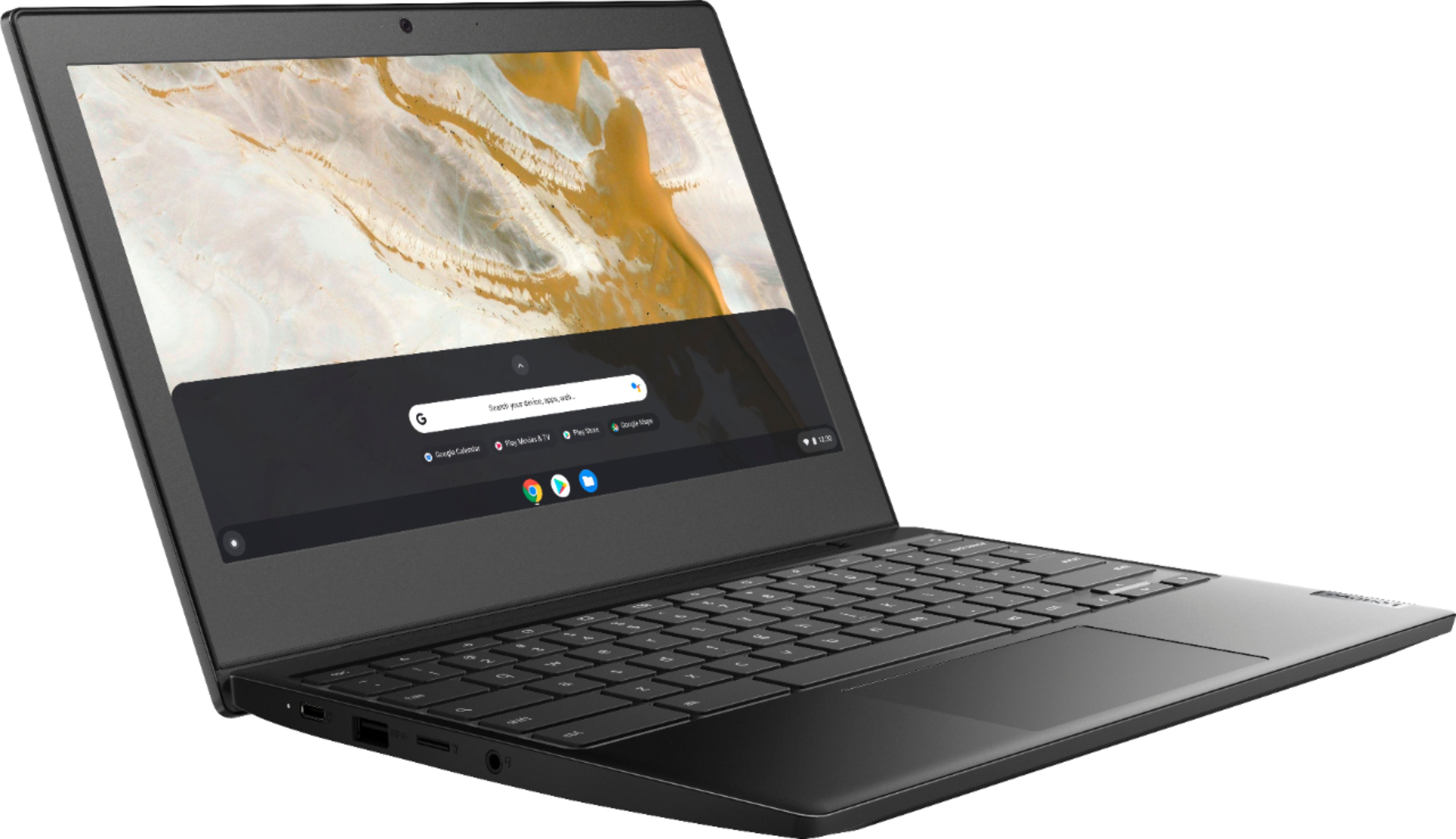
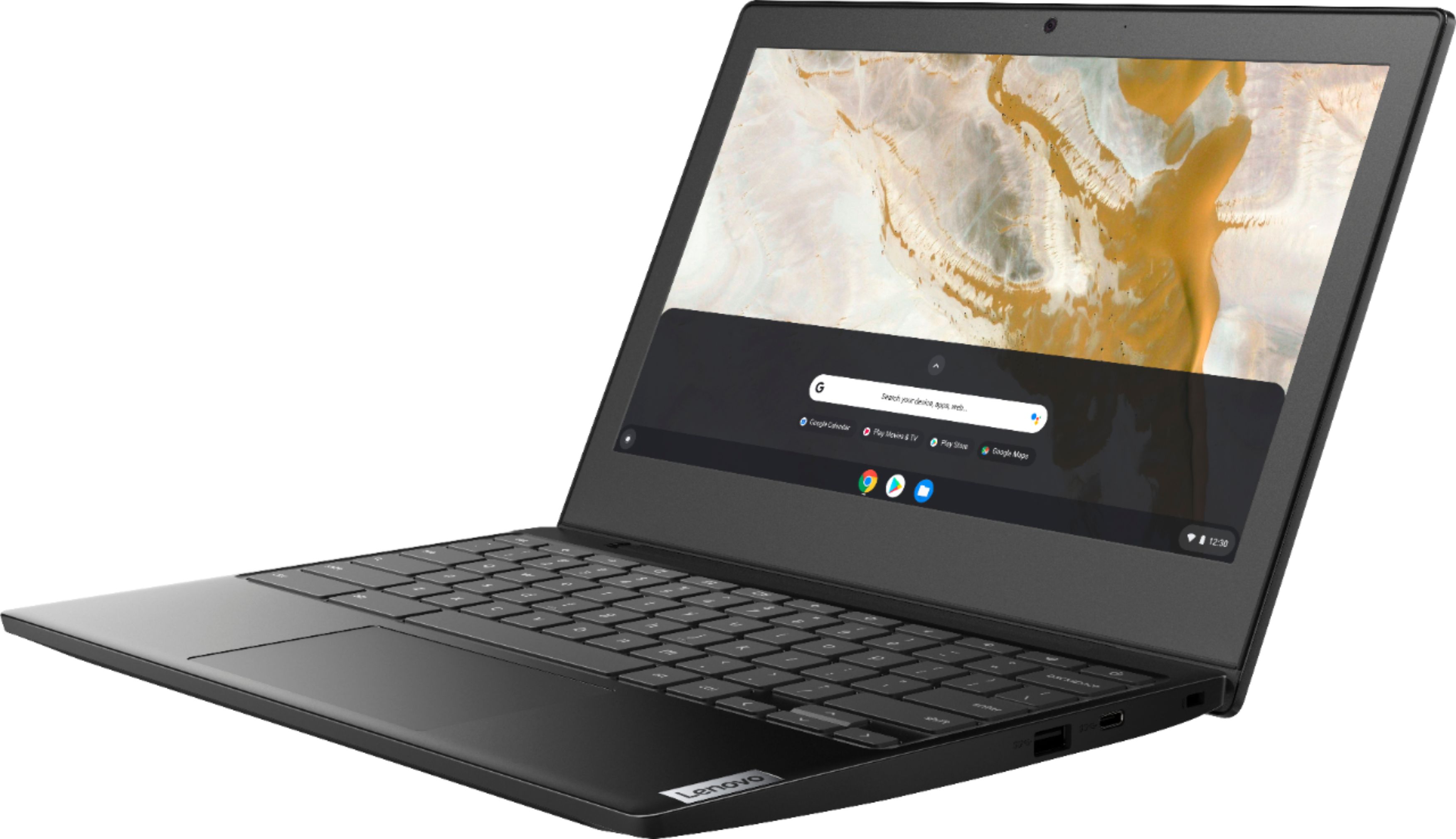
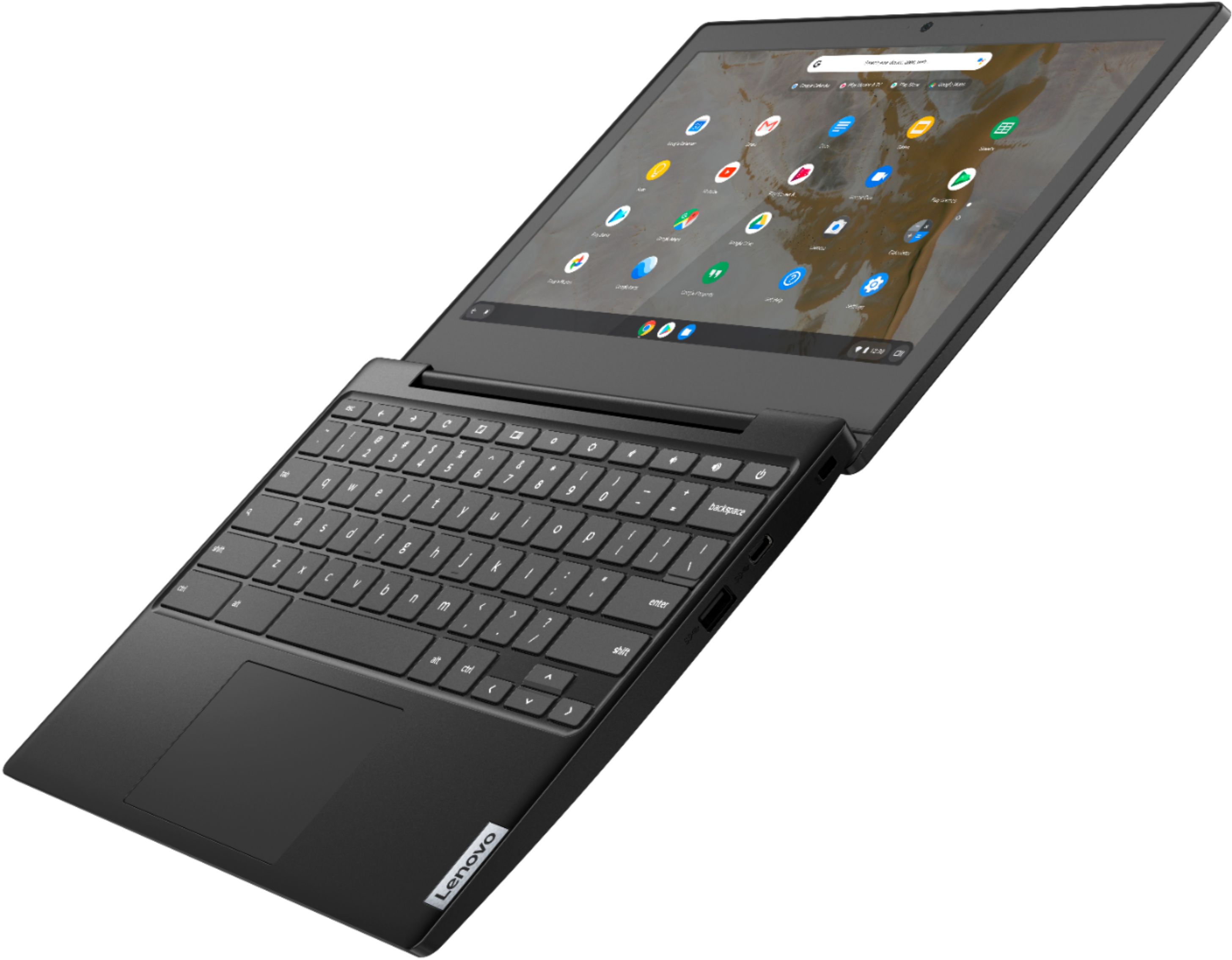
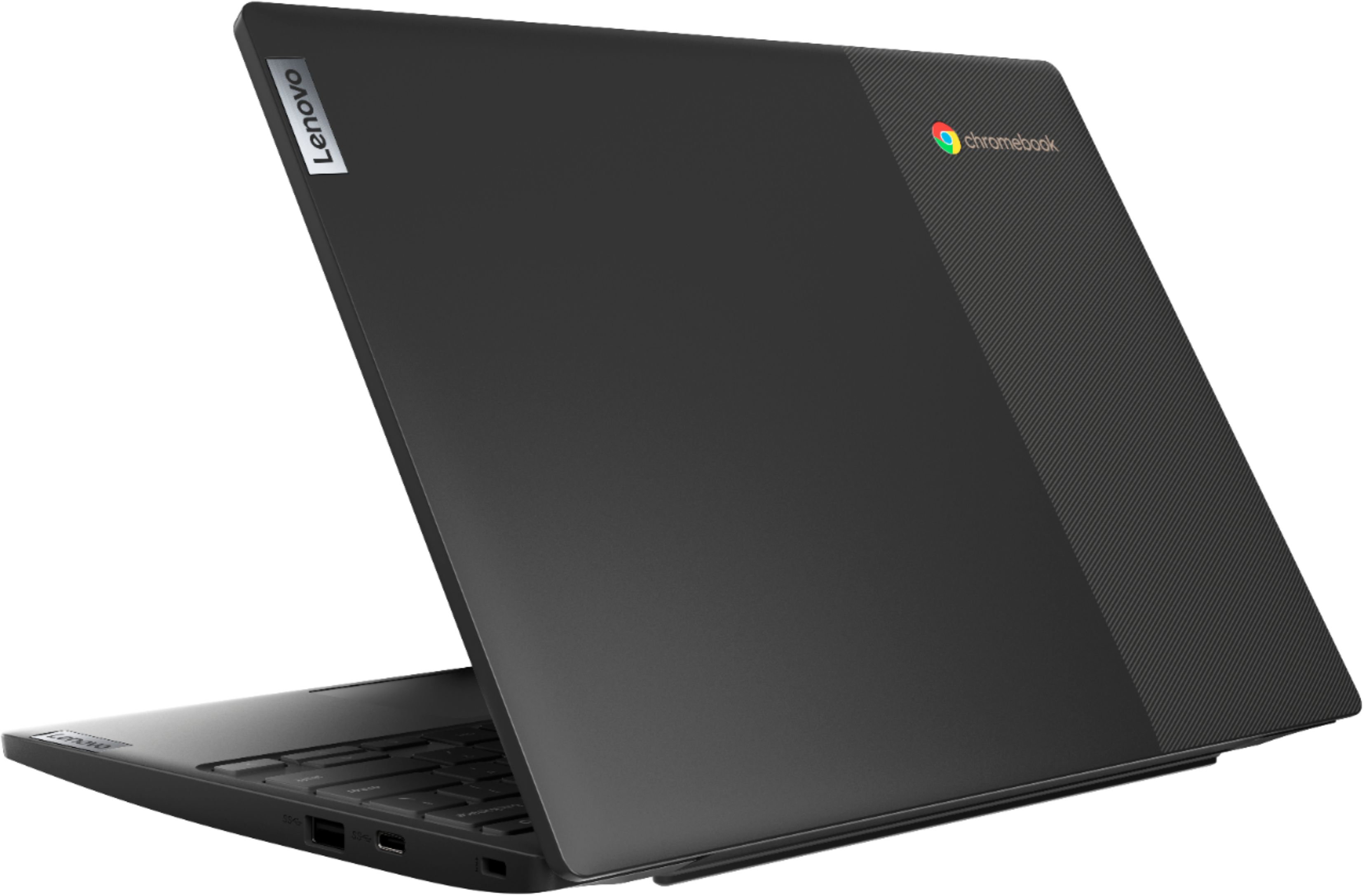
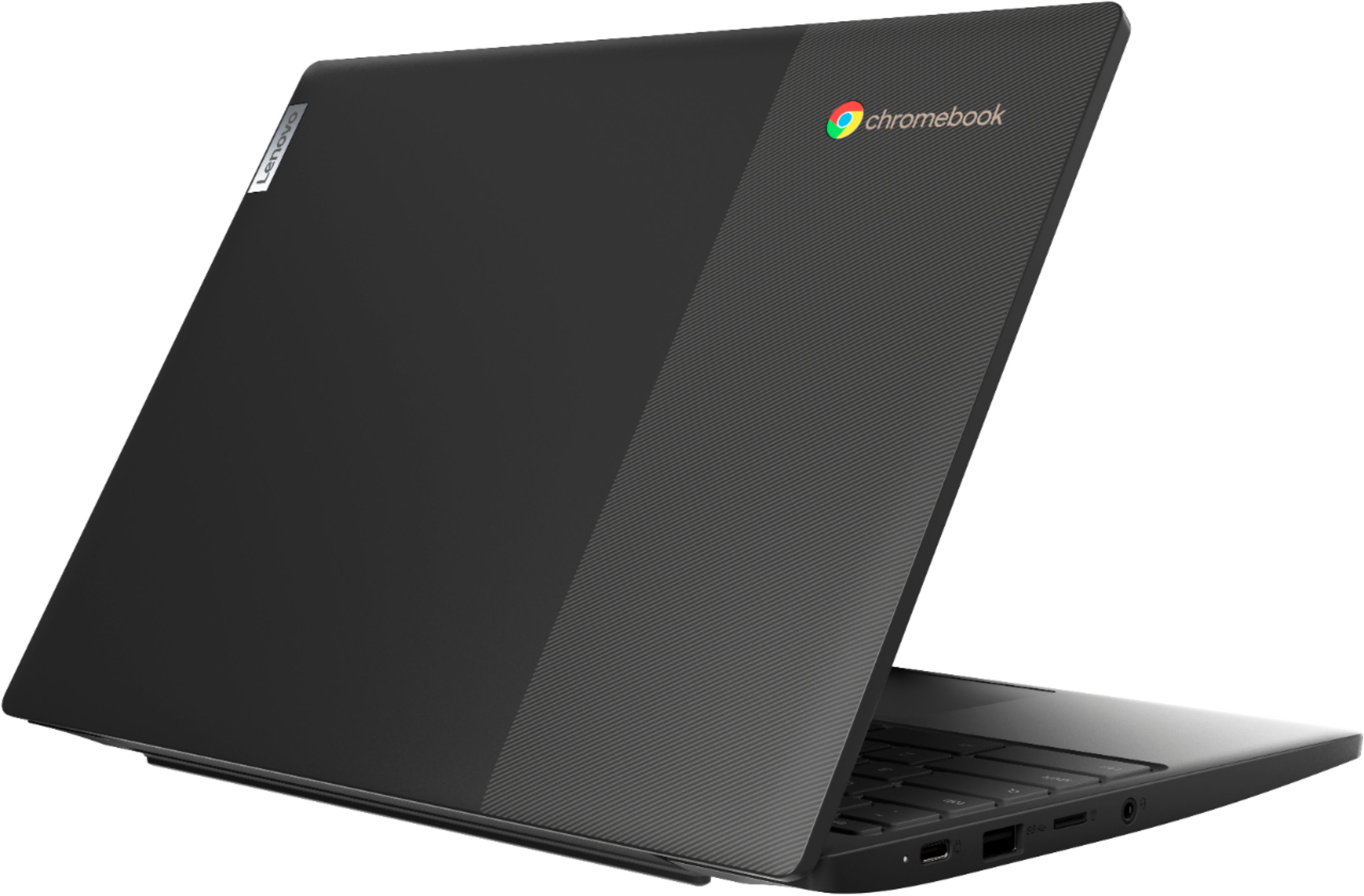
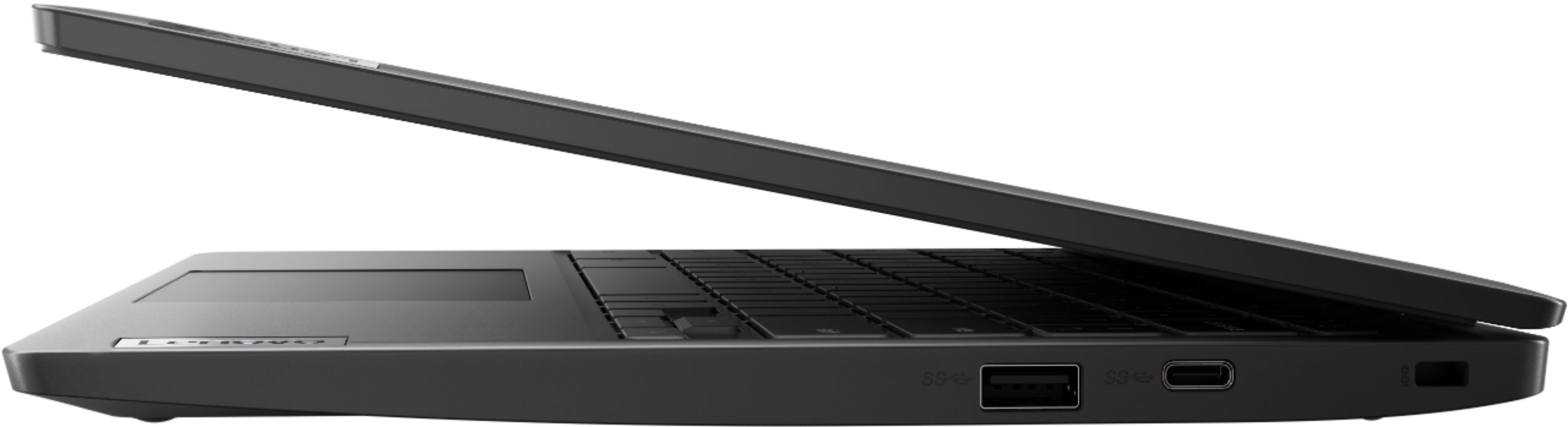
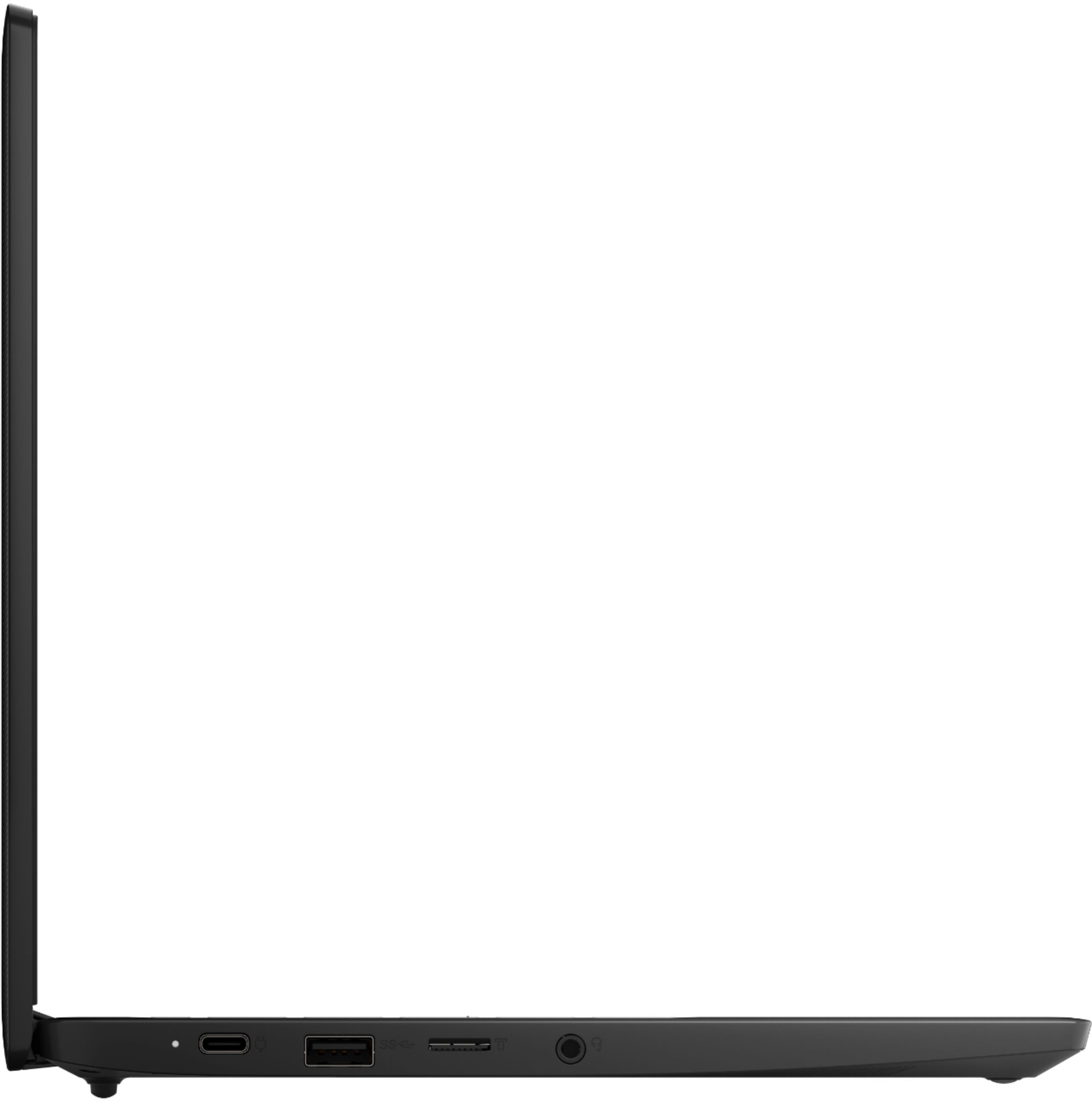
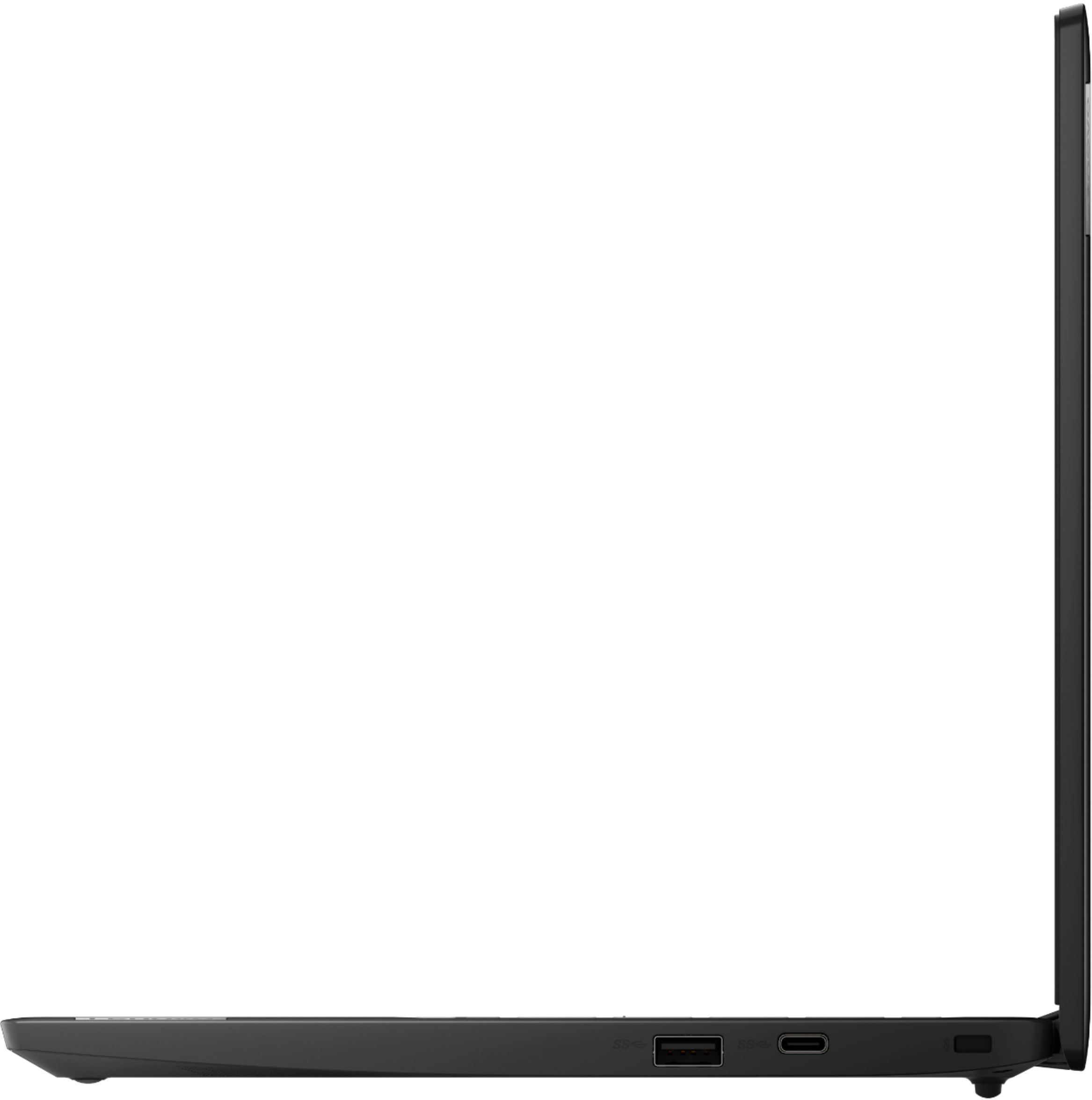
A:AnswerHello, thanks for your question. The Lenovo Chromebook Flex 3 11" Chromebook model # 82H40000US features the following ports. 1x card reader,
2x USB-C 3.2 Gen 1 (support data transfer, Power Delivery and DisplayPort 1.2),
1x headphone / microphone combo jack (3.5mm),
2x USB 3.2 Gen 1
A:AnswerYep! That's what I got mine to do. Recommended distro for chromebooks is gallium. Be sure to back up any personal data on the chromebook if you already started using it, though- it WILL be wiped. You could also boot linux from the SD card, or dual boot chrome OS and your distro of choice.
A:AnswerAll Chromebooks receive free virus protection software from the Google Server, which is updated every time the Chromebook connects to the internet.
A:AnswerThis laptop uses a USB-C charger. Power rates 45W. (Or 65W, need to check the spec of your original charger.) https://www.adapter-laptop.com/home/4740-lenovo-45w-usb-c-ac-adapter-charger-0191200521577.html