A:AnswerLenovo is incorrect: you can screen record with Windows Game Bar, which has a built-in (limited) video editing feature. You can also edit programs like Word, Excel, etc. For advanced or extensive photo and video editing, however, check the specific software you want to use, or, if you are too lazy to do that, spend the extra money and buy a computer with a separate video card.
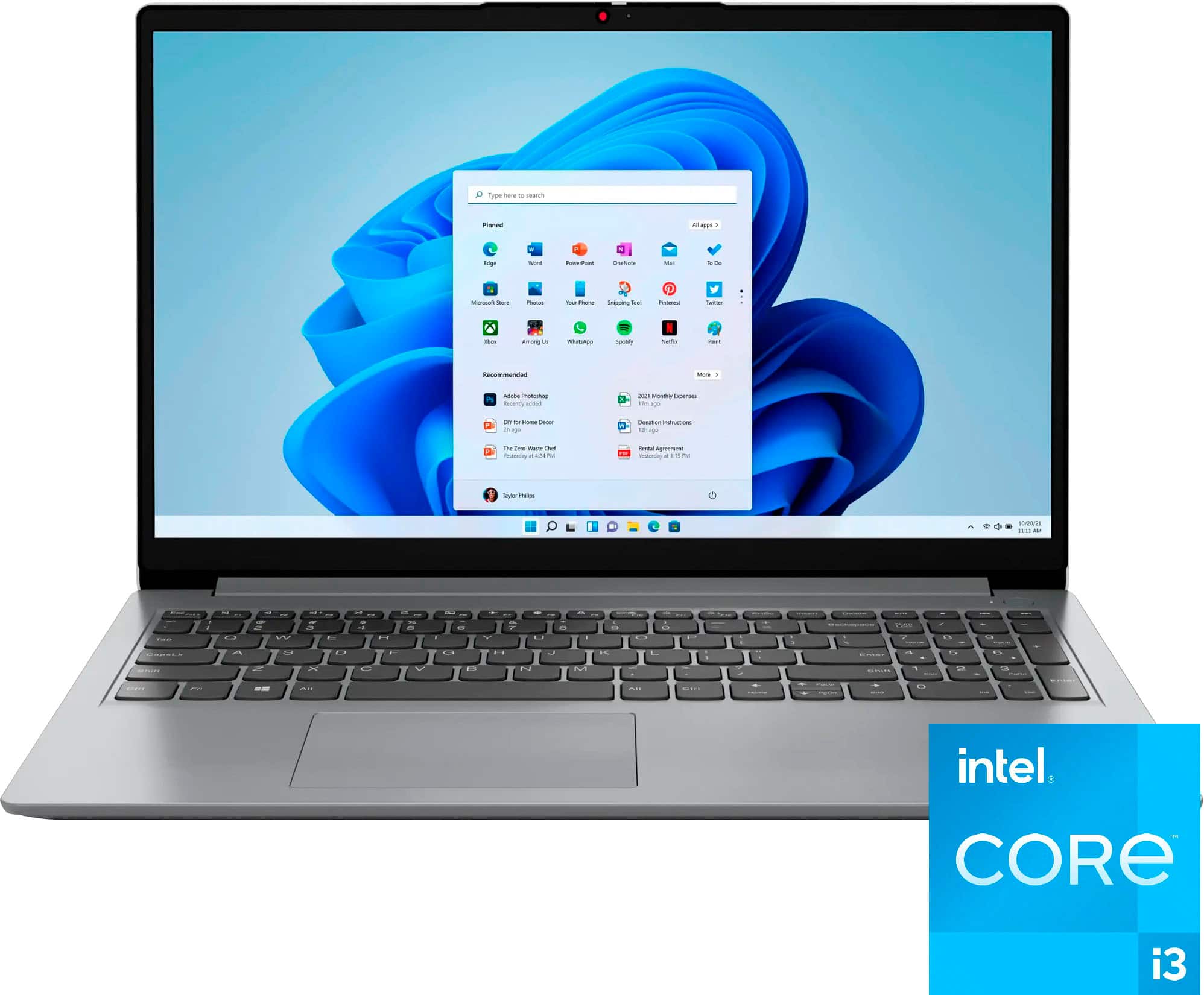
A:AnswerS MODE is Microsoft's answer to the Google Chrome OS. It prevents applications from being downloaded unless they are in the Microsoft Store ("S" is therefore for Safety or Store, as you please), where only Microsoft-tested and approved apps will be found. As a byproduct, if you keep your OS in S Mode, you will find comparatively slightly better battery life and speed.
A:AnswerHey, bebe. This model comes with Microsoft Office built-in to the Windows 11 operating system; however, without purchasing a long-term Office solution, such as Microsoft 365, only a 30-day trial can be activated out of the box. Here is a link to the Microsoft Office landing page on bestbuy.com to learn more about your Office options: https://www.bestbuy.com/site/microsoft/microsoft-office/pcmcat748300511466.c?id=pcmcat748300511466
A:AnswerGreetings from the Intel team. Thank you for your question.
Yes, based on the product specifications reference (PSREF), the Laptop's power adapter has the following specifications: 65W round tip (3-pin) AC adapter, 100-240V, 50-60Hz; however, you may need a plug adapter for a specific region (UK/EU).
For further information, check the PSREF:
https://psref.lenovo.com/Product/IdeaPad/IdeaPad_1_15IAU7
For detailed information about the Intel® Core™ i3-1215U Processor, visit:
https://ark.intel.com/content/www/us/en/ark/products/226263/intel-core-i3-1215u-processor-10m-cache-up-to-4-40-ghz.html
Thank you for choosing Intel! Emilio_Intel
A:AnswerHey, Tone. We understand where you're coming from and that will depend on any requirements you may have to meet with any software need, if you may like to multi-tasking while working, and other factors. It could work for you, but we like to be confident in our recommendations and since there are many questions that need answers in helping to ensure you are satisfied with your computer, we recommend going into Best Buy stores and working with an advisor to get expert help or you can virtually shop with an expert online via this Best Buy online link: https://www.bestbuy.com/services/triage/shopping?cat=cnt&subcat=comp
A:AnswerGreetings from the Intel team. Thank you for your question.
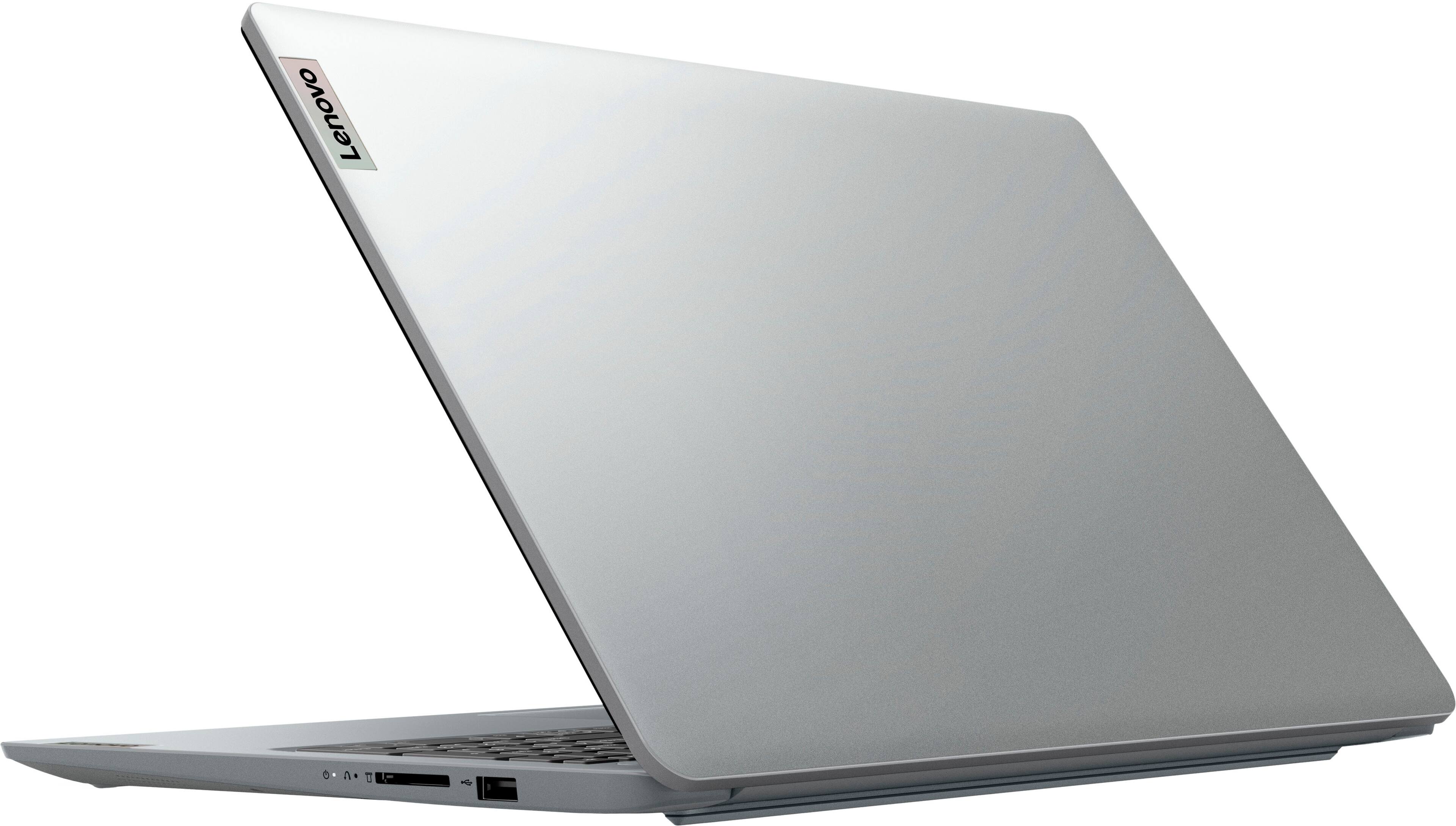
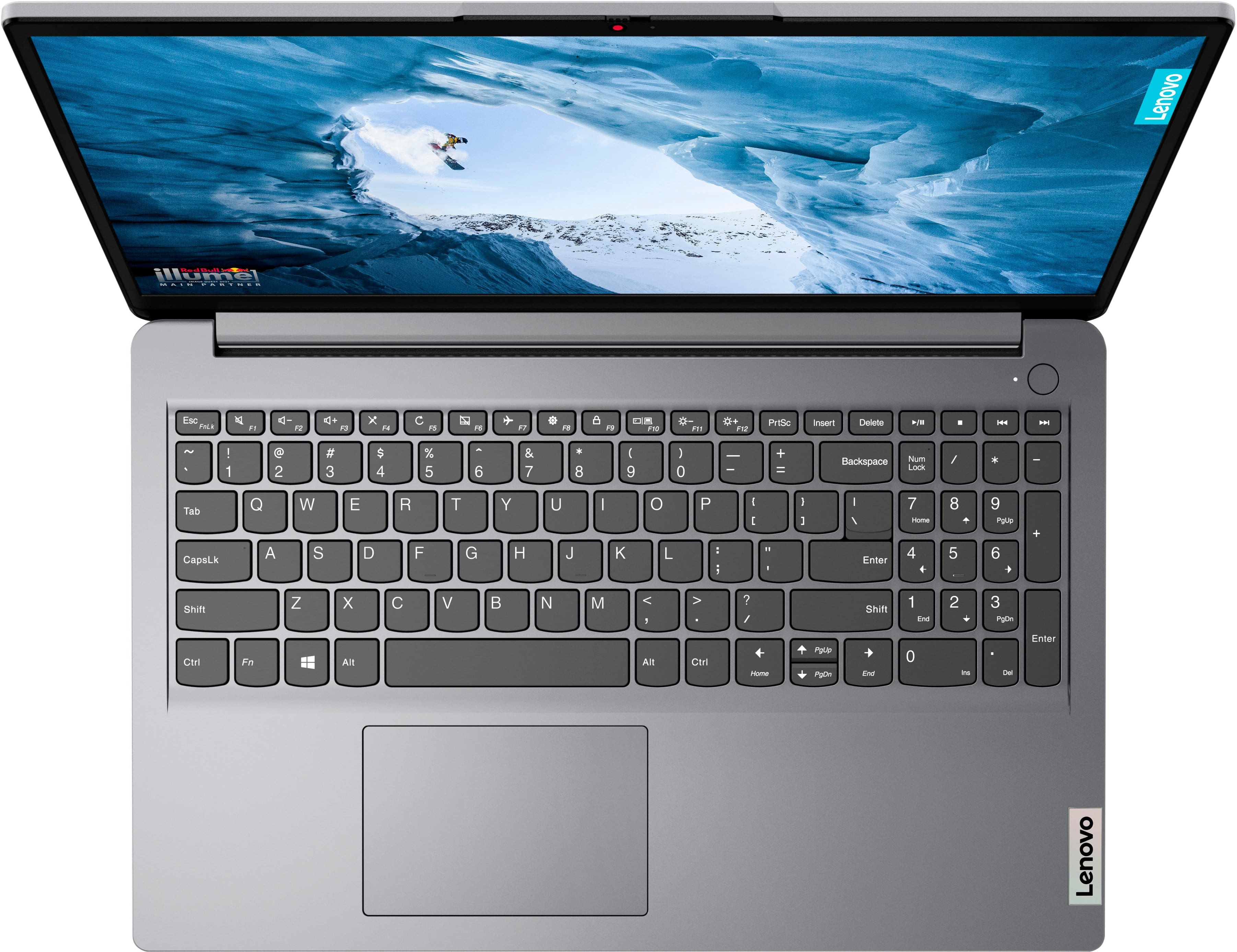
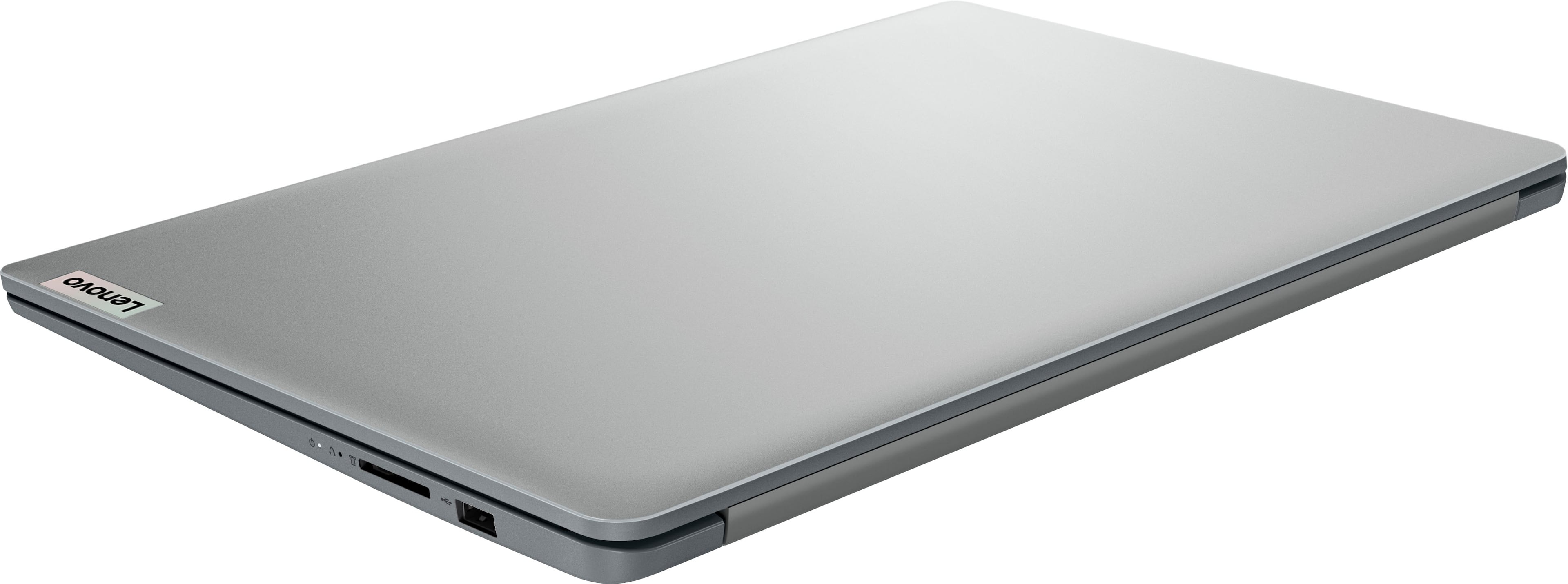
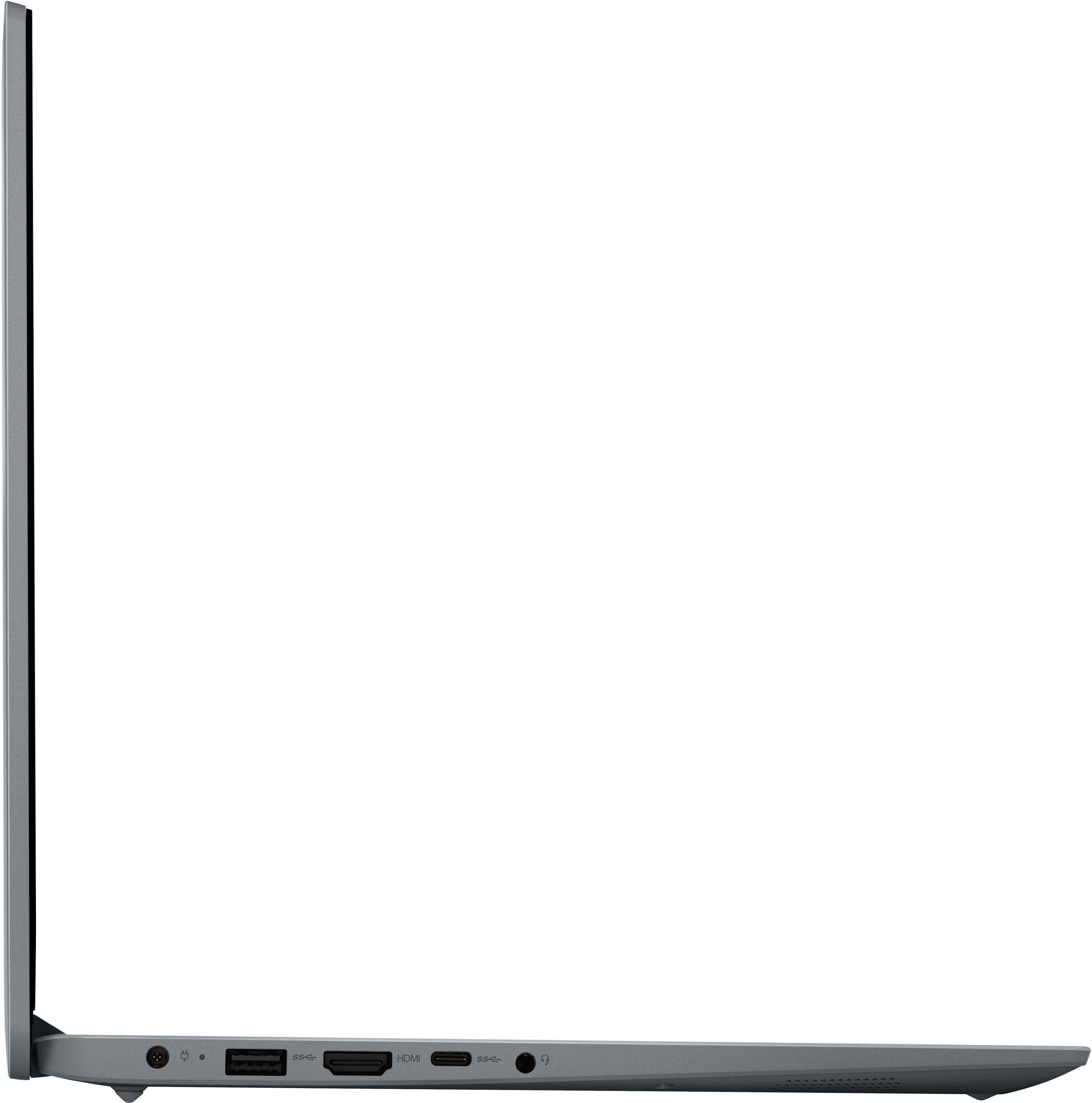
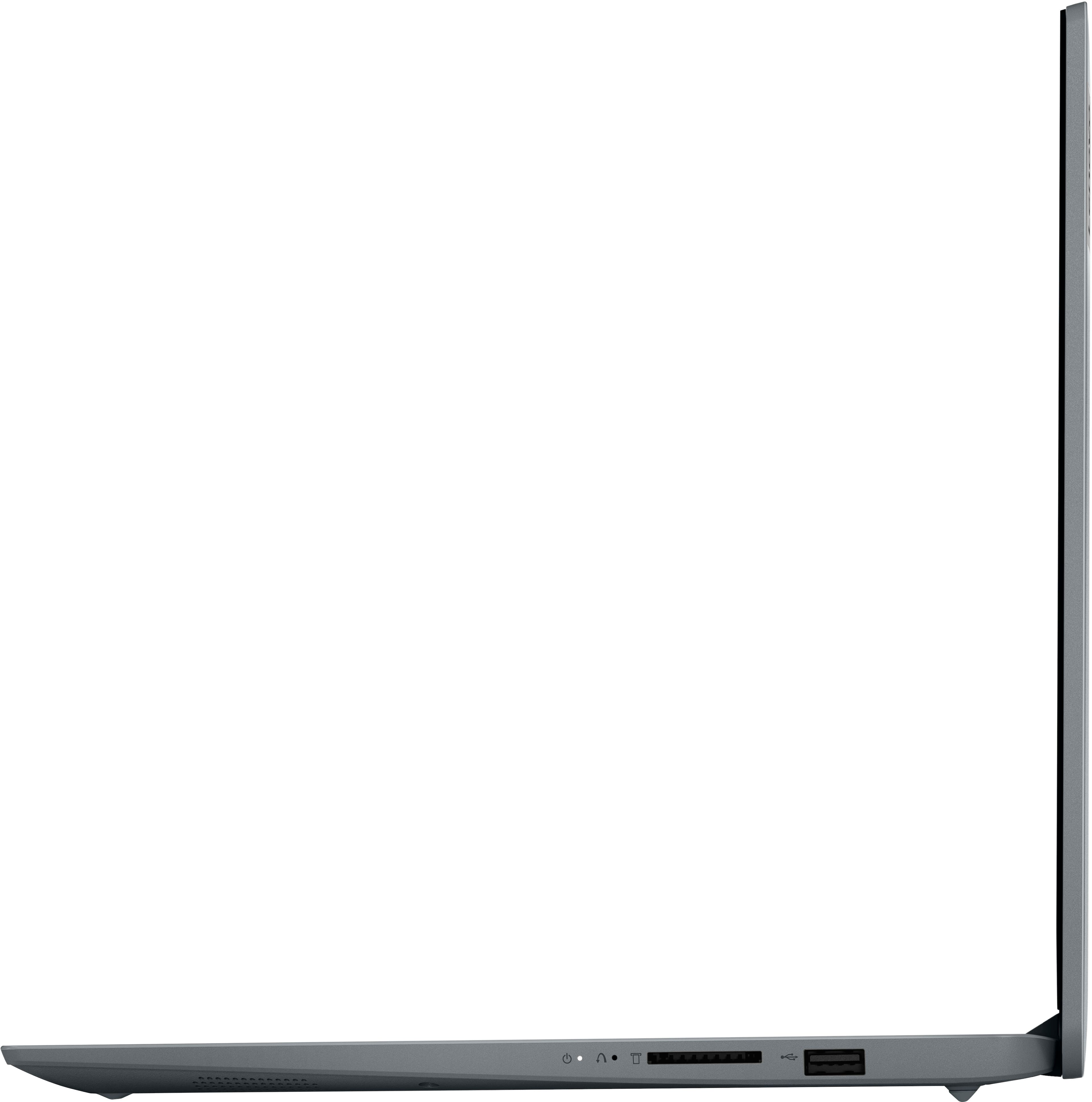
Yes, a wireless mouse can be used with this Laptop via a USB port; the Laptop has the following USB ports: 1 x USB-A 2.0, 1 x USB-C 3.2, 1 x USB-A 3.2.
For detailed information about the Intel® Core™ i3-1215U Processor, visit:
https://ark.intel.com/content/www/us/en/ark/products/226263/intel-core-i3-1215u-processor-10m-cache-up-to-4-40-ghz.html
Thank you for choosing Intel! Emilio_Intel
A:AnswerHey, thank you for your question. So long as the power station can deliver about 45 watts of power and you use the power adapter that comes with this IdeaPad, it should work.
A:AnswerThere's a chance it could work, but it's not likely. Here's a link to a webpage (https://www.blender.org/download/requirements/) detailing the minimum and recommended system requirements for Blender. This system falls short of the 2GB VRAM requirement. We recommend choosing a system that aligns most with the minimum or recommended system requirements, maybe somewhere in-between, to help ensure you have the best user experience with this more intensive software.
A:AnswerHi, thank you for your question. If you are referring to the camera, it is HD, 720p, and if you are referring to the display its FHD, 1920x1080p.
A:AnswerHi, Sue. Yes, you can print using this IdeaPad. Also, it should work with your printer, based off the specifications from this Canon site (https://support.usa.canon.com/kb/index?page=content&id=ART117356) for your printer. You will have to install the necessary drivers for your printer to the laptop.
A:AnswerHi, thank you for your question. Based on Adobe's system requirements posted on this site (https://helpx.adobe.com/lightroom-cc/system-requirements.html), this IdeaPad does not have the specification and features necessary for you to use Lightroom smoothly. We recommend reviewing the requirements that are listed on the site linked above, then comparing it with the specifications of any computer you are interested in to help ensure you find the right fit for your needs.
A:AnswerHi, thank you for your question. Based off the system requirements listed at the bottom of each software page on Steam, these should all run on this IdeaPad.
A:AnswerGreetings from the Intel team. Thank you for your question.
No, based on the product specifications reference (PSREF), the Lenovo Ideapad 1i model 82QD00DHUS doesn't feature Pen support; for further information, check the PSREF:
https://psref.lenovo.com/Product/IdeaPad/IdeaPad_1_15IAU7
Not all devices support stylus input, so it's essential to check the specifications of your device before purchasing a stylus.
For detailed information about the Intel® Core™ i3-1215U processor, visit:
https://ark.intel.com/content/www/us/en/ark/products/226263/intel-core-i3-1215u-processor-10m-cache-up-to-4-40-ghz.html
Thank you for choosing Intel! Emilio_Intel