A:AnswerHey Sandy, we recommend contacting Geek Squad support for troubleshooting, or you can contact HP services. We apologize, as we cannot provide assistance with products other than our own.
A:AnswerWhen a computer leaves its factory, it will have the latest software AS OF THAT DATE. It still has to travel to the destination, and after that, it may sit in a local warehouse for months before being sold. During that time, Microsoft may make updates to the operating system, but there is no way for them to be applied until the unit is bought, turned on, and connected to the internet.
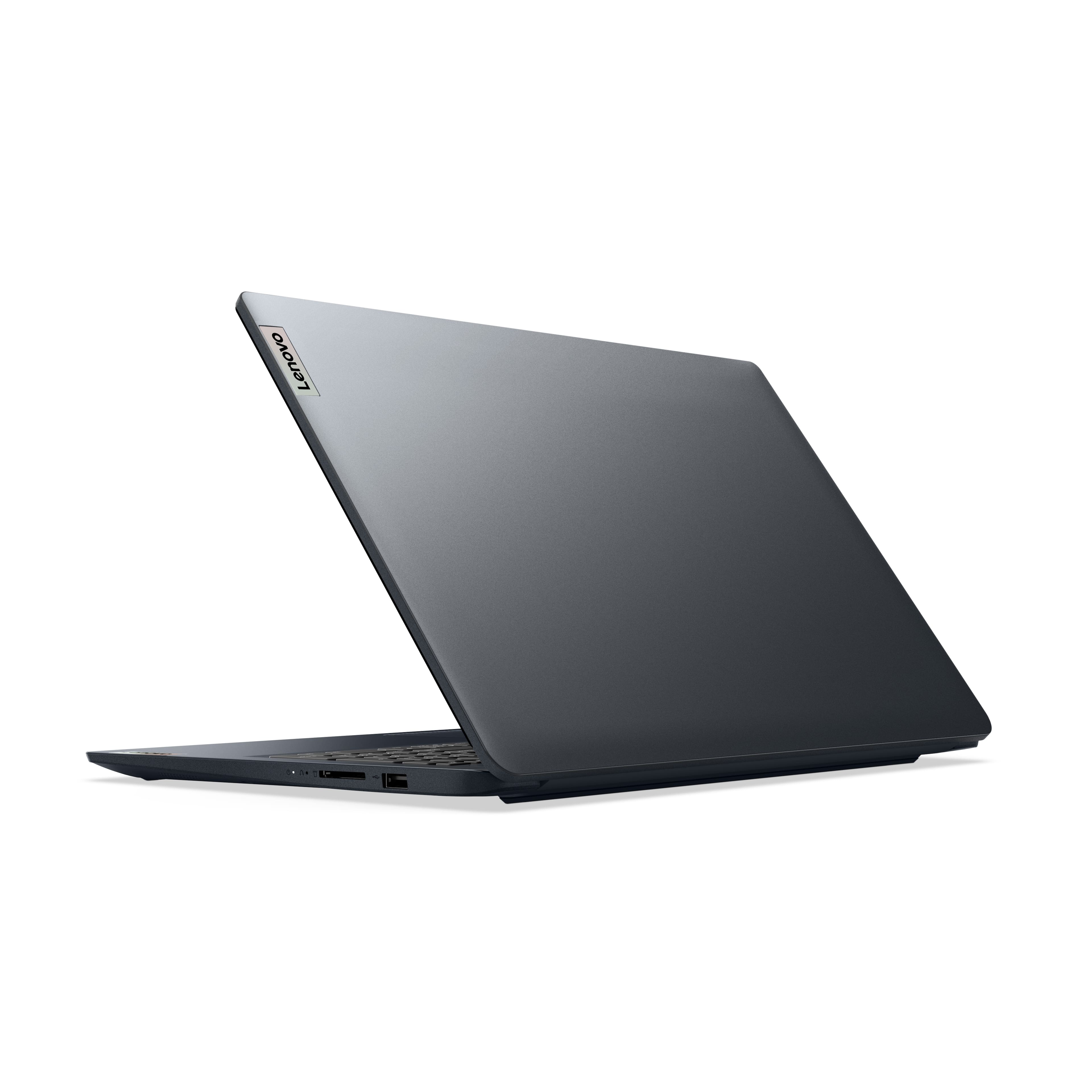
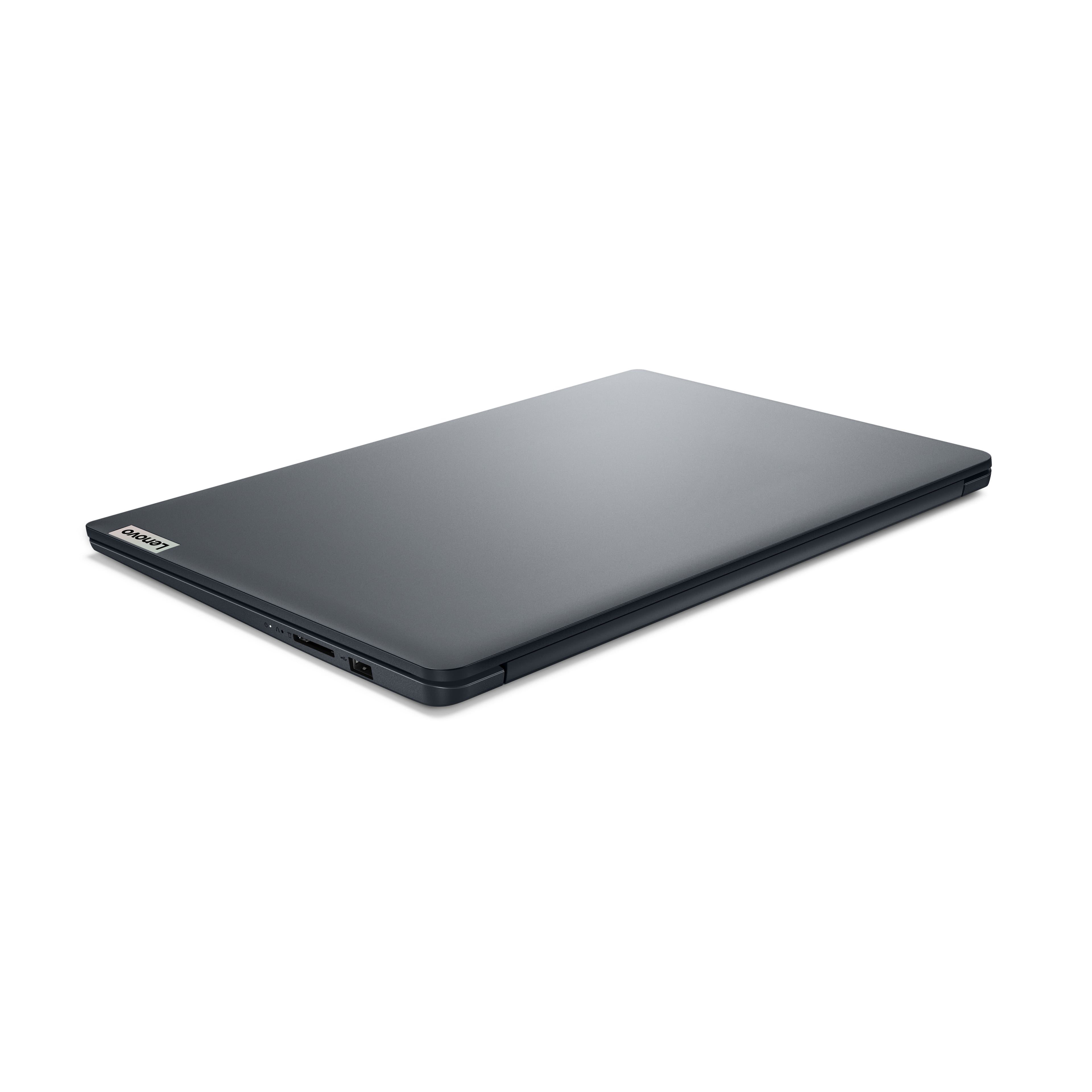
A:AnswerThe only laptops that come with a wired (Ethernet) port are those specifically aimed at the business or gaming market. The reason for this is that it allows manufacturers to save some space and weight, as well as lower prices.
A:AnswerBesides the native Windows Defender antivirus, you can add a firewall or replace Defender. At this sale (mid-February 2025), Best Buy is offering a copy of McAfee, covering up to 5 computers, for $25 (discounted from retail of $105).
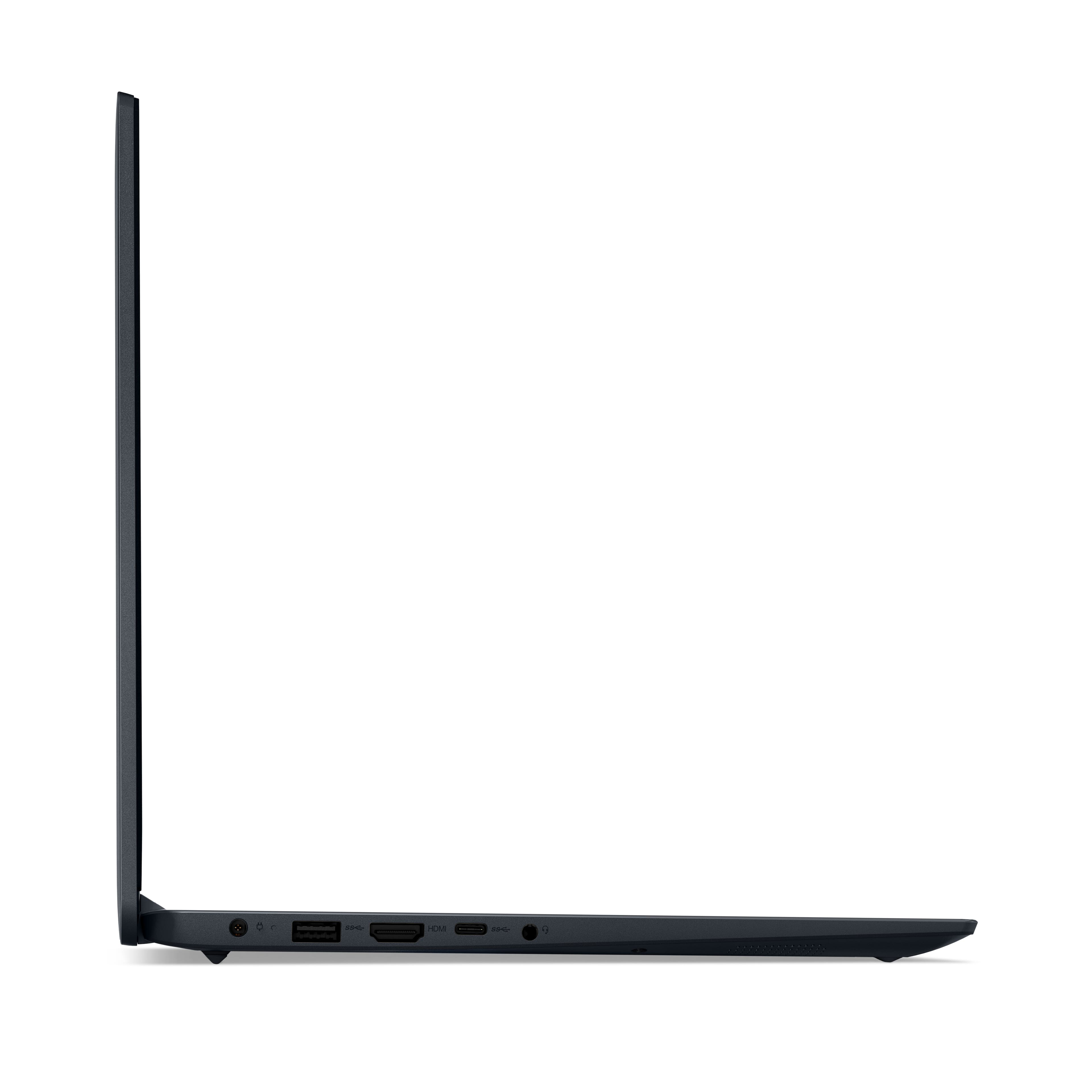
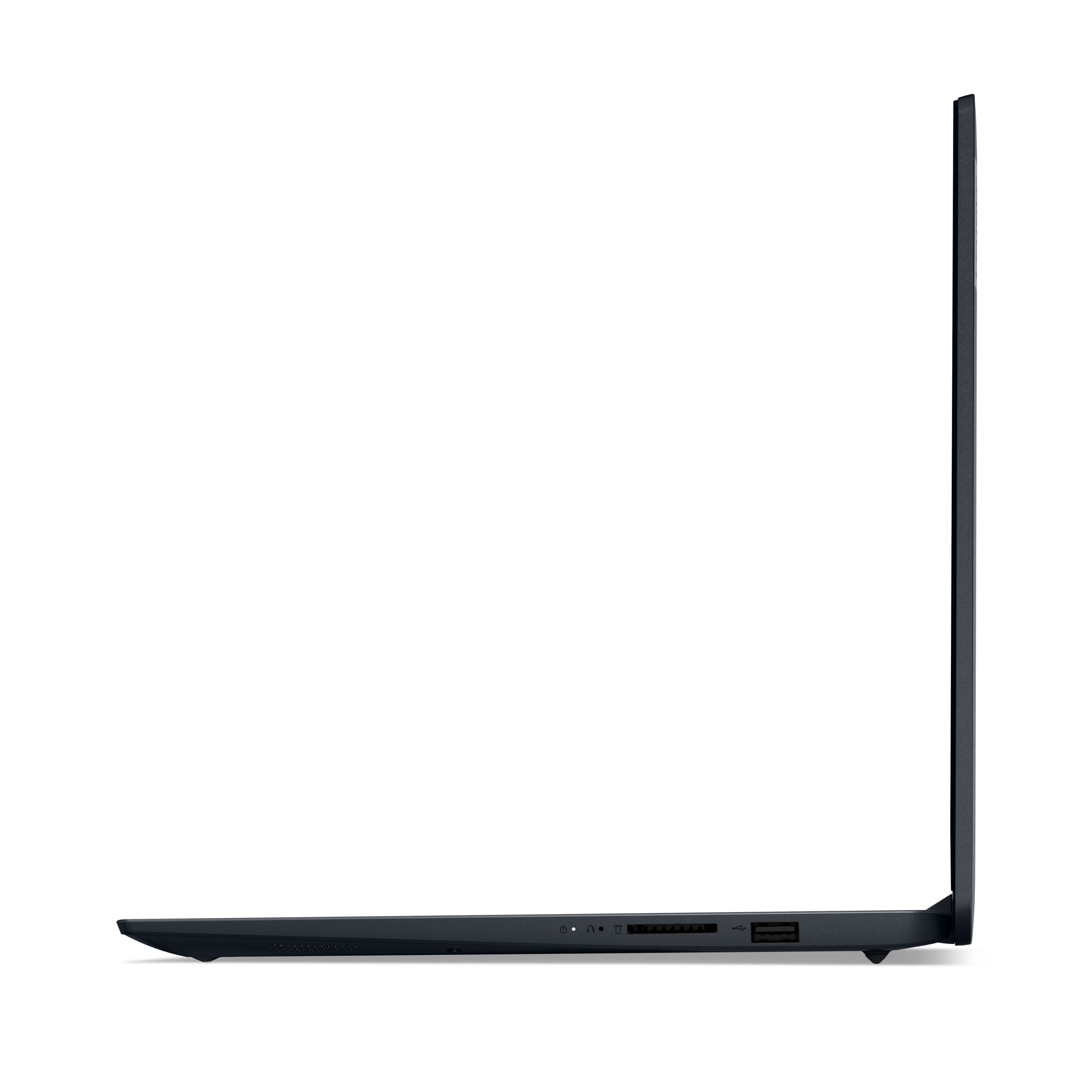
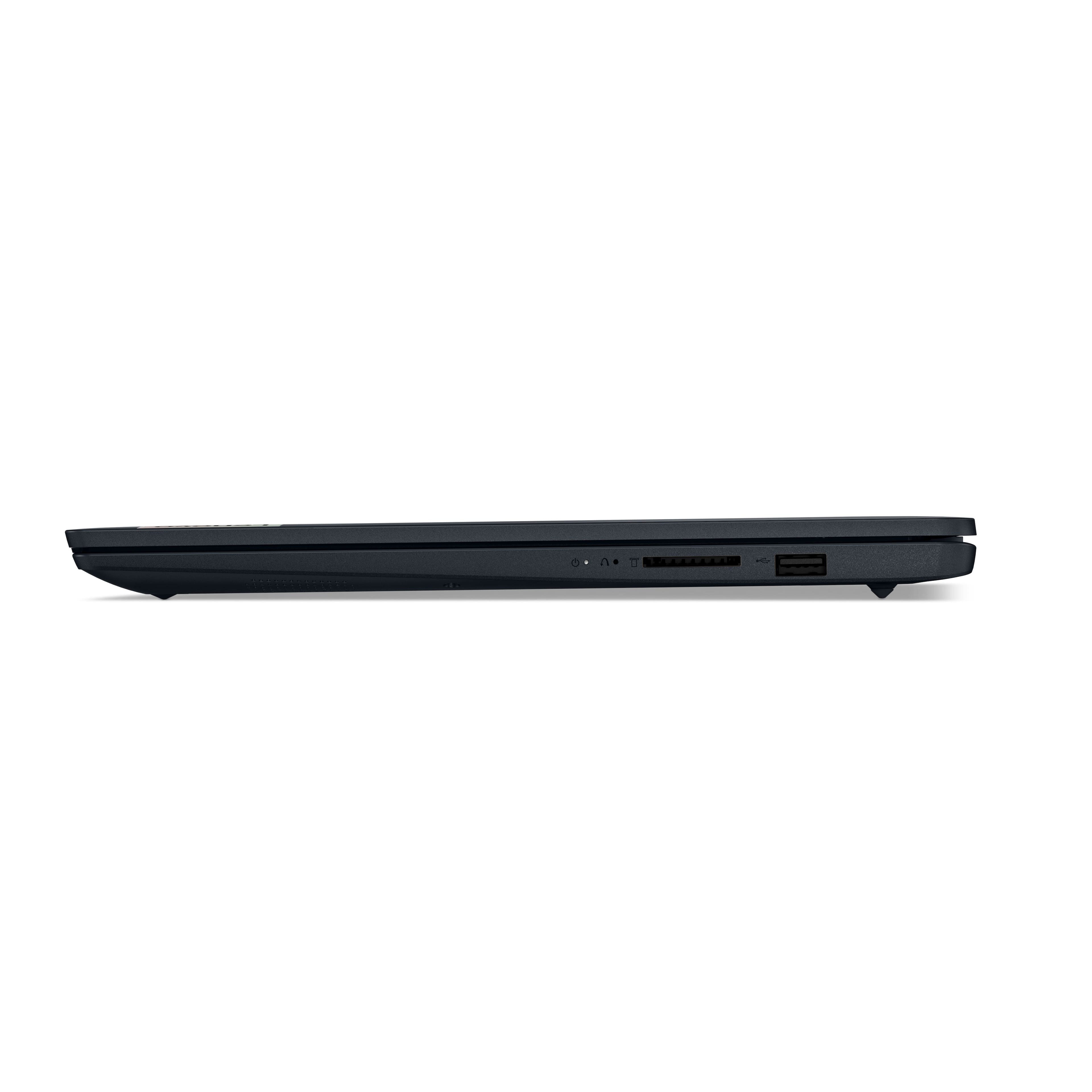
A:AnswerHi there, it depends on the hardware and software requirements of your screen extender. If it is compatible given the port selection on this IdeaPad, along with Windows devices, it should work fine. If you have a specific item in mind, feel free to share it with us to help confirm compatibility.
A:AnswerLenovo's website says the warranty depends on your State's laws and can be from 1 yr to 3 yrs. Also says you can purchase an additional warranty in the first 90 days for up to 5 yrs.
A:AnswerOMG people.....opening the laptop does NOT void any mfg warranty, thats old info. your allowed to open the device and upgrade internal components that are upgradeable especially in Cali where we have "right to repair" now. obviously if you BREAK anything doing so the mfg will not fix. mfg issues relate to a unit with no physical damage but has H\W issues. they also will not help with any OS issues as that's software and they do really well referring you to microsoft. lol.
A:AnswerNo. There are a number of reasons why internal optical drives are largely unavailable, though they can still be found, mostly (but not exclusively) in "hardened" laptops that look (and weigh) like bricks and are used in construction, emergency situations, and the military. Or through the refurbished/used/ secondhand market. There are a number of reasons for this: 1. Modern laptops (and desktops) are pushing to be smaller and weigh less, with many companies advertising their computers as “ultra thin” or “easily portable.” Optical drives significantly add weight (about half a pound) and bulk (12 cm. diameter). 2. Even Blu-ray discs top out at 128 GB, far below HDDs, SSDs, or pen/flash drives on a per-centimeter basis. 3. With the advent of fast network connectivity, cloud storage, software distributed via the Internet, and growing use of USB 3 and even USB 4 (with raw link speed of up to 80 Gbps), integrated optical drives have largely become obsolete. As mentioned in the other reply, should you need an optical drive, they are still available, at a modest cost, as external, portable units. If you need a laptop with an integrated optical drive, and don't mind buying a used one, with decade old specs, look elsewhere,
A:AnswerHey, LT421. The Dolby Audio is a certification, if you will, for the system speakers, while the Realtek aspect refers to the system's audio controllers. Hope this clarifies and helps you!