A:AnswerHi,
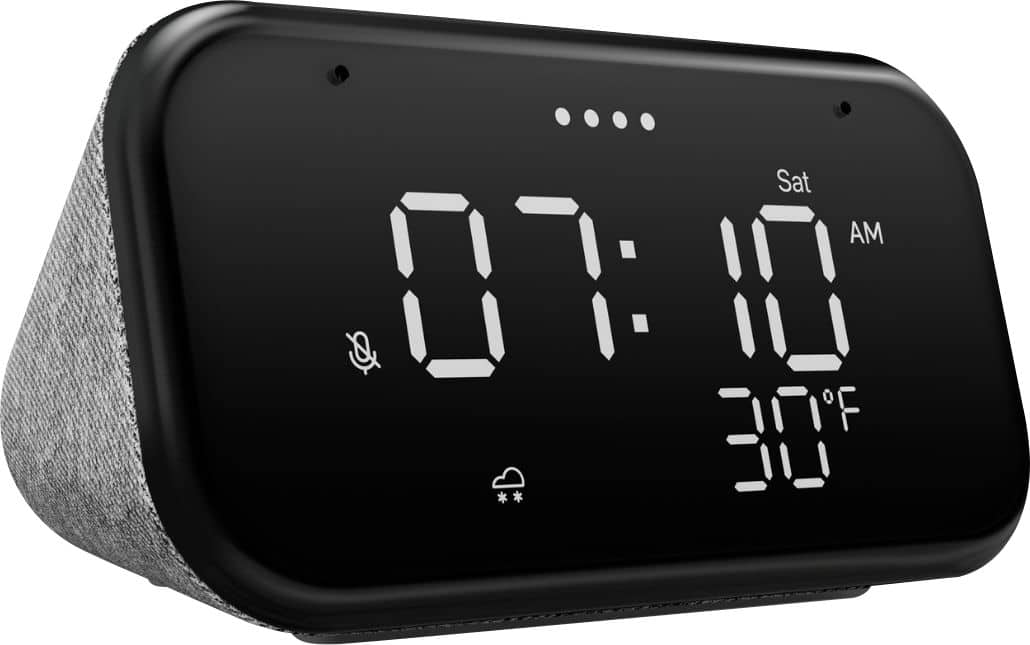
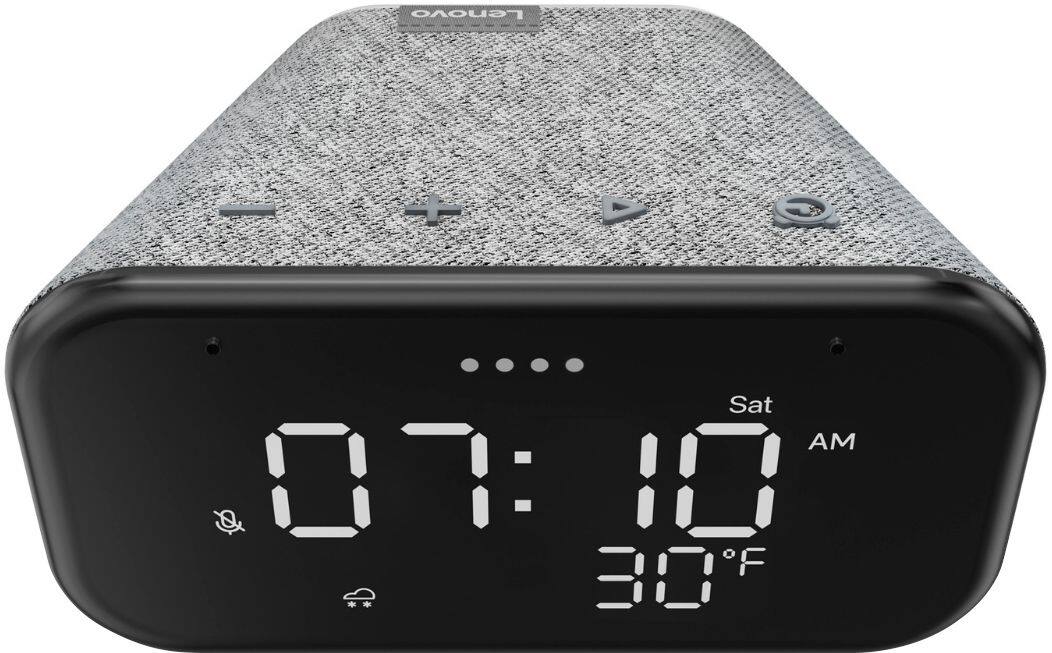
The alarm will continue to ring until the alarm button on the top of the clock has been short pressed or until Google Assistant is told to turn the alarm off.
A:AnswerI never noticed any ambient light reaction. Of course, I immediately set up specific screen brightness defaults for all my Routines. It stays at whatever level I set it, with the exception of 0% (screen off); with that setting, when you interact again it will return to whatever non-zero brightness percentage you had set previously. There are only about three or four total levels besides the screen-off level, in reality, e.g. 1 through 15 percent is the same thing.
A:AnswerThe warranty on this clock is 13 months. I purchased mine recently and have a 13 month warranty on it. Try performing a factory reset of the device. To reset the device, press and hold down the alarm button and the volume down button on the device until the four lights at the top of the screen light up orange and continue holding them until the screen changes. Google Assistant should inform you that you will be resetting the clock.
A:AnswerI don't push any buttons. Instead I just tell it using voice commands to turn off. That said, I primarily just use it as a clock on my bedside night table.
Good products. We bought two more a couple weeks ago when they were on sale so that we could give them to friends this coming Christmas.
A:AnswerYou probably need to update you router to a higher speed.
Especially if your router is on a different floor
Like basement, main level, Bedroom..
A:AnswerThe language settings can be changed in Google Home. After connecting your smartphone or tablet to the device using the Google Home app, the language settings of Google Assistant can be set to espanol (Argentina).
To change the language, click on these in order:
Settings
Google Assistant
Manage All Assistant Settings
Languages
Add a language
select espanol (Argentina)
Here is the page where the instructions to change the language to espanol are : https://support.google.com/googlenest/answer/7550584?hl=en&co=GENIE.Platform%3DAndroid.
A:AnswerYou could set up a Routine that makes the clock say things to you at specific times. I have it tell me "It's time to get up" at a certain critical time, just in case I turned off the alarm and went back to bed. You also could set a Routine that turns up the volume to 100 percent then does the "Play a delightful chime" function at specific times. Turning off the Routines requires the phone or tablet that was used to set them up.