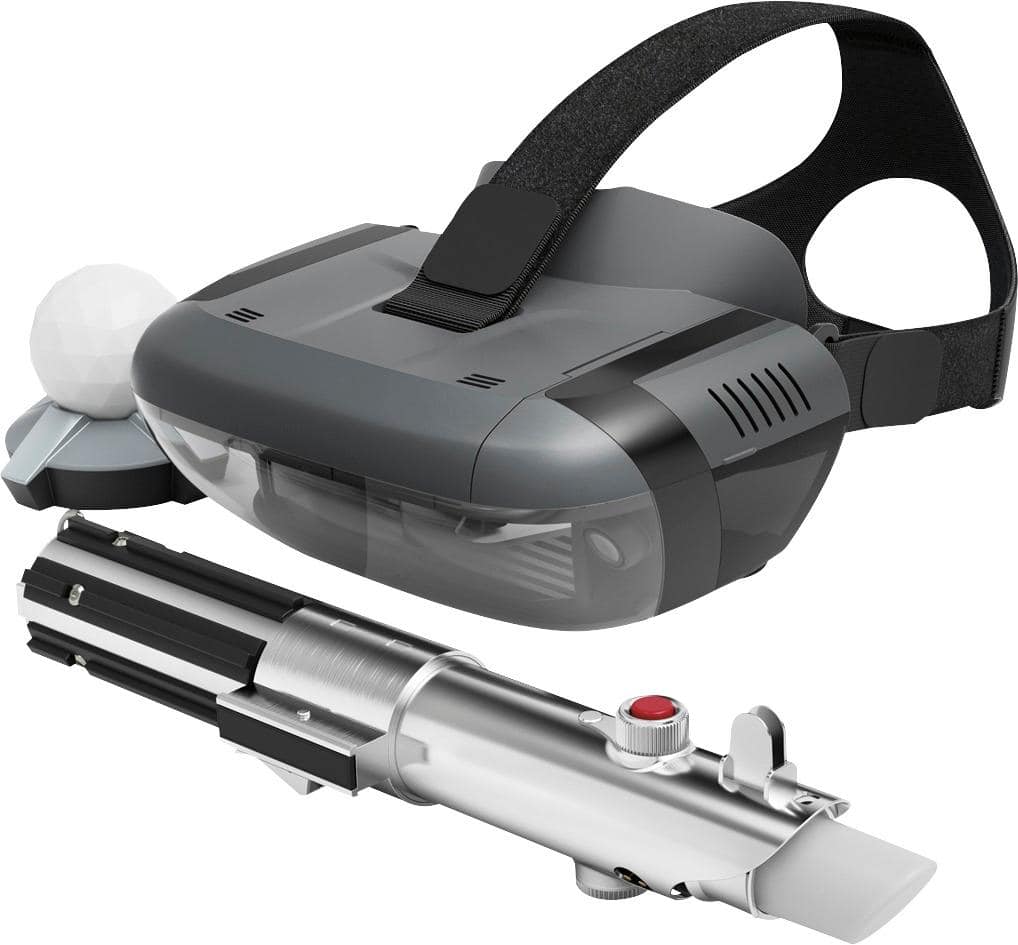
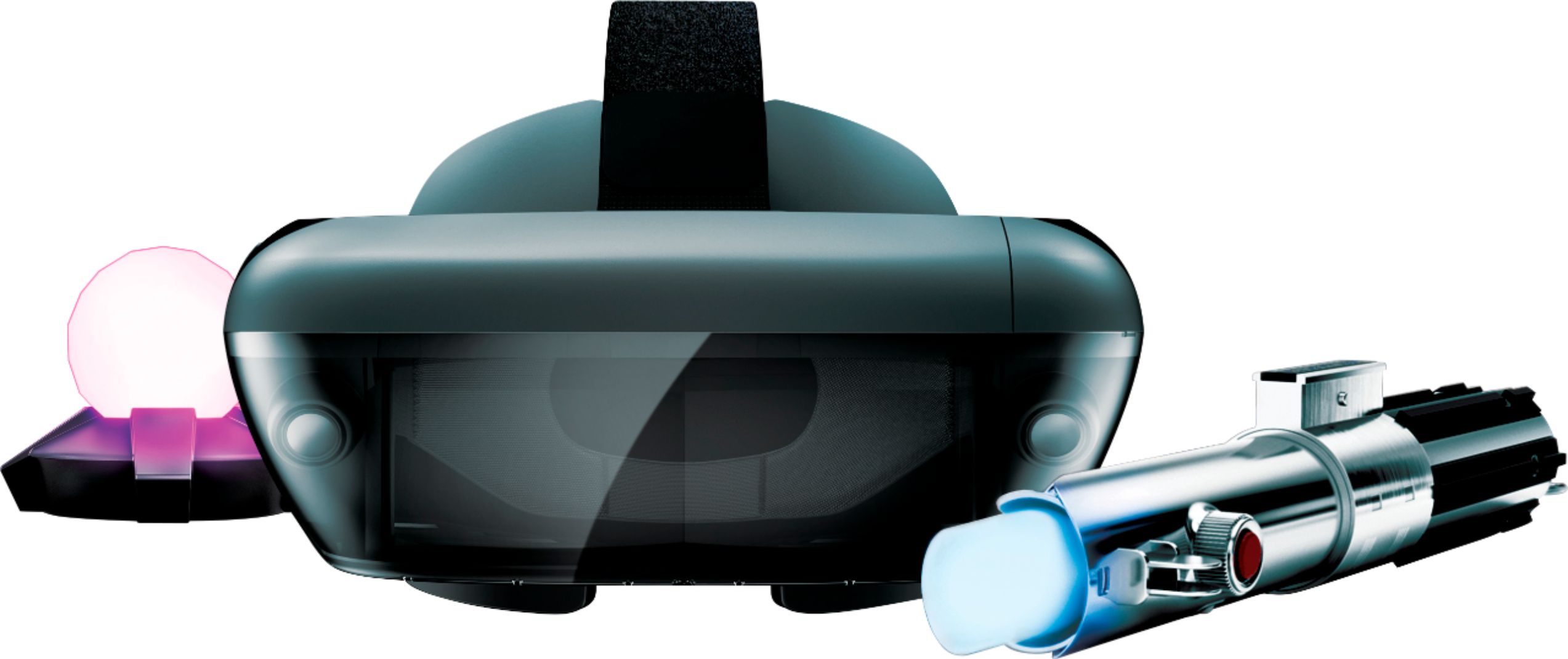
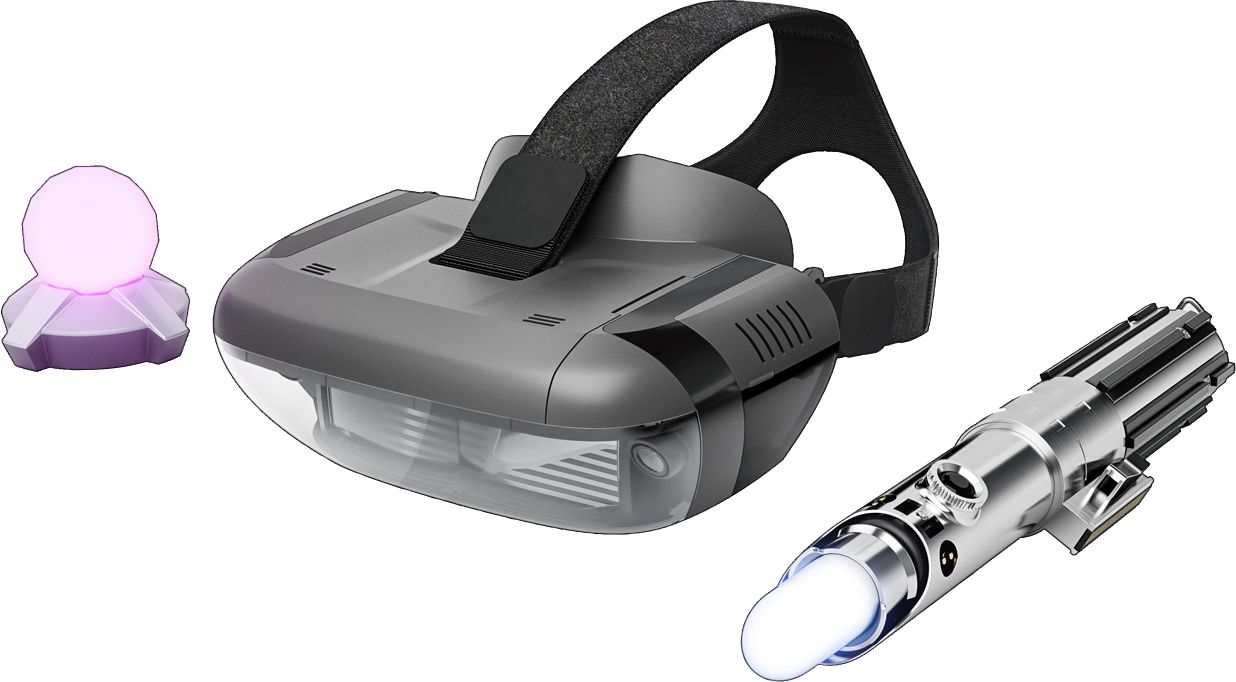
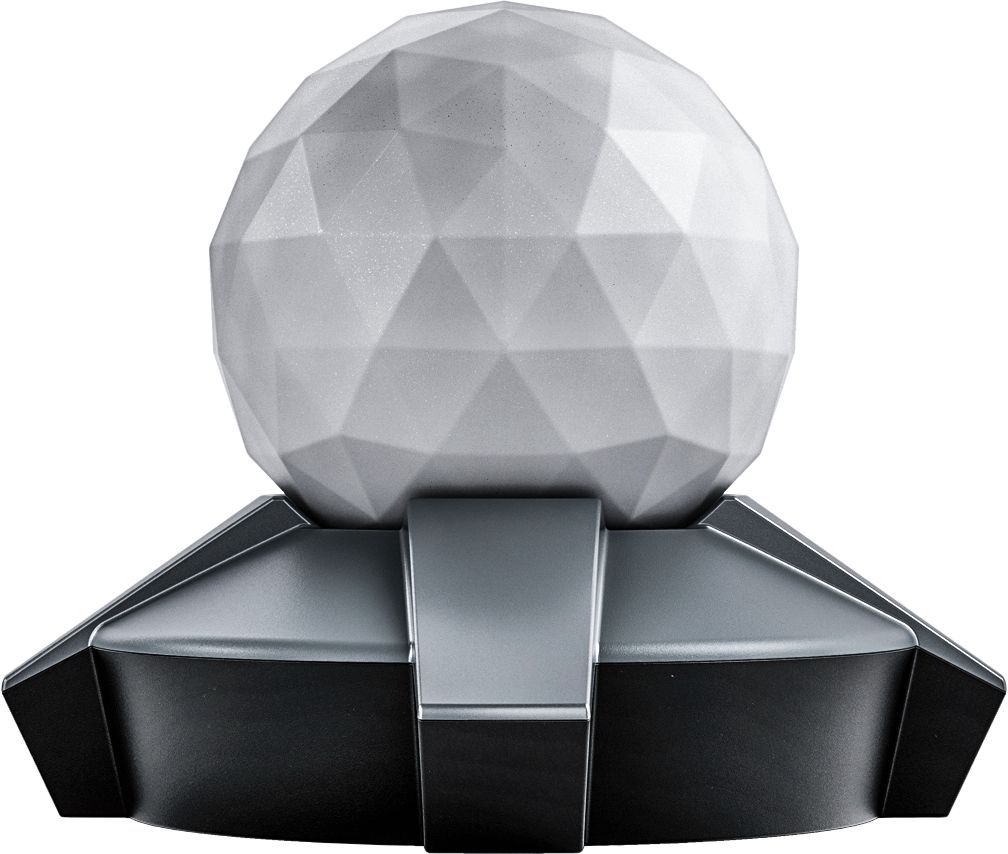
A:AnswerThank you for your feedback. We are sorry to hear that you are having problems setting up the Star Wars: Jedi Challenges. There can be system bug in the older Apple IOS. Please make sure you are running IOS 11.1 or a later version. Sometimes when using an older IOS the wait time for the connection to the Lightsaber controler can take 30 seconds or more. It is very important when setting up the system for the first time to use the "app" that is provided to guide you through the entire set up process. This insures that the whole system: headset, phone, tracking beacon and Lightsaber controller, will be synced correctly. If this does not work please contact our support team for a detailed troubleshooting guidance @ support.lenovo.com/jedichallenges
A:AnswerThe Moto Z Play Droid is not on the current list of compatible phones. We are in the process of testing and approving other phones. Please find the updated list of phones at jedichallenges.com/compatibility. You can also ask trouble shooting questions @ support.lenovo.com/jedichallenges.
A:AnswerWe are sorry to hear that you are having problems with the sound on the Star Wars: Jedi Challenges. Please make sure that the volume on your phone is turned up all of the way. Also, when setting up the system for the first time it is important that you let the "app" that is provided guide you through the entire set up process. This insures that the whole system will be synced correctly. If this does not work please contact our support team for a detailed troubleshooting guidance @ : support.lenovo.com/jedichallenges
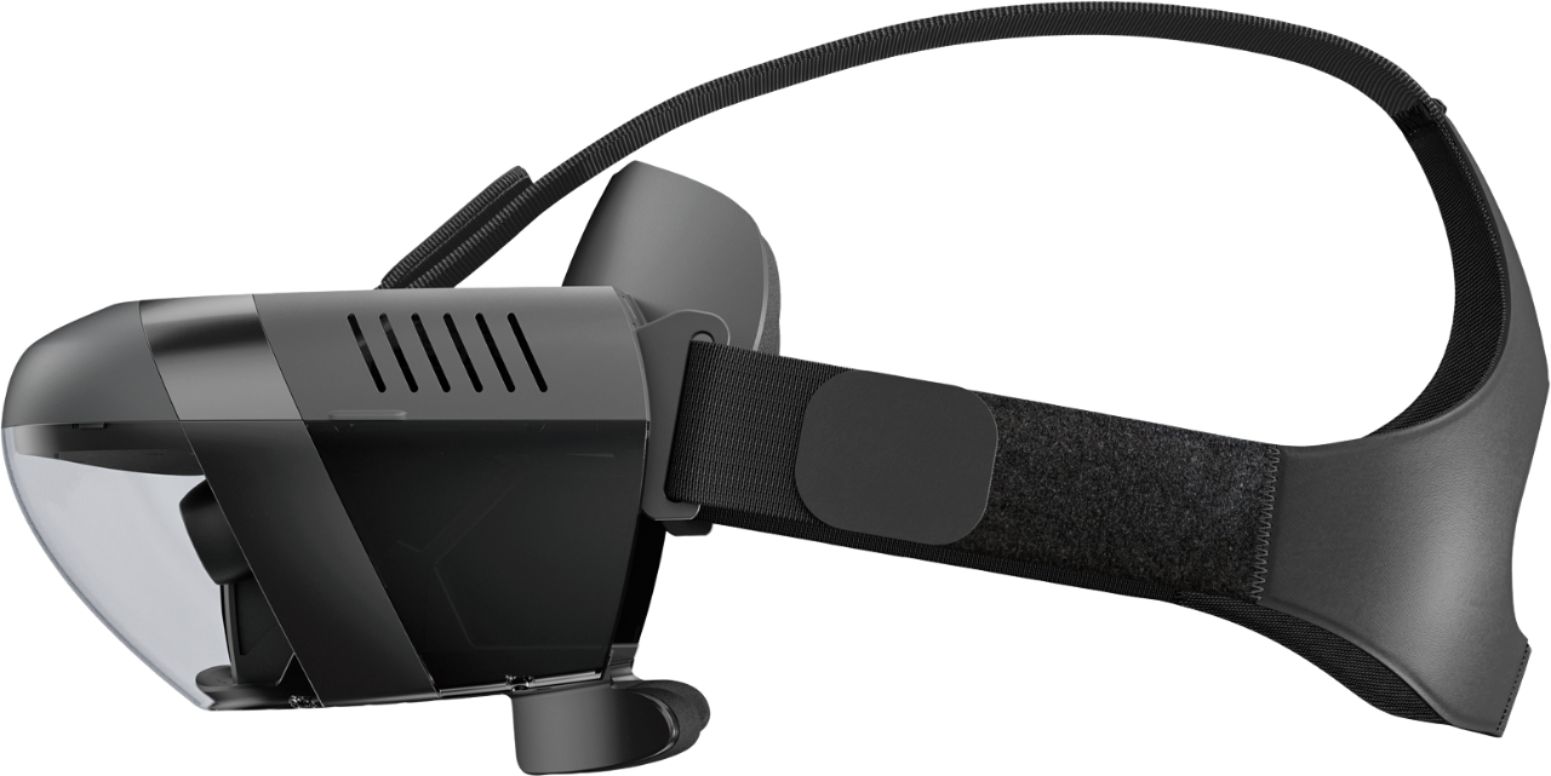
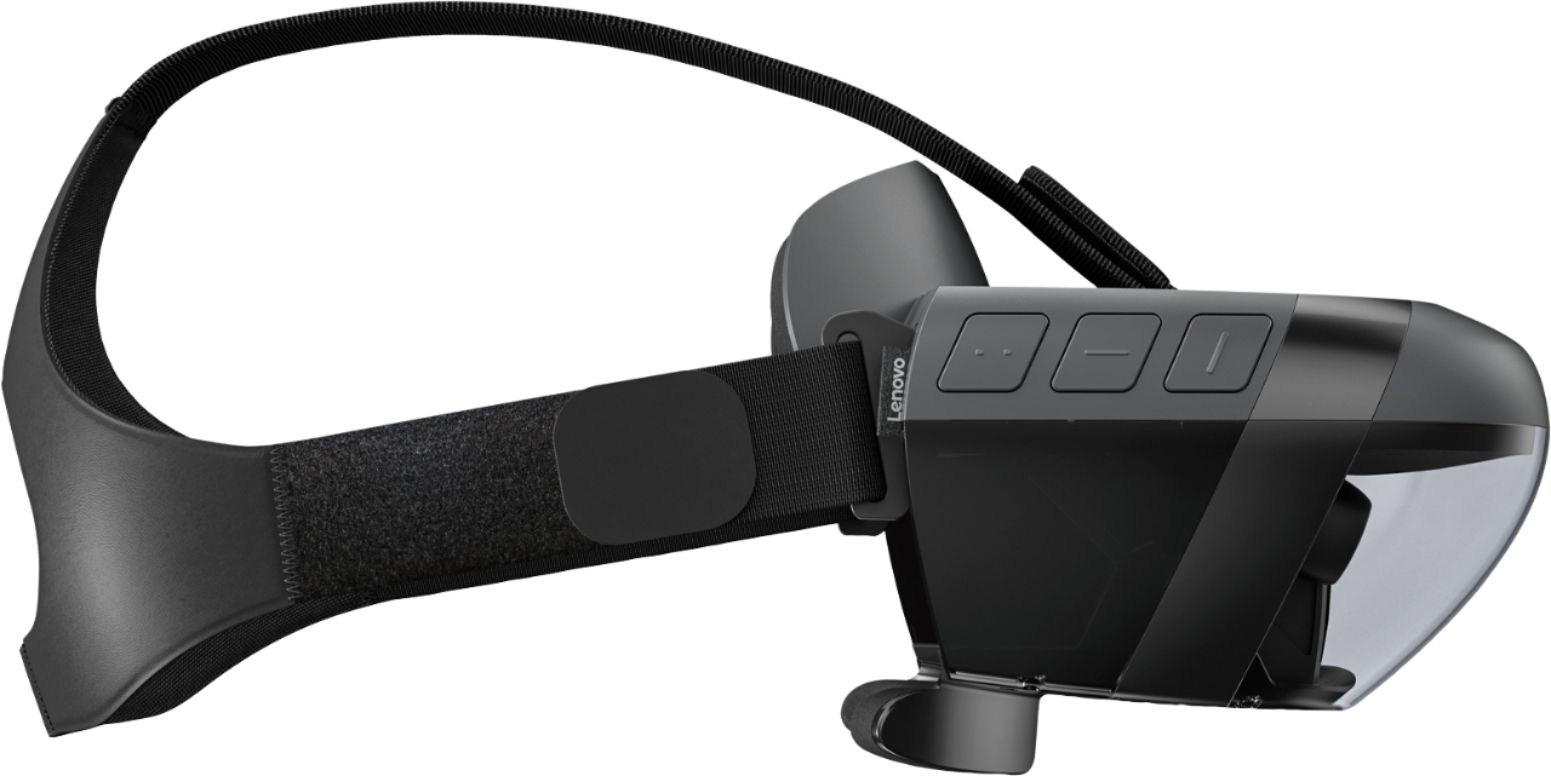
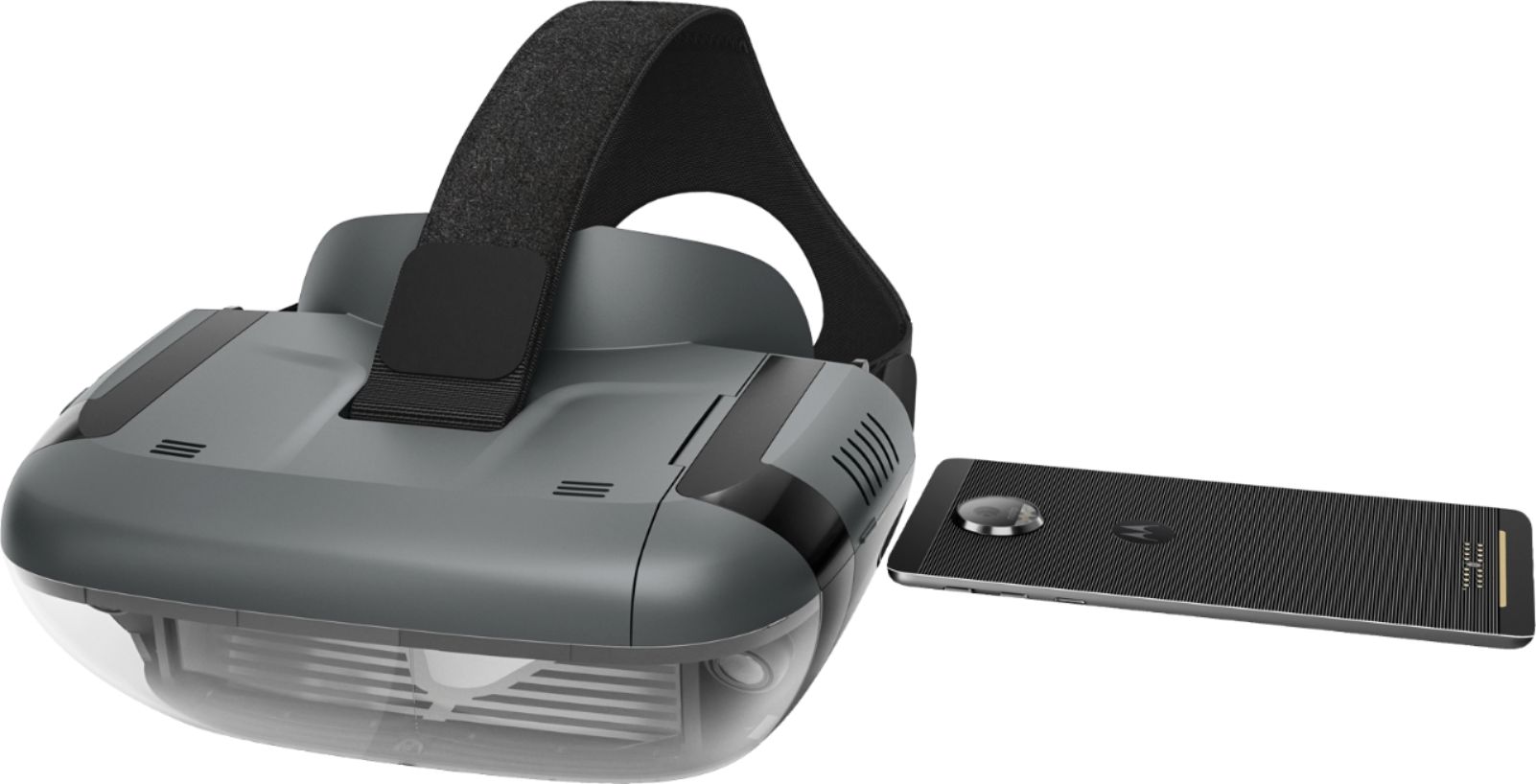
A:AnswerThank you for your feedback. We are sorry to hear that you are having problems setting up the Star Wars: Jedi Challenges. Please make sure that the compatible phone is out of the headset when setting the system up for the first time. Then, when prompted insert the phone into the tray and then into the headset. It is very important when setting up the system for the first time to use the "app" that is provided to guide you through the entire set up process. This insures that the whole system: headset, phone, tracking beacon and Lightsaber controller, will be synced correctly. If this does not work please contact our support team for a detailed troubleshooting guidance @ support.lenovo.com/jedichallenges
A:AnswerThere is nothing directly related or included with this to enable any connection to a tv. Perhaps some app or output from a particular phone would be able to but I do not know of it. You down load the app for this particular unit and it is mirrored in the headset.
A:AnswerThe LG G6 is on the compatible list. We are in the process of testing and approving other phones. Please find the updated list of phones at jedichallenges.com/compatibility.
A:AnswerThe Galaxy s5, iPhone SE and 5S are not on the current list of compatible phones. We are in the process of testing and approving other phones. Please find the updated list of phones at jedichallenges.com/compatibility.
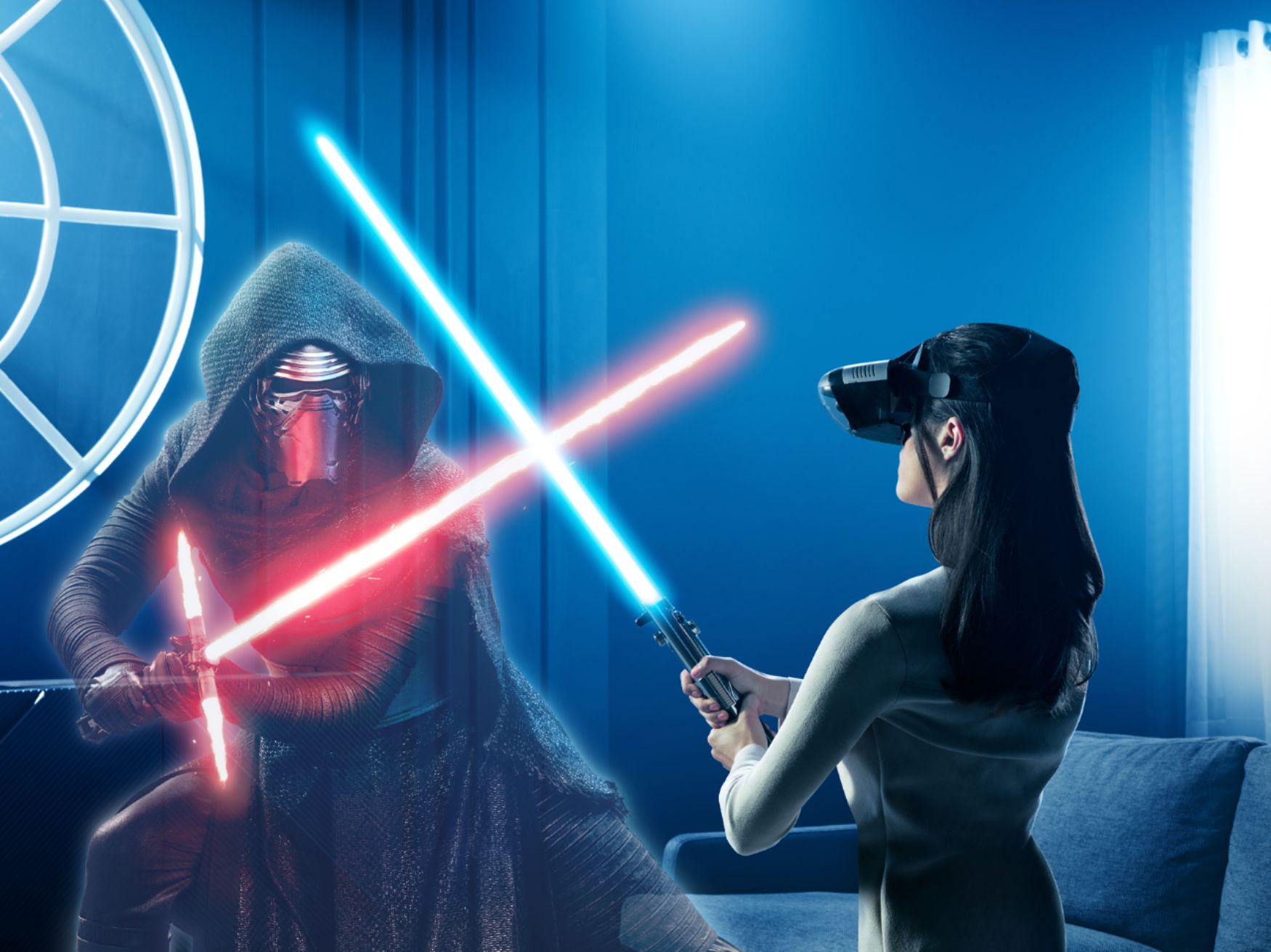
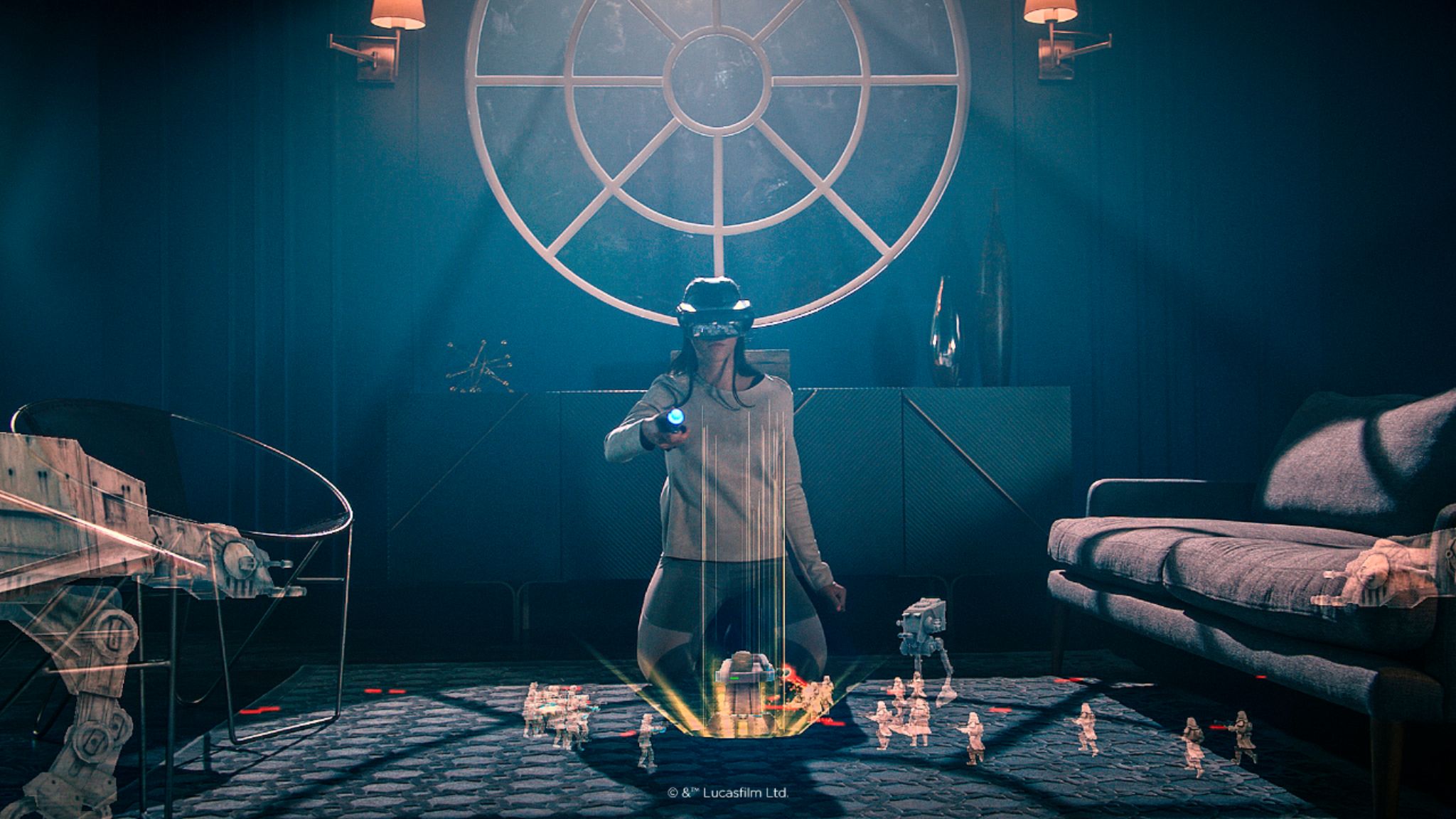
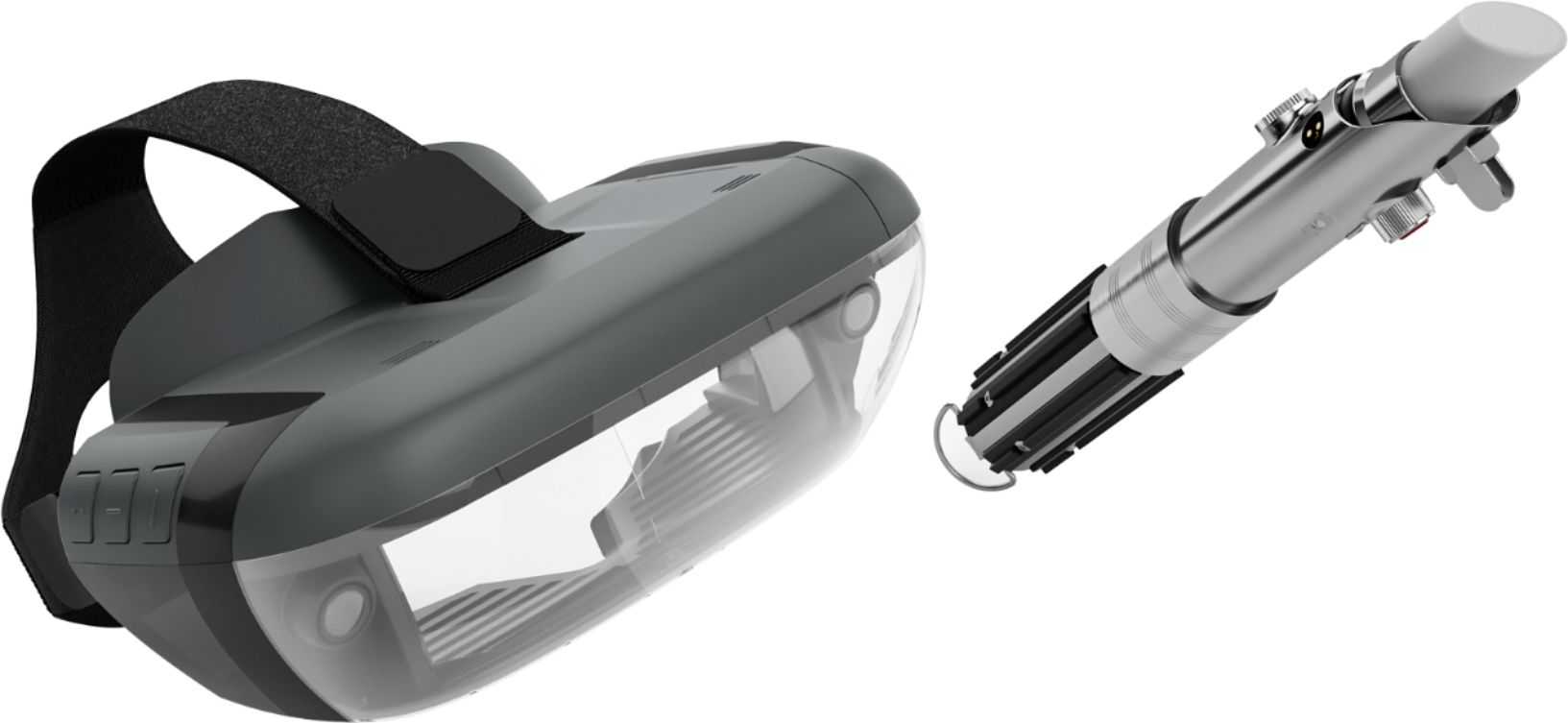
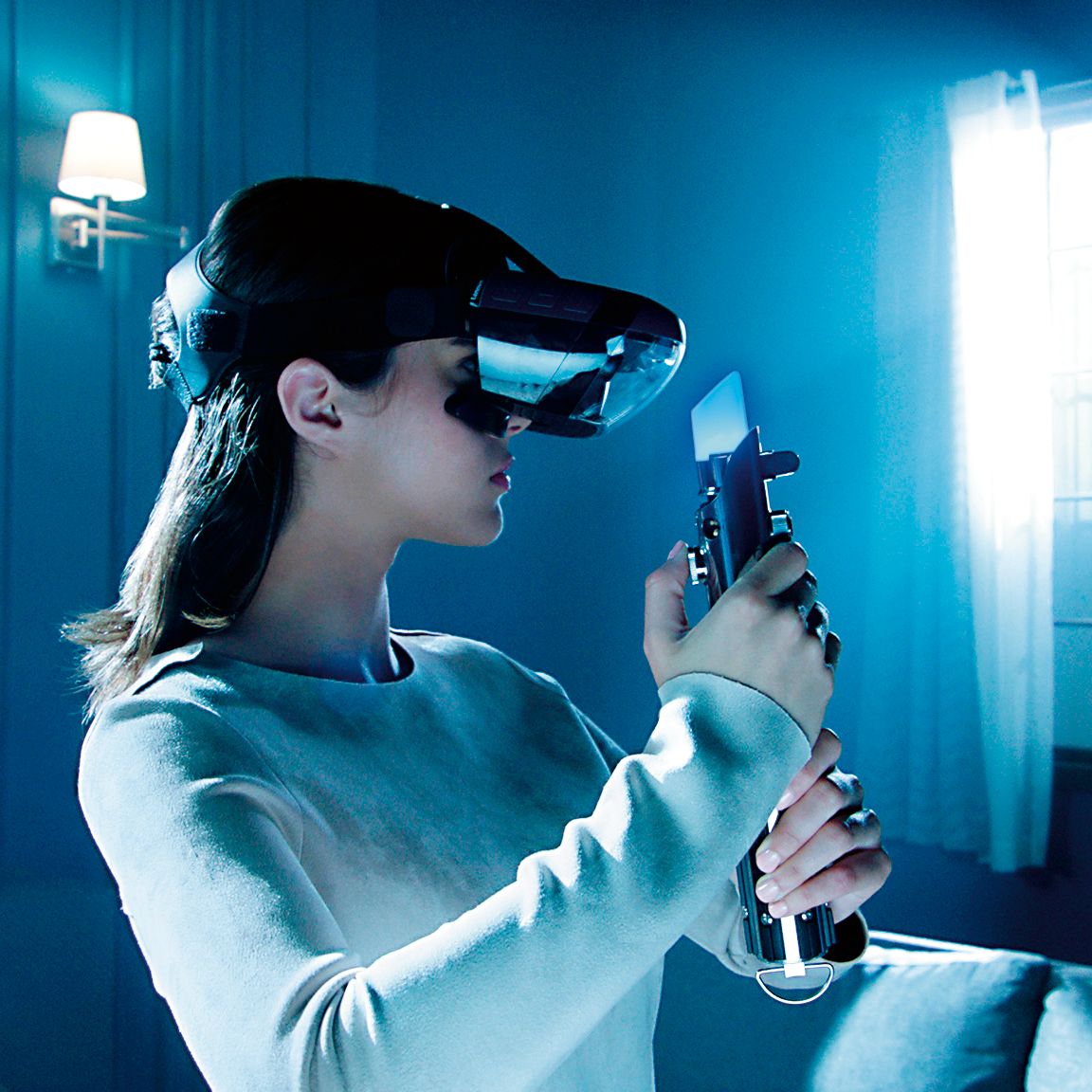
A:AnswerYou do not need a game console, but you do need a compatible smart phone. Everything else comes in the box: Star Wars Jedi Challenges headset, Lightsaber controller, tracking beacon and the app that is a download for the game and set up. Please find the updated list of phones at jedichallenges.com/compatibility.
A:AnswerThe Star Wars: Jedi Challenges headset is currently only for the Star Wars: Jedi Challenges game. All game content available at time of launch is strictly within the Star Wars universe. Star Wars: Jedi Challenges offers one storyline taking the player through more than 30 challenges across three types of experiences. We have just announced that there will be additional games that launch in January 2018. They will be a Free download through the game app: New Lightsaber Duels ,New Planet for Strategic Combat, New Content in Assault mode and Introduction of Porgs – Players will be rewarded with fan-favorite porgs in augmented reality.
A:AnswerIt is necessary to remove the case from the phone before inserting into the tray. There is nothing in the tray that holds the phone with any abrasives on it.
A:AnswerYour phone runs it, and is inserted into the headset. In short, you need to buy 2, with 2 phones, and I am pretty sure you can't play together. Don't waste your money.
A:AnswerThe iPhone 5S is not on the current list of compatible phones. We are in the process of testing and approving other phones. Please find the updated list of phones at jedichallenges.com/compatibility.
A:AnswerThe iPhone 4 is not on the current list of compatible phones. We are in the process of testing and approving other phones. Please keep checking the updated list of phones at jedichallenges.com/compatibility.