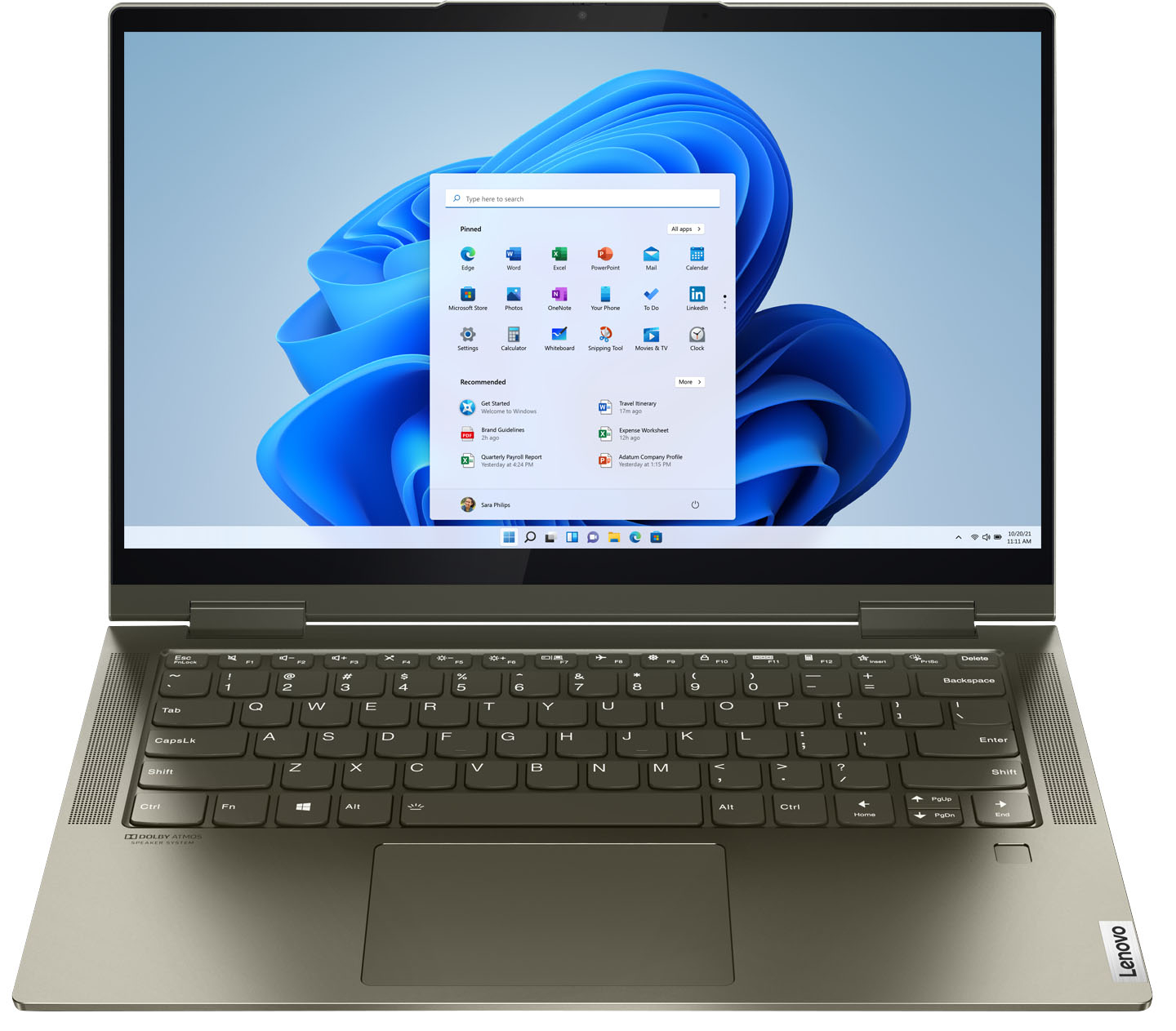
A:Answer2 USB-C ports and only one regular USB port. You will need to get a USB port hub that uses USB-C cable. I guess you give up ports for the slim profile. The hubs come with card readers. Shop around.
A:AnswerThis 65W USB-c replacement AC adapter/charger is compatible with the Intel Evo-Certified, Lenovo Yoga 7i-14 model: https://www.bestbuy.com/site/insignia-65w-usb-c-wall-charger-black/6362822.p?skuId=6362822
A:AnswerSee the Spers section in the item description on the web site ... YOU know...open eyes...then read...amazing people know how to breathe these days without googling. Humanity is so lazy.
A:AnswerDrag it further. Grab the top corner opposite of the direction you want the window being moved to transition to. This can vany based on other settings. I've seen it Where dragging up is required to get it onto the other monitor/ display. usually it's to the right but regardless anytime an item you are trying to move won't is because it needs to be half way on the other display screen or windows pulls it back to the origin display because it doesn't Iknow where else it should be.You may also need to adjust aspect ratioS so they one more compatible in a multi display configuration
A:AnswerI haven't had that problem and would say its a defective unit and you shouldn't have waited So long to have it serviced. lenovo offers better extended warranties than Best Buy Total Tech and Some plans include a tech coming to your home and fixing it Versus having to send it off. My lenovo Yoga 730 needed a new keyboard, mother board, battery, and I made them replace the generic OEM wifi card because they were all garbage, and the power supply...the only thing that wasn't replaced was the display screen and I never want a day without my laptop So worth extra $ 80 to $100 for premium extended warranty.