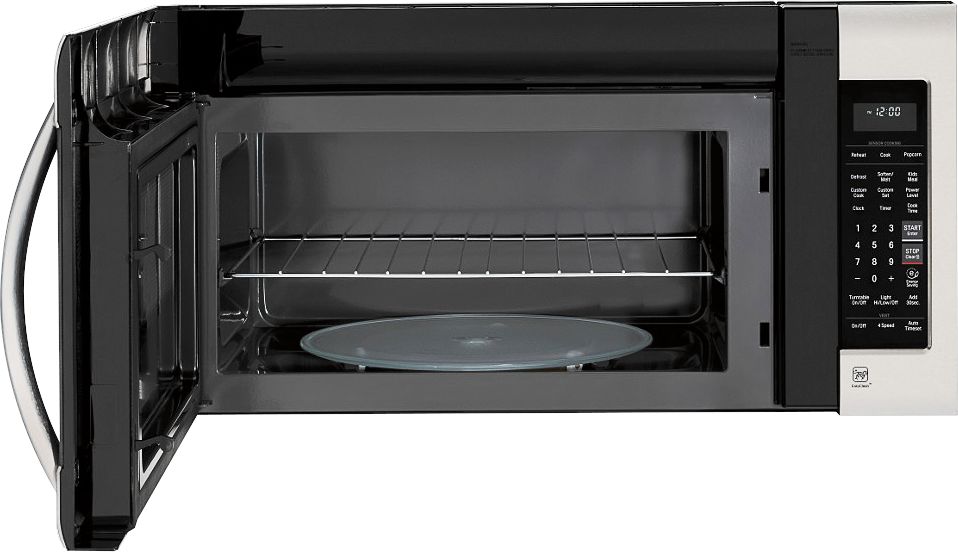
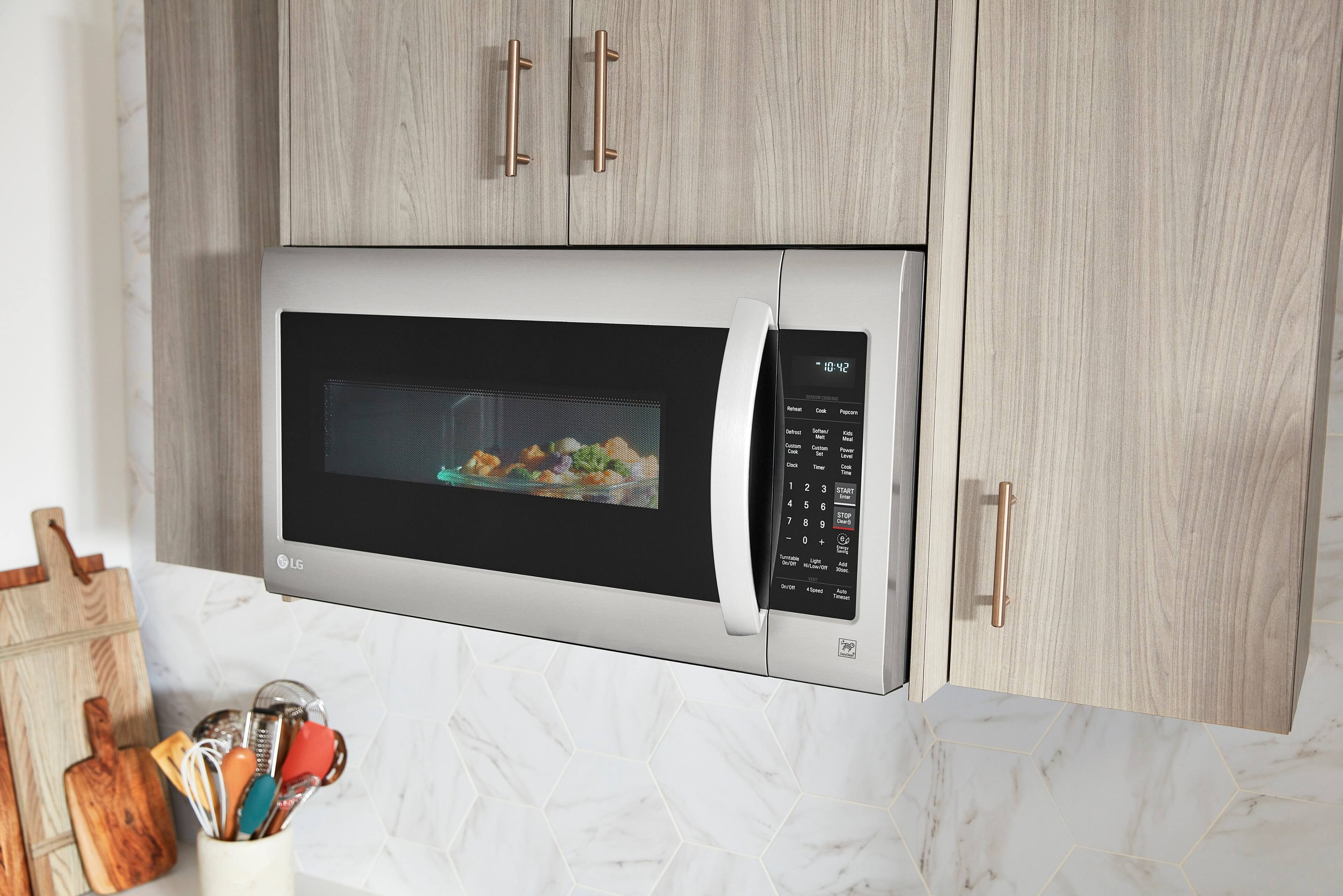
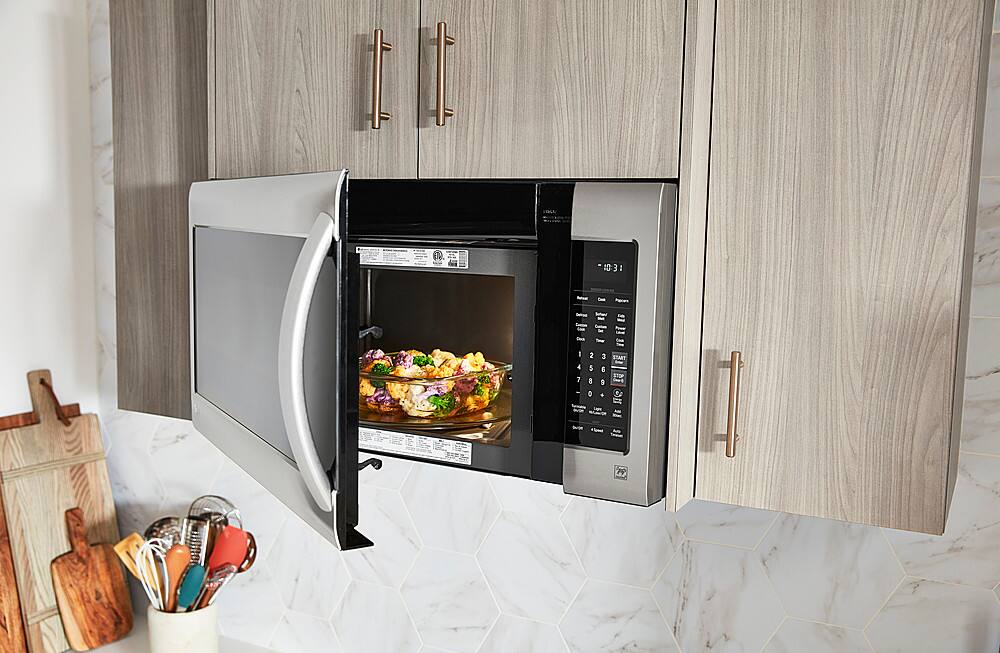
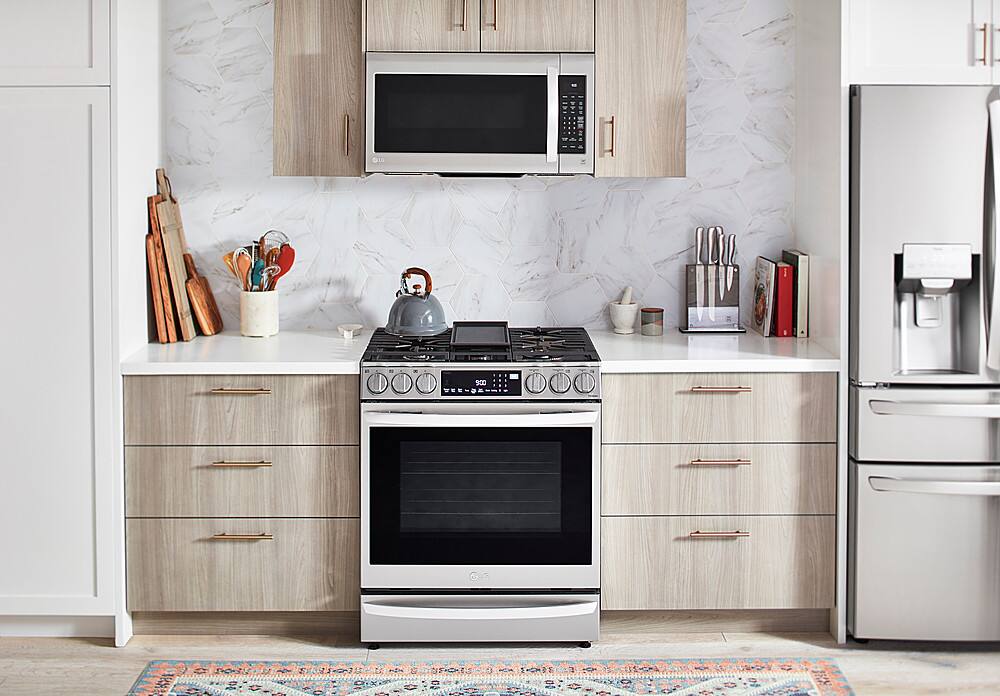
A:AnswerI love this LG microwave but it doesn’t have the express cook you’re looking for. You can add 30 seconds with the press of a key and cook different foods, which I haven’t tried yet, but that’s all I know of. I’ve only had it a couple weeks.
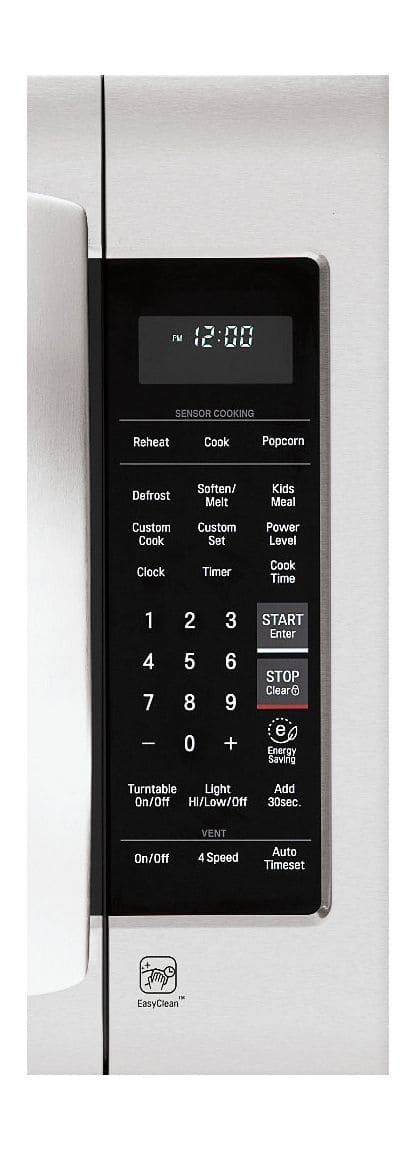
A:AnswerSensor cook lets you heat common microwave prepared foods without needing to program times and Cook Powers. Sensor Cook has preset Power Levels for 13 food categories. ^Daphane
A:AnswerNo, it is the same for all these models. Just a dim led. I called LG after we purchased ours a year ago and their response was that they did not see any issue with the level of brightness of their Led screens.
A:AnswerWe hate to hear that, but would love to be able to help. We would be happy to see what's going on. Drop us a line on Twitter at @LGUSSupport or on Facebook https://www.facebook.com/LGUSA/ so we can get more info and see what we can do. ^CP
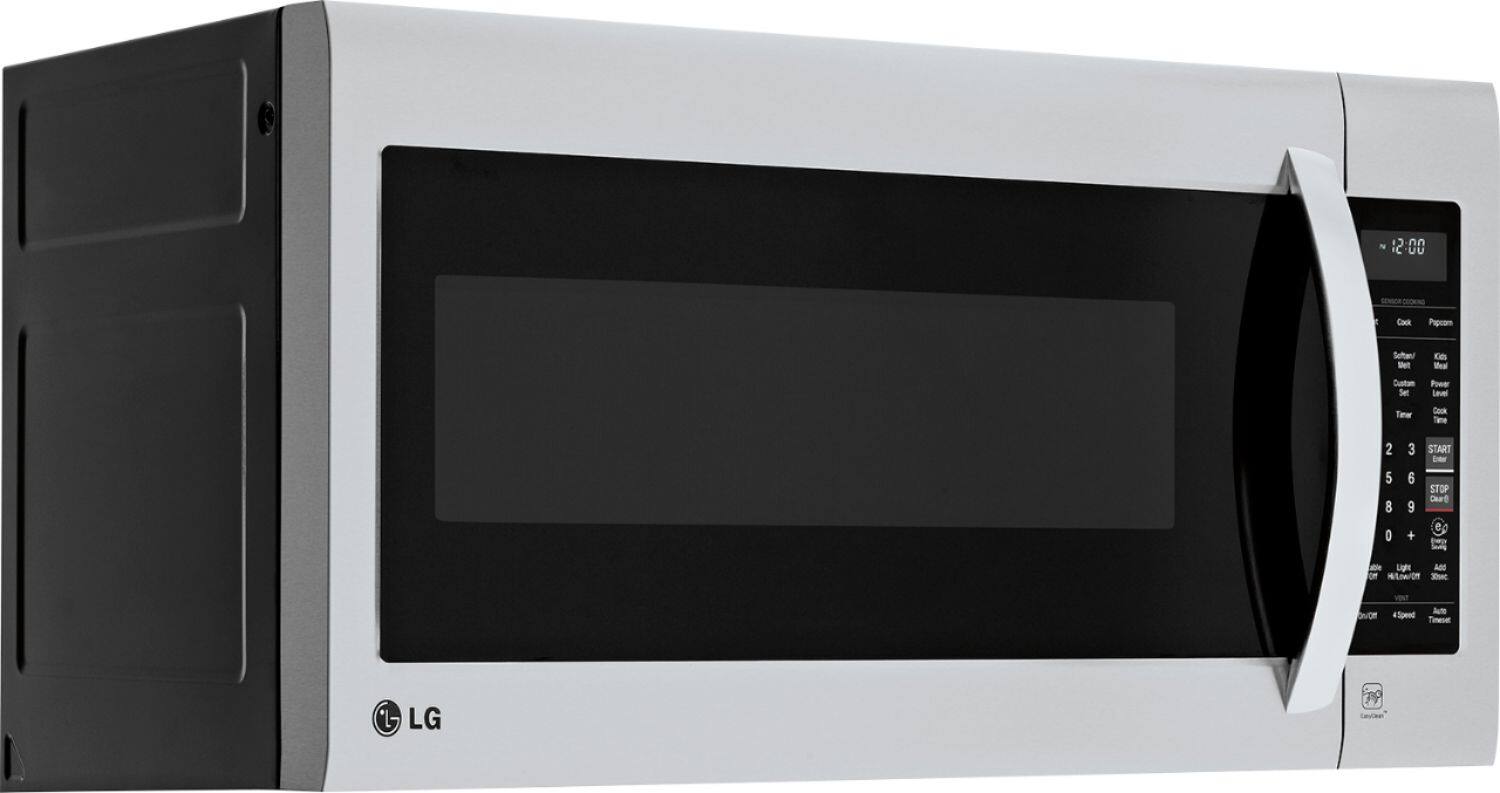
A:AnswerThe light stays on while cooking, but the tinting on the glass door is darker than my previous microwave. You have to be able to look down at the turntable to see what's cooking.
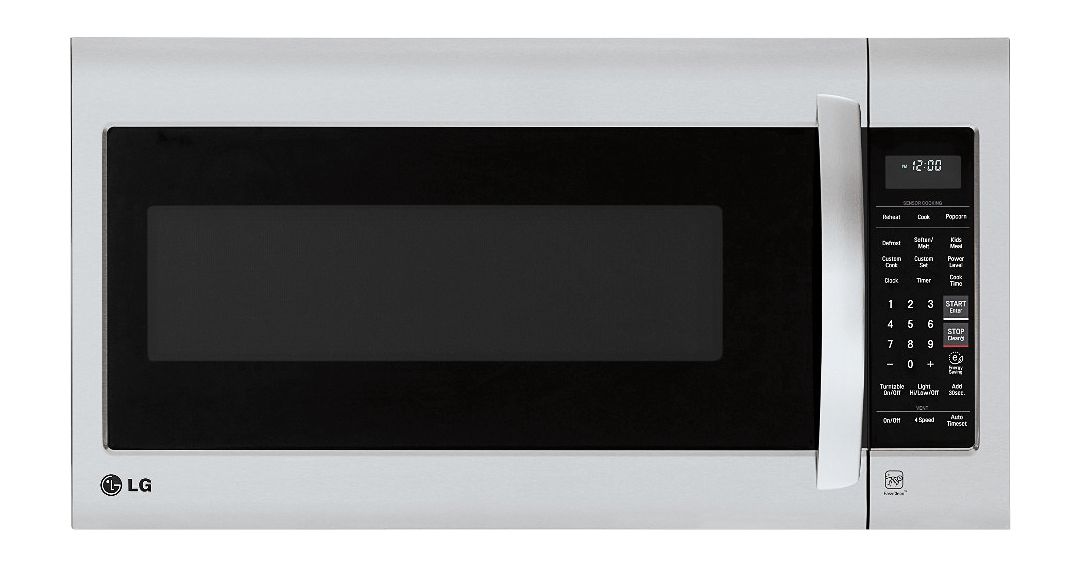
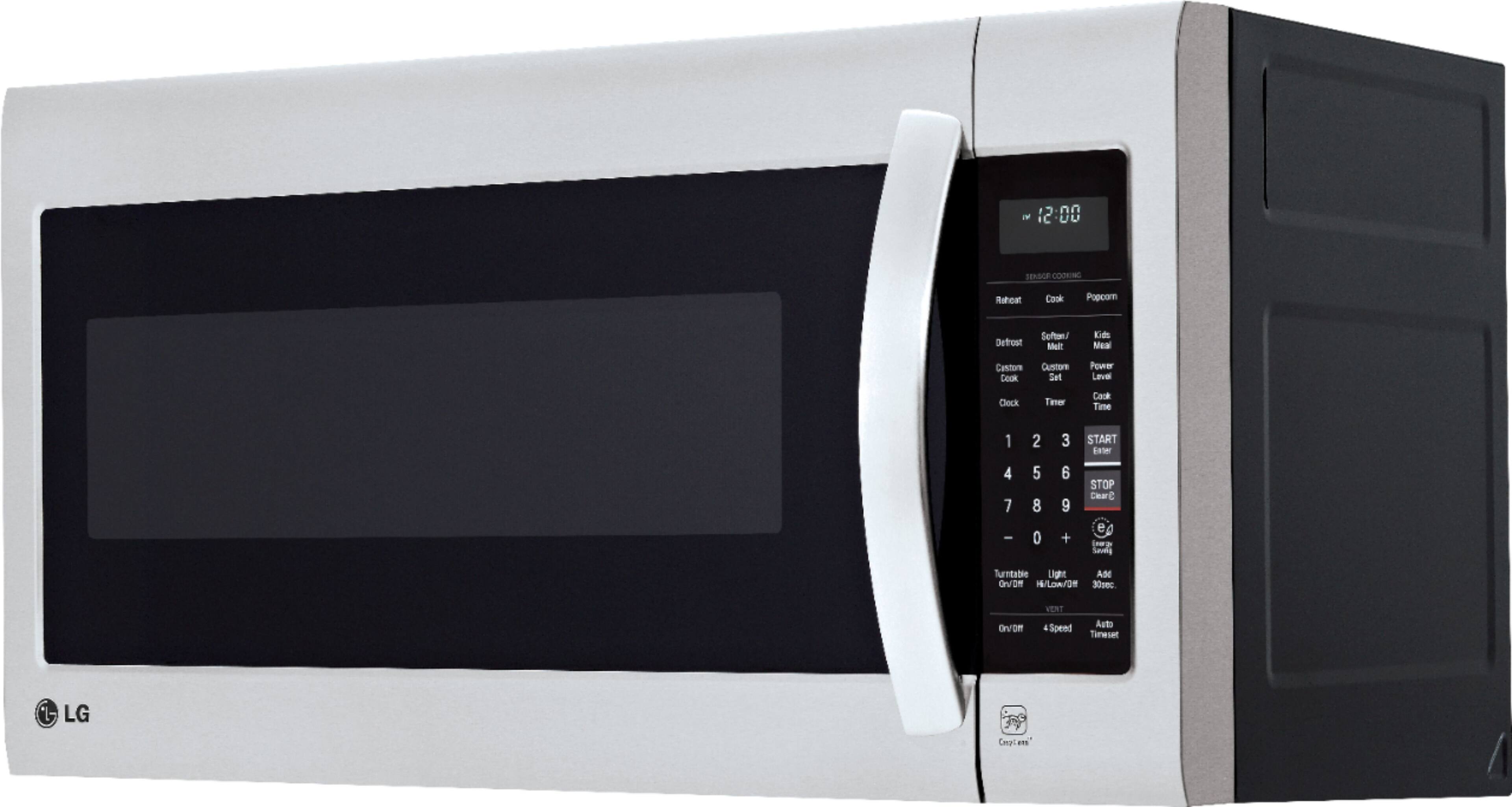
A:AnswerHello, the interior light should stay on while the unit is cooking. Also there is a quick 30 on button that can be pressed 1 time or multiple times for fast cooking and there is also a CUSTOM COOK button that lets you to recall one cooking instruction previously placed in memory and begin cooking quickly. ^AC
A:AnswerThat is the default Energy Efficiency configuration. If you push the Energy Efficiency button, the clock will display again; when the microwave is idle for 5 min the display will turn off. You can change this configuration if you would like. The owners manual has instructions on how to disable this feature. ^CP
A:AnswerFirst, allow me to thank you for purchasing our appliances and becoming part of our LG family. We hear your voice and appreciate that you've taken your time to share your important performance experiences. If you have not already, Please reach out to a specialist via Twitter @LGUSSupport or Facebook www.Facebook.com/LGSupportUSA so we can help you with this. ^CP
A:AnswerYou can hook it up to an outside vent if you want but is not needed. you will just need to change the placement of the fan before you install it.
A:Answer29.9" wide, 15.9" deep, 16.5" high, weighs 63.05 pounds. It has 2 incondescent lights on bottom shining down on range cooktop, don't know about steam cooking.
A:AnswerI think that is more reliant on the cabinet to have the proper filler pieces.
I've only seen/used cabinet filler pieces to make up the difference if needed.
A:AnswerIt mounts from under the cabinet near the ftont. Not sure if all Lg units mount the same way but I think they would. You could call Lg customer service and inquire to be sure.
A:AnswerIf you are a TotalTech member @ Best Buy, it is free delivery & Installation. It is an awesome service that pays for itself if you buy from here.
A:AnswerTurn the microwave’s vent fan on whenever you use the oven range cooktop below it. The fan captures smoke, steam, and odors and also prevents the heat from the cooktop from damaging microwave components. If the microwave is cooking, the vent fan turns on automatically if the sensors detect too much heat from the cooktop. This is normal, and is designed to prevent microwave component damage. ^Daphane
A:AnswerWhen splatters do happen and you neglect to clean them immediately, the food residue left behind in the LG 2.0 cu. ft. Over-the-Range Microwave Oven with EasyClean®, Model # LMV2031BD may end up overheating which can cause smoke to generate in the appliance. To prevent this issue from transpiring, you must clean up all spills promptly by simply wiping down the microwaves interior with warm soapy water. Cooking your food too long in the microwave can cause smoke inside the machine. At times, it can even cause a fire. If there is smoke or fire coming from your microwave, disconnect it from the power supply immediately...^IFV