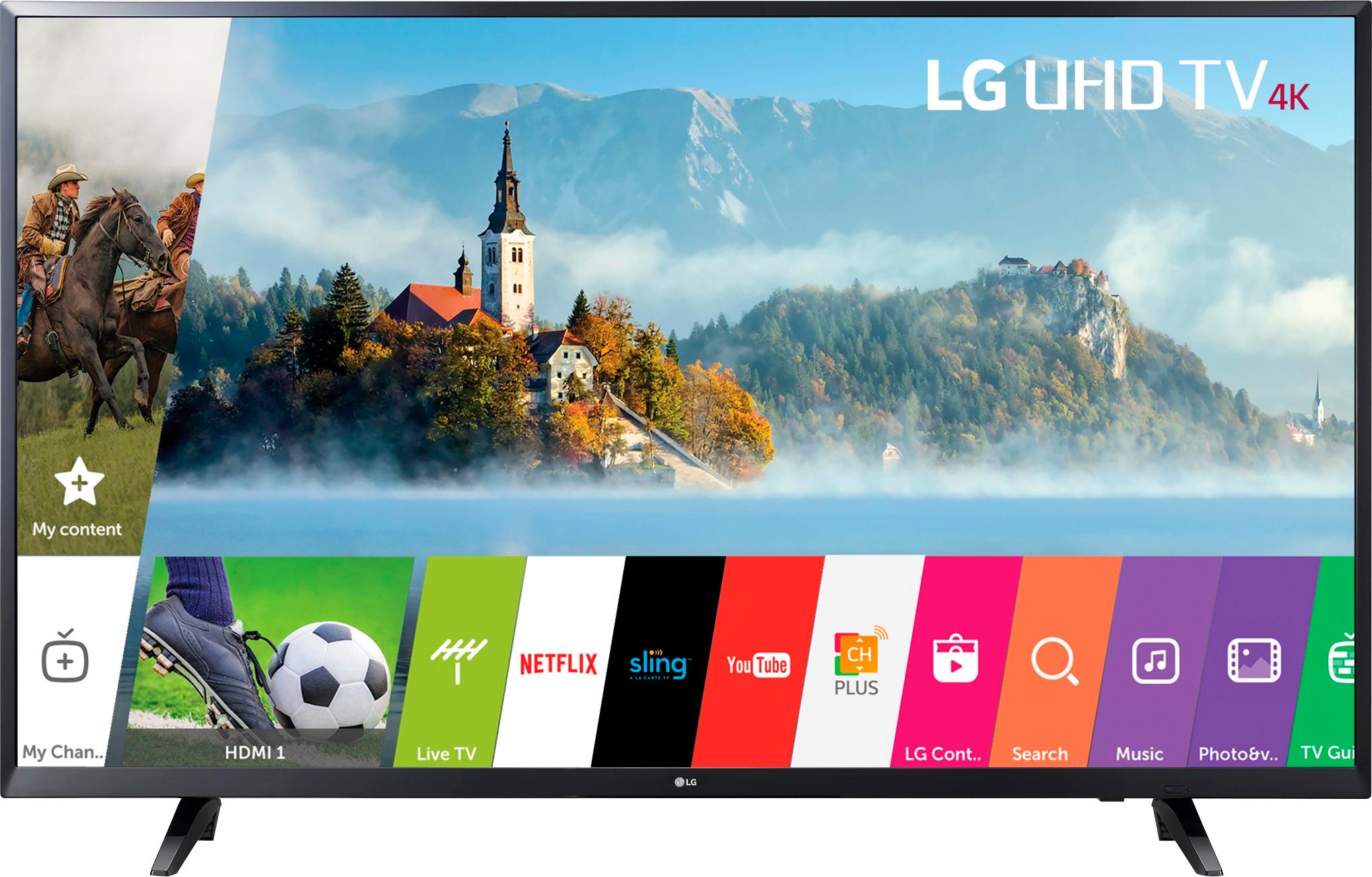
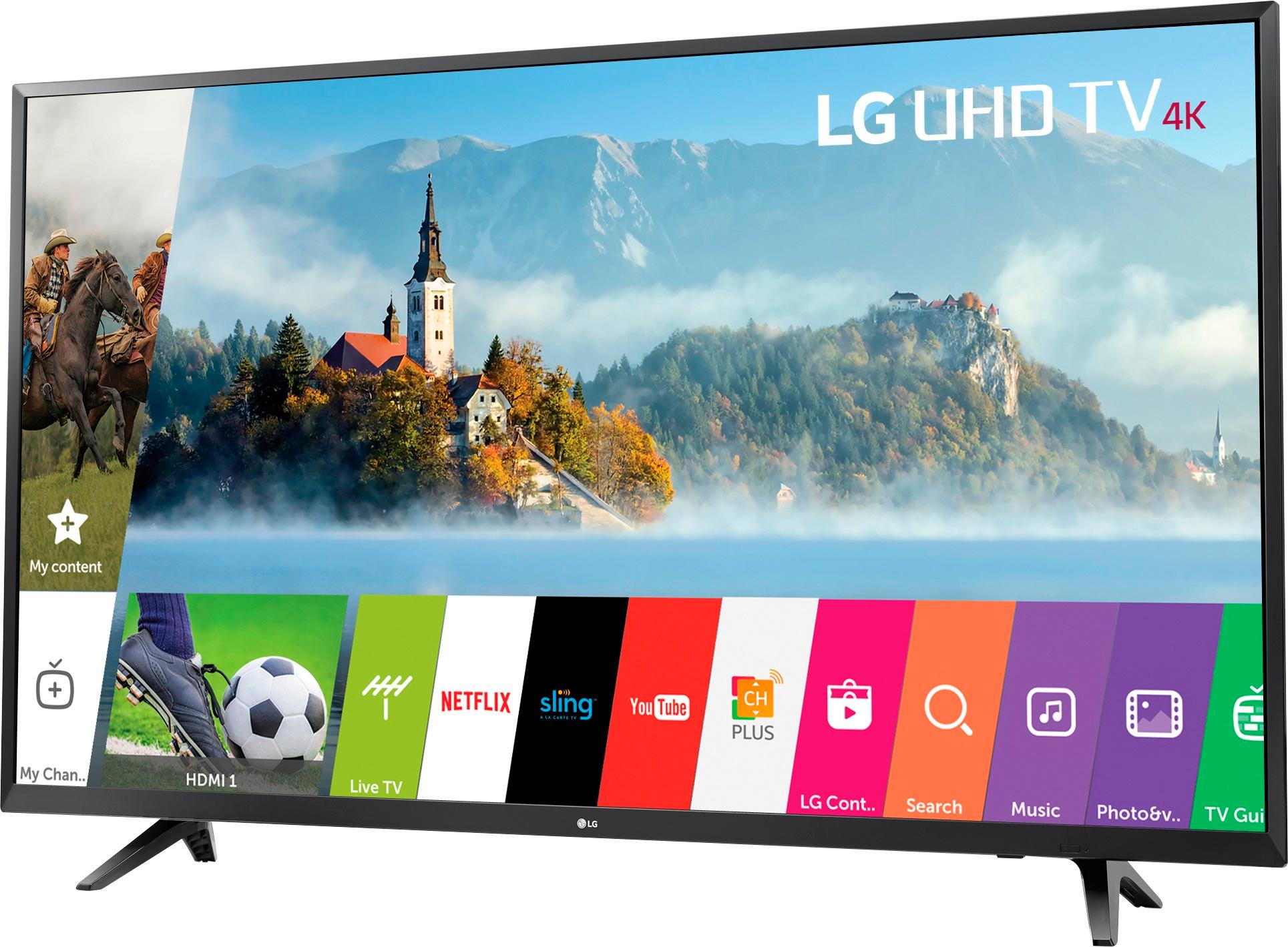
A:AnswerYou should look for quality per price point, and most definitely ease of use. I've learned you don't need to spend over a $1000.00 to get a decent T.V .
I've found over the years (I'm 46) It's better to go to Best Buy and talk to a sales rep and have them show you some T.V's. . Tell them your budget, and if your technically disadvantaged like myself? Tell them that too, then they'll hook you up. But most importantly! Get Geek Squad coverage, it'll save you a lot of headaches.
Hope this helps Sir.
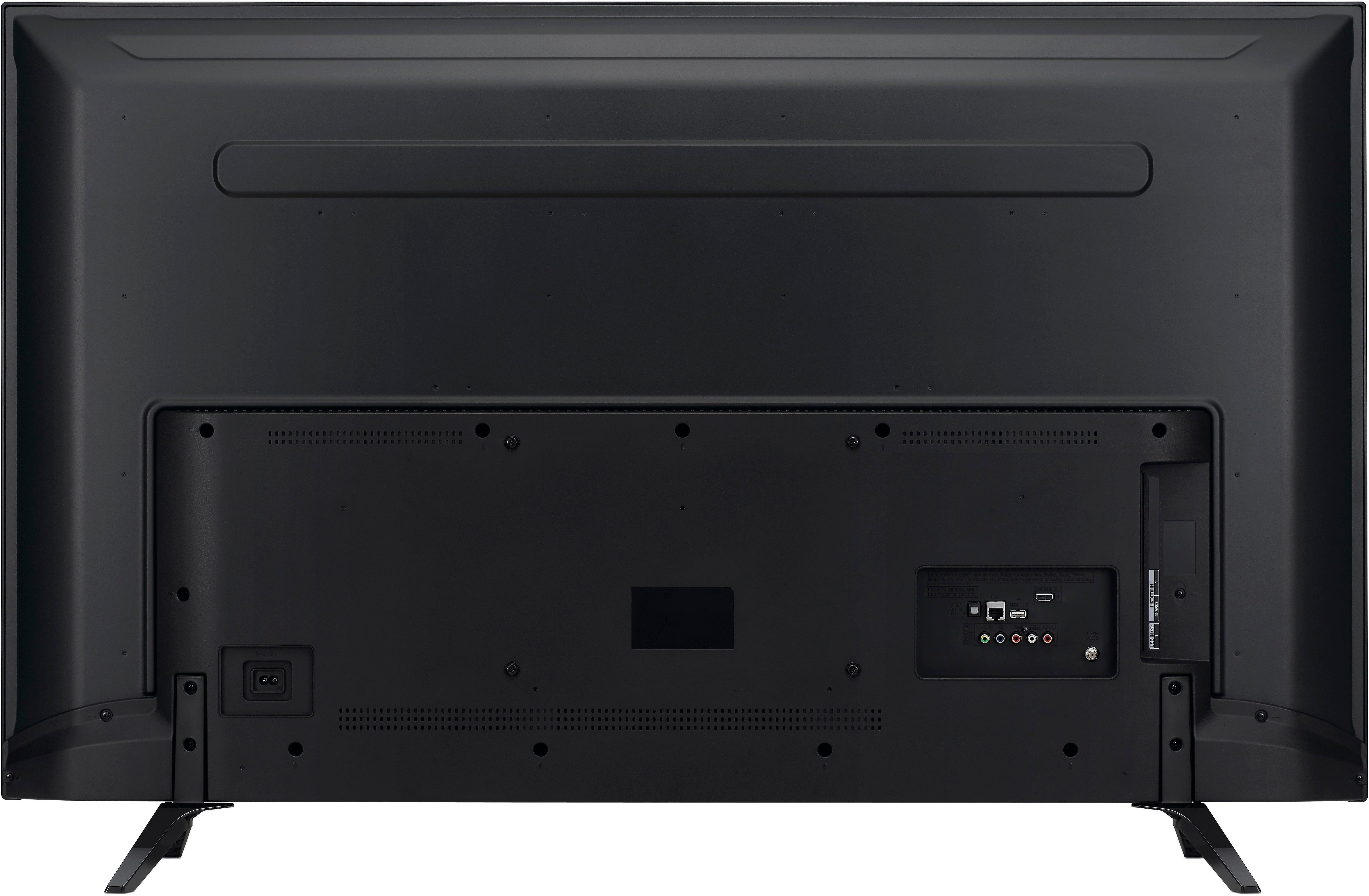
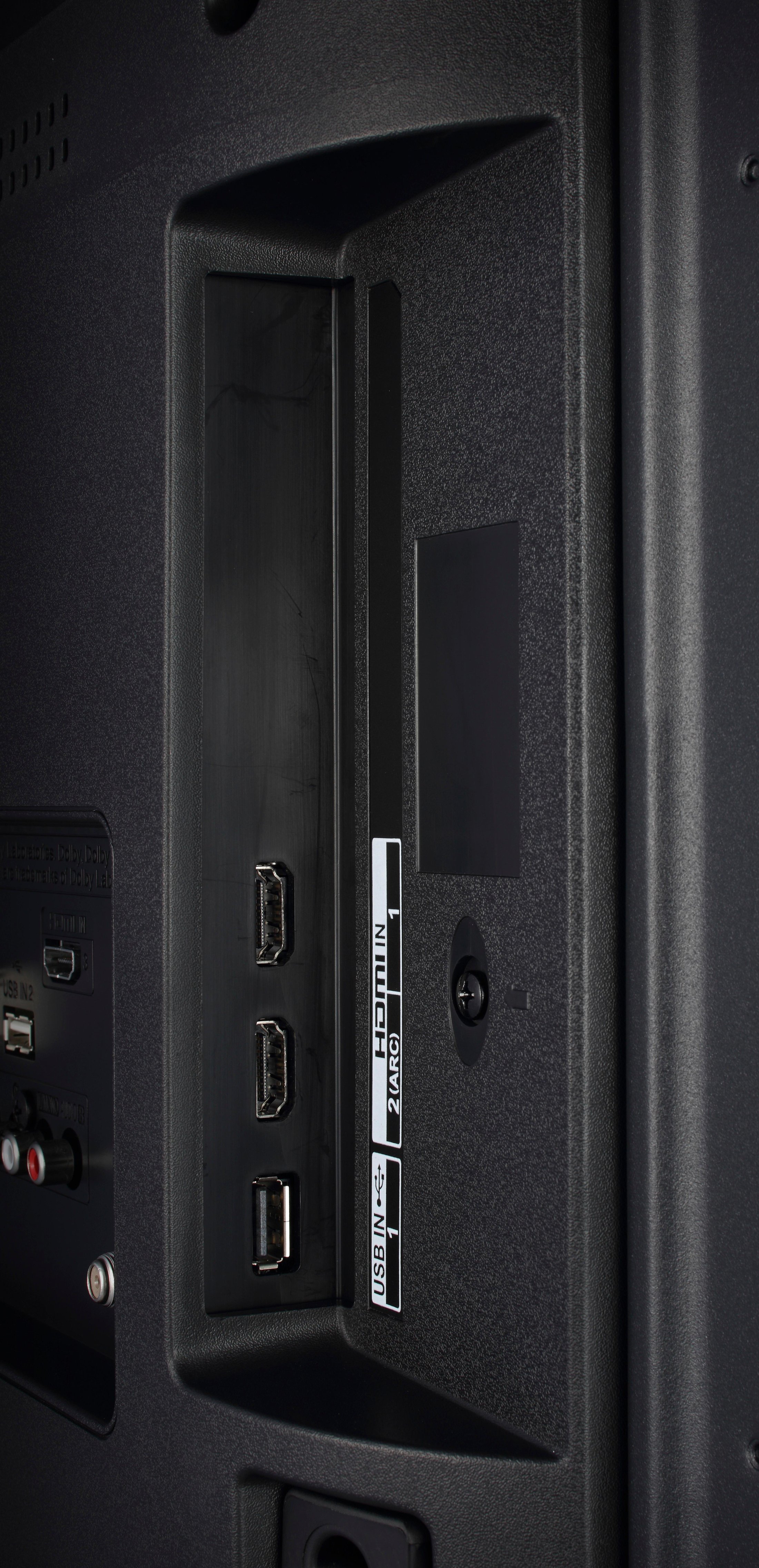
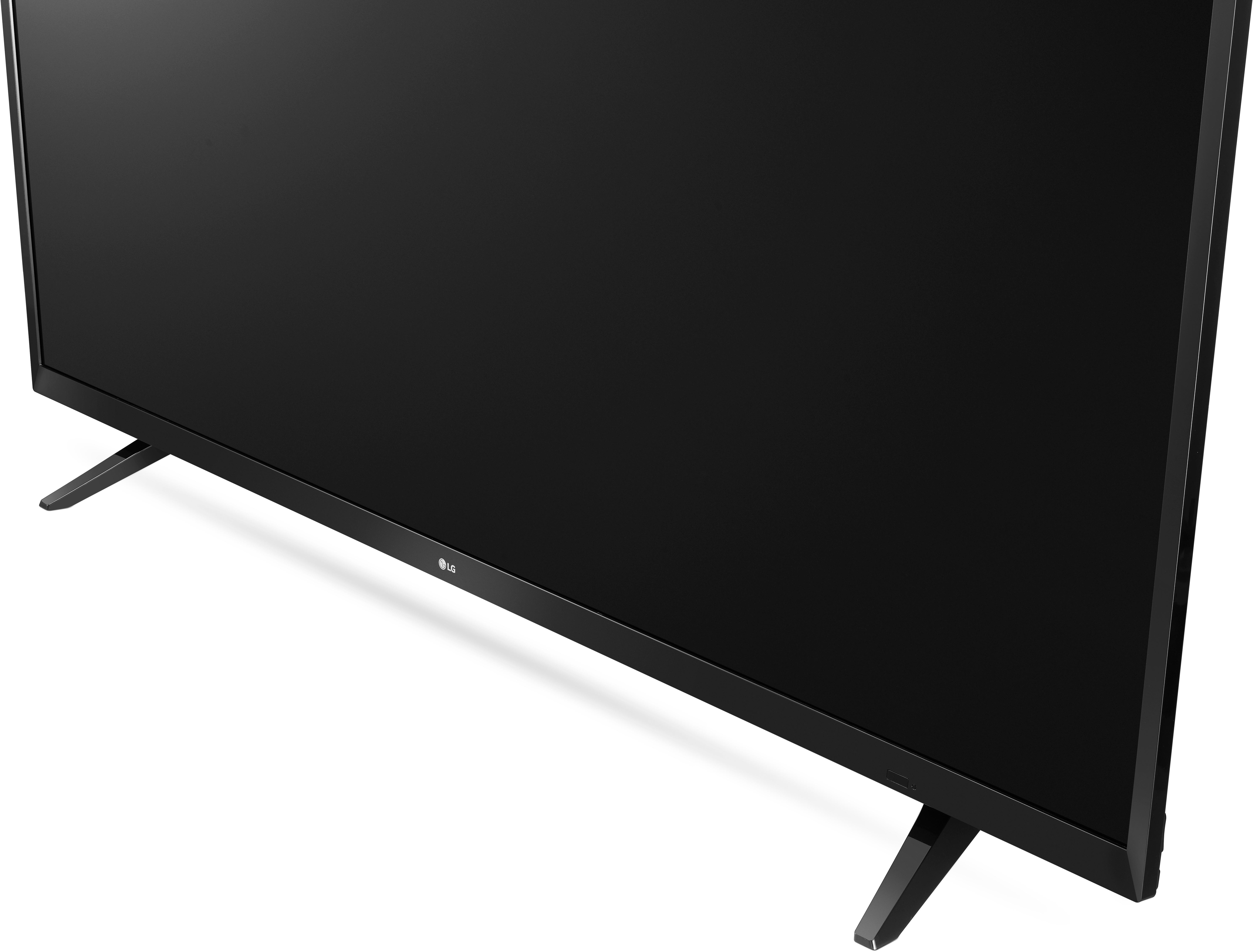
A:AnswerThis T.V only has SPDIF Out, so you would have to come up with a solution for that. I use Bluetooth headphones, and ended up getting a Bluetooth transmitter which works pretty good.
A:AnswerI'm a machinist using SolidWorks/SolidCAM and could care less about super accurate colors so long as blue looks blue...etc. I'm sure this TV would work just fine if your looking for a large higher resolution screen for more workspace "real estate".
A:AnswerThis is what I found, brother. Understand another DAV on a budget. ;-)
“We no longer have any type of a layaway plan. The ‘select stores’ having layaway is wrong as well. We used to allow our general managers to have the ability to give customers the option to do layaway, but it is no longer taught or trained to anyone. So you’re more than free to ask for layaway, but not a single one of our employees will know how to do it, and more than likely the manager on duty will not allow it.”
A:AnswerPlease call your warranty number if your television is experiencing issues connecting to the internet. The television supports 4K resolution so if your picture is blurry try connecting a device through an HDMI port and check the quality, it sounds as if your cable has a lot of "noise" causing you to get blurry reception.
A:AnswerYes, you should be able to. IT IS NOT AN ON LINE ONLY DEAL !!!!
I walked into my local store yesterday and there was a huge display right inside the door.
I walked out with one 15 minutes later.