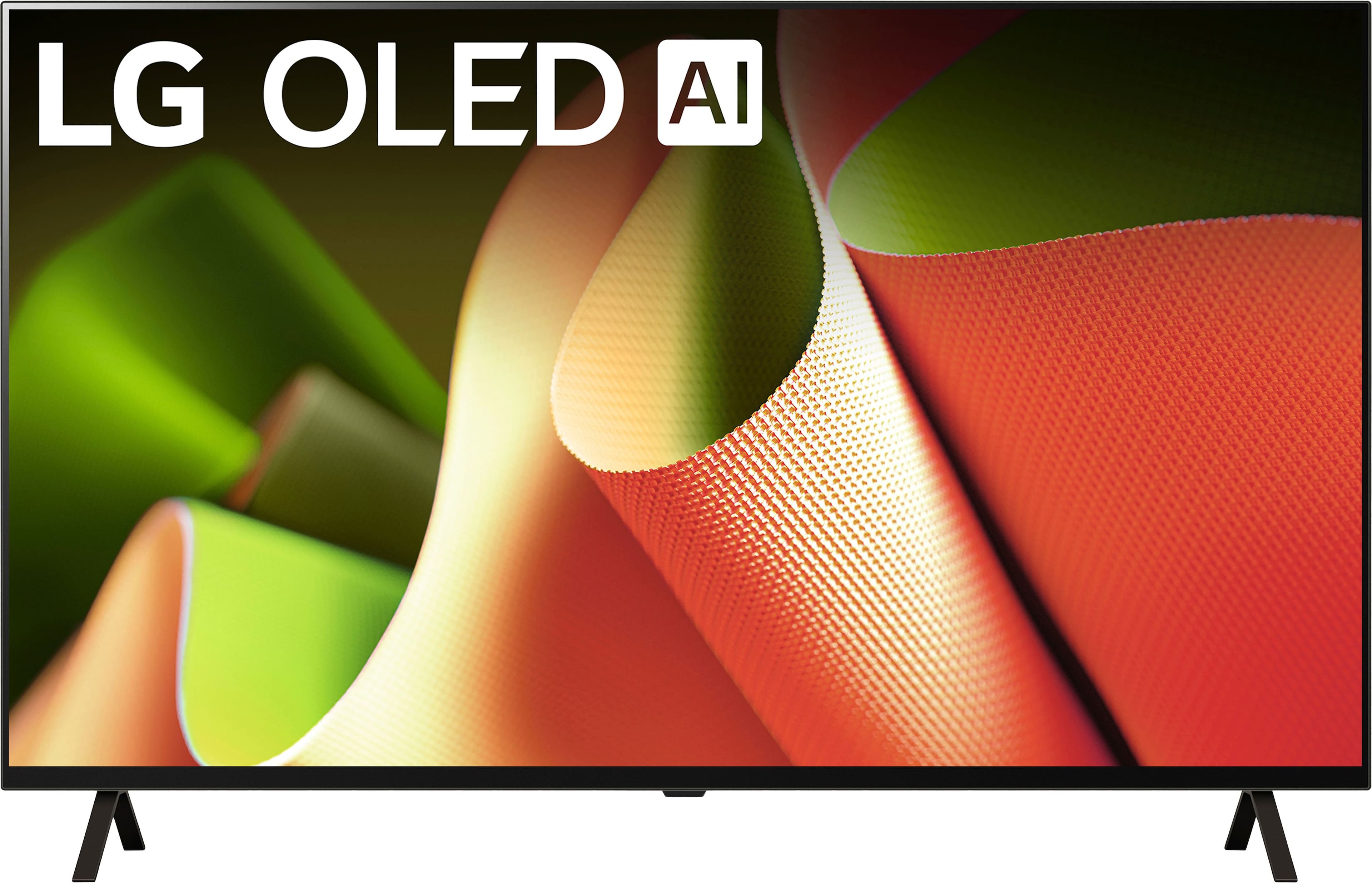
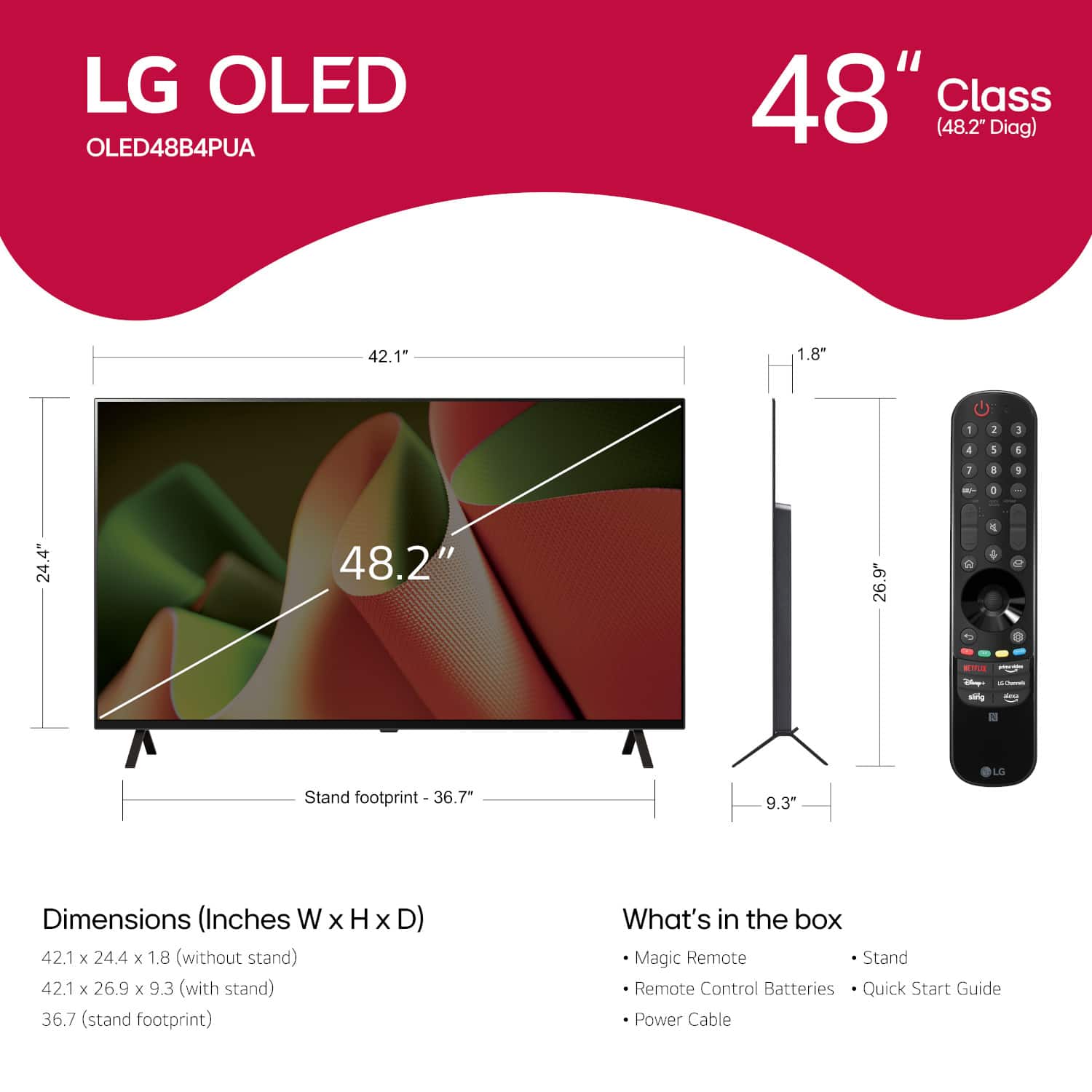
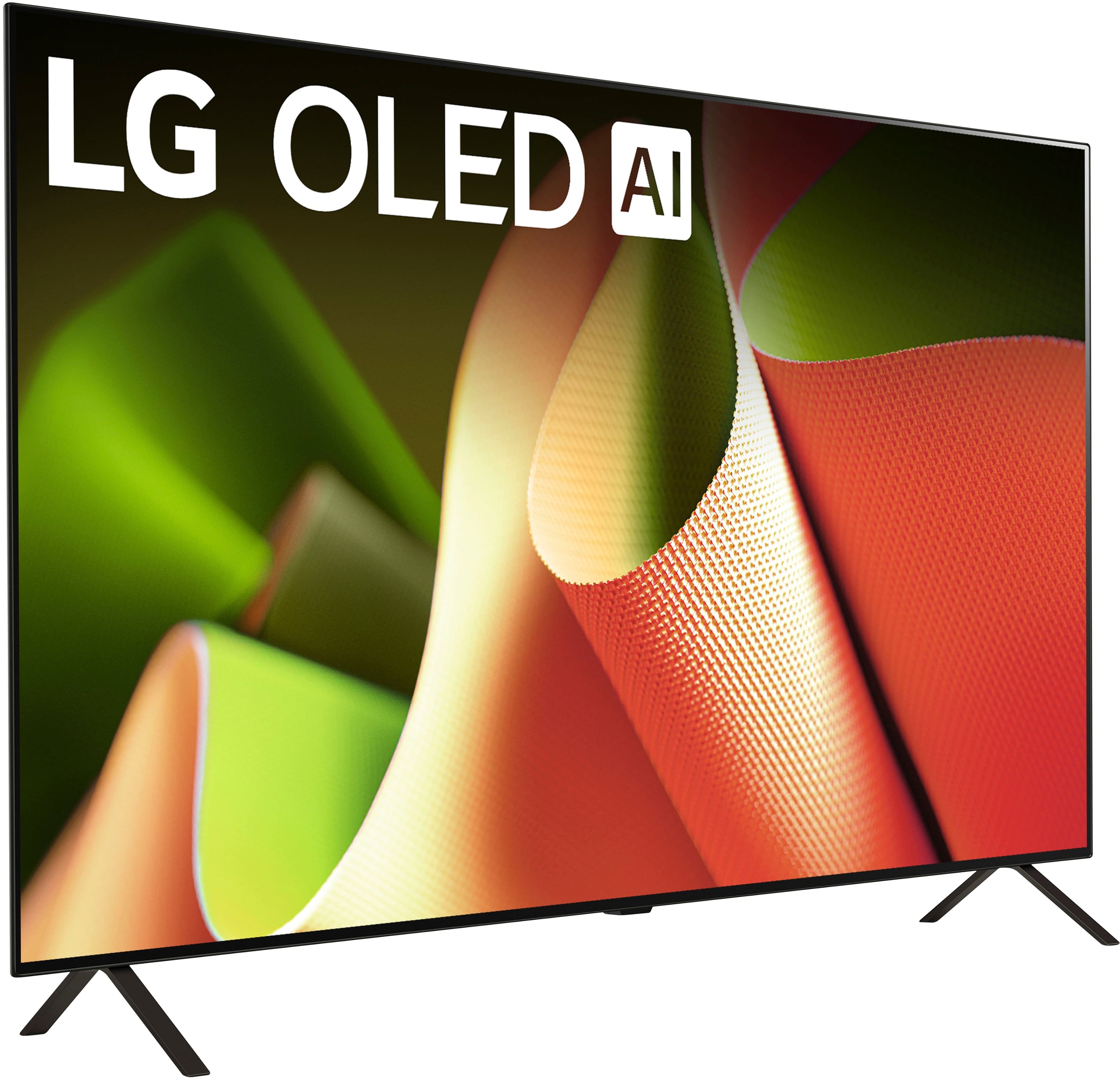
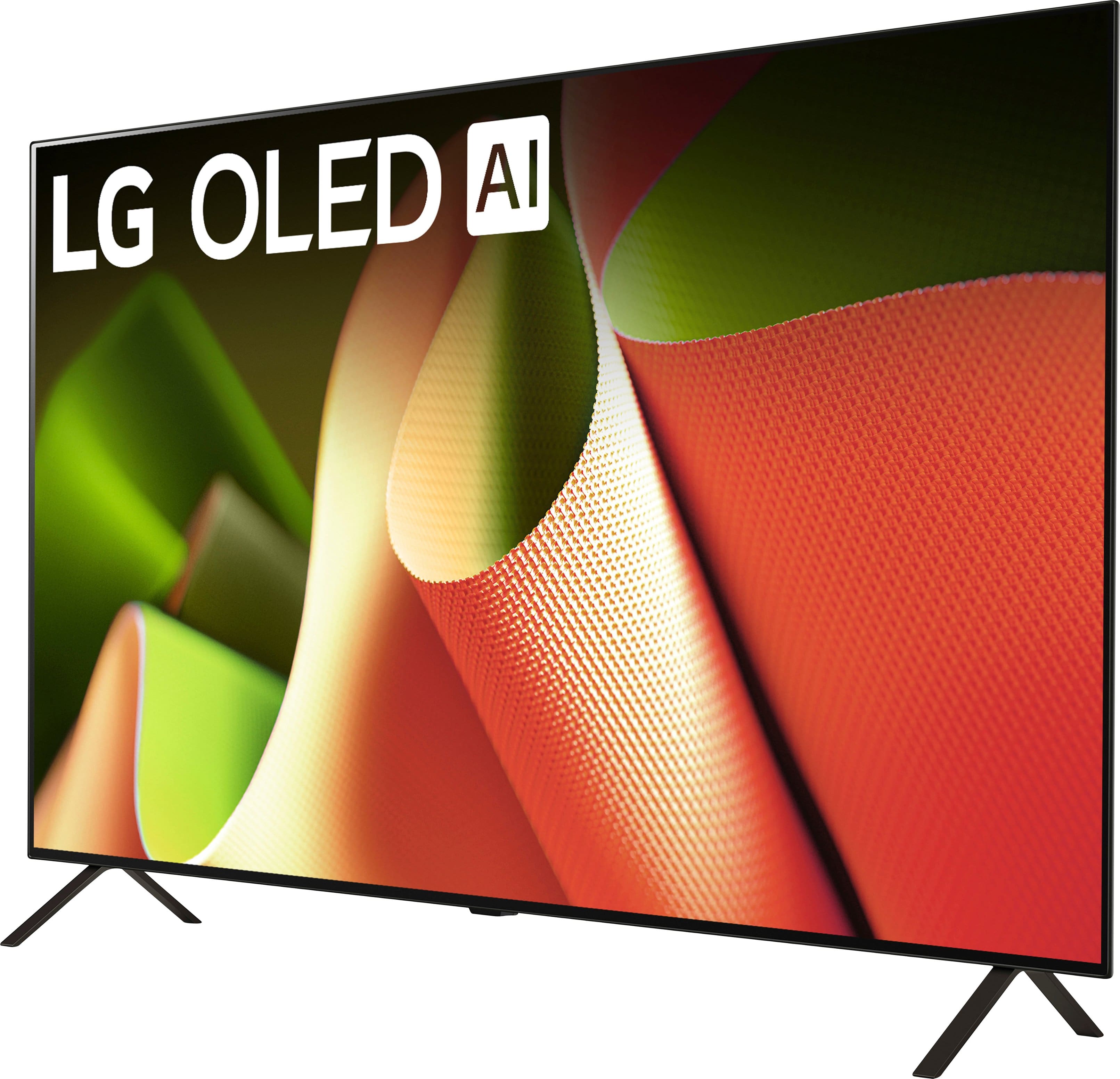
A:AnswerHi there, thank you for considering LG for your flight simulator setup! The LG OLED48B4PUA is a fantastic choice, offering a native 120Hz refresh rate, which works well with your Nvidia GeForce GTX 4070 Ti Super graphics card. Additionally, this TV supports G-Sync compatibility and VRR (Variable Refresh Rate), ensuring smooth and tear-free gaming performance.
While this model offers a 120Hz native refresh rate, for those seeking 144Hz or higher, we recommend looking into LG's UltraGear gaming monitors or other compatible models that can meet that specific refresh rate requirement.
https://www.lg.com/us/tvs/lg-oled48b4pua-oled-4k-tv#pdp_specs
If you need further assistance, please feel free to send us a private message on Social Media @LGUSSupport. We're happy to help you find the best fit for your setup! —Renzo
A:AnswerHello there, Chris. Thank you for reaching out. We understand you're having trouble using an HDMI 2.1 to Thunderbolt 4 adapter with your LG OLED48B4PUA TV and would like to know if the HDMI inputs have different capabilities.
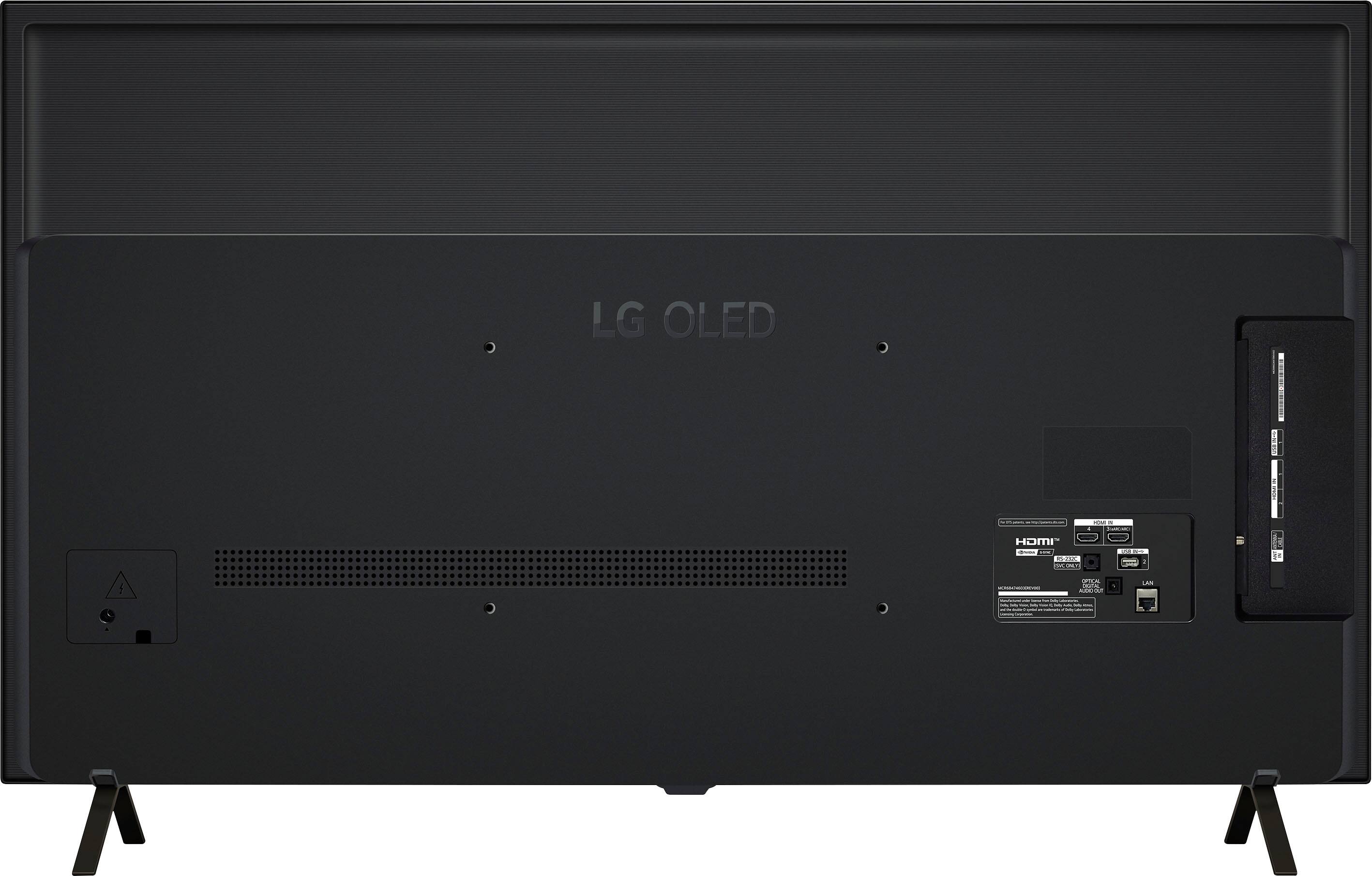
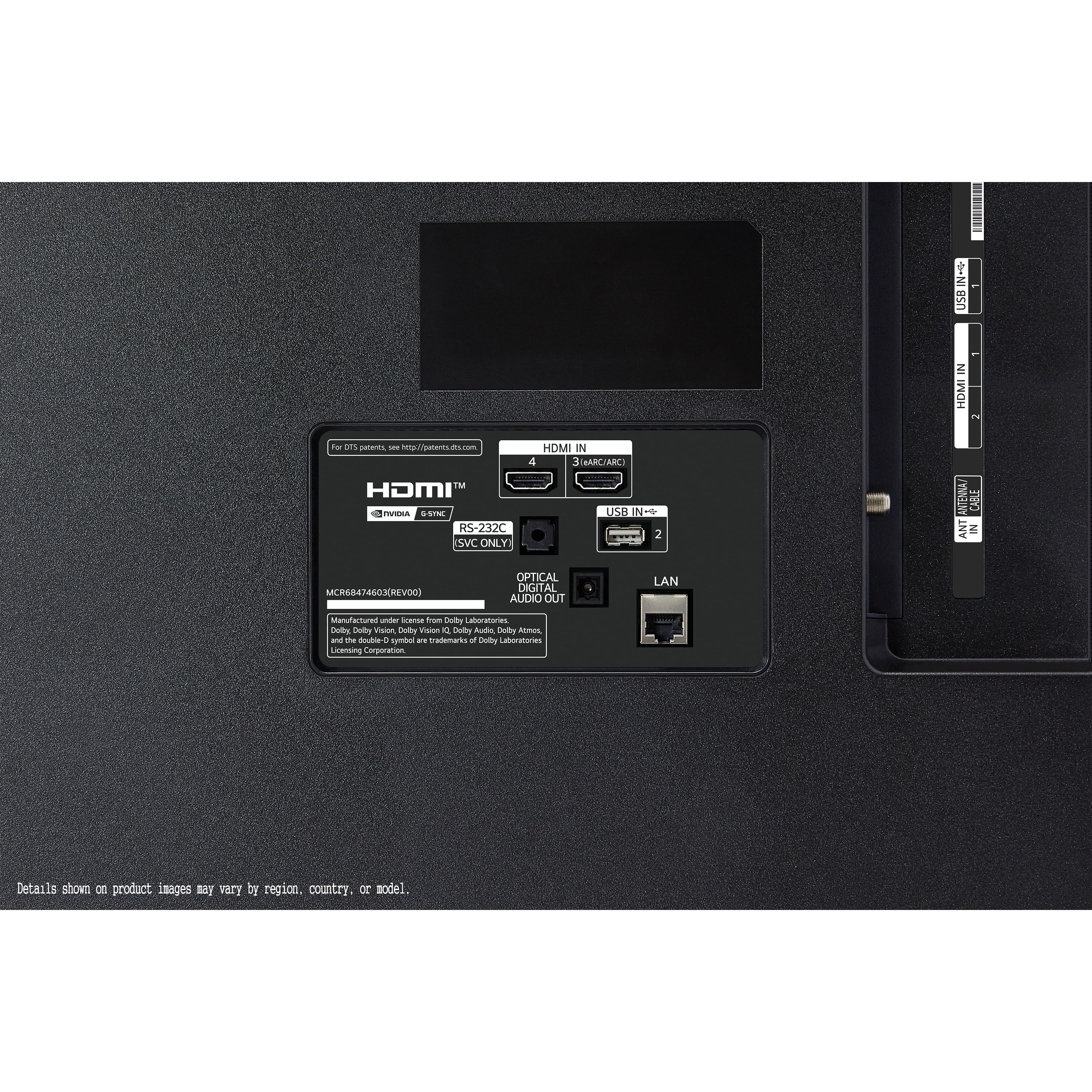
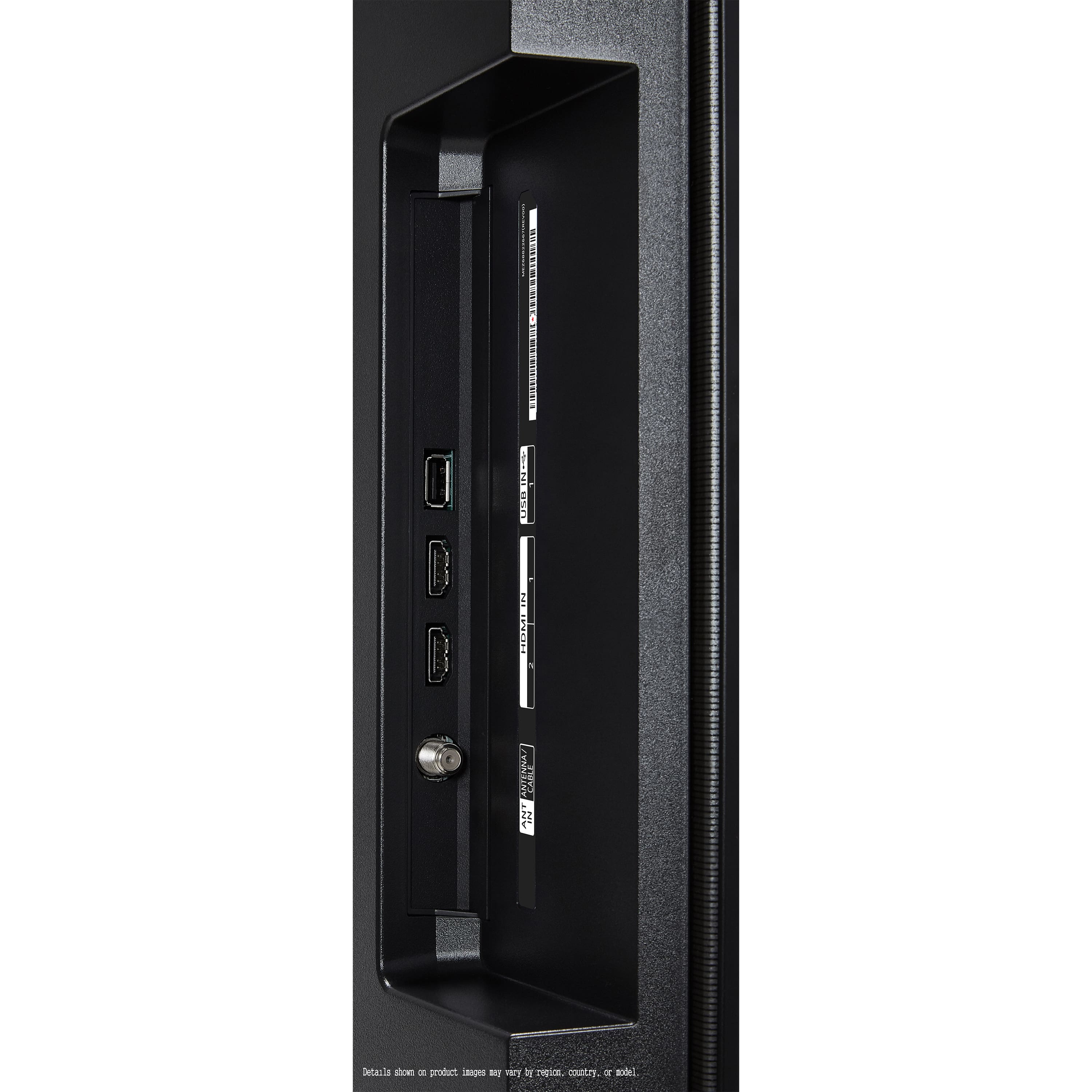
This model features four HDMI inputs, all of which support 4K at 120Hz, Variable Refresh Rate (VRR), Auto Low Latency Mode (ALLM), and HDMI 2.1 features like eARC. However, not all HDMI ports support the full range of features at all times. Specifically, HDMI 3 is the one with eARC support, but all four HDMI ports are capable of high refresh rates, VRR, and 4K resolution.
Regarding your HDMI 2.1 to Thunderbolt 4 adapter, there could be compatibility issues between the adapter and the TV, as Thunderbolt 4 typically requires specific support from both the laptop and the display device. To ensure compatibility, it’s important to confirm that your laptop’s Thunderbolt port supports video output through HDMI 2.1 and that the adapter is designed to handle the bandwidth and resolution needed for 4K output.
We recommend trying another HDMI cable or direct HDMI connection to rule out adapter compatibility issues. Additionally, ensure that your laptop's settings are configured to output video to the HDMI port.
https://www.lg.com/us/tvs/lg-oled48b4pua-oled-4k-tv#pdp_specs
If the issue persists, please send us a private message on Social Media @LGUSSupport, and our team will be happy to assist you further.
—Renzo
A:AnswerIt should work as the TV has 4 HDMI ports but if your Apple TV is ten years old (likely the gen 3), then it'll only output 1080. Consider upgrading to an Apple TV 4K (I use it for this TV) to fully take advantage of the TV's capabilities.
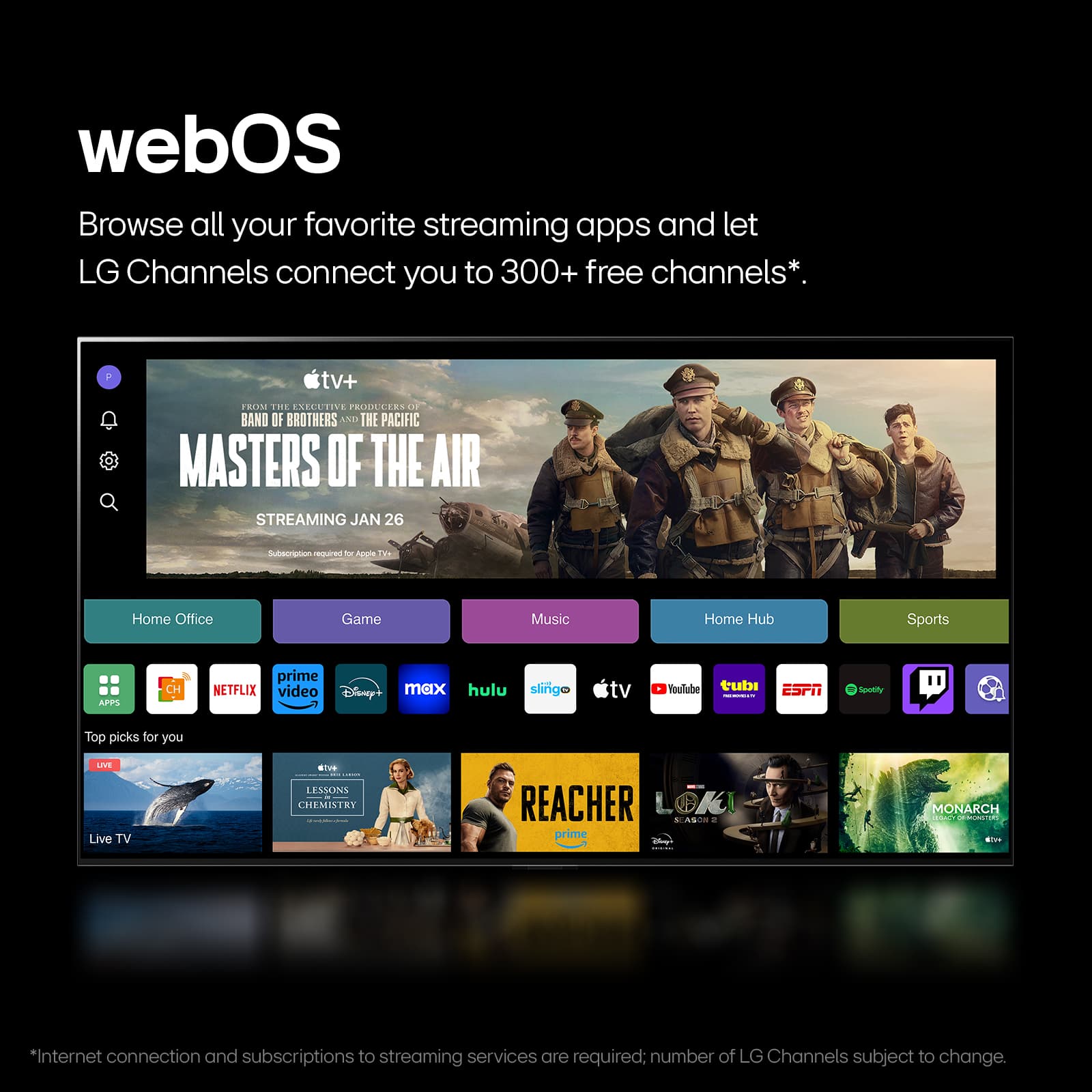
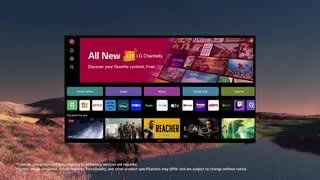
A:AnswerHi there, Jack. Thank you for reaching out with your question. Yes, the LG OLED48B4PUA can indeed function without a cable internet connection. It is equipped with Wi-Fi capability, allowing you to connect to the internet wirelessly. You can access all your favorite streaming services such as Netflix, Disney+, YouTube, and more, directly through the built-in webOS platform without the need for a wired connection.
https://www.bestbuy.com/site/lg-48-class-b4-series-oled-4k-uhd-smart-webos-tv-2024/6584787.p?skuId=6584787
If you need assistance setting up the Wi-Fi connection or have any other questions, please send us a private message on Social Media @LGUSSupport, and our team will be happy to assist you further.
We appreciate your interest in the LG OLED!
—Renzo
A:AnswerHi there! Thank you for your question about the LG OLED48B4PUA. We understand that you're interested in the version of webOS this TV runs on. This model is equipped with webOS, and although the exact version isn't explicitly mentioned in the provided specifications, the B4 Series models generally come with webOS 5.0 or lower.
https://www.bestbuy.com/site/lg-48-class-b4-series-oled-4k-uhd-smart-webos-tv-2024/6584787.p?skuId=6584787
For more precise information about your unit, you can check the settings on your TV or reach out to us on Social Media @LGUSSupport, where we’ll be happy to provide additional details. We appreciate your understanding and are here to assist you with any further questions.
—Renzo
A:AnswerHi there, thank you for your question about the OLED48B4PUA model! This TV comes equipped with 3GB of RAM and 32GB of internal storage. This setup ensures smooth performance while allowing you to download and run various apps efficiently. If you have any further questions or need assistance with your TV, please feel free to send us a private message on social media @LGUSSupport. We're here to help! Thank you for considering LG! —Avril
A:AnswerHi there,
Thank you for reaching out! We understand you're looking for the best way to run audio from your OLED48B4PUA TV to an amplifier that uses an analog RCA input. One option is to use the Optical Audio Output from the back of the TV and convert it to an analog signal using an optical-to-RCA adapter. This setup should provide better sound quality compared to splitting the audio from the Roku, as the TV’s output is designed to handle high-quality signals. If you need assistance with setting this up or have more questions, please send us a private message on Social Media @LGUSSupport. We’re happy to help!
—Renzo