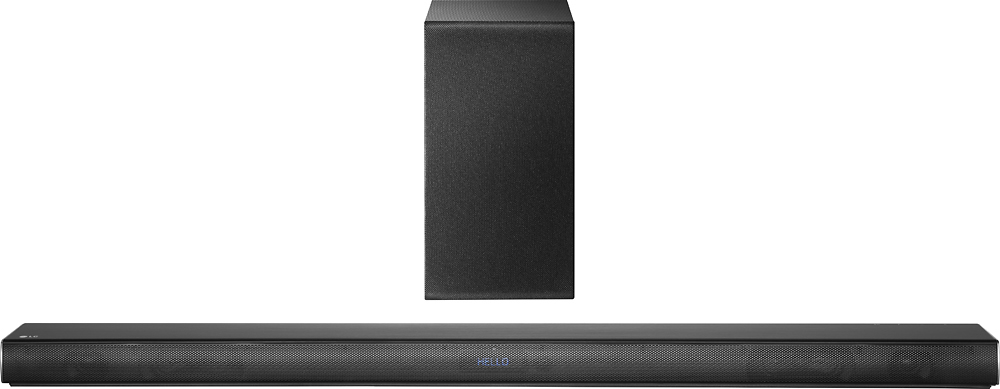
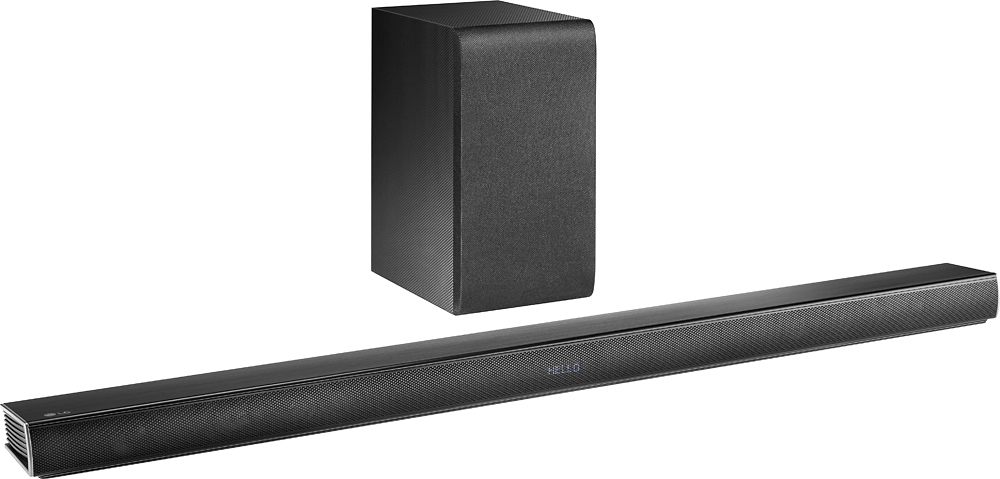
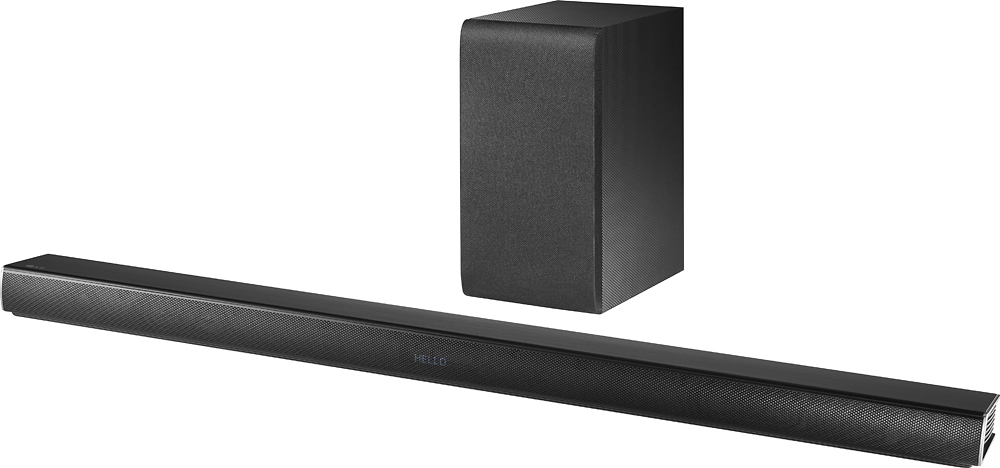
A:AnswerThe LG - Music Flow 4.1-Ch. Soundbar with Wireless Subwoofer - Black, Model # SH7B does not have any ports for adding external speakers to it so you cannot add rear speakers by hardwire. This unit is music flow compatible so it will be compatible with other music flow speakers. ^CP
A:AnswerI just had this installation done by the Geek Squad a few weeks ago. I also have a 60inch LG TV with this same soundbar. You need a “TV soundbar wall mount” to make this happen. The Best Buy Reps can help you find it. So far, the results have been great!
A:AnswerI have the same problem and was thinking of having a shelf/bracket made from our sheet metal company. I wish it would have come with something, good luck but maybe having a local sheet metal company fab something will work for you too.
A:AnswerYou cannot pair other manufacturers speakers to the LG 360W 4.1ch Music Flow Wi-Fi Streaming Sound Bar with Wireless Subwoofer, Model # SH7B...^IFV
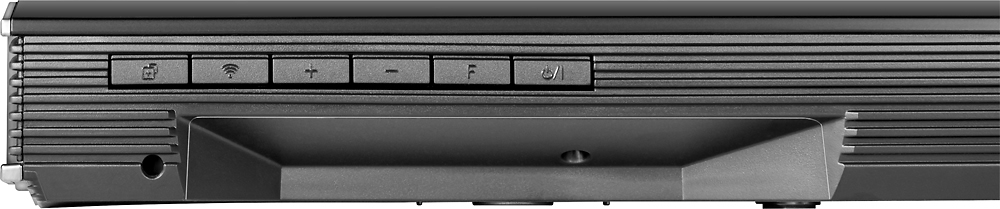
A:AnswerCheck your manual, there are instructions on how to perform a hardware reset of the device by pressing a button combo on the bar. This will fix the issue.
A:AnswerDefinitively, yes. The products have been discontinued but you can get them fairly inexpensively on amazon. I personally have 2 H5 speakers paired with it and it sounds great!
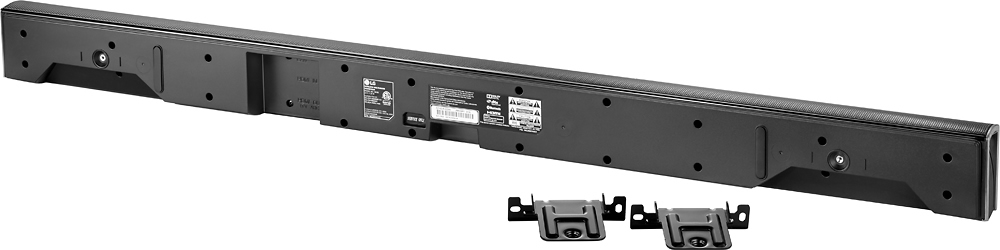
A:Answeri had no issue using the brackets provided to mount the bar to my wall underneath the TV. it even gives you a guide on where to place the holes in the wall for mounting.the sound bar sits on and screws into the brackets and they are hidden this way as well, very easy install.
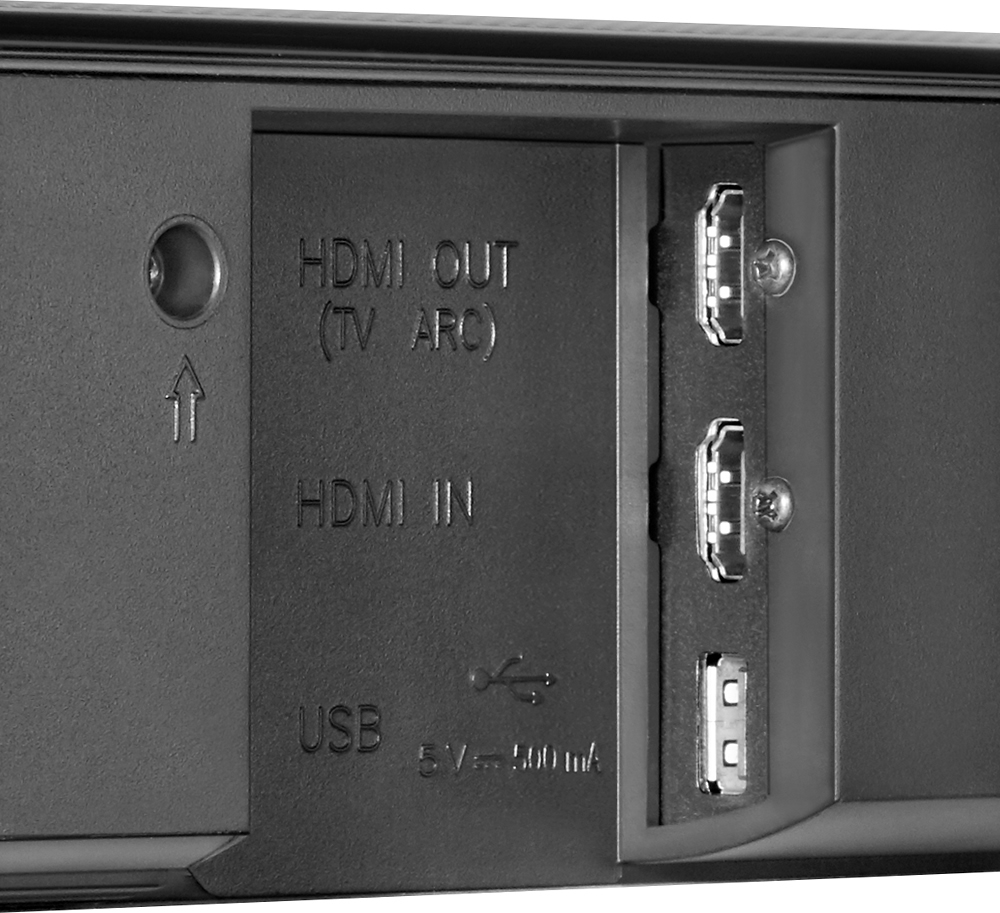
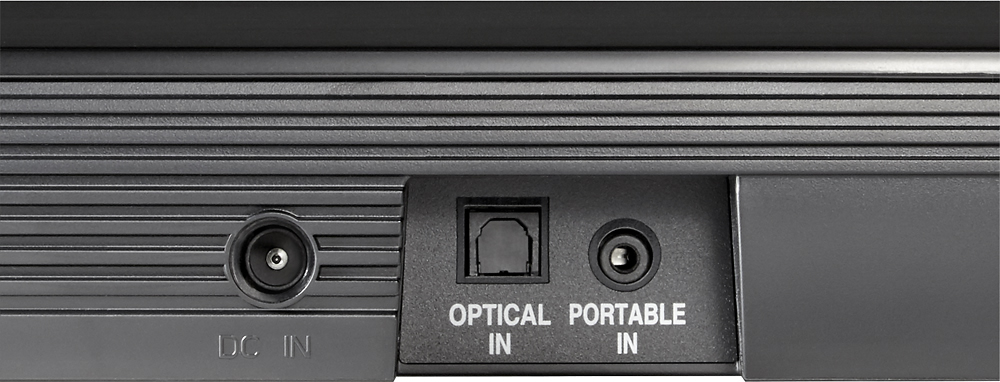
A:AnswerThe LG - Music Flow 4.1-Ch. Soundbar with Wireless Subwoofer - Black, Model # SH7B supports Bluetooth version 4.0. It can be paired with any device that supports Bluetooth technology and you can stream audio from such devices to the Soundbar. The Soundbar also has both an HDMI® Input and an Optical Digital Input, either of which can be connected to TVs that have an HDMI® Output or Optical Digital Output. If your the TV has a headphone jack or Stereo RCA Audio outputs on it, you can also connect those to the Portable In (3.5 mm) port which is also commonly referred to as a headphone jack. You will need the appropriate cable to connect to this port...^IFV
A:AnswerThis soundbar is wallmount only. Mounting on the wall below the tv. The brackets that came with your soundbar are correct. Also there should have been a TEMPLATE for mounting the brackets to the wall in your packet of instructions.
A:AnswerI found a way to "restrict" others to connect to my LG SH7 soundbar via bluetooth. The problem is, this prevents everyone, including me as well to connect to it but since I've never used and not planning to use it this way (TV connected via optical, fully functional controlled from TV remote).
Very easily just unplug the soundbar, screw out the 22 phillips head screws (remember the order because they are not the same length). Get the bottom off and on the side there is the bluetooth extension card separately from the main board all in its glory. Like they did intentionally separated it for this purpose. Lift up the ribbon cable holder and pull out the ribbon cable from the bluetooth card. Put back the bottom, screw it together and job done, bluetooth not working anymore but the soundbar is functional as it is.
Also the subwoofer uses something else than bluetooth luckily, so you don't use the wireless subwoofer!
Later models after SH7 has a built in functionality to prevent unknown connects, SH7 does NOT. I tried several methods, reseting and disabling connections, but someone from the house is still connecting and broadcasting audio sometimes. Only disconnection of the bluetooth card had a proper effect.