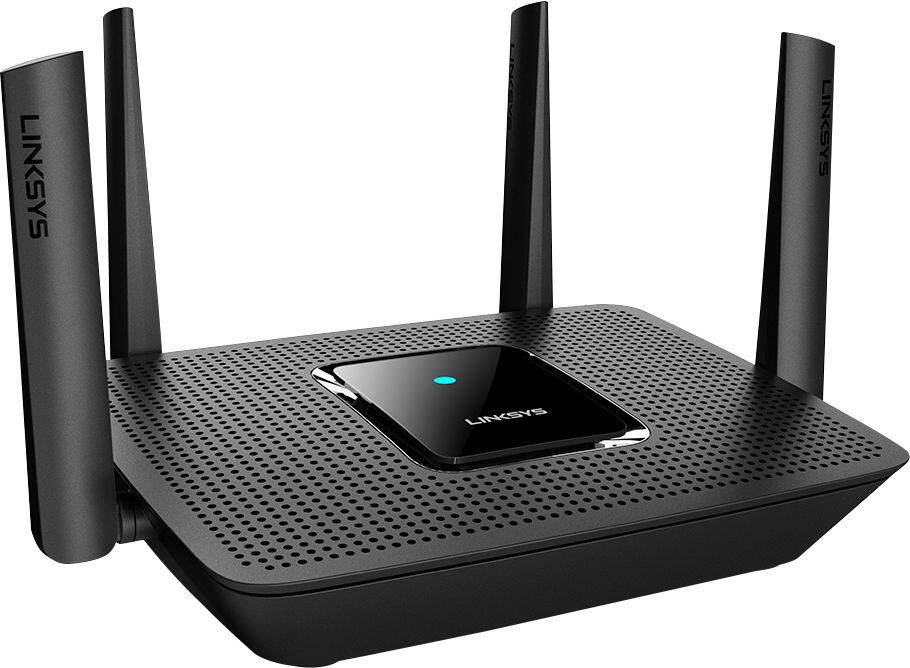
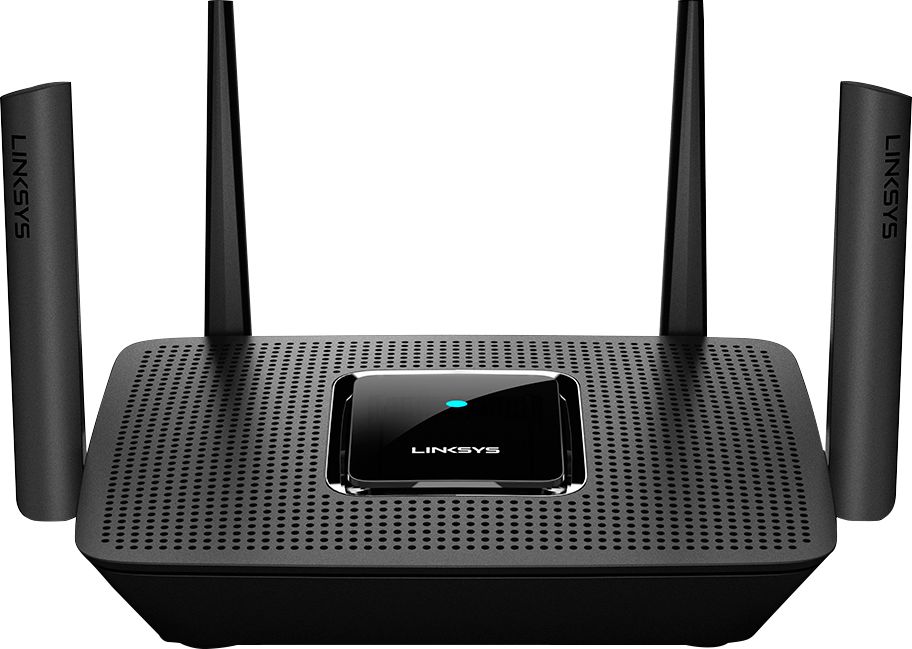
A:AnswerHello, Robert. The price varies per reseller. If you’re referring to the Linksys MR8300, then you may check this link for more info: https://www.linksys.com/us/p/P-MR8300/.
A:AnswerI doubt it. That would be like trying to join TMobile with Verizon with ATT.
Device manufacture compatibility dependent on the given frequencies used per manufacture specs. Keep Asus with Asus, Linksys with Linksys, Motorola with Motorola. Will save you on brain damage and wasted time
A:AnswerThis is part of Linksys’ velop mesh Wi-Fi system which has great reviews all over the internet. This base will work with three velop mesh nodes. Make sure you select the tri-band Wi-Fi-5 mesh nodes that are the same speed as the base (e.g., AC2200). As you move around, the nodes will automatically select the clearest channel for your signal. In the mesh system, nodes are considered an extension of the router. Bridges are different. They do not respond like mesh nodes do.
A:AnswerAre you asking if the Linksys will bridge for the Airport or vice versa? Unfortunately, Apple has discontinued Airport technology to focus on its core business.
The Airport can act as a bridge and so can the Linksys. Depending upon the age of the Airport, you may not want to do this. My AirPort Extreme-N was having dementia. I needed a faster router with whole house options. It’s best NOT to mix old/new technology or different brands if possible. It’s SO easy to use the Linksys interface to setup a base or bridge instead of using multiple apps.
A:AnswerThis router is Mesh enabled router. Get this and a Linksys mesh Velop to extend in your house.
Otherwise TP link powerline networking works great with this too.
A:AnswerIf you're referring to an ISP then, yes. The Velop system is compatible with any modem or modem + router (gateway) that is provided by your ISP, Larry.
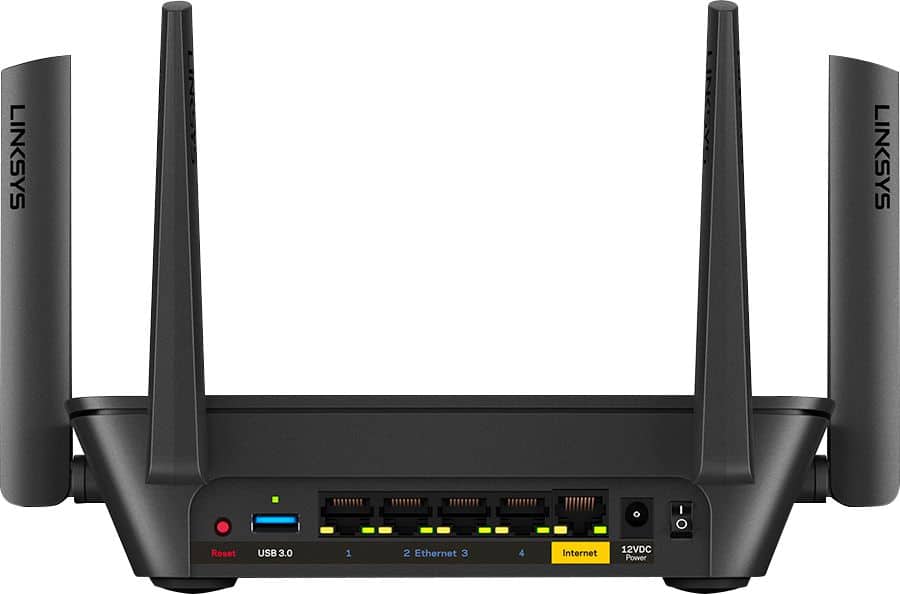
A:AnswerYes. DOCSIS 3.1 is a cable modem standard and has nothing to do with wireless 802.11x technology, as long as the wireless router has a WAN port. This does.