A:AnswerMaybe I'm not the best person to answer this, but both of these phones have no contracts but they do need to be activated. You can choose between data/call plans.
A:AnswerGreat question! If you are using a Google account on your current smartphone and have backed everything up, once you log into your Google account on your Lively Smart, those items should be available.
A:AnswerI'm curious about the previous answer because I called Lively today to trade in my mother's Smart2 that hasn't worked well since Day 1, to a Smart3. We're still paying for the other phone (bought in June 21), it doesn't hold a charge for more than 6 hours, and they wouldn't upgrade to a 3, or give me a discount for the crap 2 phone. They did offer to send me another Smart2, which isn't helpful at all.
A:AnswerGreat question! Lively allows you the option to transfer your cell or home phone number, as long as your number is still available. There are instructions on how to do so included with the box -- just make sure you do not cancel your previous service until the transfer is complete. To enjoy exclusive features that are only available on the Lively network, activate with Lively by phone or on the Lively website. Lively has a variety of plans with data so you can choose the one that works best for you.
A:AnswerOnce you are logged in if needed, and on the app screen take your finger and swipe from center down. The flashlight app will be on the right side middle in a box and it will be a lighter color if on. Tap the box and it will turn off. If you need to adjust the screen brightness this can be done here as well. Once finished drag one finger on the bottom of the screen again upward and it will take you back to the apps screen or your prior screen. This are also turns on and off wifi, bluetooth, vibration and the map location screen that some sites and apps need to locate you.
A:AnswerI use the alarm clock or the timer frequently. I am a volunteer driver and sometimes when I have a break between rides I need a nap if I have risen early or slept poorly the night before. It is important that I do not oversleep. So far my Jitterbug Smart 2 has worked dependably. It is not difficult to set.
A:AnswerGreat question. Lively phones were specifically designed to work on the Lively network which is powered by the nation’s largest and most reliable wireless network. To enjoy exclusive features that are only available on the Lively network, activate with Lively by phone or on the Lively website. Lively has a variety of plans so you can choose the one that works best for you.
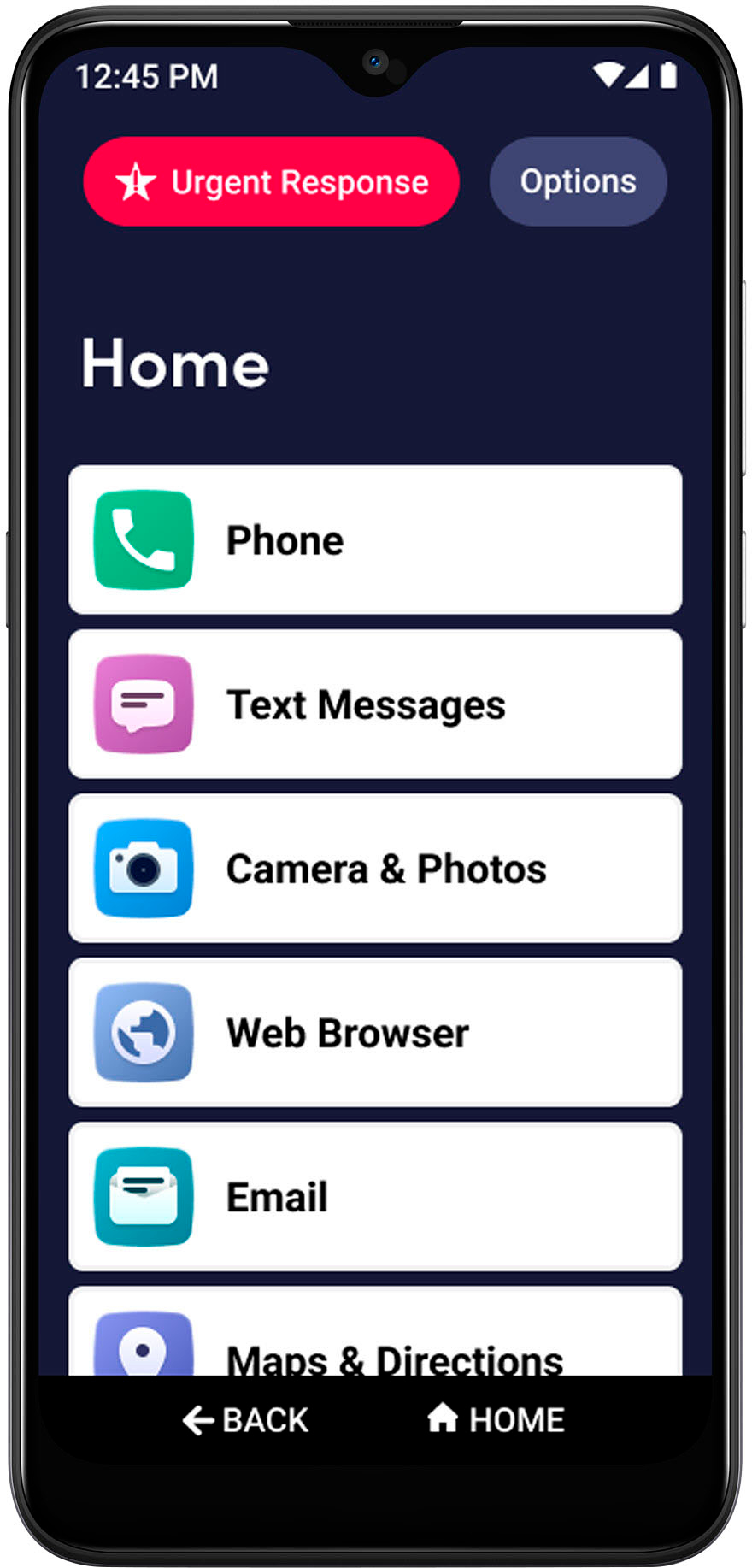
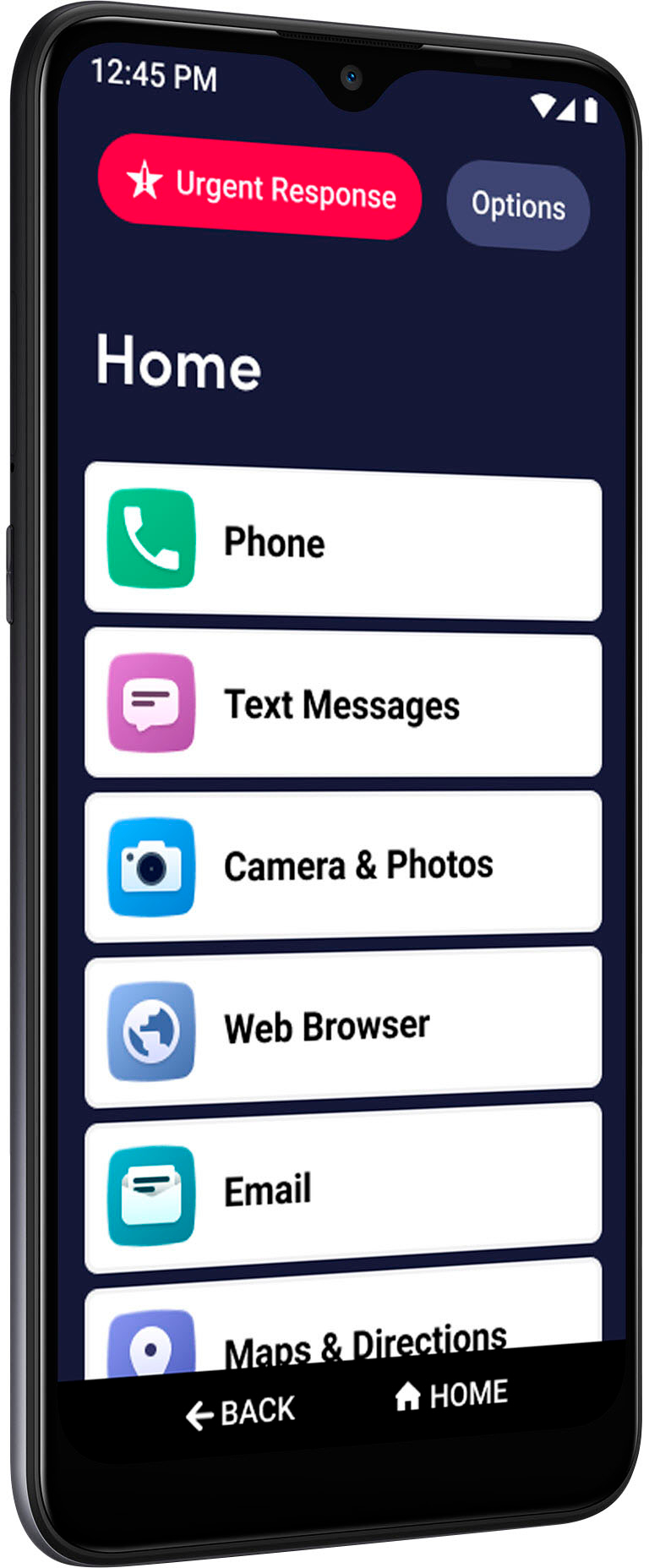
A:AnswerGreat question! The new Lively Smart phone has the features you’ve grown to love on your Jitterbug – a list-based menu and large font, on a larger screen – with a new dual camera, a longer lasting battery and more memory for storage. The Lively Smart also has a dedicated voice assistant button so you can call or text using your voice, and help guides right on the phone if you ever need help using the features of your new phone. As with your Jitterbug Smart, you will still have access to Urgent Response and other health and safety services to help keep you connected, safe and healthy.
A:AnswerThe camera preview is also not right! It is obviously a phone/camera issue and not a service provider issue.
Regretting having purchased this phone when apparently there is no support for a defective product unless you provide service?? That is not right.