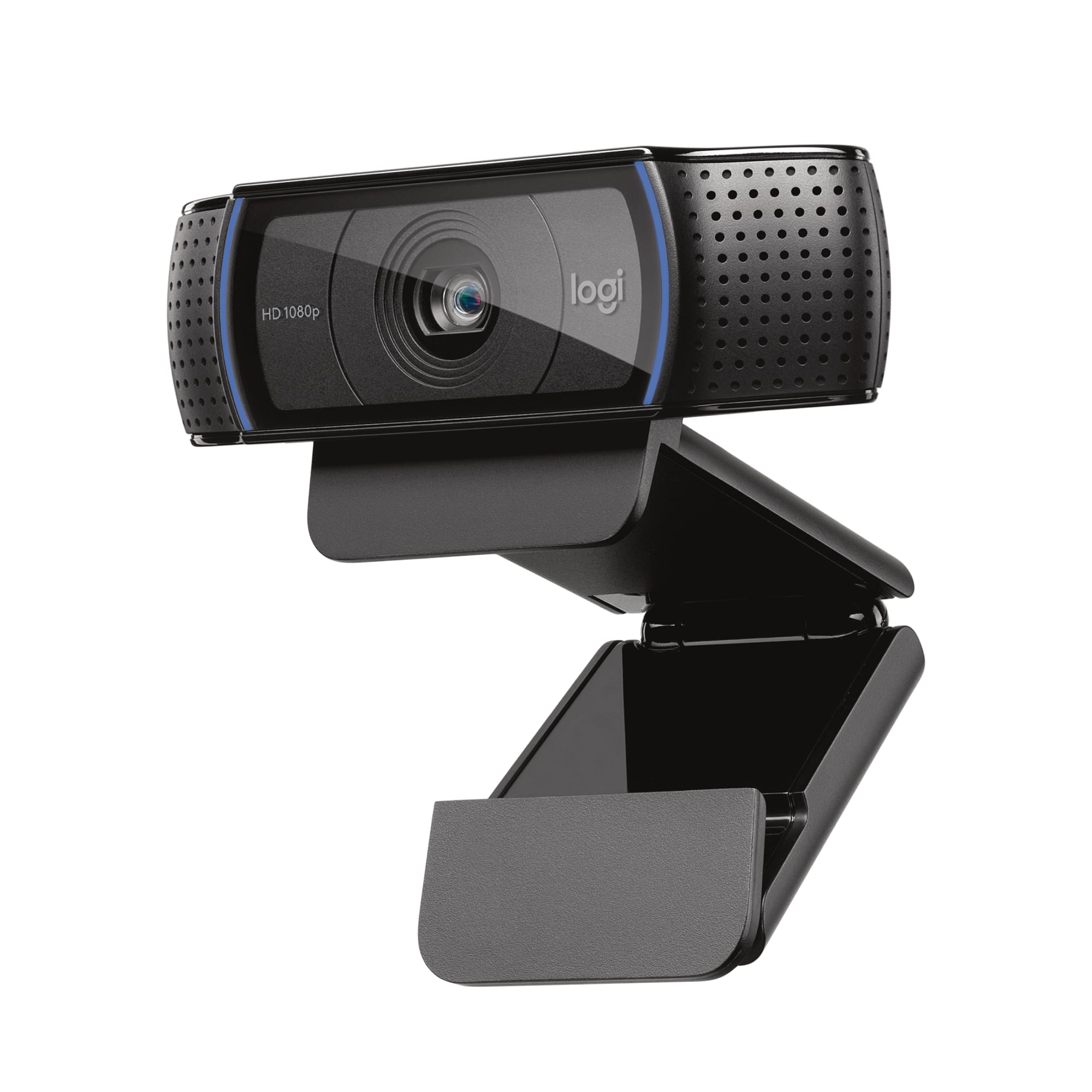
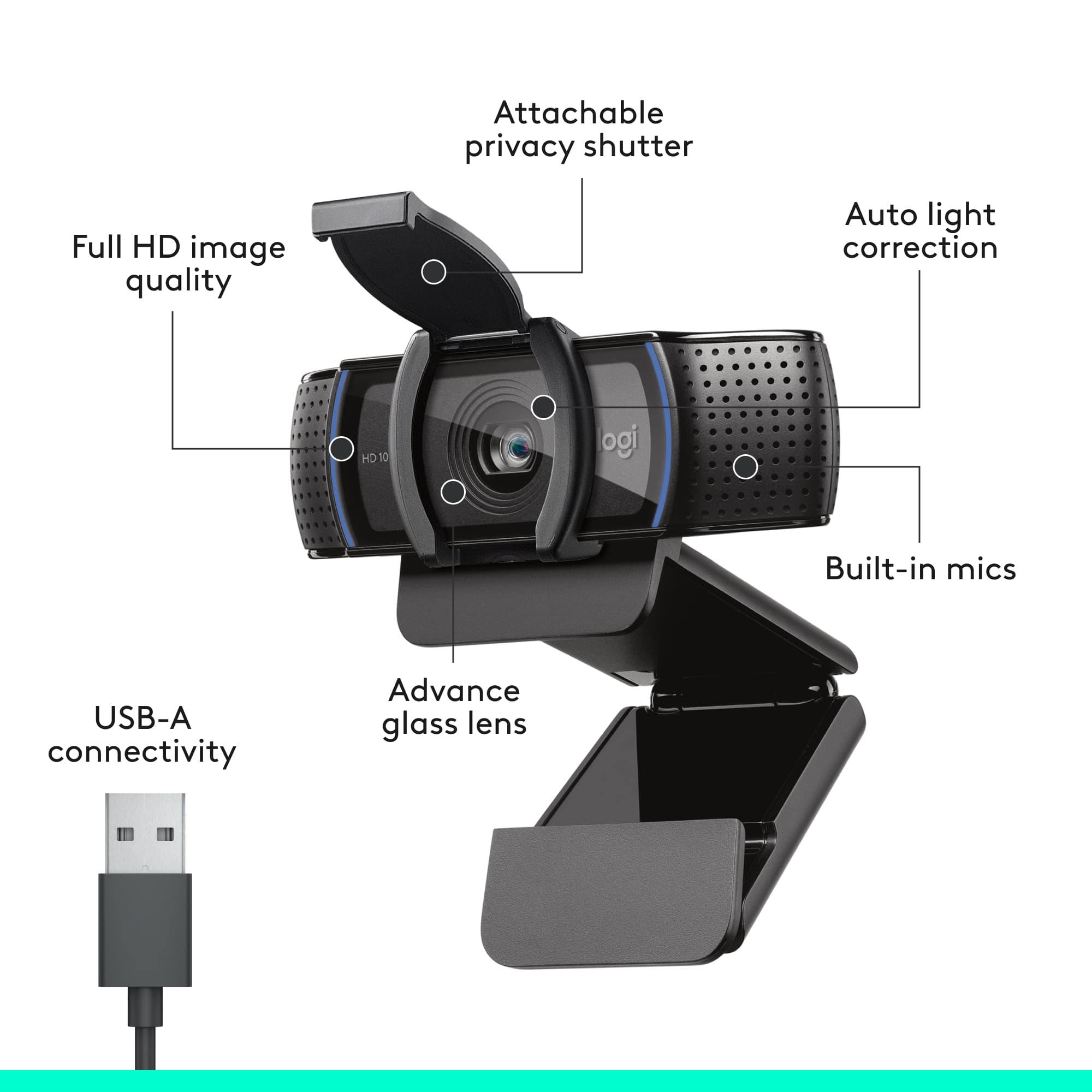
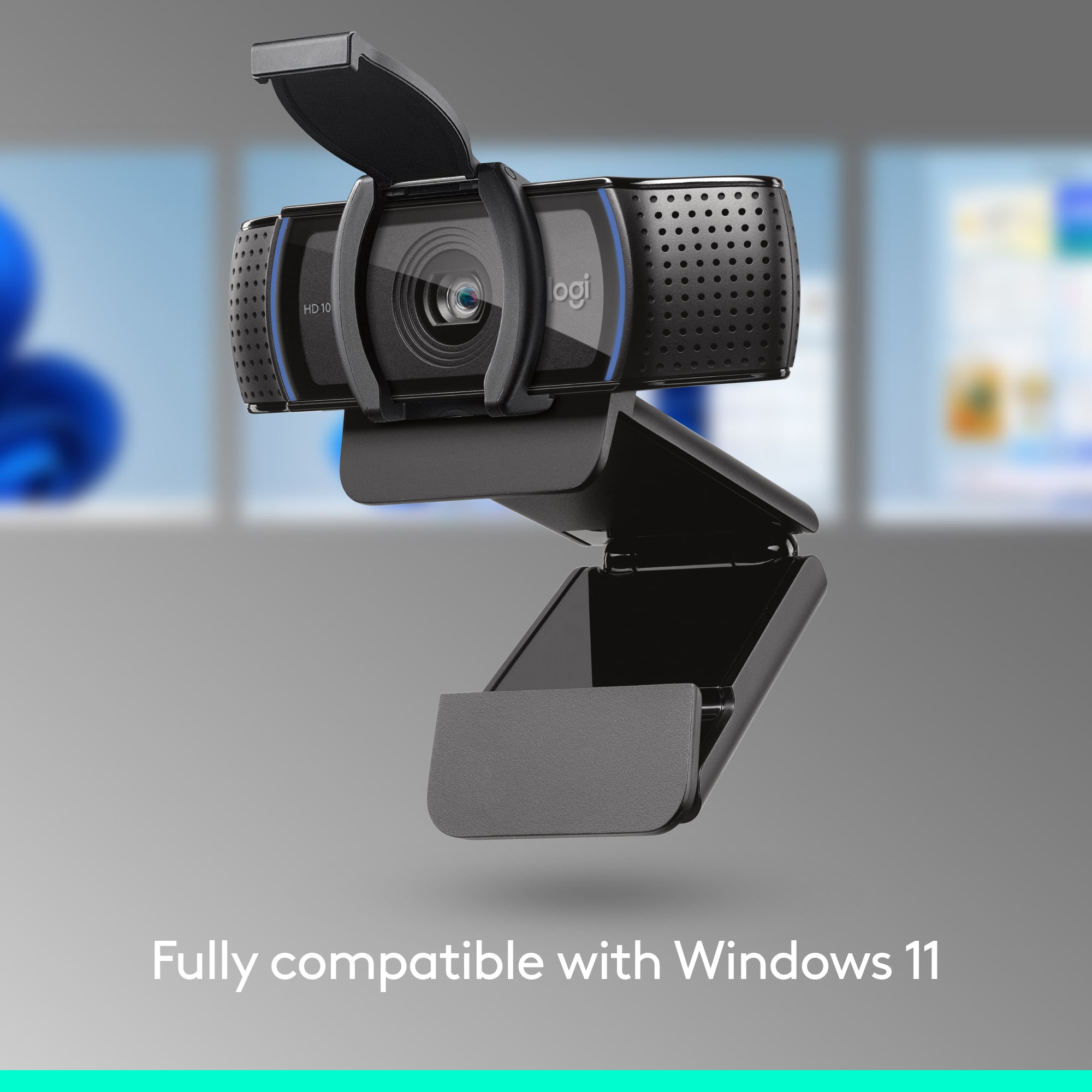
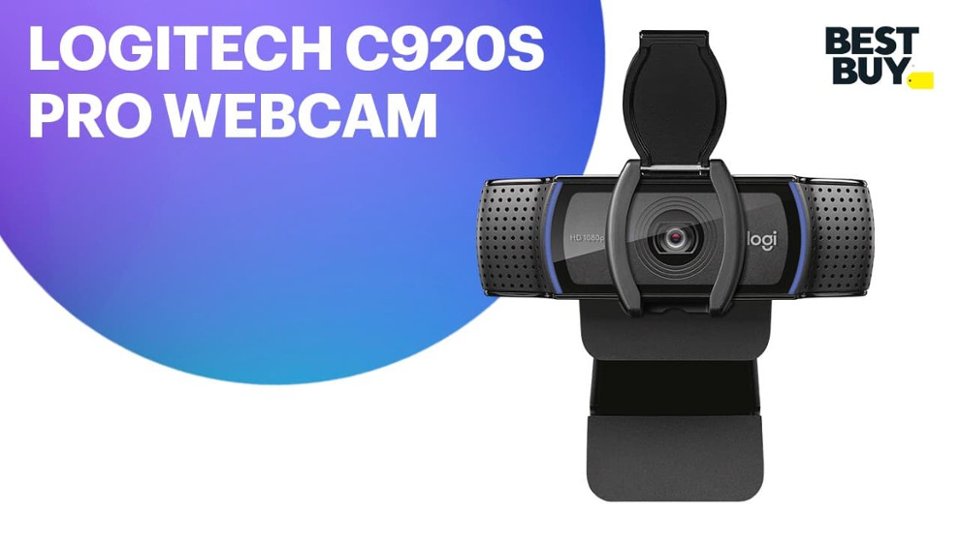
A:AnswerThe C920S HD Webcam works with all Windows® 7 or later. If your camera isn't detected by your computer, please try the following: 1 - Try a different USB port on your computer. 2 - Make sure the camera isn't connected to a USB hub or docking station. 3 - Make sure you're using the correct driver for your camera by selecting the Downloads tab on your product's support page (https://support.logi.com/hc/en-us/articles/360024695174--Downloads-C920s-HD-Pro-Webcam). 4 - If your camera is connected to a USB 3.0 port (usually has a blue plastic insert), try using a USB 2.0 port instead.
A:AnswerIn order for you to be able to stream a zoom meeting on a smart tv, the tv must have the Zoom App. Unfortunately, I do believe that is not currently a feature on Samsung TVs right now...please see article for more info and suggestions: https://provscons.com/can-i-zoom-on-my-samsung-tv/
A:AnswerHello MikeM! Unfortunately not, the C920S HD Webcam (and most of our webcams for that matter) are only compatible with a PC, Mac or Chromebook.
A:AnswerThis is a plug and play camera. There is no on or off switch for this camera turns on automatically when plugged in and this is chosen as the source camera.
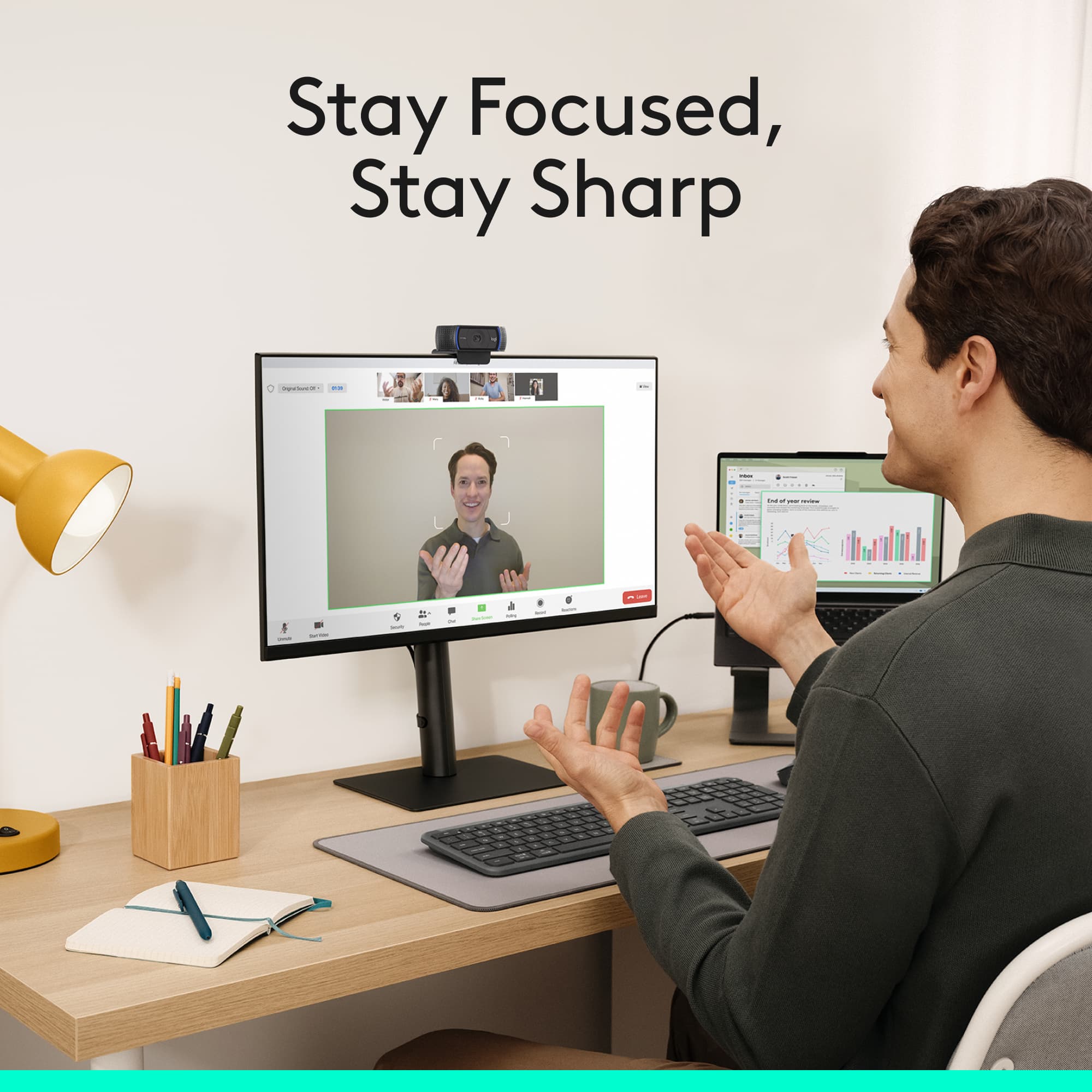
A:AnswerYes, my son uses it sitting on top of my old thinkpad. Would be better to mount a bit higher (tripod screw) if you have a single location that you use it.