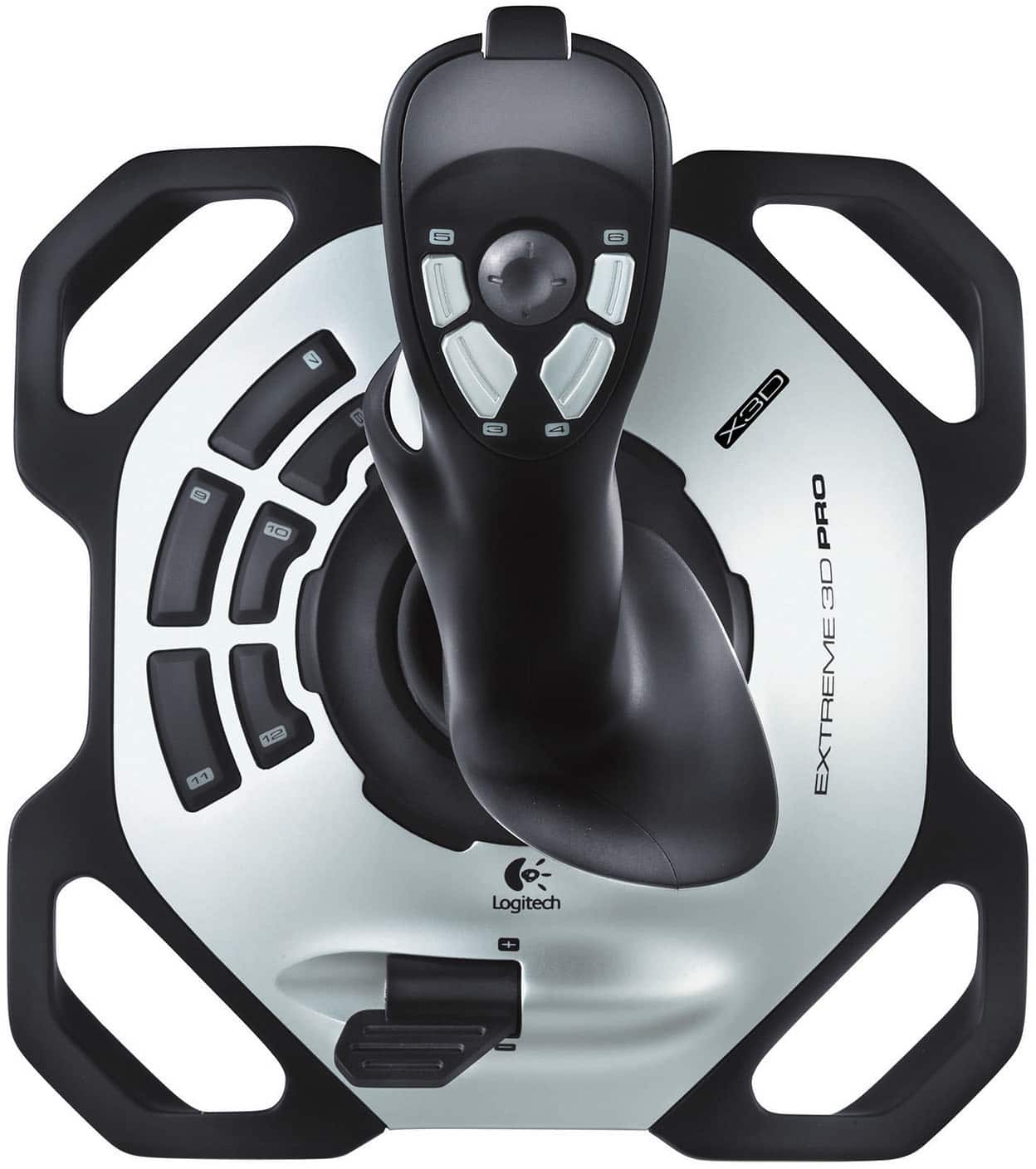
A:AnswerHello Mac! Ultimately, it would be up to the game developer (in this case id Software) if they wanted to support controllers such as joysticks for their game, but out of the box, I don't think the Extreme 3D Pro Gaming Joystick would be compatible unfortunately, as it's not designed to replicate a mouse cursor like your would see in FPS games.
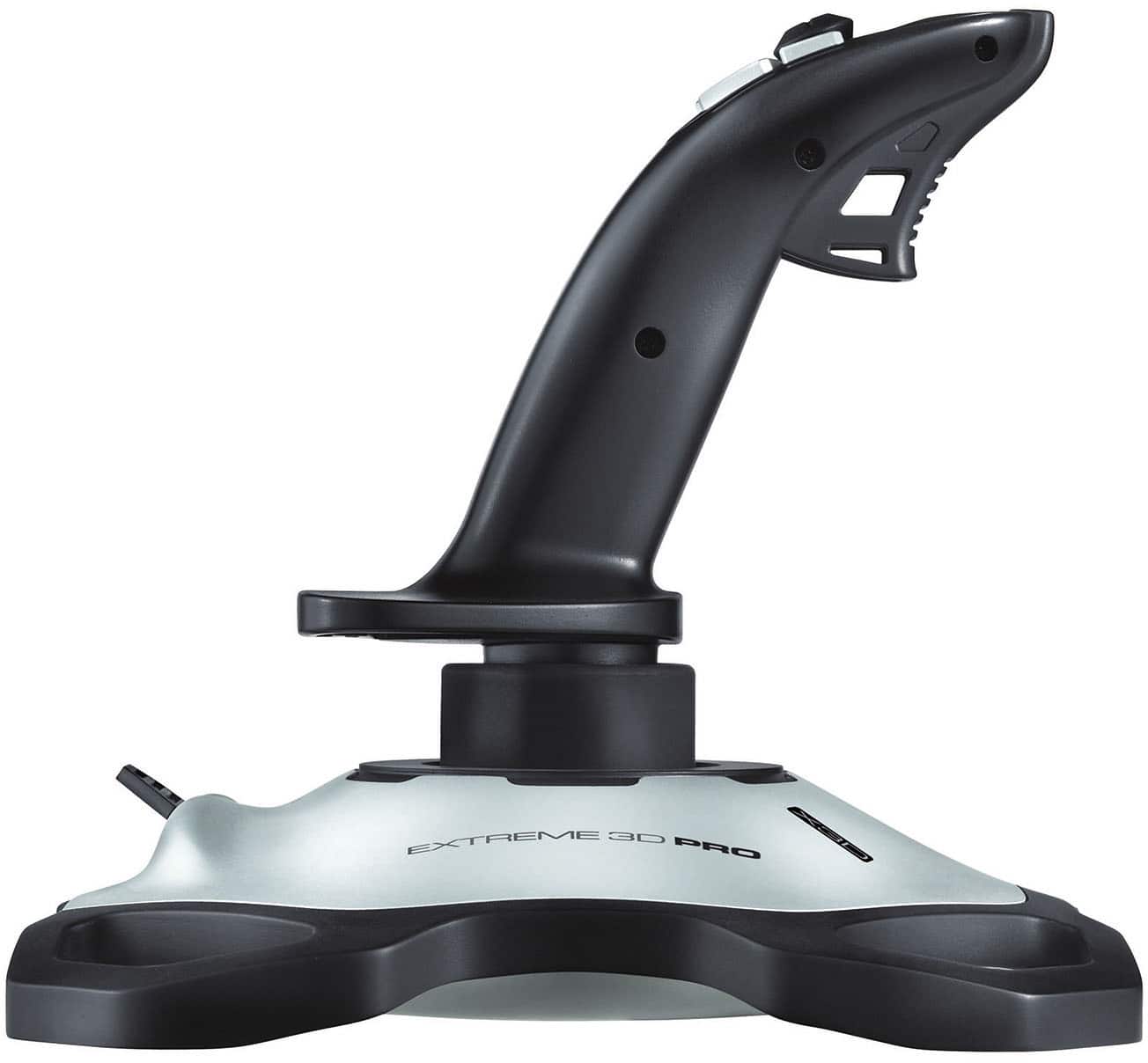
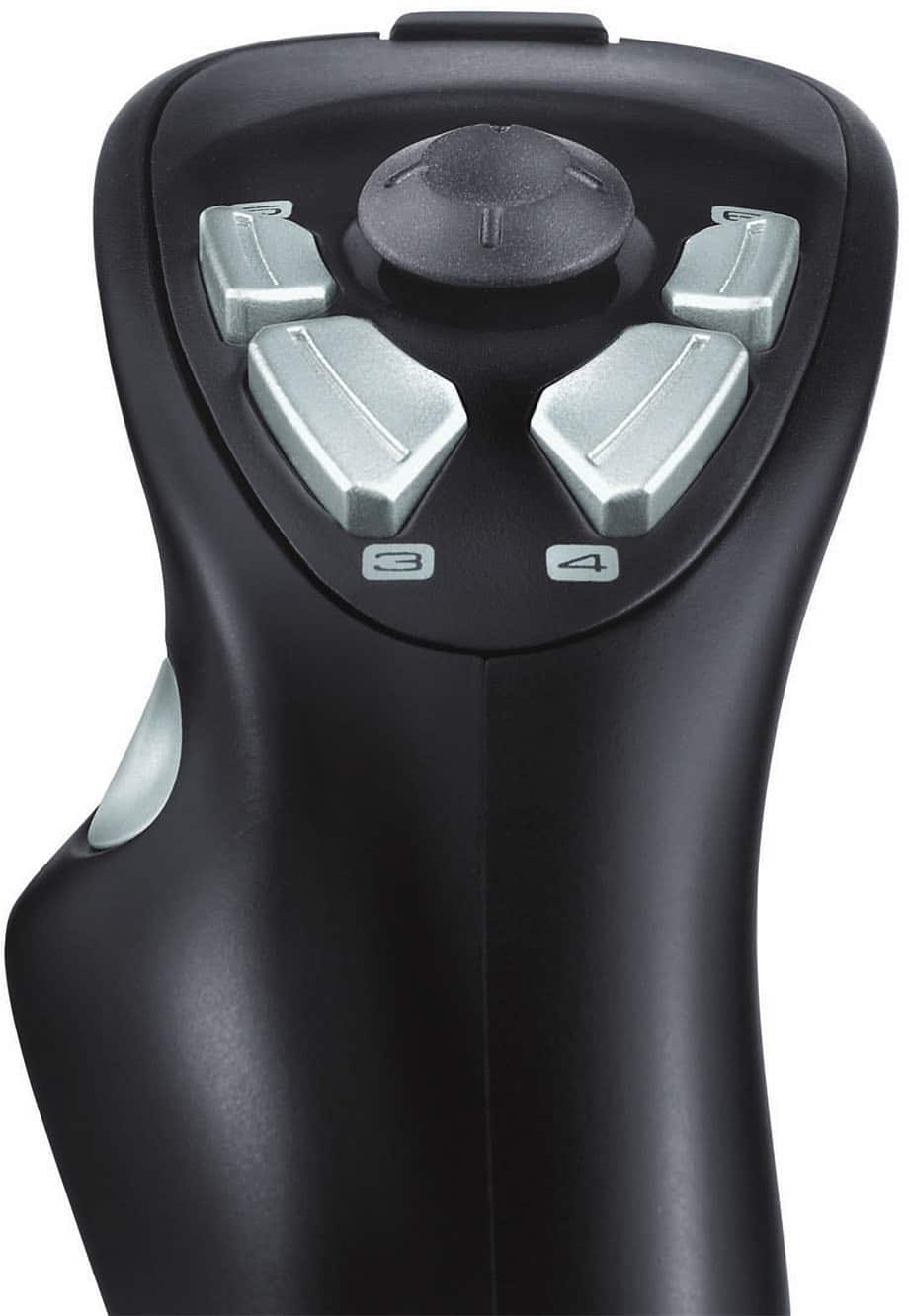
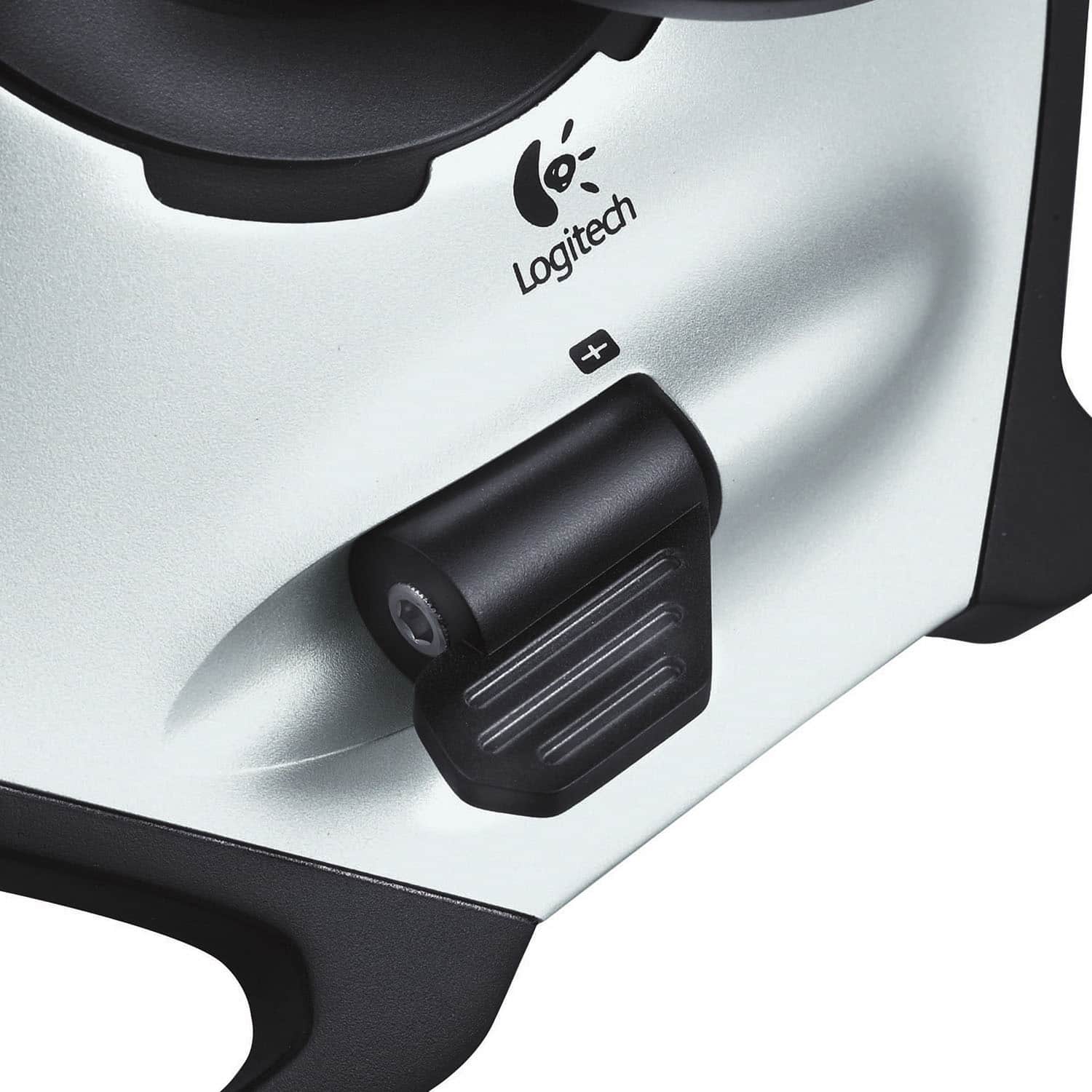
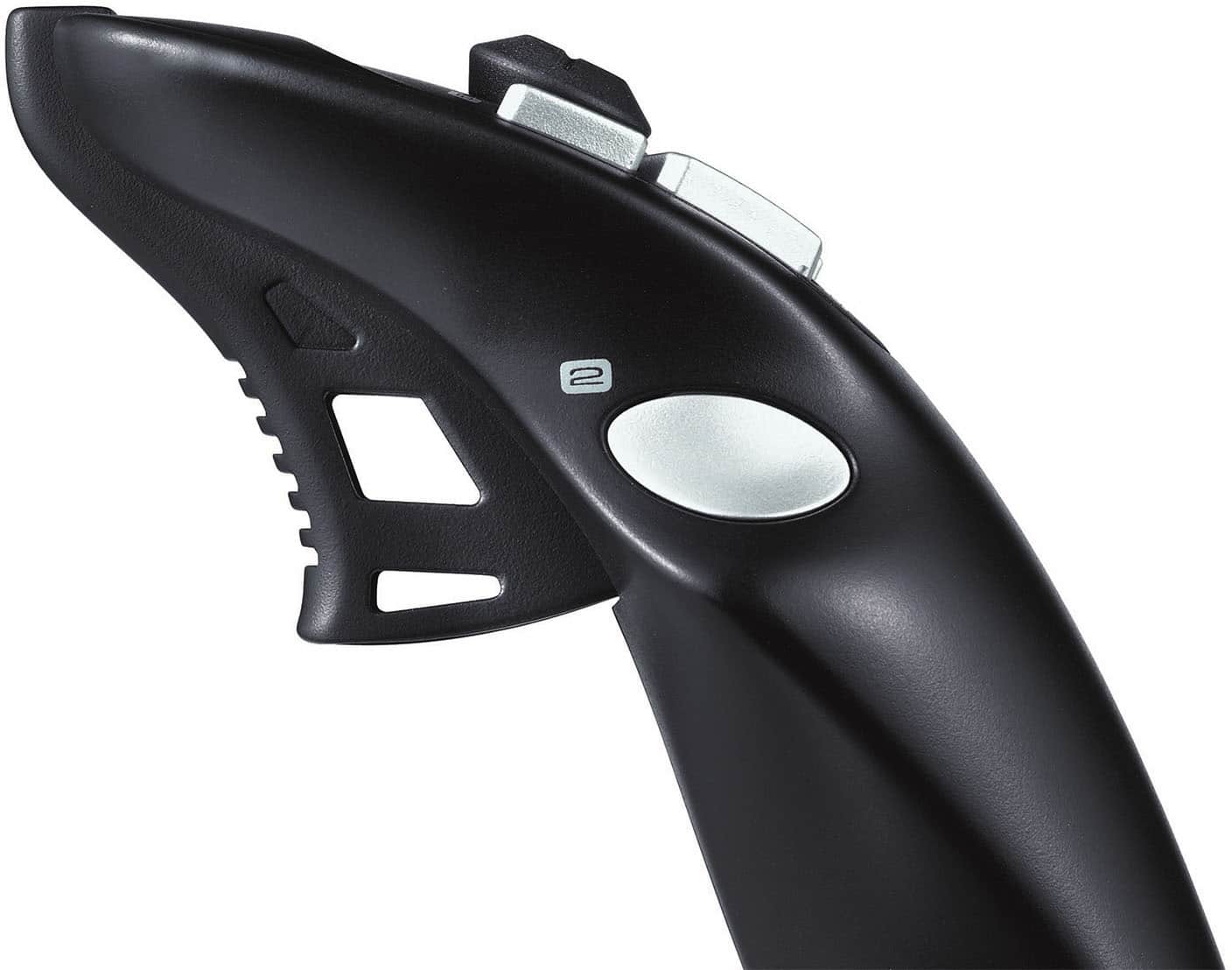
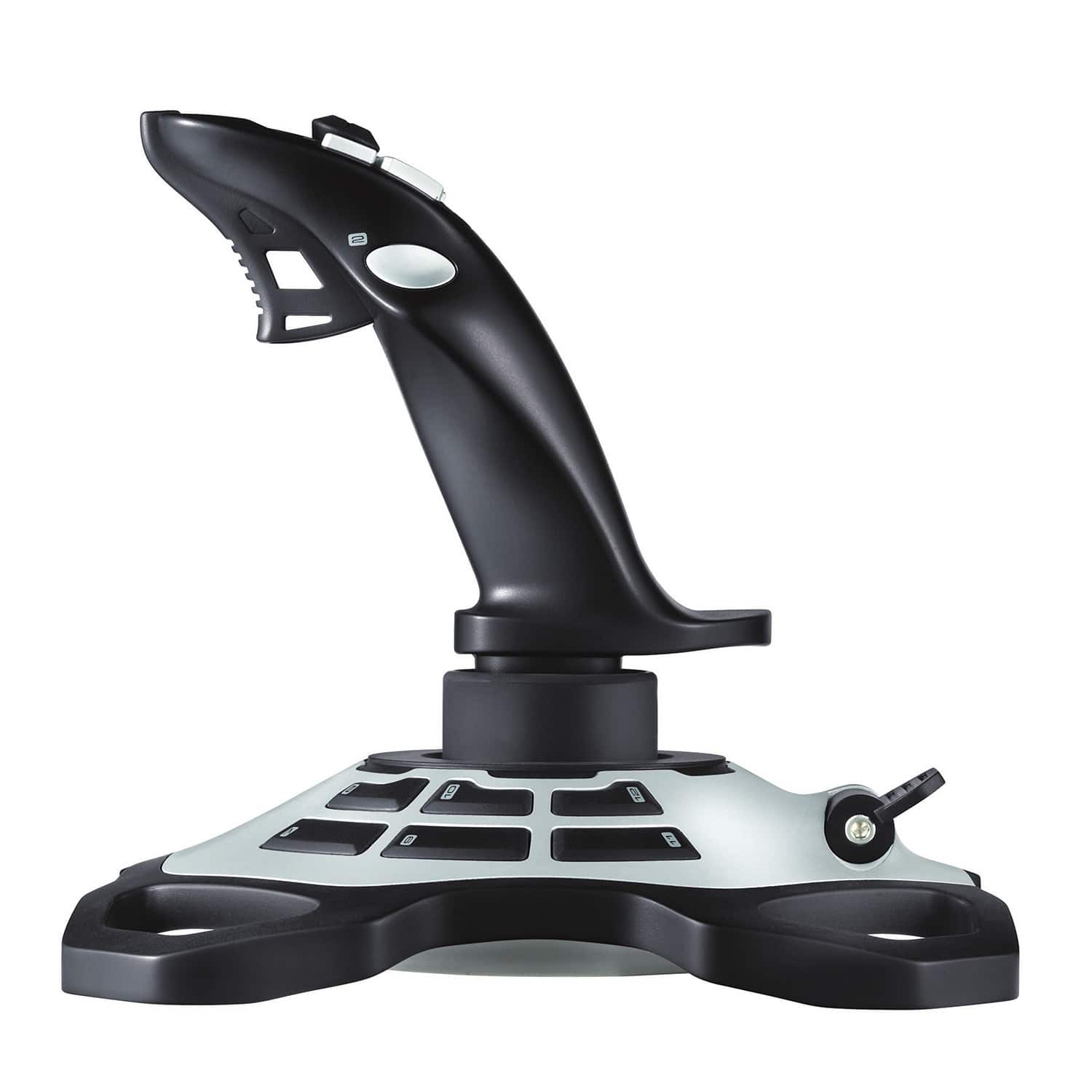
A:AnswerHello BrianD, Logitech designed a custom twist-handle rudder for Extreme 3D Pro, resulting in natural one-handed control with a smaller device footprint. So whether you are flying through the air or dropping off passengers to their desired destinations, the Extreme 3D Pro will handle anything you put it through. Have a great day.
A:AnswerIt depends if the game has controller support. But from personal use, I do NOT recommend this for car driving, get a steering wheel or xbox controller.
A:Answerthats what i use mine for. highly recommended for farm sim. it does require a bit of remapping that can be tedious, but once you get it set up its amazing.
A:AnswerHey! No, the Logitech Extreme 3D Pro Gaming Joystick is compatible only with Windows® 8, Windows 7, Windows Vista with 70 MB of available hard disk space and USB port.
A:AnswerThe Logitech Extreme 3D Pro Gaming Joystick is primarily designed for flight simulation games. While it can be used in some first-person shooter (FPS) games that support joystick input, it's not ideal for competitive FPS gaming.
A:AnswerThe Logitech Extreme 3D Pro Gaming Joystick is designed for use with Windows 8, Windows 7, and Windows Vista operating systems. It is not compatible with gaming consoles such as the PS5.
A:AnswerThe Logitech Extreme 3D Pro Joystick is primarily designed for flight simulators and space combat games. It's not specifically designed for farming simulators, and its controls and functionality may not be ideal for the specific tasks required in these games.