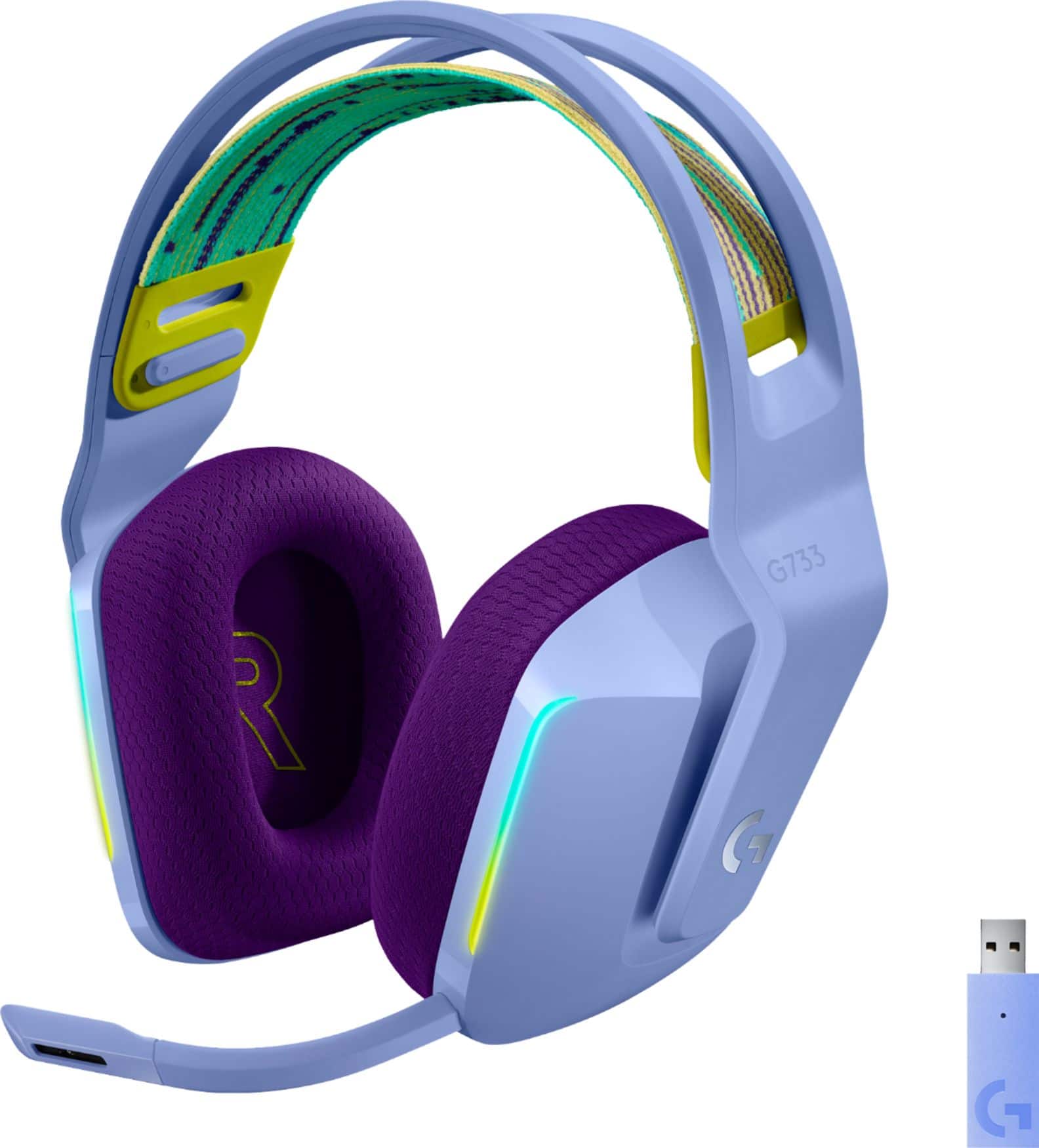
A:AnswerHello Tiffany, the G733 headset will work on computer as long as you have PC with Windows® 7 or later, macOS® X 10.12 or later. As long as the software you are using recognizes the headset as an output/input option, you'll be able to use it. If you are looking for over the ear headsets for office work, I also recommend looking at our Zone 900 or Zone 750. Thank you and have a great day. -Ricky from Logitech
A:AnswerHello Michael! The G733 LIGHTSPEED Wireless DTS Headphone:X v2.0 Over-the-Ear Gaming Headset for PC and PlayStation is a great product! Firs, it is a very lightweight headset, so you can enjoy long sessions of gaming without feeling the weight of the product on your head. Then in terms of sound, it features a pair of PRO-G 40mm drivers for a full-range sound and DTS Headphone:X 2.0 which goes beyond traditional 7.1 channels. Plus, you'll be able to adjust those 7.1 channels individually inside the free G Hub software, including the bass level, and select some EQ presets options like Bass Boost to optimize the sound to your preference. - Mathieu from Logitech
A:AnswerHi Cat, the G733 will work with most applications. When you plug the USB receiver into your computer it will automatically detect it, but you may have to change the settings on your laptop/computer and sometimes in the application so that the G733 is the default/preferred source. Kristi from Logitech
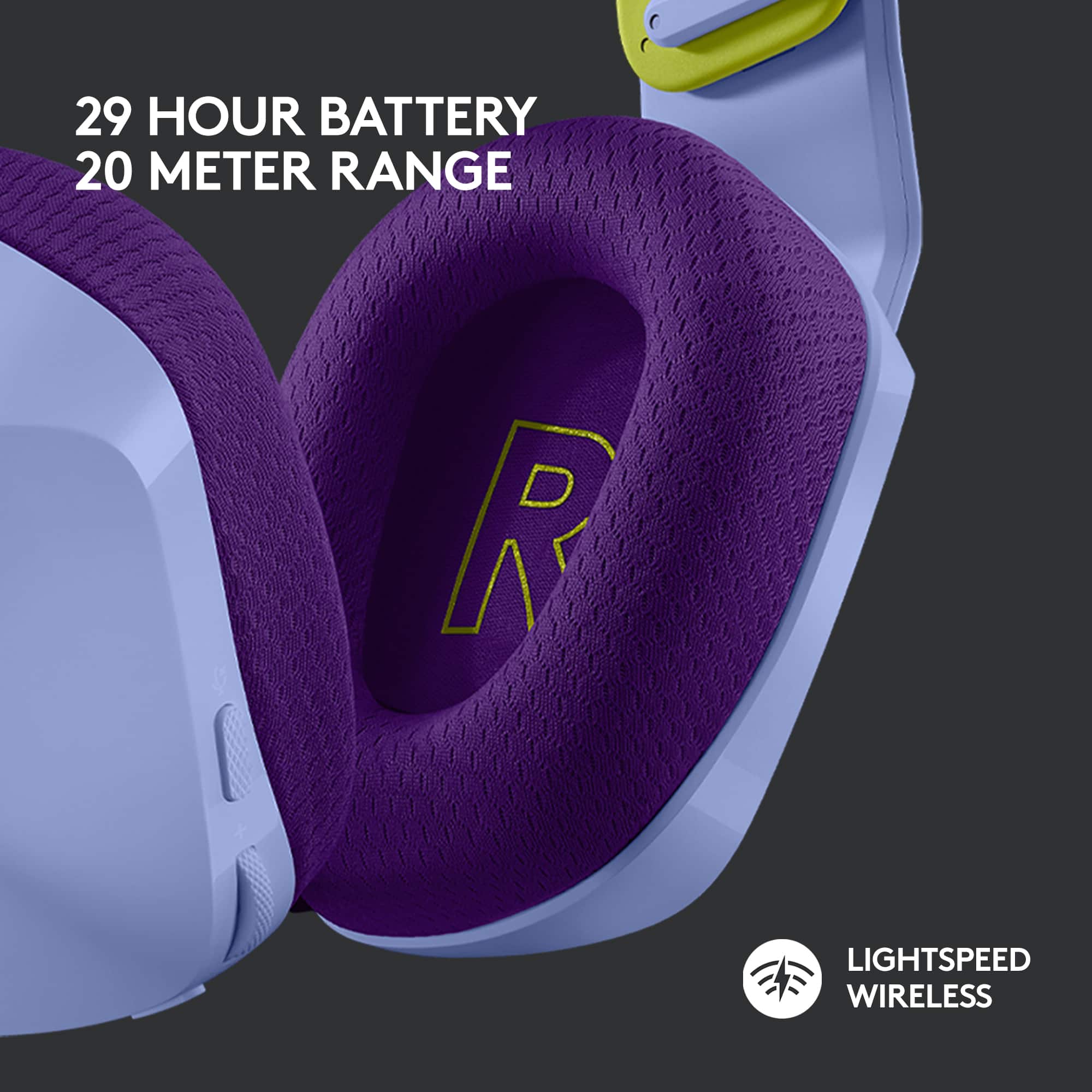
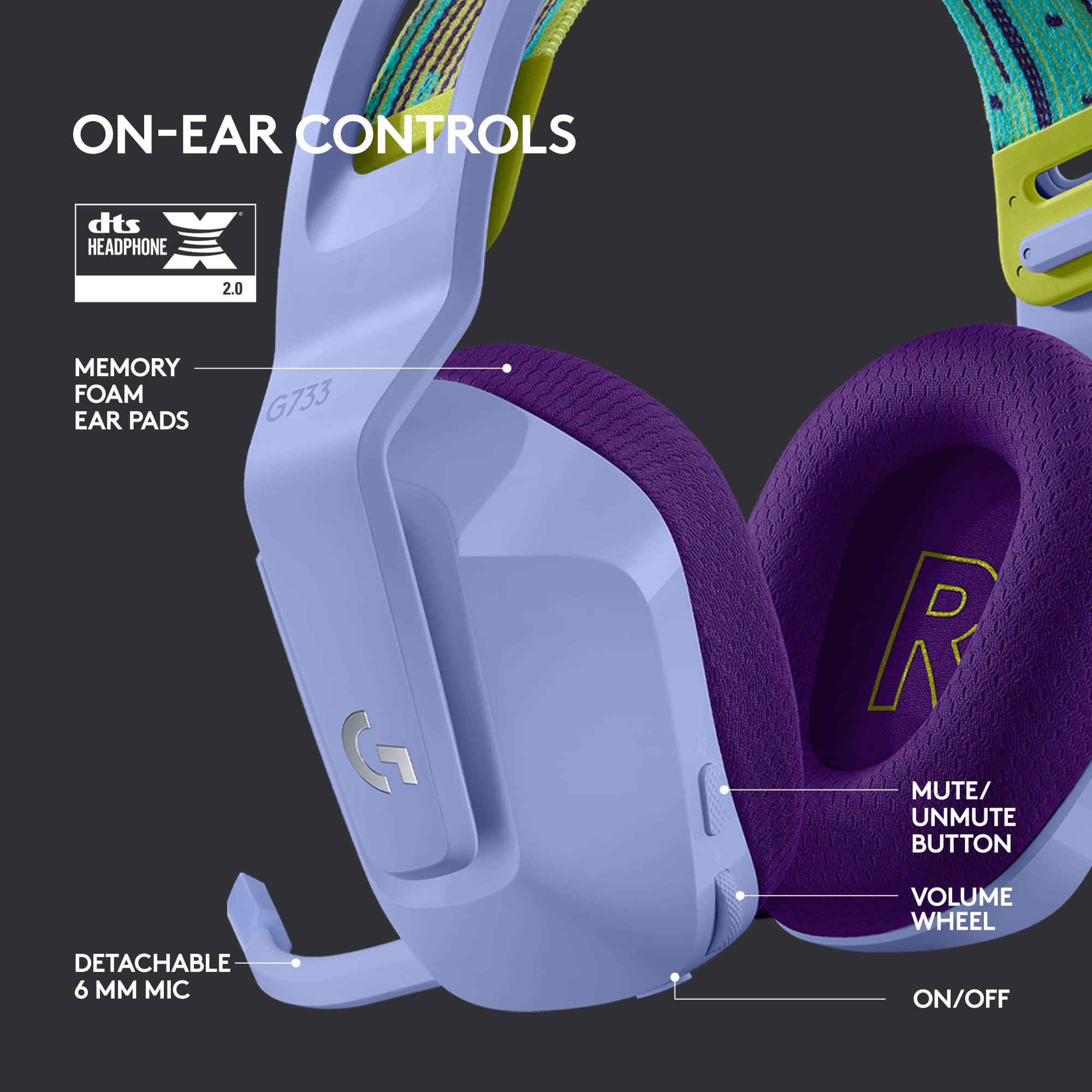
A:AnswerHello TeTe4sho, The G733 LIGHTSPEED Wireless headset does have a mute button located on the outside of the left ear cup. Here is a link to the Getting Started PDF that lists all the features of the G733: https://www.logitech.com/assets/65931/g733-wireless-rgb-headset.pdf.
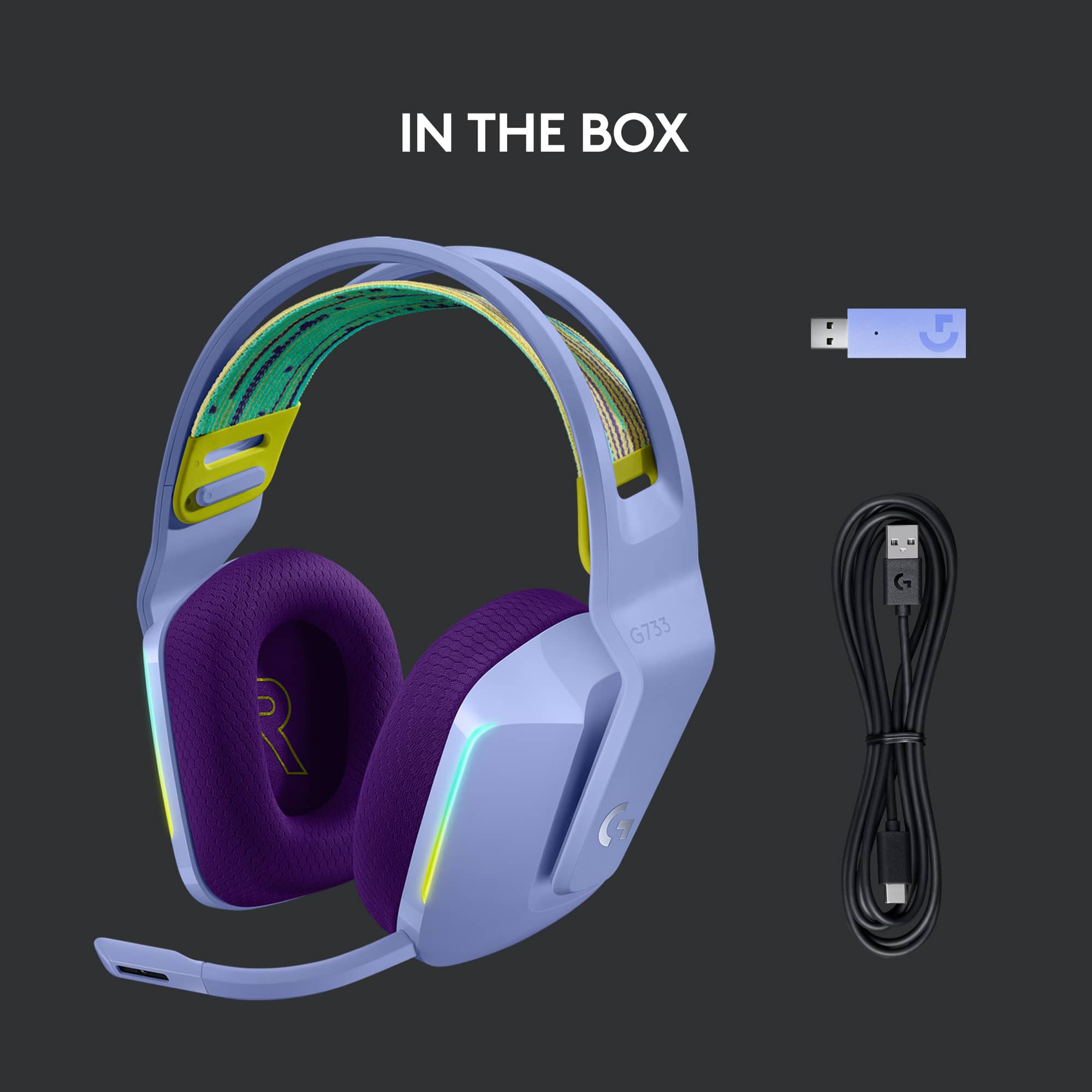
A:AnswerHello, unfortunately, you won't be able to use them as a wired headset. You need to use the provided Wireless receiver in order to use them. However, I do recommend looking into our G635 or G Pro X headset to get a wired connection. I'll post links to both headsets at the end of this message. Thank you for the question, have a great day. G635: https://www.bestbuy.com/site/logitech-g635-wired-7-1-surround-sound-gaming-headset-for-pc-with-lightsync-rgb-lighting-black-blue/6320788.p?skuId=6320788 . G Pro X: https://www.bestbuy.com/site/logitech-g-pro-x-wired-7-1-surround-sound-gaming-headset-for-windows-black/6352841.p?skuId=6352841
A:AnswerHello Kaylee,
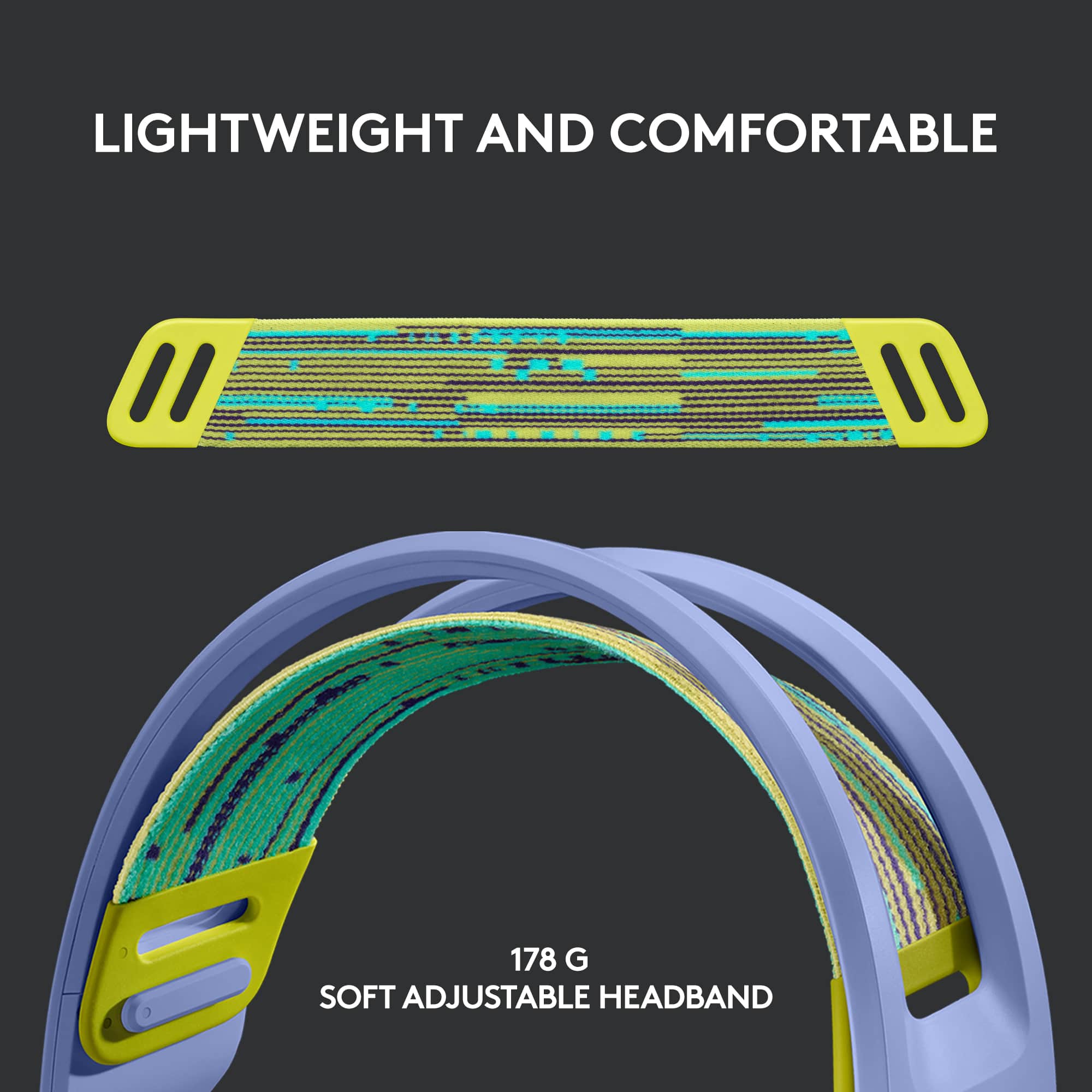
Thank you for your question about the Logitech G733 LIGHTSPEED Wireless DTS Headphone:X v2.0 Gaming Headset. This headset is versatile in adjustment options. The earcups can be adjusted up and down and the length of the headband can also be adjusted. I have attached a link to the "Getting Started" support page for your reference. Page #5 of the pdf has a visual reference. Please feel welcome to visit the Logitech website for further support with your Logitech products.
Best regards,
John at Logitech
https://support.logi.com/hc/en-us/articles/360052756514
A:AnswerHello JL! The G733 LIGHTSPEED Wireless DTS Headphone:X v2.0 Gaming Headset will connect to a Surface Pro 7 laptop yes (by connecting the USB LIGHTSPEED wireless receiver), but won't work on Galaxy OS no. Note that his headset does not features Bluetooth connectivity, it needs the USB receiver to be plugged in.
A:AnswerThat's unexpected! In order to help you effectively, please provide your information to our support team via email at [email protected] with your
- Name:
- Email Address:
- Country:
- Product Name:
- Brief description of issue:
A:AnswerThe G733 works perfectly on PC with full feature support. On Xbox, you can connect via the 3.5mm jack, but wireless LIGHTSPEED features won’t be available.
A:AnswerAs long as you have a USB port on the PS5 itself I would assume so. You'd probably have to select the headphones on your audio output in the sound settings. Same thing with your mic.
A:AnswerAs long as you have a USB port on the PS5 itself I would assume so. You'd probably have to select the headphones on your audio output in the sound settings. Same thing with your mic
A:AnswerHave you tried selecting your headphones in the mic/audio settings on teams and choosing the headset for both? And checking your Bluetooth settings when you're in teams to double check that you computer is selecting your headphones for audio/mic?
A:AnswerYes, you are definitely able to get a new mic piece separately for your Logitech G733 headset. To address this issue, we recommend reaching out to our social care team via email at [email protected] with your
- Name:
- Email Address:
- Country:
- Product Name:
- Brief description of issue:
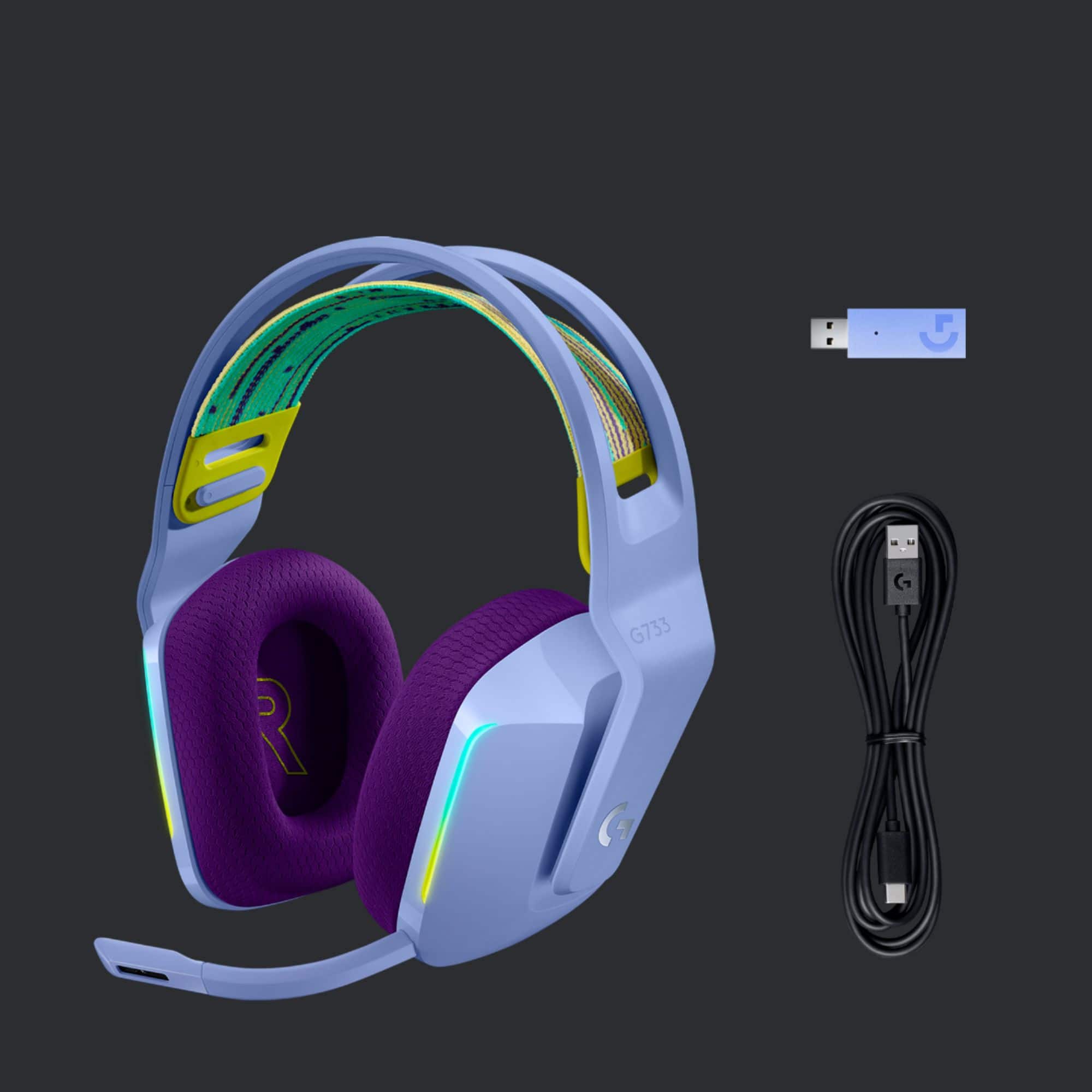
A:AnswerTo find a replacement USB dongle for your G733, we recommend reaching out to our social care team via email at [email protected]. Please include the following details in your email: your name, email address, country, the product name (G733), and a brief description of your request for a replacement USB receiver.