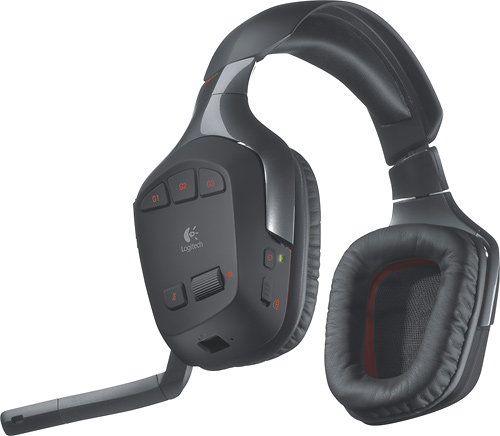
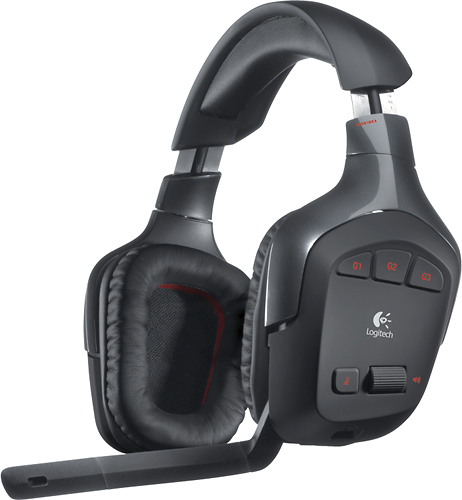
A:AnswerSorry if im a bit late to answer but yes there is a fix but it might not work try searching around youtube and reddit and you will find what you need and try searching for the old drivers that had the preamp unlocked which is a feature that is not enabled on new drivers, i would just return them or stay with them until the g533 come out and switch them under warranty for those if you bought a warranty that is
A:AnswerBeen flawless. Some reports say that the headset randomly drops or shuts off. It's not the headset. It's the USB bus turning off USB peripherals for power saving. Go into device manager, find the USB bus and open properties. Turn off the option that allows your PC to turn off USB peripherals for power saving and they are flawlesd
A:AnswerI haven't had that problem but I have had static and connectivity issues with Logitech G930 wireless headsets. It is the by FAR the worst product I have ever purchased and I will be avoiding Logitech products like the plague in the future...nothing but problems!!!
A:AnswerTechnically, the last generation of consoles didn't output sound directly to USB without special assistance from supported software, so the answer, technically is no....however, there are plenty of workarounds, especially if you have a computer nearby the console that you can route your sound through. It may sound complicated, but it's really not. You can run the sound out of an Xbox or PS3 into your sound card, then back out to this headset. You retain all of the capabilities except some of the 7.1 surround (unless you maintain 7.1 digital out of your console and into the PC). If you can run optical (toslink) out from the console into your PC's sound card, you will get 5.1 surround. So there are definitely ways around the technical answer of 'no'. Also, PS4 compatibility is a Yes, but with the exception of surround sound. You will get stereo channels only when using this headset with a PS4 in console mode. Best of luck!
A:AnswerAbsolutely. Just plug in the USB receiver into the USB port on your PS4. Choose output device for your headset by going through the PlayStation button on your controller
A:AnswerI was surprised that It works with my iPad 2 with the Apple 30pin to USB adapter. Worked very well the Music, Youtube in Safari & Air Video HD. I didn't get sound from Boom Beach, Start Trek Trexels & Facetime. That's all I tested but for the most part the ones that didn't work were no big deal.
A:AnswerIf you purchased a Best Buy protection plan, just go back to the store with the item. You will need your rewards number but I don't think you need the receipt. My son recently broke his Nintendo 3DS XL and we were able to get a new one and it took 10 minutes. They even transferred the protection plan to the new one as it was only a few months old when it broke.
A:AnswerUnfortunately the answer is yes, they still cut off or cycle power whether plugged in or not plugged in. I have also done a few changes to settings to get the headset to stop not detecting sound and that was a short lived solution. Trying to narrow down what causes this because this also happens when connected to my PS4. Possibly getting interference from another device in my house (wi-fi router?).