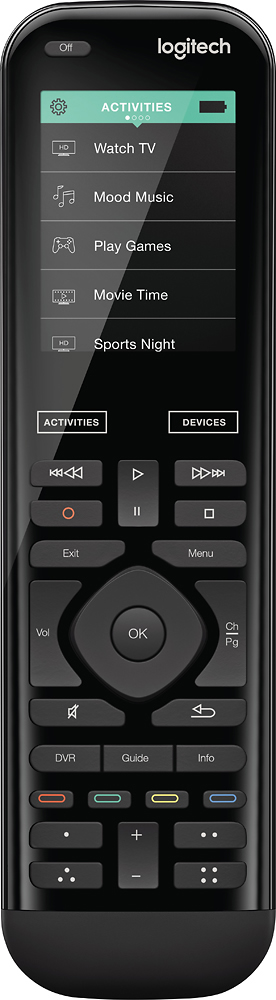
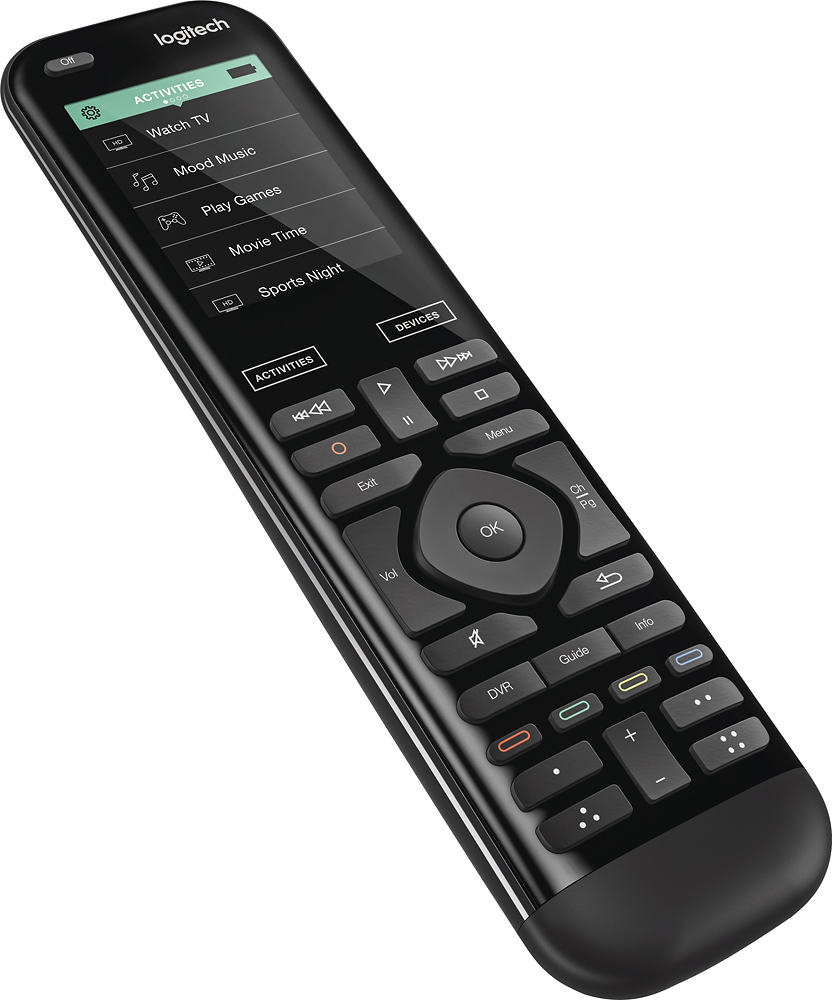
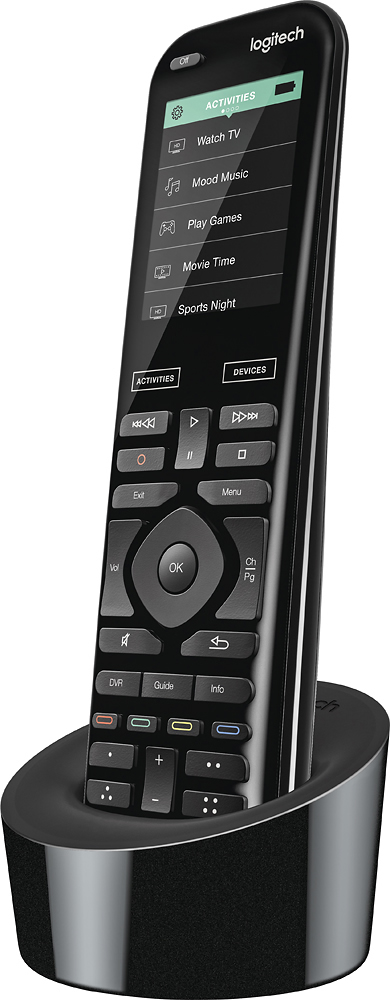
A:AnswerThe geek squad just set this up at my house a few days ago. The remote works in conjunction with The FireStick but doesn't replace it. Using the Activities button you can switch from TV to FireStick, but you still need the Fire Stick remote to choose your program.
A:AnswerThis Harmony Remote will easily replace ANY other Harmony Product!
All you need to do is program this item using the Logitech site/app where you initially set up your previous device.
Activities: "Watch TV, Play a Game, Play Blue-Ray, etc. Be absolutely sure you use the CORRECT Logitech location since its changed from long ago. (Perhaps not as far back as your prior Remote, but i still use my Harmony One which no other Remote comes close to. Certainly NOT this 950 edition!
A:AnswerI did not , I was able to transfer settings from my model 1100 to my new 950 . You will have to setup a new account for your new device and when you do that one of the questions you will be asked is about transferring old settings.
A:AnswerIf you’ve not done so press the help button and let it try to fix it for you. I’ve not experienced freezing but in order to access the sleep timer you may be on the help screen already. I do know the remote is touch sensitive, it must be pointed at your TV/devices and a quick tap on what you want it to access, if done properly you’ll feel a vibration and your device will start. If all else fails contact the Geek Squad for support.
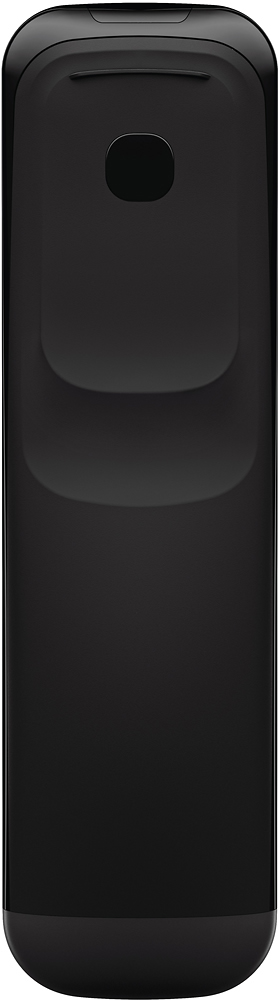
A:AnswerIt seems rather simple and straightforward. You will need a small Philips head screwdriver. Go to U Tube and select any one of a number video lessons on how to do it. Even though I do not need to change my battery, I went through the motions and succeeded in the whole process in less than five minutes.