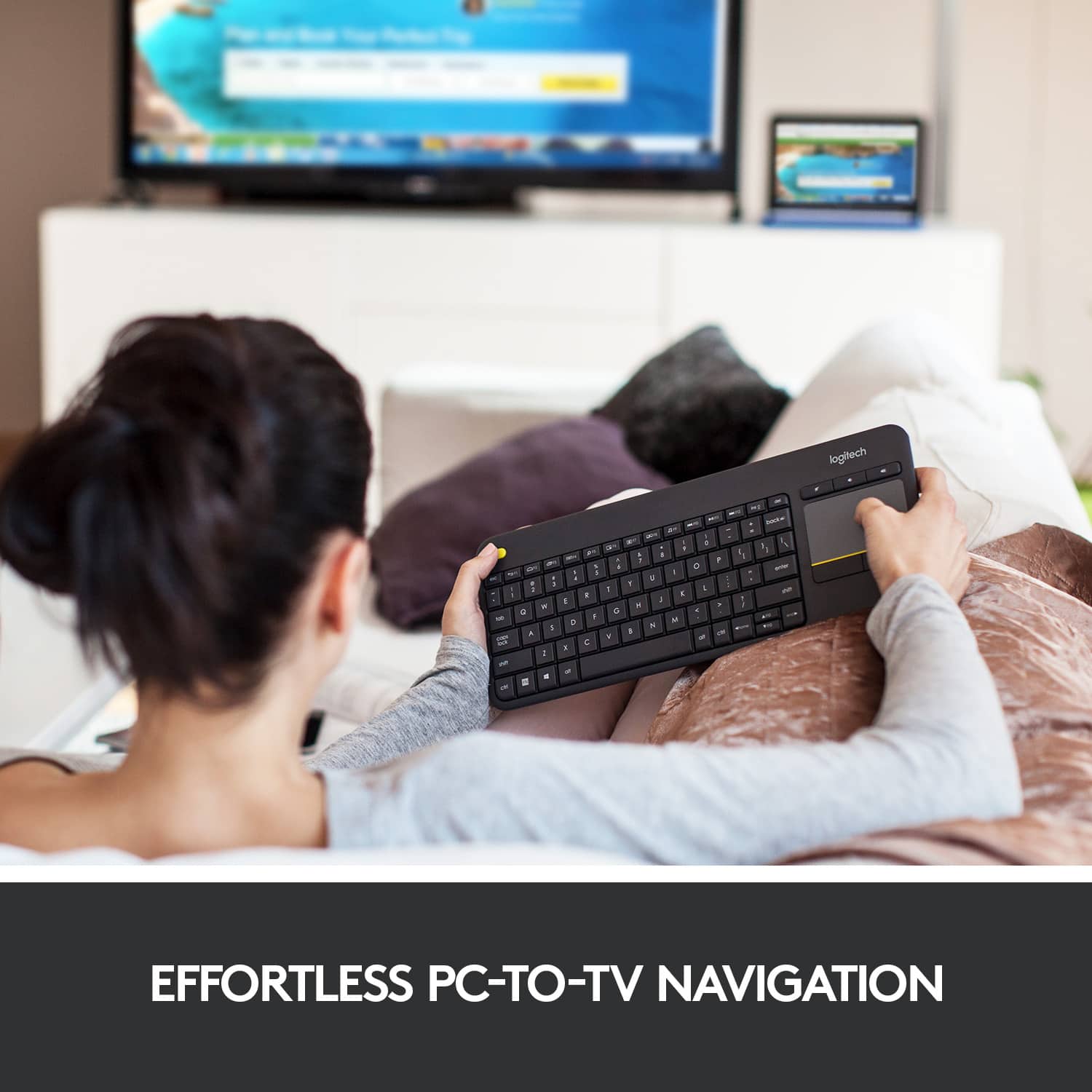
A:AnswerYes and no, kinda-sorta. The keyboard itself works fine, most of the "Smart TV" apps are not smart enough to use it effectively.
Example, some apps will let you type on the keyboard, esp. useful for entering passwords or search criteria. BUT ...
Some Smart TV and ROKU apps only support keyboard-ish by letting you use the arrow keys to move to a letter on the screen then press enter to select it (no real advantage over just using the TV remote). I bought the keyboard so I would NOT have to do it THAT way - so I could directly type in something & the app doesn't support that yet. Whether this is the case varies app by app, and even within some apps, but most seem to be like this. Some apps DO use the keyboard effectively, but so far they are rare.
So, the problem seems to be an app software design issue, NOT a keyboard issue. But, same result: in most cases I can not use the keyboard effectively. In a few rare cases I can.
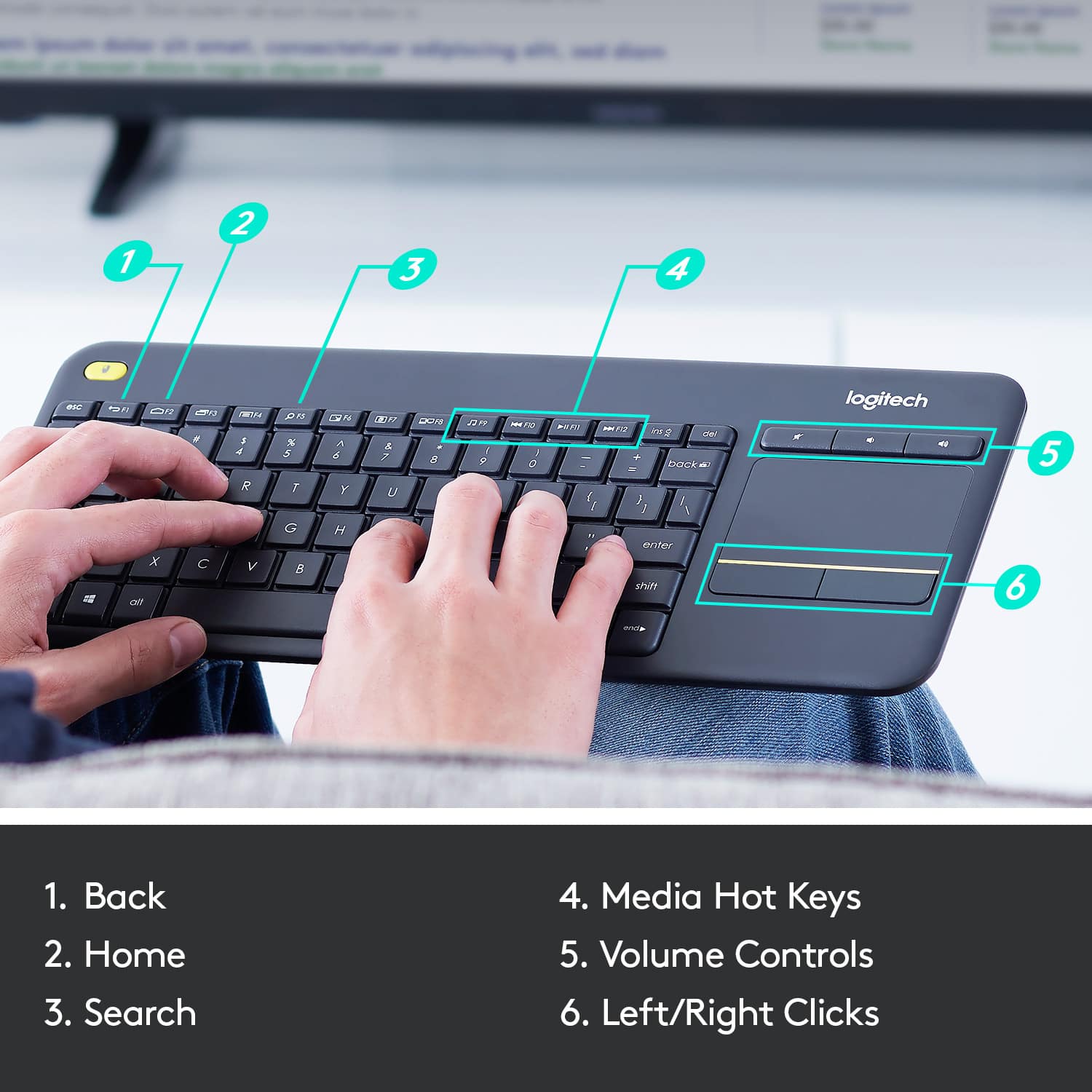
A:AnswerOn the K400 Plus, the F1–F12 keys double as media and shortcut controls. For example, F5/F6 adjust brightness, F7–F9 control media playback, and F10–F12 adjust volume. You can toggle between standard F‑key use and shortcut mode by pressing Fn + Esc to lock/unlock the Fn key.
A:AnswerYes, the K400 Plus works with PS5 for basic typing and navigation. You can plug in the USB receiver and use it to type messages or browse menus.
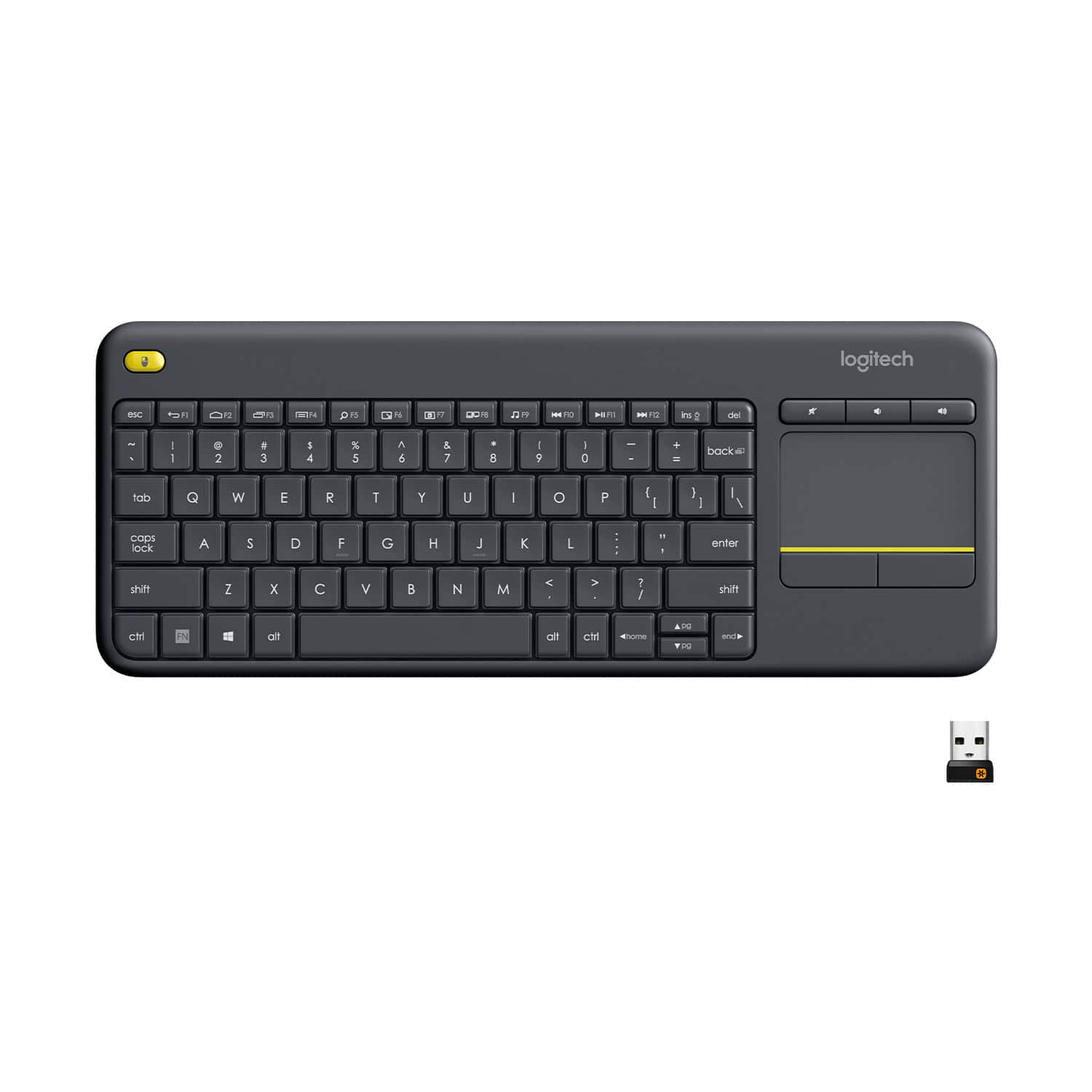
![Built-in touchpad logitech ins PC del + = back } ] I / POINT SCROLL enter shift](https://pisces.bbystatic.com/image2/BestBuy_US/images/products/9b5a0d6f-631a-4c6c-a7bf-e65b20135ee8.jpg)