A:AnswerI've had an issue with the signal strength on my mouse, are you on a desktop and if so, is there something between the mouse and reciever(i.e. Even just my desk's surface was enough to cause problems) I solved my problem by using an USB extender I had lying around to move the reciever from the back of my PC to behind my monitor, where it works flawlessly.
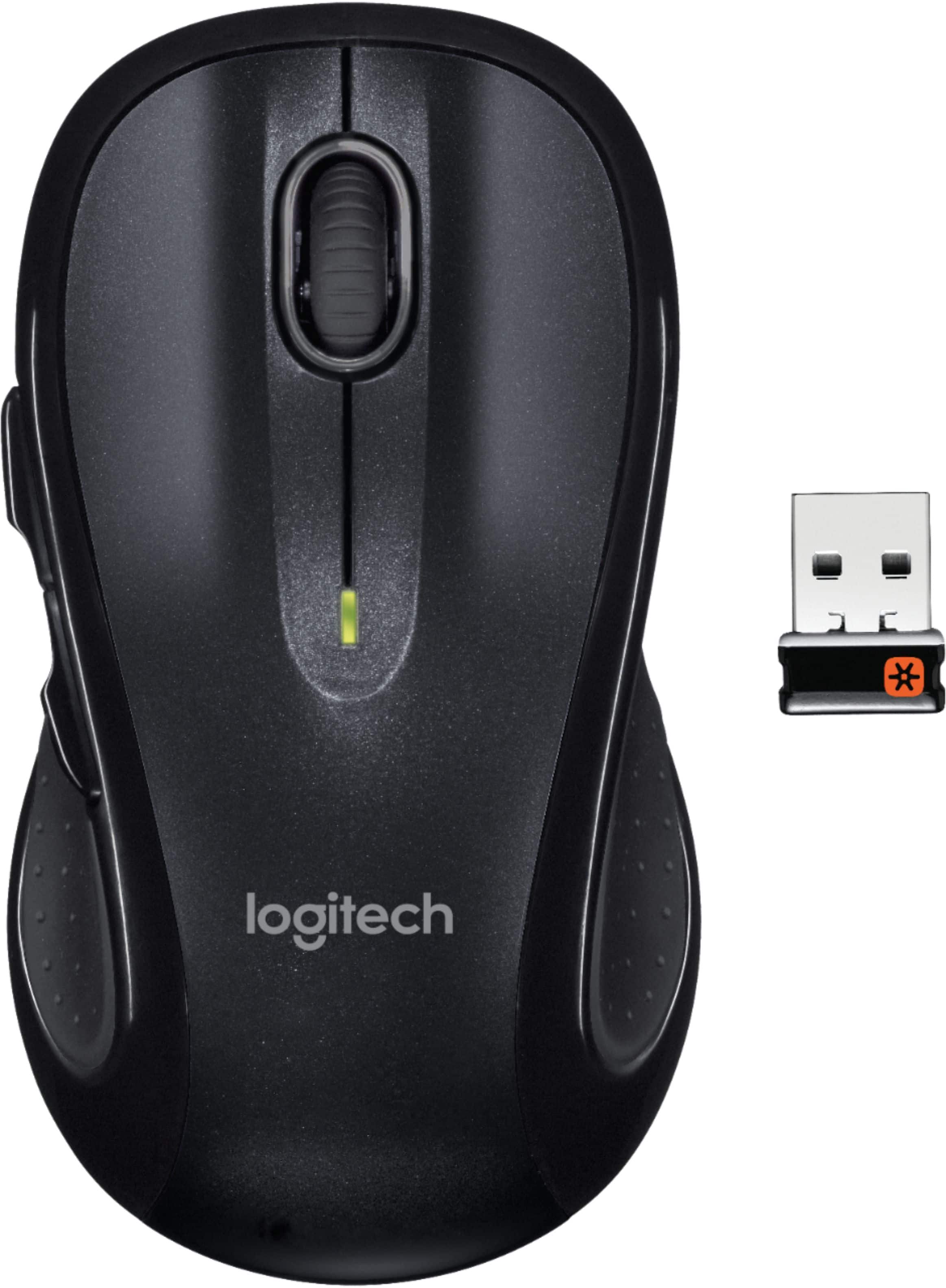
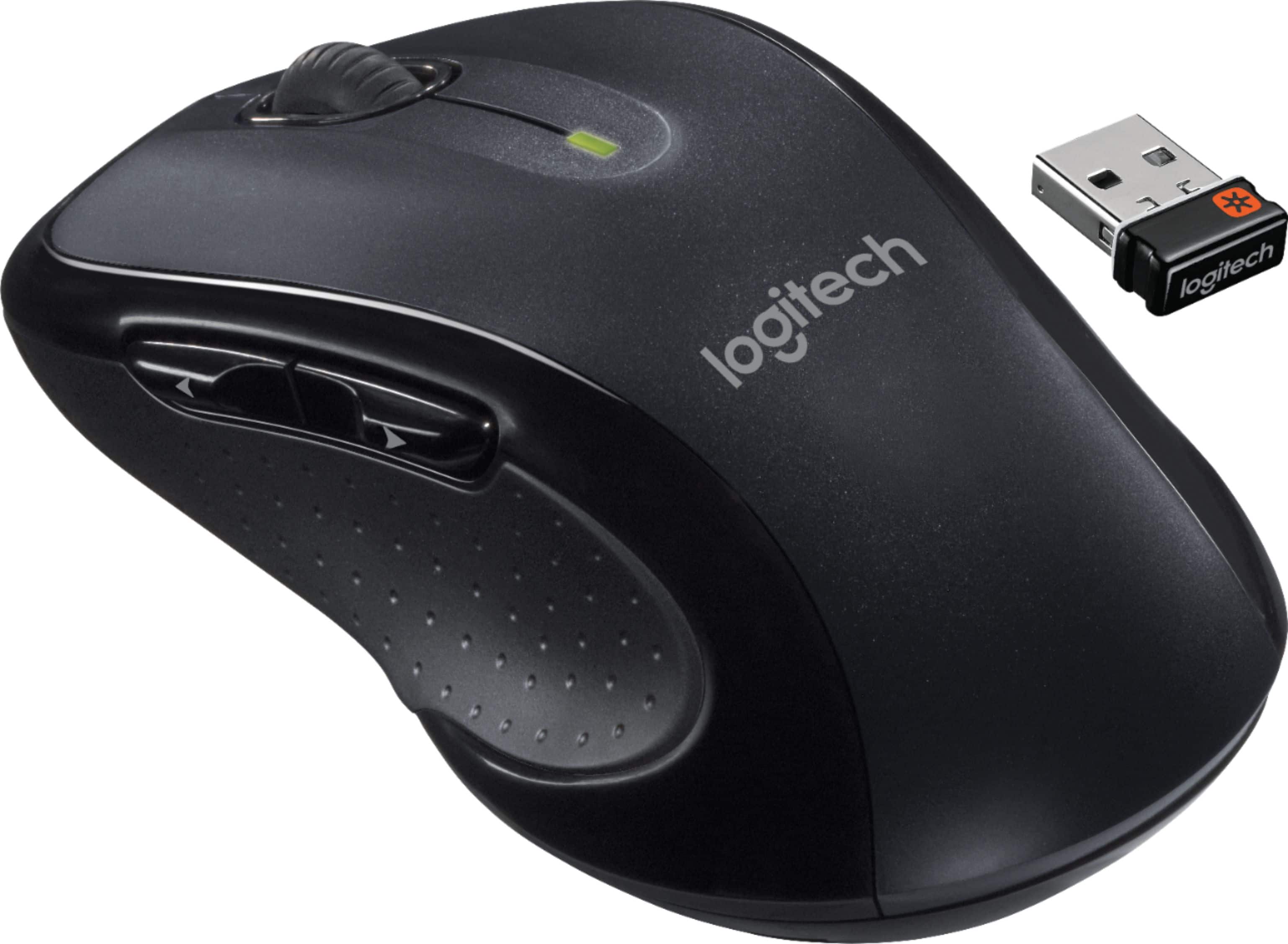
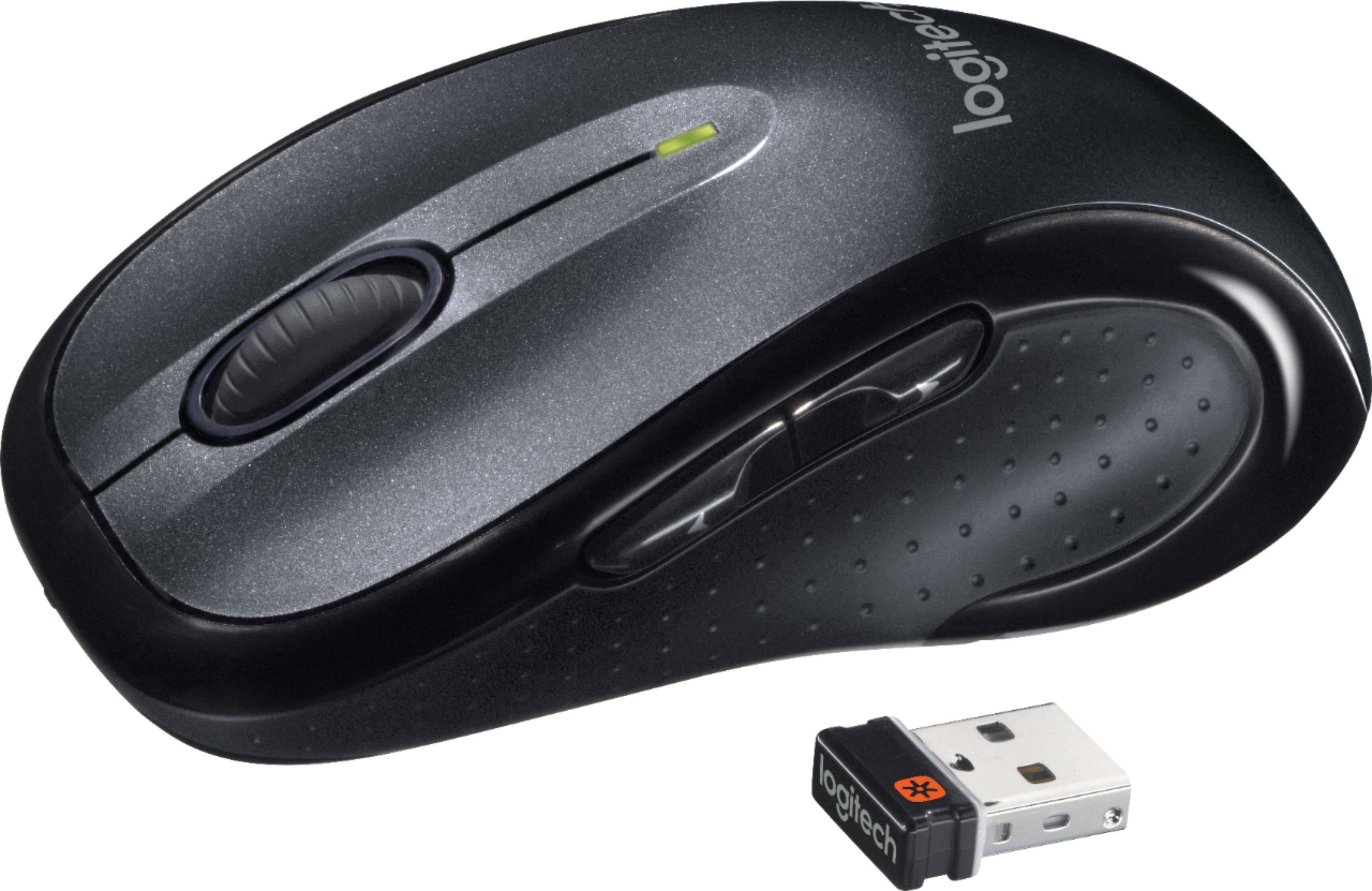
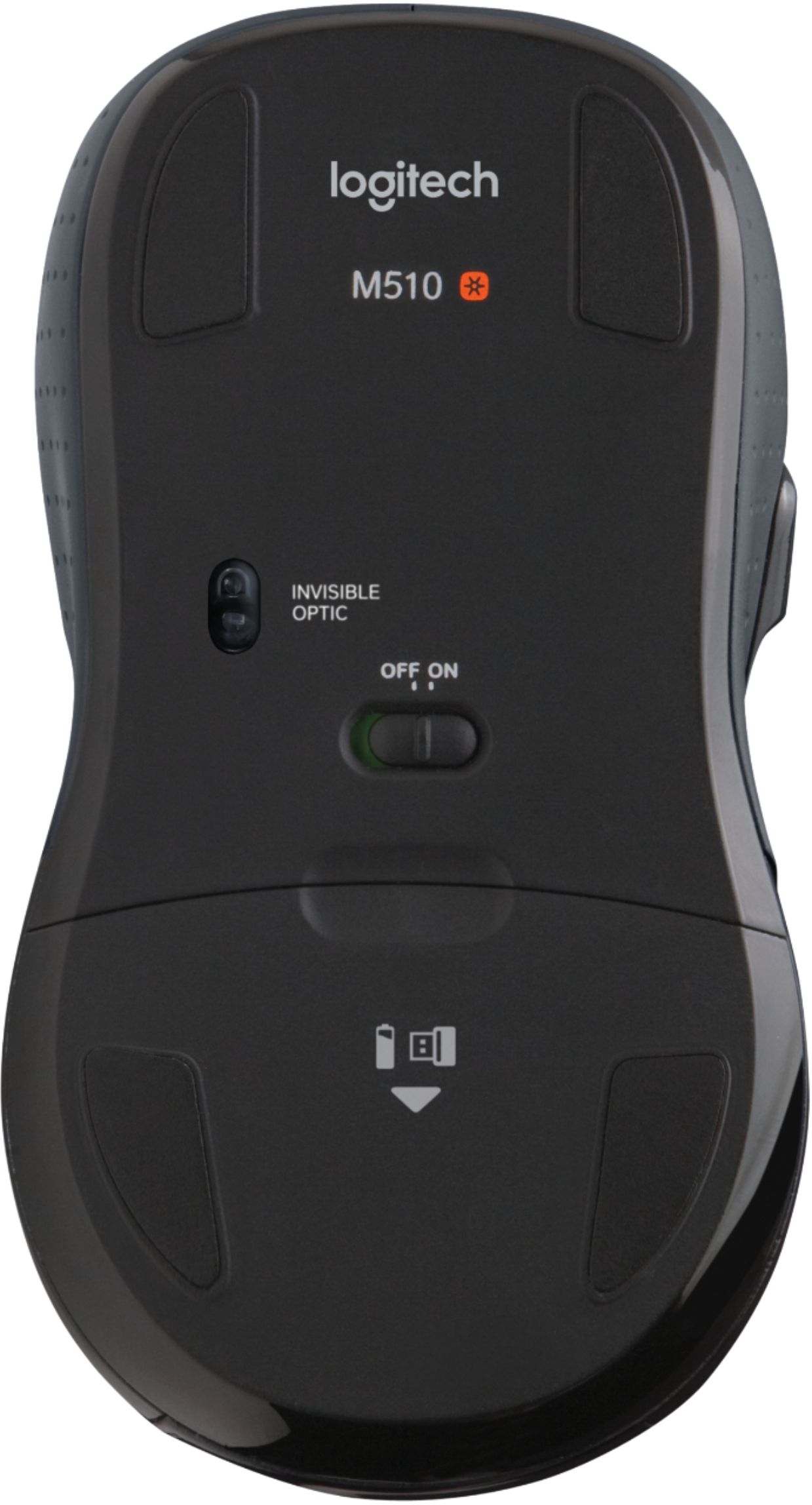
A:AnswerOpen battery compartment. Remove the mouse receiver. It is the thumb drive shaped plug in. Plug into pc usb port. Mouse will connect automatically.
A:AnswerNot sure about the CCTV or DVR i would say yes if they have USB Ports, as far range with Duracell Batteries at least ten feet. As big as my home office
A:AnswerThe M510 uses the Logitech Unifying receiver as does the keyboard (and mouse) in the Wave Combo MK550 set. So, yes, you can get the M510 to talk to the same receiver as the MK550 keyboard by using the Logitech Unifying Software utility. You can compare the technical specs of the devices at
M510 Mouse:
http://www.logitech.com/en-us/product/wireless-mouse-m510?crid=7
Wireless Wave Combo MK550:
http://www.logitech.com/en-us/product/wireless-wave-combo-mk550?crid=27
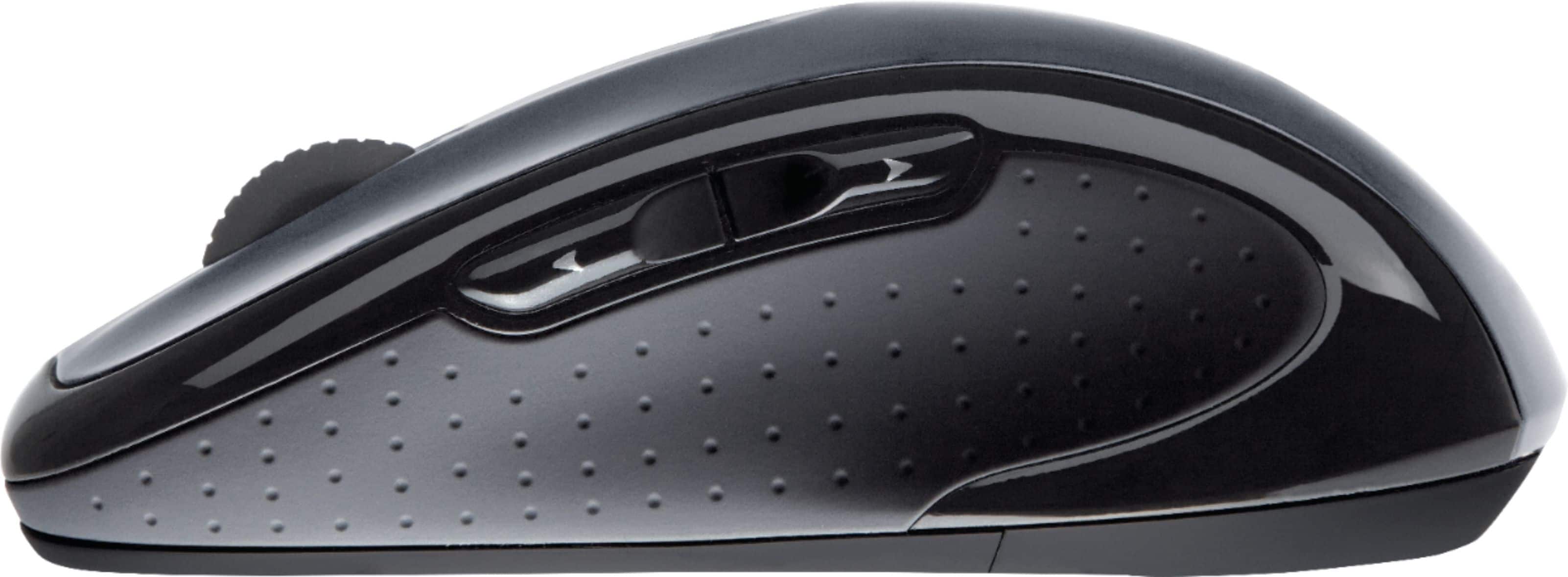
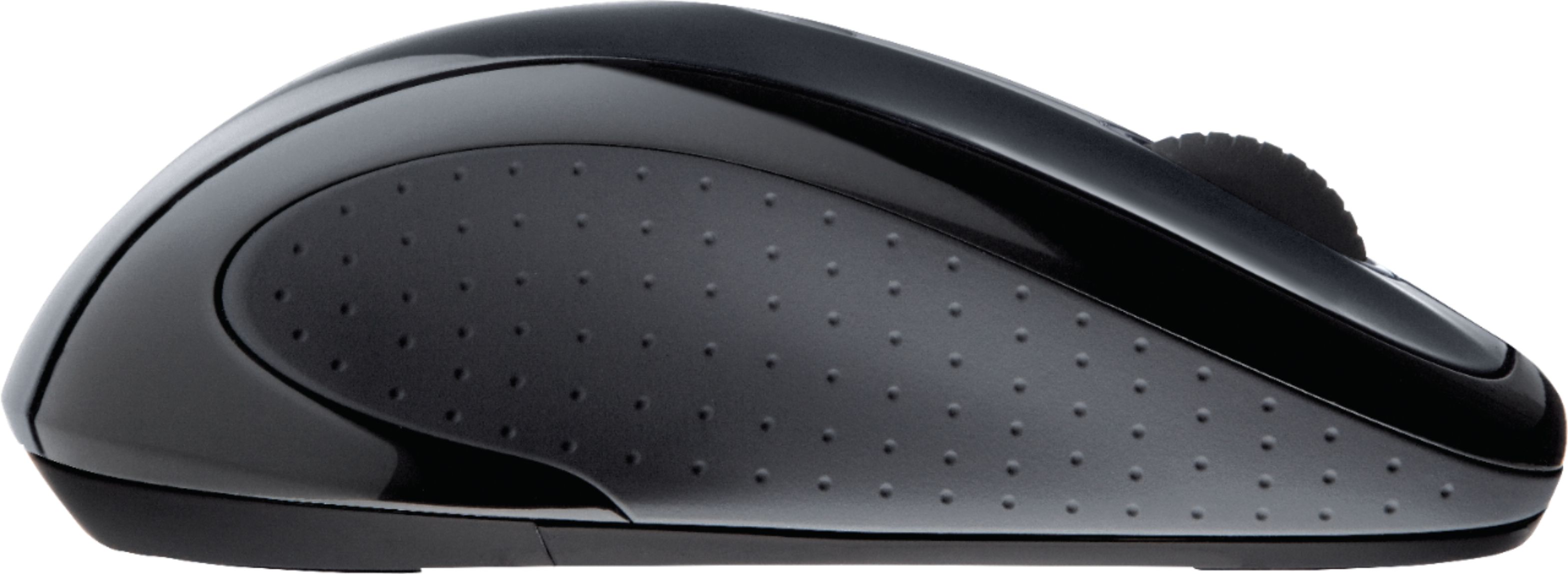
A:AnswerMouse is 5" in length, compared to the usual logitech 3.5" Only slightly wider. Fits nicely in my small hands, and my husband likes this bigger mouse with his big hands.
He's the main user-- don't know what the side buttons do, but have up/down arrows.
A:AnswerYes you can. It is the number one feature I use for my mouse. Download the Logitech Options App if you haven't already. In the app you can customize literally any button to do whatever you want it to do. I have mine set to when I click the roller to the left it Copies and when I click it to the right it Paste. Works great for me.