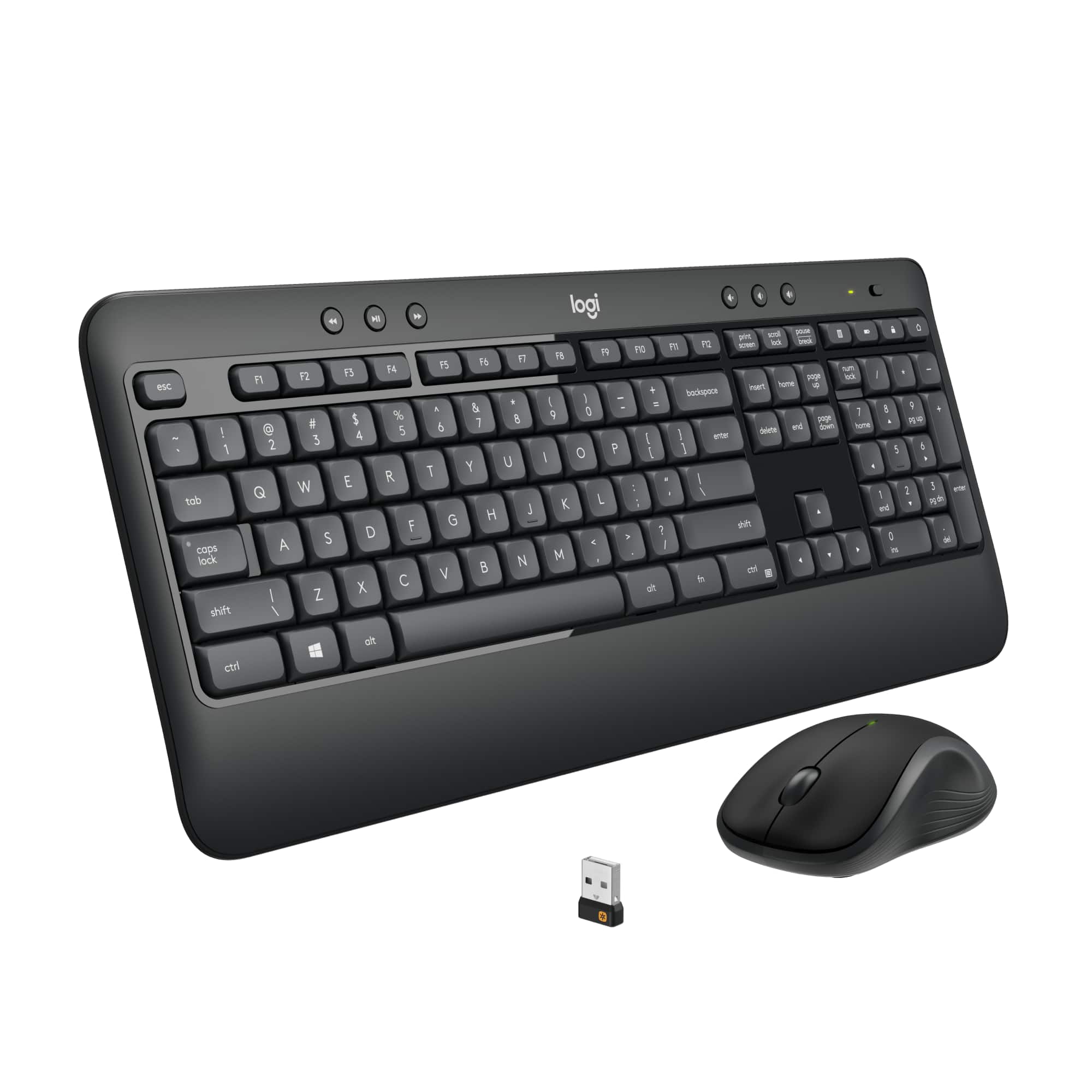
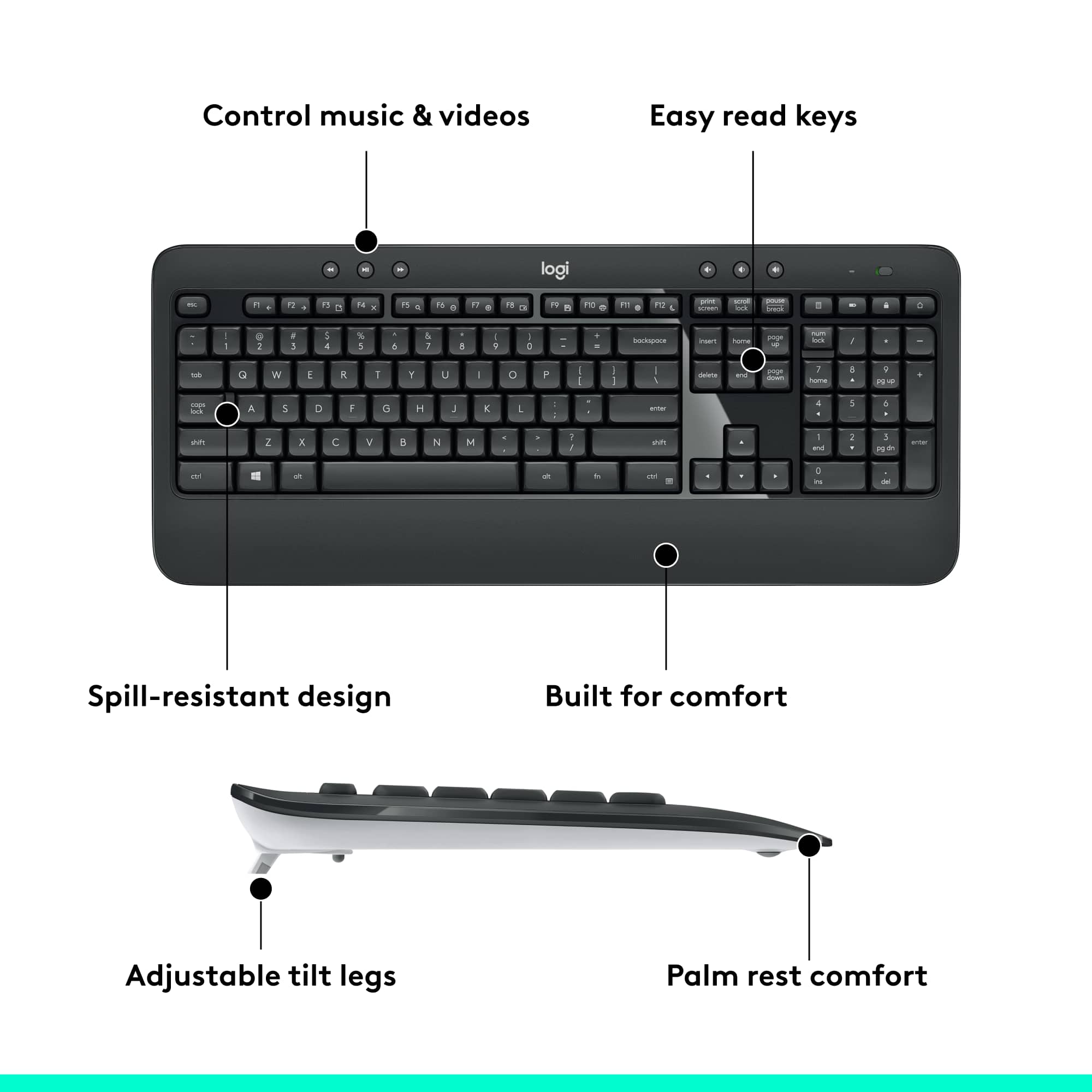
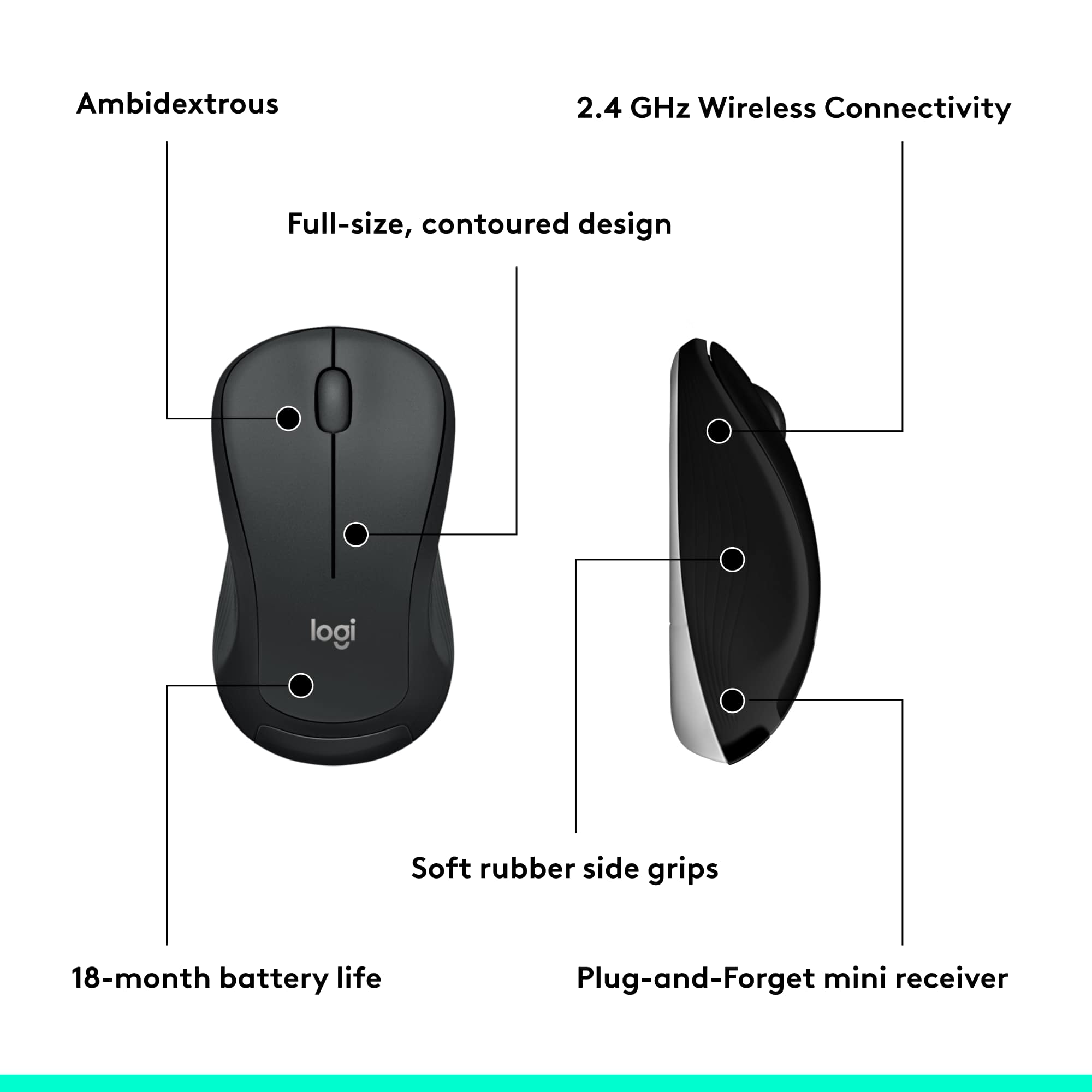
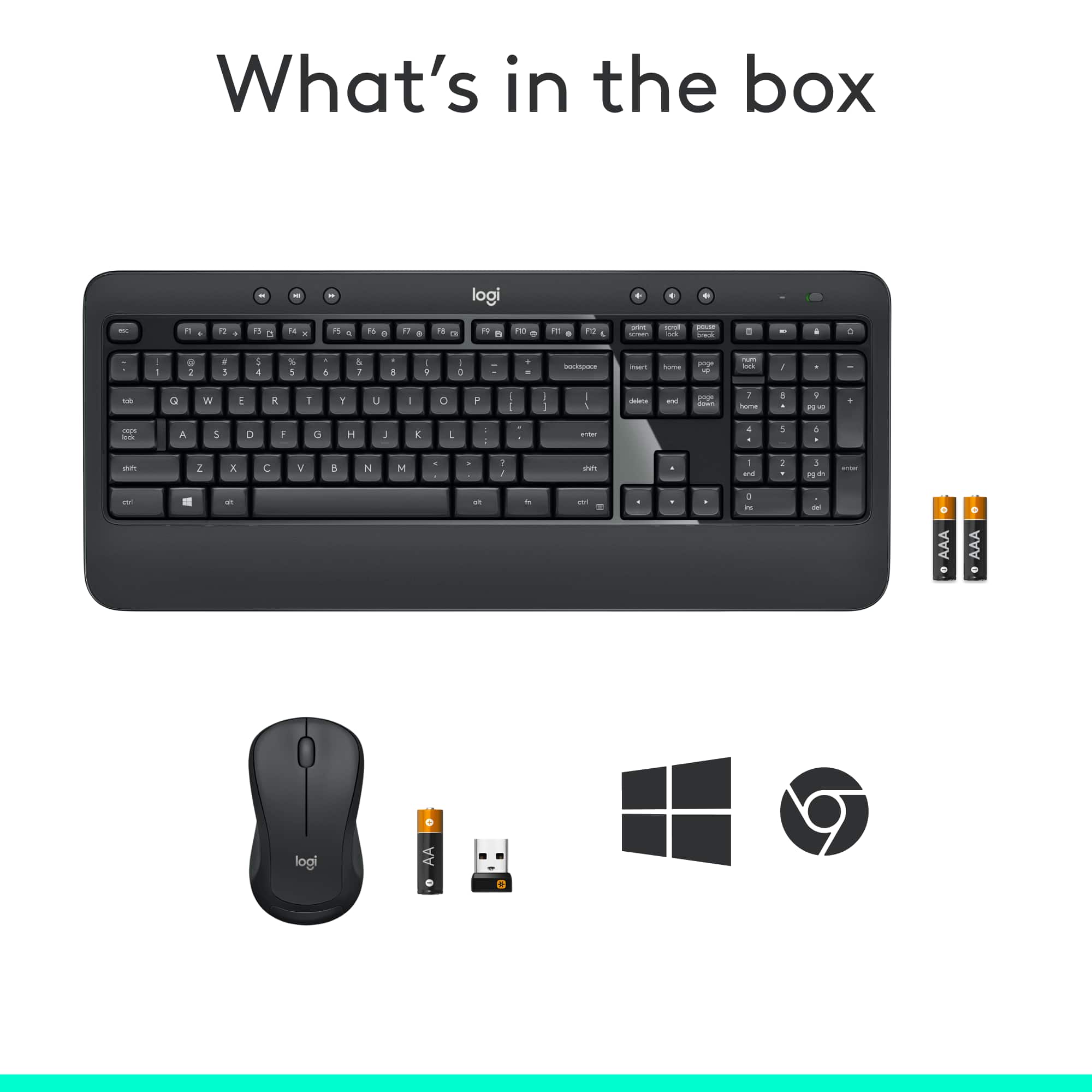
A:AnswerTheres a little USB plug that comes in the package. Plug that into a USB port in your computer, and then turn on the keyboard (top right switch) and mouse (switch on the bottom).
A:AnswerAfter pressing the num lock key the numeric keypad should remain on numeric operation upon subsequent keyboard on/off cycles unless you again push the num lock key or you select a one time function use per key by combining with the alt key.
A:AnswerSorry because I have to ask a stupid question, but did you notice the power switch on the front of the keyboard? It's on the right side, above the 10-key section.
A:AnswerNo, if you want backlight, see the logitech K800 model. Much better quality and lithium battery included. Mini USB charge port on rear of keyboard allows use while charging.
A:AnswerYou are asking the wrong guy.as I don't really have much of a clue,about computers,or related devices.all I know is how to start mine up,surf the internet,read,& reply to my emails,& shut it down.I can tell you that the keyboard,& wireless mouse works great with my computer.as they were a huge upgrade over the stock pair,that came with my computer.
A:AnswerMy first set worked for a couple years, then mouse and keyboard both quit. Got a new set that worked for a couple days, then both quit. I turned my computer off till I could find time to return them. A day later I decided to try them again out of curiosity. They worked. They've been working for over a week now. Fingers crossed.
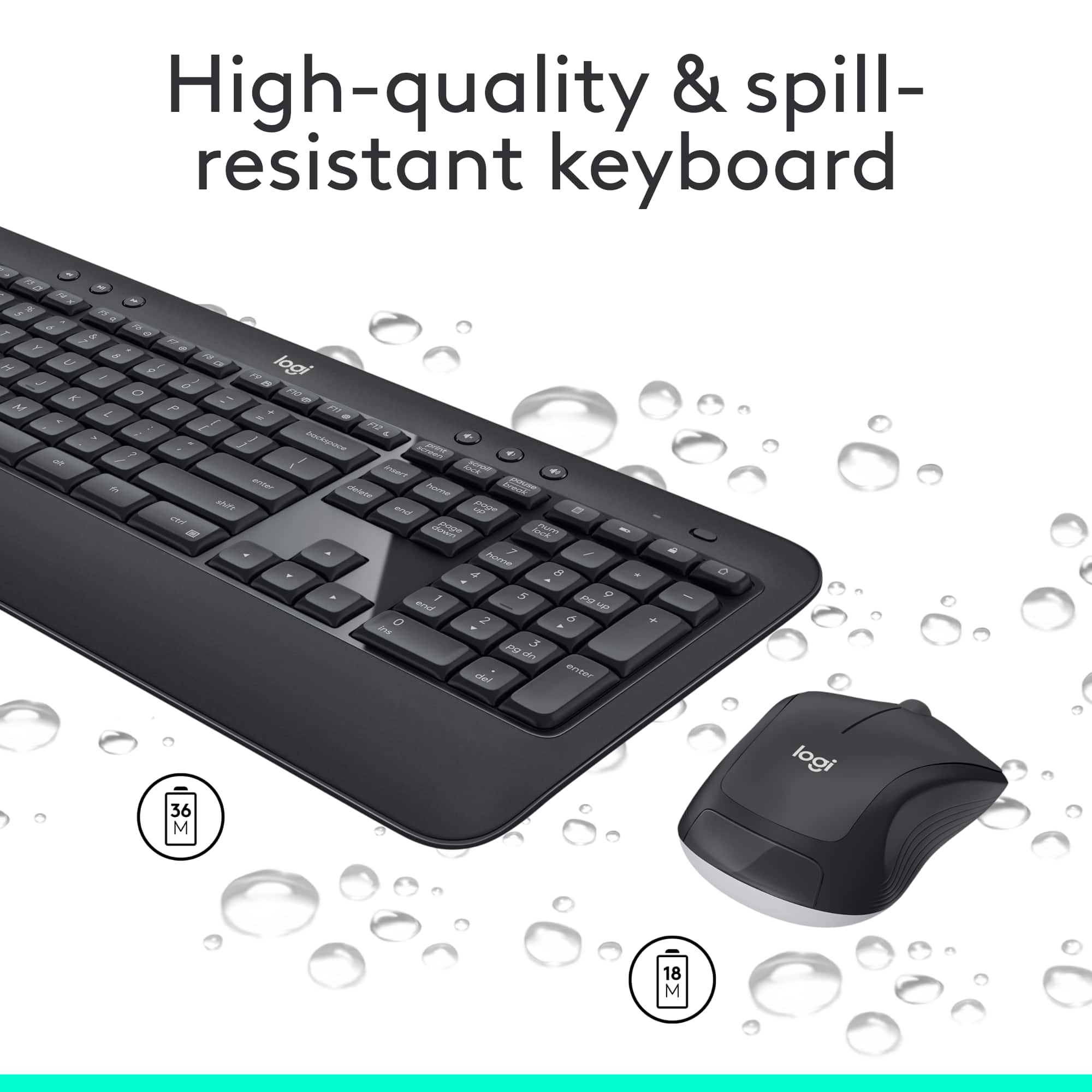
A:AnswerIf the keyboard has stopped responding, you may want to try to toggle the ON/OFF switch on the top right. It is also possible that the batteries may need to be replaced. The keyboard takes 2 AA batteries.