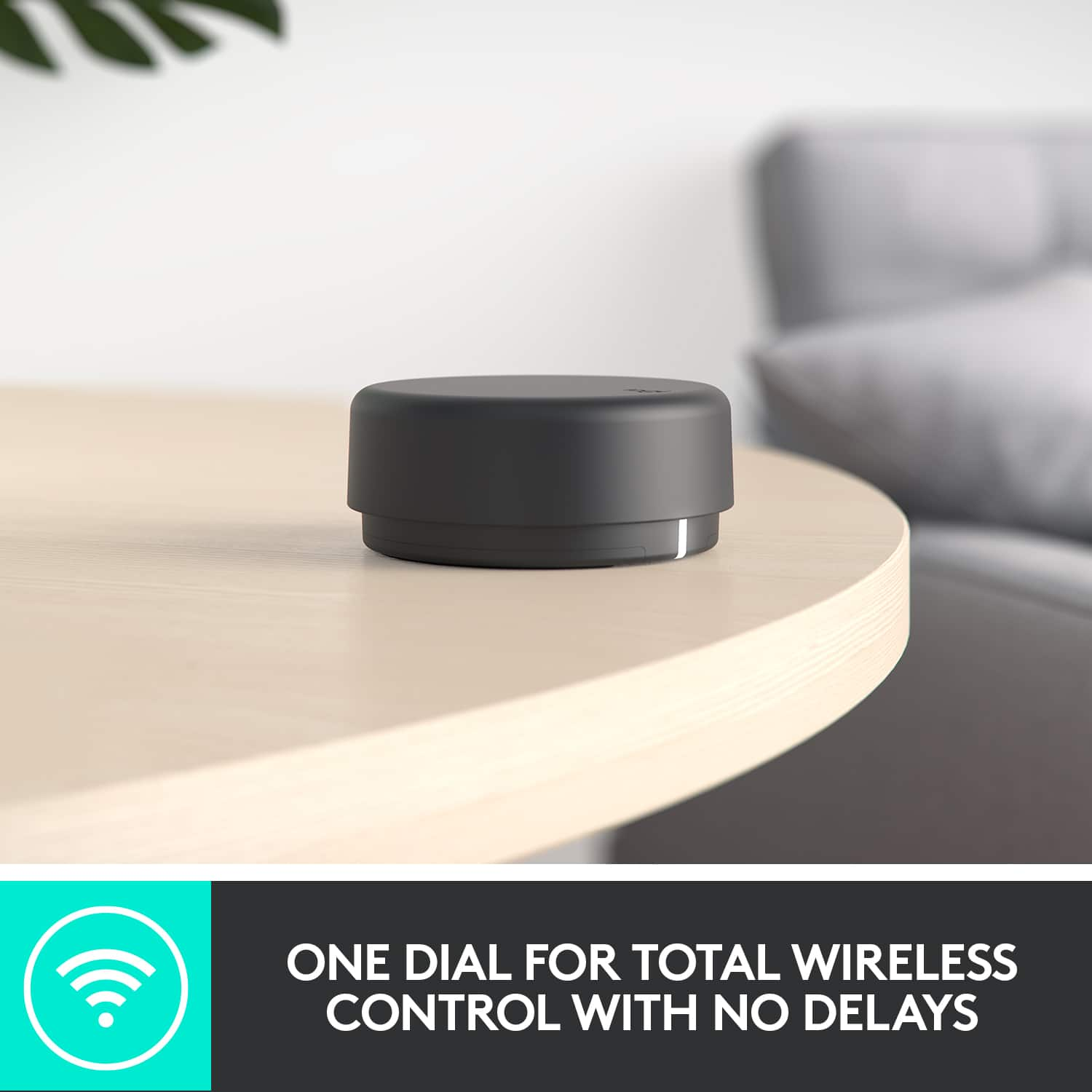
A:AnswerHello Jacob! You can use the Z407 2.1 Bluetooth Computer Speakers System with Wireless Control with your Series S, by connecting the speakers to your monitor/TV through the 3.5mm AUX port, and pressing the wired input button on the back of the dial to control the volume. Note that you can't connect the speakers directly to the Xbox console via USB nor Bluetooth (no Bluetooth on the Xbox Series S). - Mathieu from Logitech
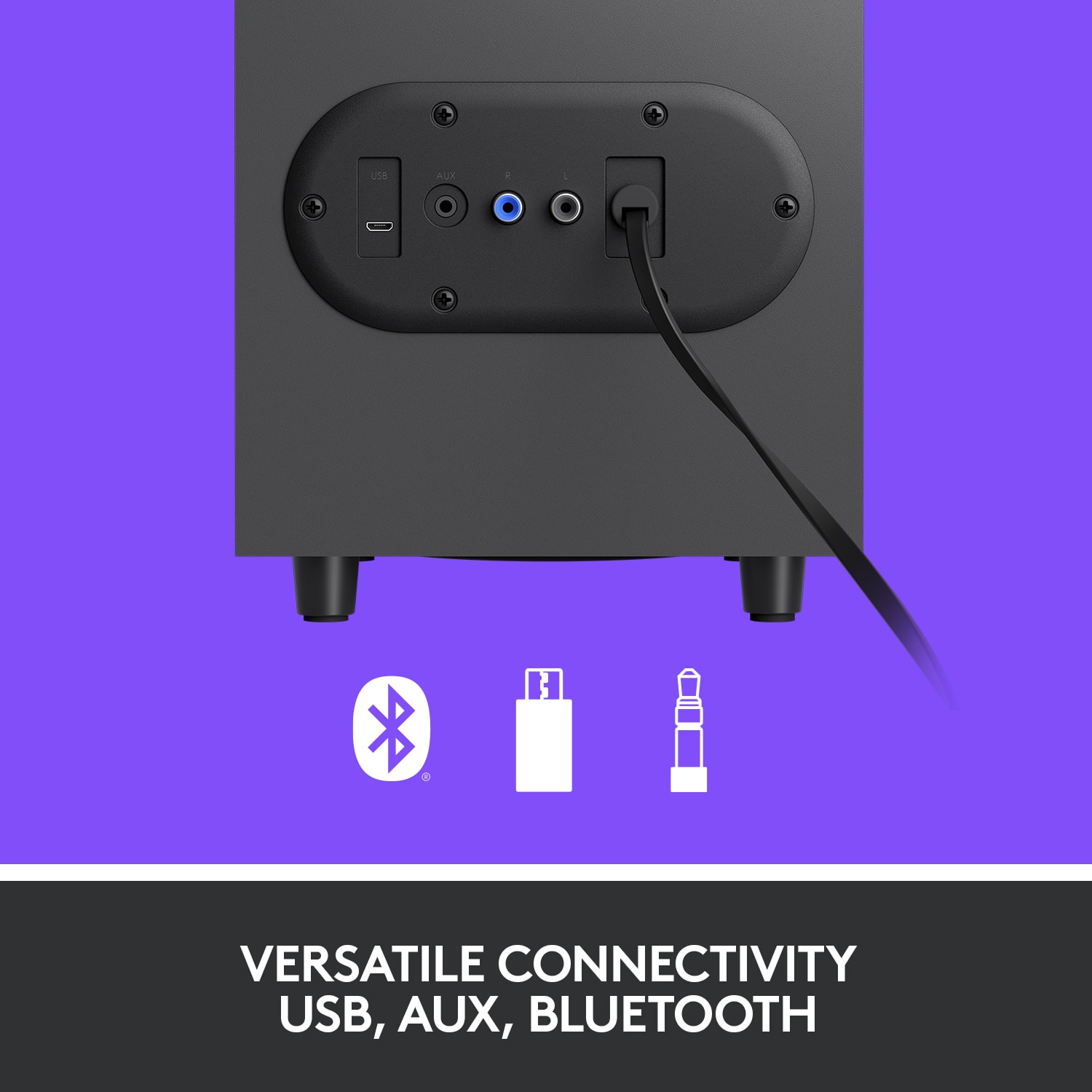
A:AnswerHey BluetoothMoon! You won't be able to listen to the sound of the Z407 2.1 Bluetooth Computer Speaker System with Bluetooth Headphones no, unfortunately. But note that the speakers can actually connect in 3 different ways to your computer, via Bluetooth (which won't work in your case if your computer doesn't support Bluetooth), via the included 3.5mm cable or also via USB. Lots of possibilities with the Z407! - Mathieu from Logitech
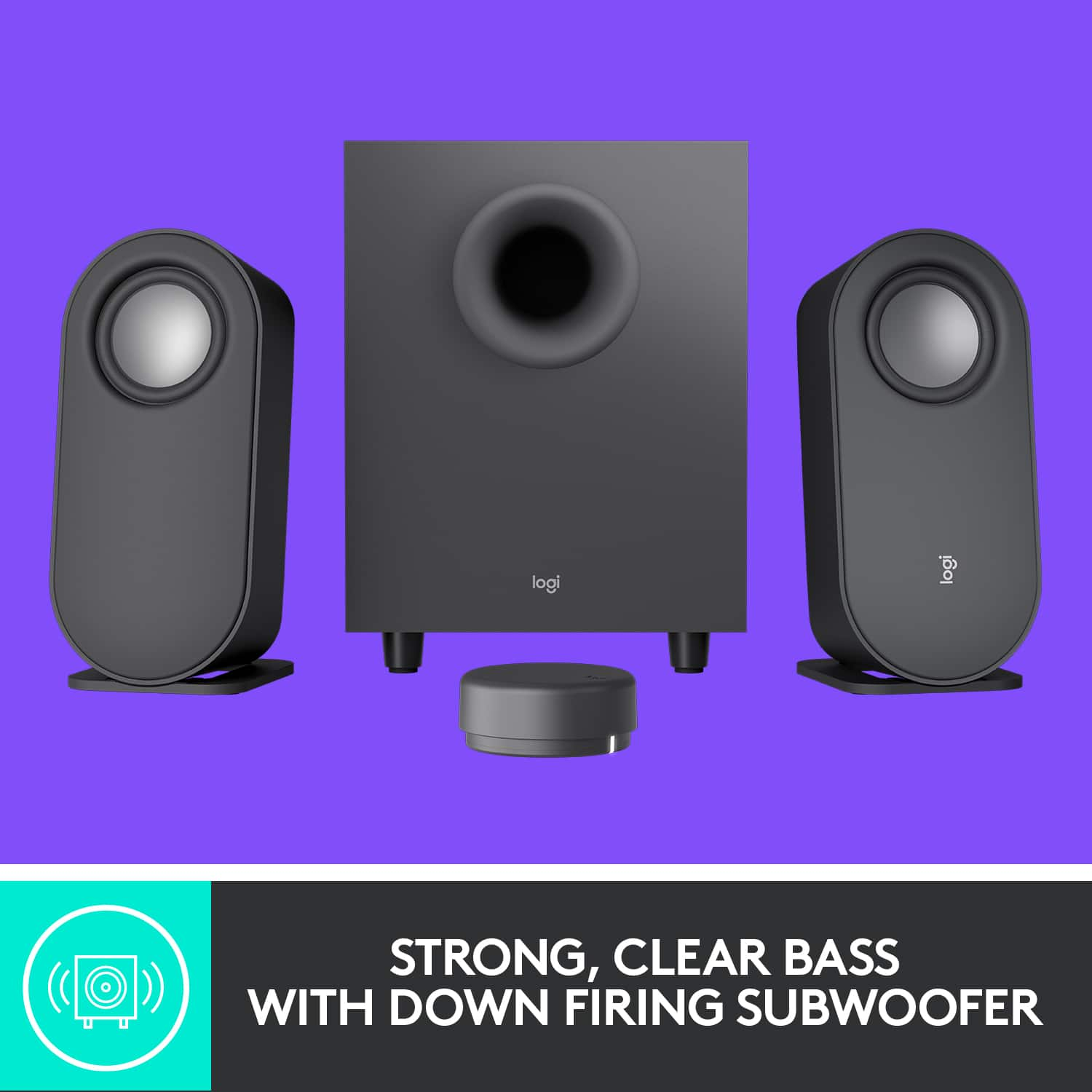
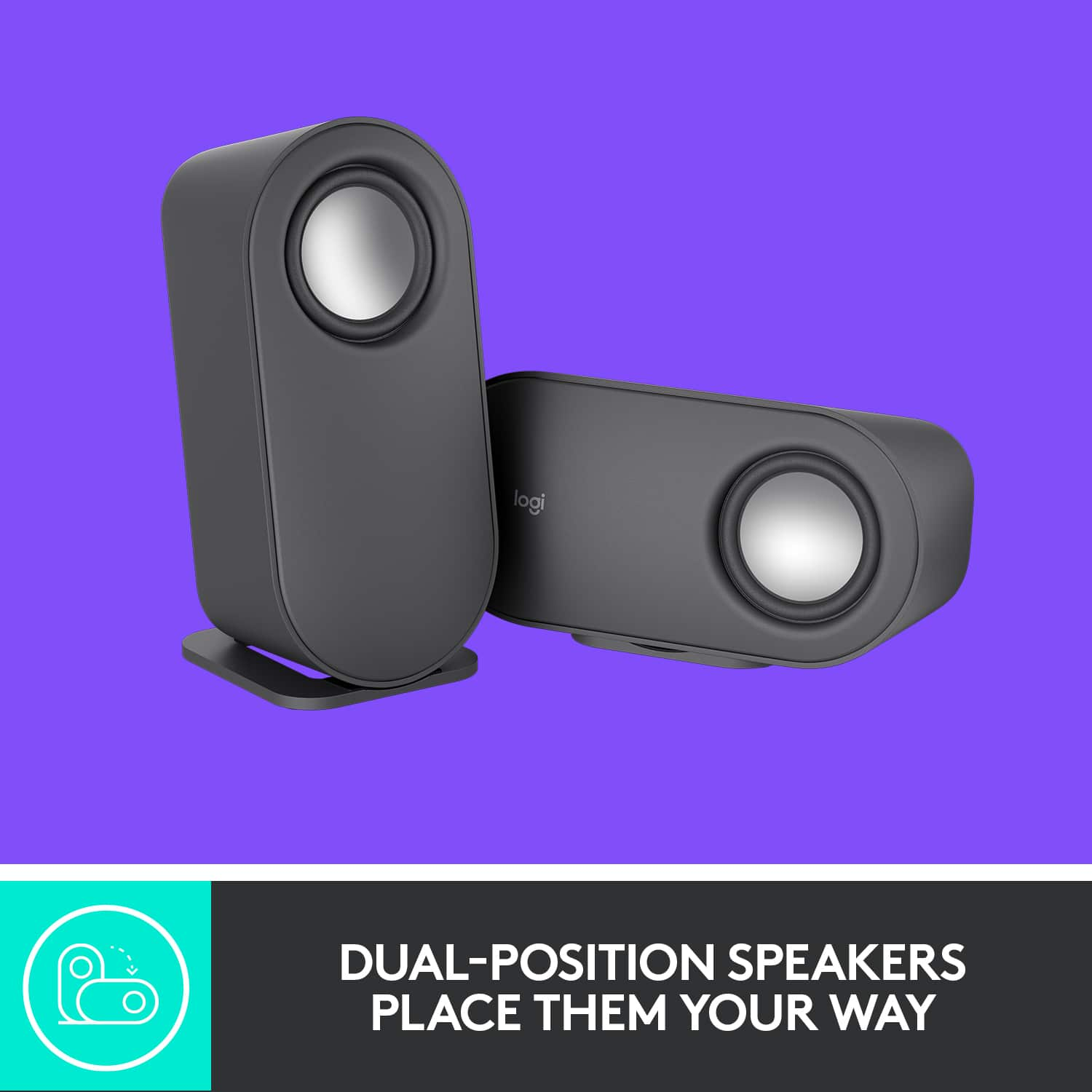
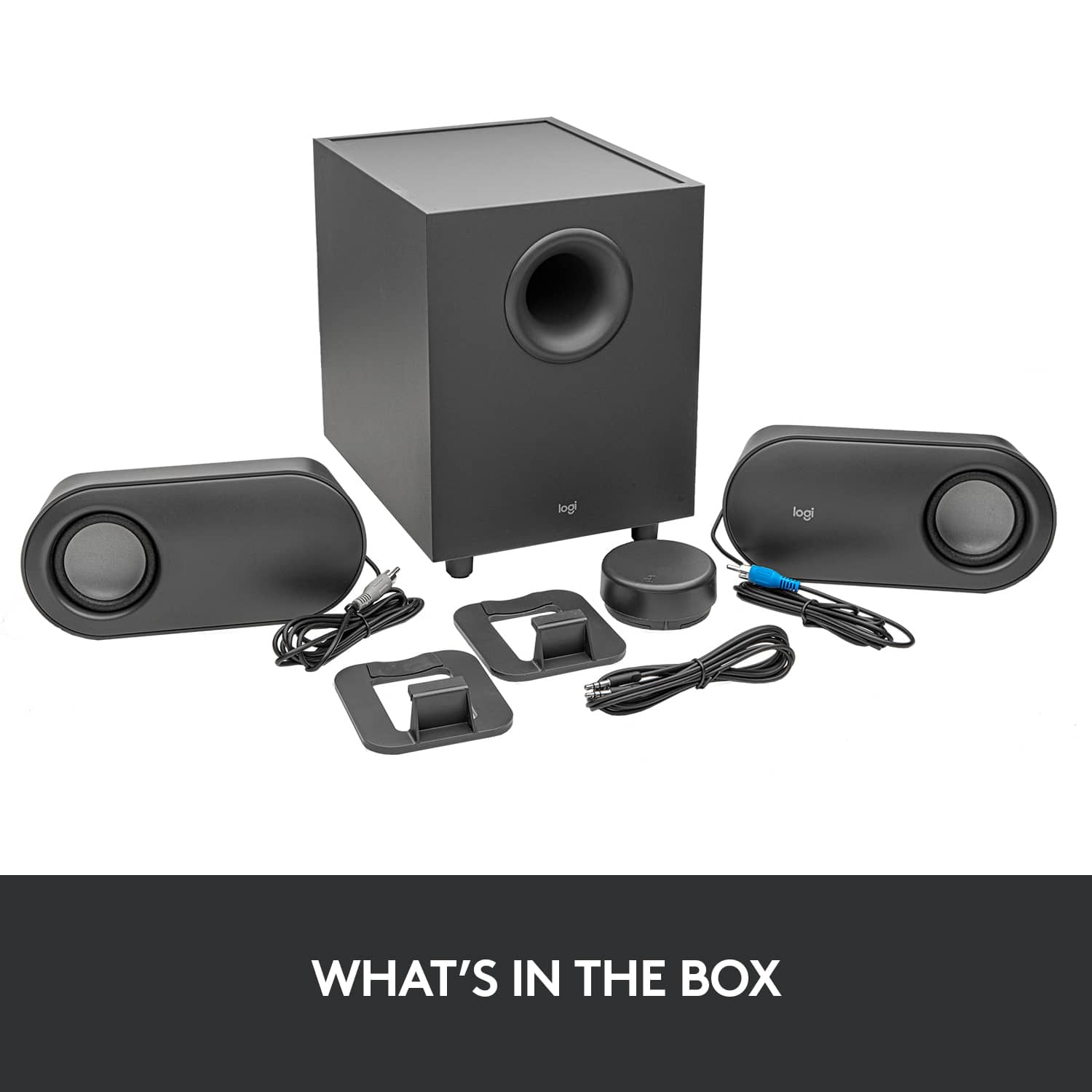
A:AnswerThe L/R stereo speakers must be wired to the subwoofer.
The subwoofer can be connected via Blutooth or the provided standard PC sound cable, and placed anywhere in your room. The subwoofer can also be connectied via a mini USB connector, then to the USB port on your device, and at that point would replace the standard (provided) sound cable as the connection point.
Bluetooth works very well for these speakers and the wireless control puck on a PC.
The L/R speaker cables are 8' long.
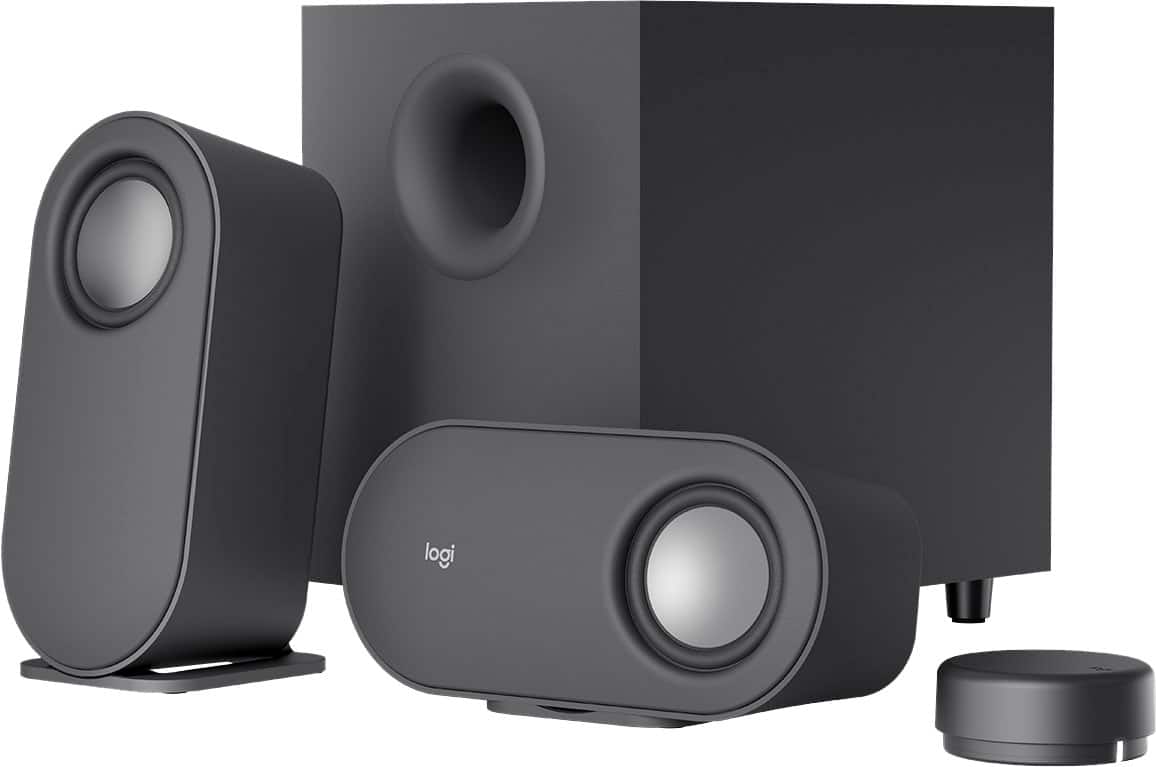
A:AnswerSatellite
Height: 7.87 in (199.9 mm)
Width: 3.70 in (93.9 mm)
Depth: 3.35 in (85.2 mm)
Weight: 13.74 oz (389.6 g)
Subwoofer
Height: 9.45 in (240 mm)
Width: 9.21 in (234 mm)
Depth: 7.09 in (180 mm)
Weight: 86.44 oz (2450.6 g)
Wireless Control Dial
Diameter: 2.75 in (69.9 mm)
Height: 1.16 in (29.4 mm)
Weight: 1.83 oz (51.8 g)
A:AnswerWell this "unsaaavy" buyer opened up realtek HD audio manager, usually comes default on windows, adjusted the presets and saved them. I now can set the audio for games, podcasts, music. When you do that, these speakers sound really good for the price. Sometimes it just takes some savvvvy effort lol.
A:Answerhttps://www.logitech.com/en-us/products/speakers/z407-bluetooth-computer-speakers.980-001347.html
also on the flaps of the box it came in. I also found a PDF manual online
A:AnswerNo. The set-up instructions are on the box itself. (If you want to see the instructions: https://www.logitech.com/assets/65953/z407-bluetooth-computer-speakers-with-subwoofer.pdf). Took me all of 10 minutes (if that) to get everything set-up and connect.
A:AnswerHello, thank you for your question regarding the Z407 speakers. We apologize for any confusion this may have caused. Unfortunately, the Z407 speakers do not come with a USB to Micro USB cable. You can use any micro USB to USB cable. You can purchase an inexpensive one at your local Best Buy or if you have one laying around the house, you can use that as well. Again, we apologize for any confusion we may have caused. Have a great day. - Ricky from Logitech.
A:AnswerIt is a bit tricky, but just firmly press down before you try to slide the panel down, it helps stabilize it and keeps from spinning if you press down a little harder.