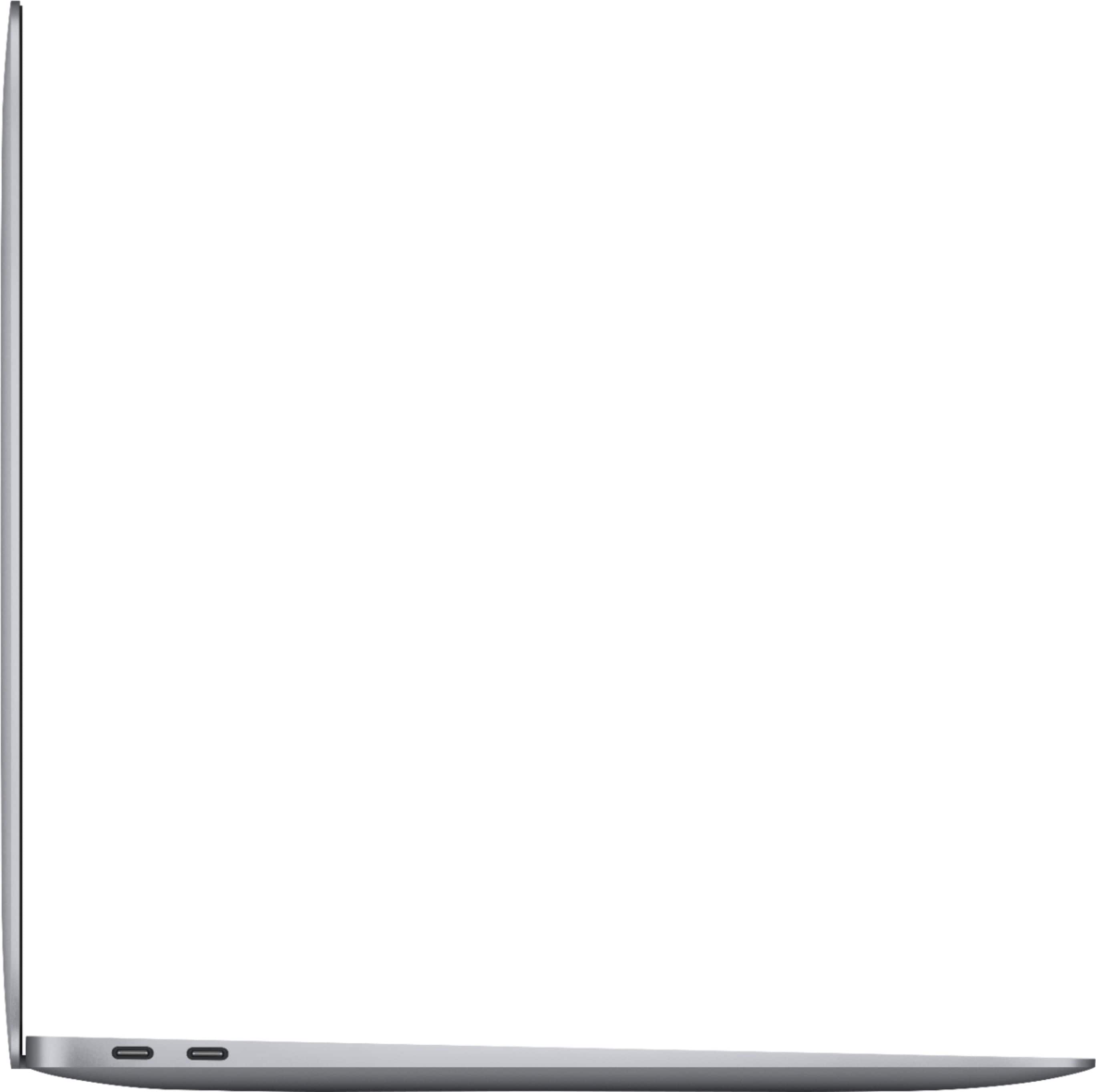
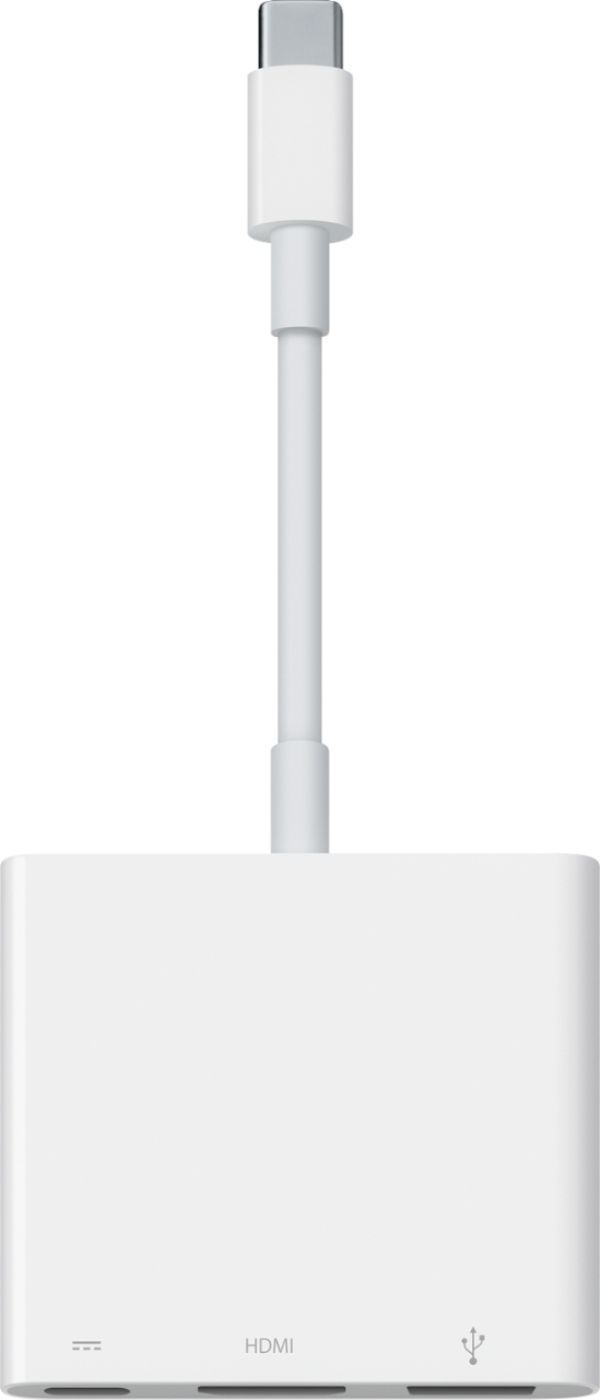
A:AnswerYes, if the USB type on the turn table is "Type A" (the older or more well-known type of USB), you'll need an adapter for compatibility as the MacBooks only come with USB Type C now.
A:AnswerYou can buy an external DVD writer pretty cheaply; these are usually USB-A hookups, so you'd also need a USB-A to USB-C adaptor or dongle. It should plug and play.
A:AnswerIt all depends on what version of the software you intend to run. If you are using Creative Cloud, they will update to ensure can use any current technology. If using legacy Adobe software that worked in Mojave or earlier, no. The Intel Macs have been retired. Software that was written for Intel Macs will have to be updated to run on the Apple Silicone Macs (most likely will require a new license, if they get updates at all). You also can't use an emulator (virtualization software such as Parallels) to run apps that were written for Intel Macs on an Apple Silicone Mac (M1, M2 or later).
A:AnswerAll Best Buy stores feature a Geek Squad which does in-store or in-home computer services. Best Buy just launched a membership program called Total Tech Support for $199 that will give you a year's worth of in-store services from Geek Squad at no additional cost (a $99 value for the data transfer) and also give you up to 2 years of AppleCare+ coverage (a $69 value the first year alone) on your new MacBook Air. Additionally, you may be able to save some additional money off of the computer and/or accessories with member-exclusive pricing and any other Apple products that you purchase from Best Buy within the year will also include AppleCare coverage.
A:AnswerNo cracks or breaks of any kind have happen. Screen is just very easily to get dirty. I have to be cleaning it very gentle with a rag constantly.