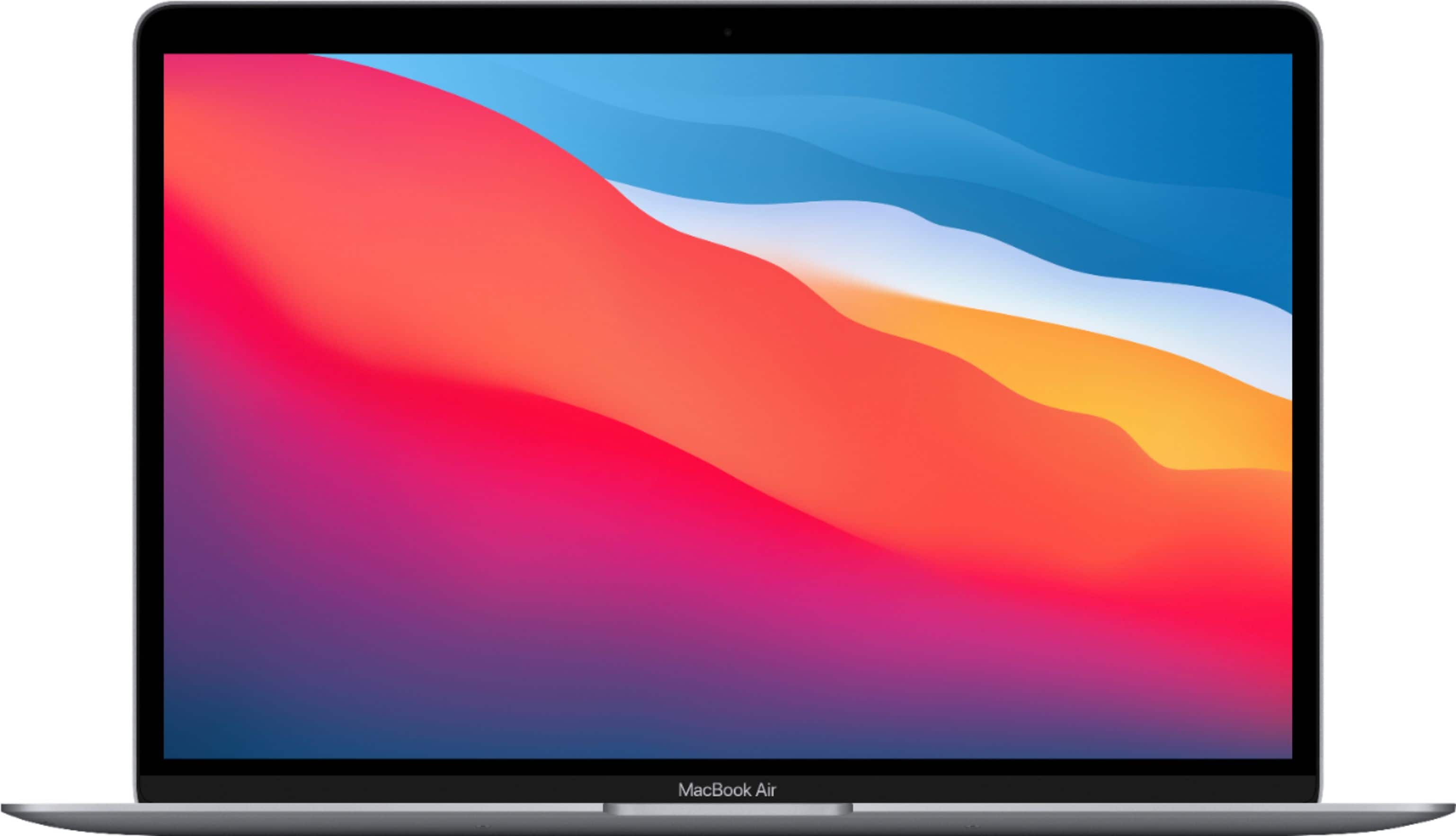
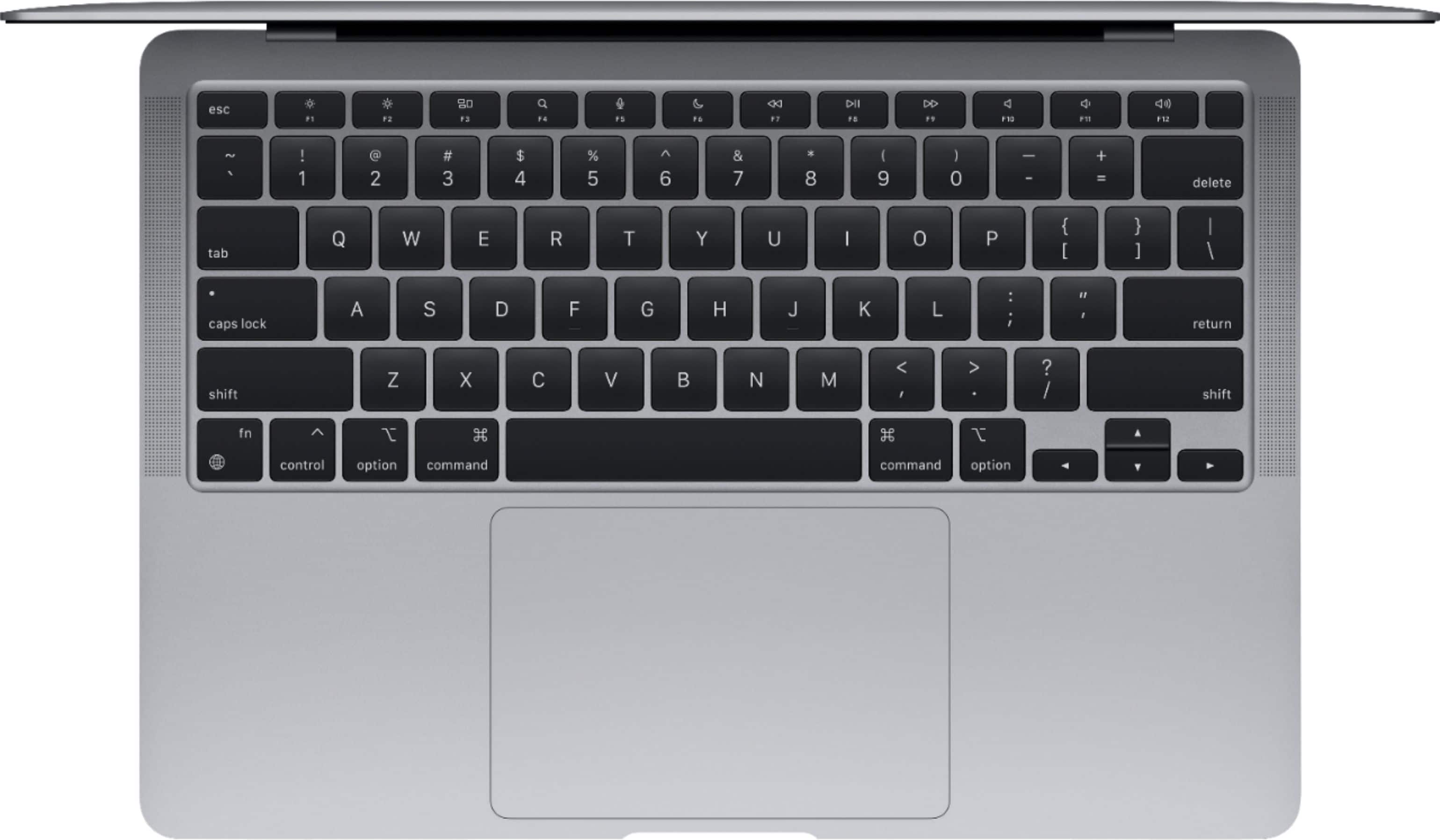
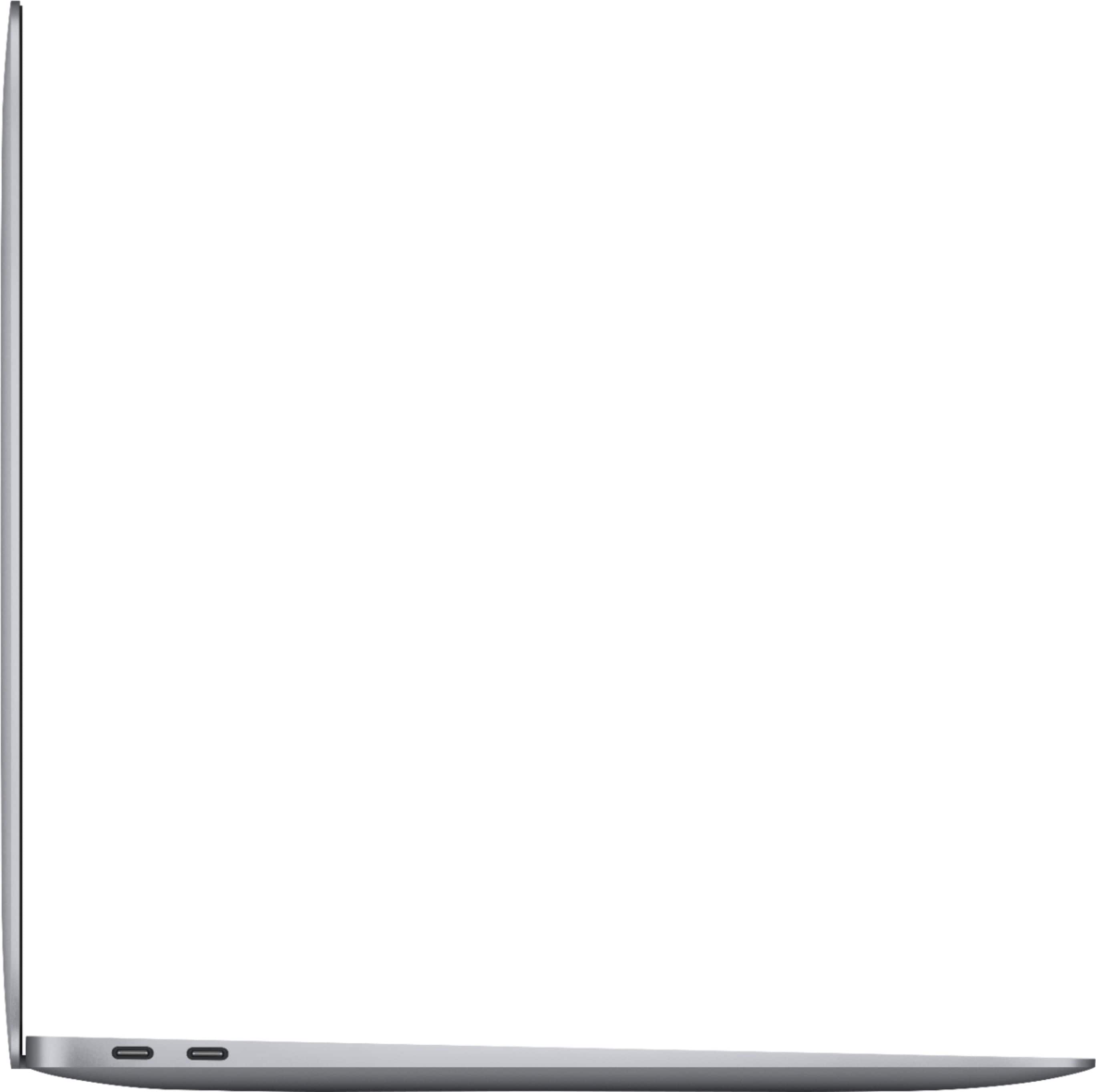
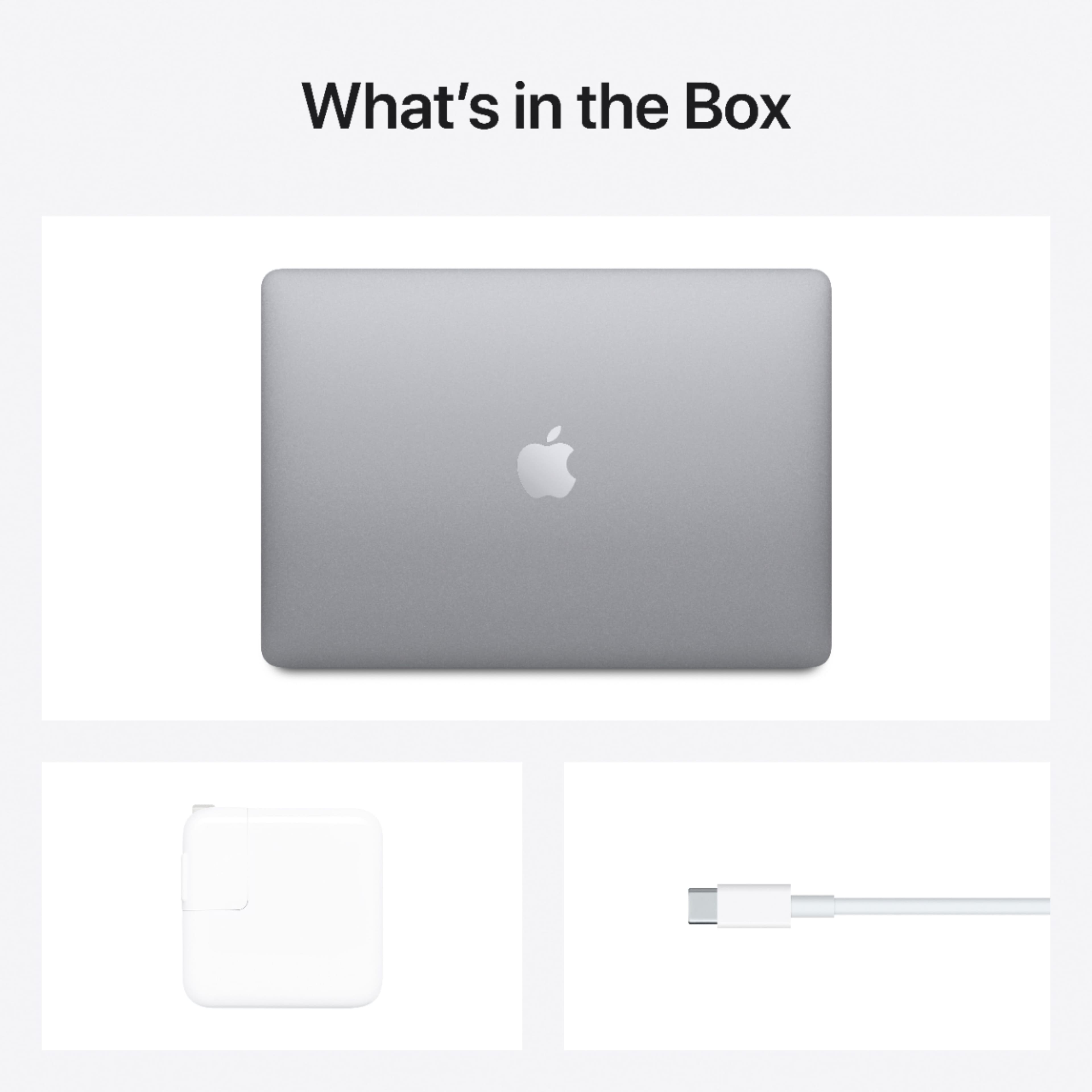
A:AnswerMost people are experiencing outstanding performance with high demand workload for the Silicon chips like that in the MacBook Air M1 2020. The chip is incredibly efficient and is performing online gaming and video production and other processor-challenging tasks well considering the price of the device. The MacBook Air M1 2020 base model comes with a power adapter and a six foot USB-C cable used for charging and data.
A:AnswerNot really. I have owned multiple Mac products recently. (A 2017 pro, 18 air, 19 pro, 20 air and pro) I see a visible difference in brightness and every ONCE IN A GREAT while I can see a slight color difference (Colors appear slightly sharper and more correct in the newer versions) But if you are using your MacBook to watch movies and consume content I would say you are better off buying one of the newer I pads, the 12.9 comes with a beastly display and the M1 Chip and will be similar in price to the MacBook Air. Biggest difference between the air 20 and the air 19 is brightness (Nits) the ability to work on a dark screen in direct sunlight is the major difference. Hope that helped
A:AnswerThat is a statement. Do you have a question about if you can trade this macbook? I know through Apple it will kill the trade value if it is damaged at all.
A:AnswerThrough Progressive leasing, although it is a soft inquiry on your credit, it does not report to the credit bureaus to increase or decrease your credit.
A:AnswerYes, I believe that it is a separate model on best buy. I recommend you go to apple.com where you can customize your computer. Fyi, the price is raised by $200, I believe.
A:AnswerDepends on the games that you are playing. Generally, the Mac laptops are not as ideal for gaming as Windows gaming laptops. However, this Mac is quite powerful, so if the child likes Macs and really only wants to play games like Minecraft, then it is okay. This is also good for video editing and the sorts if the child wants to get into that, which is a fun thing to do.
A:AnswerAt this time Best Buy is not offering custom MacBook Air options for the M1s. If you require 16GB and wish to purchase from Best Buy, this is going to put you in the M1 Pro 14-inch MacBook Pros. If you're open to non-M1 options, there is also an Intel model that comes with an i5/16GB/512GB SSD (and it's $500 off at the writing of this). Apple will support Intel for some time as not all education/business apps are compatible with M1 just yet, although the Mac lineup will be mostly transitioned to M1 by year-end with fewer Intel options in the lineup.
A:AnswerThe typical suite of Apple Apps such as Pages, Numbers and Keynote. Calendar, Garage Band, iMovie, Safari, Mail, FaceTime, Apple News, Apple TV, Pictures, Maps, iMessages, Contacts, Music, HomeKit, all of these were installed when I set up my M1 MacBook Air. The App Store which resides in the dock links to a ton of software both Free and Pay to use. Not to mention pretty much all of the iPad/iPhone software will also run on it. Microsoft is working on a version of Office will work natively on the M1 Mac's but in the mean time you can run Office 365 (Microsoft 365) or Office 2019 for Mac in the Rosetta Stone 2 environment on the Mac (install automatically when you launch an Mac inTel app) without noticing any sort of hit on the work flow you will be amazed. All the bigger name software are either in beta or soon to be released for the new M1 Mac's.