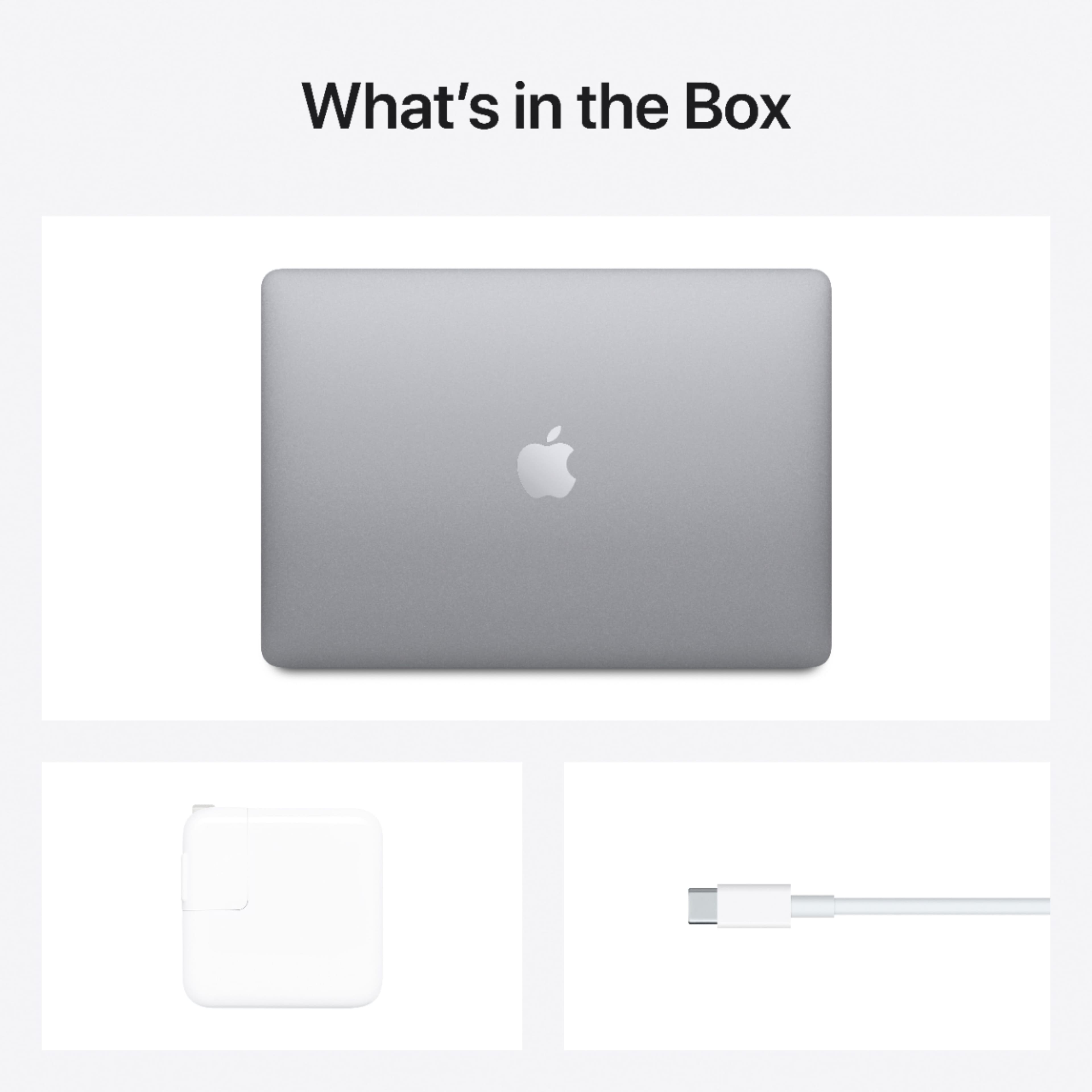
A:AnswerPlease check on Amazon. They have a lot of macbook air cases and screen and keyboard guards.
Please read the product description on Amazon and they must have written which models the case is compatible with.
“ IBENZER New 2021 MacBook Air 13 inch Case M1 A2337 A2179 A1932, Hard Shell Case & Keyboard Cover & Screen Film for Apple Mac Air 13 Retina Display with Touch ID (2018-2021), Crystal Clear, AT13CYCL+2”.
A:AnswerNo. It comes with Pages, Numbers, and Keynote, which do the things Word, Excel, and PowerPoint do, respectively. You can open files from those three Microsoft apps in the Apple apps. And you can save files made or edited in Pages, Numbers, or Keynote as the Microsoft versions. (If your MacBook doesn't have these 3 apps already installed, you can download them for free from the App Store.)
A:AnswerBecause Best Buy price matches/competes with other retailers for Sales. Apple has already sold these to the retailers so they have no reason to lower their online and in-store FULL RETAIL pricing that people for some reason still pay. I do understand the convenience and comfort of buying directly from the manufacturer. But for those who want to save quite a bit just buy from Big Box stores like Best Buy. You can save even more if you sign up for student deals and wait for quite frequent sales.
A:AnswerYou'd probably want to go with a MacBook Pro or wait for the new Macbooks to come out this month with the new M1X or M2 (whichever they choose to call it) chip. This machine is powerful enough for everyday tasks and the occasional photo/video editing, but if you're going to be using Blender a lot and rendering some intense things, I think you'll need a bit more.
A:AnswerIf you go to the product page, it should show you if the computer is available for pickup at a store nearby you -- it will usually show:
- Pickup: Ready in 1 hour at [store name]
- Available today at a location XYX miles away
- Few in stock or Act Now Only 1-2 Left.
A:AnswerThe simple answer is NO!
However, if you wish to use the Apps store from Apple for your software, use iTunes (now called Music) or Find my Mac you will need to create an Apple ID. You do not need an iTunes account to use iCloud however, iCloud serves as a great part of the eco-system of Apple devices if you haven't tried it you may want to give it a try you'll be amazed at the eco-system and integration with how all of your Apple devices work together. Set an Appointment on you MacBook in Calendar, see it on your iPhone, Apple Watch, or on any Windows, Chrome PC in a browser by going to iCloud.com Your notes Calendar events, passwords, website history, photos, email, contacts etc all follow in the cloud.
Go to a doctors office and forgot your list of Meds? no problem use your iPhone or a computer at the Doc's office to log into your iCloud account to get that note you created with the list of meds on your computer you left back at home.
A:AnswerThe best input device known to mankind is the mouse. There is no need to put a touchscreen on a machine like the MacBook Air M1 2020 that is designed to get lots of work done quickly. Touchscreens are for devices used to play on the web and make online orders, not for serious computing or getting actual tasks completed.
A:AnswerSSD hard drive. It runs MacOS 11 Big Sur. It uses Apple’s new M1 system on chip with 8-core CPU and 7-core GPU; think of it as an iPad Pro processor on steroids. DRAM is closely coupled with the M1 and not upgradeable after the fact, but this tight integration makes it extremely performant.
A:AnswerYour Mac comes with a wide range of apps already installed, so you can have fun, work, connect with friends, get organized, buy things, and more. Productivity programs like Pages, Numbers and Keynote and creative programs like Photos, iMovie and GarageBand are all available for free with your new Mac.