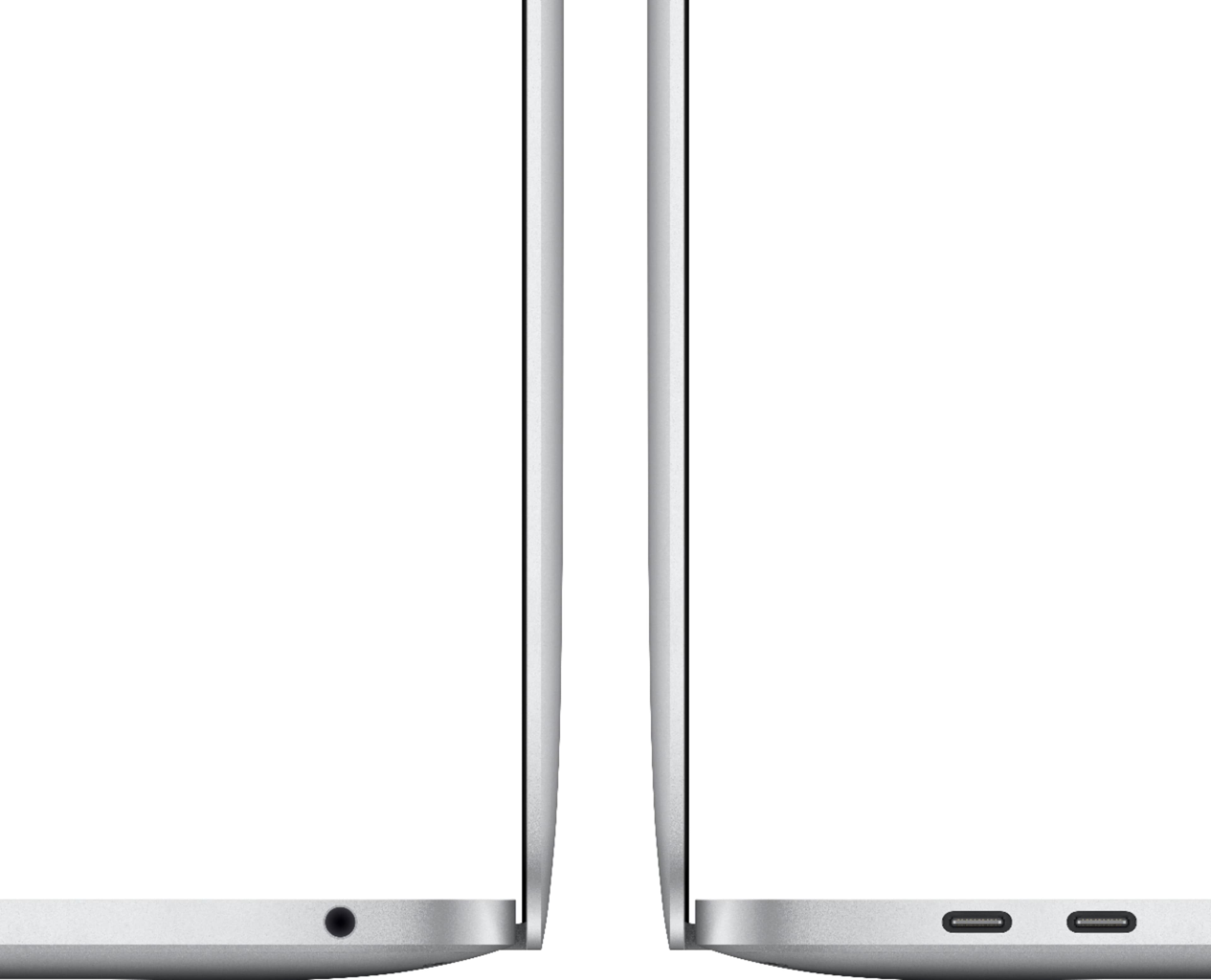
A:AnswerPlease get a USB C to HDMI Adapter. It costs about eleven dollars on Amazon. Then you can display what you want to see on a large external monitor or TV.
A:AnswerYour DSL modem should have an ethernet port on it. You will need the USB-C to Ethernet adaptor from Apple or a 3rd party company to plug into the laptop, then plug the ethernet cable into your modem. Better yet, why not buy a Wifi Router, plug it into your DSL modem and then you can use this laptop wirelessly anywhere in your home?
A:AnswerThat is not true, as long as it's a web site, you can access it on this computer. I use Microsoft One Drive, Google Drive, and also iCloud from my Mac just fine.
A:AnswerNo, the screen is not a touch screen, you will need to use either the built in Trackpad or the mouse. You may be able to point on the trackpad with the stylus, but not likely.
A:AnswerOnly one. You need the $1999 MacBook Pro to do 2 monitors natively. Check out the Qiyo USB-C docking station with DisplayPort technology (you may have to search on another site for it). The DisplayPort tech allows you to run two monitors on this computer, as well as the MacBook Air as long as you install the DisplayPort software.
A:AnswerYou would have to go through apple to do the student discount. Bestbuy has the price set to a specific price which is heavily discounted already.