Skip to contentGo to Product Search
Main Content
In 3D Printers

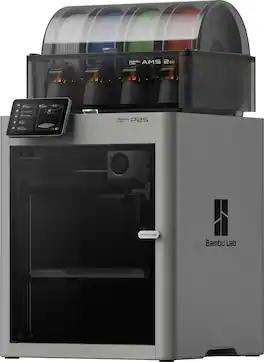
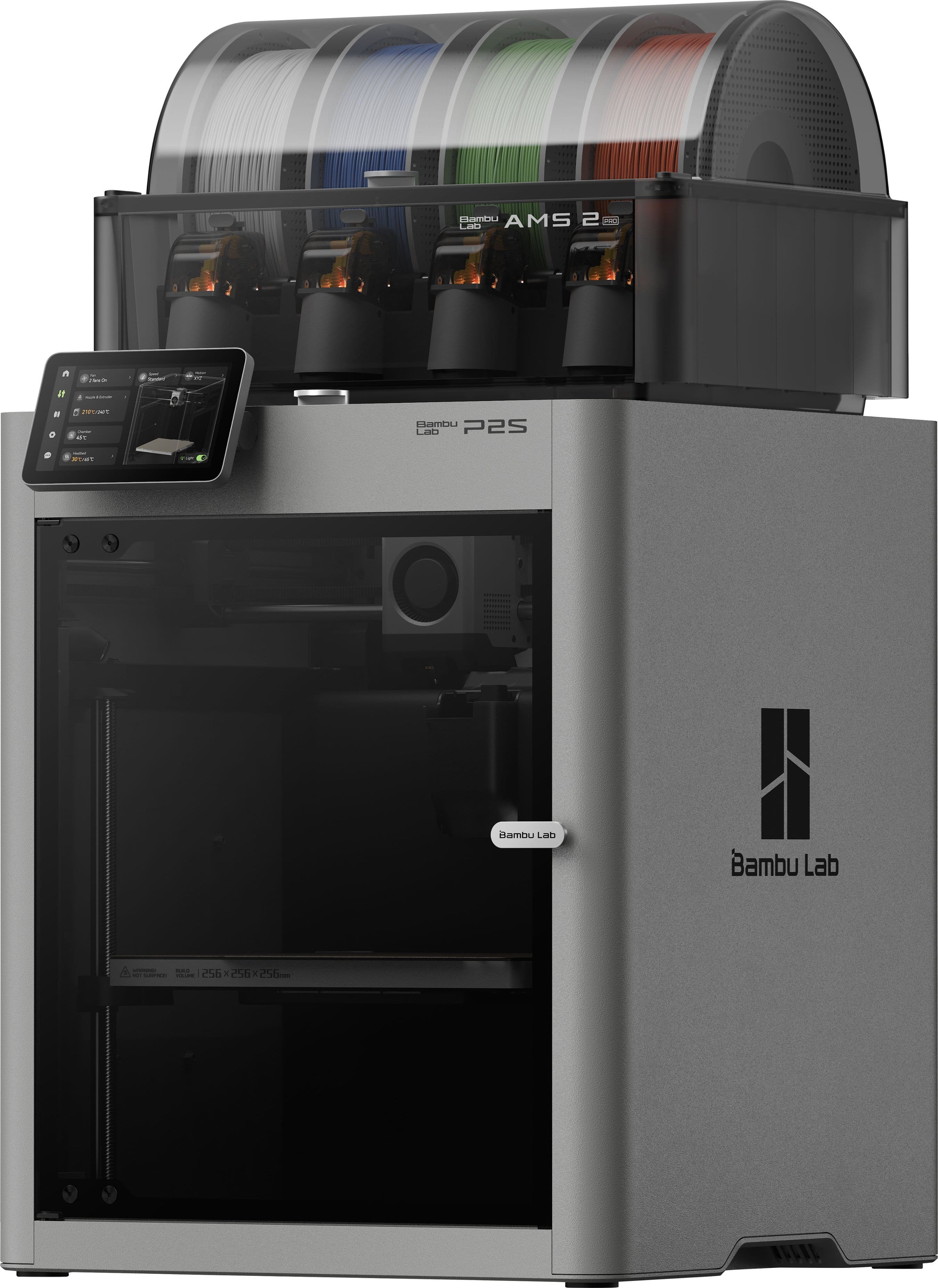
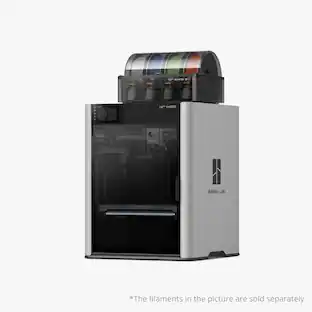
Bambu Lab - P2S AMS Combo 3D Printer - Gray

Model: P2S AMS Combo
SKU: 6647058
Sold byBest Buy

Customers are saying

Customers love the overall performance and ease of use of this product, frequently highlighting how simple it is to set up and operate. Users are also highly satisfied with the excellent print quality and appreciate that the device runs much quieter than previous models. While the vast majority of feedback is positive, some users have noted occasional issues with nozzle clogs and the need for regular maintenance. Additionally, a few customers mentioned that the package does not include filament and reported rare instances of hardware component failures.

Generated by AI based on customer reviews.
See it in-store: Roseville has a demo model on display.

Features

  • 256*256*256 mm³ print volume

  • Single-nozzle, multi-color 3D printing

  • Closed-loop Servo motor extruder

  • 5-inch touchscreen with refreshed UI

  • Cold-air intake parts cooling

  • AI print error detection

Specifications

  • Networking
    Wireless
    Printer Type
    3D Printer
Sponsored

Reviews

Customers are sayingCustomers love the overall performance and ease of use of this product, frequently highlighting how simple it is to set up and operate. Users are also highly satisfied with the excellent print quality and appreciate that the device runs much quieter than previous models. While the vast majority of feedback is positive, some users have noted occasional issues with nozzle clogs and the need for regular maintenance. Additionally, a few customers mentioned that the package does not include filament and reported rare instances of hardware component failures.
This summary was generated by AI based on customer reviews.
  • Overall Performance (523)
  • Ease of Use (436)
  • Print Quality (309)
  • Setup (89)
  • Noise Level (27)
  • Extruder Performance (13)
  • Included Accessories (6)
  • Maintenance (3)
  • Motherboard (3)

Customer Images

The vast majority of our reviews come from verified purchases. Reviews from customers may include My Best Buy members, employees, and Tech Insider Network members (as tagged). Select reviewers may receive discounted products, promotional considerations or entries into drawings for honest, helpful reviews.

  • Rated 5 out of 5 stars

    Amazing printer, fast and easy to use

    I’m very happy with my Bambu Lab P2S AMS Combo. The print quality is excellent, it’s very fast, and the setup was simple. The AMS makes multi-color printing easy and convenient. I’ve printed with PLA, ABS, and ASA, and I’ve been impressed with the results. Compared to my previous 3D printers, this one requires much less adjustment and troubleshooting. Overall, it’s a great printer and definitely worth the money. I would highly recommend it.

    Posted by URIELC

  • Rated 5 out of 5 stars

    Outstanding value and ease of use

    After doing our due diligence on what was available and still being price conscious, we ultimately settled on the Bambu Lab P2S AMS Combo, and it has exceeded expectations. It was a Christmas gift for my 13-year-old, who specifically wanted a 3D printer to bring her digital art creations to life. What impressed me immediately was how intuitive the setup was — she was able to get it up and running largely on her own with minimal help. The AMS (Automatic Material System) has been a standout feature. It allows up to four different filaments to be loaded at once, making it easy to create multi-colored prints without manual filament changes. Being able to design something digitally and see it printed in multiple colors has been especially exciting and motivating for her. Print quality has been consistently excellent right out of the box, and the overall experience feels polished and reliable rather than something that requires constant tweaking or troubleshooting. For the performance, features, and ease of use you get at this price point, it delivers serious bang for your buck. It’s hard to find a better value in this category.

    Posted by DavidW

  • Rated 5 out of 5 stars

    Bambu lab PS 2 with AMS

    Purchased this to explore 3D printing, and the ease of use has been impressive. The ecosystem has made printing a wide variety of projects straightforward and reliable. Most of the print issues I’ve experienced have come down to the quality of the downloaded files rather than the printer itself. I’ve only had one real “spaghetti” incident so far, which was resolved by cleaning the print bed and re-downloading the file. It was not a printer issue, and the unit has been running great. I try to keep the printer running anytime I’m home. The app works extremely well, and the built-in camera feature makes it easy to monitor prints remotely from another room without constantly checking on the machine. The next step is exploring my own designs and printing products for commercial use, along with potentially purchasing a second unit in the future. This is my first 3D printer, and so far I’ve been extremely pleased with the experience. Very happy overall.

    Posted by DarrenC

  • Rated 5 out of 5 stars

    Bambu Lab P2S

    The Bambu Lab P2S has been a great addition to my setup, and overall I’m very satisfied with its performance. The printer is fast, reliable, and produces high-quality prints with minimal effort. Setup was straightforward, and the user experience feels polished and well thought out. However, there is one noticeable downside. When printing very small or delicate details, the nozzle can sometimes knock the part loose from the build plate. In some cases, this also leads to a “spaghetti” effect where the print fails and filament gets tangled. This issue doesn’t happen all the time, but it’s something to keep in mind for highly detailed or tiny models. Overall, despite this limitation, the P2S delivers excellent results and remains a solid choice for most printing needs.

    Posted by PAVLOM

  • Rated 5 out of 5 stars

    No regrets. It just works. And it is funny too.

    While I am not new to 3D printing, started in 2018. The P2S is my second Bambu and second core XY printer. A year ago I wanted to jump on the P1S, but it lacked the advanced features of the newer A1 (easy nozzle swaps, flow calibration and touch screen.) While the A1 has been a fantastic machine, albeit a messy layout with its AMS lite configuration. I wanted to be able to print enclosed and have higher temps available. The H series looked amazing, but simply don't have enough room for where my life path is heading. When P2S finally became available, bought it on day one. And while P2S may not be the absolute beast Bambu printer. Let me try to tell you why the P2S is the printer you should buy. Main reasons to buy: Simple clip style nozzle swaps 0.2, 0.4 0.6, 0.8. Buy spares in case of clog or special projects. Flow Calibration. Camera and time lapse are pretty good now. Great touch Screen. Love the humor on the display after each print. Easily print up to ASA filament on default settings. Prefer printing from PC, but app is decent on certain devices. AMS 2 is heated. Just can't print and dry simultaneously, yet. Holiday season '25 had great 0% finance options with Best Buy Citi card. This may not apply to all or when you purchase. Downsides: AMS 2 Pro hates cardboard spools (cardboard is not good in AMS). Buy refillable spool brands like Bambu and Sunlu till you have a few spools stocked. Not as quiet as my A1. Not too bad unless you place in living room. The internal filter may not be enough if printing ABS/ASA. External venting is up to the user creating a system at this point. Sweet Spot Bambu: The P2S sits in the sweet spot of ability to print filaments that are more functional and not just trinkets and toys. The encloser is not heated, but does get up to temp for many of the better structural plastics. I have printed PLA, PETG, TPU up to ASA. Everything prints nearly perfect with standard settings of the printer. There are even tougher plastics you can try. I am now able to print what I wanted more so than the A1's limits. And now taller prints are less prone to failure over bed slinger printers. It may be hard to justify an $800 3D printer unless you make money from it when the A series is so good for more than half as much. Take it from me. If you buy either A1 printer. You will quickly want another printer. Had the P2S with the best of the A1, P1S and a splash of X1C been around a year ago. It would be the only printer I would I have today. Sure multi-color prints are a poop nightmare compared to the top H2C offering. And if lots of color prints are your thing, there are options now for similar money (U1). Usually, I only print one and two color items 70%+ of the time. I do also have the HT-AMS and have done a few 5 color prints, and they came out flawless. Just print while you sleep and make sure you have a great big poop bucket. While I thought my A1 w/AMS lite would go up for sale after the P2S arrived. I seem to keep printing with it. So, maybe everyone is meant to have multiple printers when results on Bambu is this good and reliable. As for the only real complaints, and it's only nitpicking and not a Bambu issue for the most part. Aside from needing to print an exhaust option to vent ABS/ASA - VOC's since the internal filter seems to not be sealed enough with the cabinet. It is the AMS 2 pro, that I take some issue with. I knew the heater only dried when idle. Did not know the rolling of spools while drying only happens when idle and filament not fed into ports. So basically, to dry filament and use auto roll. Spools must not be unwound, unless they update the feature. Also be aware when you buy filament. Try to get plastic spools as much as possible. Sunlu and Bambu both sell spools that are reusable. And once you have a few of those, you will be able to peel Cardboard spools and mount them on the sunlu or Bambu spool. Cardboard spools, even with printed plastic adapters, constantly foul if you print multi-color projects. I am using the A1 with its AMS lite to run out the last of my cardboard spools. It has been a champ at this. Overall, buy what you can afford. Bambu is "current" king for a reason. Reliable. Ease of use. Parts are readily available, if ever needed. Bambu prints give extremely consistent results. Tinkering days are over.

    Posted by JinOH

Compare similar products

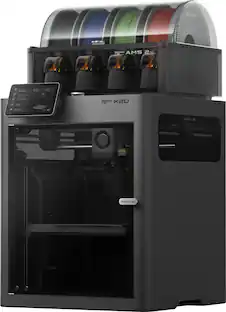
Bambu Lab - P2S AMS Combo 3D Printer - Gray

The P2S evolves our best-selling P Series, redefining mid-range 3D printing with flagship-grade performance at a practical price. Reengineered from the ground up, it features the DynaSense extruder, Active Airflow, and eddy current flow calibration for professional results with zero manual tuning.
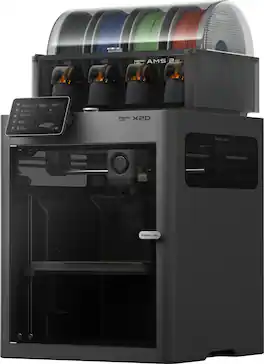
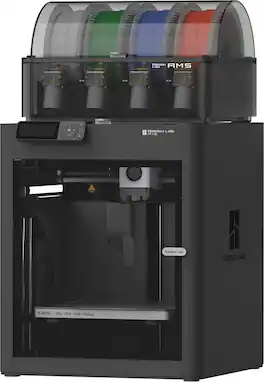
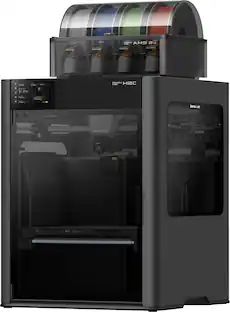
Bambu Lab - X2D AMS Combo 3D Printer - Gray

Bambu Lab X2D AMS Combo 3D Printer

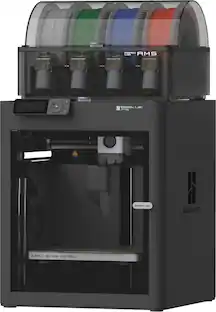
Bambu Lab - P1S Combo 3D Printer - Black

It just works right out of the box. You don't have to mess with it, just simply hit print, and the printer will handle all the calibrations (Auto-Bed Leveling, Vibration compensation) for you. Enjoy trouble-free printing every time with your P1S. Get the AMS combo to unleash Multi-color printing capability. Cutting-edge control algorithm with the help of vibration compensation and pressure advance, bring you lightning-fast print speed without compromising on quality.
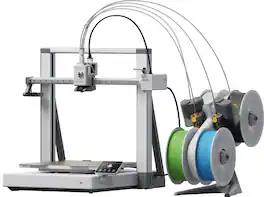
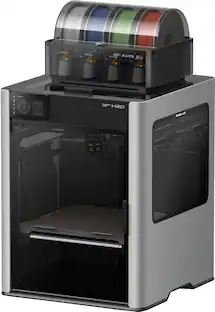
Bambu Lab - A2L Combo 3D Printer - Gray
4.9(48)

Bambu Lab A2L Combo 3D Printer

Pros for Bambu Lab - P2S AMS Combo 3D Printer - Gray
Overall Performance, Ease of Use, Print Quality, Setup, Noise LevelOverall Performance, Print Quality, Ease of UseOverall Performance, Ease of Use, Print Quality, Setup, User FriendlinessOverall Performance, Print Quality, Ease of Use, Build Capacity
Cons for Bambu Lab - P2S AMS Combo 3D Printer - Gray
Extruder Performance, Included Accessories, Maintenance, MotherboardExtruder Performance, AMS PerformanceNozzle Performance, AMS FunctionalityThere were no cons for this product—

Specs

Questions & Answers

  • What type of media card slot does the printer have?

    This printer has a microSD media card slot.

    This question and answer was generated by AI based on customer and product data.
  • Is there a display screen on this 3D printer?

    Yes, this 3D printer has a display screen.

    This question and answer was generated by AI based on customer and product data.
  • What is the nozzle diameter of this 3D printer?

    The nozzle diameter of this 3D printer is 0.4 millimeters.

    This question and answer was generated by AI based on customer and product data.
  • Does this 3D printer have wireless connectivity?

    Yes, this 3D printer features Wi-Fi wireless connectivity.

    This question and answer was generated by AI based on customer and product data.
  • What build materials are compatible with this printer?

    This printer is compatible with PLA, PETG, TPU, PVA, ABS, and PET build materials.

    This question and answer was generated by AI based on customer and product data.
Ask a question
Sponsored