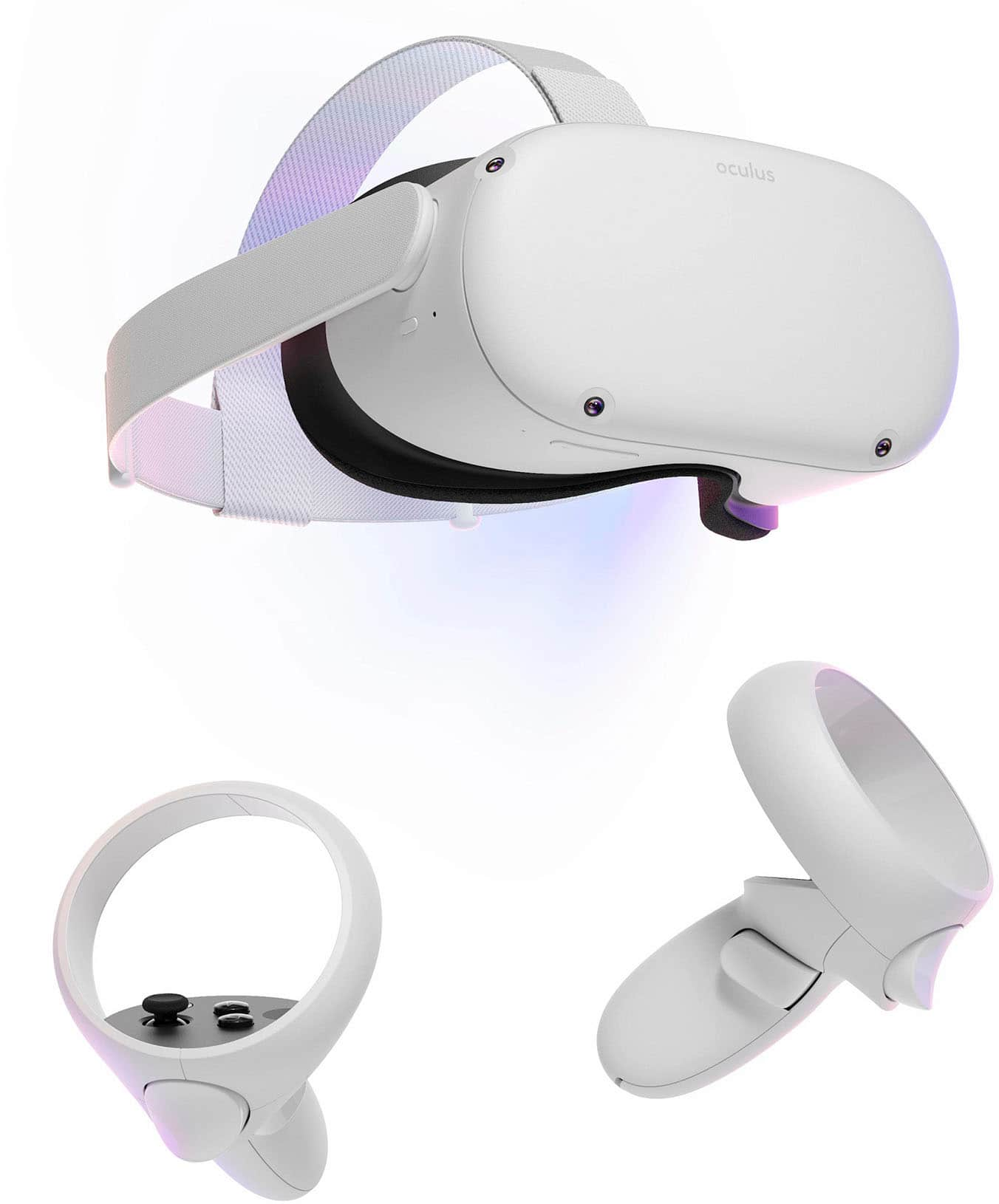
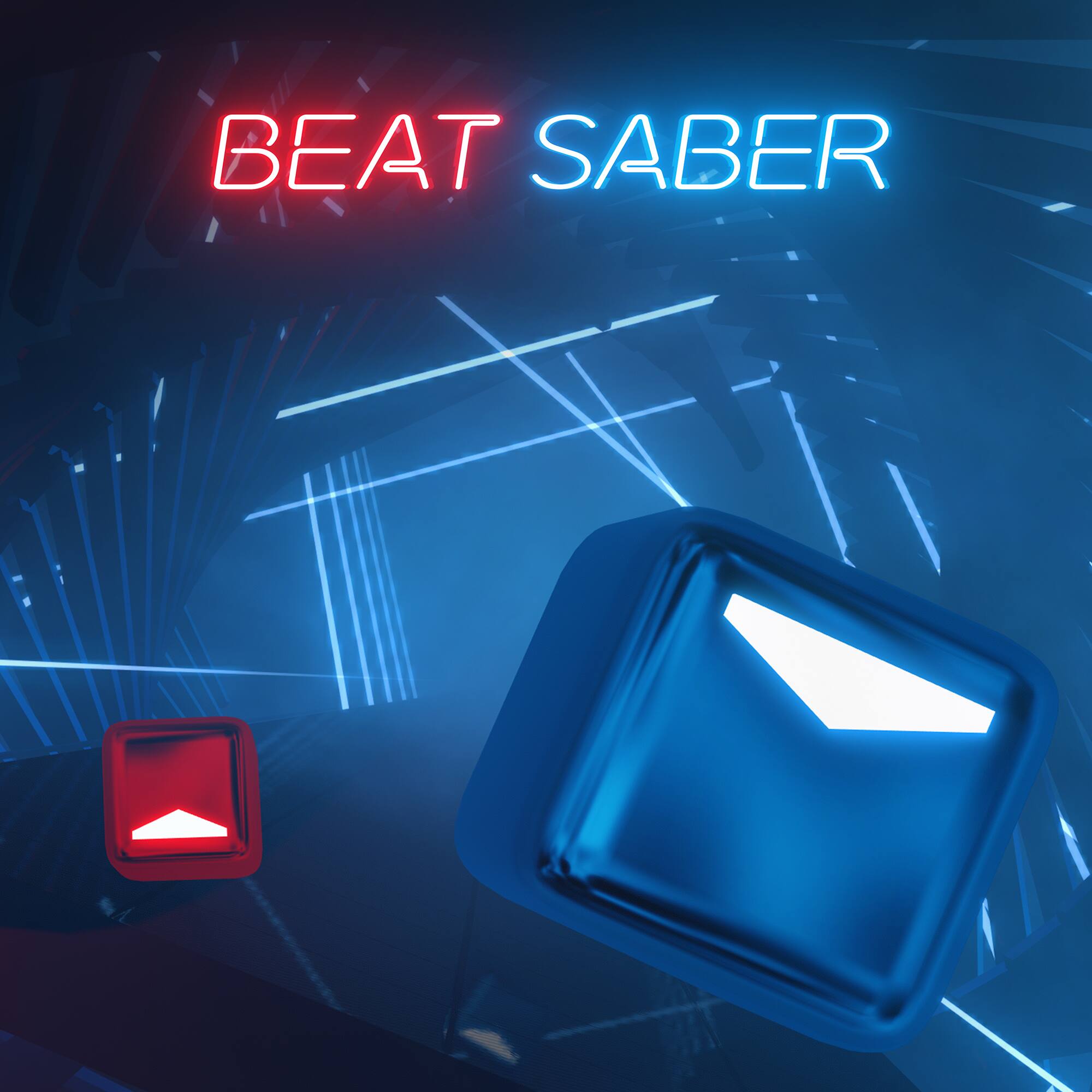
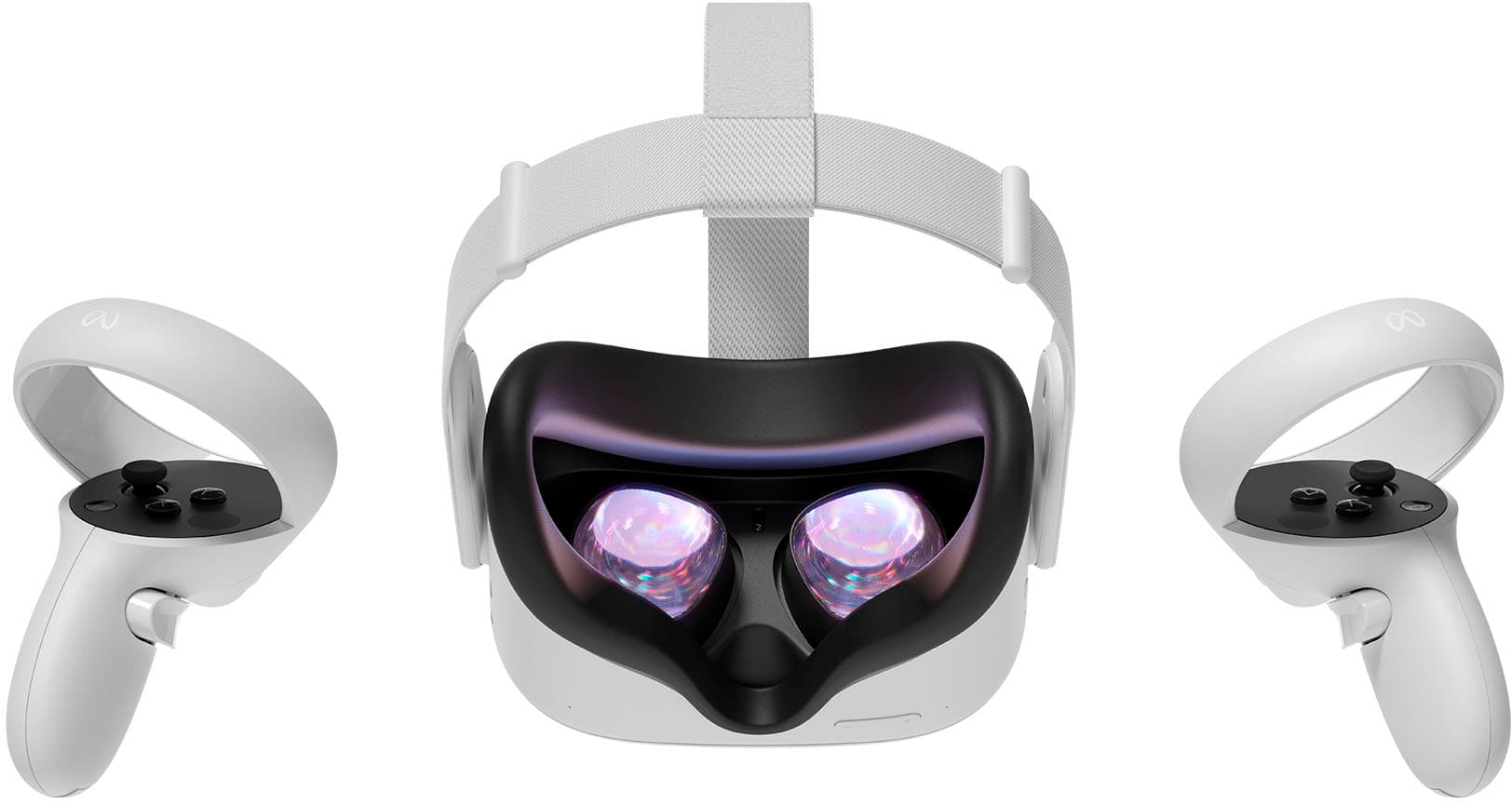
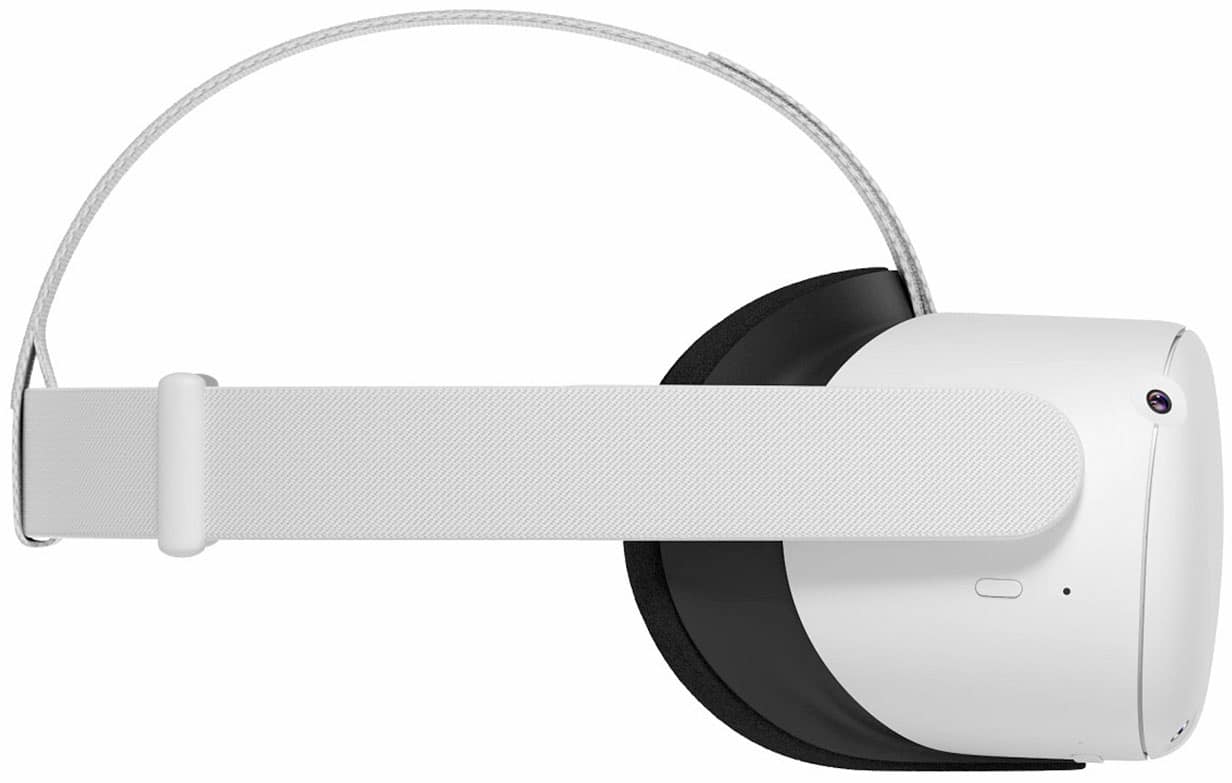
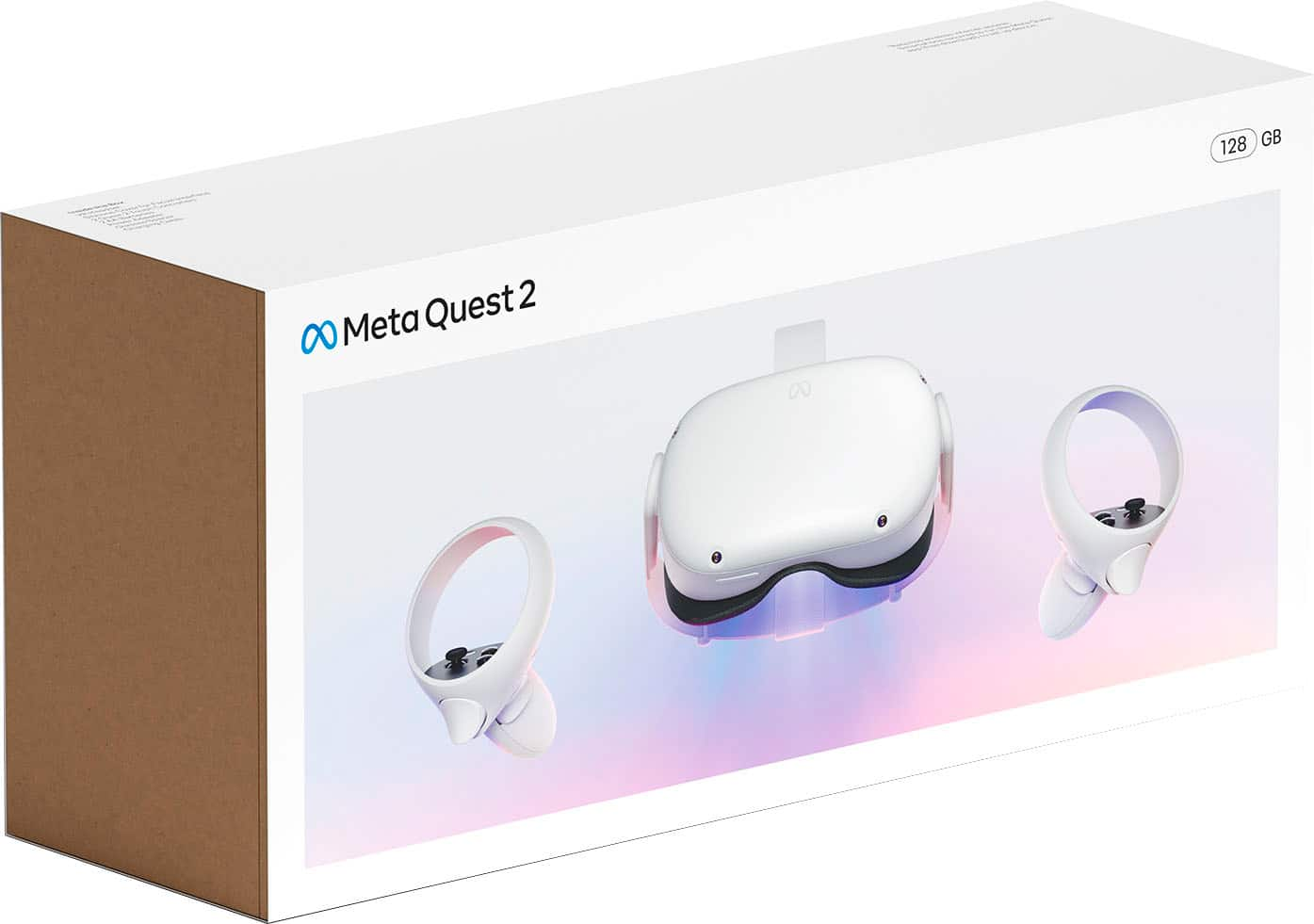
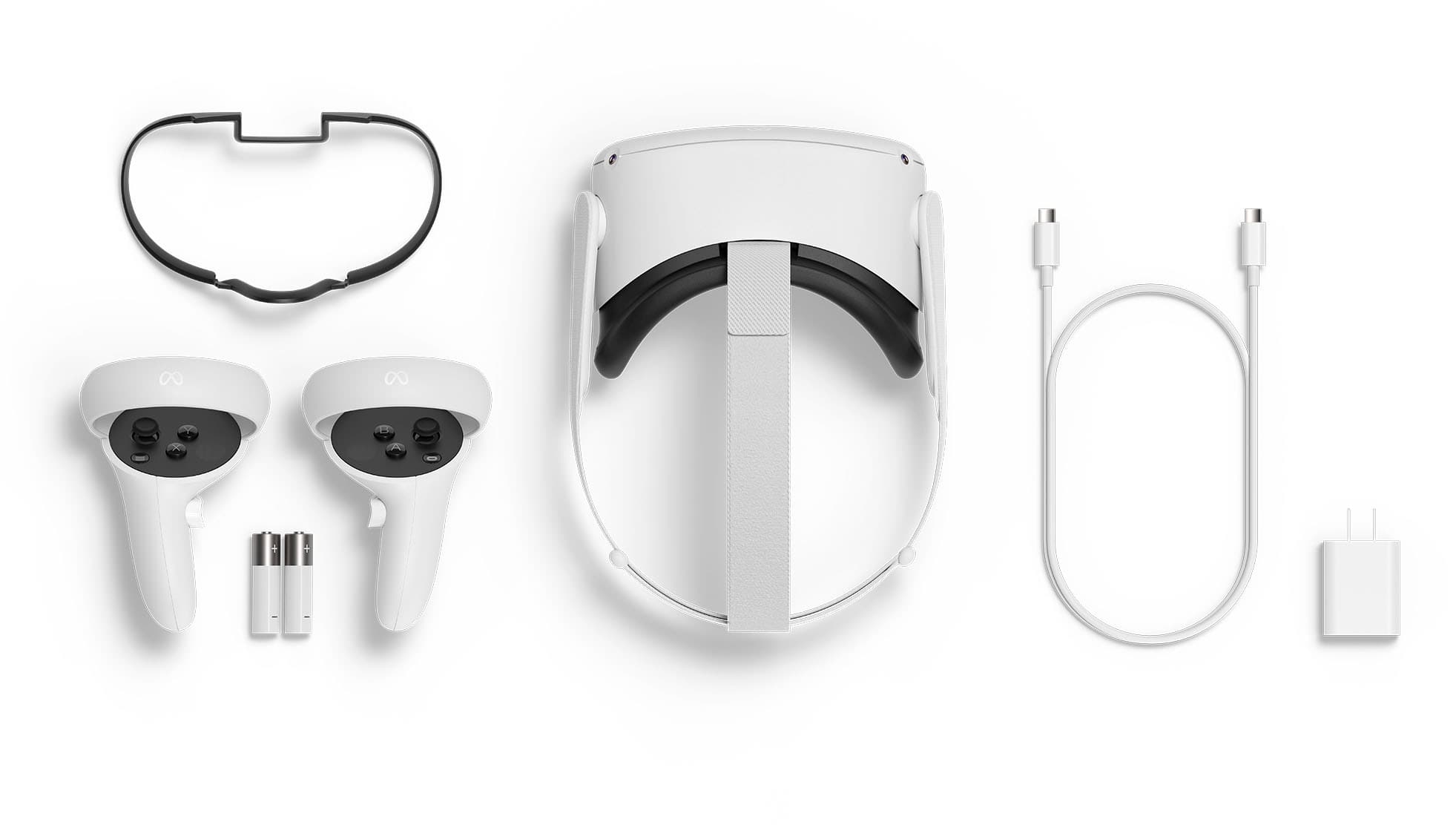
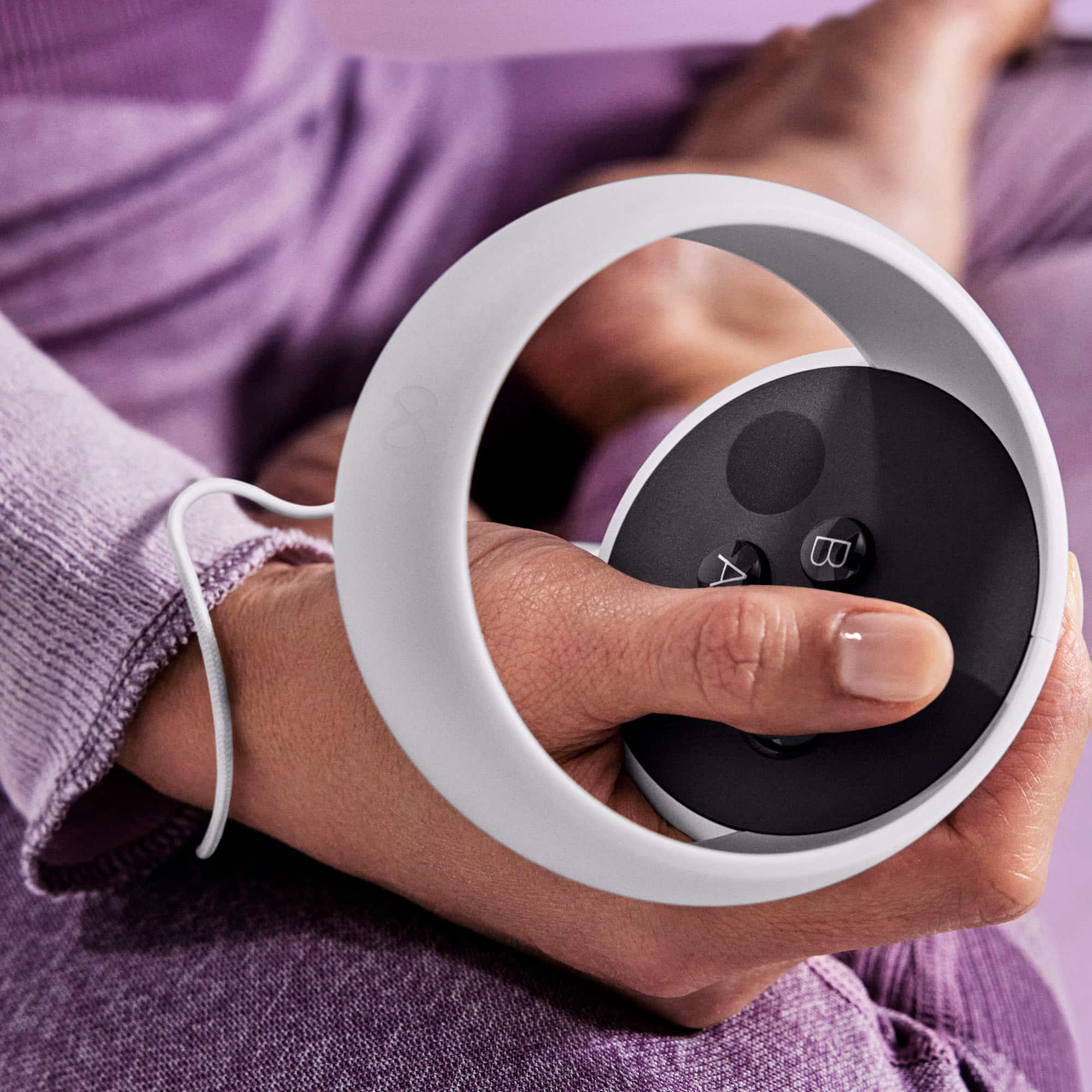
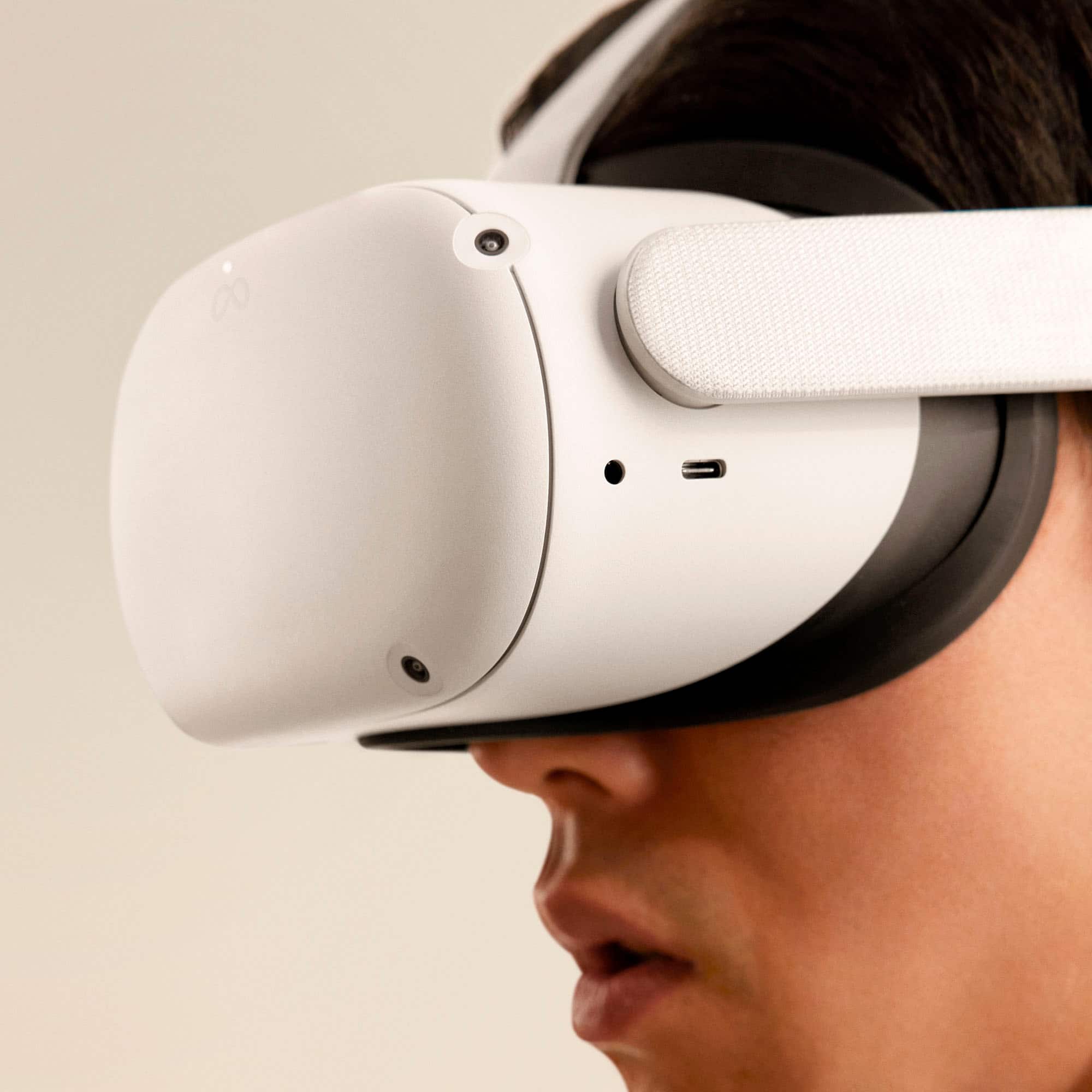
A:Answerit comes with a power cord, but its short. depending on the game or what you watch the battery does drain fast. It comes with the basics that you need to get going. there are tons of other stuff to improve it. There are some free games and stuff to watch and explore but most of the stuff cost extra, games, ect. its all done on line once you put the thing on, you do it all from the head set and hand controller once your connected to wifi.
A:AnswerYou absolutely can play with your friends, Okie! Once you've linked your Facebook account to your Quest 2 and completed set up, you can find friends that are using Quest 2 by entering their full name, or in-VR username! If you are having issues adding friends, you can review our support articles on our official page under Social Features and Sharing!
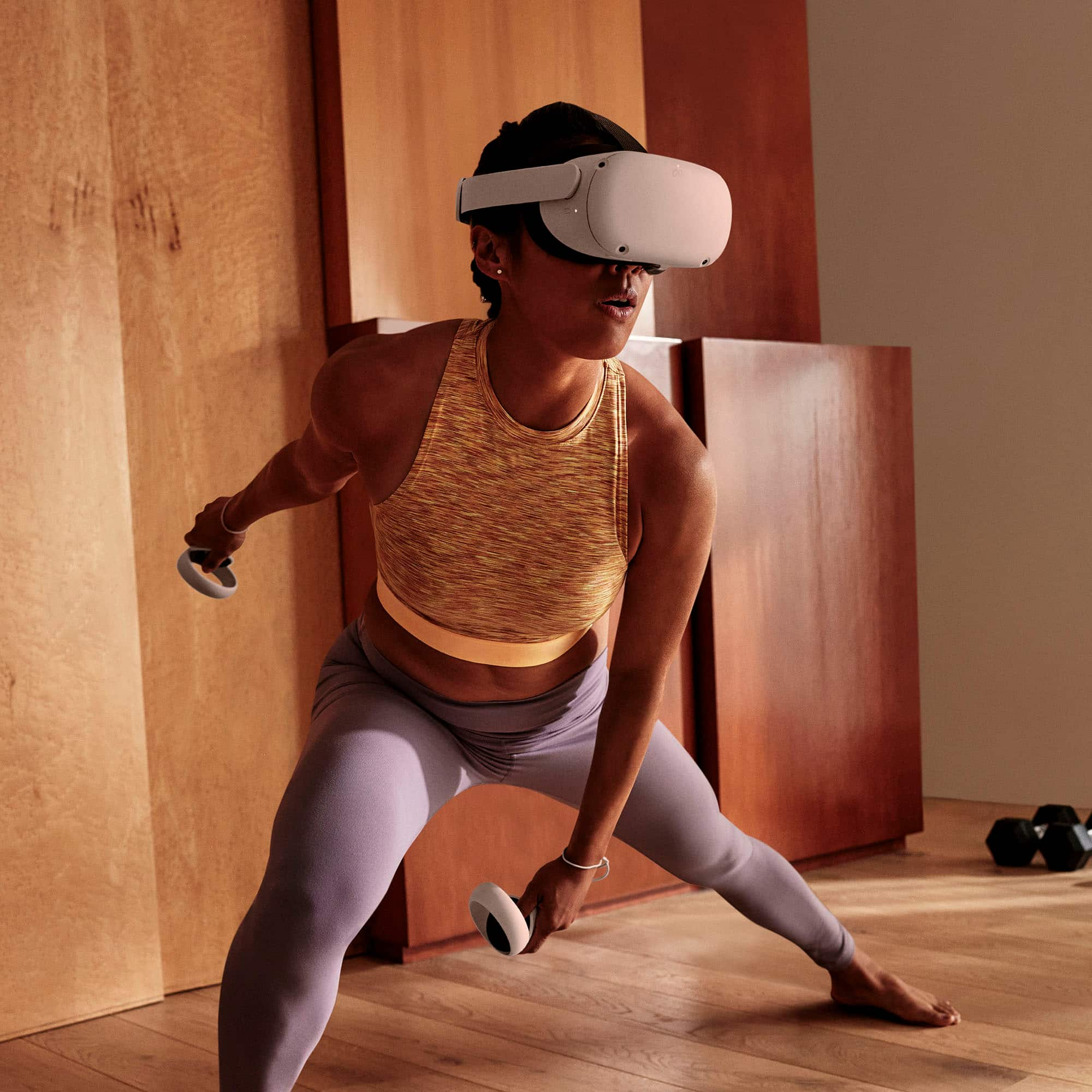
A:AnswerYou don’t need other devices to make it work, and I highly recommend it. It’s fun for the every one in the family to us and great to for working out.
A:AnswerSome games do require an internet connection, but others do not. If you check in the Oculus Store under more info it will give you specifics for that game, such as whether you can play it standing, sitting or if it requires roomscale boundary. The comfort level and if it requires an internet connection.
A:AnswerHey there! Going to Disney virtually is not an option just yet, but you can set off as a National Geographic explorer to discover some of the most iconic locations on the planet! Head to Antarctica and set off on a thrilling expedition of discovery. Visit Machu Picchu, Peru and get immersed in amazing digital reconstructions of the ancient Inca citadel. You can also use Space Explorers to join eight astronauts on life-changing missions aboard the International Space Station.