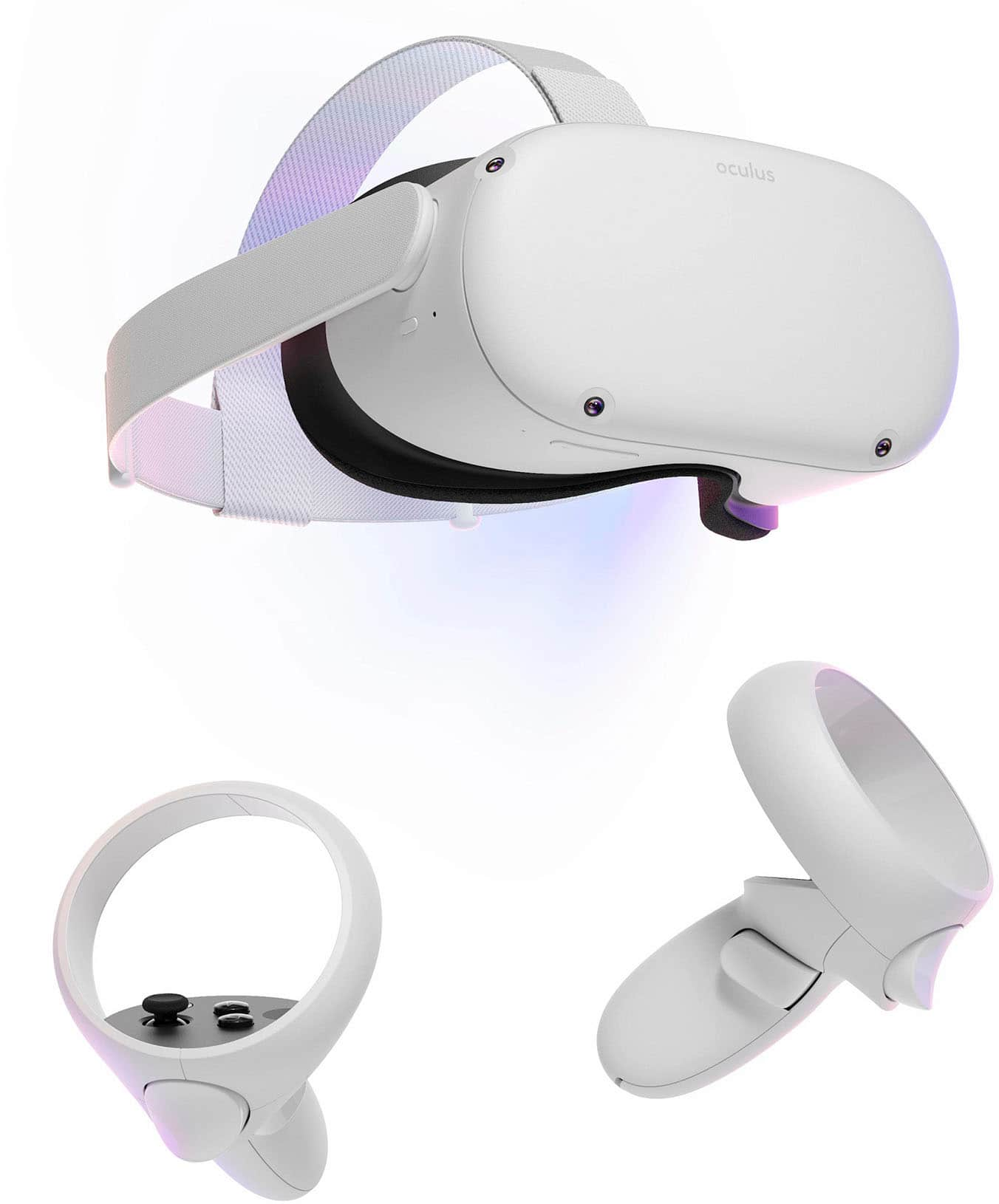
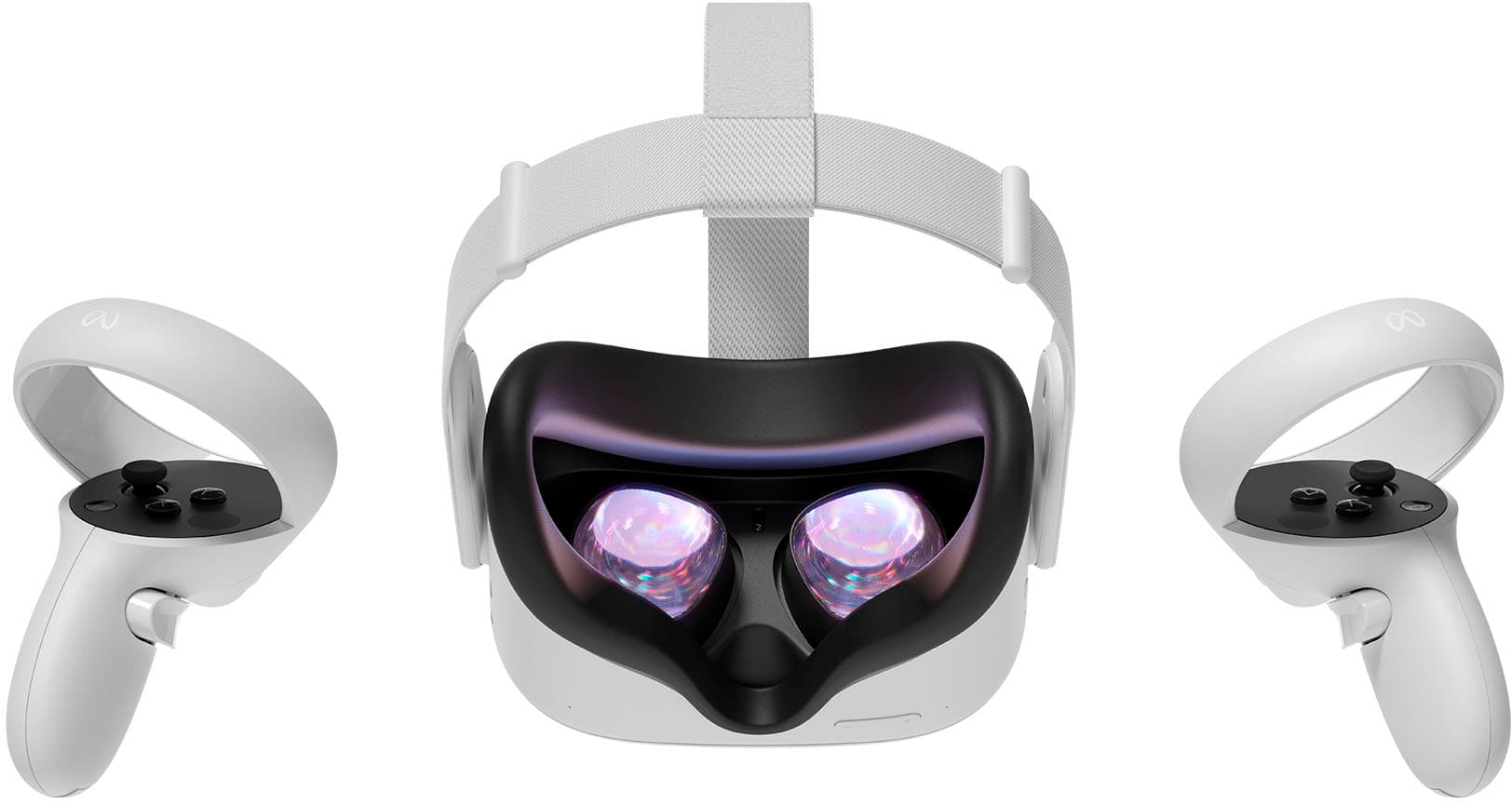
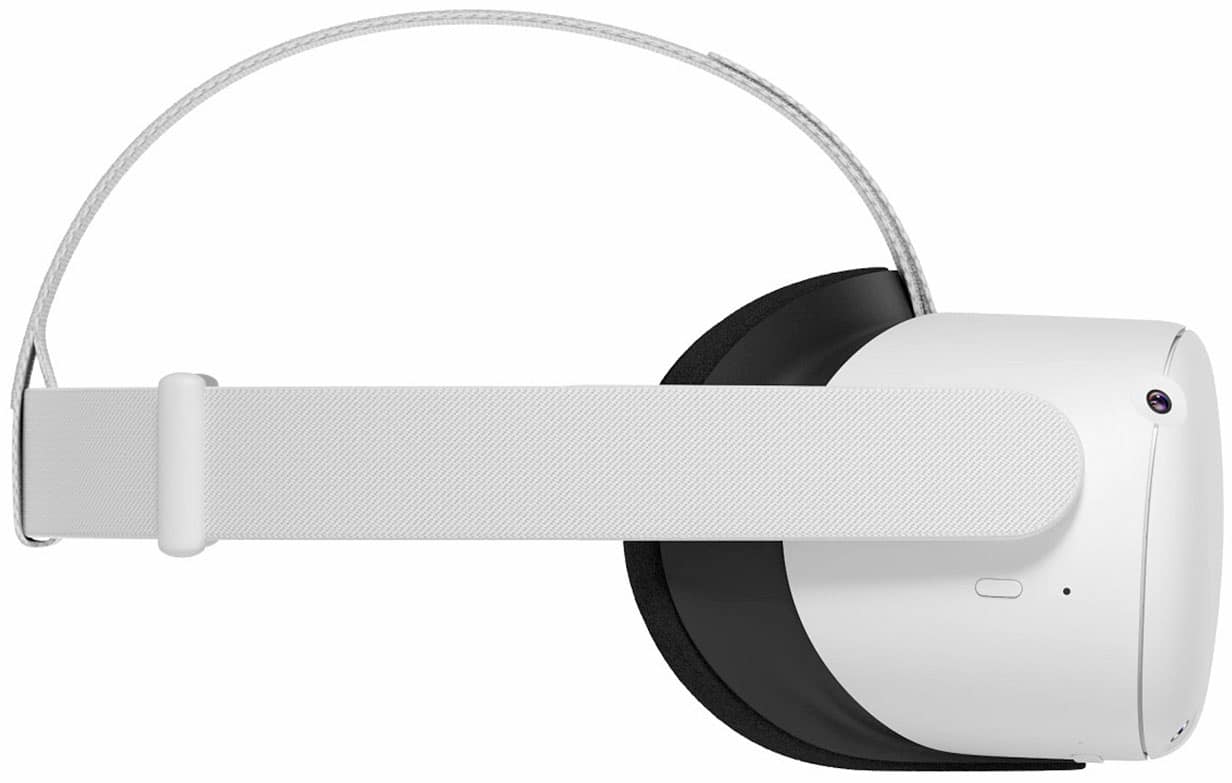
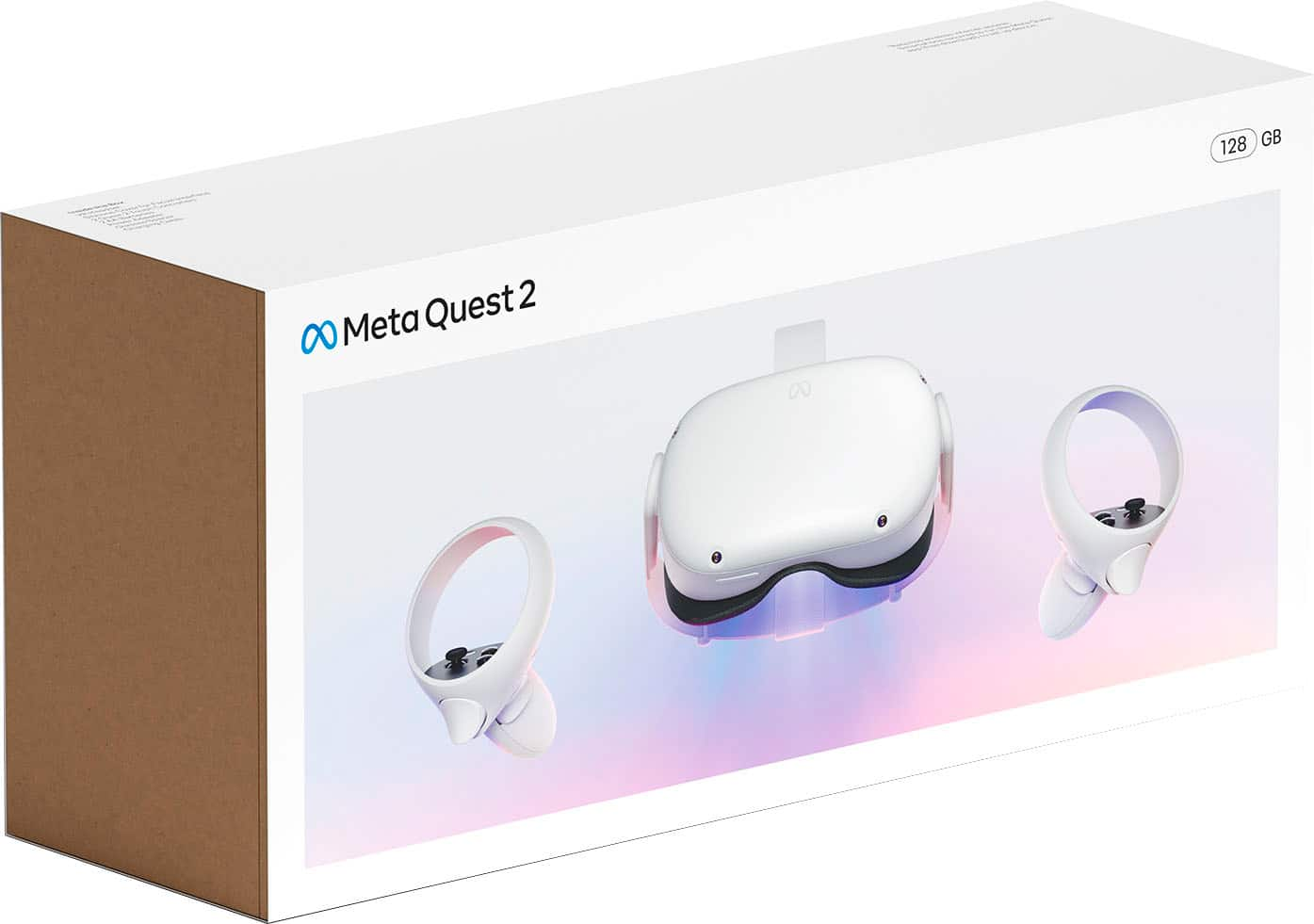
A:AnswerTHE HEAD SET IS KINDA HEAVY FOR A 5 YEAR OLD TO USE. YOU DONT WANT TO DROP IT. MAYBE THEY HAVE A CHILDS HEAD STRAP. WE ATTACH A LANYARD TO OURS WHEN OUR 8 YEAR OLD USES IT.
A:AnswerIf it keeps saying tracking lost, then it has to do with the sensors of your headset. Make sure its cleaned up, and check the environment the headset is at. There are some articles I can link below that might prove useful to you:
https://360rumors.com/oculus-quest-2-tracking-lost/
https://www.novint.com/why-does-my-oculus-keep-saying-tracking-lost/
A:AnswerYes if you sideload PS Remote Play on your quest by downloading sidequest on your PC downloading an apk from apkpure and using the apk download feature on sidequest to install it
A:AnswerHey there Rod! You can definitely use your Meta Quest 2 while it's charging. If you have any other questions, don't be shy to contact our wonderful support team at meta.com/help/support/quest/, we'll be glad to give you a hand!
A:AnswerThere is an appstore within the system yes , that you can download from. Also, to take it up further if you are a PC gamer you can also hook it up to your pc and access more games through Steam
A:AnswerSo you can do a virtual desktop app on both devices and then yes it can be used in a virtual space and you can use your pc from it. You can use streaming services on it but I haven’t come across away to link to see what is displayed on tv through the device.