A:AnswerSome customers have remarked that they have successfully been able to play certain games. Like with any device, please compare the system requirements of the game you wish to play to the specs of the Surface Go. This will ensure that your game will run optimally.
A:AnswerWe deeply care about the security of our customers, which is why our Surface devices come equipped with Windows Defender. Learn more about securing your device here: https://support.microsoft.com/en-us/help/17464/help-protect-my-device-with-windows-security.
A:AnswerIn regards to any student discounts, we recommend reaching out to Best Buy to ask about various promotions they may have available. Contact them here: 1-(888)-237-8289.
A:AnswerYou should be able to successfully utilize Dropbox's cloud app on your Surface Go, or any Surface device. The app description estimates that it takes up 45.17MB of your storage, so you should have plenty left after this download.
A:AnswerSurface Go is a great tool for handling the entire Microsoft Office Suite. This should be a great tool for productivity! In addition, Surface Go is perfect for streaming your favorite shows with its brilliant display. Like with any device, be sure to check the system requirements of the game(s) you wish to download, and compare them to the specs of the device. This will ensure that your games run smoothly. We hope this helps!
A:AnswerLike with any device, you will want to be sure to check the system requirements of the software you wish to download, as well as compare them to the specs of Surface Go. This will ensure that your program runs smoothly.
A:AnswerThe Surface Go is compatible with many drawing programs. Check out the wide variety of apps compatible with Windows Ink here: https://www.microsoft.com/en-us/store/collections/windowsinkcollection/pc?rtc=2.
A:AnswerWith purchase of the Surface Go, you will be offered a free 30 day trial of Microsoft Office. After that, if you wish to continue use, you will need to make a purchase.
A:AnswerJust like any device, be sure to check the system requirements of the version of Photoshop you wish to download, and compare them with the specs of the Surface Go. This will ensure that you will be able to run your program smoothly.
A:AnswerTo echo what the community has said, it doesn't look like "Pampered Chef" currently offers an app on the Microsoft Store. Like stated before, if there is a program or software that can be downloaded, check to see if the system requirements meet the specs of the Surface Go before purchase. We hope this helps!
A:AnswerWe highly recommend utilizing a Windows based operating system for optimal use. Surface Go comes equipped with Windows in S mode, but you may switch out of S mode into Home Edition, or Pro depending on your preference. If you have further questions, we recommend reaching out to our support team here: https://support.microsoft.com/en-us/contactus/.
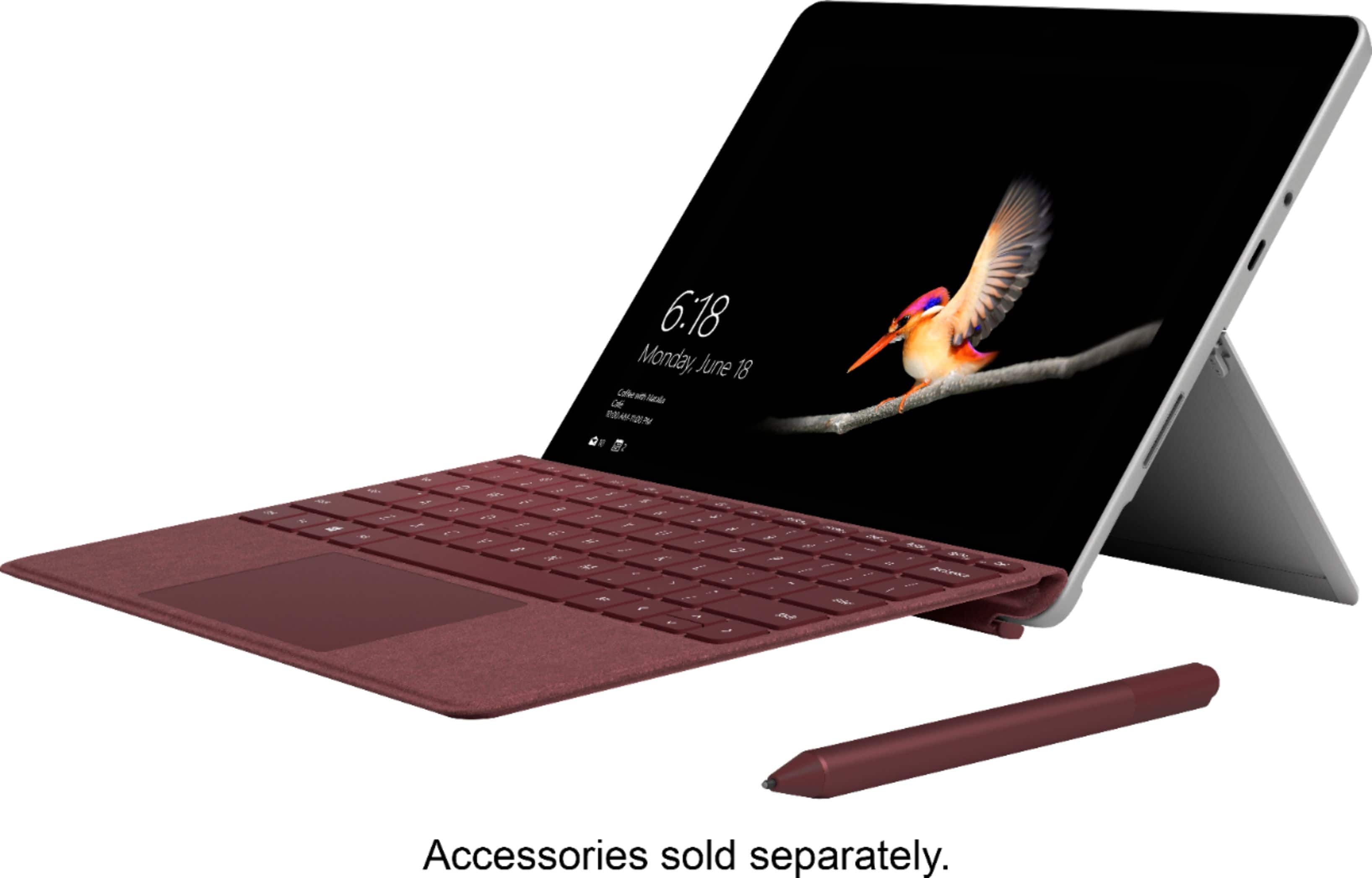
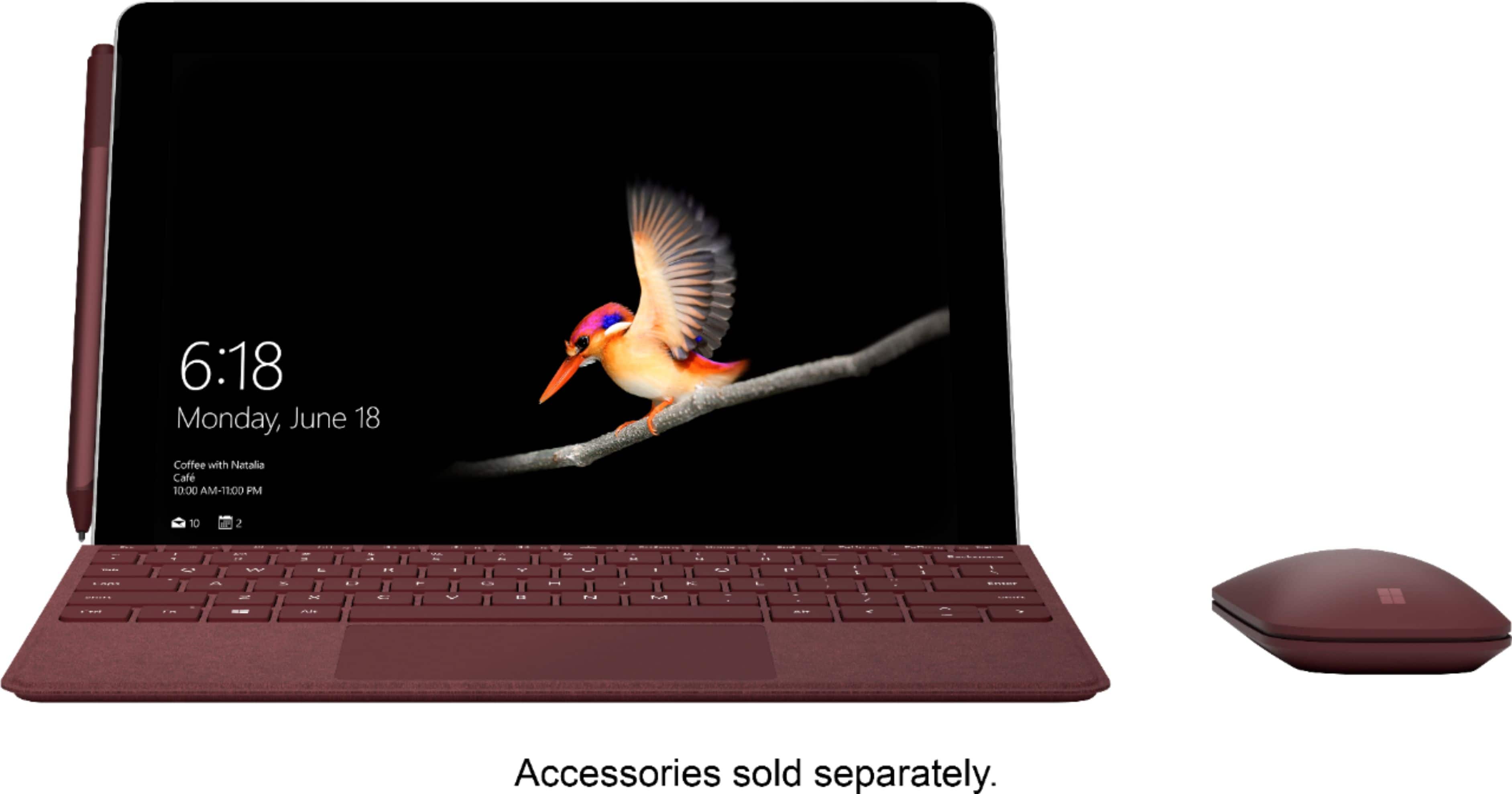
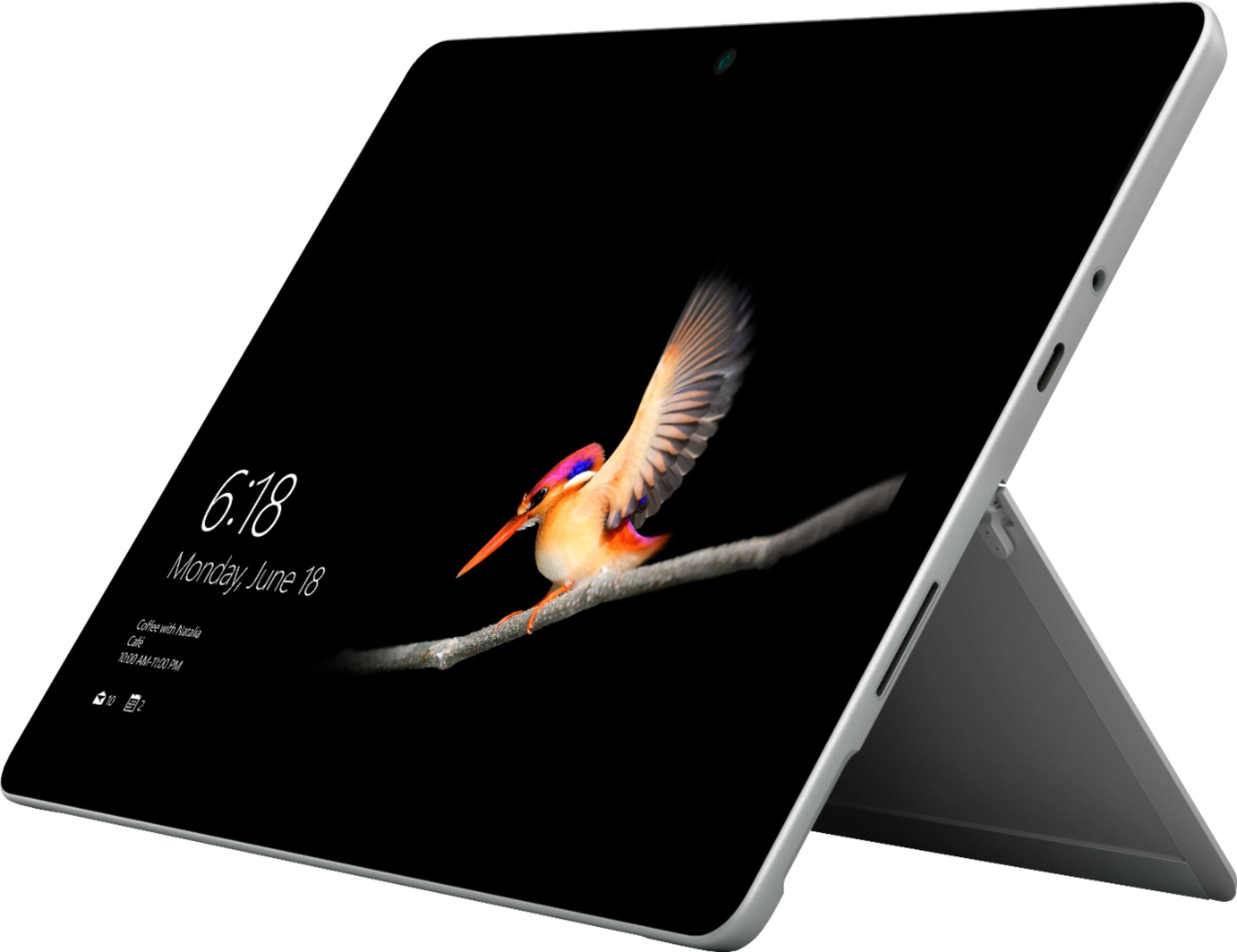
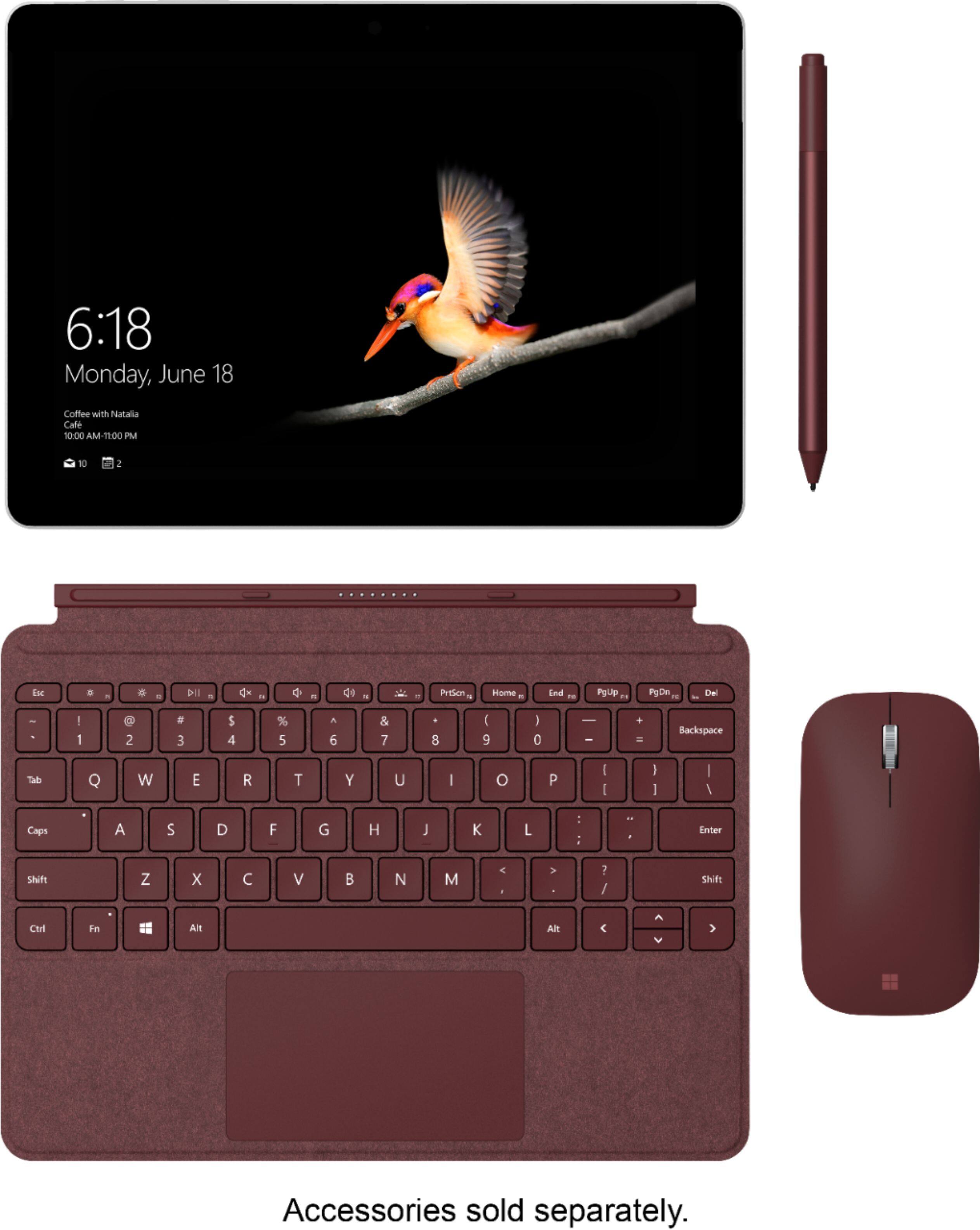
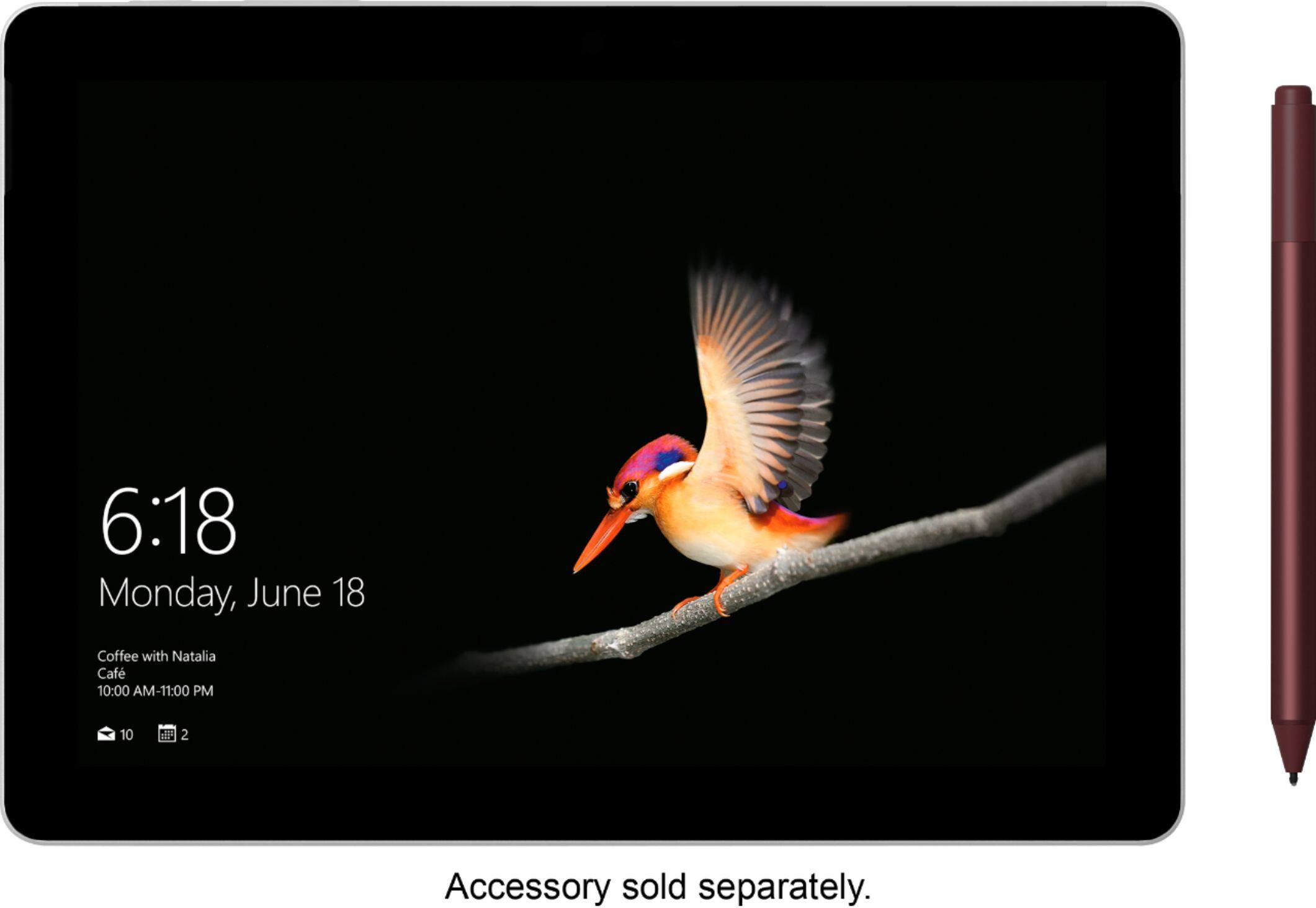
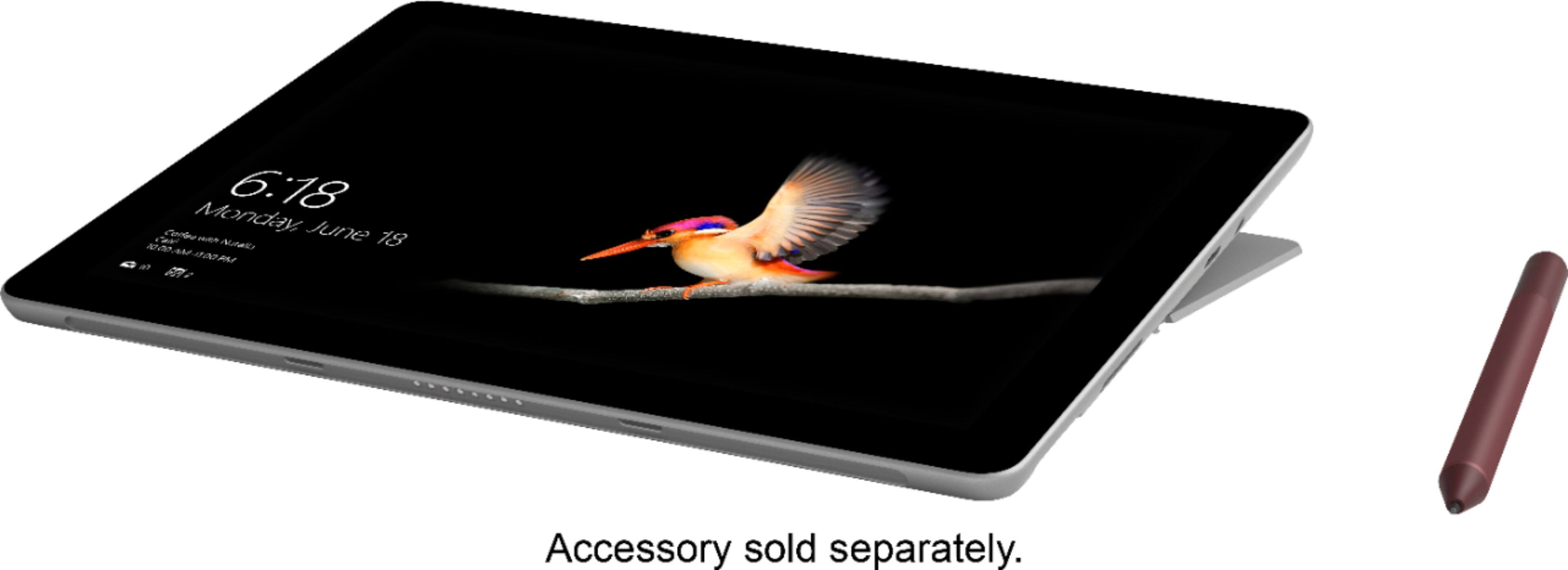
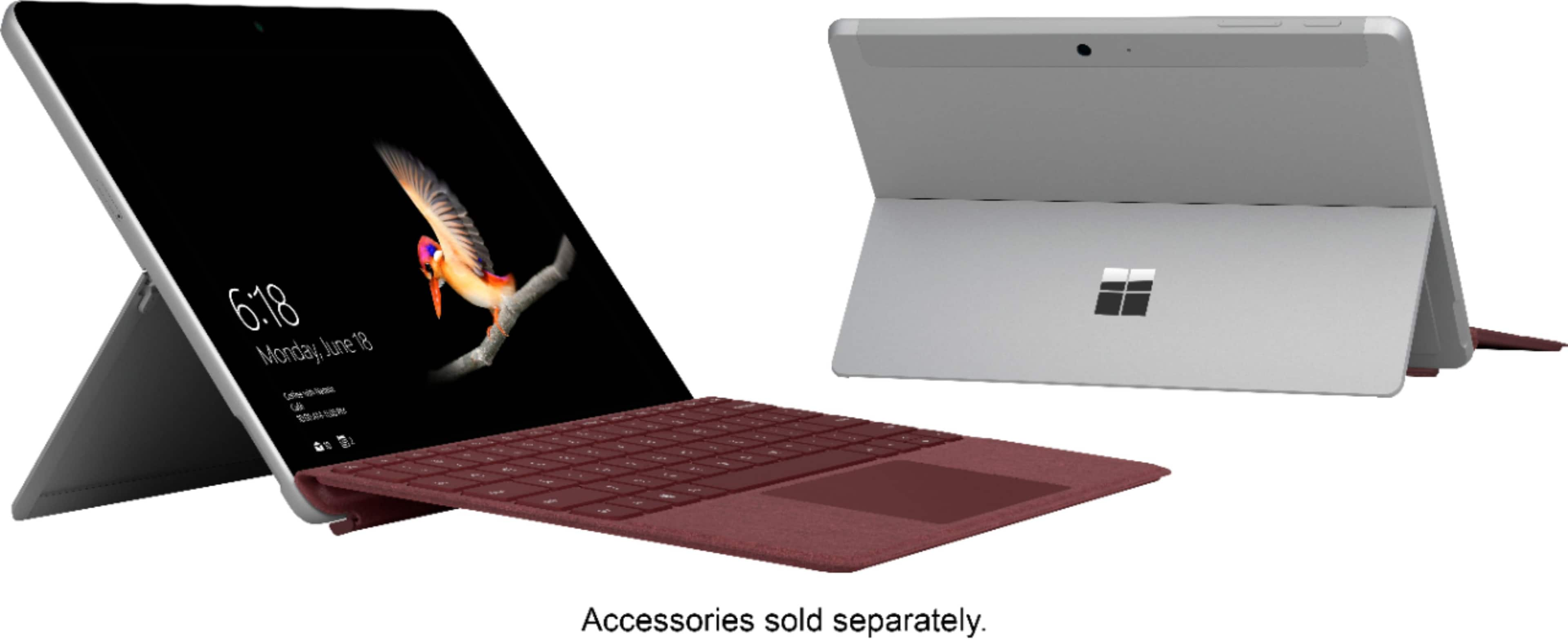
A:AnswerThe immediate conclusion that the pen and keyboard come with product is that they are displayed with the tablet. The Tablet with the attached keyboard looks like it doesn't come apart, one unit. There is no mouse, the pen is there in the same color so you automatically assume is a total package. I didn't see a box or product page when I saw the product in the store.
A:AnswerWindows 10 in S mode is the most optimized version of Windows specifically for certain devices, such as the Surface Go. This means you get a faster and more secure experience in this mode. While in S mode, you may be limited when trying to use certain apps or programs such as Chrome. Check out all our FAQ's about Windows 10 S mode here: https://support.microsoft.com/en-us/help/4020089/windows-10-in-s-mode-faq.
If you wish, you may transition into Windows 10 home edition for free with ease. Just know that once you switch, you will not be able to go back into S mode. Check out how to switch out of Windows S mode here: https://support.microsoft.com/en-us/help/4456067/windows-10-switch-out-of-s-mode.