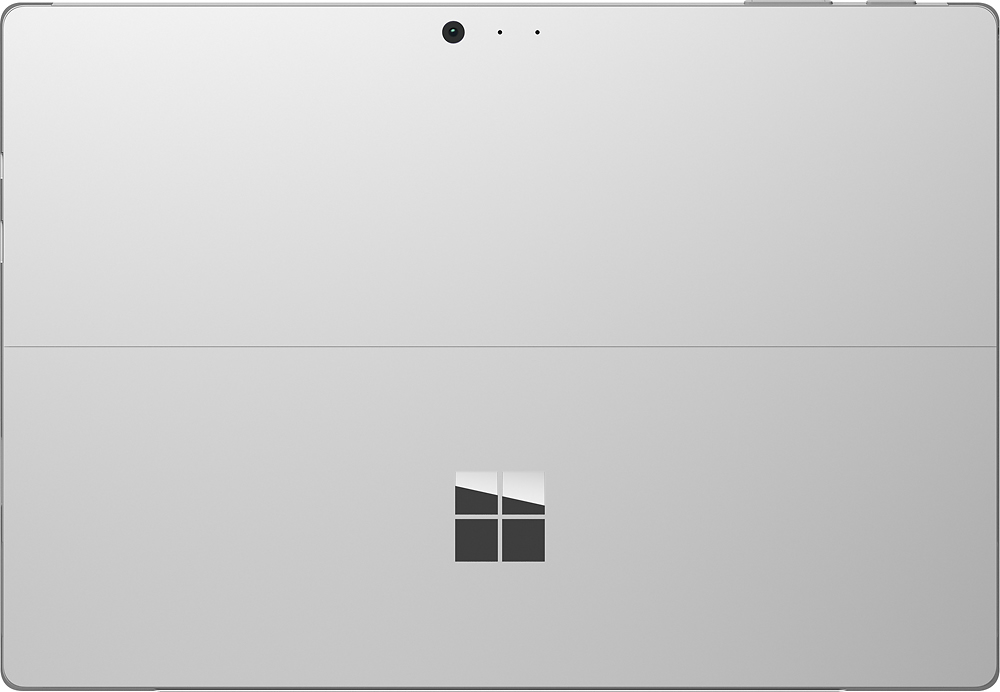
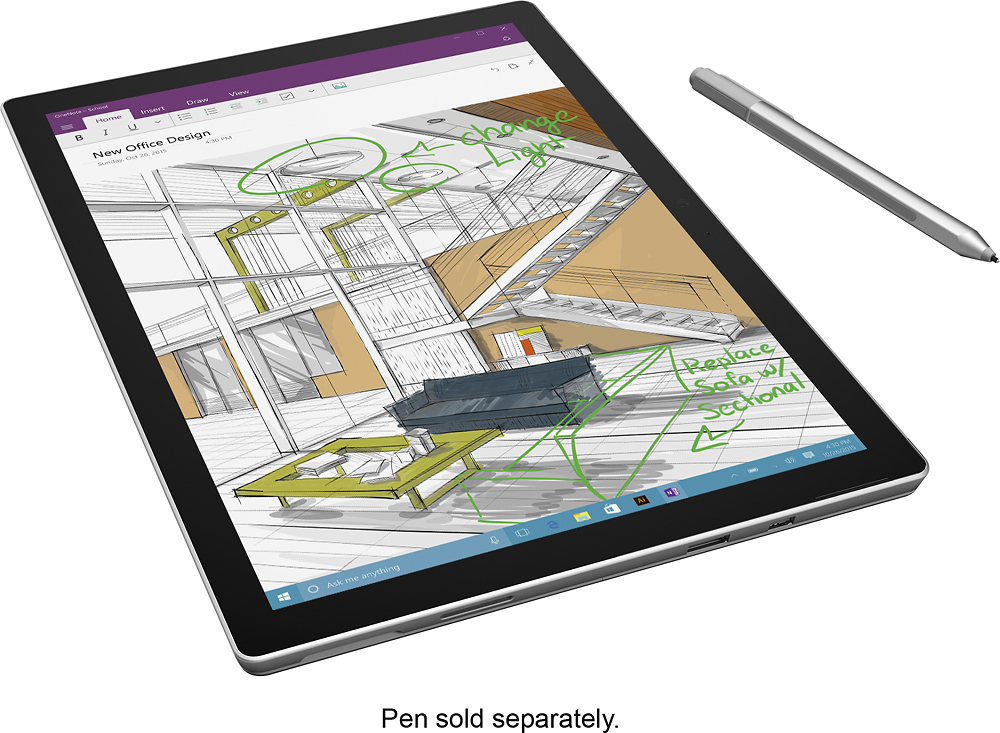
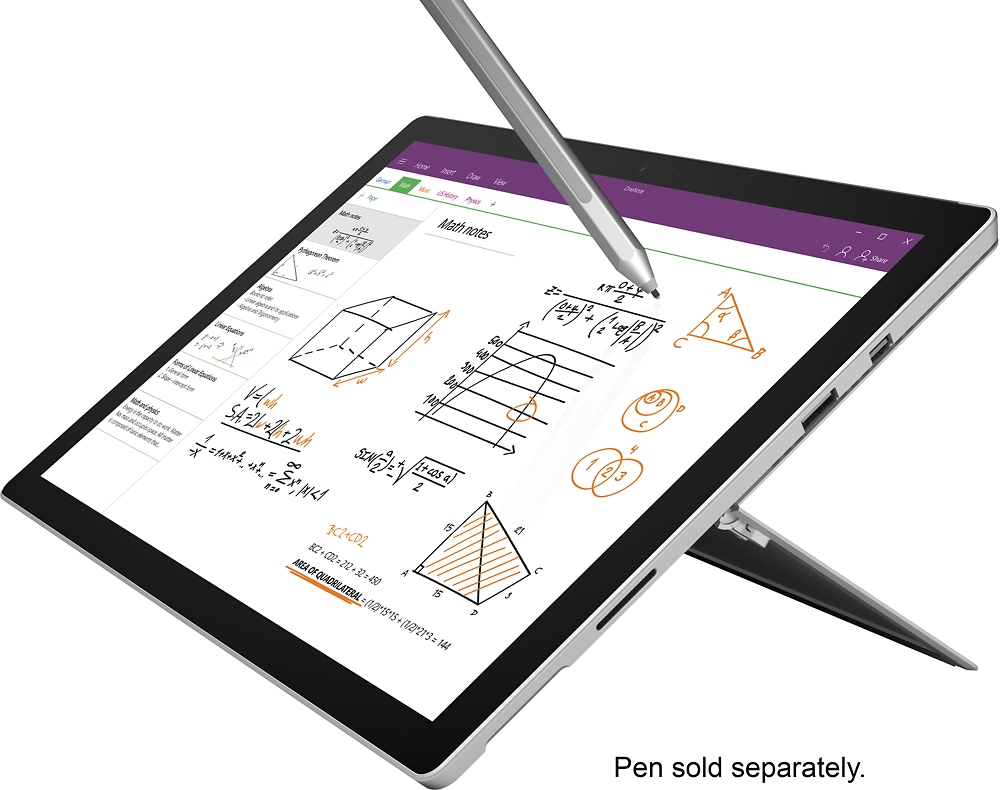
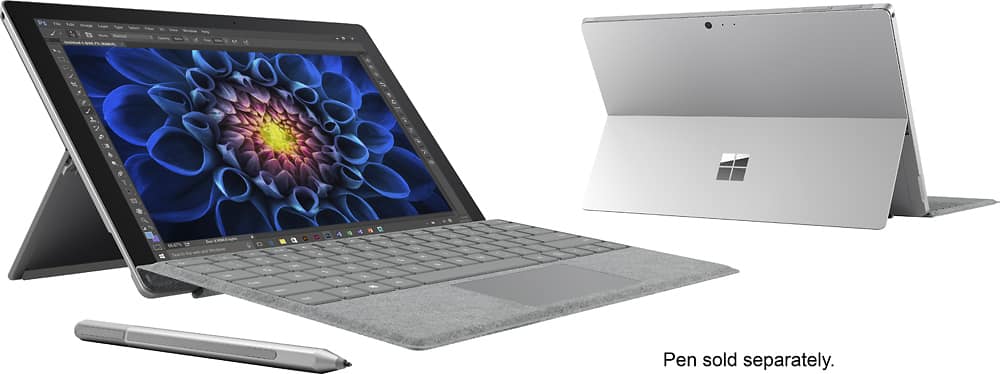
A:AnswerThe i7 is the most powerful of the 3 processor choices then the i5. The i5 and i7 use more power and have fans built into the Surface Pro device for cooling. The m3 processor uses less power and does not need a fan for cooling so the Surface Pro is silent.
A:AnswerIt honestly depends on what games your son plays. This is the lower end model of the Surface Pro 4. It has no fan, a mobile processor (meant for more general usage), 4 GB of RAM (most gamers want at least 8 GB), and a standard Intel HD graphics chip instead of a dedicated gaming video card. If your son plays less graphic intense games or older games, then this might be ok with graphic settings on low or standard, but if he wants to play more demanding games, then I'd go with an actual gaming laptop. Yes, an i5 or i7 would be a much better choice, but there is more to it than just the processor. Hope that helps.
A:AnswerThe Pro version of Windows just have extra features that make it more suitable for work environment like the ability to connect to a domain and also has the remote desktop feature. For regular home use, the regular Windows 10 should be fine but looking at the specs on this computer, it shows that it does have 10 Pro.
I don't think this includes the Office programs, you would have to purchase those separately. Microsoft has the Office Home version for $100/year and you can actually install those to up to 5 computers.
A:AnswerI would also recommend this over the iPad Pro.
I've tried a lot of devices as a professional artist, this tool is a powerhouse, and very versatile. Highly recommend.
Attached two images; the time it takes me to create is also greatly minimized. Very responsive, and intuitive interface. I'm able to run illustration software, and sketch up with ease. I also get a fully day of use on a charge.
You HAVE to get the pro though, I'm uncertaint if they still sell a 32 bit low-end variant. But don't make the mistake of getting a 32bit.
A:AnswerYou cannot increase the RAM after you buy it. The RAM is soldered onto the board. You have to choose a higher amount of RAM before you purchase. The SSD is user replaceable though.
A:AnswerYes the surface pro 4 is slightly thinner and lighter. It has better battery life and is a bit more powerful. The surface pro 3 is outdated. Both have similar high build quality
A:AnswerIf you mean the Surface Pro with 4GB, 128GB solid state drive and i5 processor - no, it is not the same. This one at Best Buy has the (slower) m3 processor. However, depending on what you want to use it for, you may not need the i5 processor (that raises the price by 50 percent). If you are strictly a Microsoft Office and internet browser-type of user, the m3 is fine. If you are using heavy-duty applications, then a faster processor is likely better. Note that I do not own either of these machines, so take this advice with a grain of salt. But I can tell you that the two units on-sale at Costco and Best Buy are not the same just based on the specifications pages.
A:AnswerWhen I log onto my microsoft account, if the computer is on, it will tell me where my computer is. But I'm not sure how long it will take for thieves to disable that feature. It also won't work if the computer is turned off. You may be able to download something better.
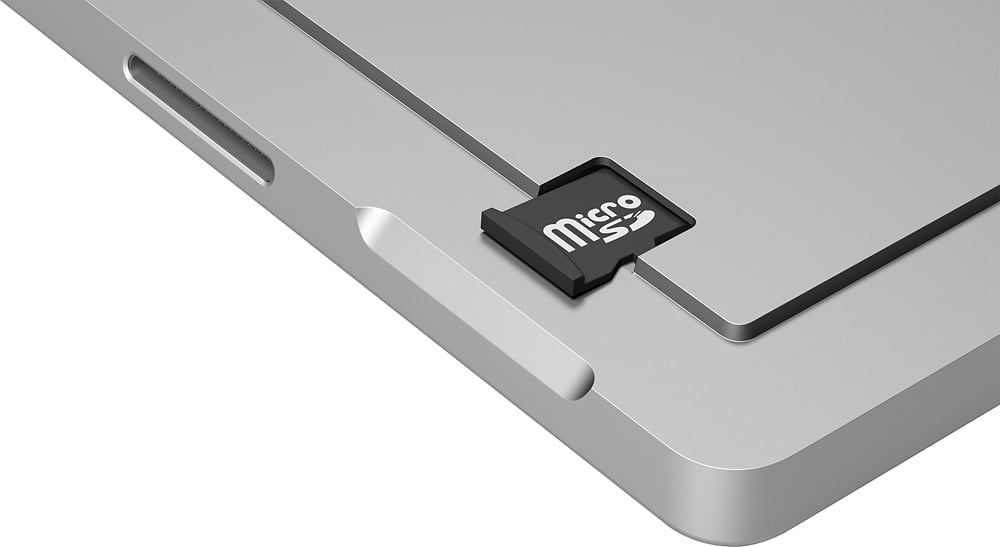
A:AnswerI would not recommend a ZIP drive (not since about y2k)... You can backup to a Micro SD card; a 128GB Micro SD card for about $50, 200GB for about $70 and 256GB for $150.
You could also use a external SSD drive like the Samsung T3, and add 250GB for ~$100 or 500Gb for <$175 or 1TB for ~$350 this is a little bulkier but offers higher performance and greater reliability - it would be my choice if your interested in durability (and you can easily share it/take it to anther machine). And this is about 20x faster than a zip drive was and many times more reliable and smaller [ lower cost per GB - or back then when Zip Drive were measured in MBs ;-) ]
A:Answerits a windows 10 machine so if other computer can do it then yes this would be able to do it as well... The surface is no different then a computer at runs the same software as any 2 in 1 laptop runs
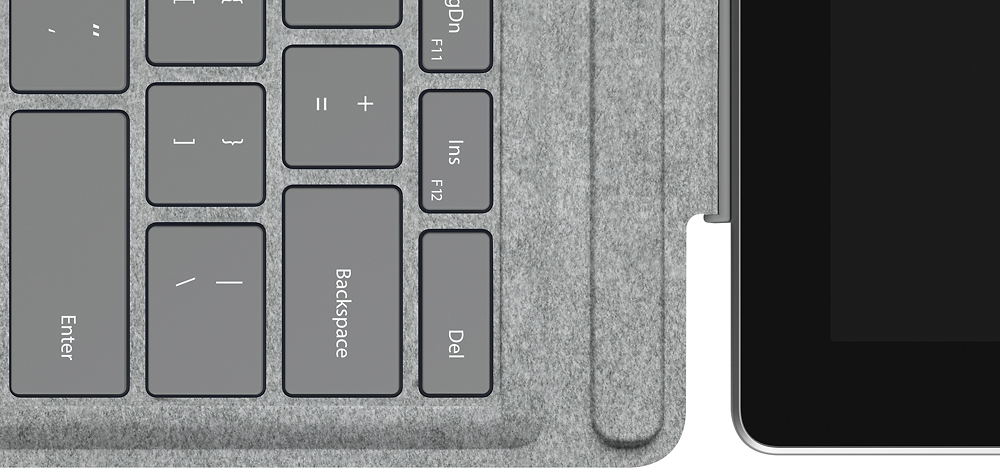
A:AnswerI really don't know anything about the Samsung but I have purchased 5 Surface Pro 4s for my sales employees and one for myself. I can honestly say I love the machine. For me, its more of a lightweight laptop that you can use as a tablet. I usually use the keyboard, which is very easy to use but easily detaches or folds back out of the way. Give the Surface a try, at least in the store before you decide.