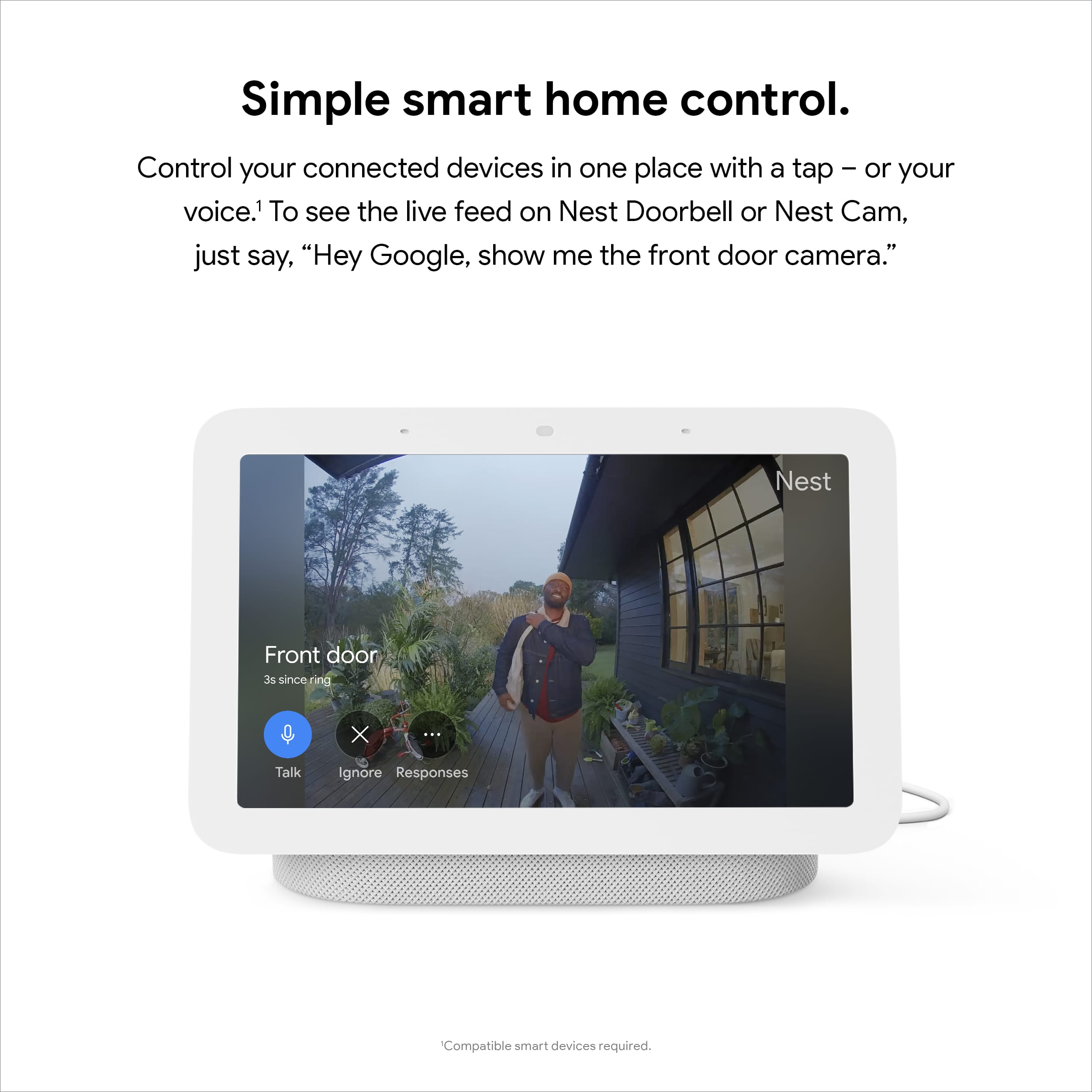
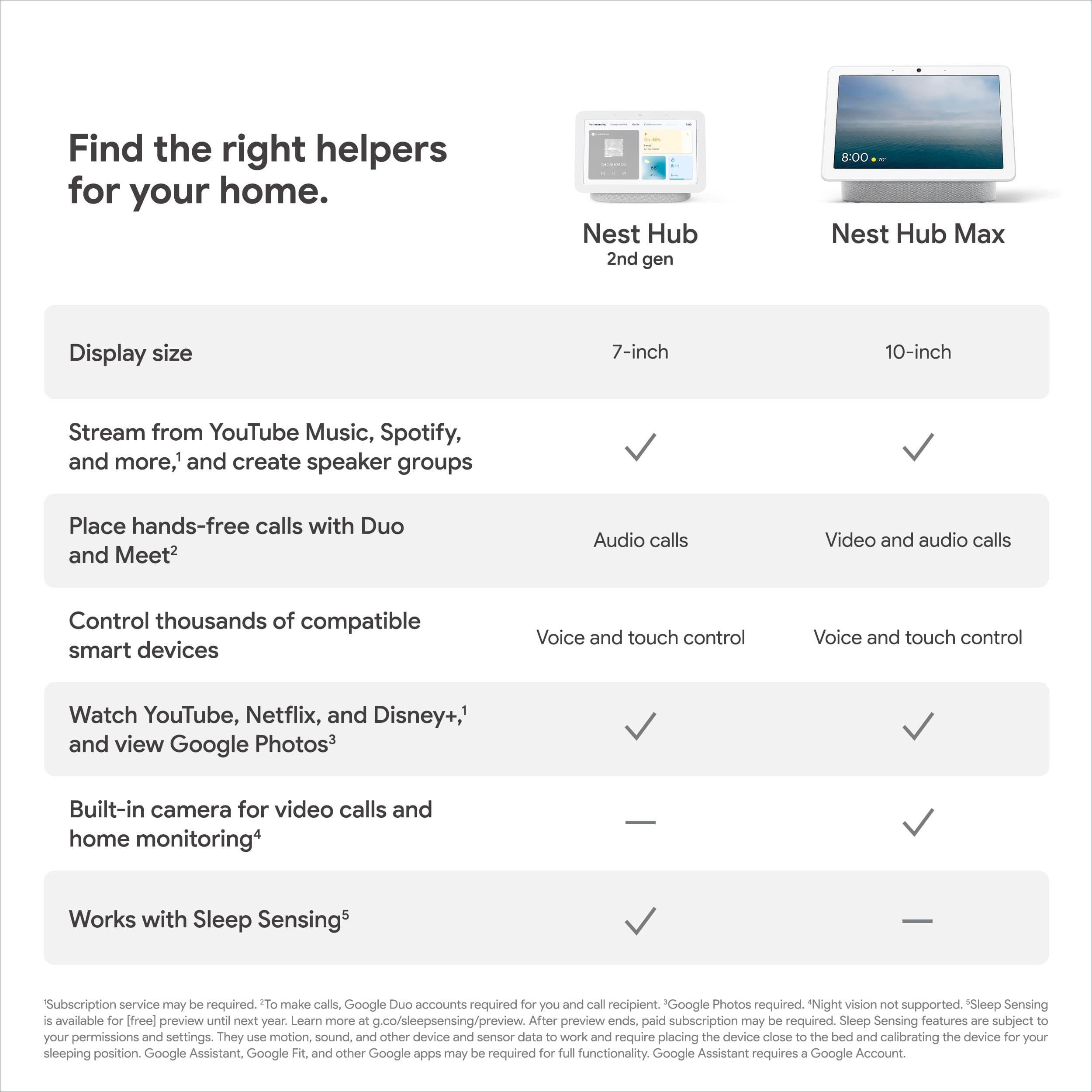
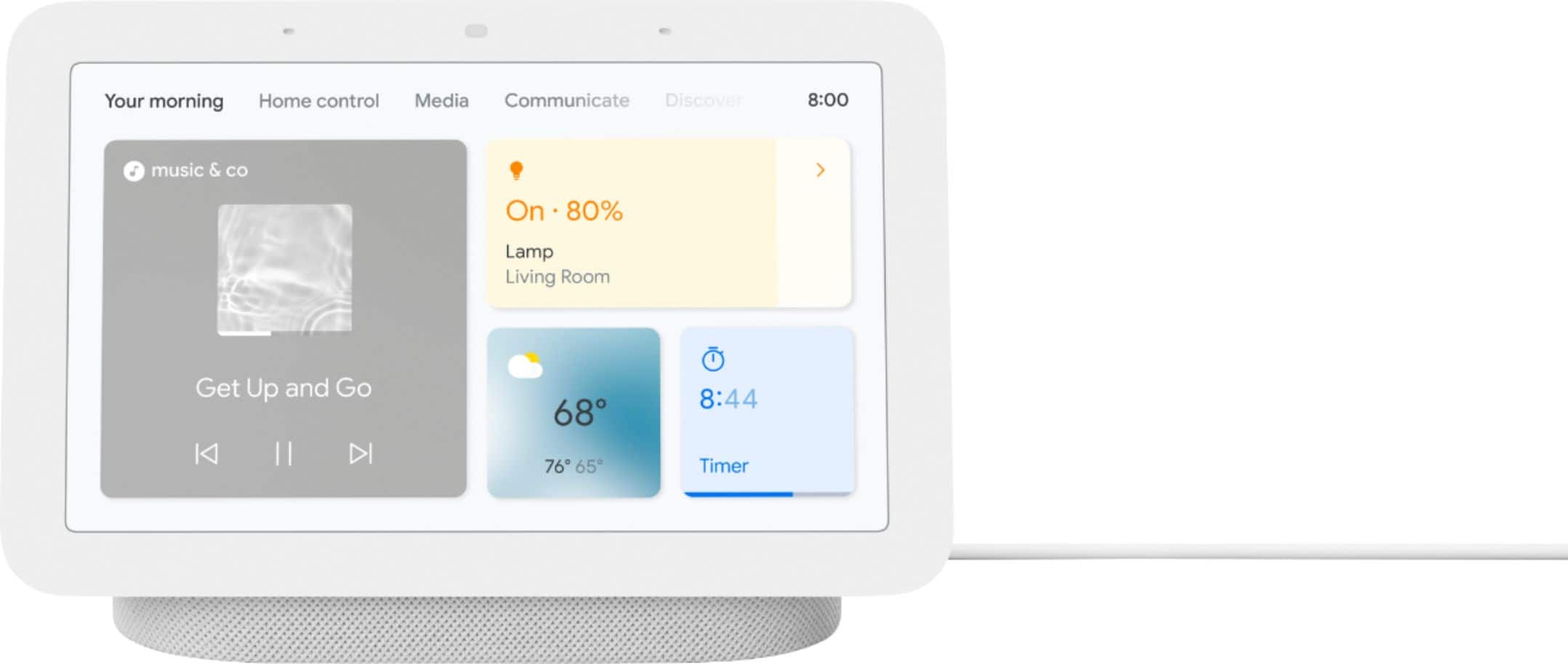
A:AnswerYes. Once the Nest Hello Doorbell and Nest Cameras have been successfully linked with the Nest Hub 2nd Gen, you can use voice commands to stream the Nest Camera/Nest Hello to the Nest Hub 2nd Gen. You can use the command, "Hey Google, stream <name of Nest Hello doorbell/camera>", to stream the camera feed to the Nest Hub 2nd Gen.
A:AnswerIf you're referring to the Nest Hub's theme, you can check this link for the instruction: https://support.google.com/googlenest/answer/10243683
A:AnswerYes. Any google mini or smart speaker can be used. They all work independent, but you can play music through them all using the play all function, or play each independently, I have 9 minis / smart speakers throughout my house and often play music throughput the house.
A:AnswerNo. Alexa is not compatible with Nest Hub. Alexa only supports Nest cameras, video doorbells and thermostats. You can check this link for details: https://support.google.com/googlenest/answer/9325080
A:AnswerHi there, Dfunkme! We’re sorry to hear you ran into the issue. We encourage you to contact us anytime for immediate assistance, here: https://support.google.com/googlenest/gethelp
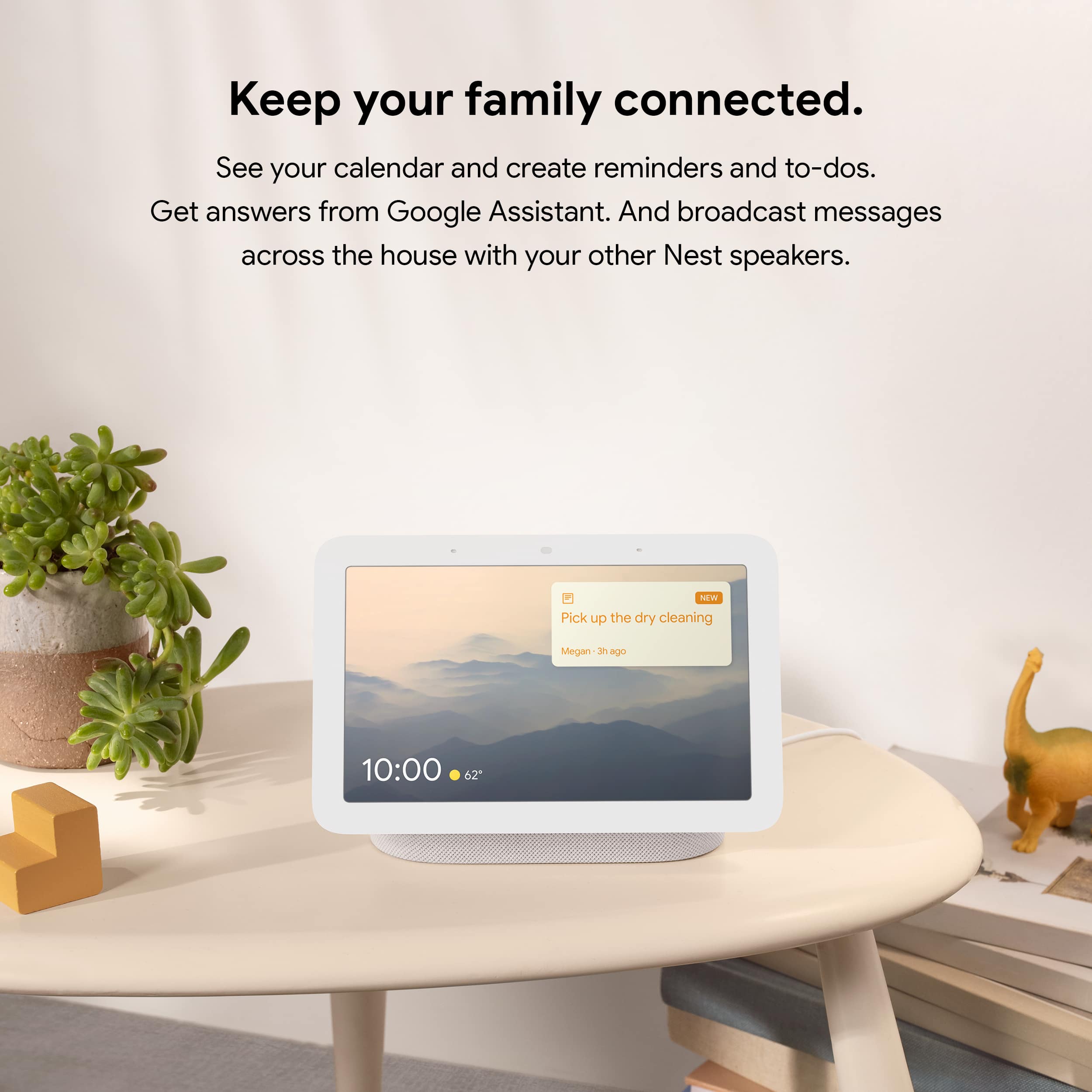
A:AnswerGoogle Nest displays only support daily and weekly views of your calendar. Nest Hub and Nest Hub Max will also display all-day events when prompted. Learn more on how to get calendar and event information here: https://support.google.com/googlenest/answer/7029002
A:AnswerNo it will not work with ADT Blue, the device does not have any arms or legs, how could it work ? Check the Google website for compatible systems.