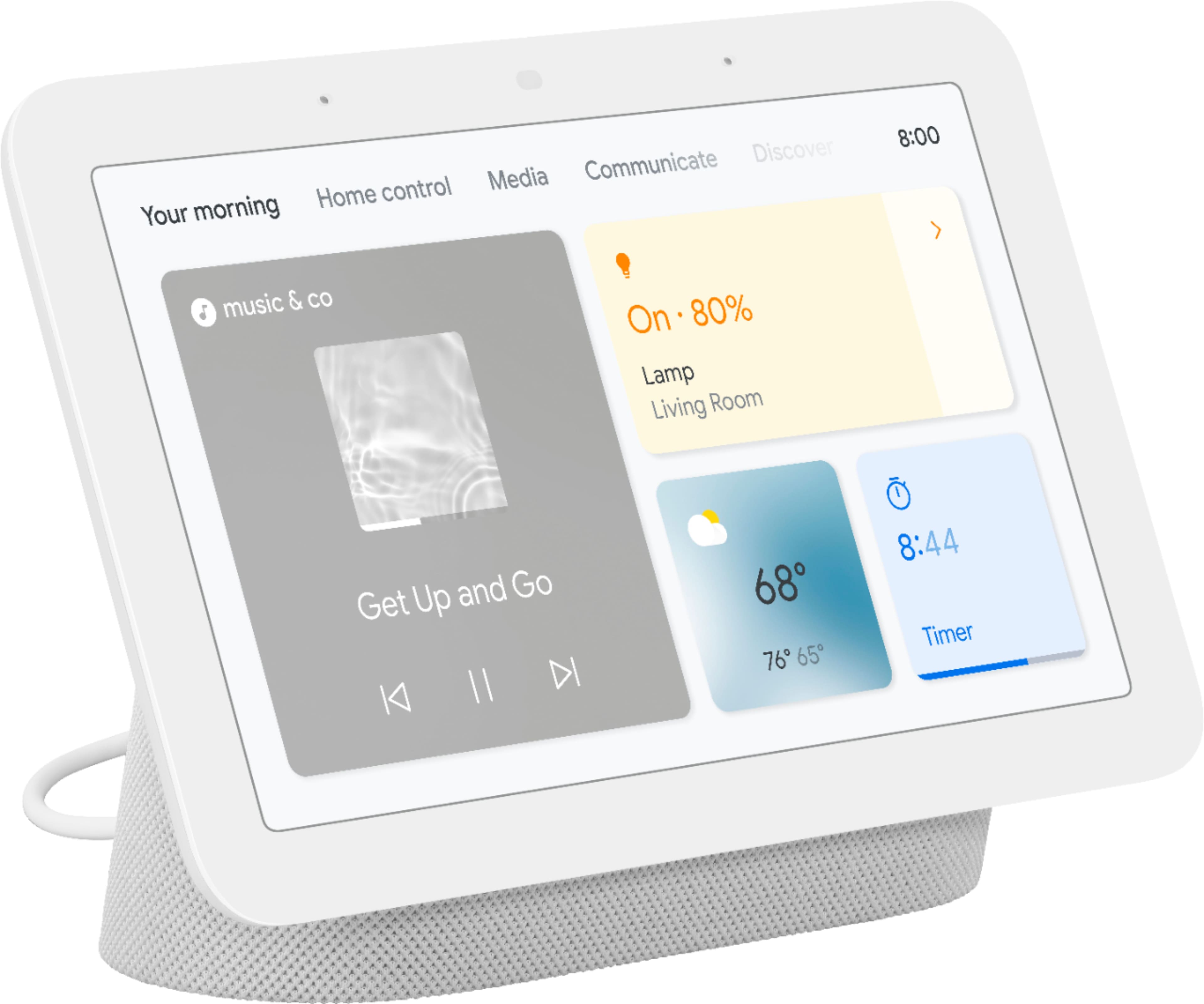
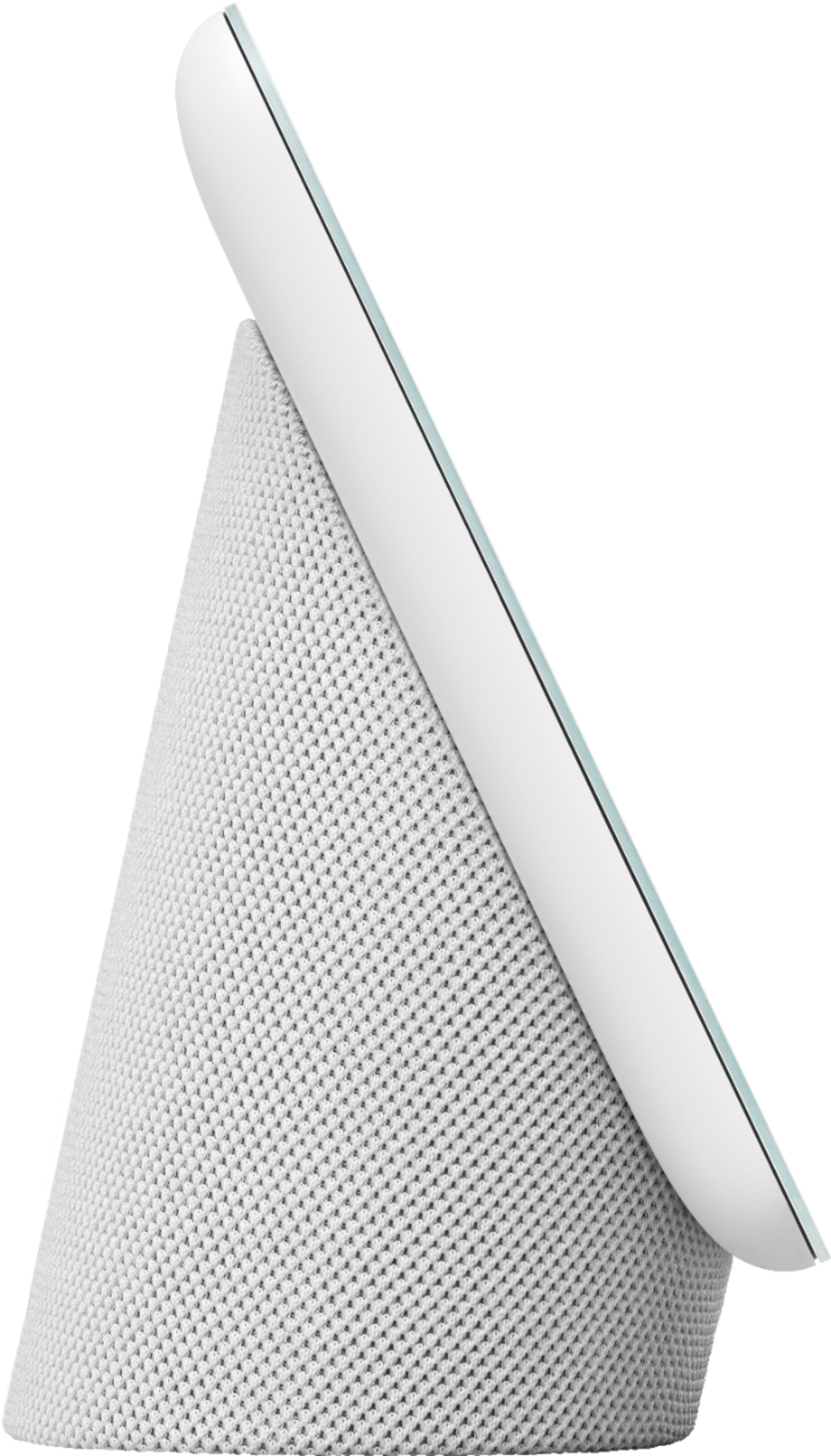
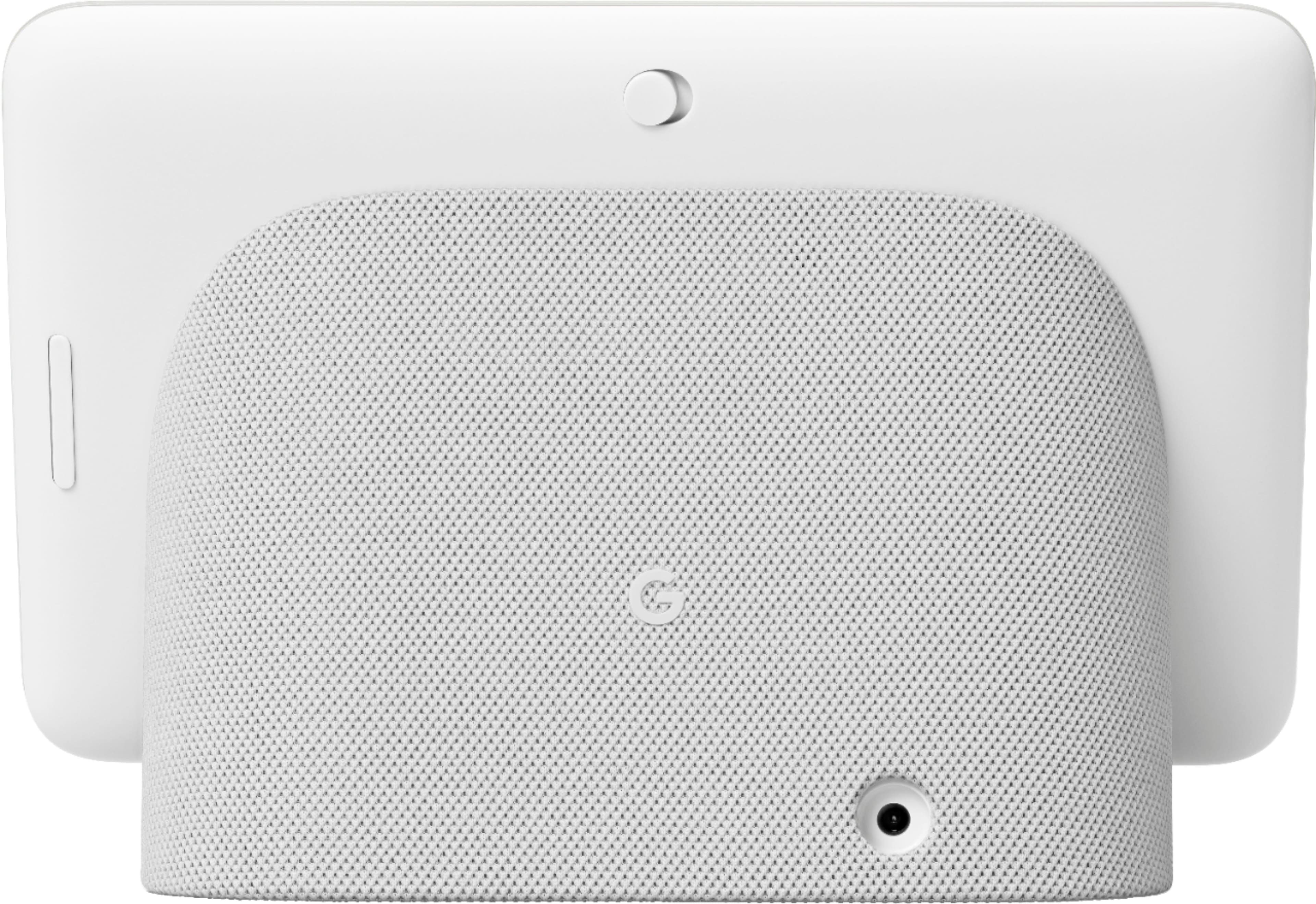
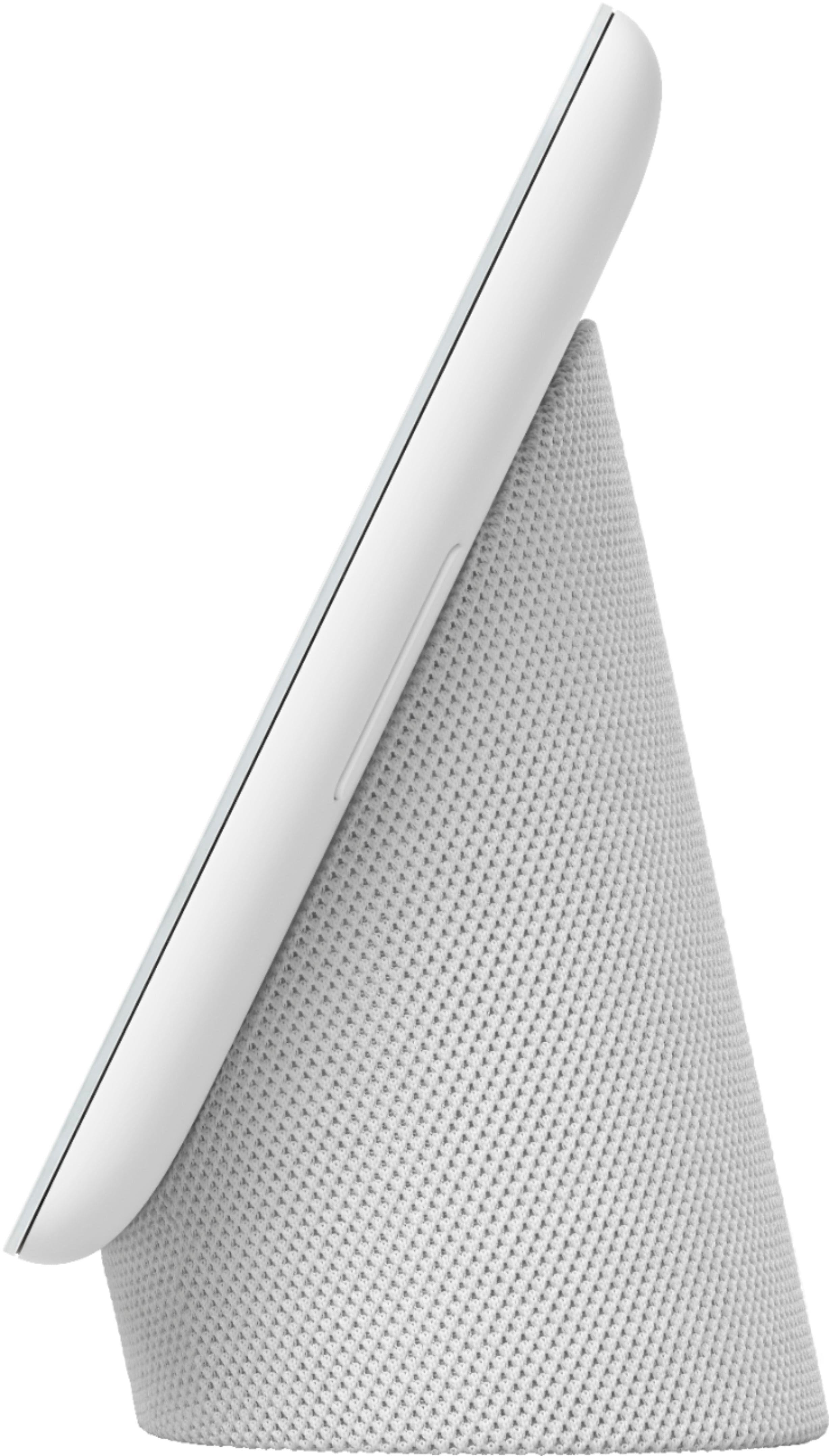
A:AnswerHi there, Den. Thanks for the inquiries. The Google Nest Hub (2nd gen) can display the events saved in your Google Calendar by asking the Google Assistant via voice command. You can follow the steps on this link here: https://support.google.com/googlenest/answer/7029002
Instead of a 'To Do list', the device has a great feature called 'Google Reminder' that lets you set, ask about and delete reminders on your speaker or display. To know more about these features, check the link below: https://support.google.com/googlenest/answer/7130274
A:AnswerHi there, Squirrel. Yes, you can set a visitor announcement on your Google Nest Hub (2nd gen) and the device will announce when someone rings your device. Please check more information here: https://support.google.com/googlenest/answer/7672451
A:AnswerThis device is not portable and does not play DVD's. However, you can stream any type of music that you enjoy from the device. For example, "Hey Google, play Tosca by Giacomo Puccini, 1900."
A:AnswerHi there, Brightonuk. Thank you for your interest in the Google Nest Hub (2nd gen). No, the device doesn't work with Alexa. It is a Google Assistant-powered device, and it is not compatible with Amazon's voice assistant. If you have additional questions, please feel free to contact us on our Google support page here: https://support.google.com/googlenest/gethelp
A:AnswerHey there, Joe! Yes, you can set your Nest Hub (2nd gen) to get visitor announcements when someone rings your Google Nest Doorbell. We recommend following the steps on this Google help article here: https://support.google.com/chromecast/answer/7672451
A:AnswerHey there, Czarian. Thanks for your interest! If you mean to control your compatible thermostat remotely with the Nest display, both devices should be connected to the same Wi-Fi network so you can perform voice commands. If the question is intended for the Nest thermostat, you can manage and control the device along with its settings using the app even when you’re not at home as long as your thermostat and app (phone or tablet) are both online. If you mean something else, tell us more about your inquiry by visiting us here: https://support.google.com/googlenest/gethelp
A:AnswerHey there, Tootie12. Yes, you can connect the Nest Hub (2nd Gen) to multiple Nest speakers simultaneously through a feature called speaker groups. With Google Home, you can create a speaker group comprising up to 10 compatible Nest speakers, enabling synchronized audio playback across all the connected devices within the network. This feature allows you to enjoy music, podcasts, or any other audio content seamlessly throughout your space. Given the size of your office (approximately 1200 square feet), having a network of 10 wireless Nest speakers connected to the Nest Hub should provide excellent coverage and audio distribution. If you need assistance and other concerns, please reach out to our dedicated team of specialists on the Google Help Center, here: https://support.google.com/googlenest/gethelp
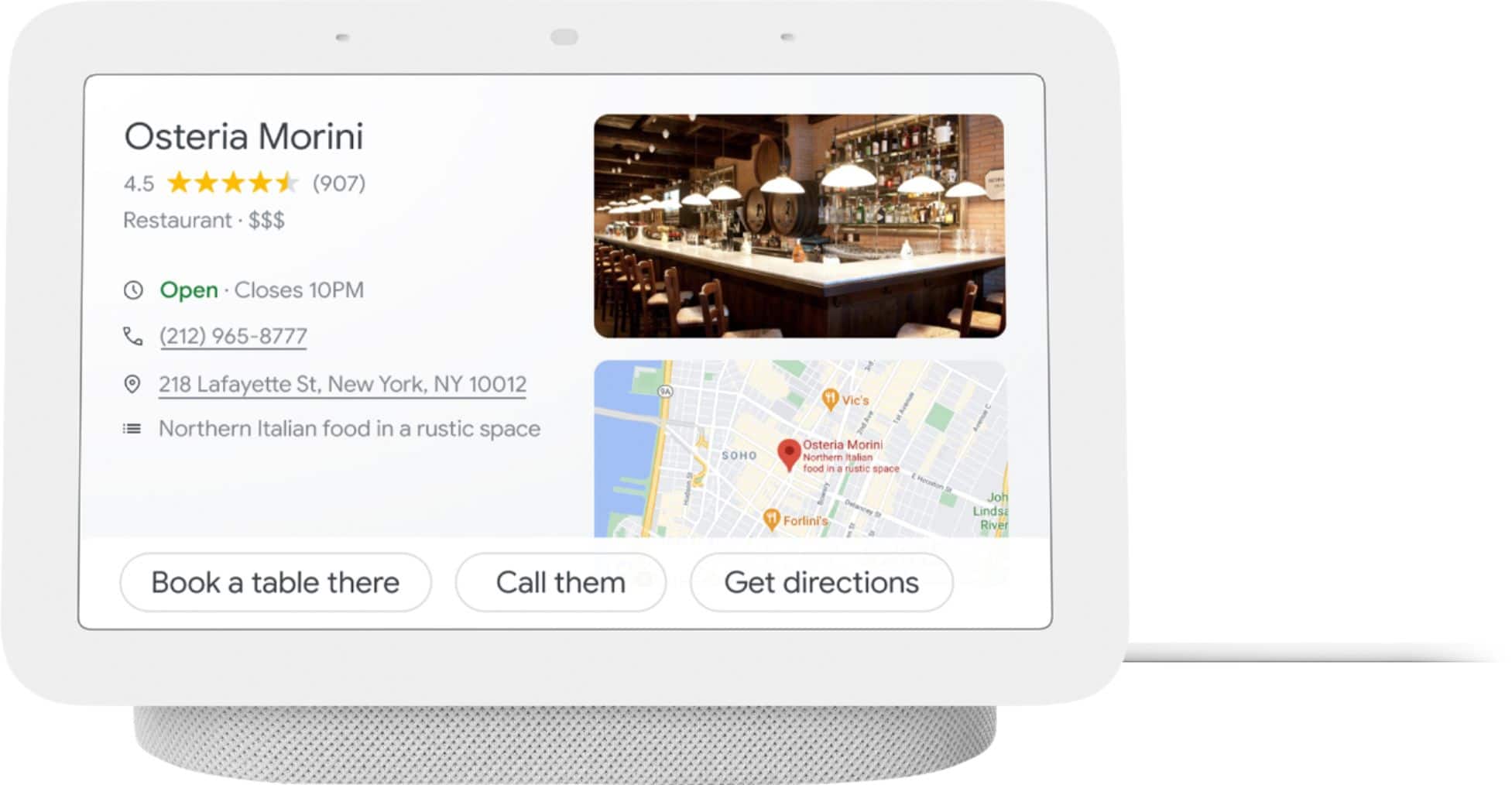
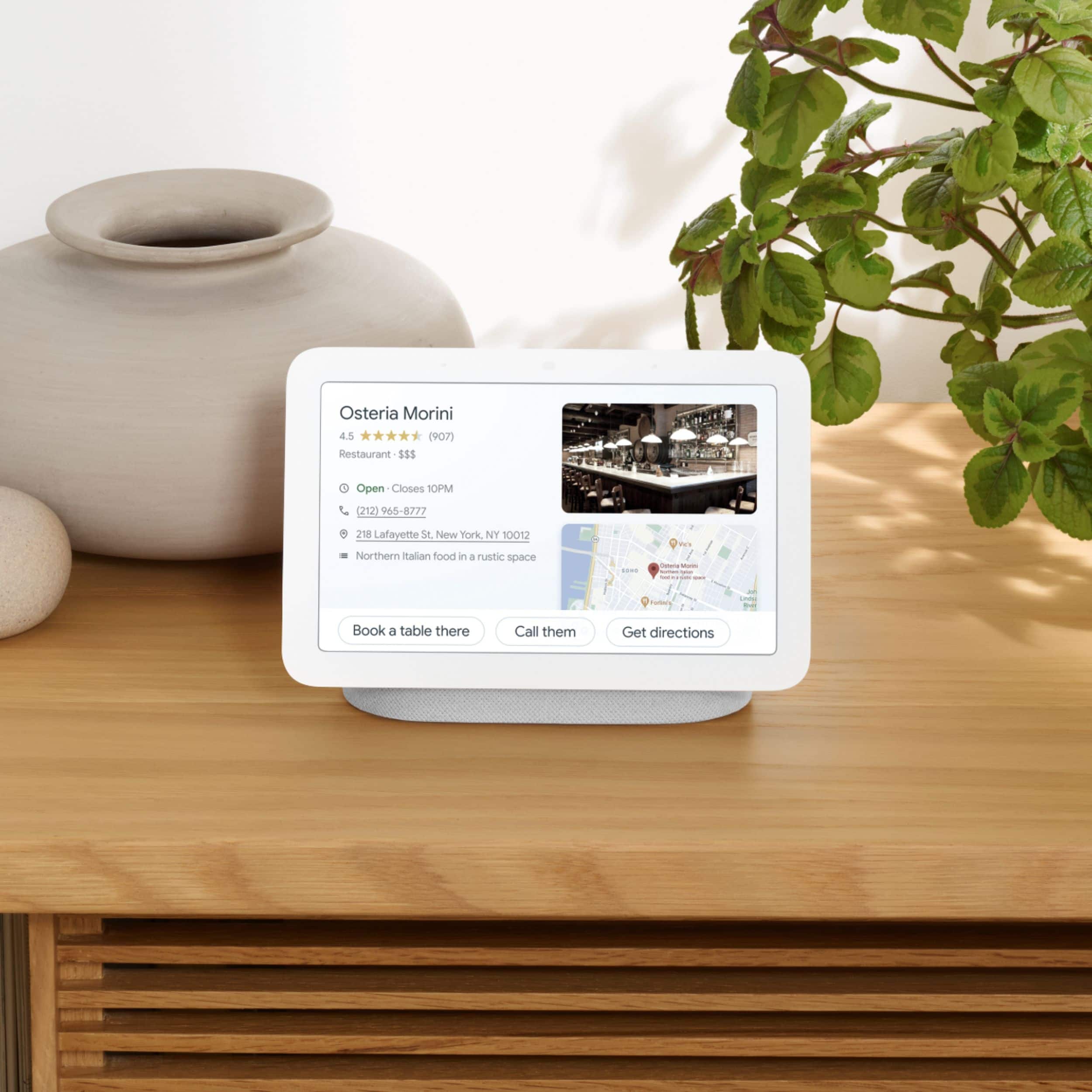
A:AnswerHi there, Michael! Yes, you can use Google Maps on the Google Nest Hub(2nd gen). You can use voice commands to search for locations, get directions, and view traffic conditions. You can also pan and zoom around the map to see more details.
Here are some examples of voice commands you can use to control Google Maps on the Google Nest Hub 2nd gen:
"Show me directions to [location]."
"What is the traffic like on [highway]?"
"Show me the nearest [type of business]."
"Zoom in on [location]."
"Zoom out on [location]."
If you have additional questions, please don't hesitate to contact us on our Google Help page here: https://support.google.com/googlenest/gethelp
A:AnswerHello there! Thanks for your inquiry. The Google Nest skill for Amazon Alexa works with Nest thermostats along with Nest cameras and doorbells only. Check the Help & Feedback section of your Alexa app to find more information about which features and voice commands you can use with Alexa. This link may also help: https://support.google.com/googlenest/answer/9325080
A:AnswerBoth models have different options the base nest hub can do just voice calls while the nest hub max can do video calls as well as normal voice calls.
A:Answerabsolutely!! I would suggest you connect/link your YouTube account in the Google Home settings. Then just "Hey GOOGLE, play the chicken dance video from YouTube on the kids bedroom display".
A:Answeryes... in some cases, much better that Alexa... also better with map related questions. When Alexa fails, Google always seems to help. I use both of them.