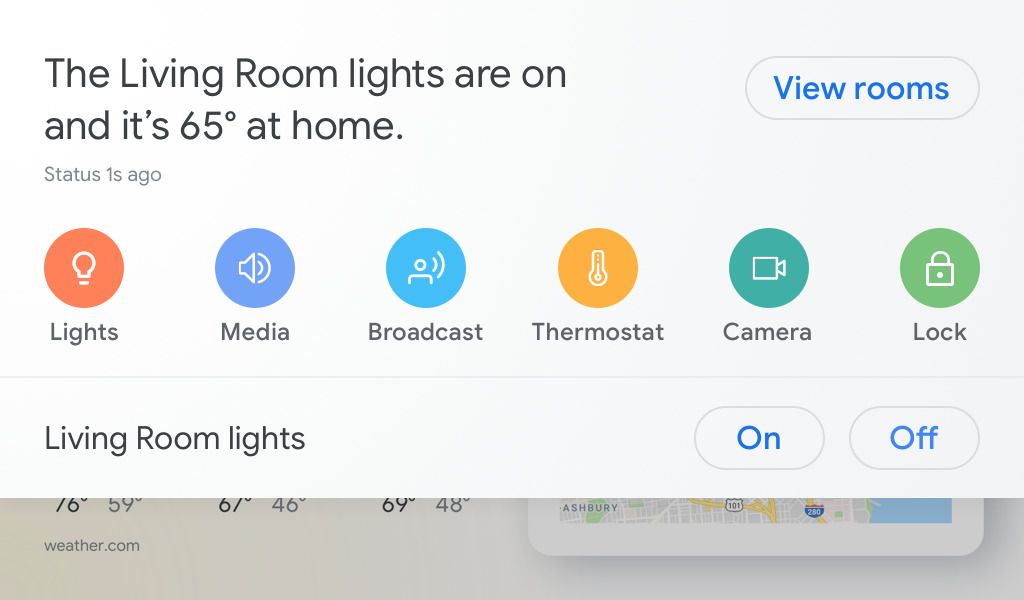
A:AnswerYes, if you have multiple Google Home devices (or devices that have the Google Assistant), and they are linked to the same home. Just say, ”OK Google, broadcast...”
A:AnswerYou can add stuff to shopping list with google keep app setup on your mobile device. Tell google to add “ingredient” to shopping list. It updates fairly quickly. It will wall you through a recipe.
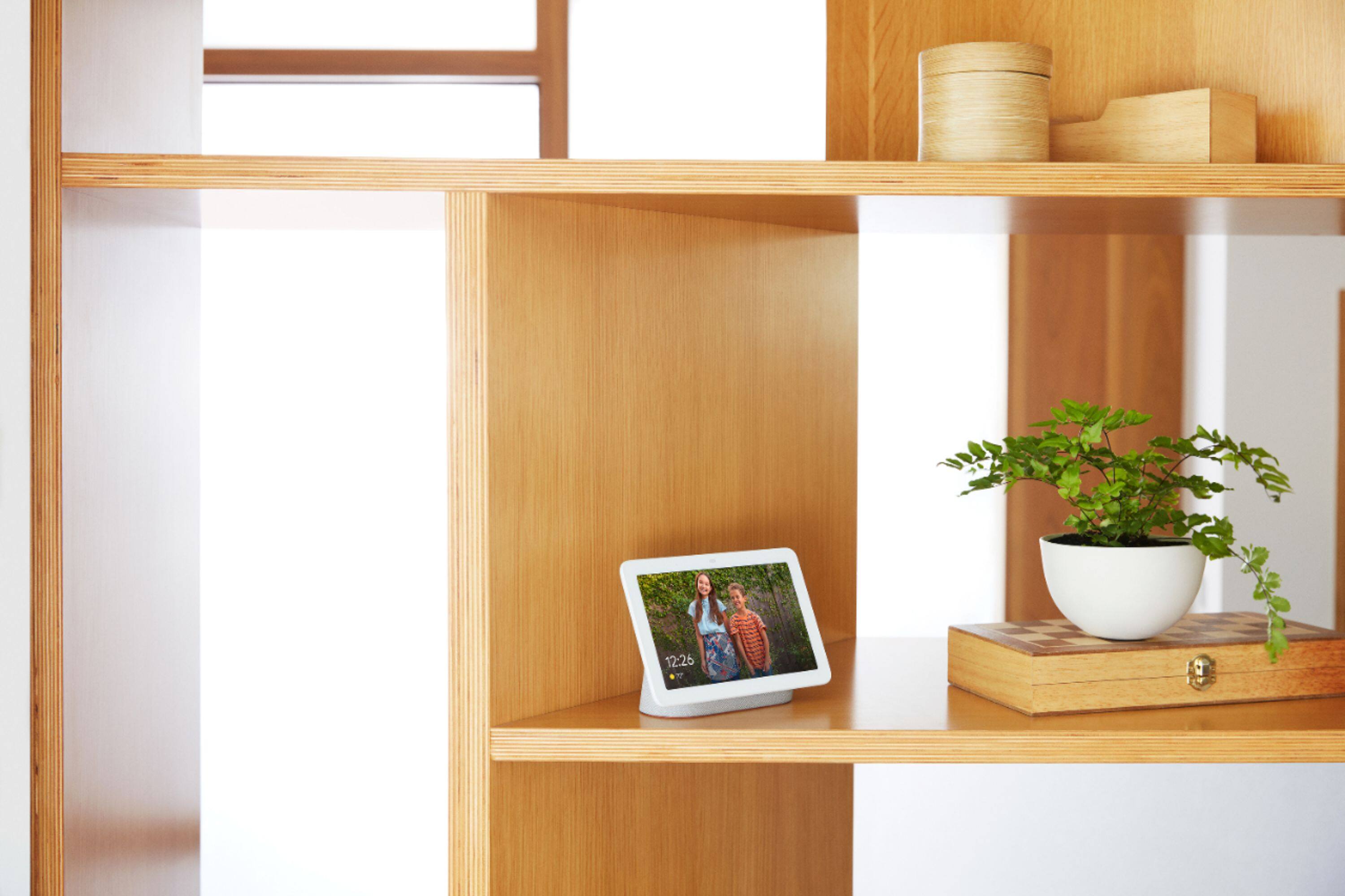
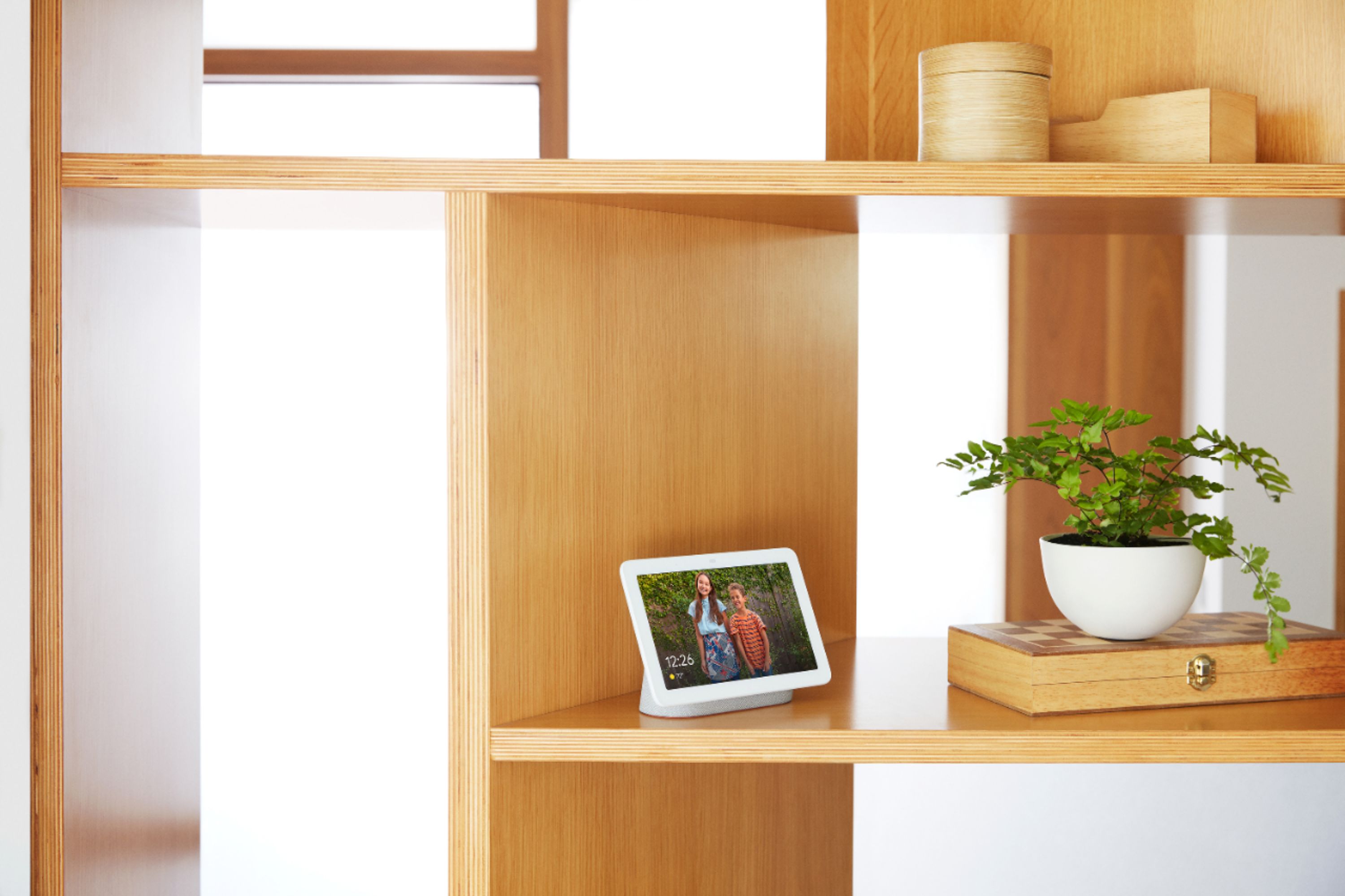
A:AnswerThe photos appear at a great resolution and you can delete photos from the display. It is not as easy to add photos as devices with their own email address. You have to have a Google account and pick an album from Google photos to display. You can use a shared album, but other people also have to use Google photos to add photos to the album and I believe that in order to add photos they also have the ability to delete photos. Google photos does not cost money for using and it works with Android or iPhone, but frames with their own email address definitely have some advantages. However the home hub also adds many other features.
A:AnswerNot yet but would assume they are working on that functionality. For now once the tv is on you can control channel volume among other features.
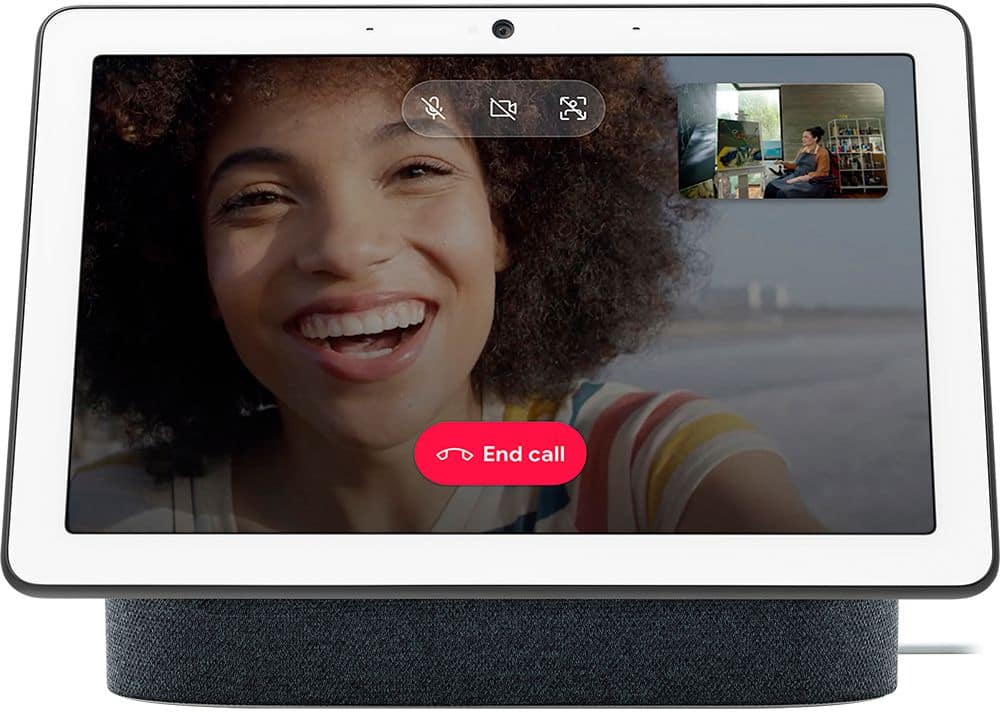
A:AnswerNo there is no camera in the Google hub. U can make regular phone calls but a restricted number shows when u call. Thata it, also no intercom. Its not what u would expect from Google but these are the facts. Sorry to disappoint but at least u found out before u bought it. Oh And if you do buy it and decide to return it they keep 5 to $10 for themselves Google does as a fee. I'm going back to Alexa Google has a long way to go
A:AnswerNo I don't think so. But you can add Google Calendar to your iCal/Apple Calendar App and merge everything from your existing calendar into your Google Calendar. Then in the future add new calendar events into the Google Calendar.