A:AnswerI'm not sure but would have concerns that you may not have the necessary internet speed. I would contact Netgear at www.netgear.com/support. They were very helpful to me.
A:AnswerIf I understand your question correctly, yes connect your modem to the router using a USB cable. If you are having trouble, you may want to contact netgear support at www.netgear.com/support
A:AnswerI have an internet connection through Cox cable with a WiFi modem connected. I have a Netgear router connected to the modem. But because DSL is slower than a cable internet connection, you may have issues using a Netgear router. You may want to contact Netgear with this question. I recommend that you contact Netgear support at www.netgear.com/support to see if it is compatible. Hope this helps.
A:AnswerYes when you buy the ac1750 router you tell your internet provider that you dont want their router that you want yours cause sometimes the routers provided by your internet provider dont push the internet to its max potential and also some providers charge you monthly for having their router on top of your monthly internet bill
A:AnswerDear Anonymous;
Since Home Google is a wireless device, I don't see a problem. Think about Amazon's Alexa. All these command-type devices require a Wi-Fi connection. Netgear leads the way. Now, go ahead and purchase this, and go have some fun.
Best always,
Consultant Brian
A:AnswerYou do need a modem to bring an Internet signal to the router. Once the router is installed you do have four 1 GB Ethernet ports available to plug in devices such as desktop computer or Smart TV. Personally I have my PC, iMac & Roku TV plugged in to Ethernet ports on the router which decreases traffic on the wireless network.
A:AnswerThat is a great question. Given your environment, there is a good chance that there will be distance limits on the wireless signal, but every situation can vary. Unfortunately, the only way to find out is to install the router and test the results.
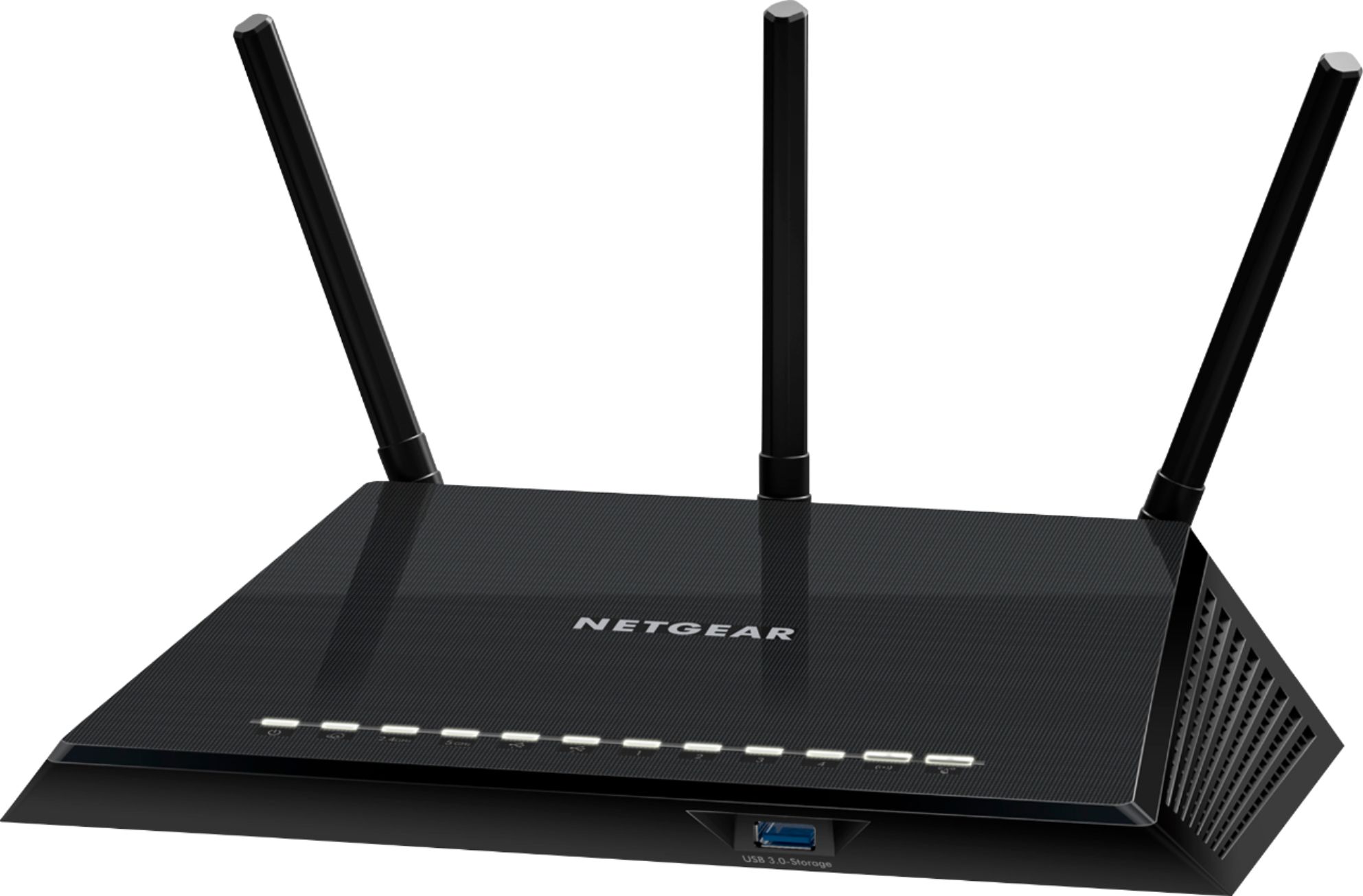
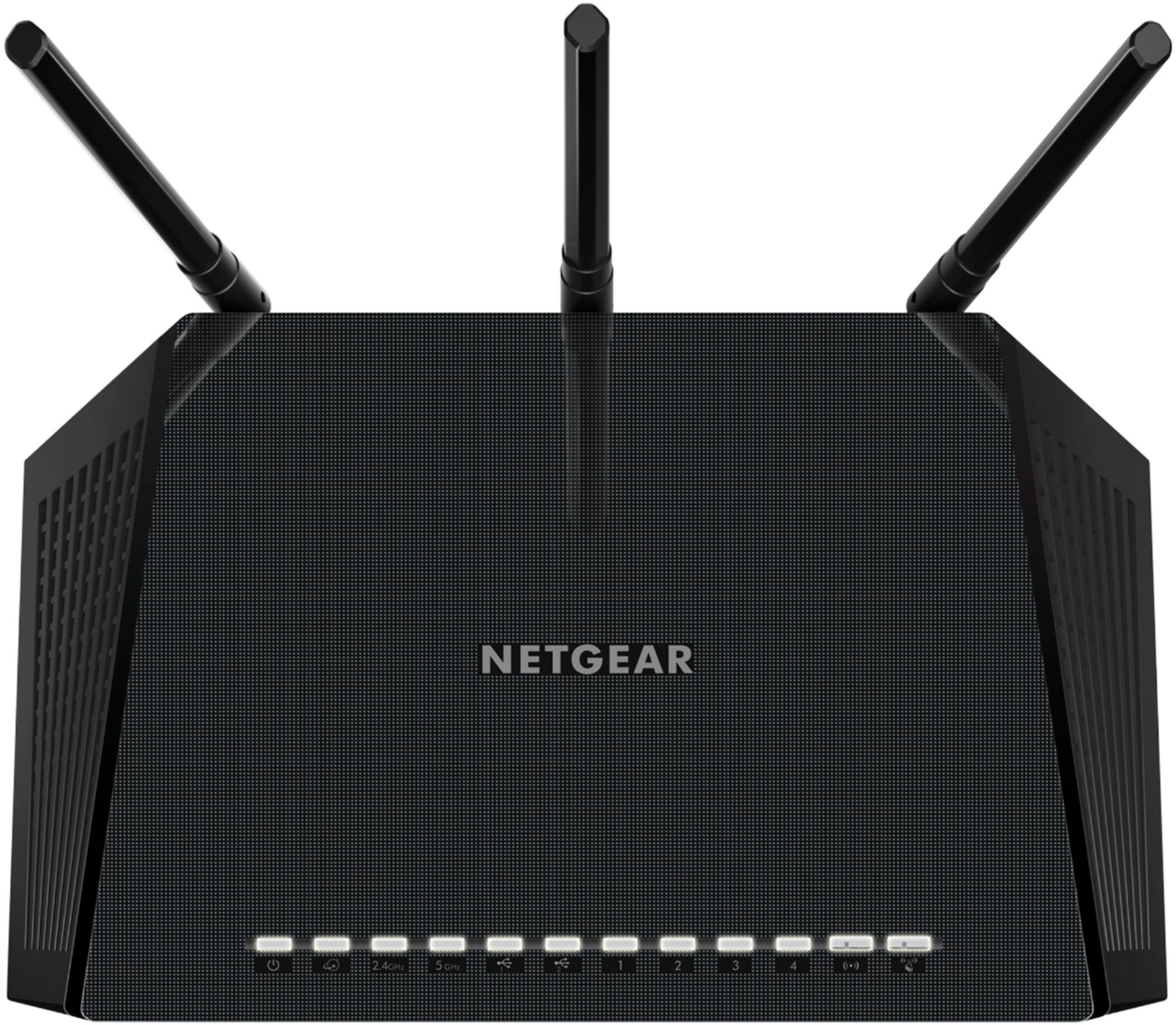
A:AnswerThe colors indicate the status of each individual that it's assigned to. For example if one light is showing a solid white that it's assigned to (say like 2.4Ghz) then it's fine. If the white is blinking, then it's current in transmission or receiving mode, which is normal. If the light is orange in color, then there is some kind of problem that's worth checking into. It could be as simple a cable not completely connected.
A:AnswerYou can use a POE injector adapter and connect it to one of ports to power a access point if needed.
But you would be better off getting a POE switch which will allow you to connect one or more than one access points if needed, camera or IP phones in the future.
It will be cheaper in the long run, POE injector run from $16(the cheap ones) to $50 each.
The Linksys is $81 with 4 POE's which is equivalent to 4 x 16 = $64(on the low end).
Hope This helps
A:AnswerYes, you will need an internet provider, you don’t have to have an Ethernet cable to connect to your Xbox because you can connect to it through WiFi. Although, you will always get better speeds when you are connected with an Ethernet cable
A:AnswerDear Danny;
I would make a bet this router, which connects to most modems and routers, will work with the Xfinity router. You always have BestBuy's 10-day return policy. What do you have to lose?
Best of luck,
Consultant Brian