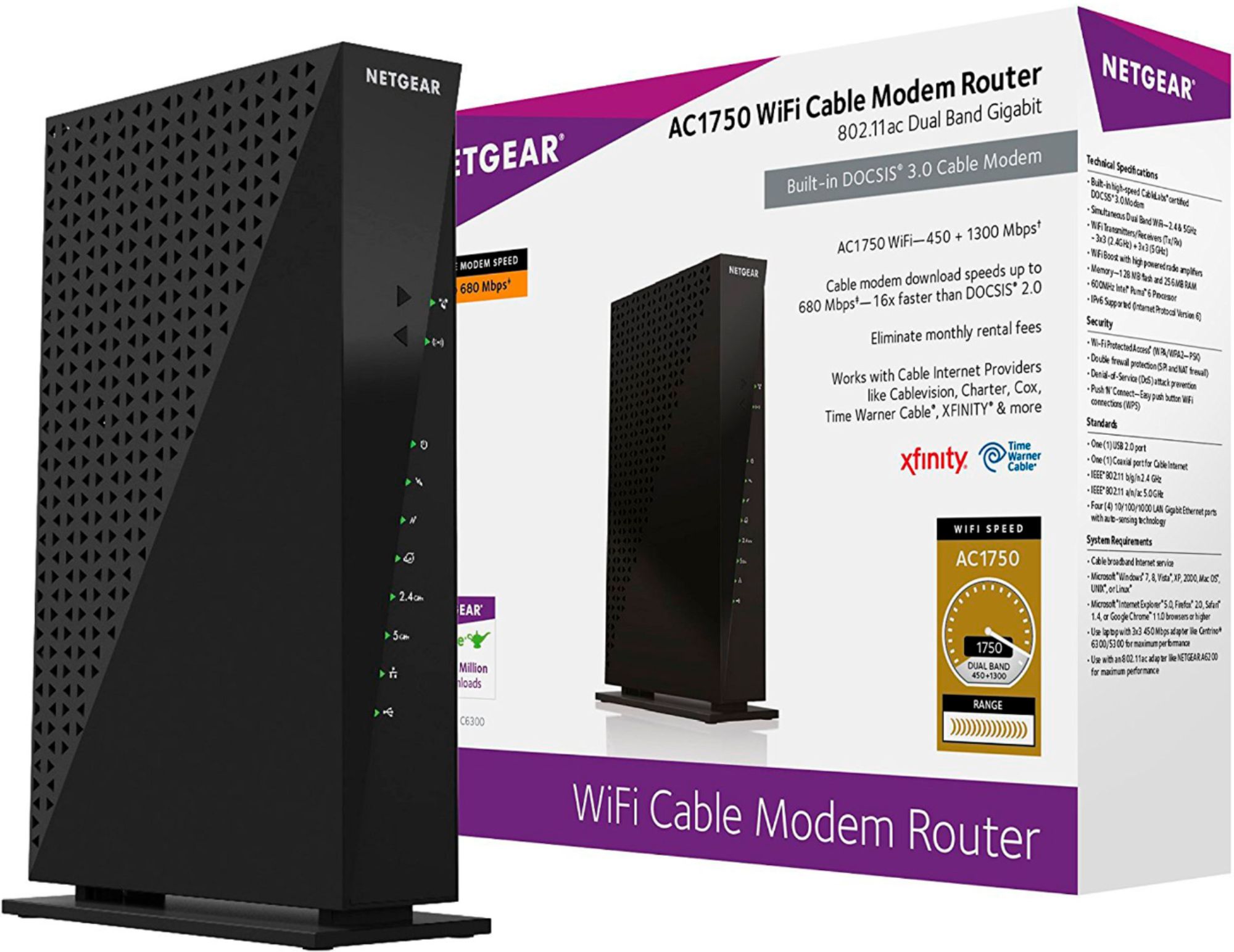
A:AnswerI am currently using a WD Netcenter, attached to the router/modem with a CAT5 cable. Works great!. I am however unable to access the WD Netcenter via the internet when I am away from home, it may be possible, but I haven't run across a way to do it YET.
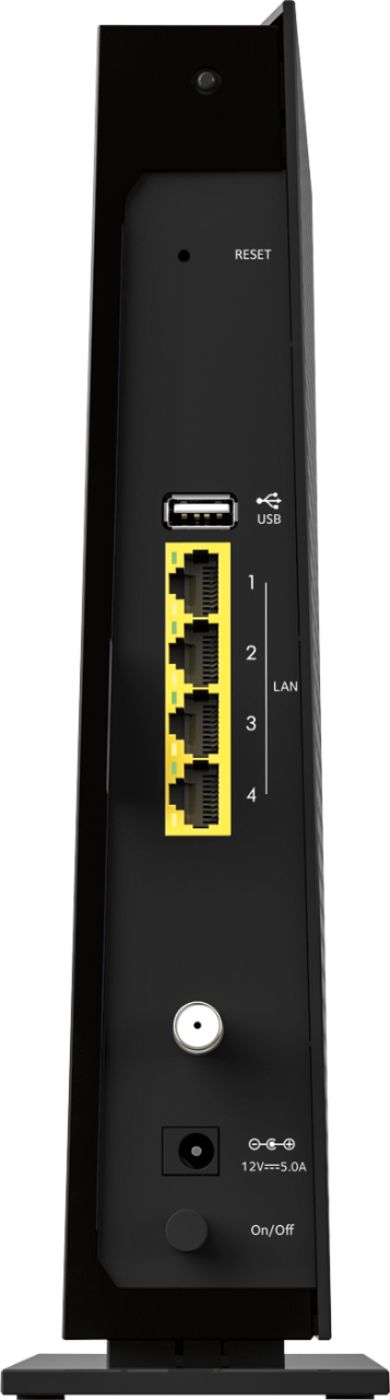
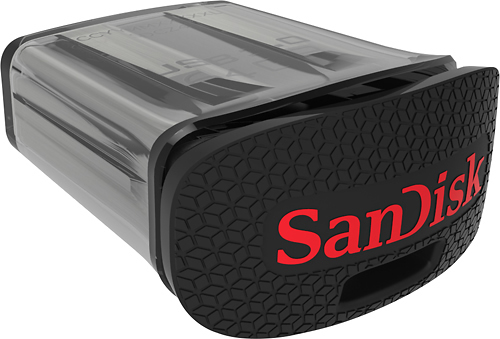
I also bought a SanDisk Ultra Fit 64GB USB Flash Drive, that can be plugged into the back of the router/modem. This can easily be setup to allow access both through your LAN and WAN, allowing it to basically be your own cloud service, making any files available to your other devices from anywhere in the world that you have internet access. I did have to purchase the File Browser App for my IPhone/IPad that allows me to grab or drop files to the flash drive.
When setting up my WD NetCenter, I have reserved the address in the router\\modem so it is always in the same spot when my computer goes looking for it. Then in Windows 10, I mapped the drive, so it is treated just as an internal drive on my laptop (while I am on my home network). I would assume you will not have any problems with it, and I am very impressed with the speed, innovation, and dependability of this router\modem.
A:AnswerYes it works with fios and it can handle any speeds available at this point in time. It says exactly how fast it can handle on the box but, any speeds you have will work! Plus the docsis allow it to adjust on a software level to maintain a higher upload / download speeds on multiple devices. With this modem / router you shouldn't have to buy another one for a long time. Unless they make another leap in technology for internet speed you as should be just fine for years to come. Even at base speeds or top tier speeds.
A:AnswerThe wireless network can reduce speeds because of distance and/or inadequate coverage. Connect the modem directly to the laptop or PC, or connect to a router where a wired connection can be made to see the true speed.