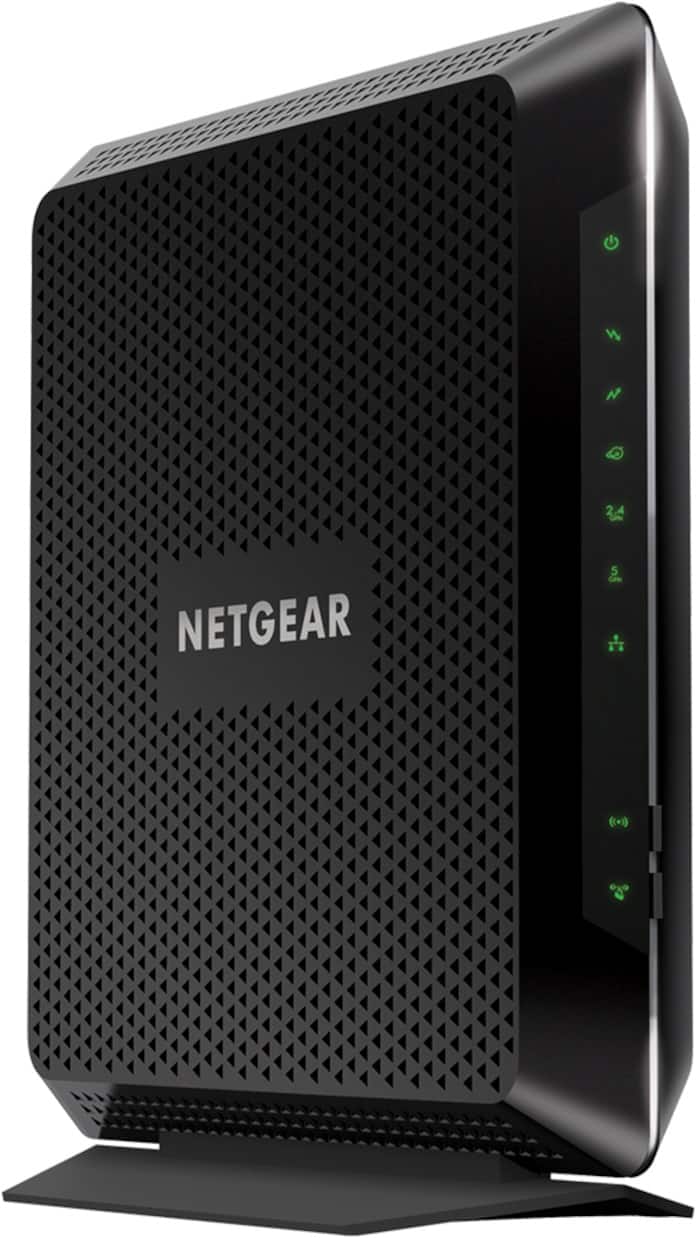
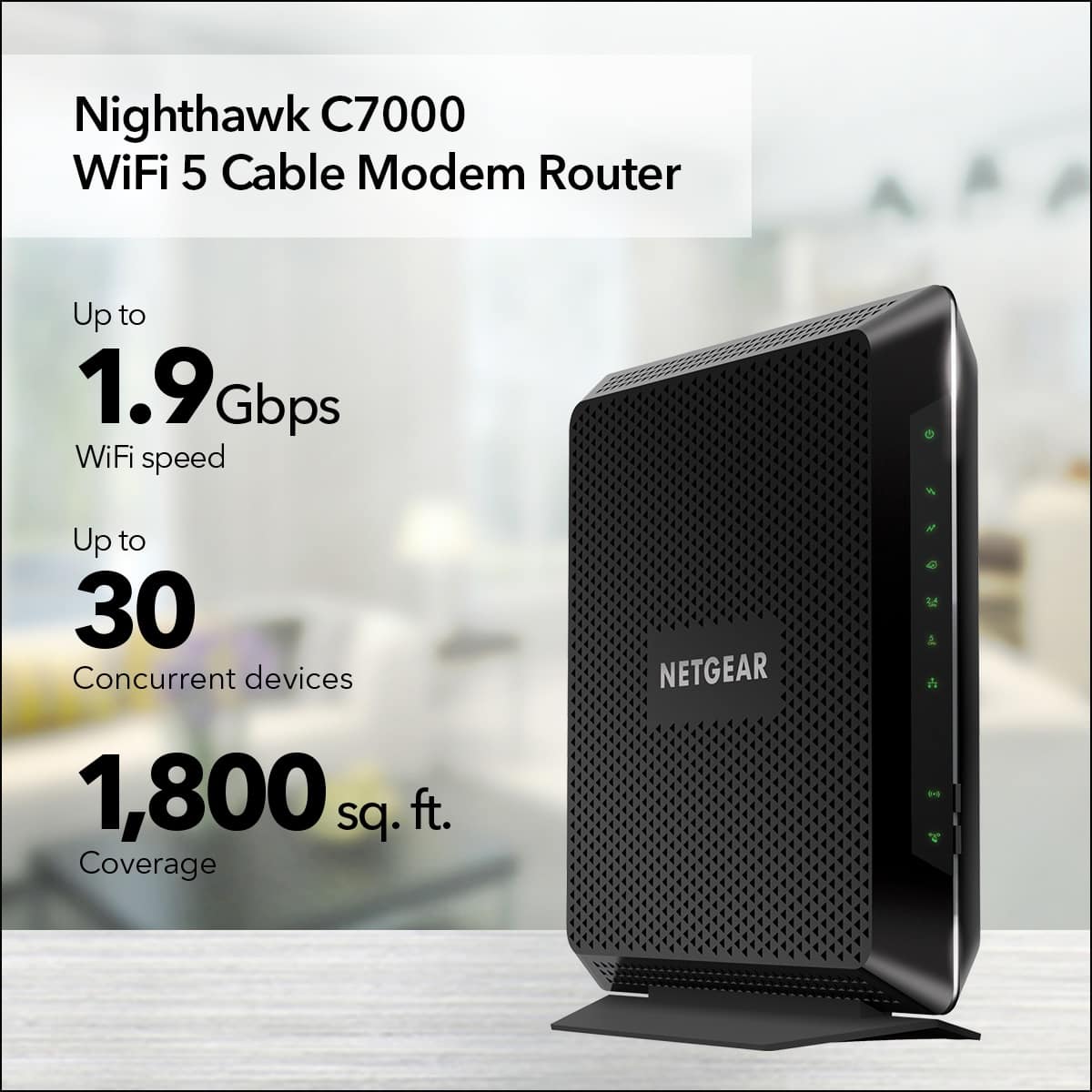
A:AnswerI would call your internet provider and tell them what your doing...Your upgrading and need to know if they support the product you are purchasing. More than likely they can support it. My Wi-Fi Internet provider had to sync the connection on there end with the new device that I added. They also had to remove the old Wi-Fi name that could be selected...Long story short there’s less wires and devices. Internet is strong! Now I can connect my Traeger
A:AnswerA strict nat type can be fixed by port forwarding. This modem router has that ability. Just look up which ports need to be opened for the game you want to play. I play call of duty and my kids play fortnite
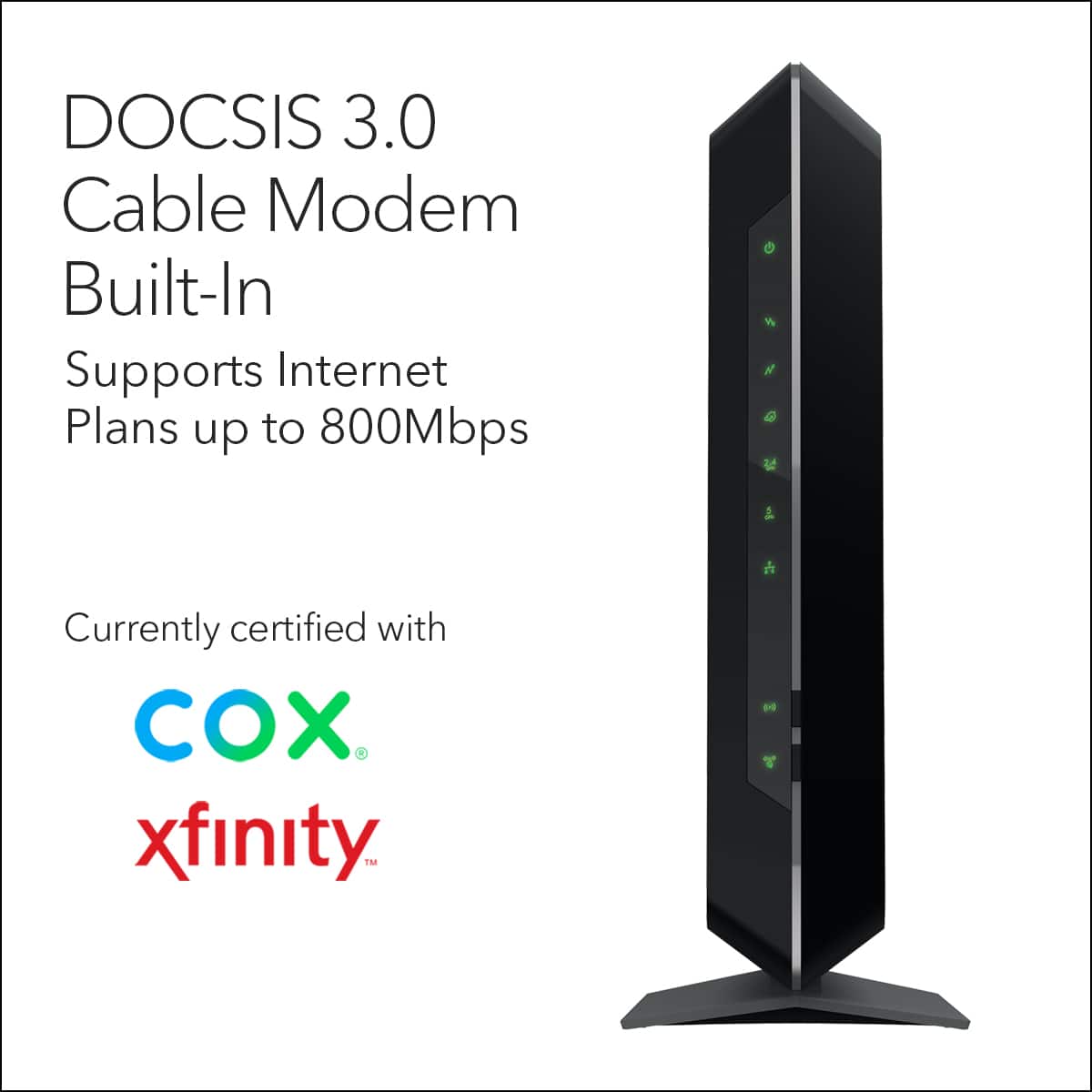
A:AnswerThank you for your question. We would recommend contacting cox cable support to see if our products are compatible and would work with their service. – NETGEAR
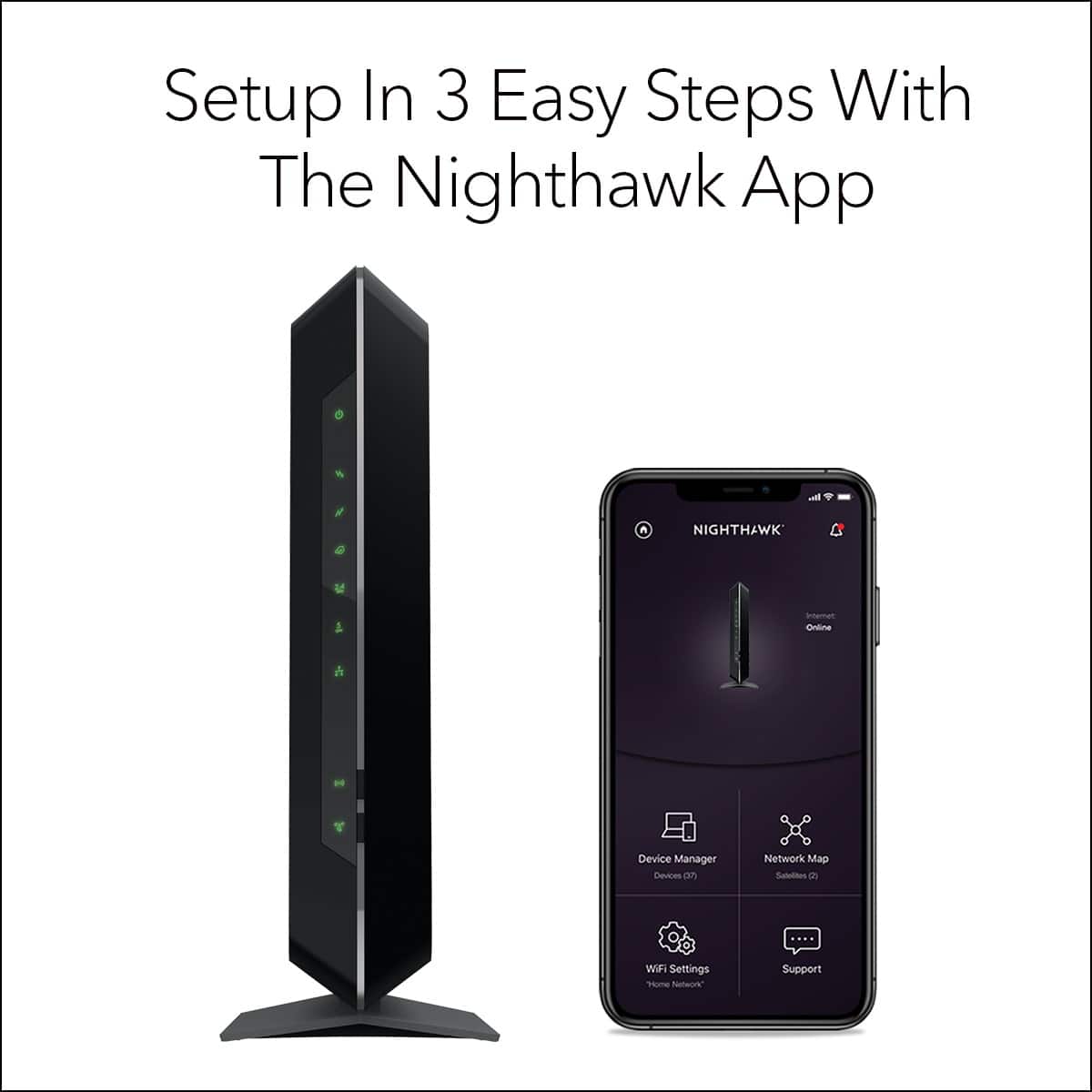
A:AnswerIf your having issues setting up please know you have to register your router with the netgear system. Mine worked for a day then stopped. My Comcast guy finally remembered that netgear requires you to register your item.
A:AnswerHi, I bought a netgear booster for 25$ to stream videos in my garage across my yard (50' away) it works fine for this. Spectrum also now has a new router that works better than the older ones if you have an older one.
A:AnswerThe MAC address is located on the machine itself. I did not check other products to see if they had the same MAC address. I presume not as I had to give the MAC address to my ISP provider.