A:AnswerOnce you activate your service, you may decide to replace your Frontier router or modem with one that you choose, buy and install. Frontier, however, supports only the routers and modems we supply. We do not endorse other routers and modems. Because your service is not exactly like anyone else’s, we can’t provide a list of routers or modems that will work for you.
A:AnswerIt can be bit it has to be centered. Also depends on the insulation you have. It might weaker the signal.
They do have a 14 day return on this item. You can try it out and see.
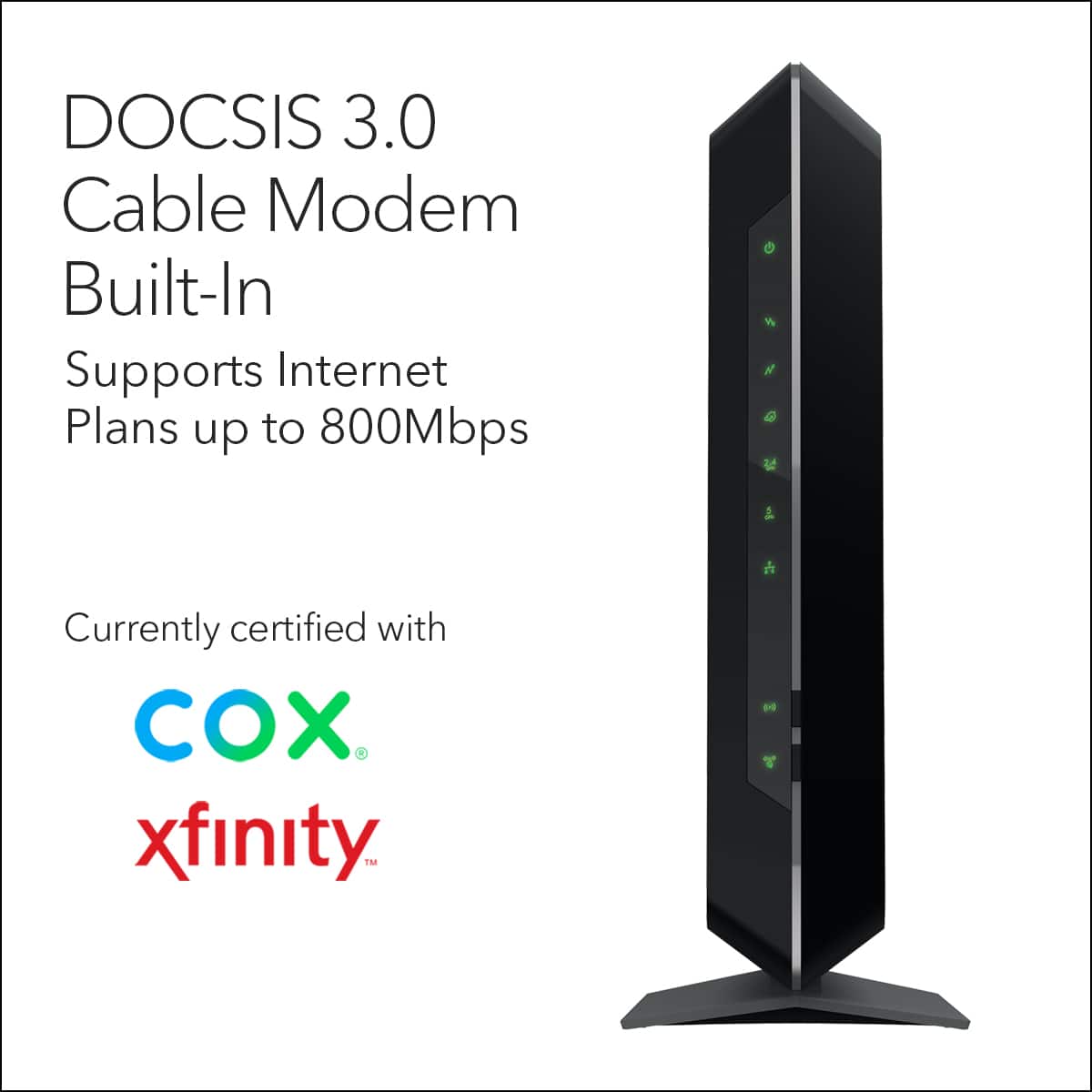
A:AnswerHere is a list of compatible modems for Mediacom
https://www.mediacomcable.com/assets/pdf/legal/Compatible_Retail%20Modems_CRM012019_01_30_2019.pdf
A:AnswerHere is a list of their compatible modems please scroll down towards the bottom to see the list on this link: https://approvedmodem.com/windstream-compatible-modems/
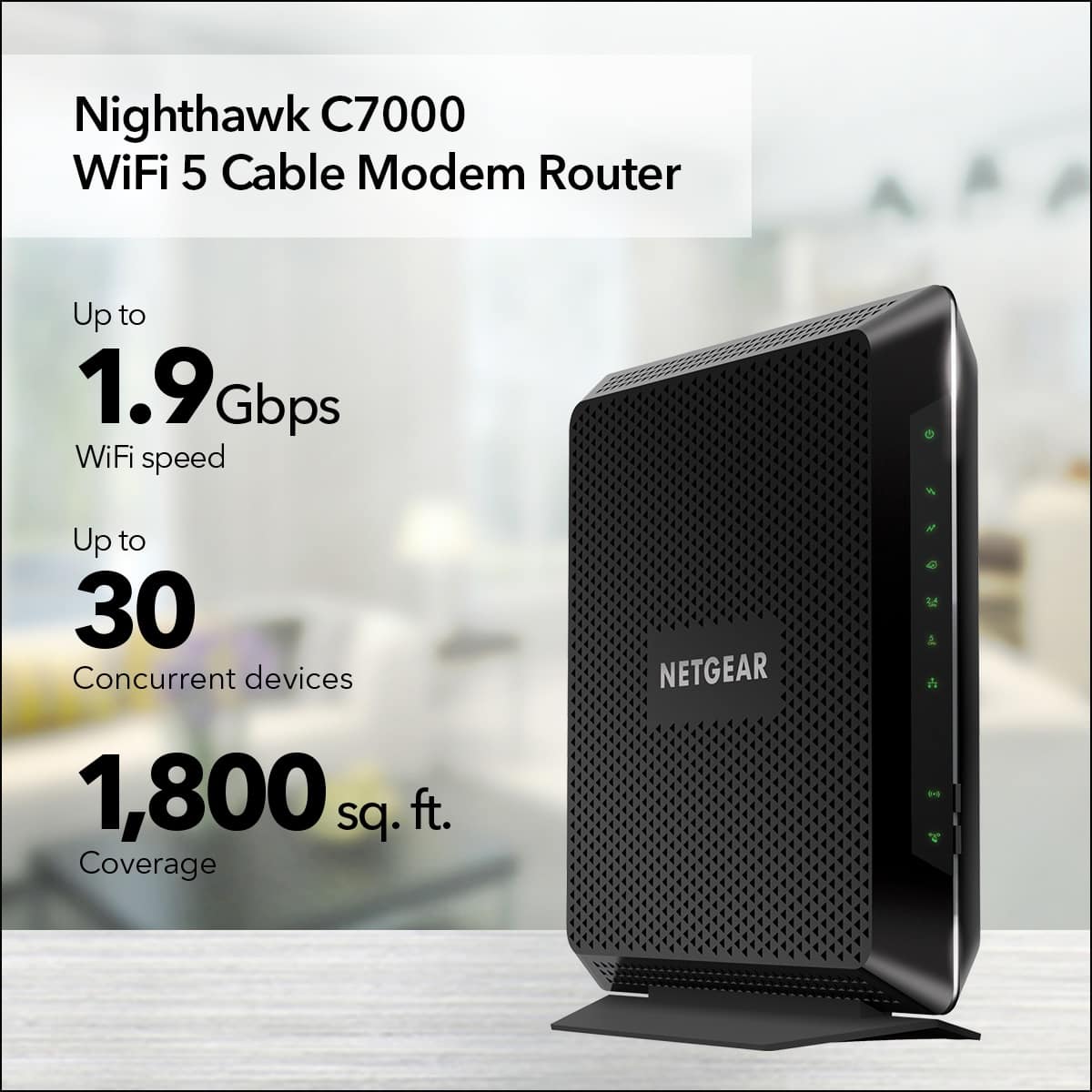
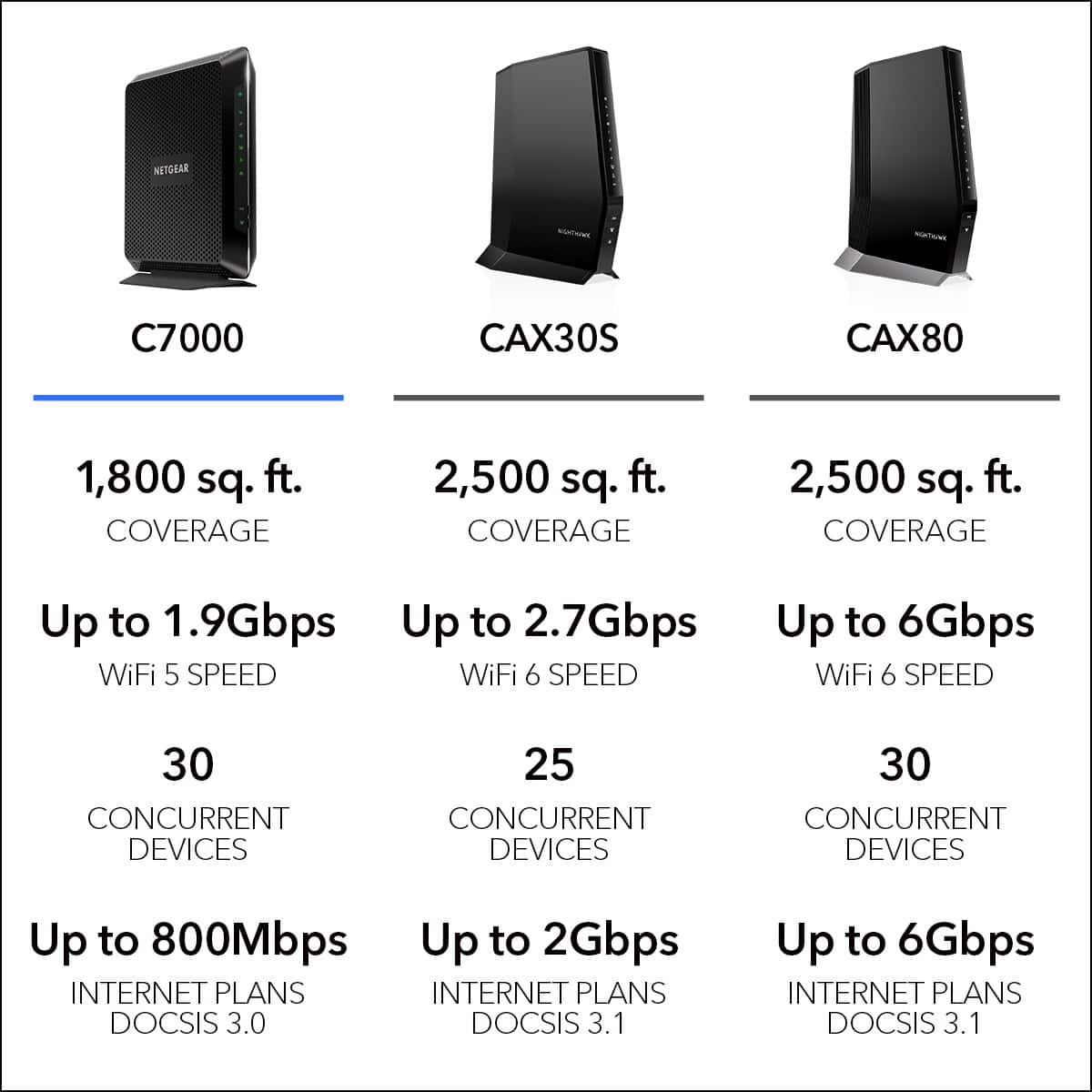
A:AnswerYes we haven't leased a modem in a few years. we just got this one . the one we had before this one, same brand which by the way is a great one. This new modem covers an area up to 2000 sq feet . Make sure you ask how much area your modem covers. It is a necessary question.we really like it. No issues
A:AnswerAccording to the FAQs, it looks like you can: https://support.summit-broadband.com/hc/en-us/articles/360016489153-How-Do-I-Connect-and-Activate-My-Cable-Modem-
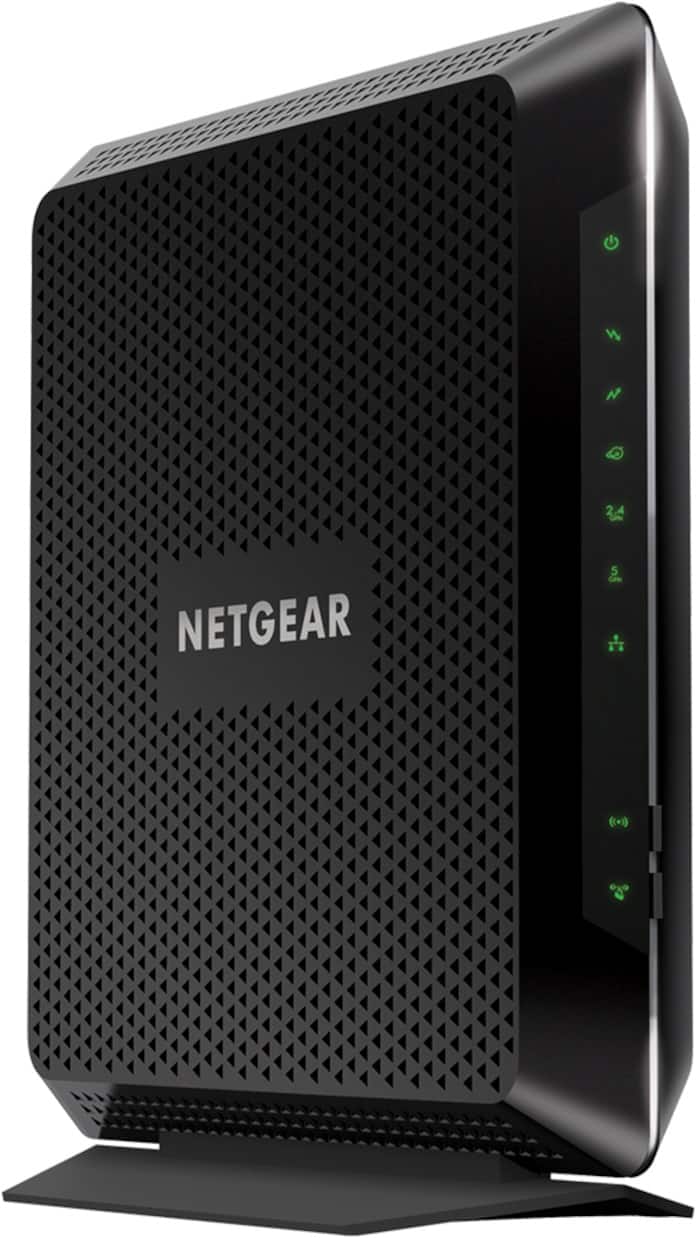
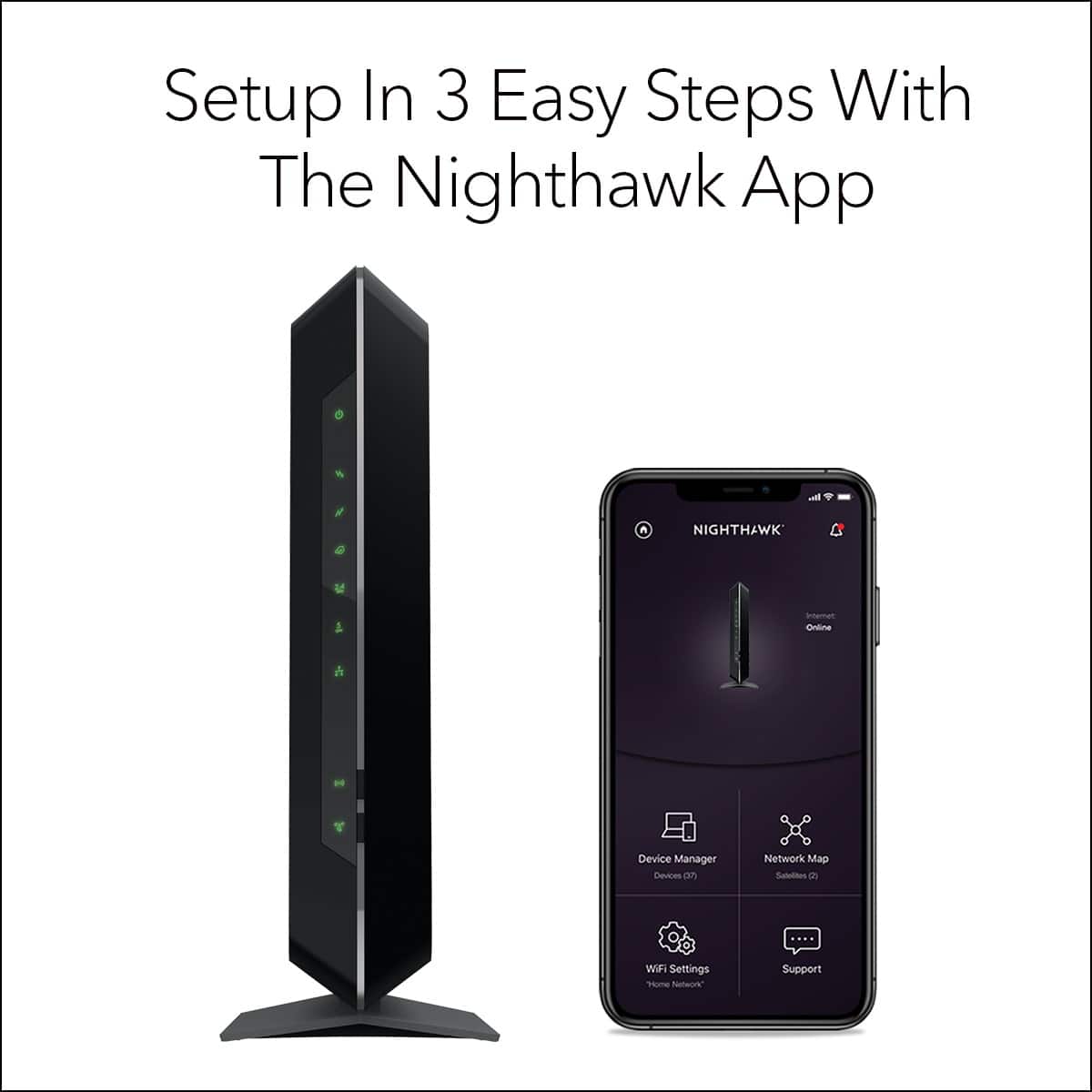
A:AnswerNo that's all yours's. The only thing you have to give the carrier is give them the Modem/Router( Mac and serial number. You can either Keep Netgear's user Name and Password or change it to your own, Also this NETGEAR C7000 AC1900 24X8 CABLE GATEWAY you can also add a line on your Wi-Fi for a separate guest login ( user name and password... to keep yours private. hope this helps. P.S. I love mine, way better than theirs.!