A:AnswerYes, the Nighthawk R7000p works with DSL. You will also need to have a DSL modem that is compatible with your service provider. The Nighthawk "Setup
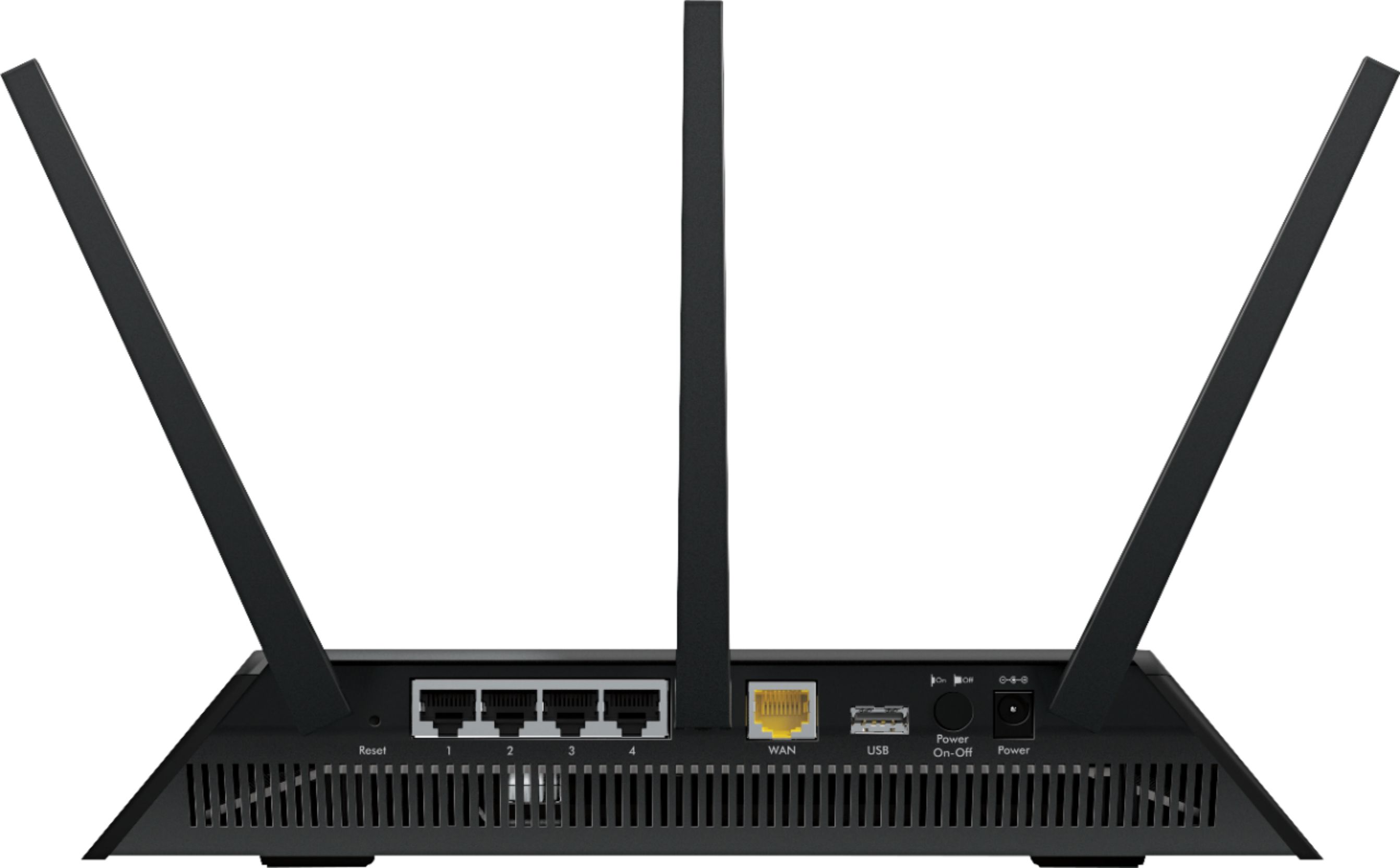
Wizard" did a nice job configuring the R7000p for a DSL PPPoE connection as required by my provider (CenturyLink). If your DSL modem also functions as a router, then you may need to put it into "bridge mode" first prior to connecting it to the R7000p. Custom DSL PPPoE connection configurations are possible using the R7000p's "Advanced Internet Setup" menu.
A:AnswerI have 10+ devices and it works great. We've had Roku streaming, and ipad playing youtube videos and a zoom call all going at the same time and everything worked fine
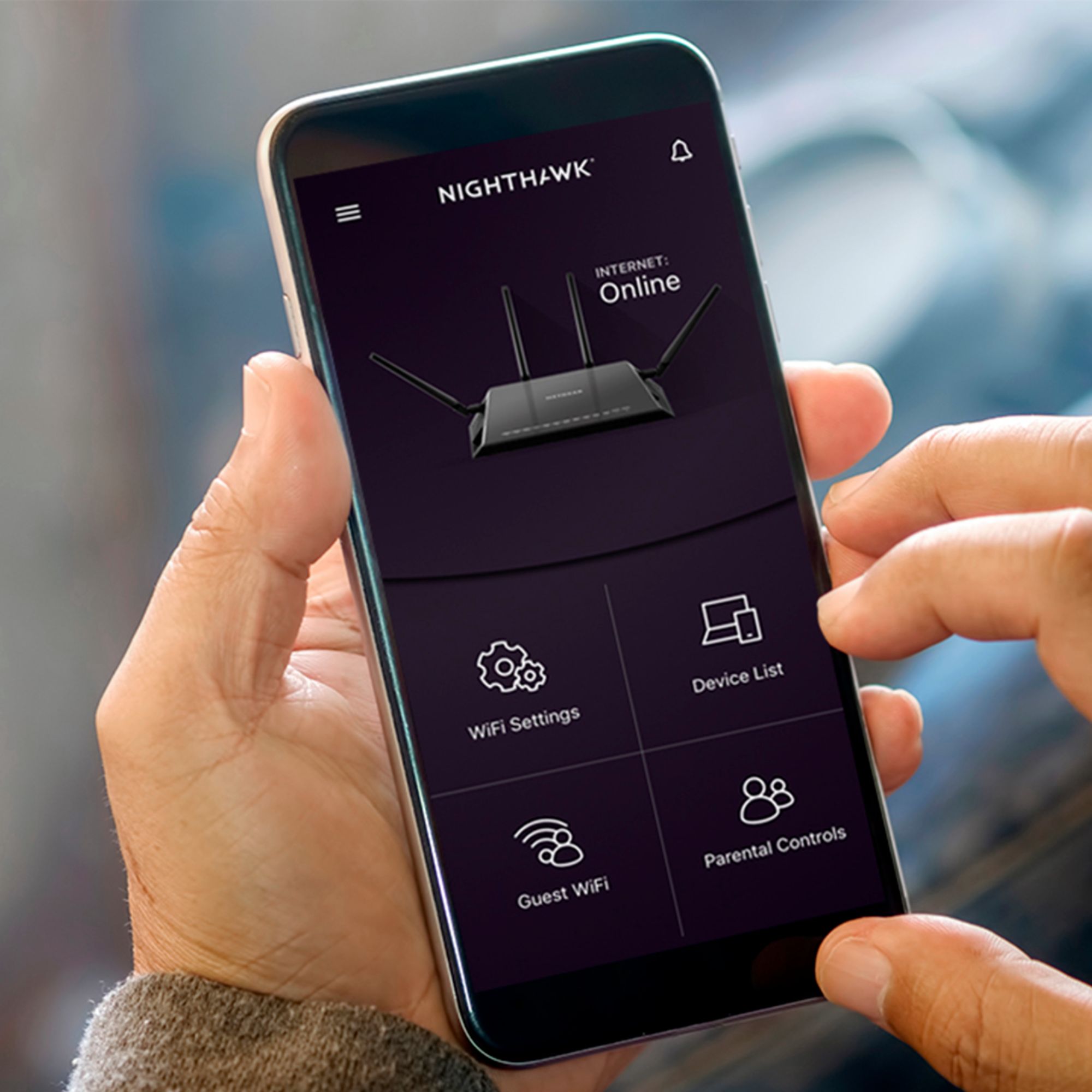
A:AnswerIt's very simple to set up a basic installation. To use more advanced features would require some basic network knowledge but the NetGear app is pretty intuitive to use.
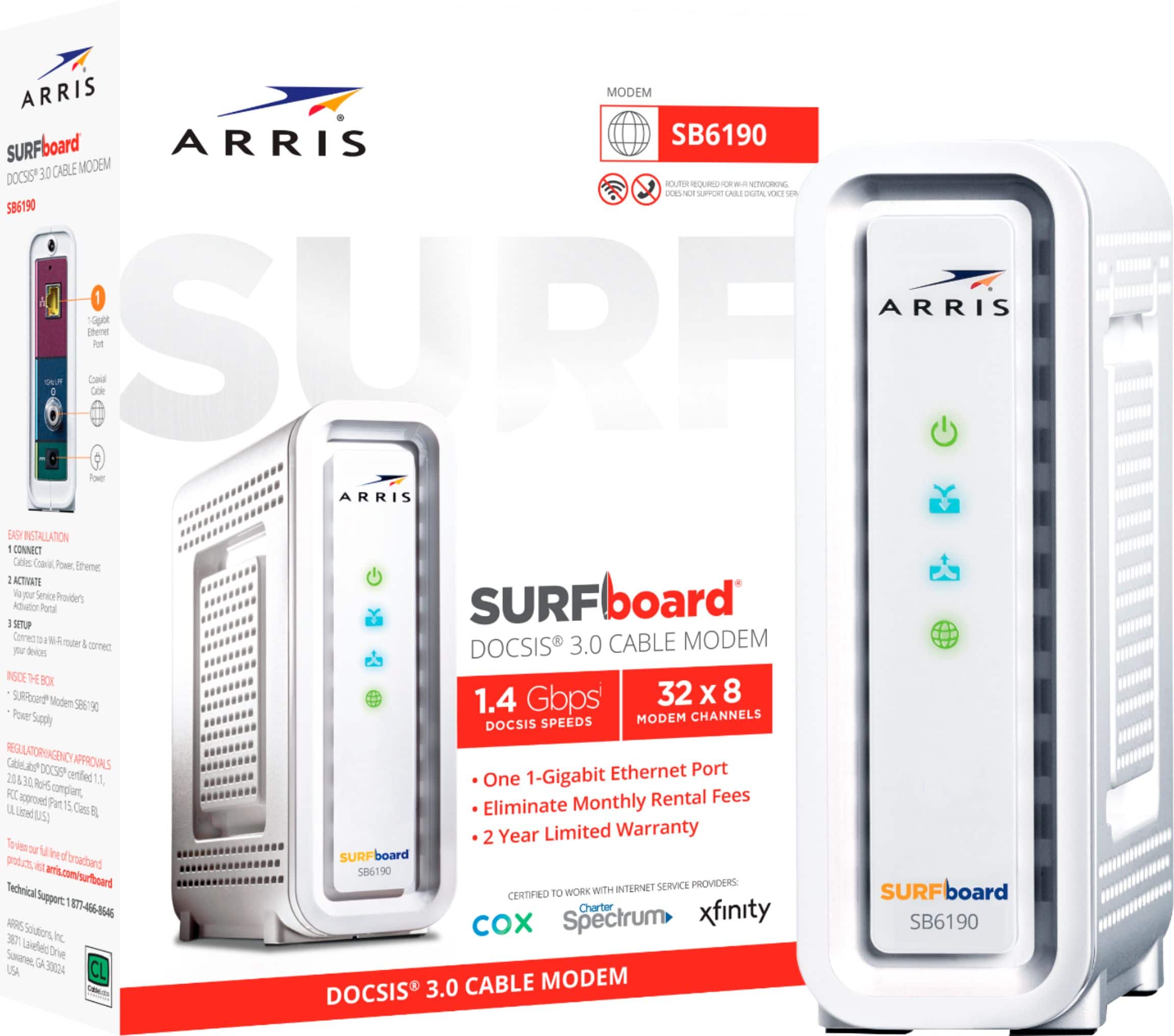
Now if Verizon, like Comcast, uses an integrated gateway (modem and router combined) you will also need to buy a separate modem as well. If that's the case, I bought an Arris DOCSIS 3.0 32x8 modem (32 download x 8 upload channels) and tripled the speed of my internet. The Comcast gateway is 8x4