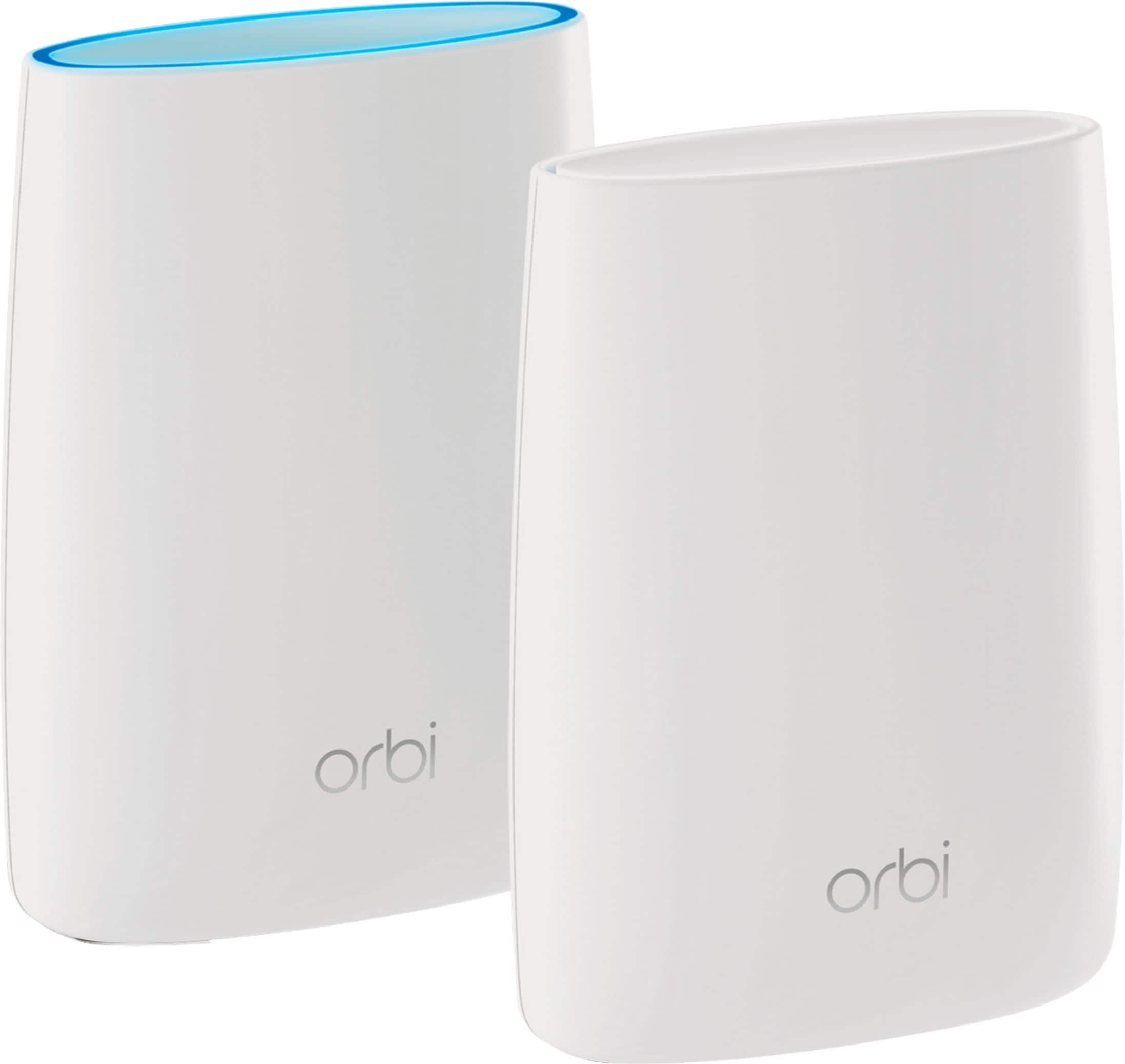
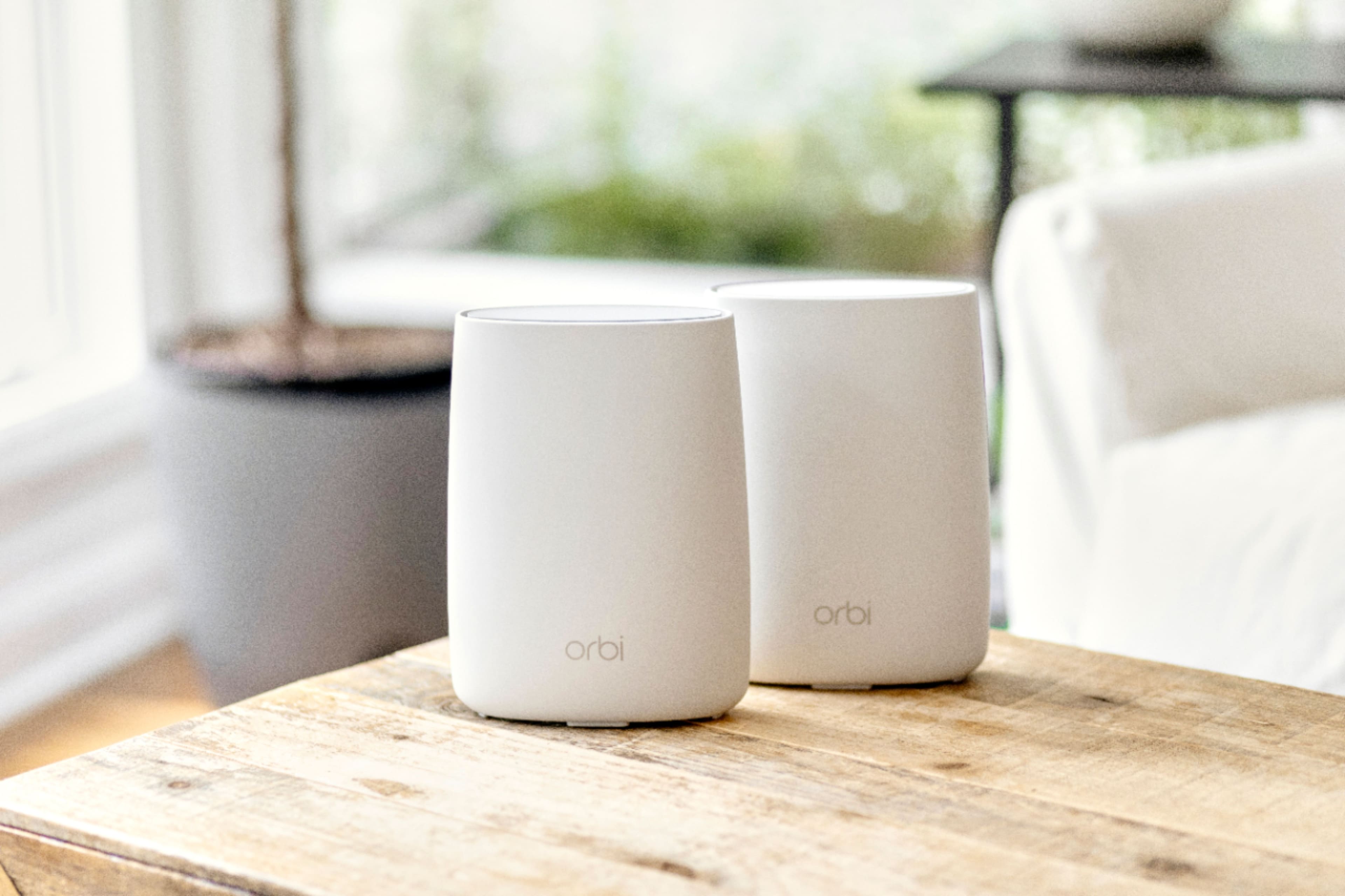
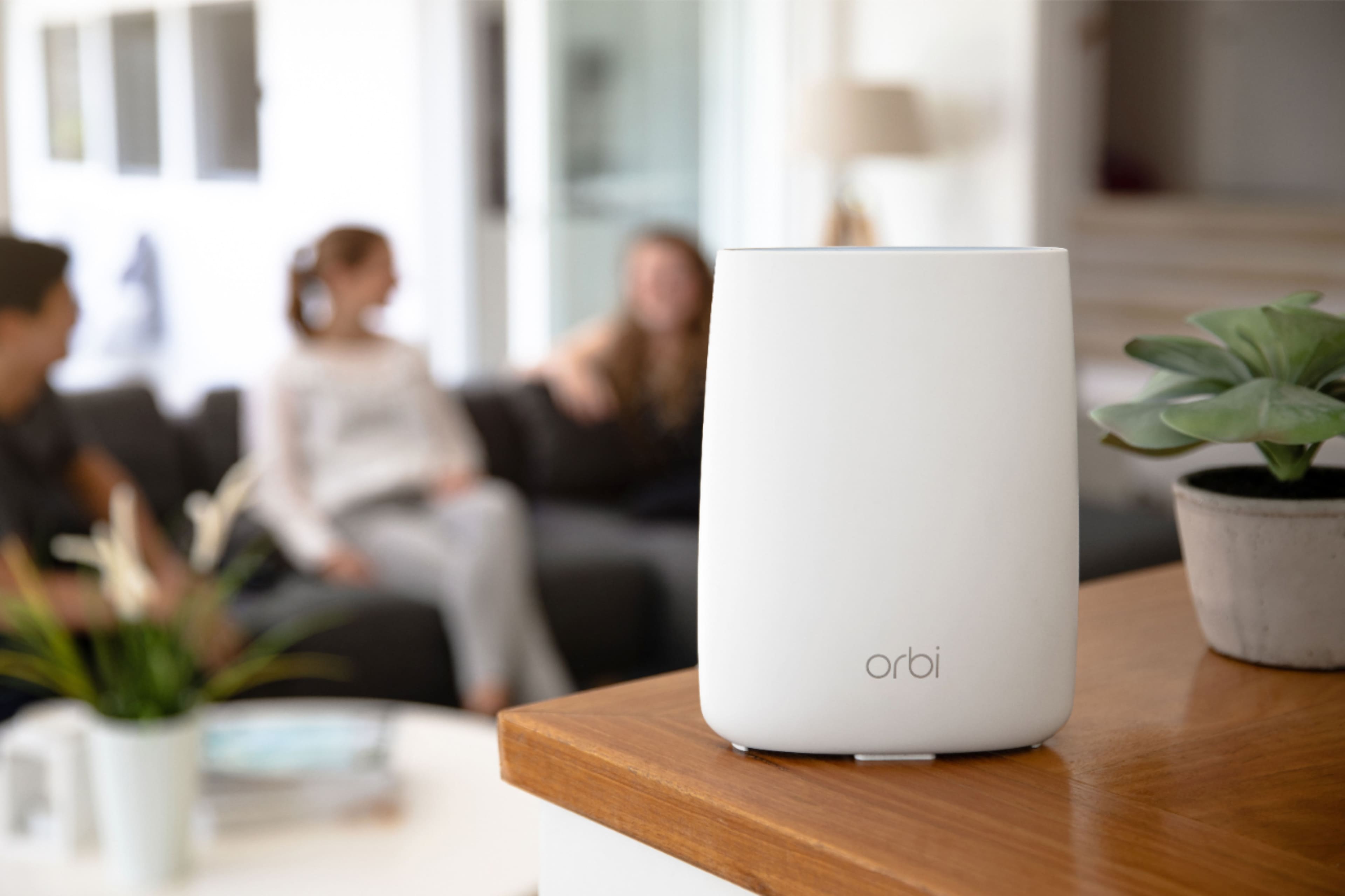
A:AnswerMy AT&T router is in basement of ranch home. Desktop on main floor was sending/receiving about 25 mbps. With Orbi Base in basement and satellite upstairs, went to 60, which is what I pay for. My wifi works at my neighbor's house across the street.
Be sure to read about advanced setting to AP mode; we had “404” errors on several internet sites until I changed the setting.
A:AnswerI had a Netgear extender for my Netgear router which was about 30 feet away from my router but I was never pleased with the results I was getting. So I took the plunge and invested in the Orbi router and one satellite and it is phenomenal. Very pleased with the whole operation and my speeds are beyond belief and consistent. I hope this helps you.
Don
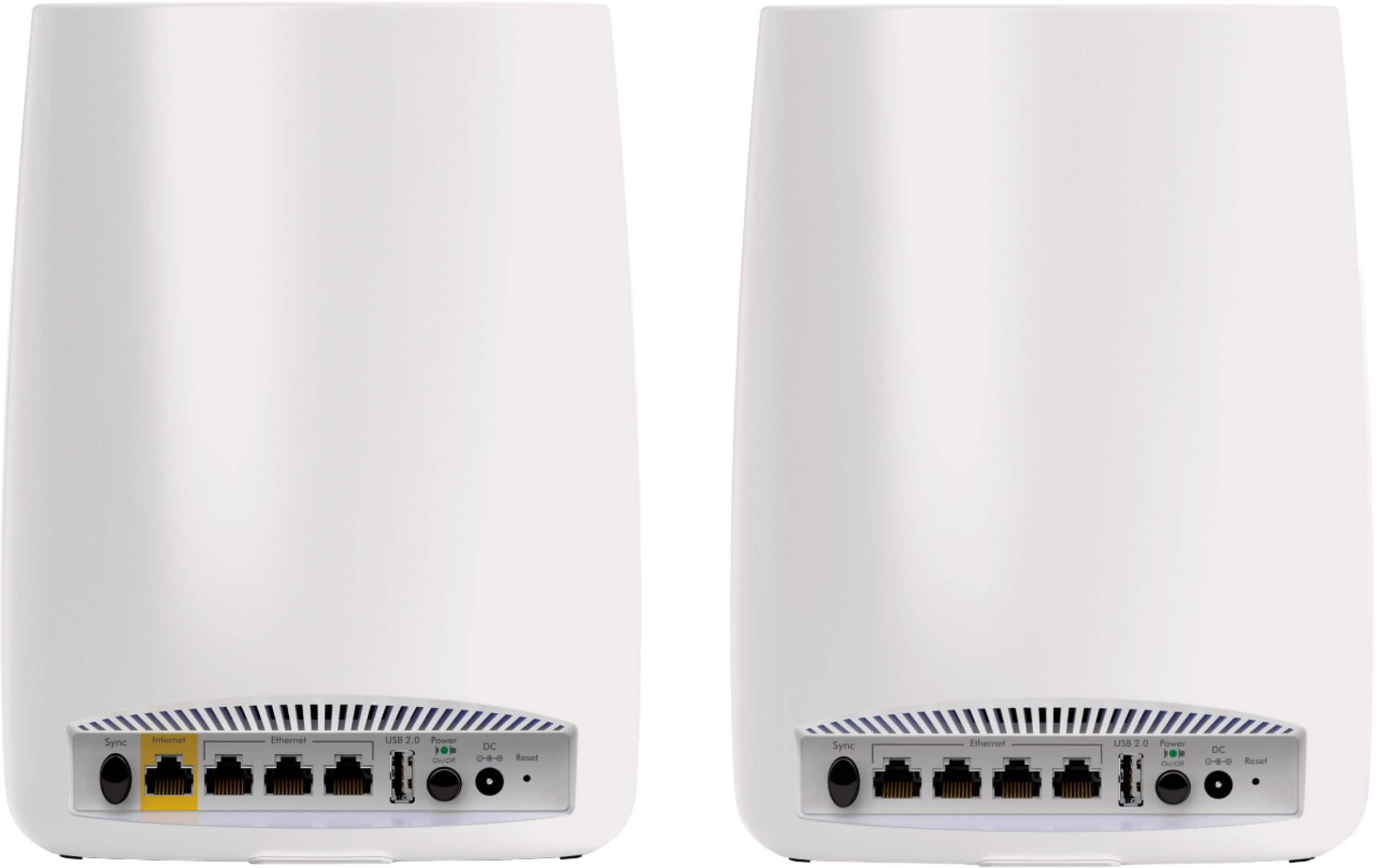
A:AnswerIf I remember my research, you can create a hardwired connection between the master and the slave which would give you a more consistent (and maybe faster) connection between the master and the slave. I, however, use the LAN ports on the slave to connect my smart TV, Apple TV, and internet-capable Blu-Ray player. They work better with and ethernet connection than via WiFi.
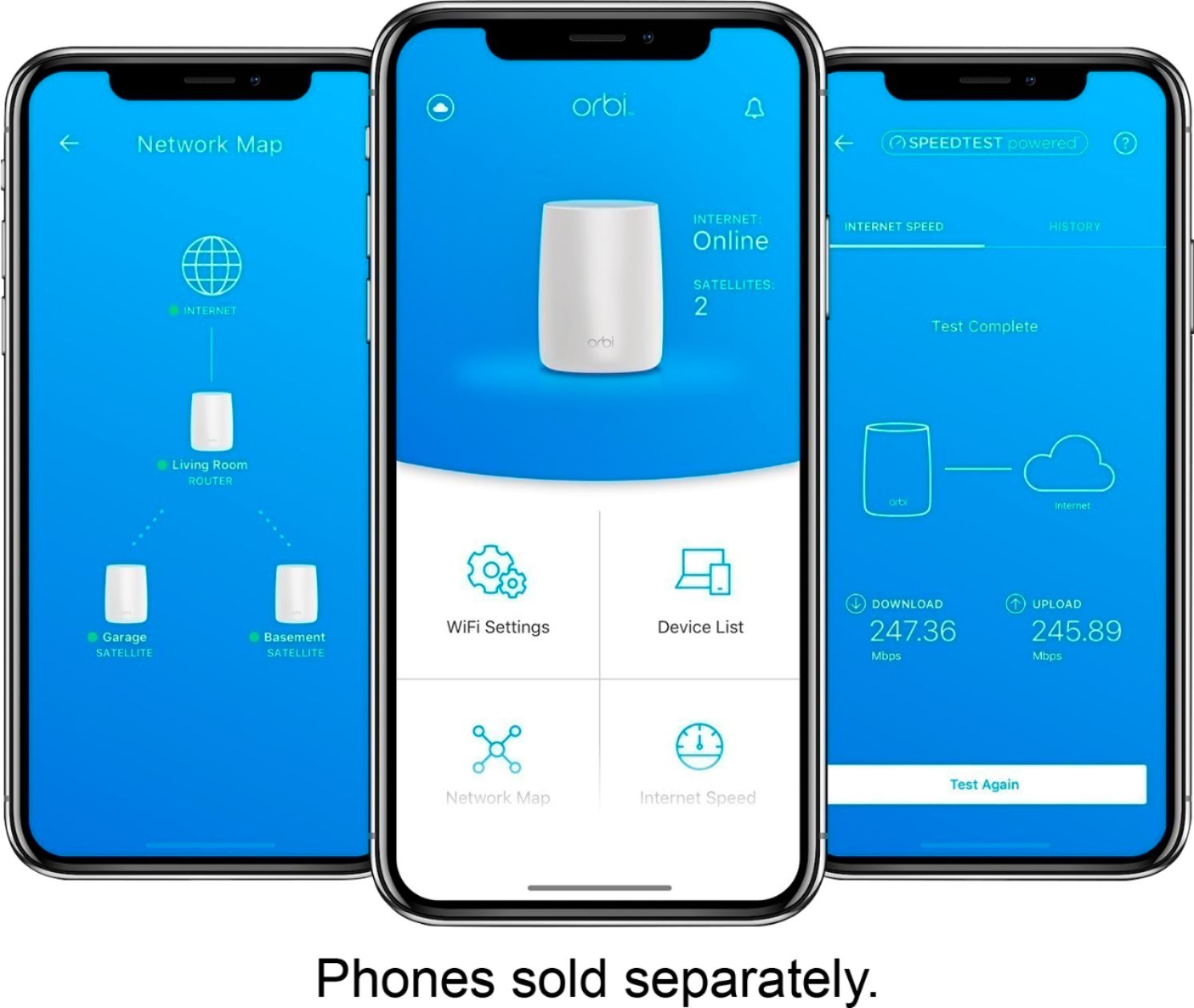
A:AnswerMy internet (Spectrum) is 200 Mbps. I just checked my WiFi connection to the slave, which is 2 rooms away and connected to the base station (master) by WiFi and it was 229Mbps down and 11.2Mbps up. So, no apparent degradation.
A:AnswerAs long as the Centurylink Broadband Modem has an Ethernet on it, you should have no trouble with the Orbi. That's how I am set up.
If the CenturyLink device is a Broadband modem and wifi router then you will need to be a little careful with the setup of the network name and what device will handle the DHCP network addressing.
For my situation I have a different network name on the Comcast Wifi router/modem than the Orbi. The Orbi is connected to the Comcast router with an ethernet cable. Both provide network addressing for their respective networks.
A:AnswerORBI is not a standalone wifi. It will only enhance the amount of speed/pipe you have coming into the house from your provider and give you that speed throughout a larger footprint.
A:AnswerRun the speedtest.com and you will see the difference. For that reason I am very confused. I’m about to think that the orbi (maybe I’m wrong) is designed to give you more than 225 Mbps when speed test (they orbi app) is ran. I hope this help......