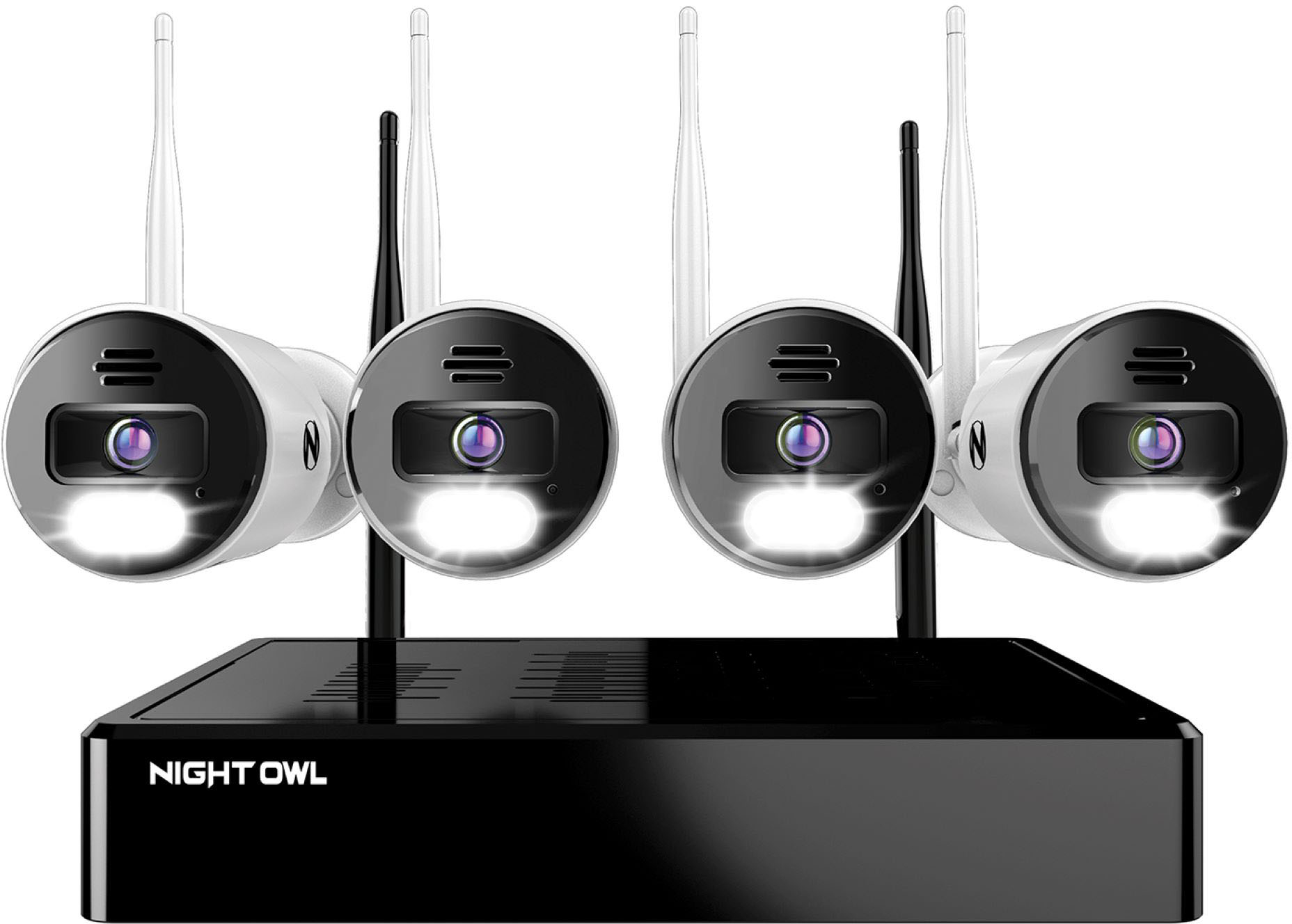
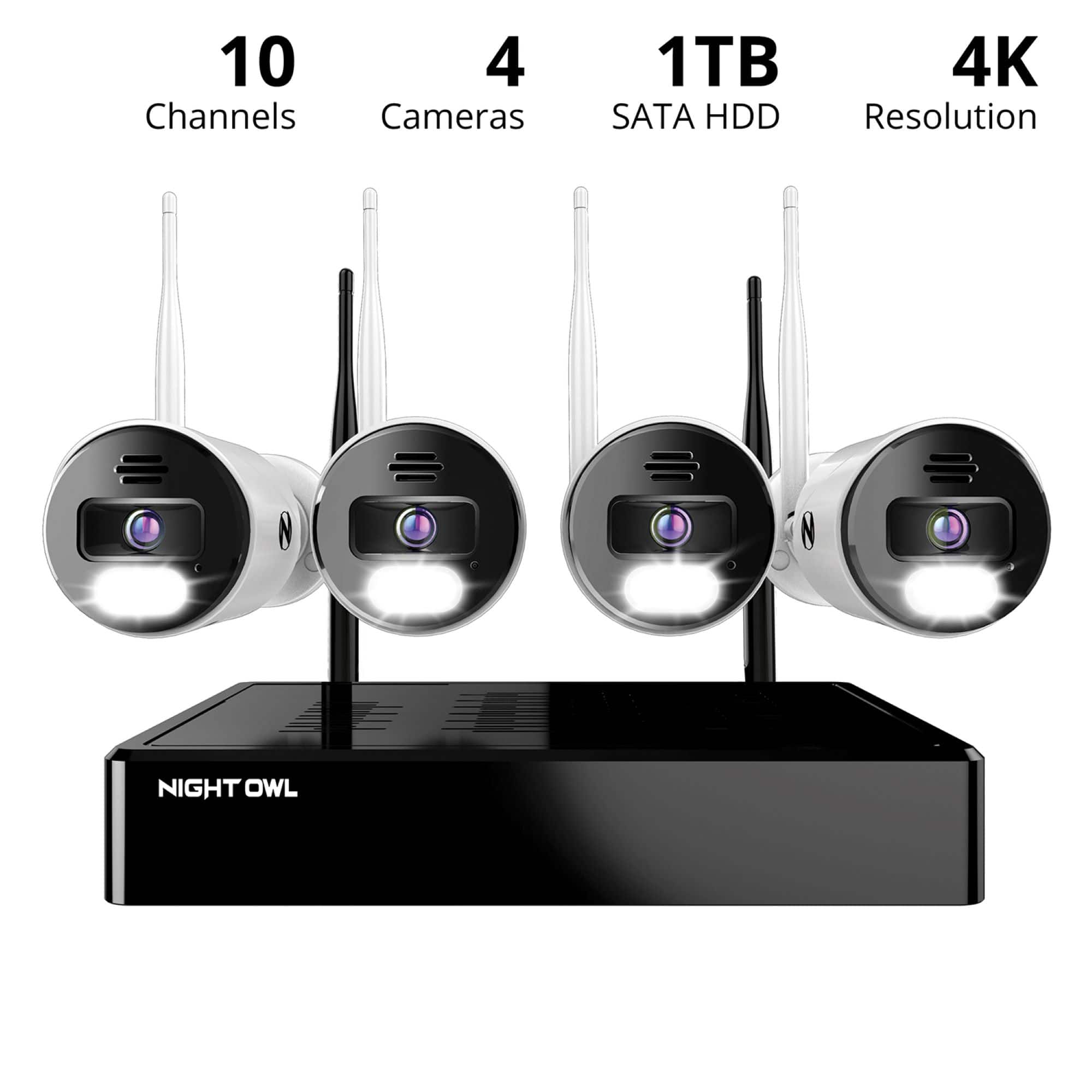
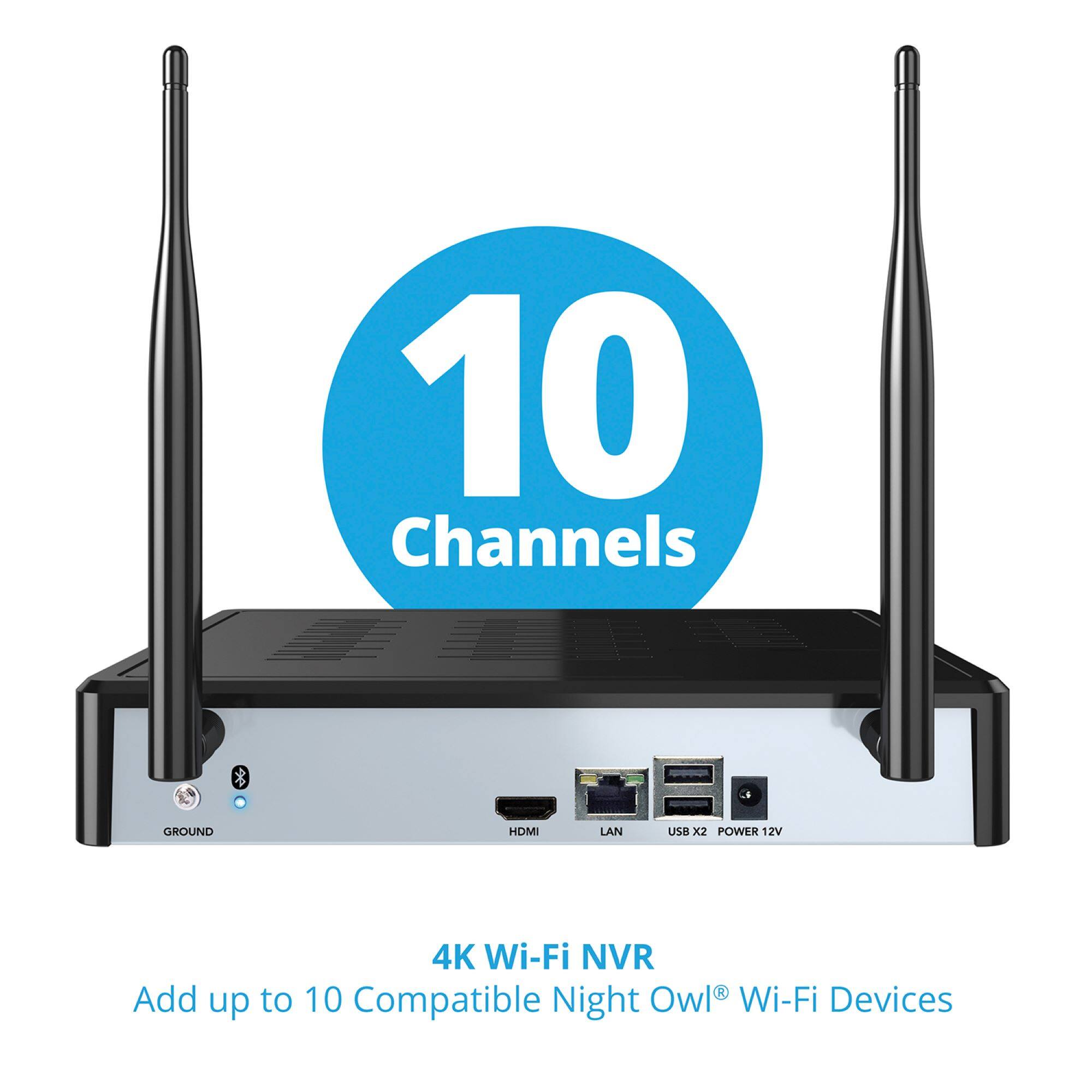
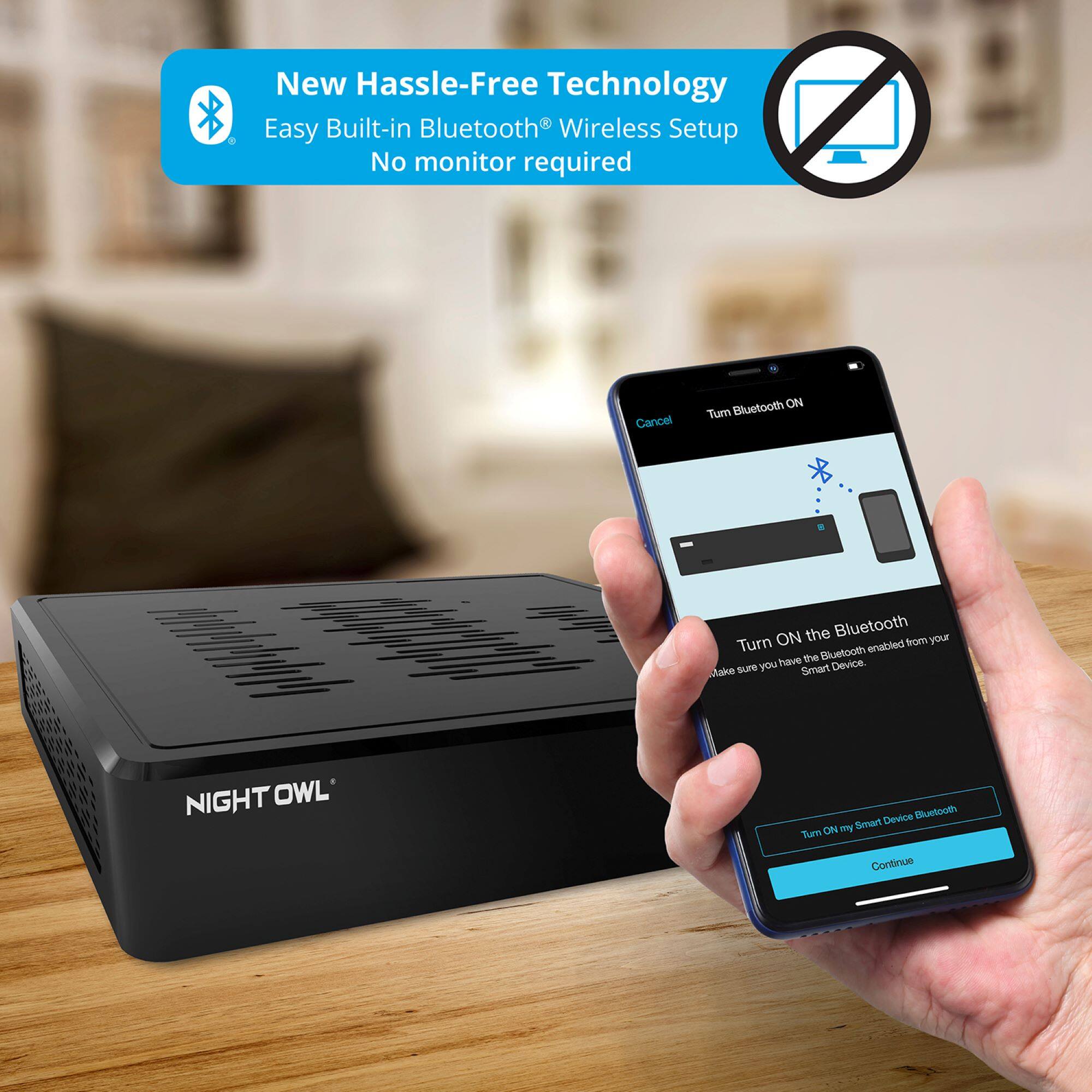
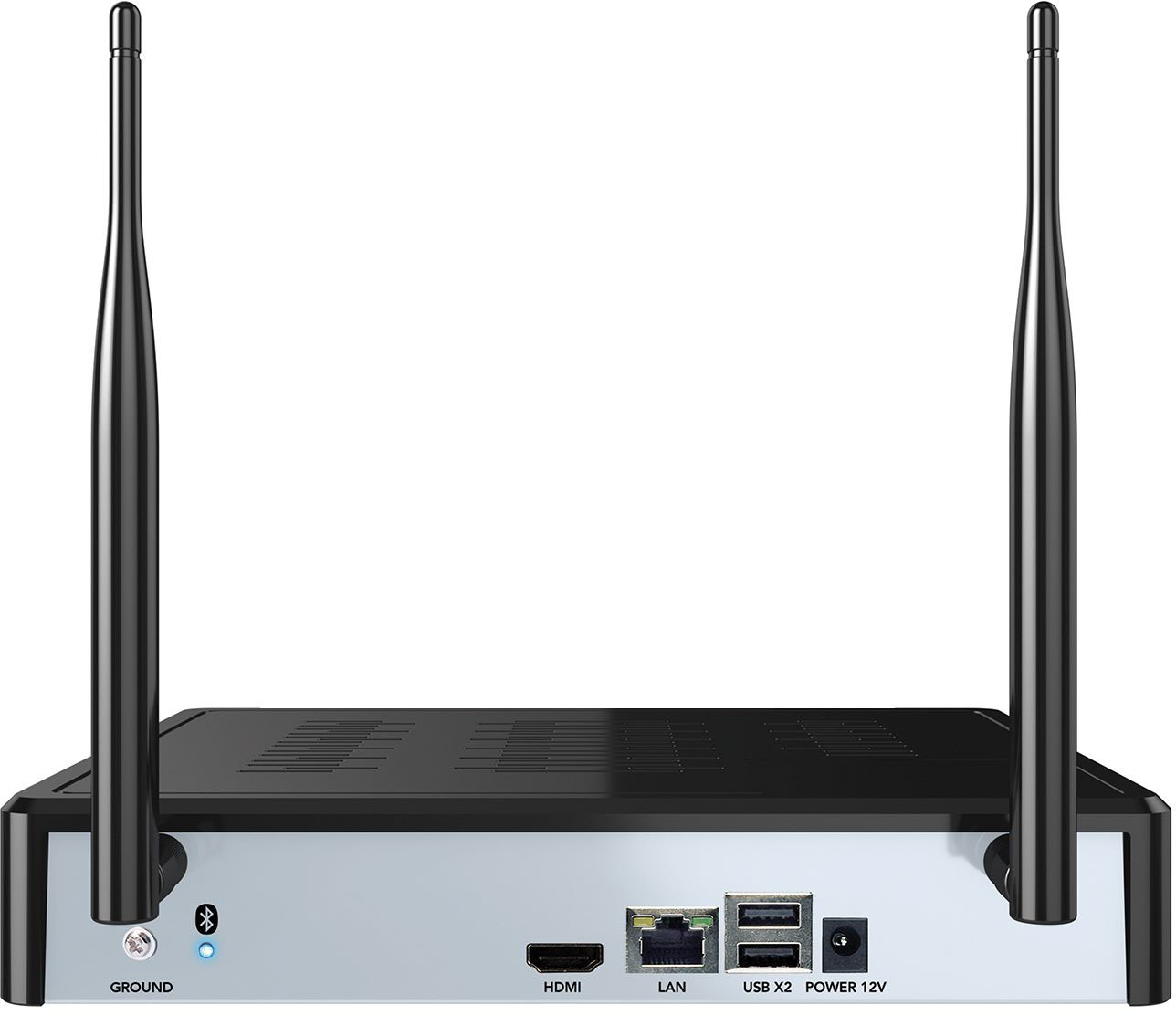
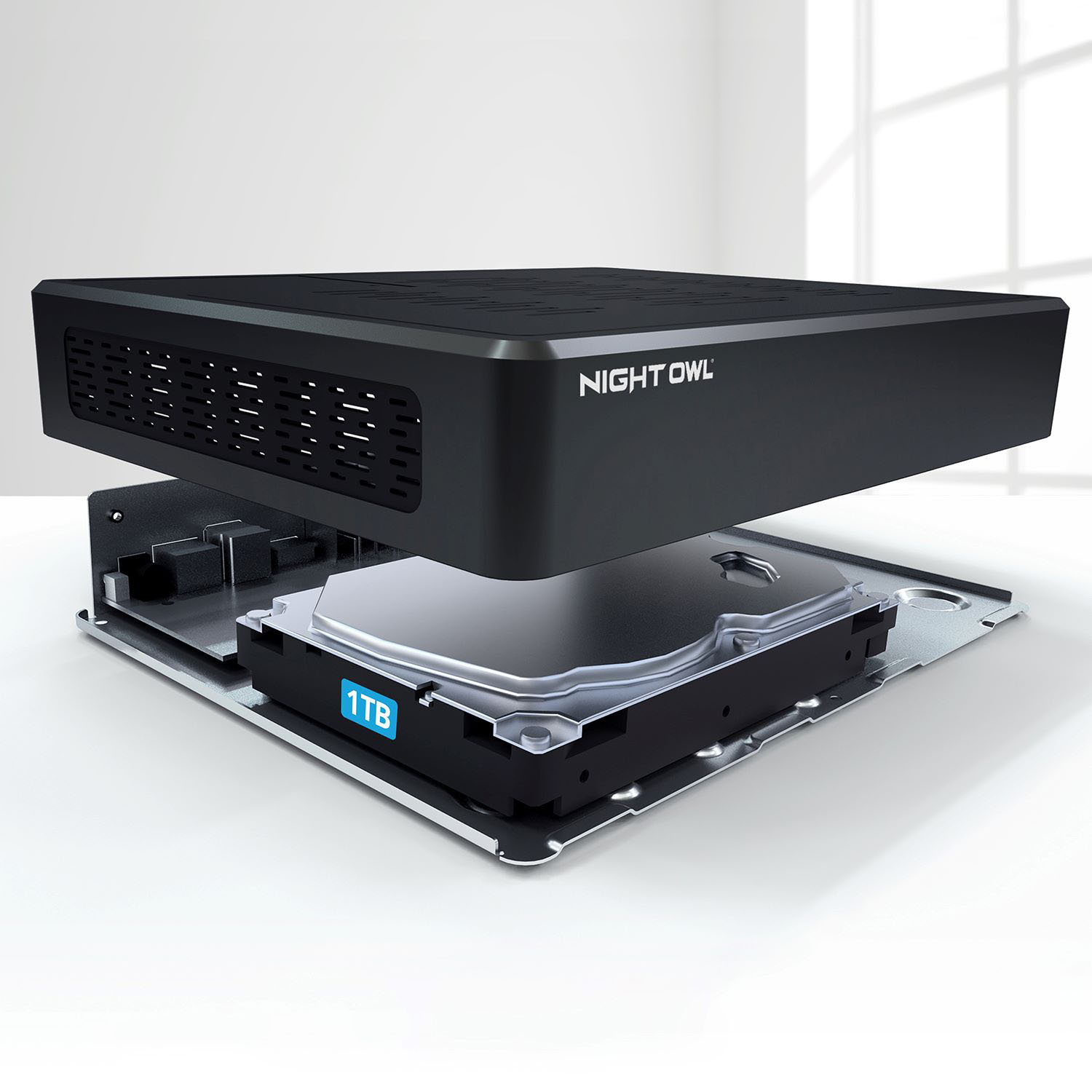
A:AnswerHi Friendo. If the monitor is a minimum of 1080p resolution and has an HDMI input then yes. You can connect the Wi-Fi NVR via HDMI to the monitor for 24/7 live viewing and access. Thank you.
A:AnswerHi Tony. We are sorry to hear you are experiencing an issue with your Night Owl product. Unfortunately, the issue you are having requires troubleshooting by our technical support team. We do provide easy to access troubleshooting material on your products support page at https://support.nightowlsp.com/hc/en-us. If you need additional assistance, simply use the Contact Us link to reach our technical support team. Please ensure your device is running the latest software version to access phone support. We thank you for choosing Night Owl.
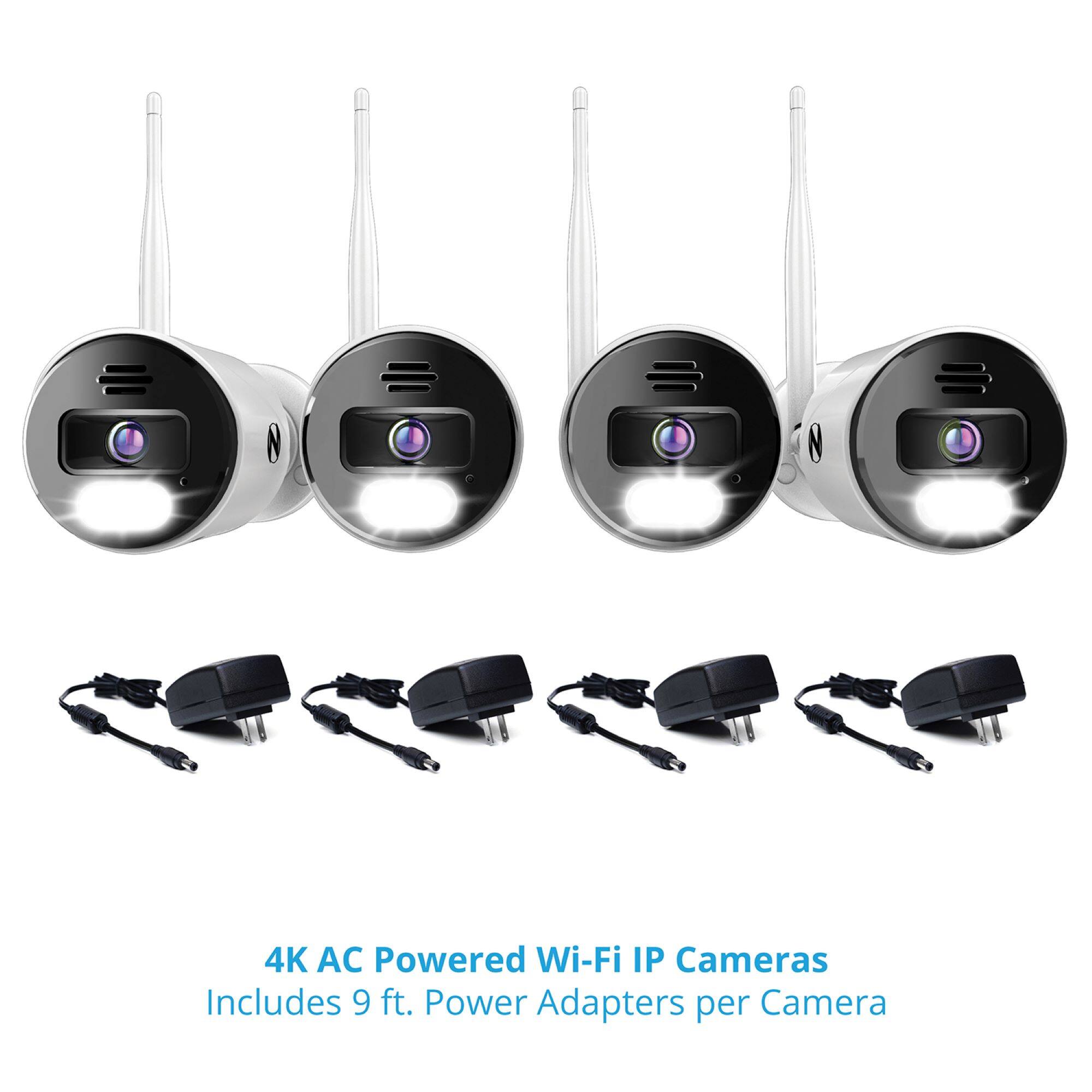
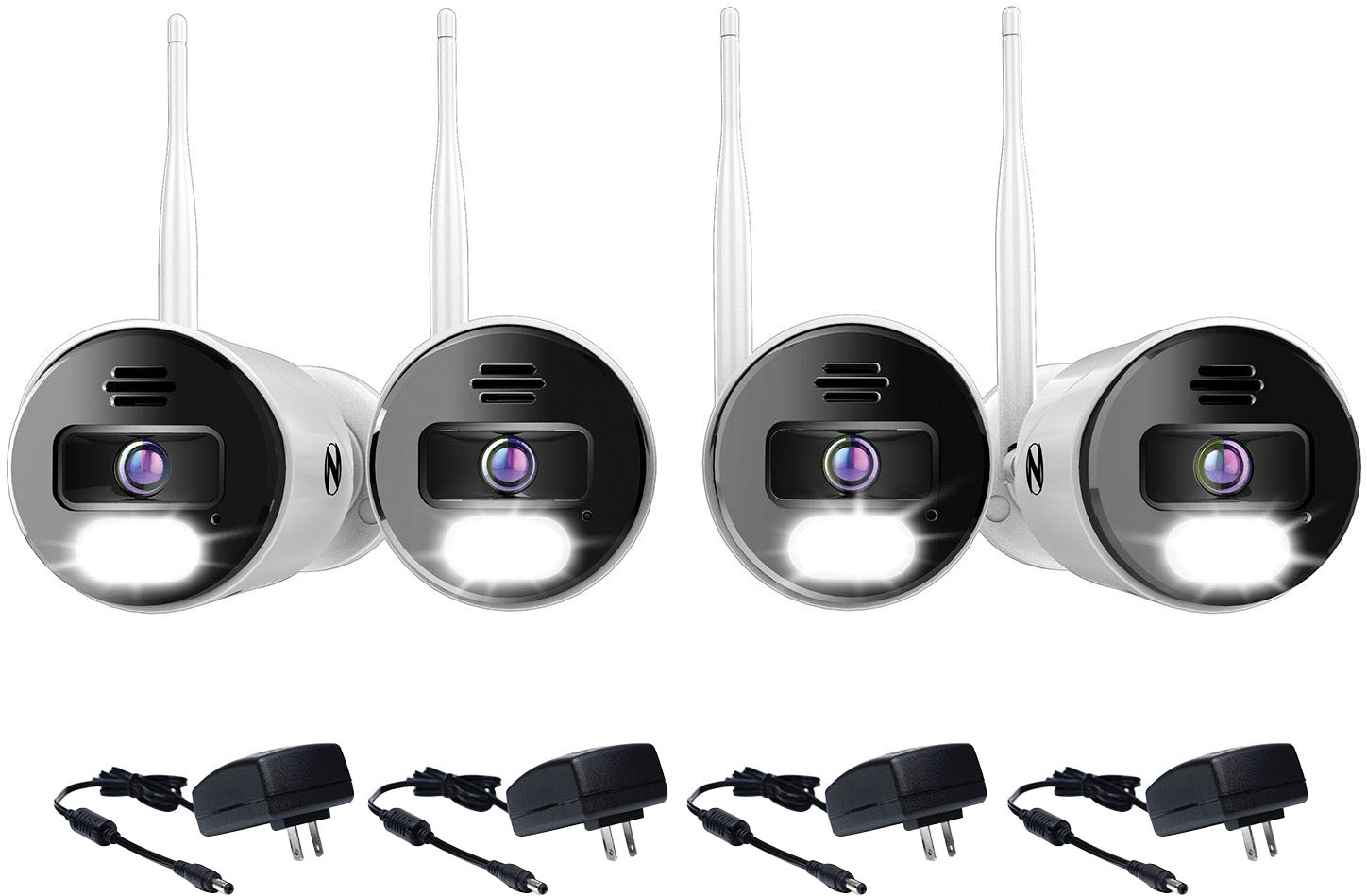
A:AnswerThe adapter cables are about 9' long.
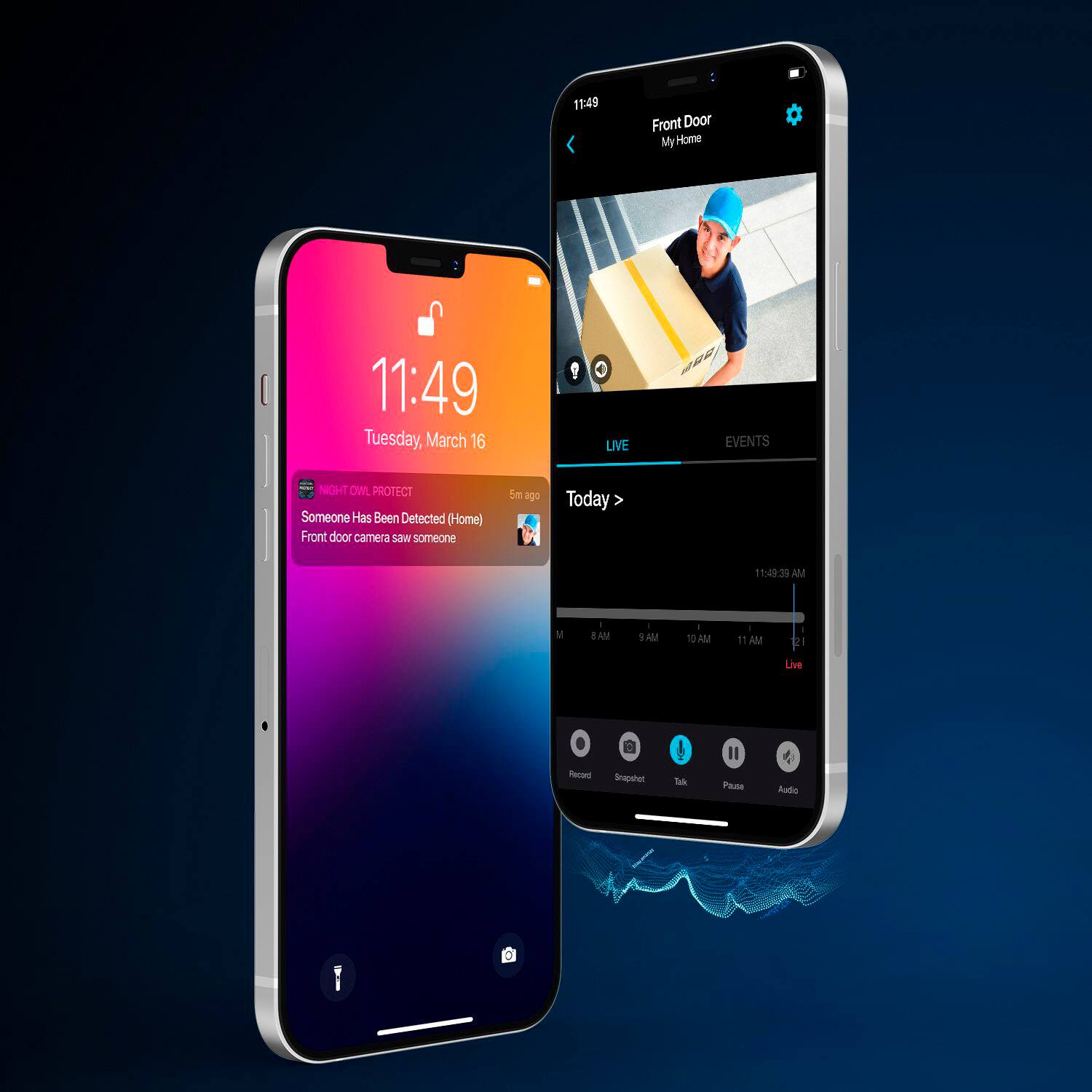
When you are recording 24/7, when an event is detected, the timeline is marked to indicate that. In other words, when you look at your timeline, you can see at a glance at what points the events occurred. You can view 24 hours, 1 hour, or 30 minutes at a time.
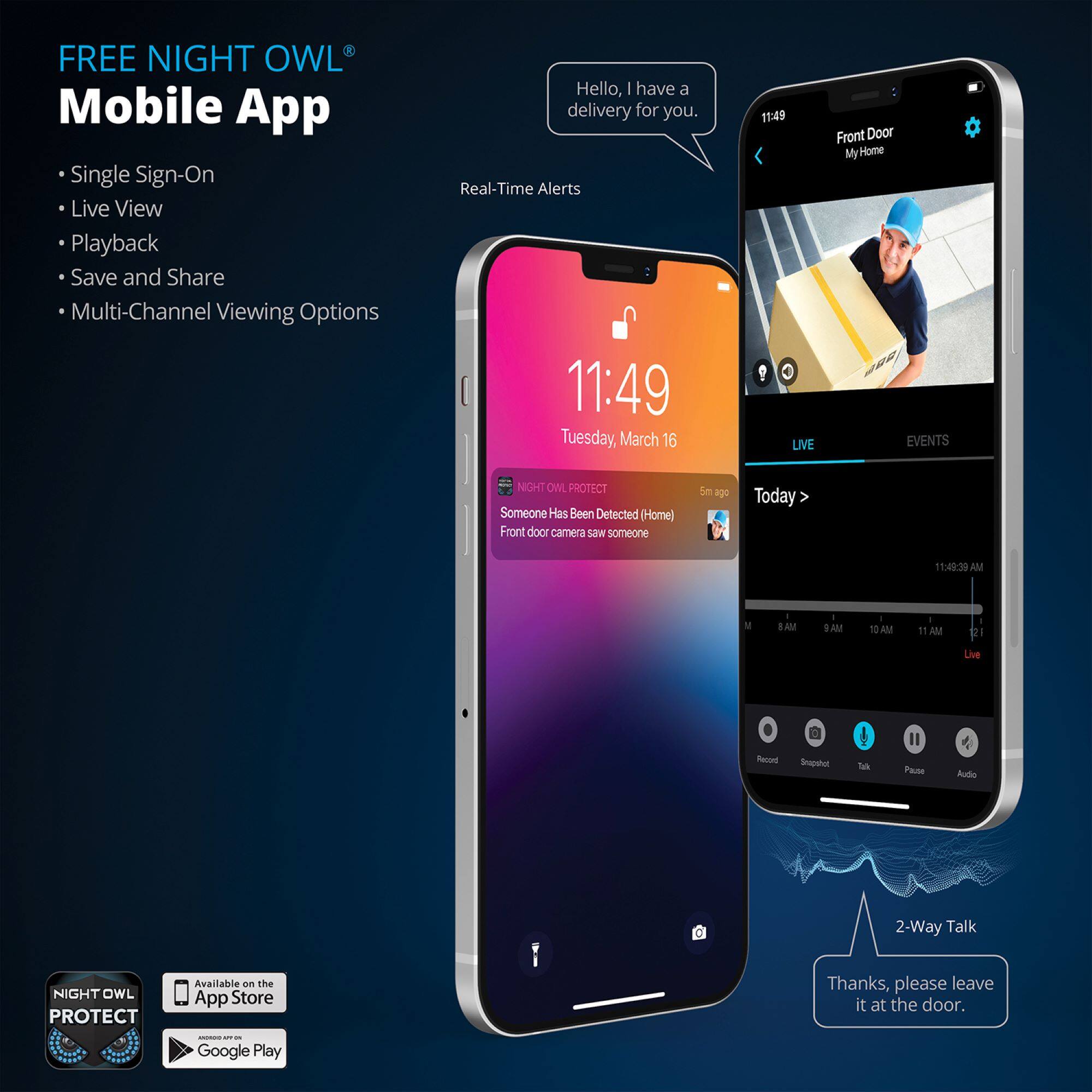
A:AnswerCameras can be viewed remotely using their mobile device app, but you can't share streams as you can with Nest cameras. There is also software you can install on your Windows PC/Mac, but I haven't had good luck with that. I only had an Arlo setup for a day and returned it because I was unhappy that there is no way to view locally stored 4K video without removing the SD card from the base station.
A:AnswerUnfortunately, Night Owl is not able to guarantee compatibility with any 3rd party brands or software. We can only ensure that our products will function with compatible Night Owl products, when used as intended. We apologize for any inconvenience.
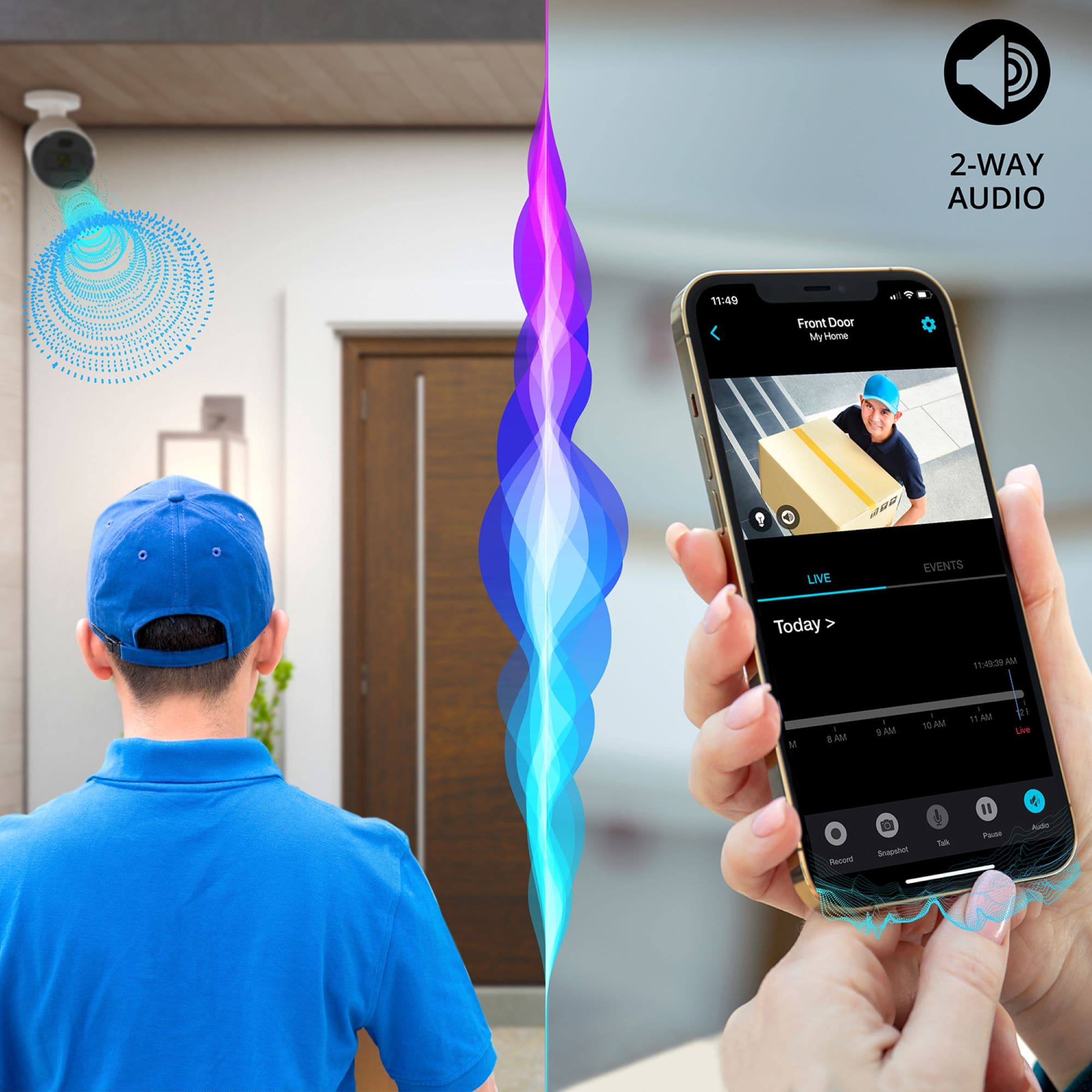
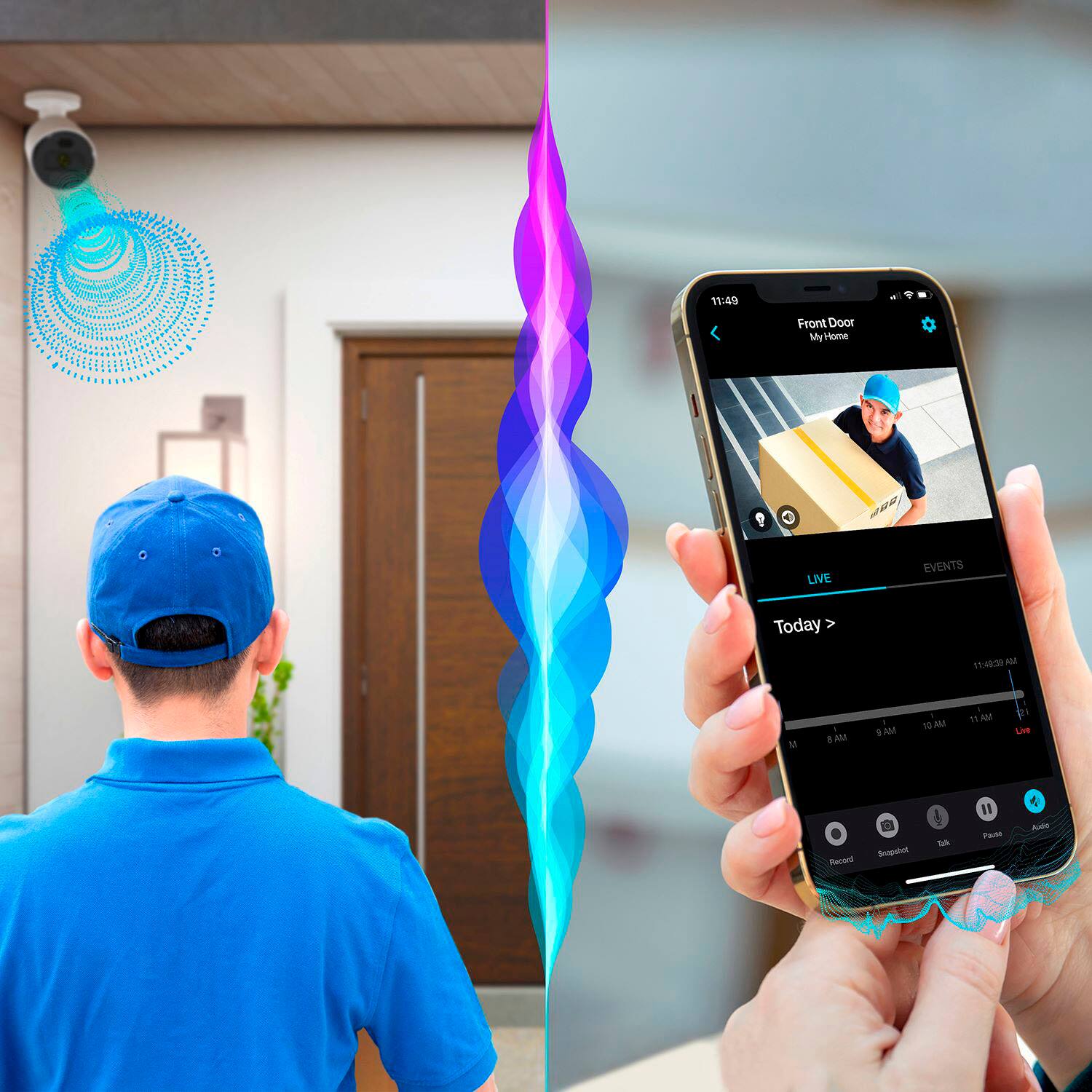
A:AnswerTo your first question, yes, if a person is within the detection range of the camera and they are speaking, the camera will detect that audio and audio will be part of the motion recording. To your second question, no, audio alone will not trigger a recording. Thank you!
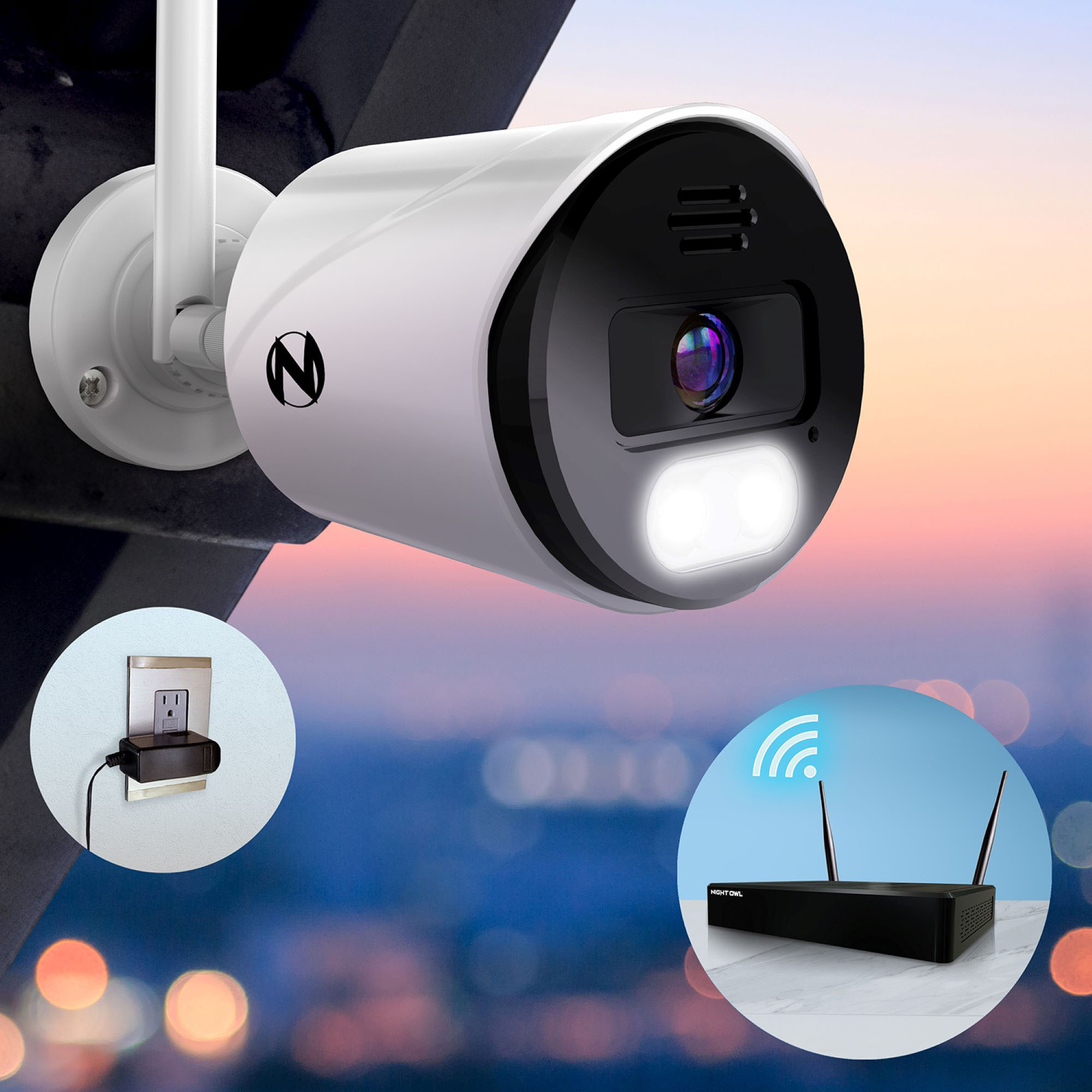
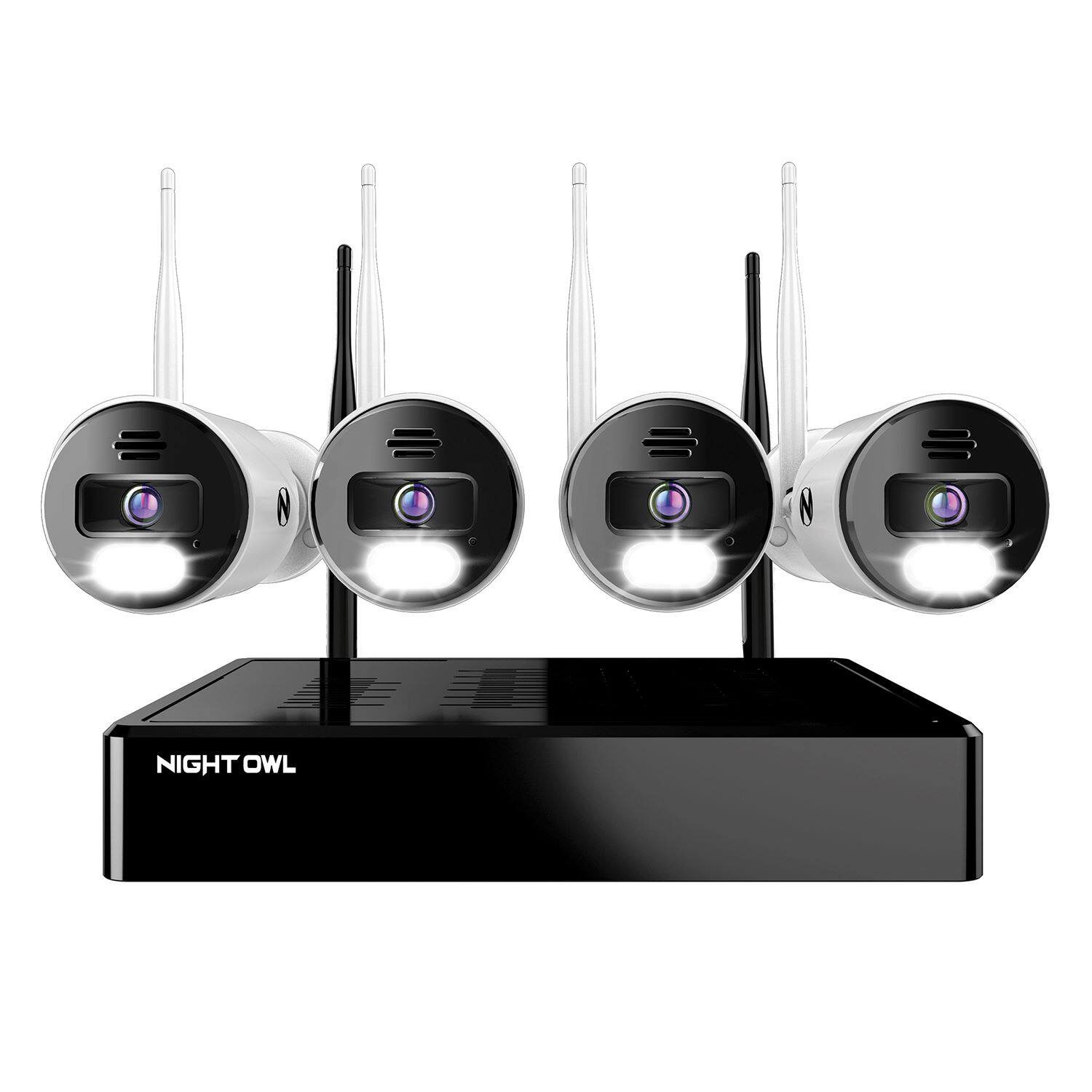
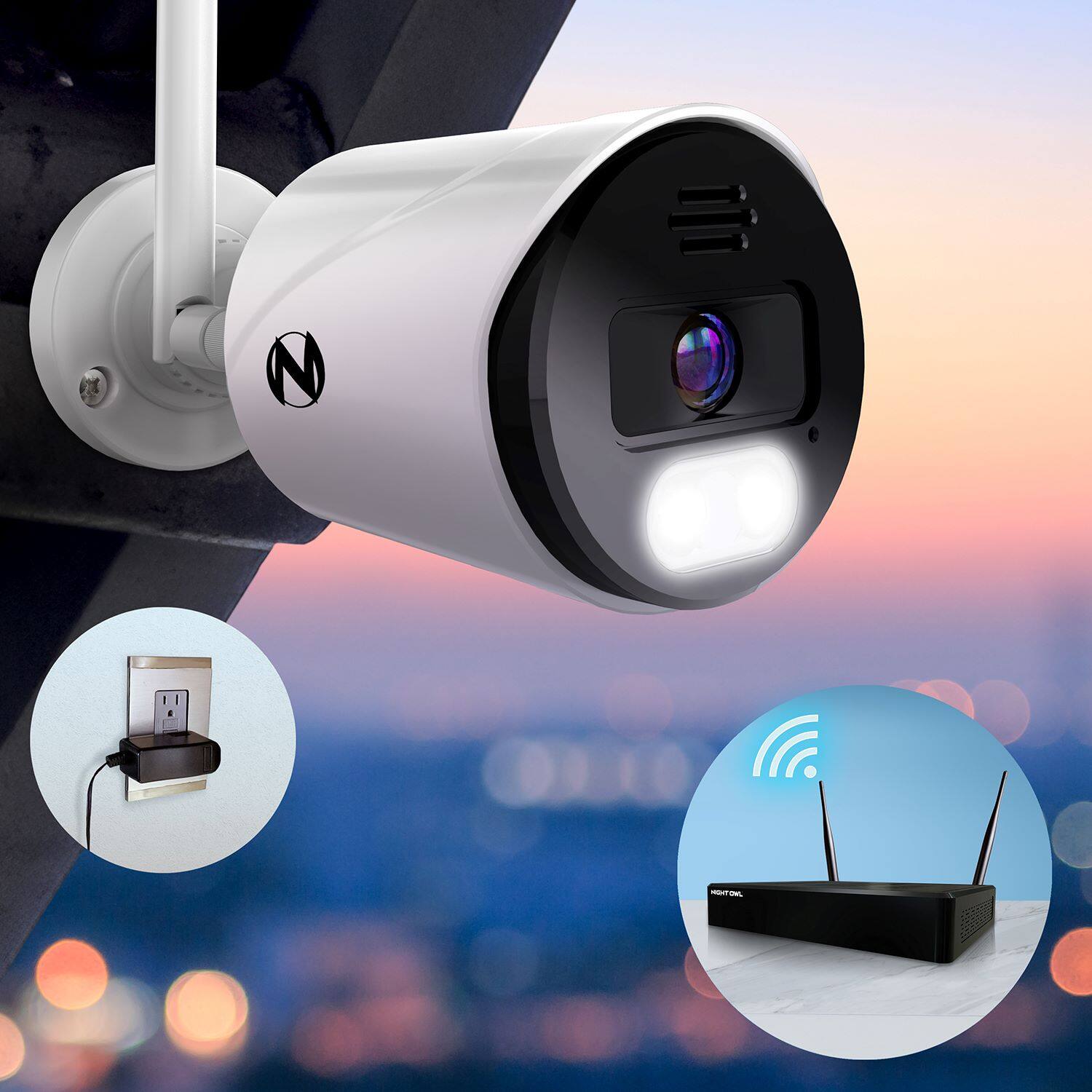
A:AnswerHi Tom. Each camera comes with its own camera power adapter and must be connected to a power outlet. While not included, we do sell wire free cameras that can be added to this Wi-Fi NVR as well (up to 4 total). Please view the link below for more information. Thank you!
https://nightowlsp.com/cam-bwnip2lbu-b.html
A:AnswerNo to both questions. This system does not do "2-way video and 2-way audio". D-Link 5222L and MIPC cameras work better but not as good resolution as this system.
A:AnswerTo my knowledge you cannot use your computer. They don't tell you that you should have a monitor set up with the DVR/NVR. I was lead to believe you can use your phone for everything. Be careful.
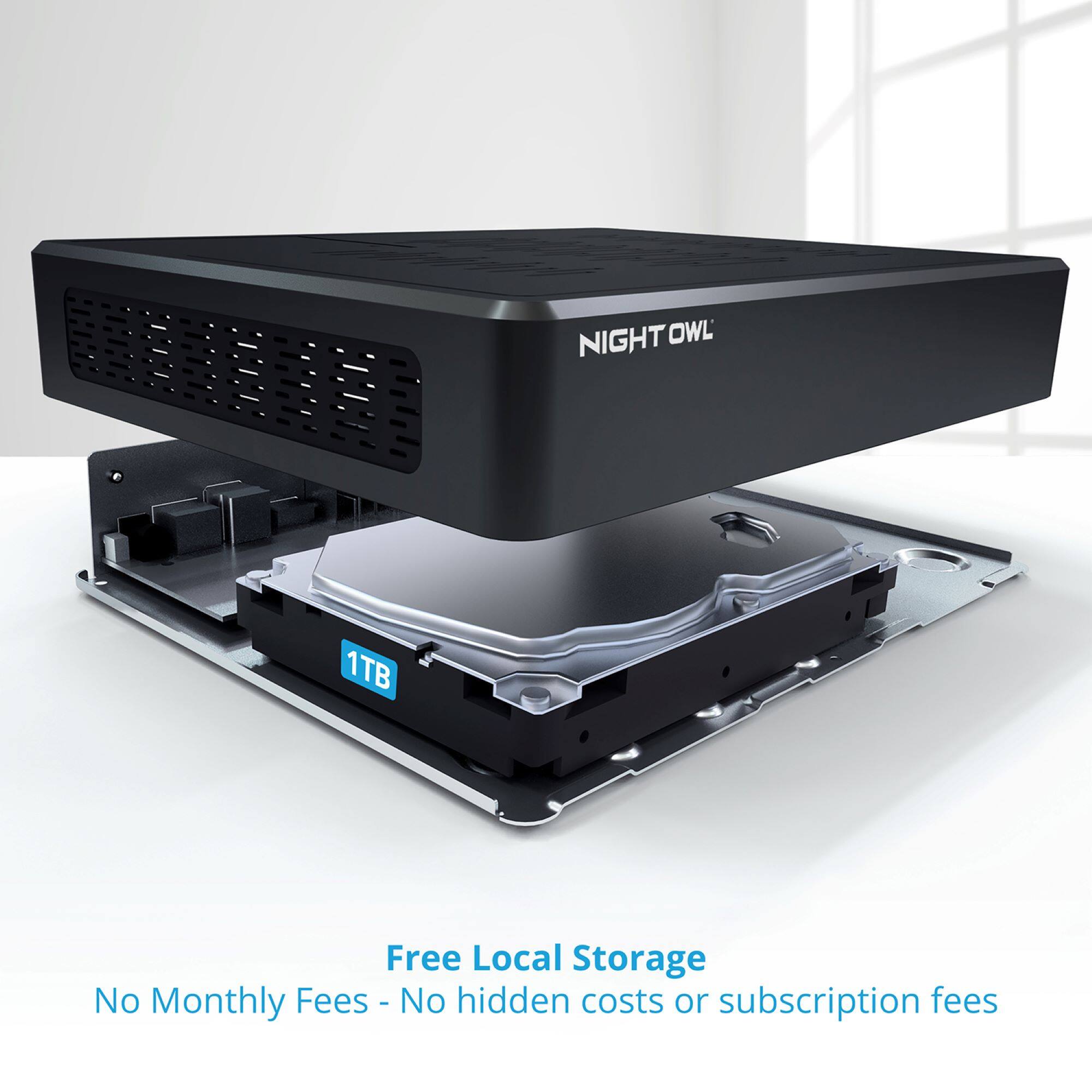
A:AnswerHi JP. The recording FPS would be 10 to 12. We reduce the FPS for recording to help conserve hard drive space. If a human motion event is detected, the FPS is increased. Thank you for the question!
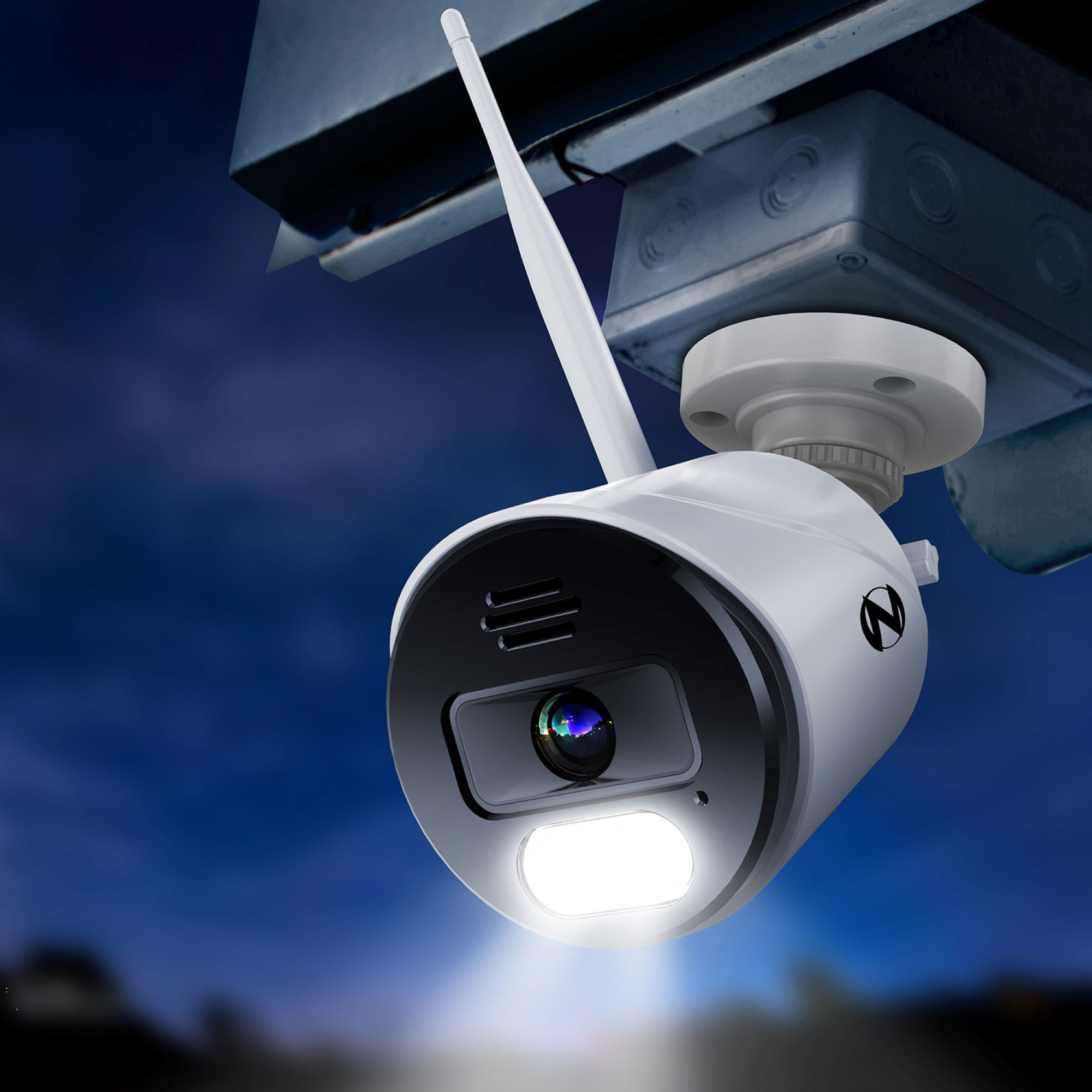
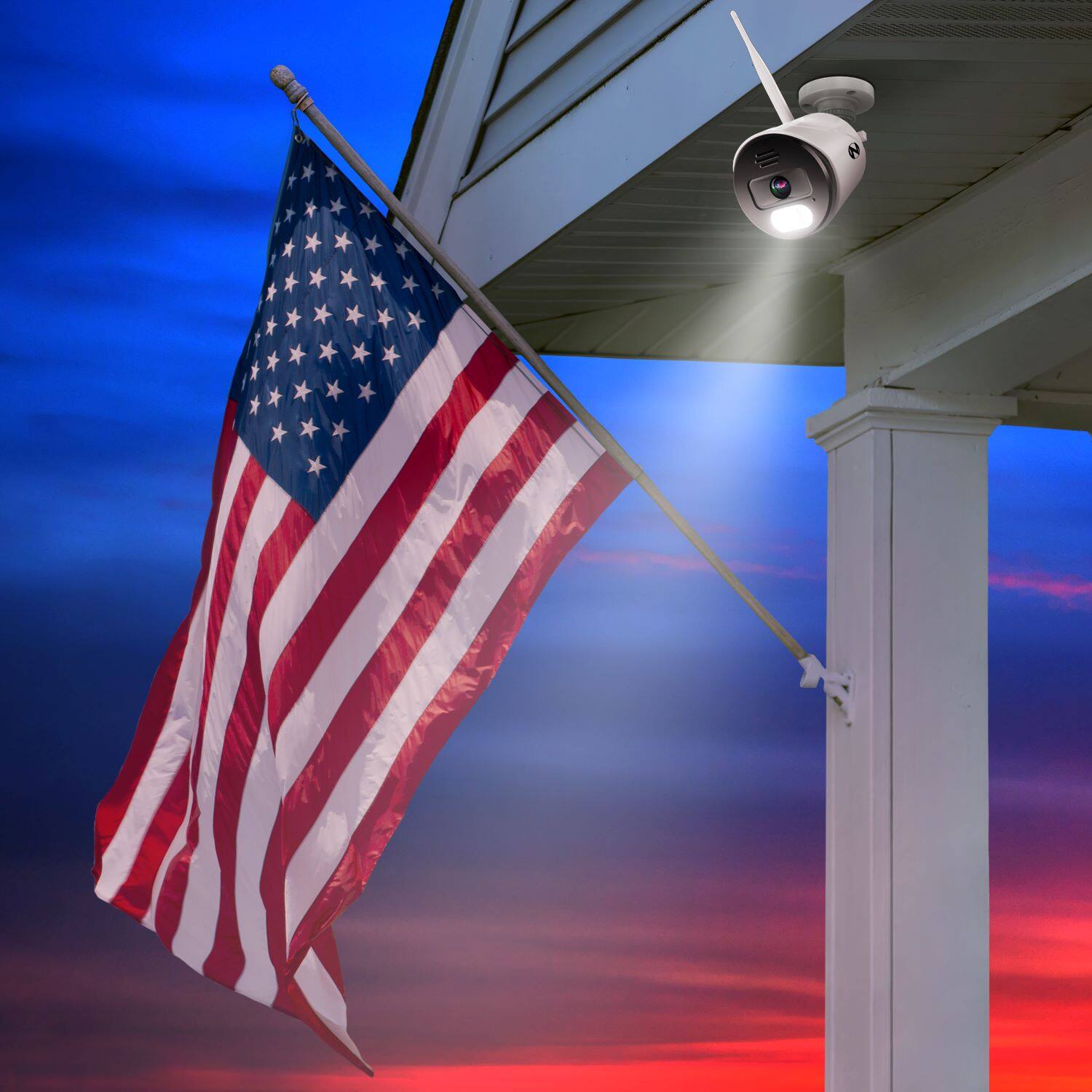
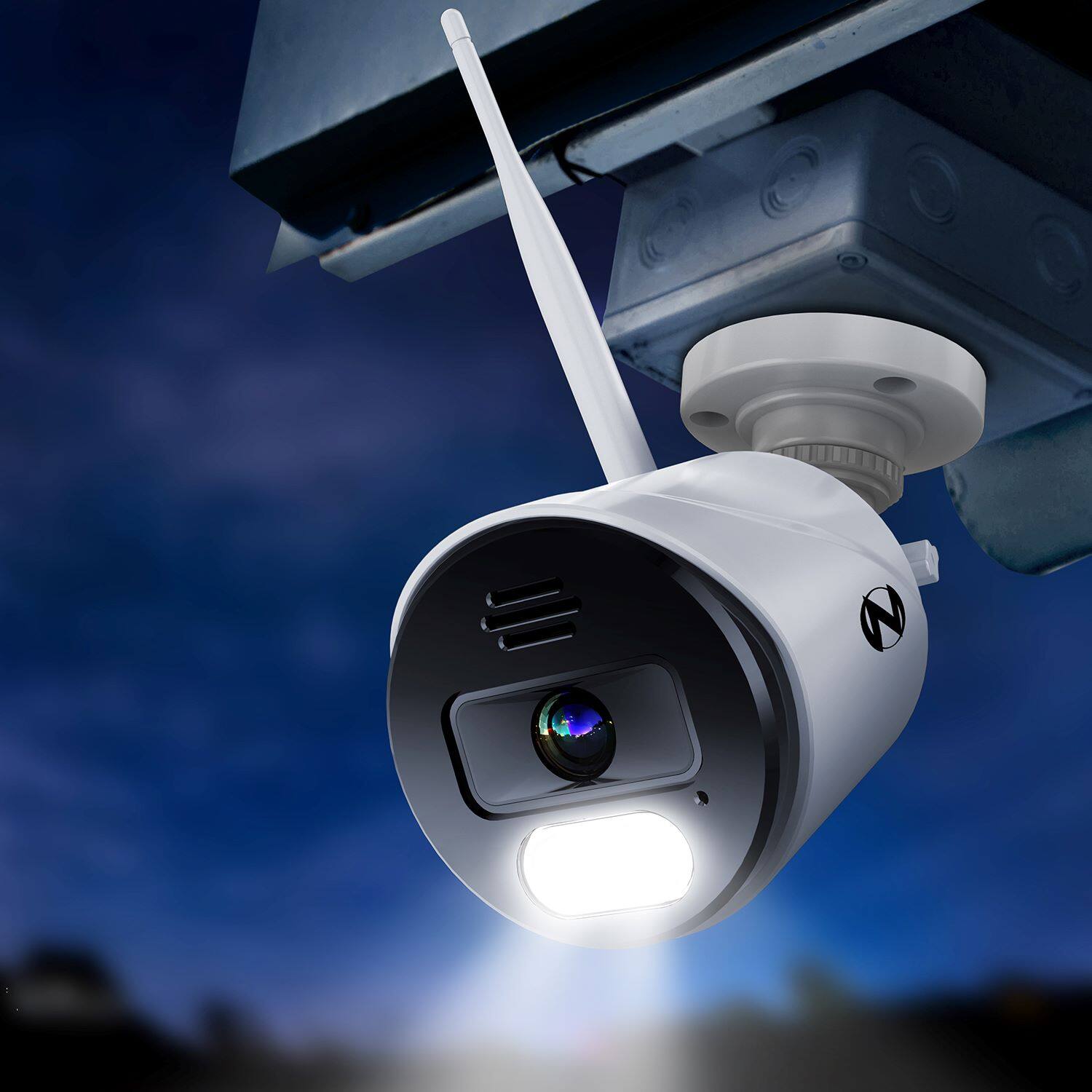
A:AnswerHi there. These cameras do not have floodlights. Rather, they have motion-activated spotlights which will activate when human motion is detected. The spotlights are 20 lumens. Thank you.
A:AnswerThese cameras have an IP-65 weather-resistant rating. They are rated for indoor and outdoor use. They are weather-resistant, not waterproof (meaning they cannot be submerged under water). If they are overexposed to the elements it will reduce their lifespan. We recommend placing the cameras under some type of minimal protection, such as an eave or awning, if installed outside. That way they are not overly exposed to the elements. Thank you for choosing Night Owl!
A:AnswerWe cannot guarantee compatibility with any 3rd party brands. This is Night Owl. This particular system is compatible with our 1080p Smart Video Doorbell. https://www.bestbuy.com/site/night-owl-smart-doorbell-1080p-hd-camera-black/6455366.p?skuId=6455366